
 Worksheets
Page 1
Total questions: 51
Worksheet time: 26mins
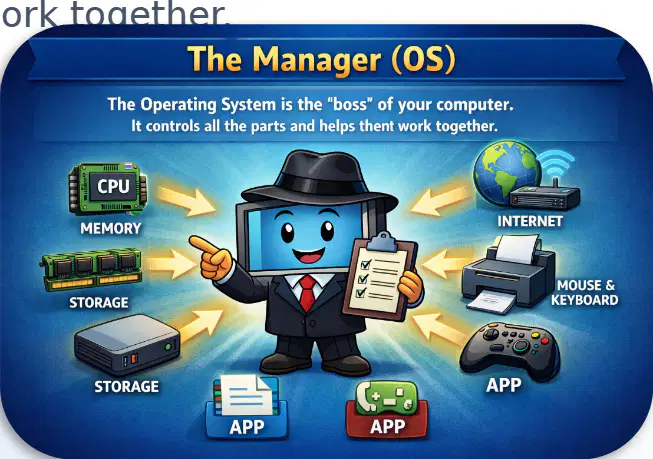
Look at the poster showing "The Manager (OS)" with icons (CPU, memory, storage, internet, mouse & keyboard, apps). According to the text, what does the operating system (OS) do?
It controls all parts of the computer and helps them work together
It writes letters for you
It plays music
It is a mouse
Read the example at the bottom of the poster: "An OS is like the manager of your computer, and apps are the tools you use." The OS is like what?
The manager of your computer
A video game
A song
A keyboard
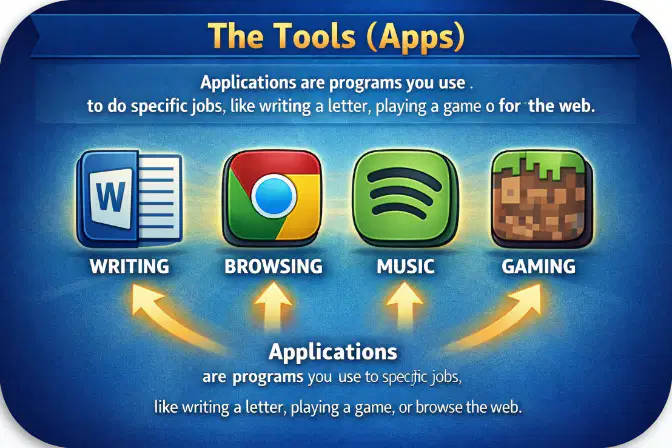
Look at the panel "The Tools (Apps)". What are applications (apps) used for, according to the text?
To perform specific tasks like writing a letter, playing, or browsing the web
To manufacture the computer
To become the memory of the computer
To be the internet itself
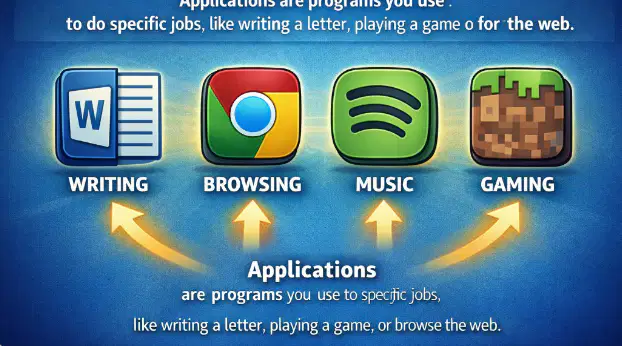
On the applications panel, which app do you use to write a letter?
Writing
Browsing
Music
Gaming
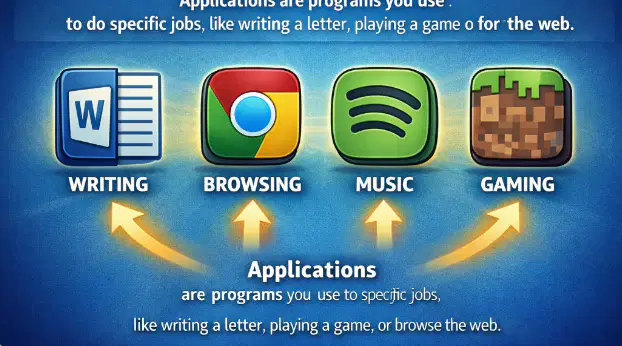
On the application panel, which app do you use to listen to music?
Music
Writing
Browsing
Gaming
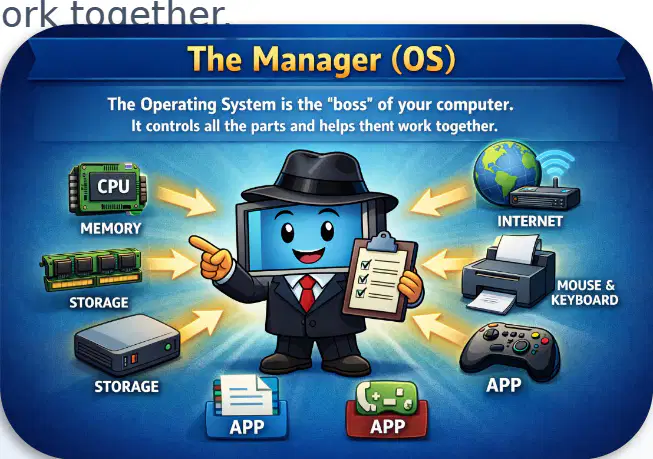
Look at the panel "The Manager (OS)". Which of these elements is shown as a part that the OS controls?
Memory
Pencil
Balloon
Song
Choose the best definition of an operating system.
A video game that entertains the user
A software that manages the hardware and software resources of the computer
A drawing placed on the screen
A cable that connects the mouse to the computer
What task does an operating system perform?
Manage memory and the CPU
Paint images on paper
Manufacture mice and printers
Sell computers
What does an operating system do with applications?
It executes and closes them
It prints them on paper
It transforms them into cables
It hides them in the mouse
What type of device does an operating system control?
Mouse and printers
Bicycles and balloons
Books and pencils
Plants and animals
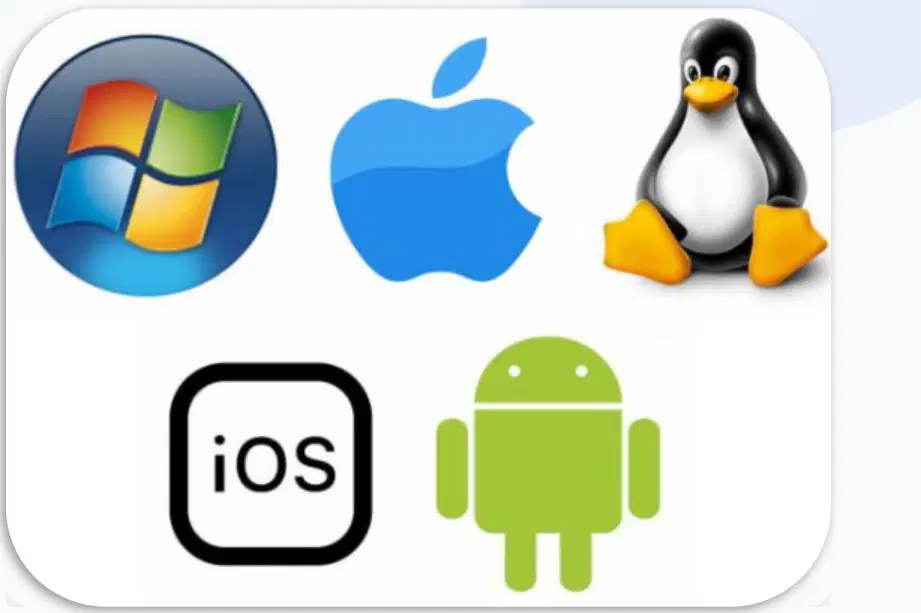
Look at the displayed logos. Which one is an operating system?
Windows
Brush
Keyboard
Pen
Among these names, which are operating systems? (Select all the correct answers)
Windows
macOS
Linux
Mouse
Printer
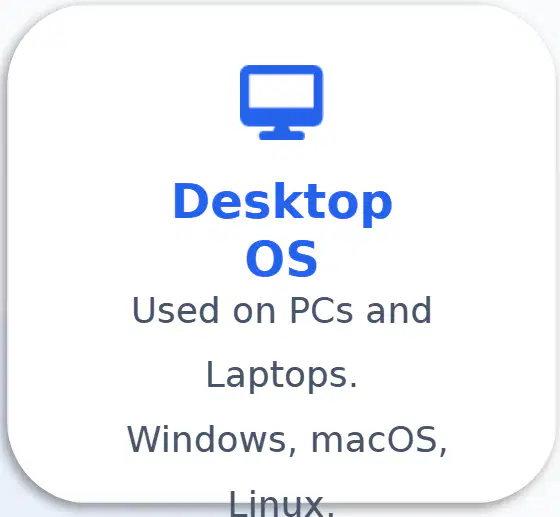
According to the poster "Types of Operating Systems", what type of system is used on PCs and laptops?
Desktop OS
Mobile OS
Embedded OS

According to the poster, what examples of mobile operating systems are indicated?
Android and iOS
Windows and macOS
Linux and Unix
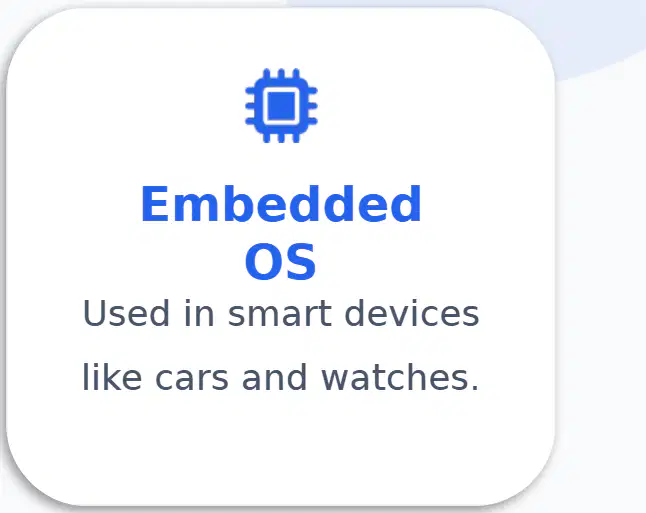
According to the poster, where is an embedded system (Embedded OS) used?
In smart devices like cars and watches
On tablets
On PCs and laptops
According to the poster "Programs for Specific Tasks", which application is used for writing?
Microsoft Word
Google Chrome
Spotify
Minecraft

According to the poster "Programs for Specific Tasks", which application is used to browse the Internet?
Google Chrome
Microsoft Word
Spotify
Minecraft
According to the poster "Programs for Specific Tasks", which application is used to listen to music?
Spotify
Microsoft Word
Google Chrome
Minecraft
According to the poster "Programs for Specific Tasks", which application is used to play games?
Minecraft
Google Chrome
Microsoft Word
Spotify

Think of the operating system (OS) as a bridge between hardware and applications. According to the poster, what do apps request from the OS?
Services from the OS
Games from the OS
Colors from the OS
Secrets from the OS

According to the poster, what does the OS provide to applications?
Memory and CPU time
Rain and sunshine
Pencils and erasers
Songs and dances

According to the poster, what does the OS do with your files?
It saves them to disk
It throws them away
It paints them
It hides them in a box

The OS acts as a bridge between what?
Hardware and applications
Pencils and paper
A cat and a dog
A table and a chair

Look at the poster "Common Features Of An OS" showing three cards with icons. What does "User Interface" mean according to the poster?
The buttons and menus you see (GUI).
Organizing folders and saving data.
The connections and protection of your information.
Running multiple applications at the same time.
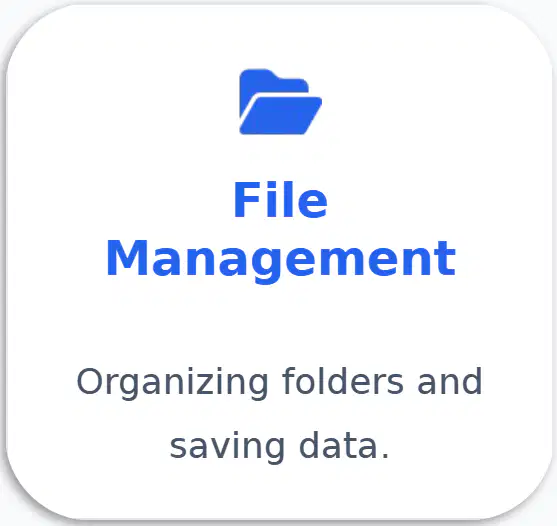
What does "File Management" do on the same poster?
Organizing folders and saving data.
Showing buttons and menus (GUI).
Connections and protecting your info.
Automatically shutting down the computer.

Always on the poster, what does "Security" do?
Logins and protecting your info.
Organizing files and recording data.
Showing buttons and menus (GUI).
Changing screen colors.
The note at the bottom of the poster says that the OS includes "Multitasking." What does "Multitasking" mean here?
Running multiple applications at the same time.
Deleting all files in a folder.
Drawing larger icons.
Logging in without a password.

Reference text: "Applications cannot talk directly to hardware. They must ask the operating system (OS). Example: when you print a document in Word, the app asks the OS to use the printer. The OS also ensures that apps do not interfere with each other." Which part helps the application use the printer?
The OS
The printer itself
The keyboard
The screen
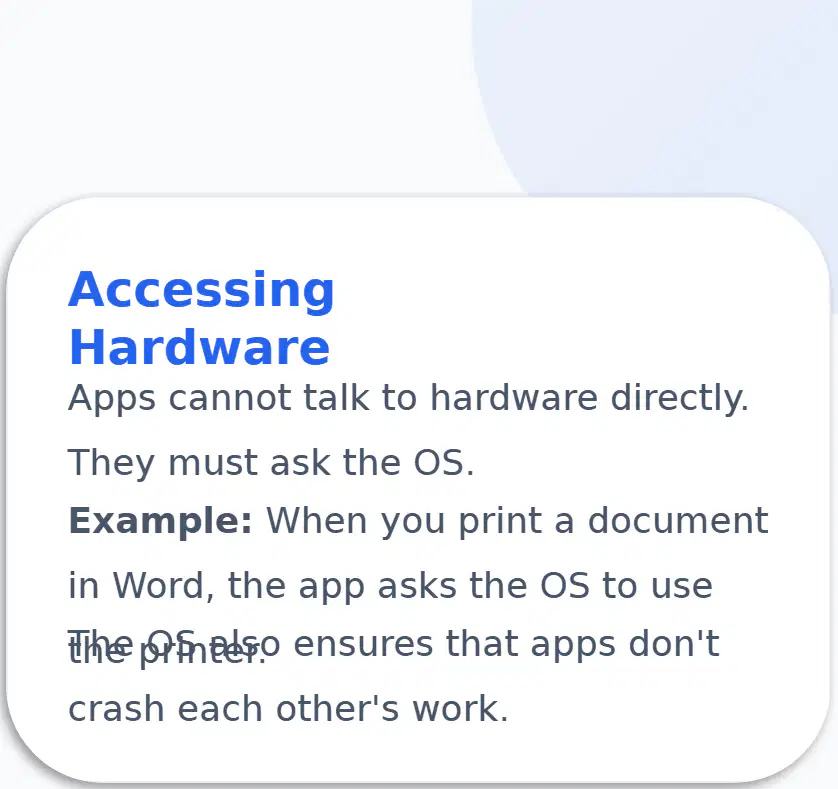
Reference text: "Applications cannot talk directly to hardware. They must ask the operating system (OS)." What can applications not do directly?
Talk to hardware
Open windows
Draw icons
Change the background color
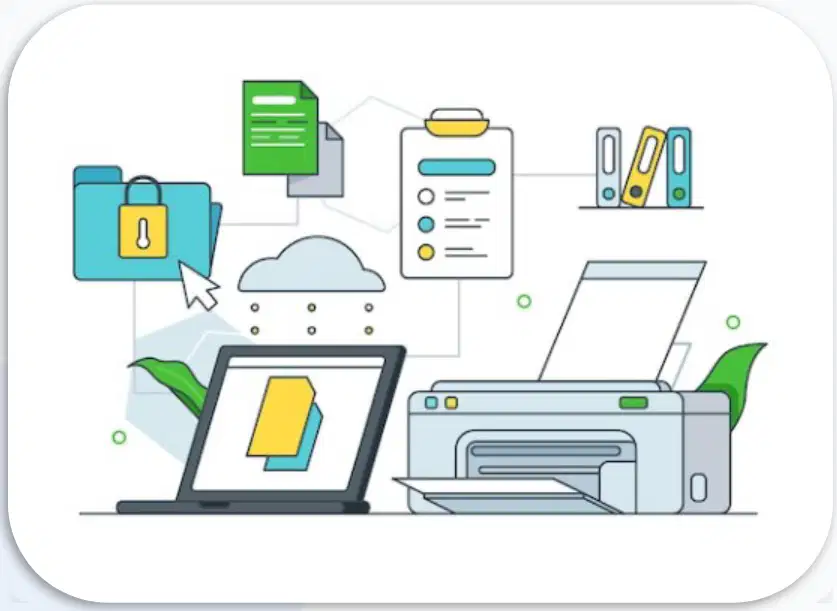
Reference text: « Example: when you print a document in Word, the app asks the OS to use the printer. » What does the application do before using the printer?
It asks the OS for permission
It plugs a cable into the keyboard
It turns off the screen
It deletes the document
Reference text: "The OS also ensures that apps do not interfere with each other." What does the OS guarantee for applications?
That they do not disturb each other
That they often crash
That they always run faster
That they can talk directly to the hardware
Look at the poster "Popular Application Programs" with three cards. What is WhatsApp used for according to the poster?
Communication
Productivity
Entertainment
In the Productivity map of the poster, which program is given as an example?
Google Docs
Netflix
Spotify
Which program from the Entertainment card is used to watch videos?
Netflix
Zoom
Google Docs
In the poster, what category does Zoom belong to?
Communication
Productivity
Entertainment
According to the poster, the category that includes Office is called…
Productivity
Entertainment
Communication

Look at the table "OS vs Application". According to the table, what is the main role of the operating system (OS)?
Manages the computer
Draws images
Plays music
Closes all windows

According to the table "OS vs Application", when does an application run?
Only when you open it
Always running in background
Never
Only at night

According to the table "OS vs Application", can an application function without an operating system (OS)?
No, it cannot
Yes, always
Yes, sometimes
It does not need an OS

According to the table "OS vs Application", how many operating systems (OS) are usually present per device?
Usually one
Many can be installed
None
Ten

According to the table "OS vs Application", how many applications can be installed on a device?
Many can be installed
Usually one only
None
Exactly two
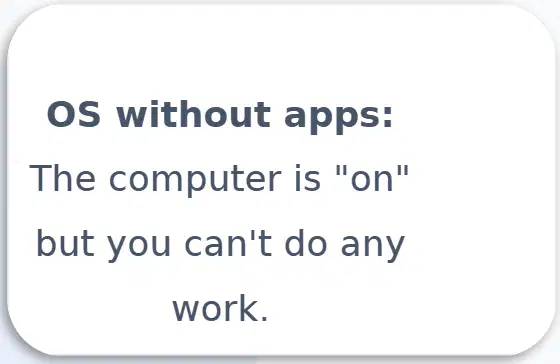
Look at the poster that says: "An operating system without apps is like a car without a driver. A driver without a car has nowhere to sit." According to the image, what happens with an OS without apps?
The computer is on but you can't do any work.
Programs have instructions to use the hardware.
Apps become the operating system.
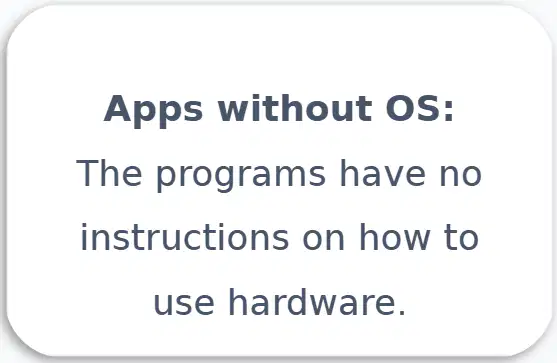
Look at the poster that says: "An operating system without apps is like a car without a driver. A driver without a car has nowhere to sit." According to the image, what happens with apps without an OS?
The programs have no instructions on how to use the hardware.
The computer is on and all work is possible.
The apps become toys.
In the comparison of the poster, what does "an OS without apps" look like?
Like a car without a driver.
Like a driver without a car.
Like a school without students.
Like a book with pictures.
List: Cloud-based: Apps that run on the internet, not your drive. What do these applications do according to the text?
They run on the internet
They are only on your disk
They cannot use the internet
List: AI Integration: OS and Apps that learn your habits. What does AI do here according to the text?
It learns your habits
It deletes all files
It never changes anything
List: Cross-platform: One app that works on phone, TV, and PC. Where does this application work according to the text?
On phone, TV, and PC
Only on phone
Only on paper
Look at the image on the right. What word is written in the center of the black circle?
CLOUD COMPUTING
CLOUD-BASED
AI INTEGRATION
Look at the slide titled "Summary" which displays: "OS manages hardware | Apps perform user tasks | They work as a team". According to this summary, what does the OS do?
It manages the hardware
It draws images
It writes stories
It heats the room
On the same summary slide, what do applications ("Apps") do?
They perform user tasks
They control the weather
They build computers
They eat food
According to the summary slide, how do the OS and applications work together?
They work as a team
They argue all the time
They never talk to each other
They sleep all day

