

Using Quizizz

Presentation
•
Professional Development
•
Professional Development
•
Practice Problem
•
Easy

Cindy Harbert
Used 32+ times
FREE Resource
14 Slides • 6 Questions
1
Using Quizizz
2
What is Quizizz?
*It is a game used in class to assess students.
*It is a "game" assigned as homework.
*It is fun!!!
*It is not this. --> --> -->

3
4
Features of the Basic Plan. (It's free!!) You can...
...add pictures
...add text.
...import slides (for example the slide after this is from Google Slides)

5

I am imported!!!!!
6
Multiple Choice
7
If you pay for the upgrade, you can add...
...video
...audio
....fun themes, fonts and backgrounds.
Gifs are free.

8
Multiple Choice
9
10
Copy and Paste the Link You Want Students to Use
Learn the Macarena!!! Copy and paste the link in a new tab. https://www.youtube.com/
watch?v=E4o1S7B3An8

11
Poll
12
How do you make a game or slideshow presentation?
Go to Quizizz.com
Sign-up or Log-in
Click the purple button that says "Create"
Choose "Quiz or Lesson" (Quiz is the game.)
Start typing.

13
The Quiz
You can use a mixture of different types of questions. There is "multiple choice, checkbox, fill in the blank, poll & open ended."

14
You have the same types of questions available to use in a "Lesson" presentation.

15
Open Ended
16
Your Creation Is Done
Save your Quiz. Use it as a game or assign it as homework.
Publish your Lesson. Present it or assign as homework.
Quizizz assignments can be connected directly to Google Classroom.
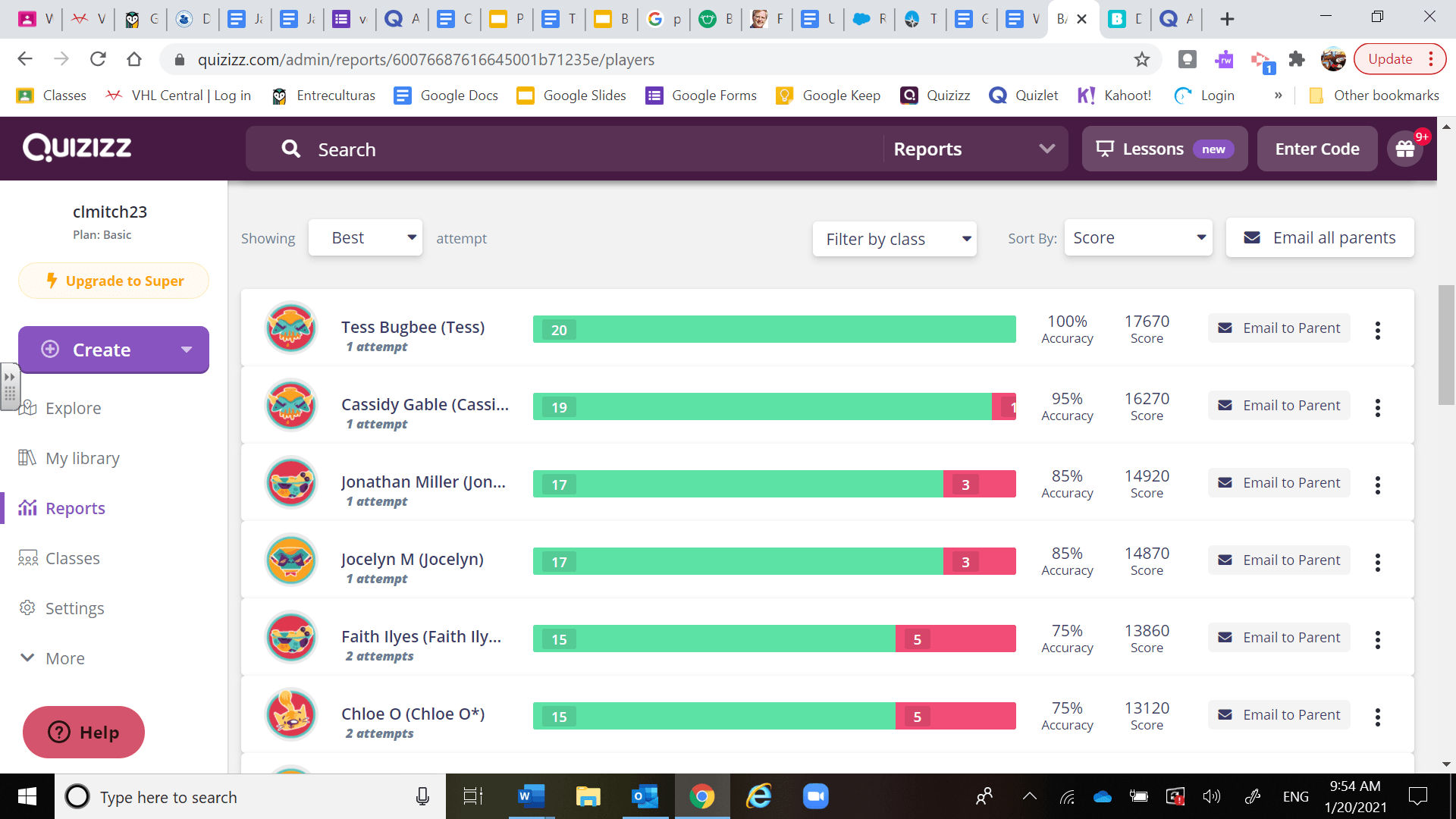
Go to "Reports" to see the results!
17
Multiple Choice
18
One More Secret
You can "steal" already made Quizzes and Lessons. Use them as is, if they fit your need, or tweak them to be a better fit.

19
This isn't everything about Quizizz, but it's a starting point. Be creative!
Here is a link to a YouTube tutorial video, if you want to learn more. https://www.youtube.com/watch?v=7sP2jX9kHvY

20
Poll
Using Quizizz
Show answer
Auto Play
Slide 1 / 20
SLIDE

