

Inputs, Outputs and Storage

Presentation
•
Computers
•
9th Grade - University
•
Practice Problem
•
Hard

C N
FREE Resource
22 Slides • 4 Questions
1

OCR AS Level
(H046)
OCR A Level
(H446)
Teacher site: craigndave.org | Student site: student.craigndave.org | Smart revise: smartrevise.co.uk
SLR3 Input, output and storage
• How different input output and storage devices
can be applied as a solution to different
problems
2


OCR H046/H466
SLR3 Input, output and storage | Input, output and storage devices
Input device: “Any device that allows
you to pass information from the
outside word into a computer system.”
Input devices
3


OCR H046/H466
SLR3 Input, output and storage | Input, output and storage devices
Examples of inputs devices
4
Open Ended
Name 3 input devices, other than a keyboard and a mouse.
5
ISSAC Chart of devices.
6
A barcode is a means of representing data in a machine-readable form. Traditional barcodes represent data by using a set of parallel lines of varied width and spacing. Although it is hard for you to see, each character in a barcode is represented by seven equal-sized bars.
These are coloured in either black or white (sometimes a different secondary colour is used) to represent the characters in the code. Many systems use codes that include a check digit for validation.
A check digit is an extra digit or character added to the end of a long code. It is computed by applying an algorithm to the other digits. When the long code is entered, the check digit is calculated and compared to the check digit at the end of the code. If it doesn't match, there must have been an input error. This type of validation can be carried out by software embedded within the barcode reader. The code is usually printed below the barcode in case the barcode cannot be read. This allows the code to be entered manually.
Example of a standard barcode as a set of parallel black and white lines Figure 1: A barcode You can see in Figure 1 that there are three pairs of longer narrow bars (on either side and in the middle of the barcode).
These are guard bars, which serve as reference points for the barcode reader. Every number has a unique pattern that is designed so that it cannot be confused with any other number, even if you turn it upside down. Most barcode readers indicate that the barcode has been read successfully, for example by sounding a beep or showing a green light.
7
Types of barcode reader
Barcode readers are very common; the technology is reliable and well understood. Laser scanners, such as those that you might find in a supermarket, are the most common type of barcode reader. Laser scanners can be small wired or wireless handheld devices, or larger fixed units.
Consumer devices, such as those found at self-service checkouts, will usually have multiple lasers so that they are easier to use.
QR codes
QR codes are typically used to provide a link to a particular page on a website, or to provide a link to an email or app that holds, for example, purchase details for concert tickets or travel information such as train times and seat numbers for a journey. 'QR' stands for 'quick response'.
Figure 2: A QR code
A QR code can store up to 7,089 numbers or 4,296 characters. Because of the higher storage capacity, some businesses are using QR codes to replace barcodes in their business systems.
QR code scanners do not use lasers; the codes are captured and read by taking an image of the QR code, either with a dedicated scanner, or by using a camera and app on a mobile device.
8


OCR H046/H466
SLR3 Input, output and storage | Input, output and storage devices
Output device: “Any device that can
take data stored in digital form and
convert it into another format that
humans can process such as sound,
images or vibrations.”
Output devices
9


OCR H046/H466
SLR3 Input, output and storage | Input, output and storage devices
Examples of output devices
10
ISSAC Chart of devices.
11


OCR H046/H466
SLR3 Input, output and storage | Input, output and storage devices
Storage device: “Any device used for
either temporary or permanent storage
of data – can be internal or external.”
Storage devices
12
Open Ended
Name 3 storage devices
13


OCR H046/H466
SLR3 Input, output and storage | Input, output and storage devices
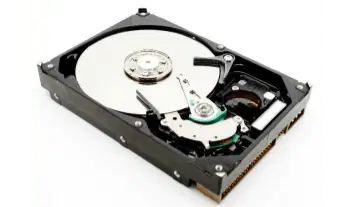
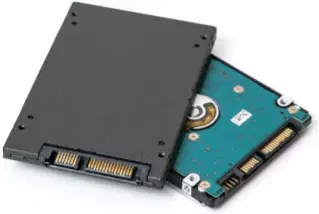
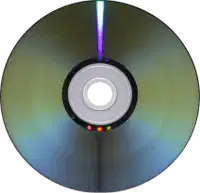
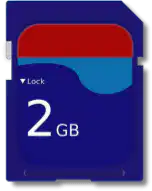
Examples of storage devices
14



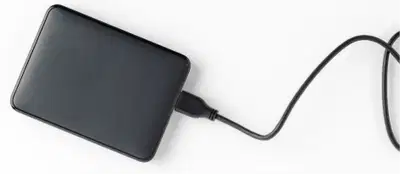
OCR H046/H466
SLR3 Input, output and storage | Input, output and storage devices
Examples of storage devices
15
ISSAC Chart of devices.
16

OCR H046/H466
SLR3 Input, output and storage | Input, output and storage devices
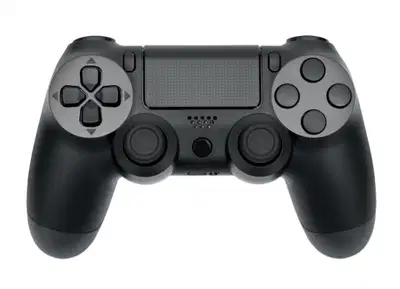
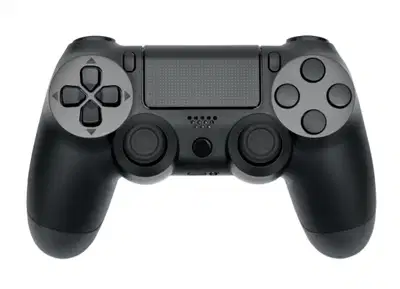
•Is this gaming controller an input or
output device?
Blurring the lines
17

OCR H046/H466
SLR3 Input, output and storage | Input, output and storage devices
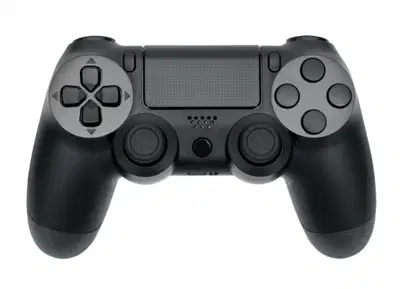
•Is this gaming controller an input or
output device?
•It translates your button presses and
joystick movements into digital
signals, so it’s an input device, right?
Blurring the lines
18
OCR H046/H466
SLR3 Input, output and storage | Input, output and storage devices
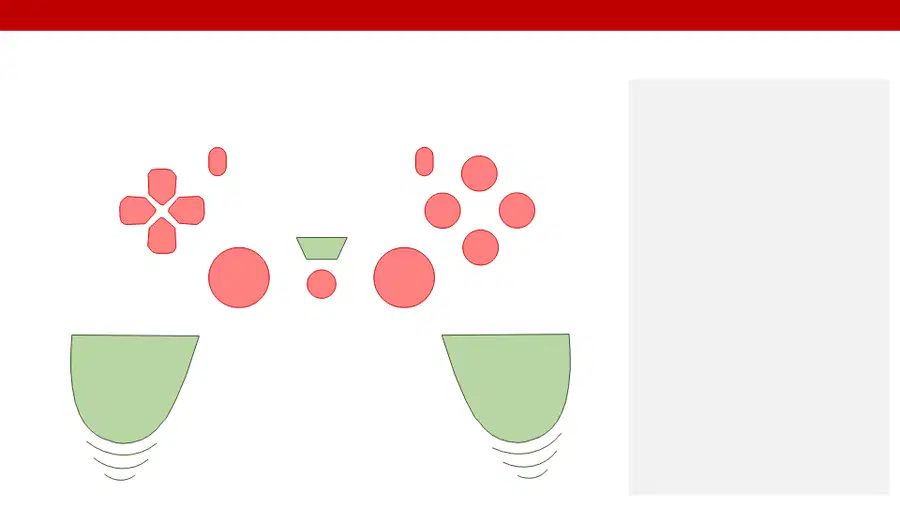
•Is this gaming controller an input or
output device?
•It translates your button presses and
joystick movements into digital
signals, so it’s an input device, right?
•However, modern controllers also
have built-in speakers and provide
vibration feedback – both of these
also make it an output device.
•Don’t worry too much about this in
your exam. You can consider this an
input device primarily, but be aware
that the lines can get a bit blurry.
•It is always a good idea to justify
your answer.
Blurring the lines
19

OCR H046/H466
SLR3 Input, output and storage | Input, output and storage devices
Typical examples of input, output and storage devices
Input devices
Output devices
Storage devices
Mouse
Monitor
CD
Keyboard
Printer
DVD
Microphone
Speaker
Blu-ray
Sensor
Headphone
USB/flash drive
Touchpad
Digital/data projector
SD card
Remote control
Plotter
Portable solid-state drive
Scanner
Actuators
Internal solid-state drive
Camera/webcam
Touchscreen
Magnetic hard drive
Touchscreen
Mass storage tape
Barcode reader
External hard drive
Magnetic stripe reader
Cloud storage
Chip and pin
Optical character recognition
Joystick
20


OCR H046/H466
SLR3 Input, output and storage | Input, output and storage devices
•What input, output and storage
devices might be used as part of this
cashpoint system?
Appropriate devices for specific situations
21
Open Ended
What input, output and storage
devices might be used as part of a
cashpoint system?
22


OCR H046/H466
SLR3 Input, output and storage | Input, output and storage devices
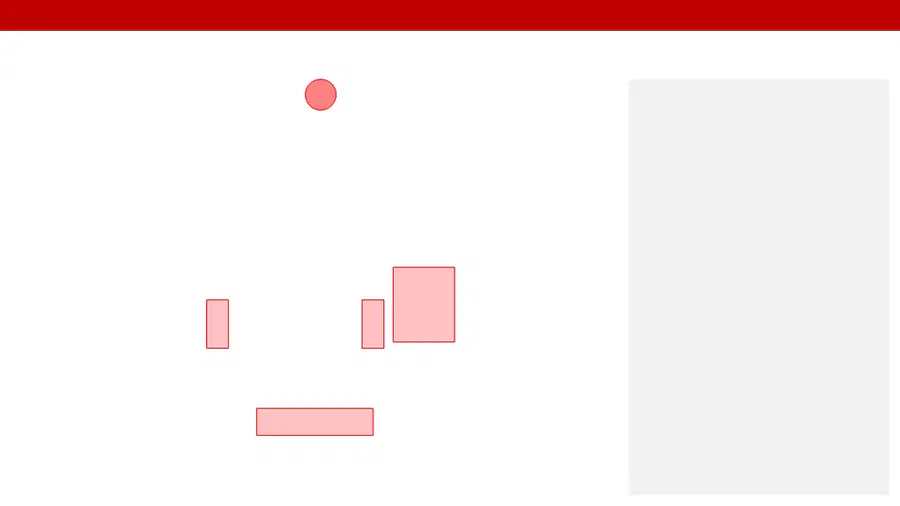
•What input, output and storage
devices might be used as part of this
cashpoint system?
•Input
oCard reader
oKeypad
oButtons
oCamera
Appropriate devices for specific situations
23


OCR H046/H466
SLR3 Input, output and storage | Input, output and storage devices
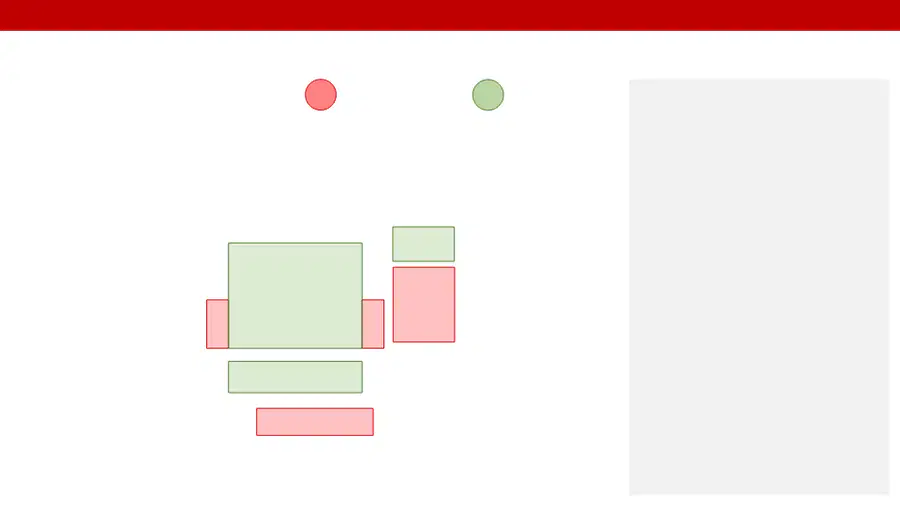
•What input, output and storage
devices might be used as part of this
cashpoint system?
•Input
oCard reader
oKeypad
oButtons
oCamera
•Output
oMonitor
oPrinter
oSpeakers
oActuator/motor
Appropriate devices for specific situations
24


OCR H046/H466
SLR3 Input, output and storage | Input, output and storage devices
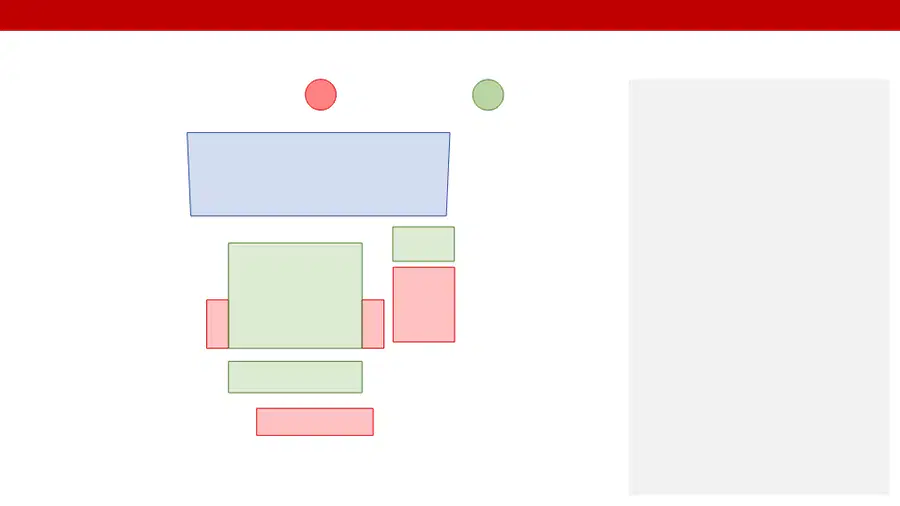
•What input, output and storage
devices might be used as part of this
cashpoint system?
•Input
oCard reader
oKeypad
oButtons
oCamera
•Output
oMonitor
oPrinter
oSpeakers
oActuator/motor
•Storage
oInternal hard drive
oMemory (RAM)
Appropriate devices for specific situations
25
Open Ended
Name and explain an input or output device that will support people with a physical disability.
26
Class Notebook Questions
Use the following website to help you as well: https://isaaccomputerscience.org/topics/a_level?examBoard=all&stage=all#ocr
OCR AS Level
(H046)
OCR A Level
(H446)
Teacher site: craigndave.org | Student site: student.craigndave.org | Smart revise: smartrevise.co.uk
SLR3 Input, output and storage
• How different input output and storage devices
can be applied as a solution to different
problems
Show answer
Auto Play
Slide 1 / 26
SLIDE
Similar Resources on Wayground

21 questions
5.5 Lesson: Data Storage and Persistence
Presentation
•
9th Grade - University
21 questions
1.3 Notes - String Methods
Presentation
•
9th - 12th Grade
21 questions
TPFASTT Poetry Introduction
Presentation
•
8th - 12th Grade
22 questions
Mr. Jean's (Lesson 3.2 Notes)
Presentation
•
9th - 12th Grade
22 questions
Grade 7 BMI python project
Presentation
•
9th - 12th Grade
22 questions
[CSig] Virtual Memory
Presentation
•
9th - 12th Grade
21 questions
Domain 1 - Lesson 2: Configure Desktop Settings
Presentation
•
9th - 12th Grade
20 questions
7.3: Exponential Growth and Decay
Presentation
•
9th - 12th Grade
Popular Resources on Wayground
16 questions
Grade 3 Simulation Assessment 2

Quiz
•
3rd Grade
19 questions
HCS Grade 5 Simulation Assessment_1 2526sy
Quiz
•
5th Grade
10 questions
Cinco de Mayo Trivia Questions

Interactive video
•
3rd - 5th Grade
17 questions
HCS Grade 4 Simulation Assessment_2 2526sy
Quiz
•
4th Grade
24 questions
HCS Grade 5 Simulation Assessment_2 2526sy
Quiz
•
5th Grade
13 questions
Cinco de mayo
Interactive video
•
6th - 8th Grade
20 questions
Math Review
Quiz
•
3rd Grade
30 questions
GVMS House Trivia 2026
Quiz
•
6th - 8th Grade