

Lesson 3 Online SafetyPart 1

Presentation
•
Instructional Technology
•
9th - 12th Grade
•
Practice Problem
•
Hard

JP Aballe
FREE Resource
31 Slides • 27 Questions
1
2
3
Open Ended
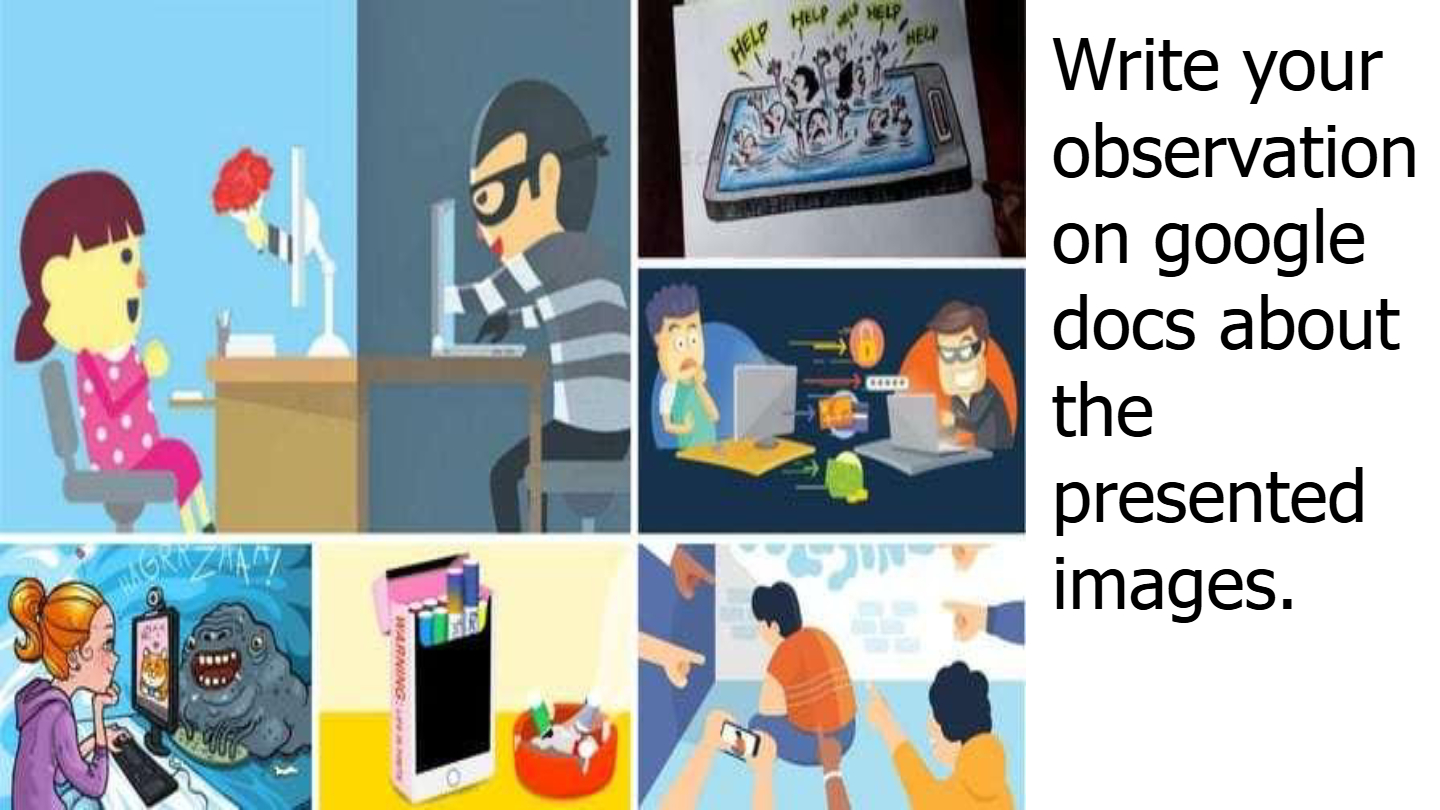
What are some potential risks people face when interacting online, as shown in the images?
4
Multiple Choice
Which of the following is an example of unsafe online behavior?
Sharing personal information with strangers
Using strong passwords
Ignoring suspicious messages
Reporting cyberbullying
5
6
Multiple Choice
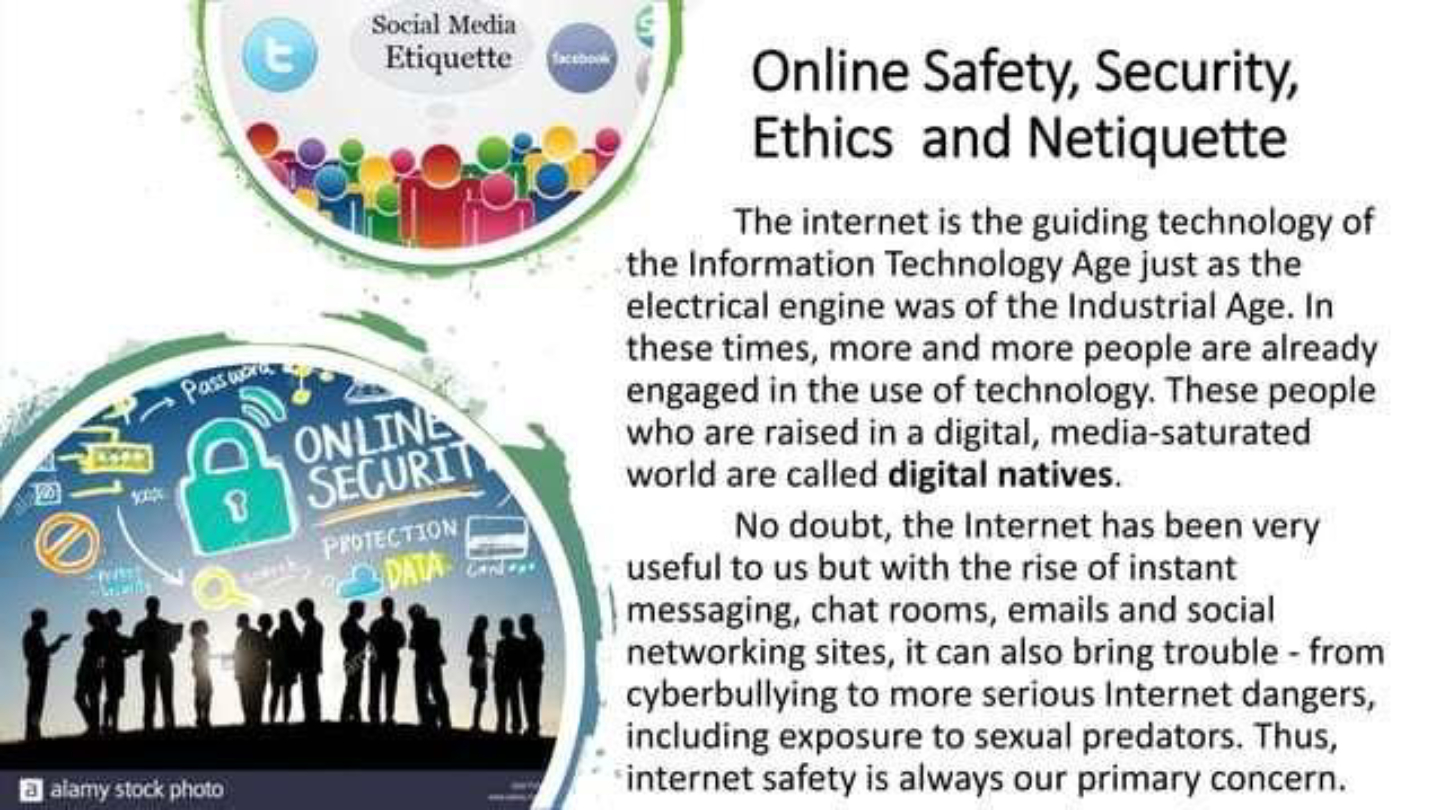
What are some dangers associated with increased use of the internet, as mentioned in the lesson?
Cyberbullying and exposure to sexual predators
Improved communication and access to information
Faster industrial growth
Better online shopping experiences
7
8
Open Ended
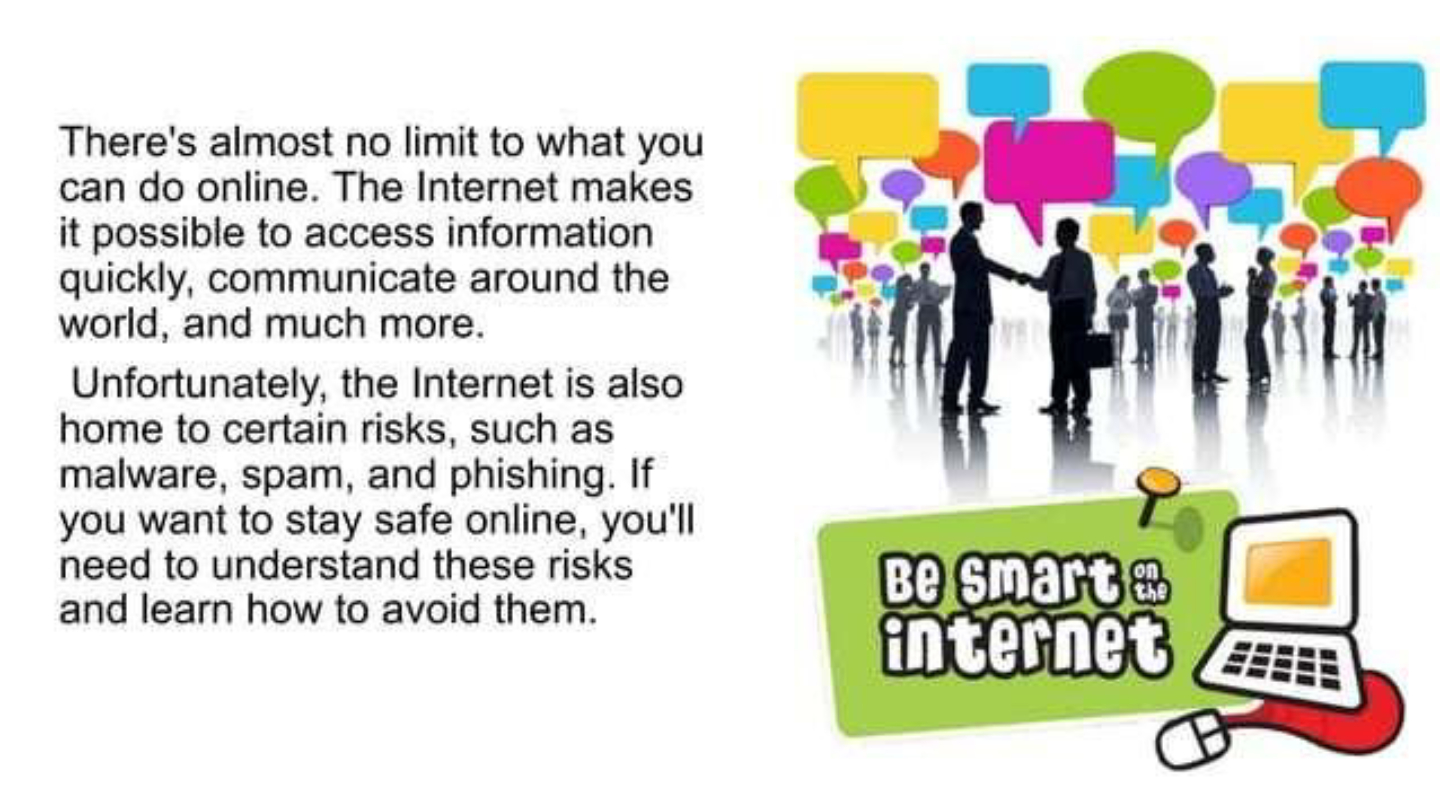
Explain why understanding online risks such as malware, spam, and phishing is important for internet safety.
9
10
11
12
13
Multiple Choice
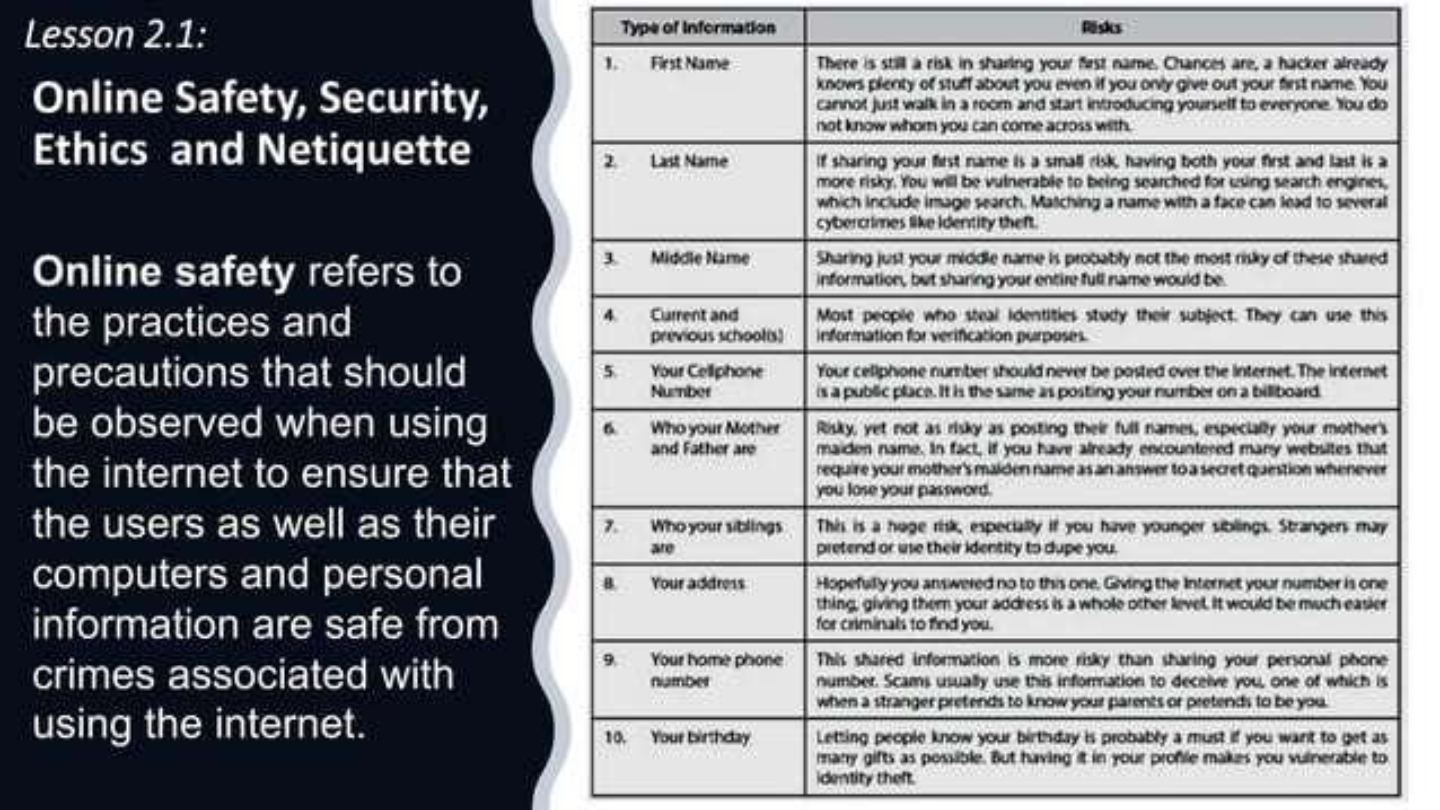
Which of the following is considered a risk when sharing your personal information online?
Identity theft
Getting more friends
Learning new skills
Improved internet speed
14
Open Ended
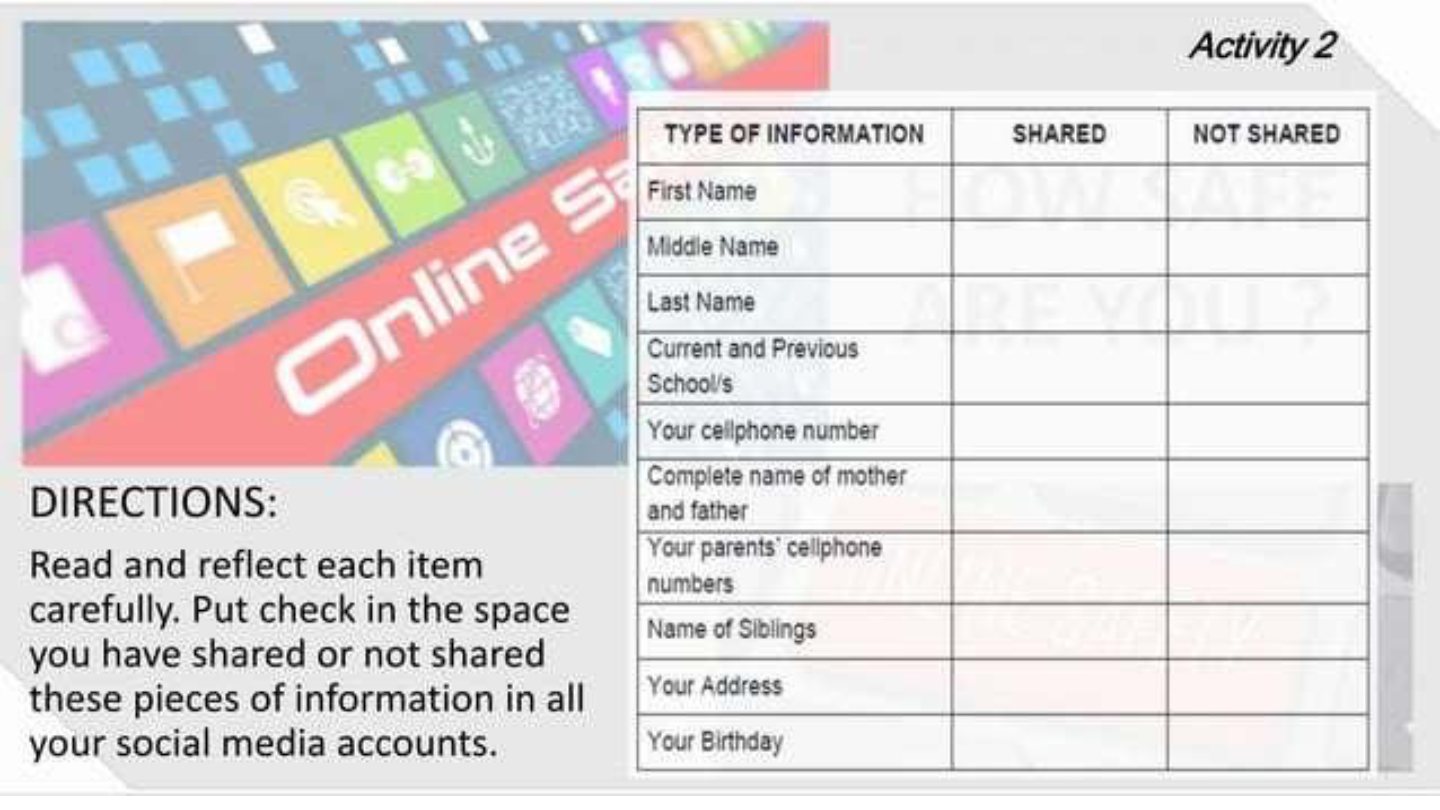
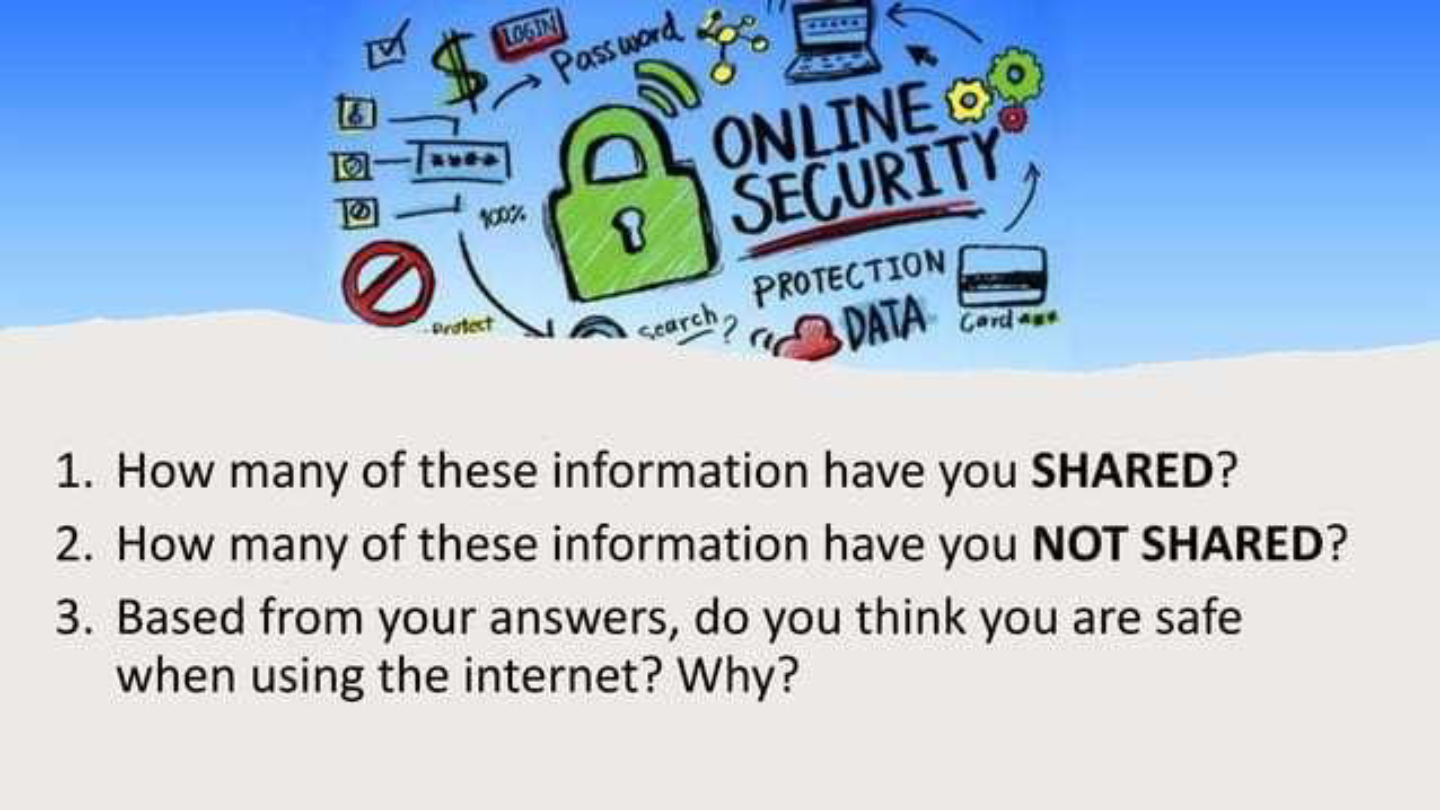
Based on your answers, do you think you are safe when using the internet? Why?
15
Fill in the Blanks
Online safety refers to the practices and precautions that should be observed when using the internet to ensure that users and their computers and personal information are safe from crimes associated with using the
Type answer...
16
Multiple Choice
Which of the following types of information should you avoid sharing on social media to stay safe online?
Your birthday
Your favorite color
Your favorite movie
Your favorite food
17
18
Multiple Choice
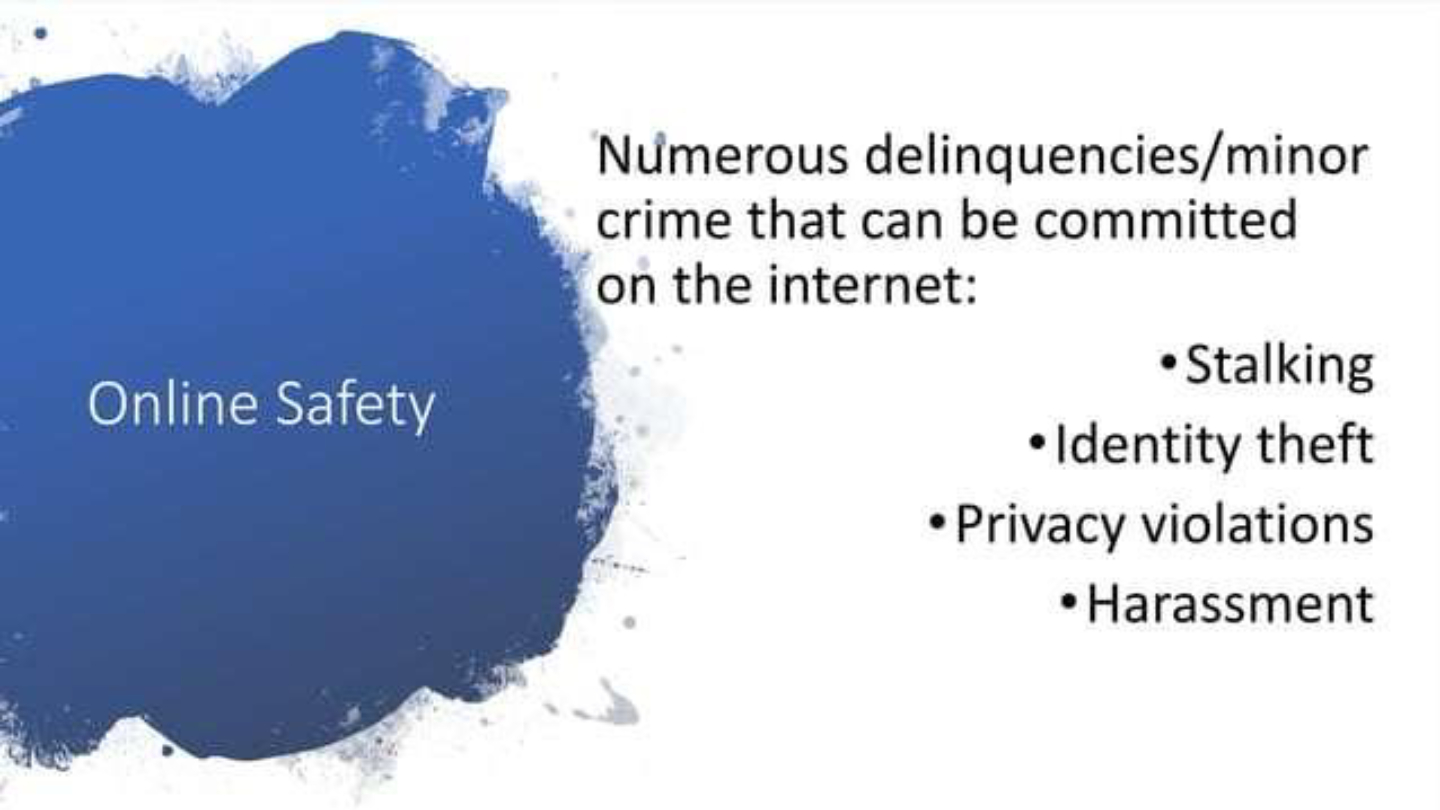
Which of the following is NOT considered a minor crime that can be committed on the internet?
Stalking
Identity theft
Privacy violations
Downloading free apps
19
20
Open Ended
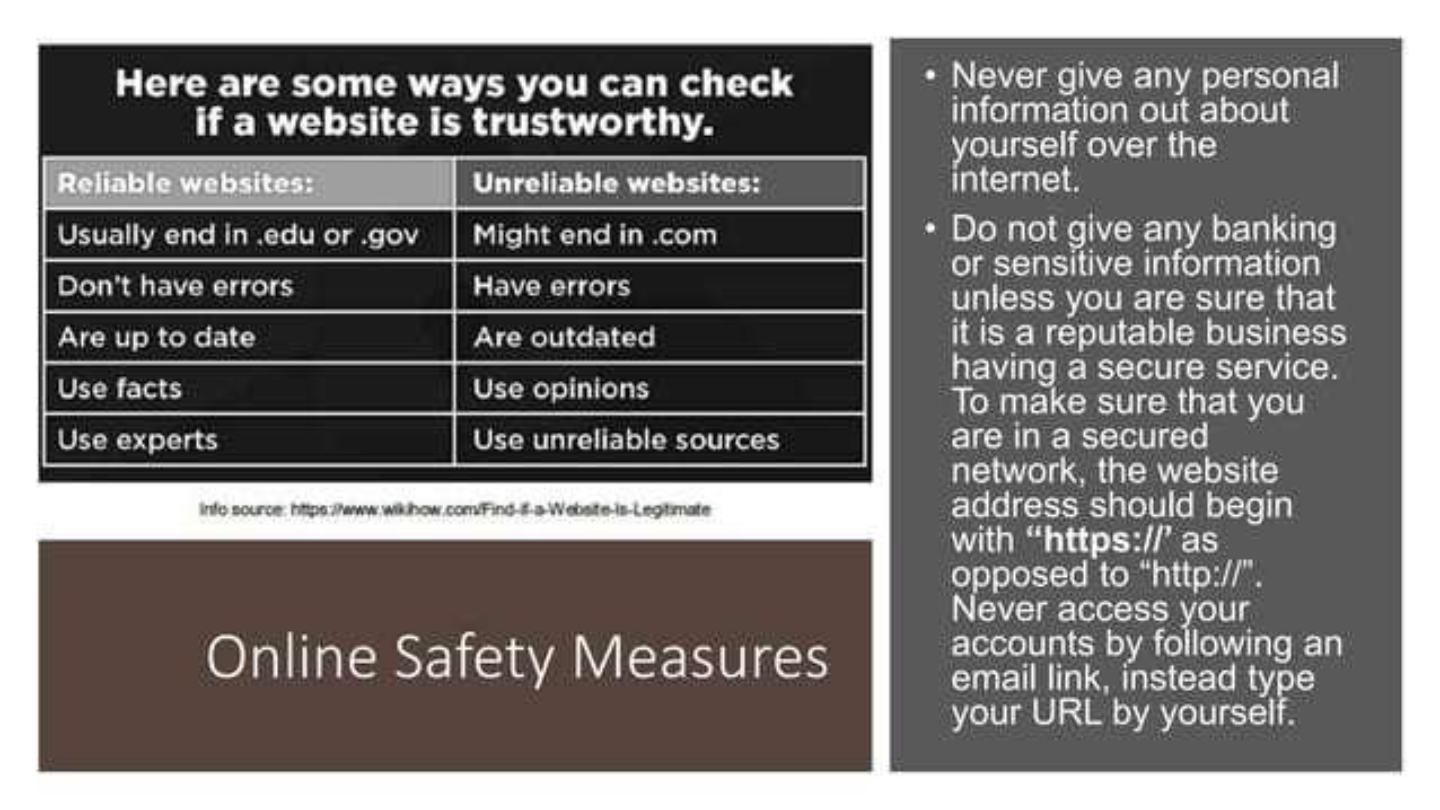
List and explain two measures you can take to ensure a website is trustworthy before entering personal information.
21
22
Multiple Select
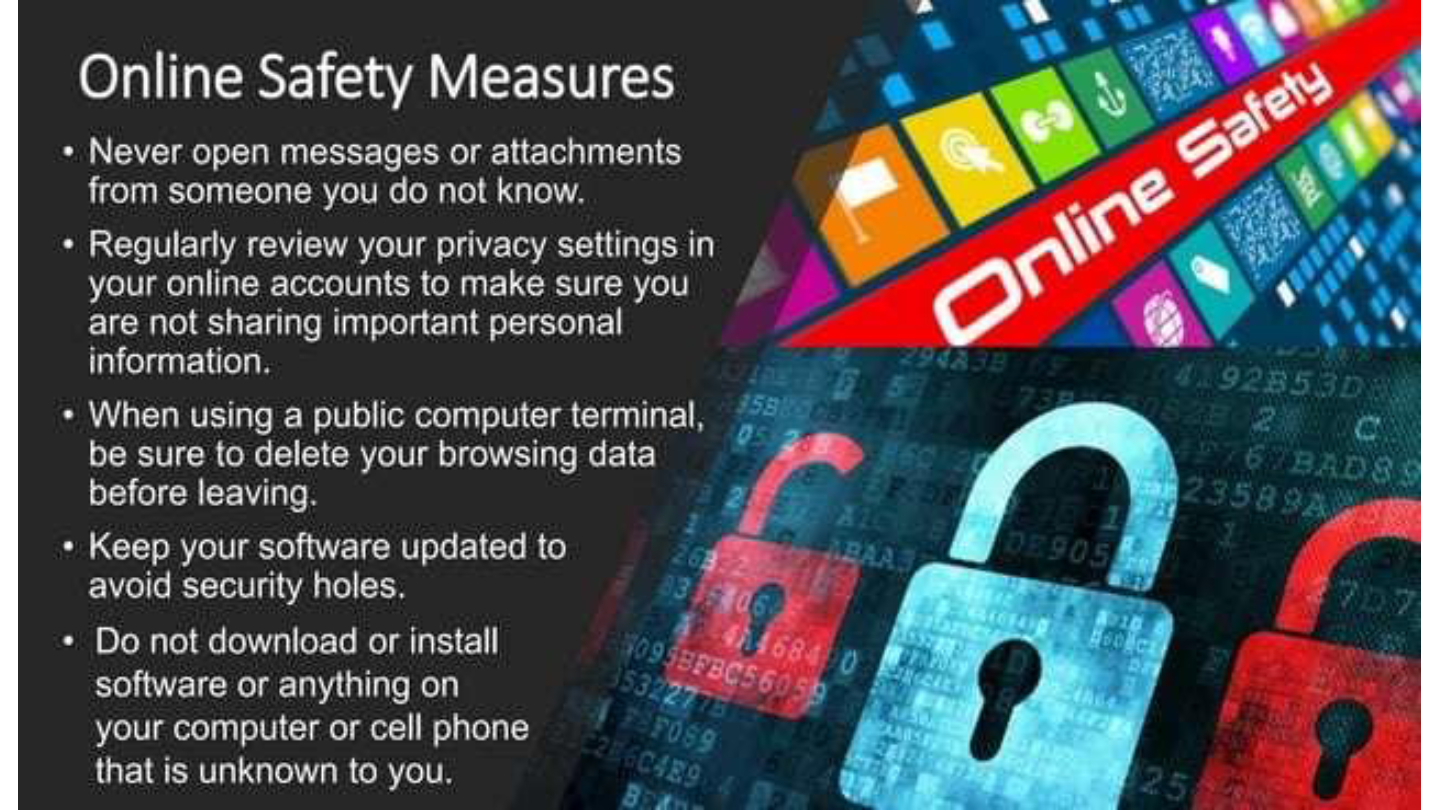
Which of the following are recommended online safety measures?
Never open messages from unknown senders
Regularly review privacy settings
Download software from unknown sources
Delete browsing data on public computers
23
24
Fill in the Blanks
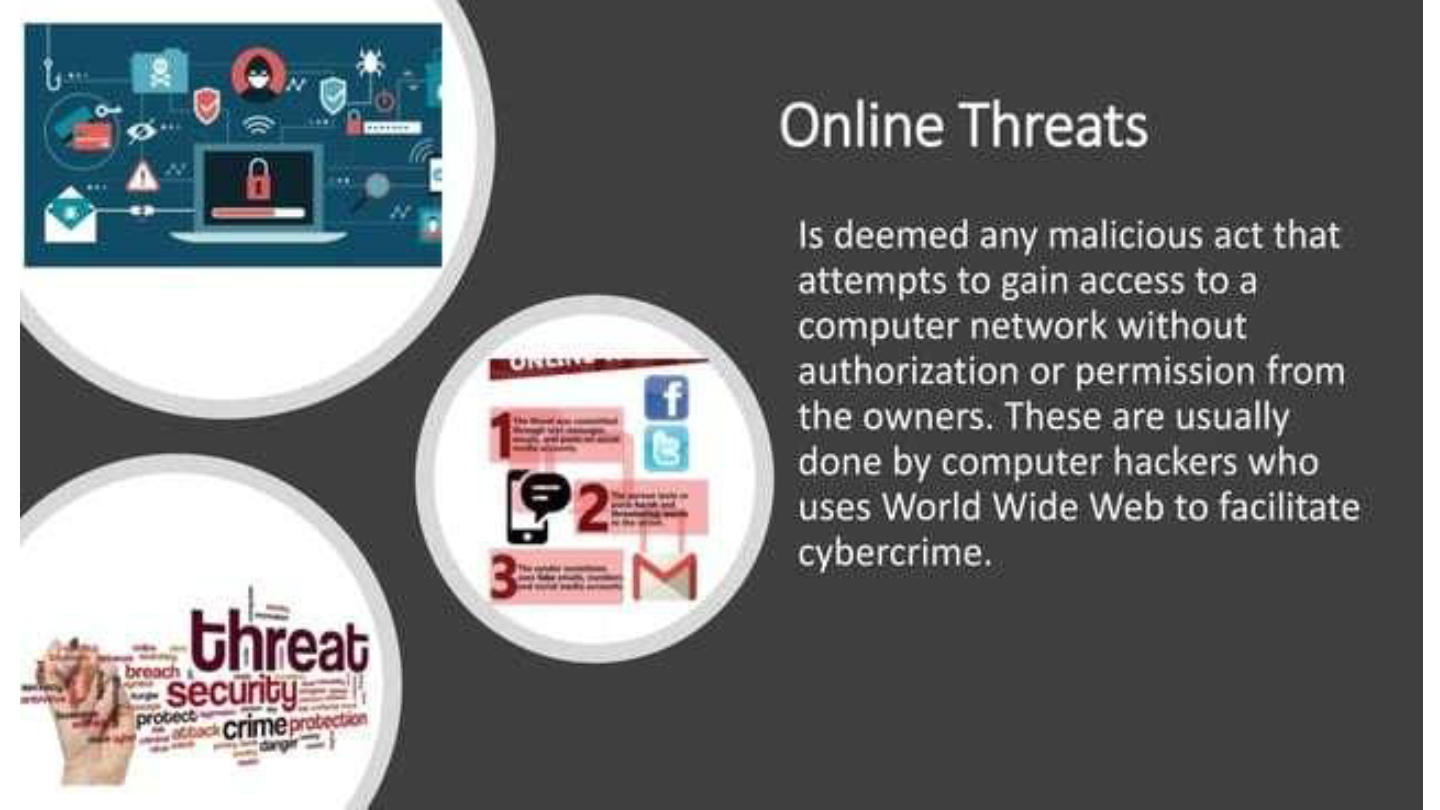
Online threats are usually carried out by computer hackers who use the
Type answer...
25
26
Multiple Select
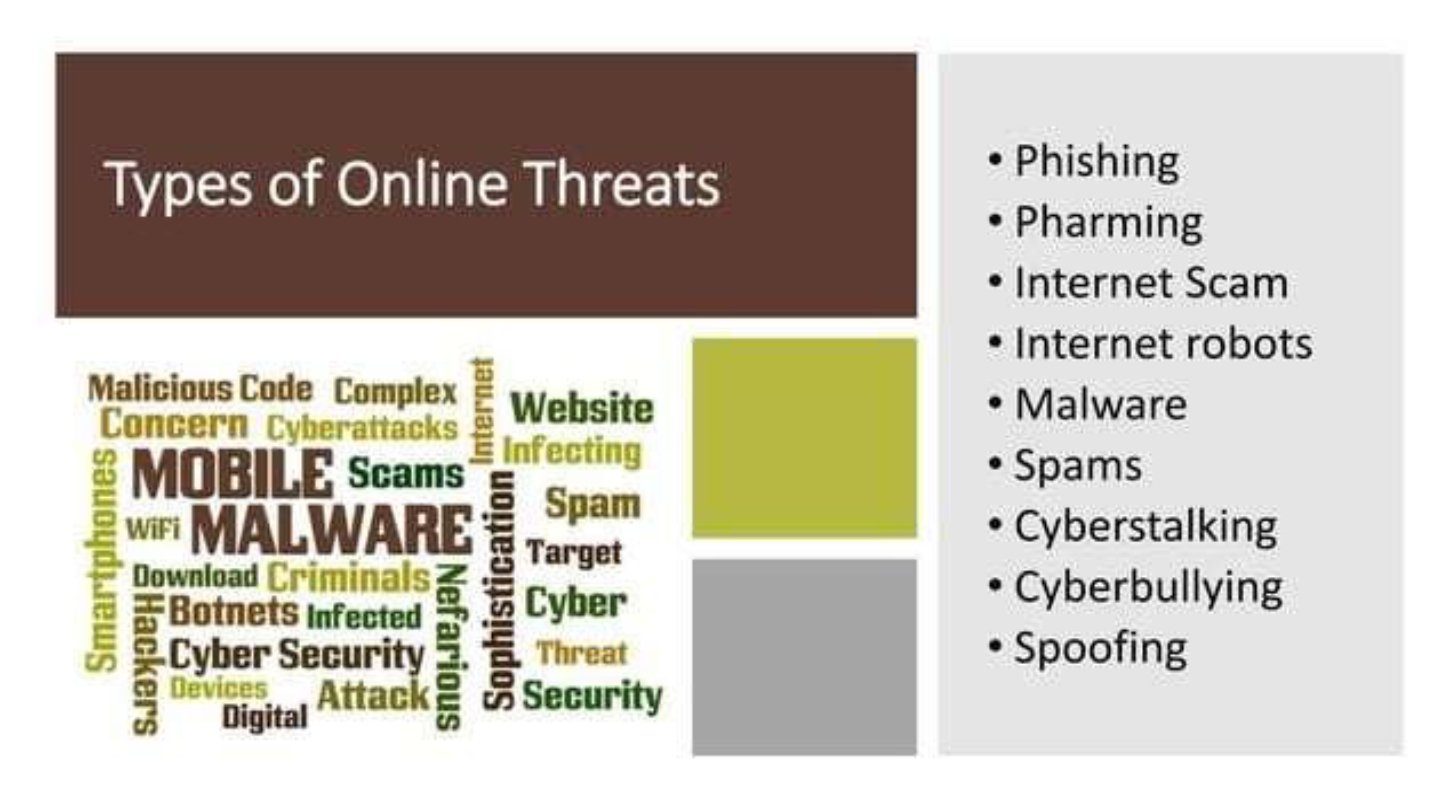
Which of the following are types of online threats?
Phishing
Malware
Cyberbullying
Online shopping
27
28
Open Ended
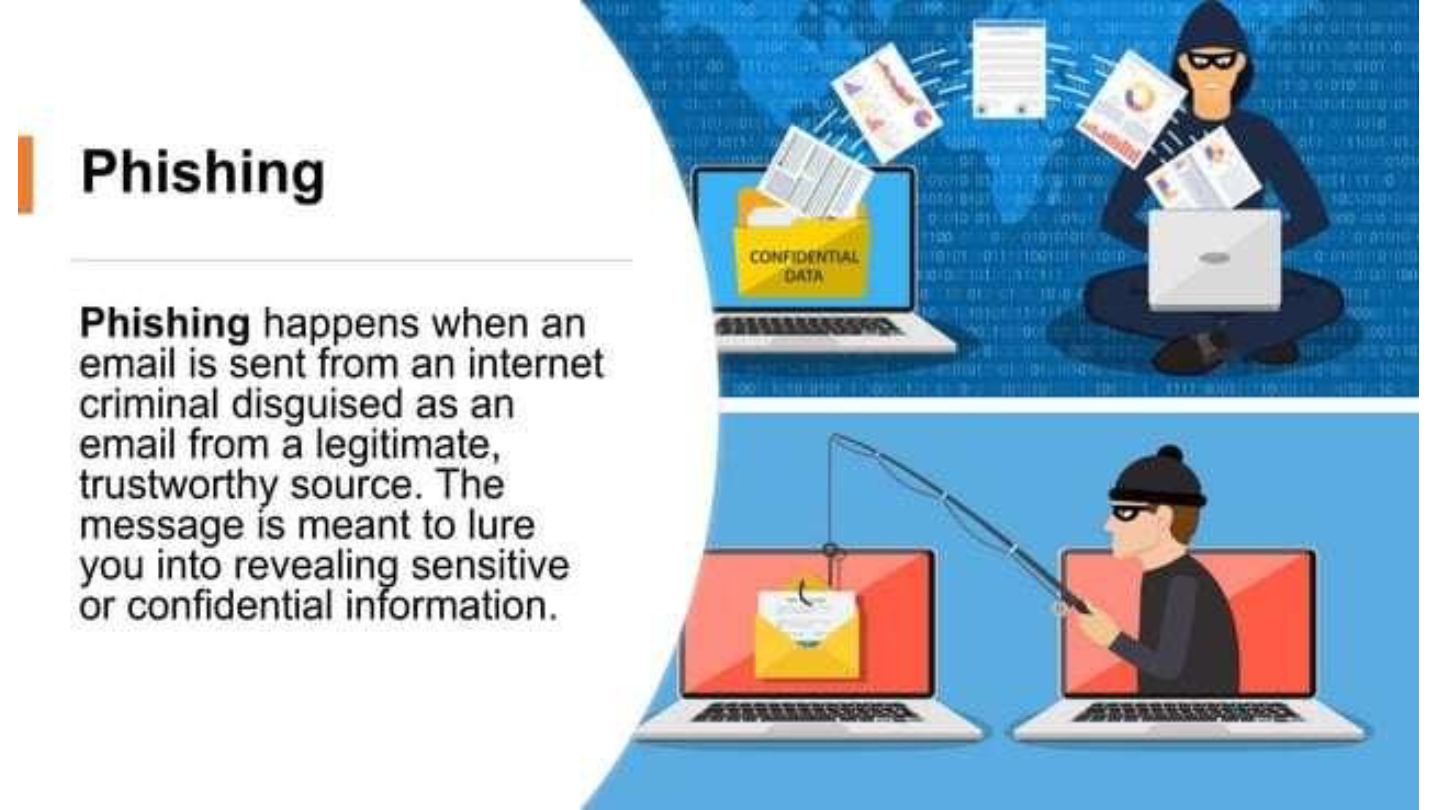
Explain how phishing works and why it is dangerous for internet users.
29
30
Multiple Choice
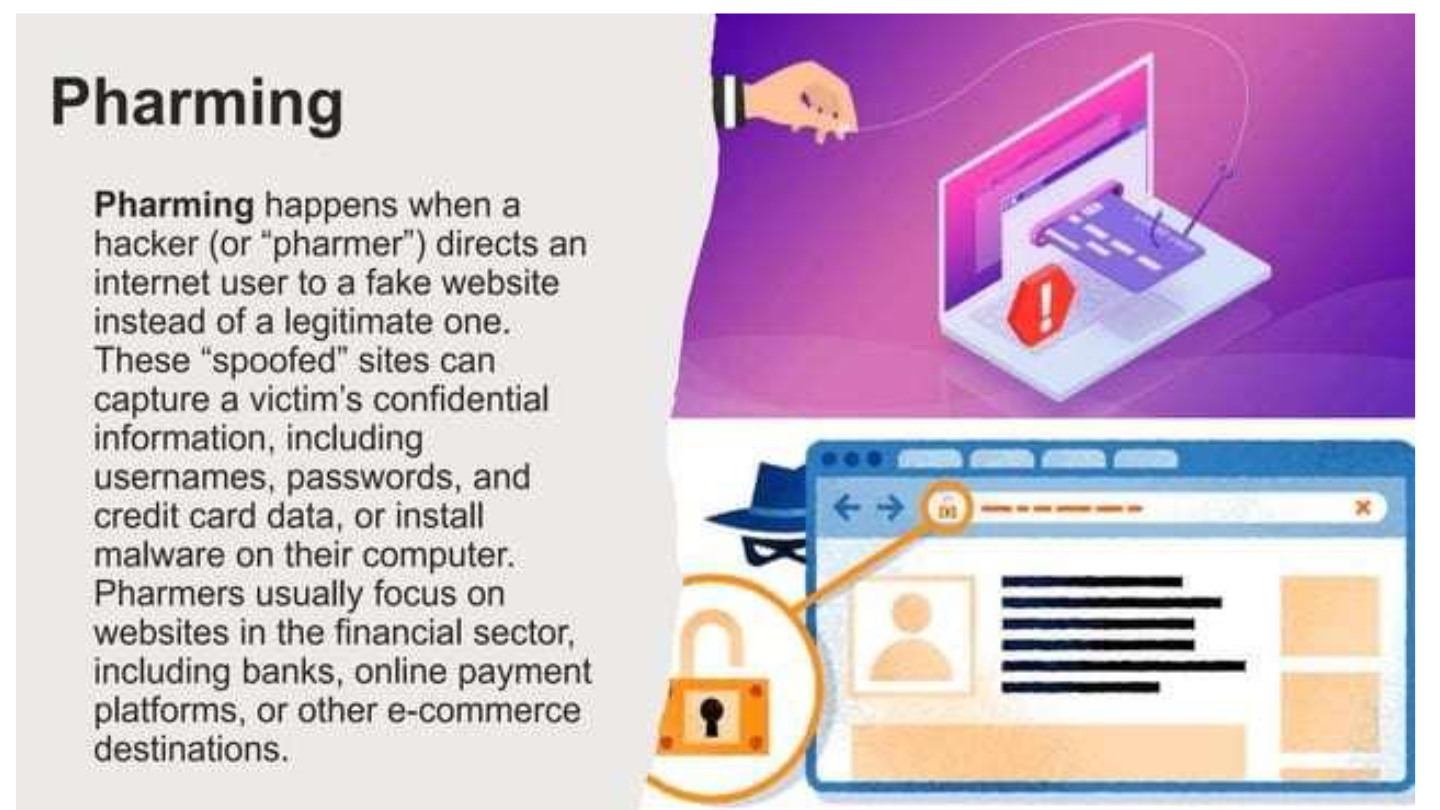
Which of the following best describes pharming?
A hacker redirects users to a fake website to steal confidential information.
A virus infects a computer and deletes files.
A scammer sends emails asking for money.
A bot automatically posts spam on social media.
31
32
Open Ended
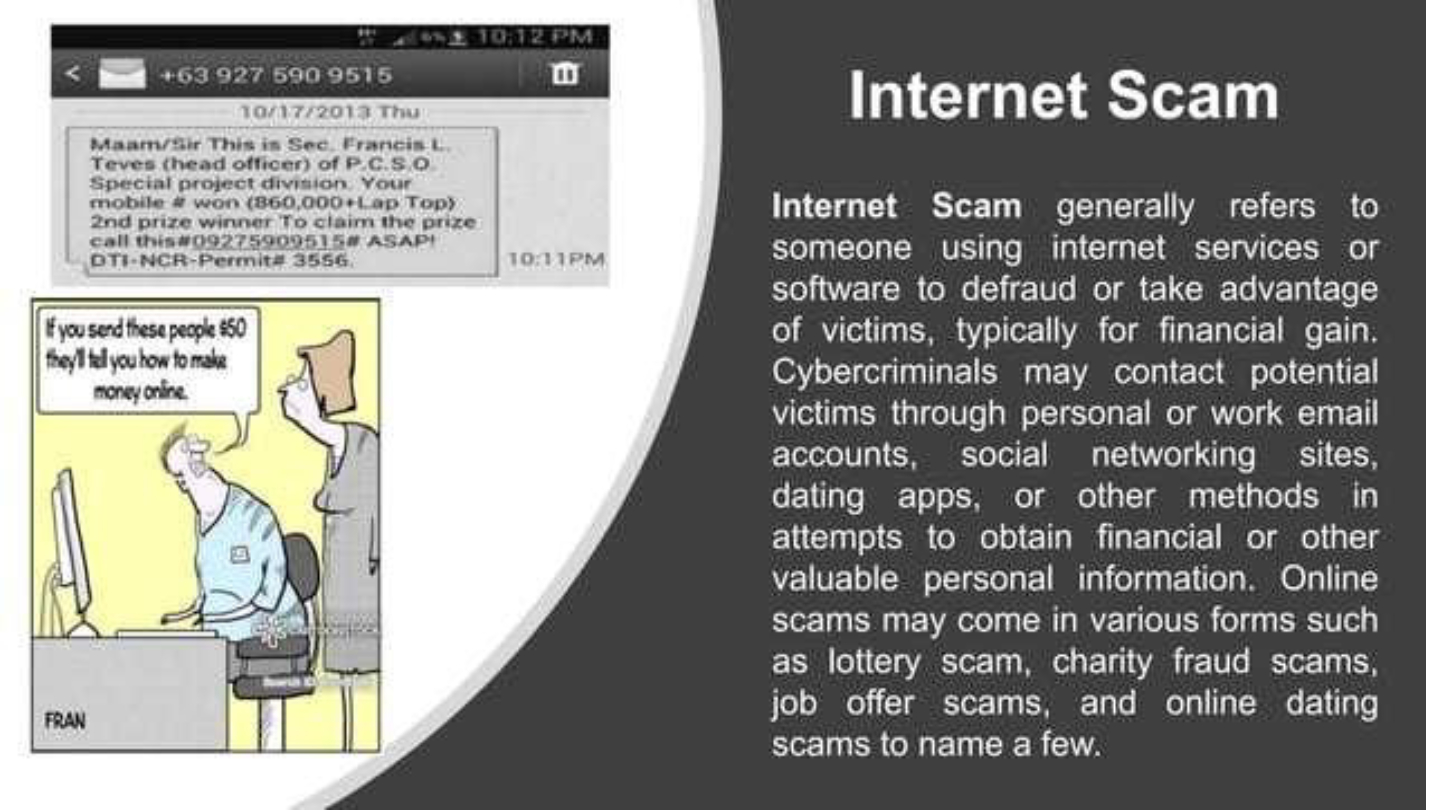
Explain how cybercriminals use internet scams to obtain financial or personal information from victims.
33
34
Multiple Select
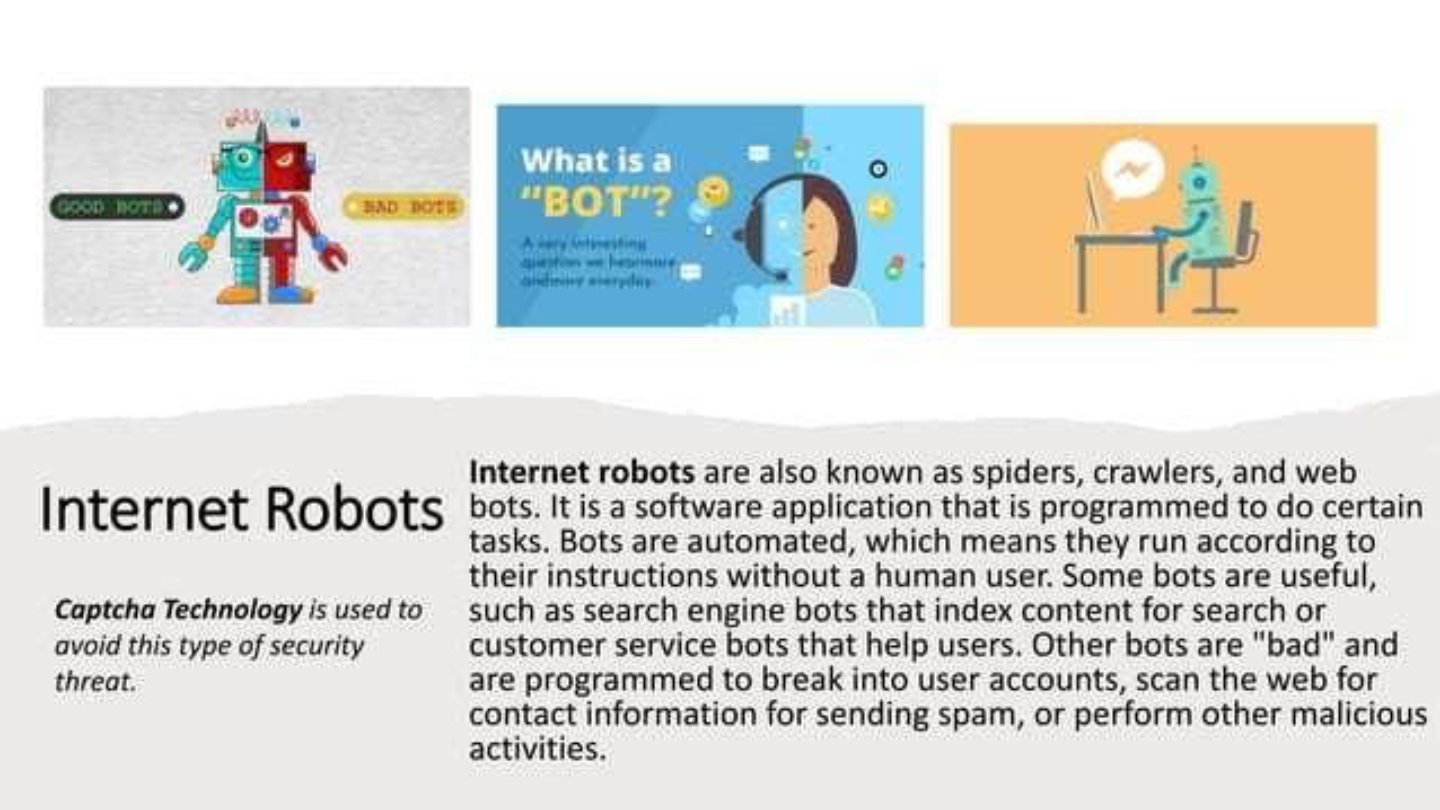
Which of the following are examples of tasks performed by internet robots (bots)?
Indexing content for search engines
Breaking into user accounts
Sending spam messages
Creating pop-up advertisements
35
36
37
Multiple Choice
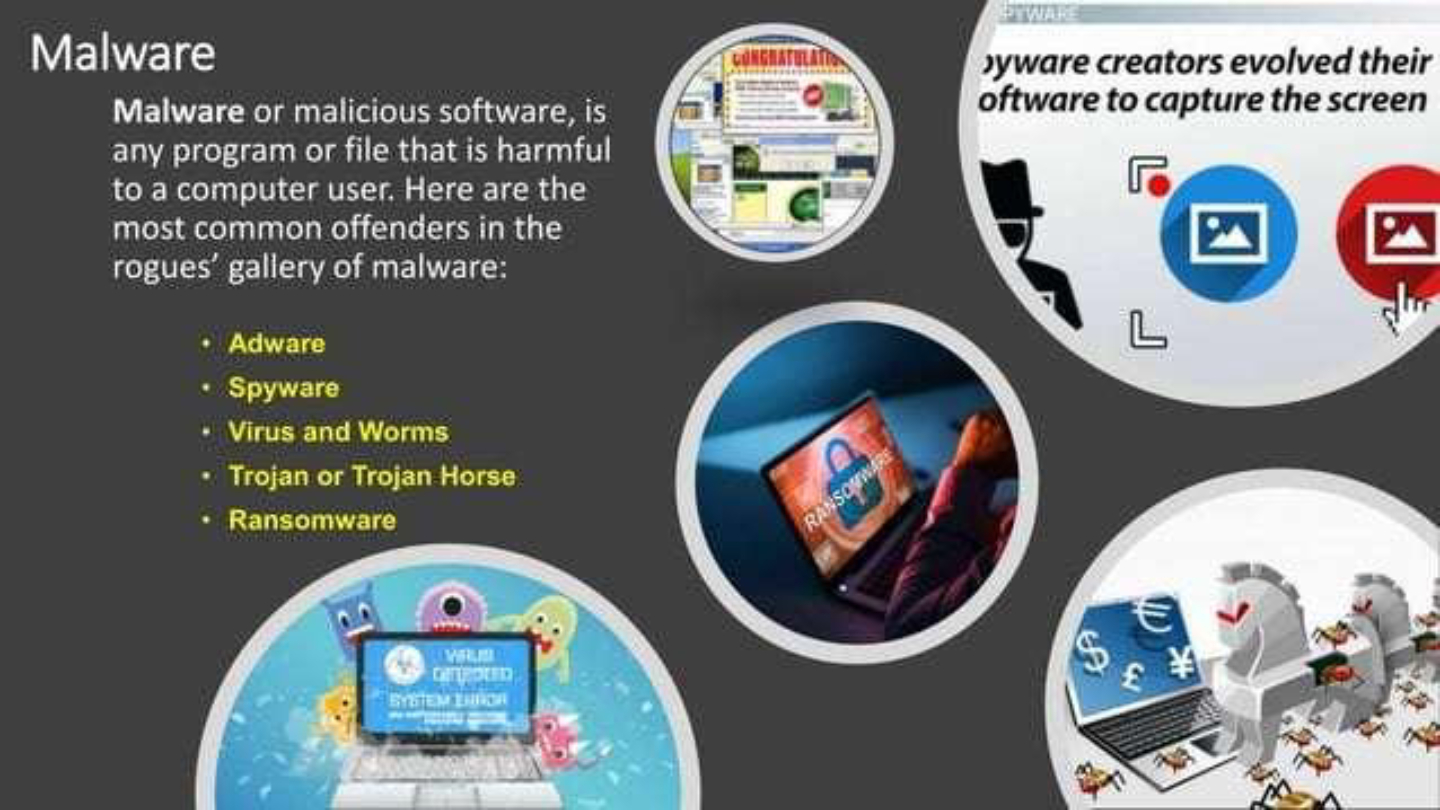
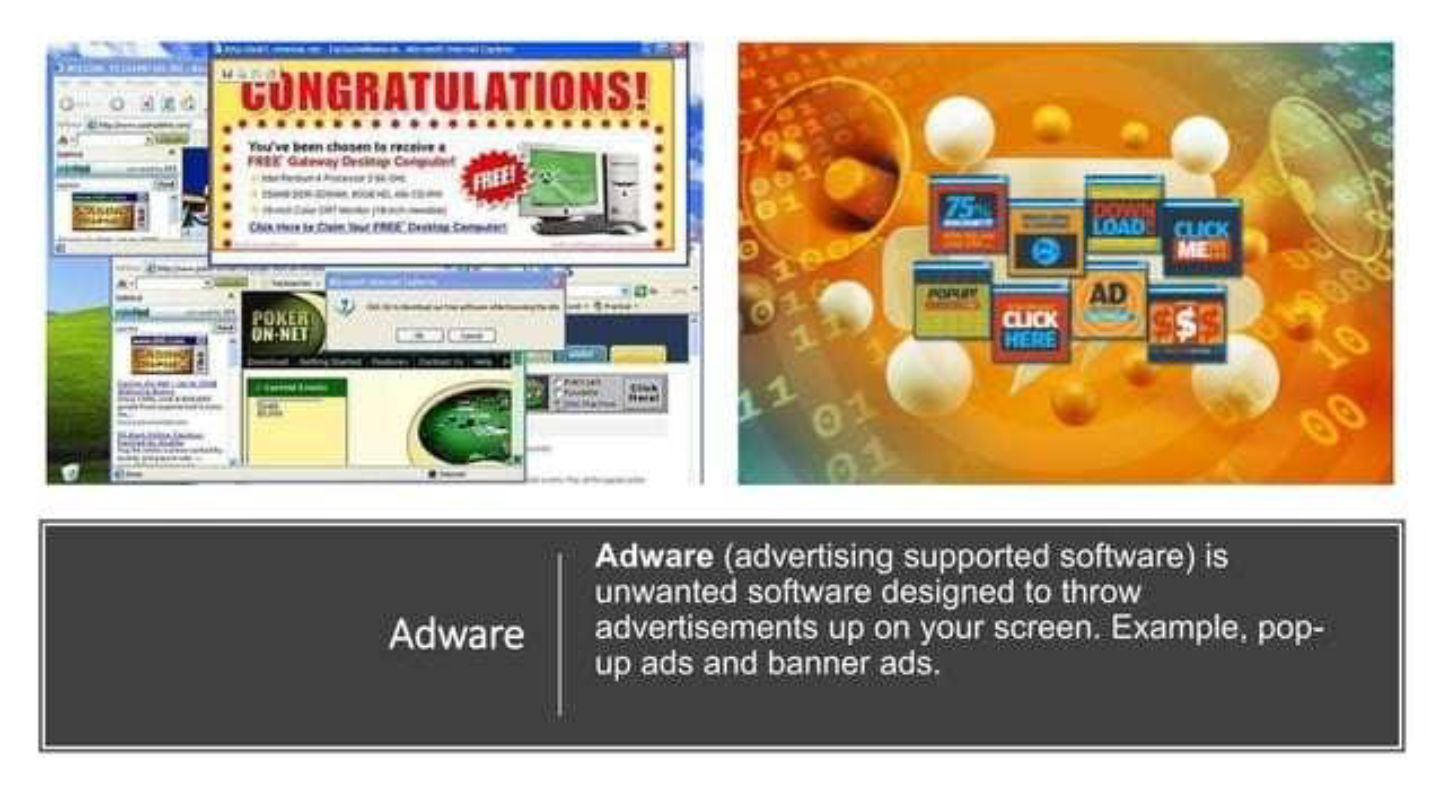
What is the primary purpose of adware?
To display unwanted advertisements on your screen
To steal passwords
To encrypt files for ransom
To monitor user activity secretly
38
39
Fill in the Blanks
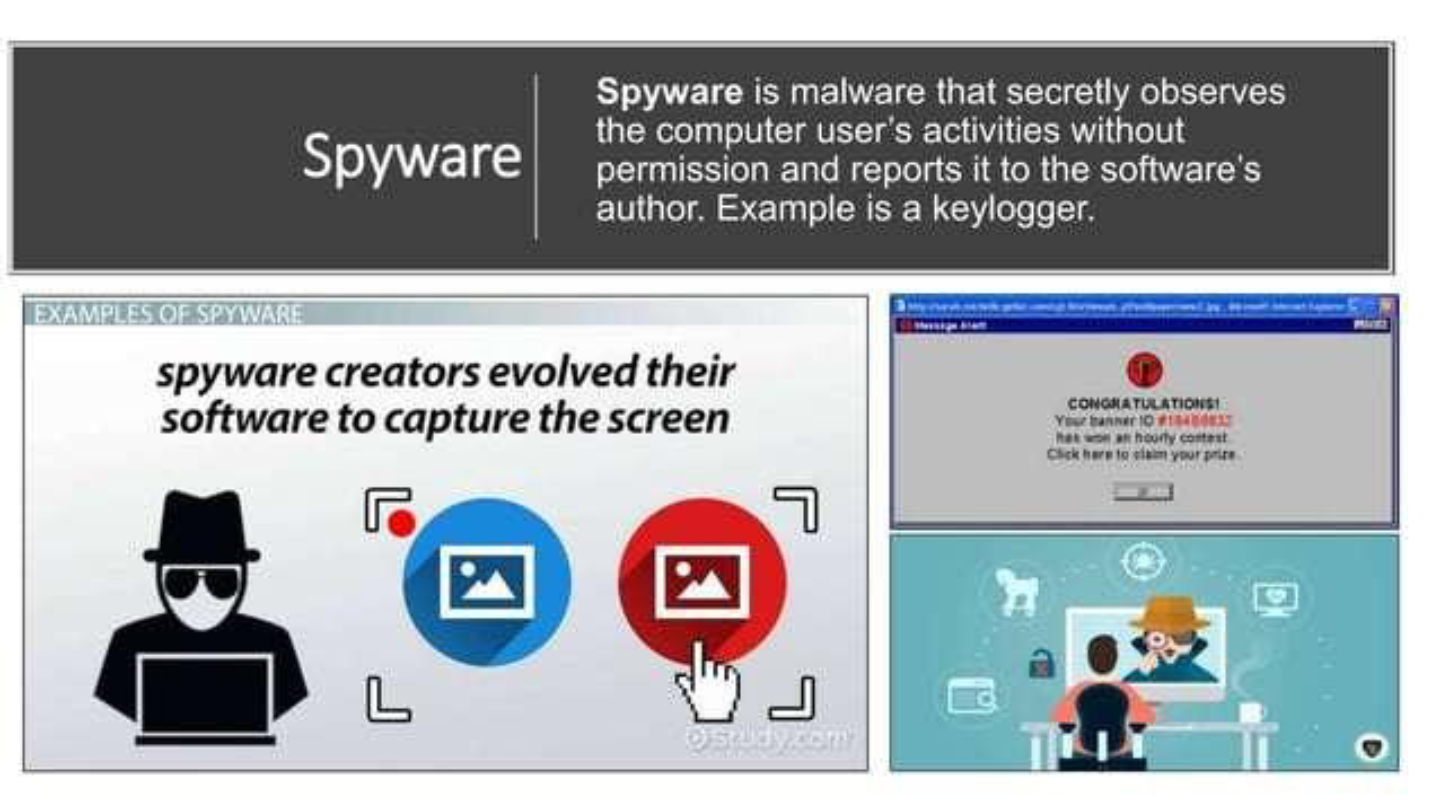
Malware that secretly observes a user's activities and reports it to the software's author is called
Type answer...
40
41
Multiple Choice
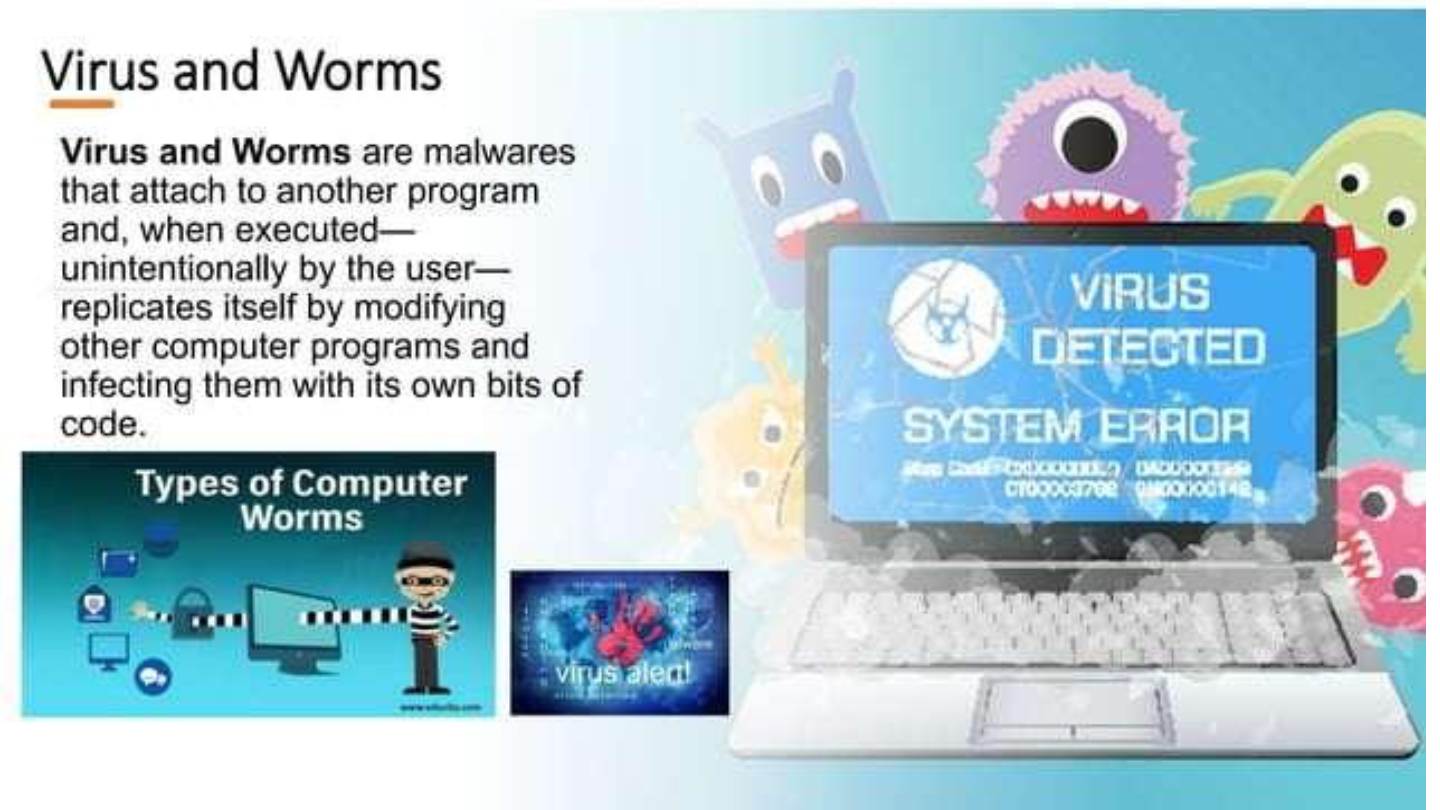
Which of the following best describes how computer worms spread?
By attaching to other programs and replicating themselves
By disguising themselves as useful software
By locking files and demanding ransom
By sending unsolicited emails
42
43
Open Ended
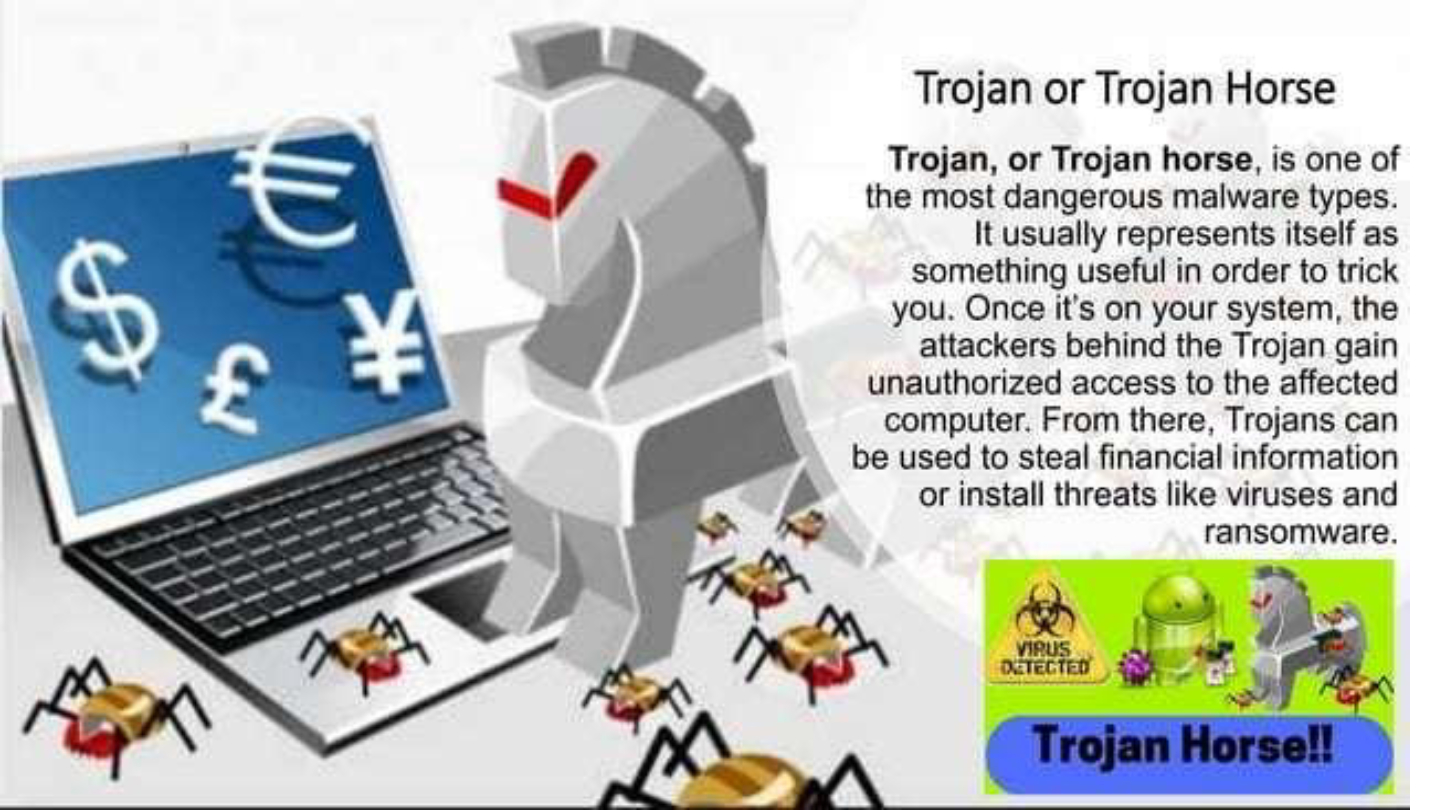
Explain how a Trojan horse can be used to compromise a computer system.
44
45
Fill in the Blanks
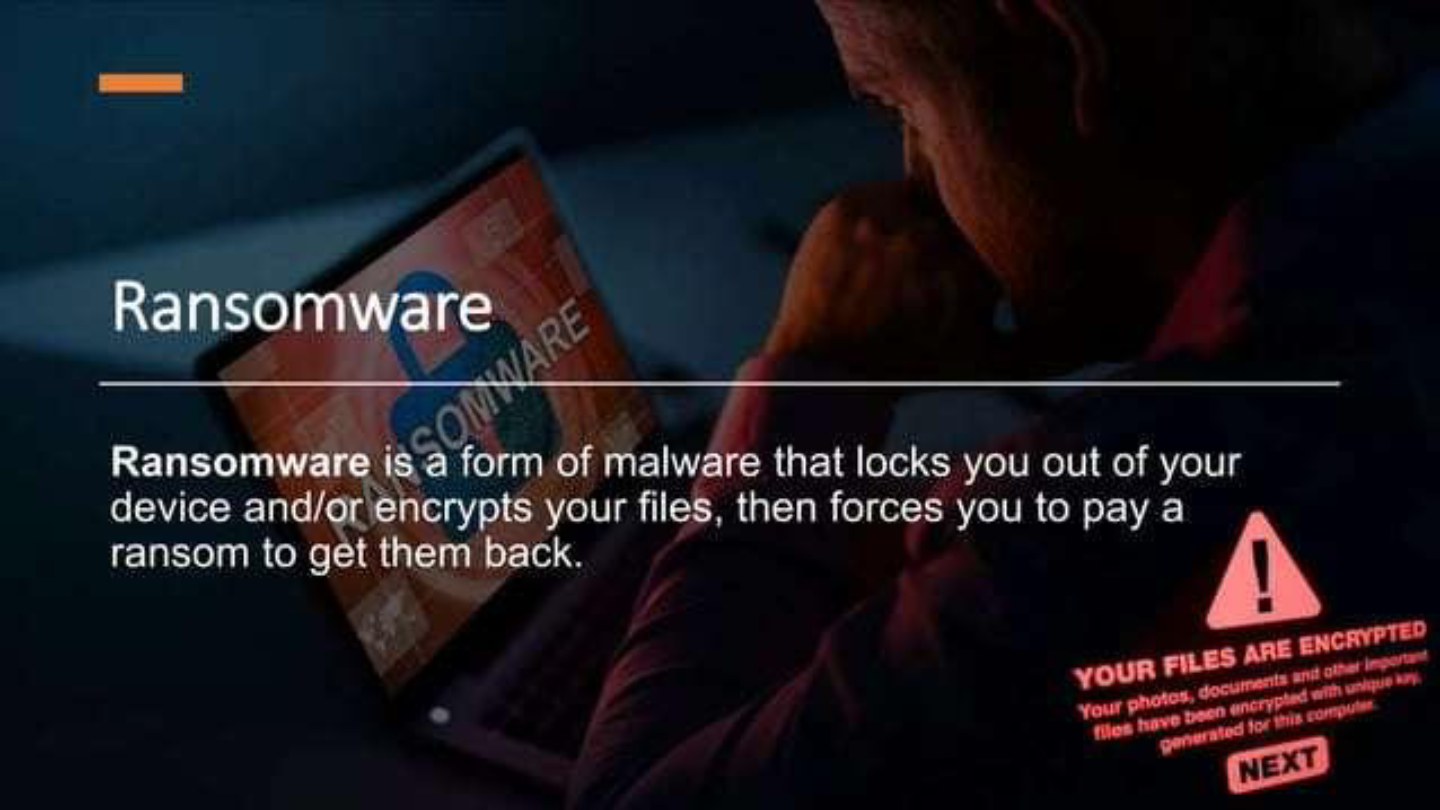
Ransomware is a form of malware that locks you out of your device and/or encrypts your files, then forces you to pay a
Type answer...
46
47
Multiple Select
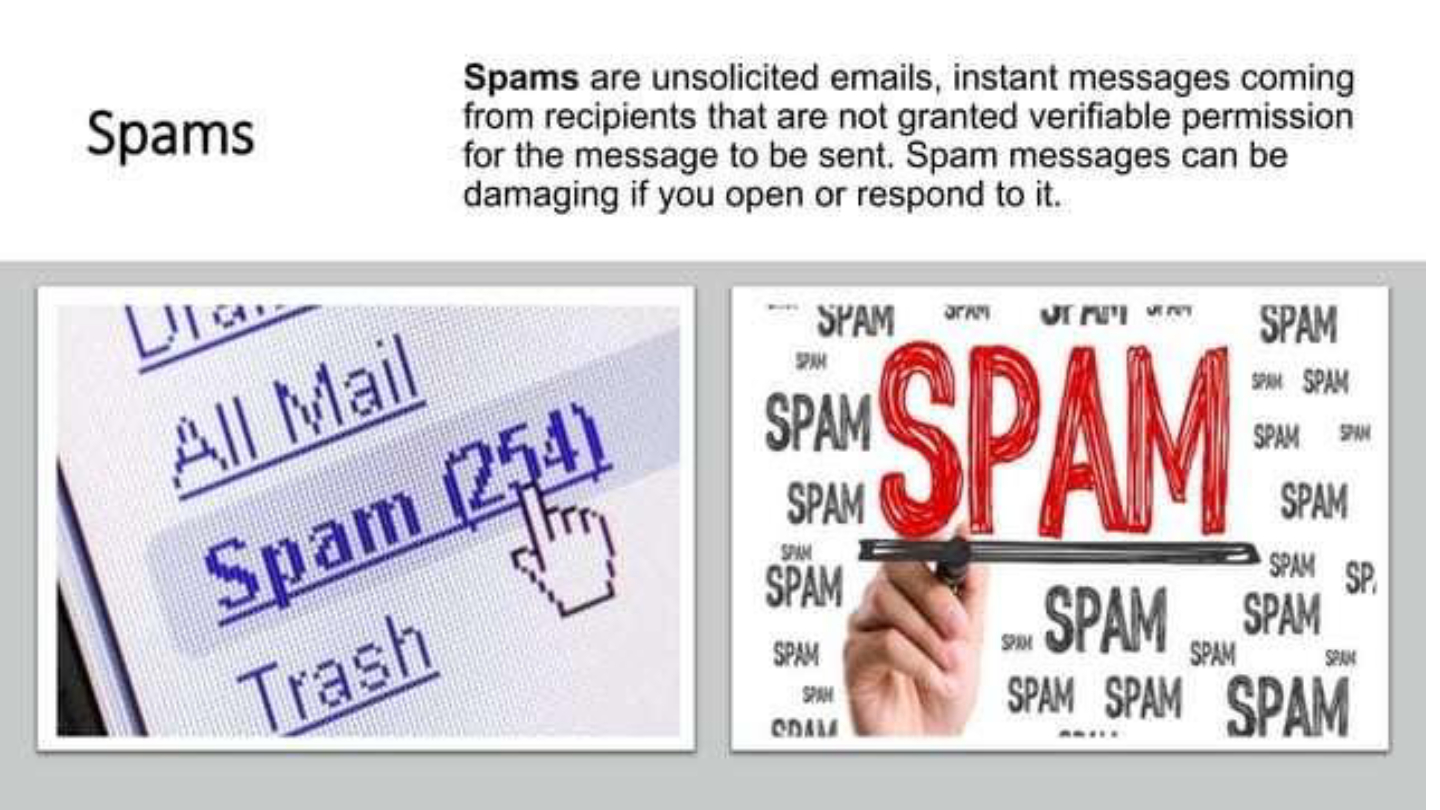
Which of the following are possible consequences of opening spam messages?
Your device may become infected with malware
You may receive more unsolicited messages
Your files may be encrypted for ransom
Your computer may speed up
48
49
50
Open Ended
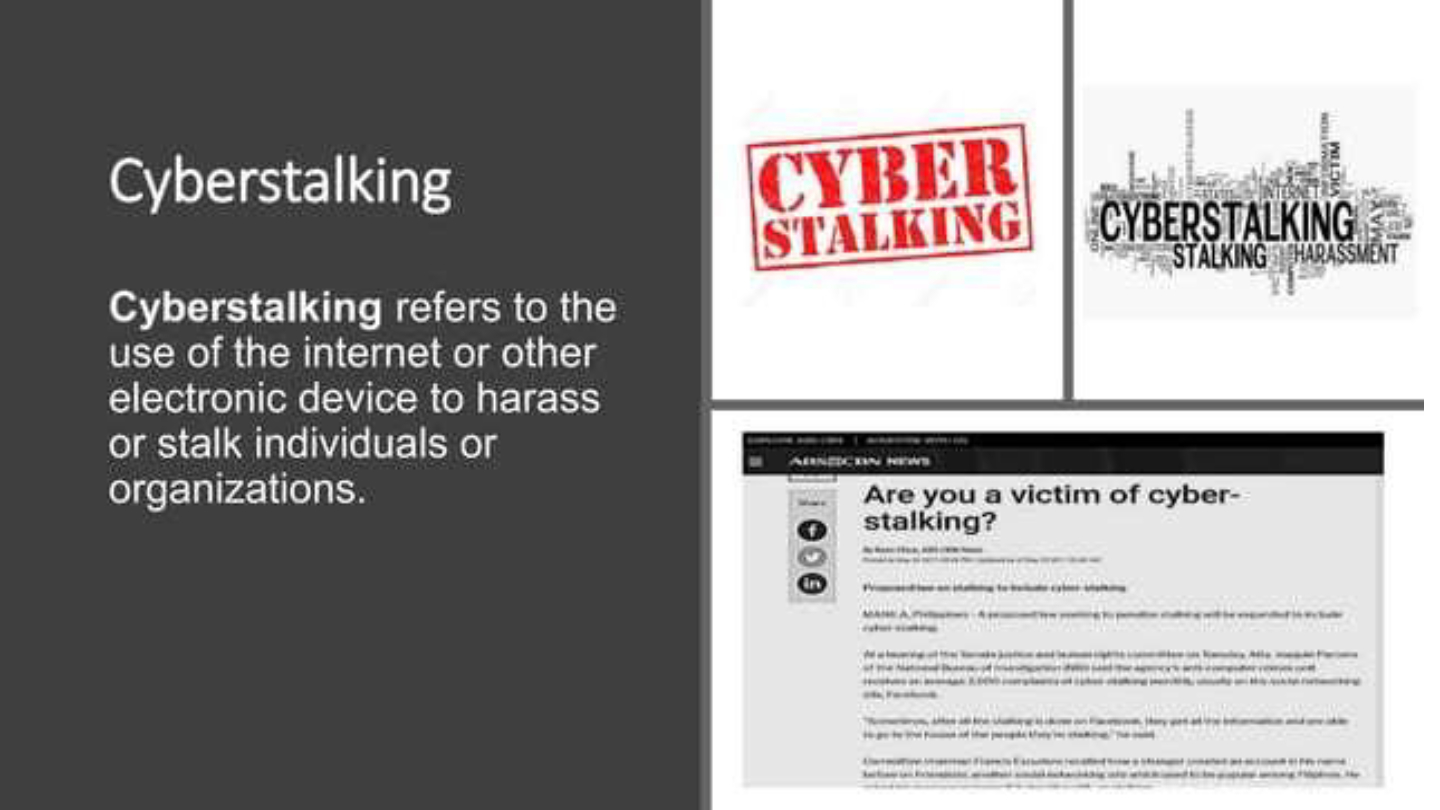
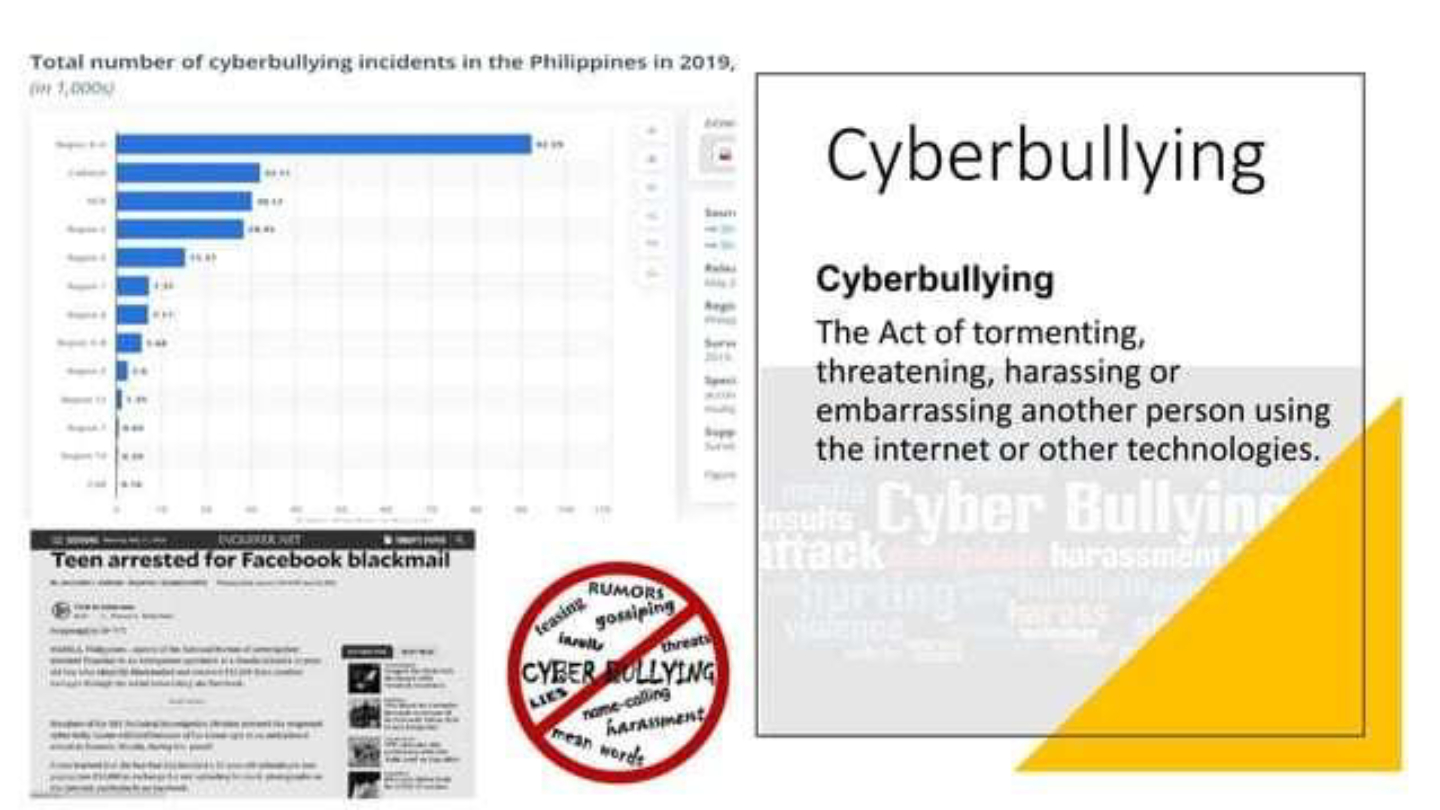
Describe two ways individuals can protect themselves from cyberbullying and cyberstalking.
51
Multiple Choice
What is the main difference between cyberstalking and cyberbullying?
Cyberstalking targets organizations, while cyberbullying targets individuals
Cyberstalking involves harassment or stalking, while cyberbullying involves tormenting, threatening, or embarrassing
Cyberstalking is always anonymous, while cyberbullying is not
Cyberbullying is legal, while cyberstalking is not
52
53
54
55
56
Open Ended
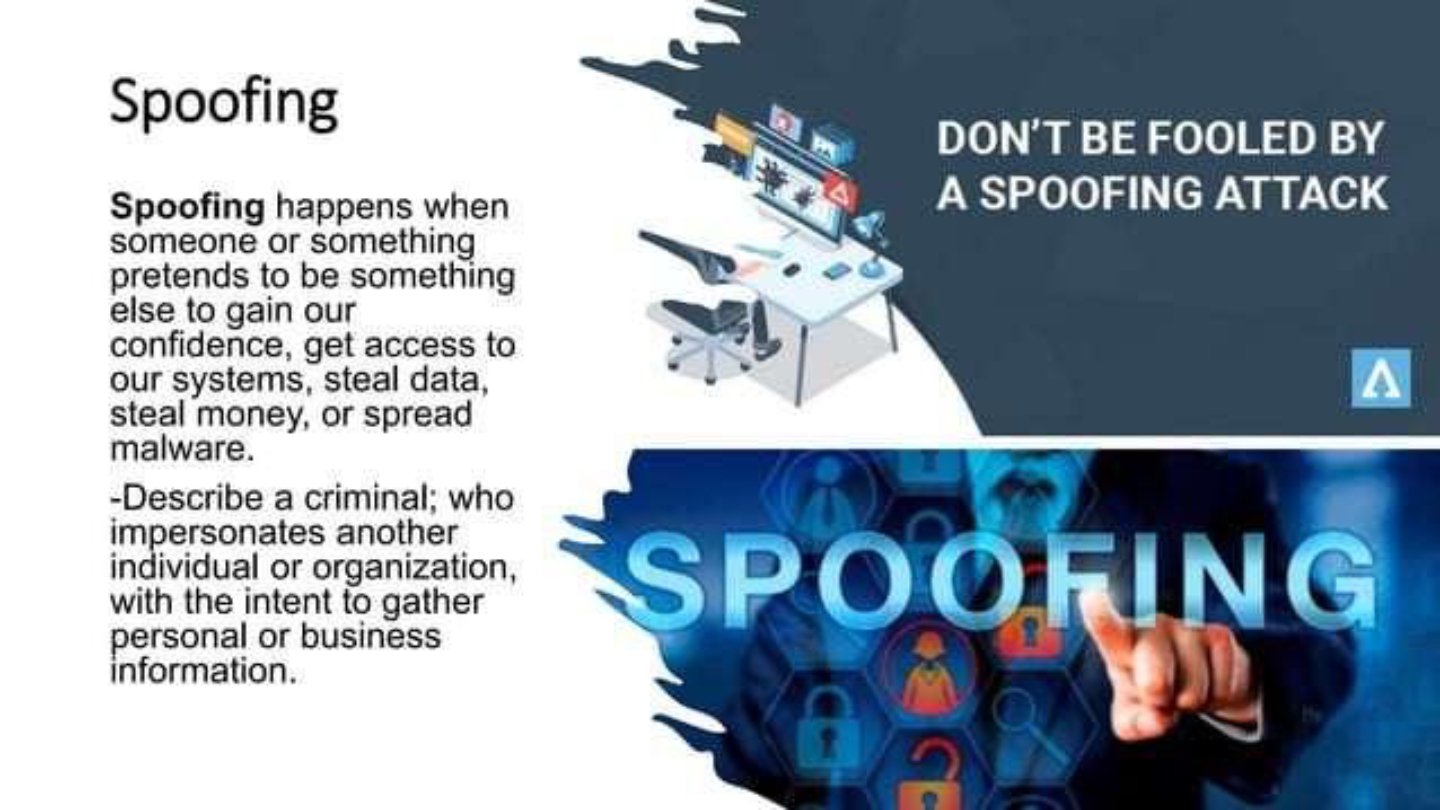
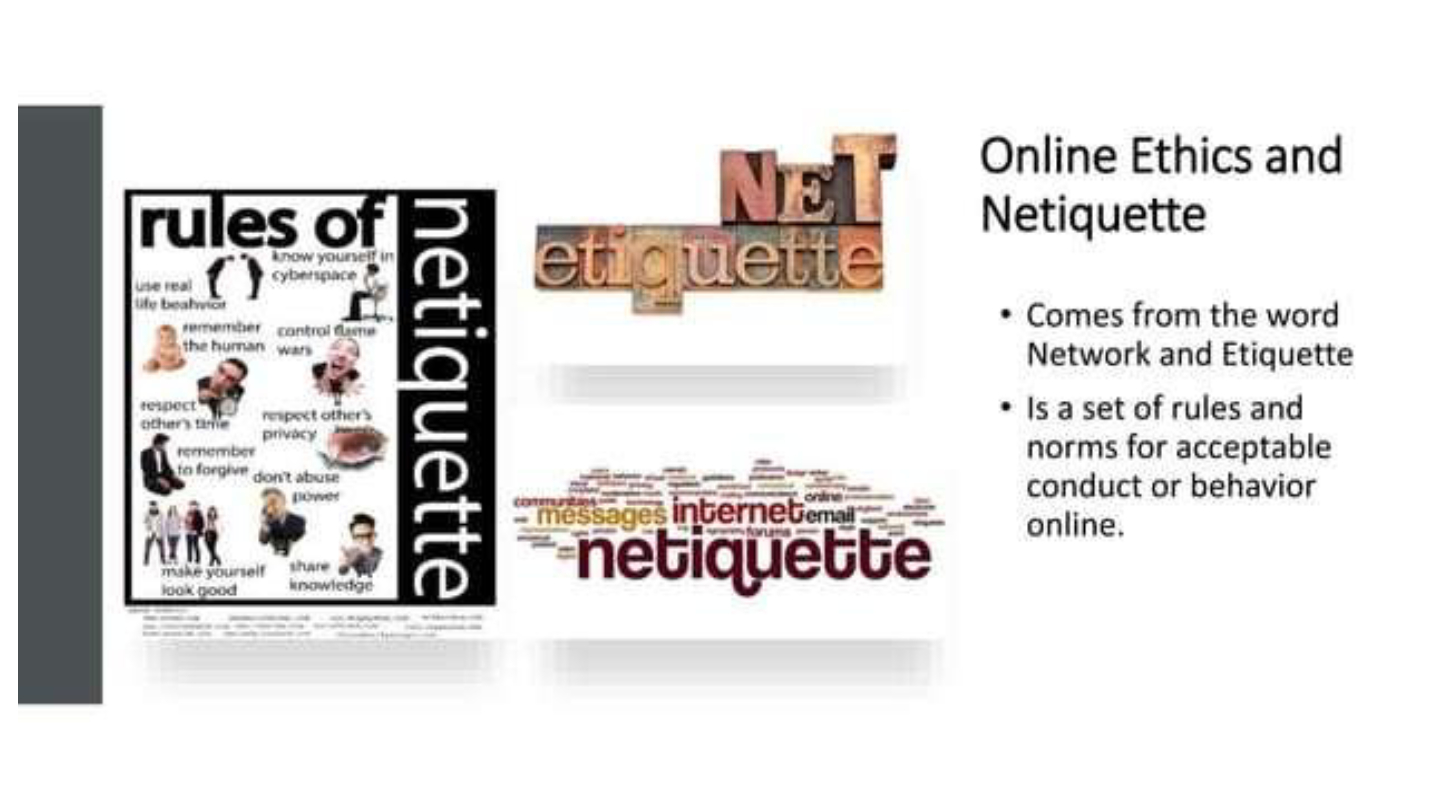
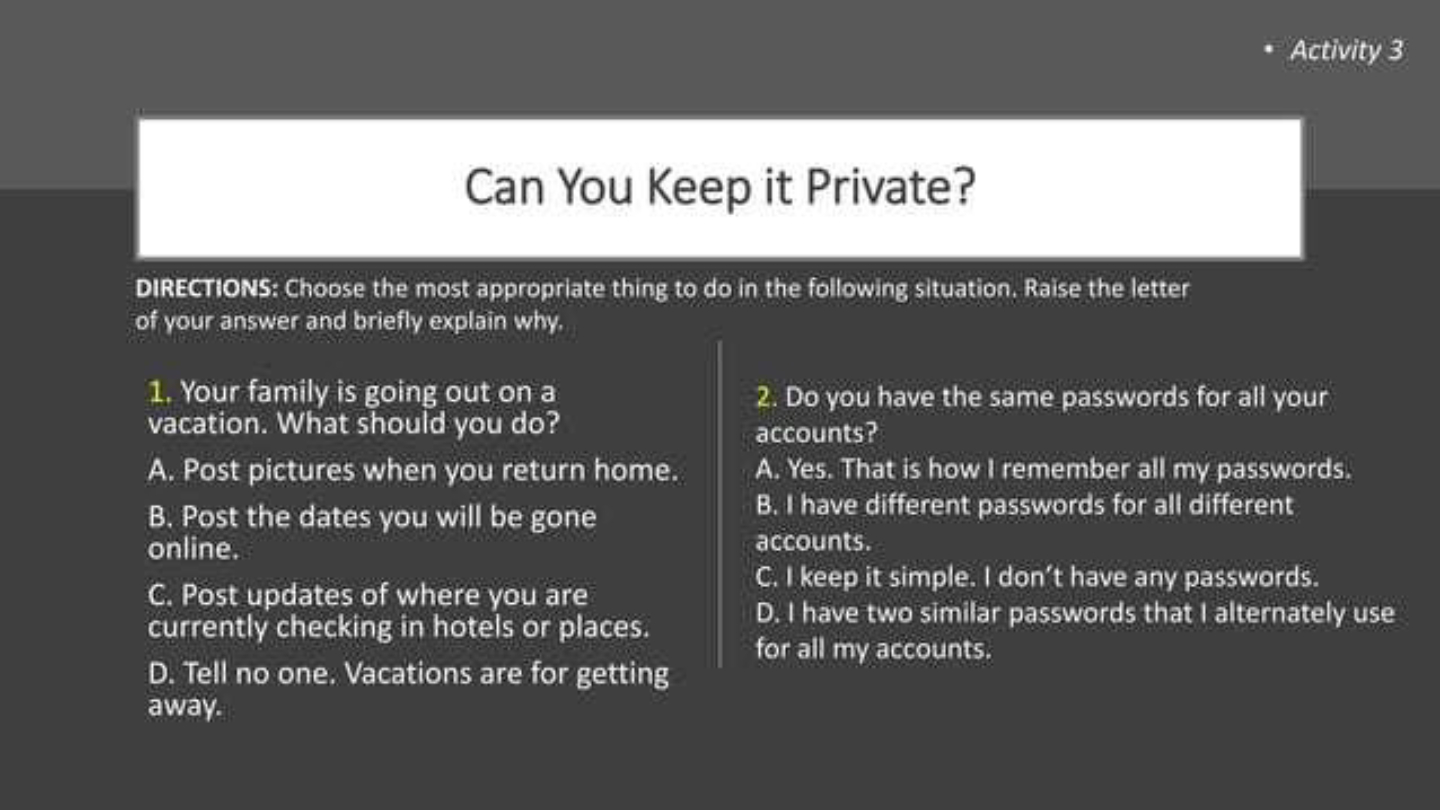
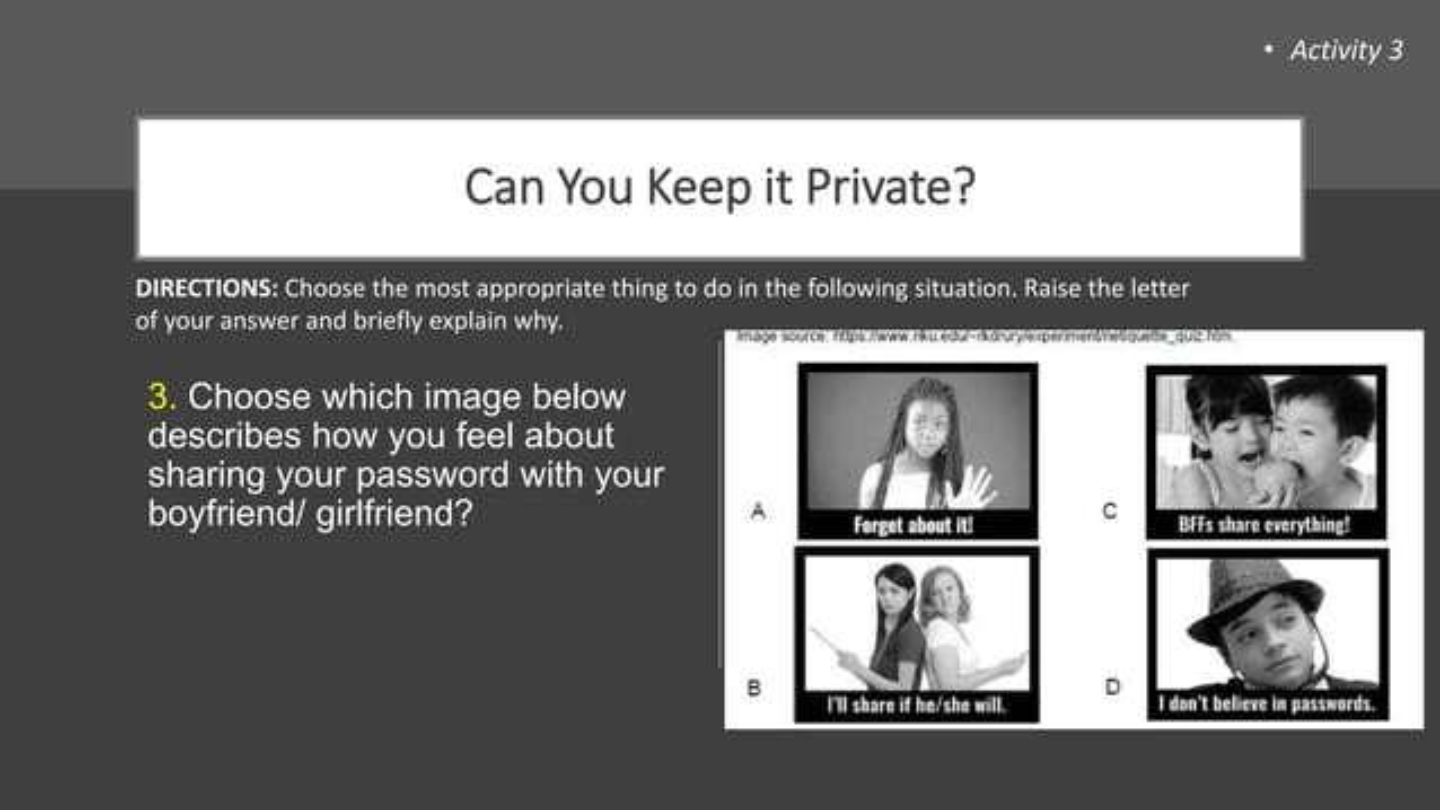
Reflecting on the images shown, what is one important lesson you learned about online safety, security, or netiquette?
57
Multiple Choice
Which of the following is NOT a recommended practice for staying safe online?
Sharing personal information with strangers
Using strong passwords
Being cautious about suspicious links
Reporting cyberbullying
58
Show answer
Auto Play
Slide 1 / 58
SLIDE
Similar Resources on Wayground

51 questions
Lesson1: Motion
Presentation
•
9th - 12th Grade
51 questions
Marine Science Review
Presentation
•
9th - 12th Grade
50 questions
Lesson 1 - Taking Responsibility for Health
Presentation
•
9th - 12th Grade
53 questions
Atoms in Chemical Reactions: Lesson
Presentation
•
9th - 12th Grade
51 questions
Nonrenewable Energy Sources Tutorial
Presentation
•
9th - 12th Grade
56 questions
Biodiversity Lesson
Presentation
•
9th - 12th Grade
53 questions
Cell Cycles and DNA Replication
Presentation
•
9th - 12th Grade
52 questions
Sub-Saharan Africa Physical and Cultural Geography
Presentation
•
9th - 12th Grade
Popular Resources on Wayground
10 questions
Safety Day 2026 – Student Review

Quiz
•
9th Grade
21 questions
Continents and Oceans
Quiz
•
6th Grade
20 questions
Parts of Speech
Quiz
•
5th Grade
16 questions
Subject & Predicate
Quiz
•
5th Grade
25 questions
Multiplication Facts
Quiz
•
5th Grade
12 questions
Map Skills
Quiz
•
3rd Grade
22 questions
Continents and Oceans
Quiz
•
5th Grade
15 questions
Rounding Decimals
Quiz
•
5th Grade
Discover more resources for Instructional Technology
10 questions
Safety Day 2026 – Student Review
Quiz
•
9th Grade
20 questions
REGULAR Present tense verbs
Quiz
•
8th - 9th Grade
26 questions
SLIME!!!!!
Quiz
•
KG - 12th Grade
20 questions
Cell organelles and functions
Quiz
•
10th Grade
10 questions
Test Your Knowledge on Bullying
Quiz
•
9th Grade
12 questions
Absolute Value Equations
Quiz
•
9th Grade
20 questions
Position vs. Time Graphs
Quiz
•
9th Grade
20 questions
Function or Not a Function
Quiz
•
8th - 9th Grade