Free Printable Mnemonic Devices Worksheets for Year 9
Free Year 9 mnemonic devices worksheets and printables help students master memory techniques for vocabulary retention through engaging practice problems, downloadable PDFs, and comprehensive answer keys available on Wayground.
Explore printable Mnemonic Devices worksheets for Year 9
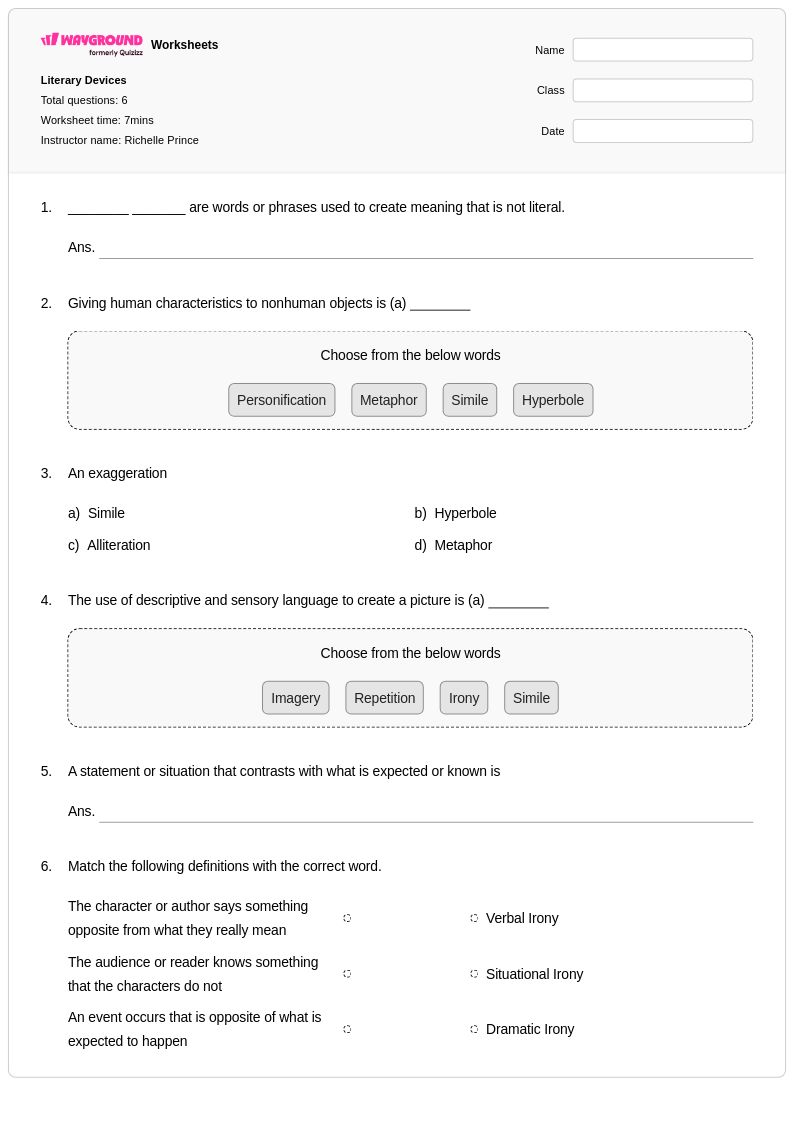
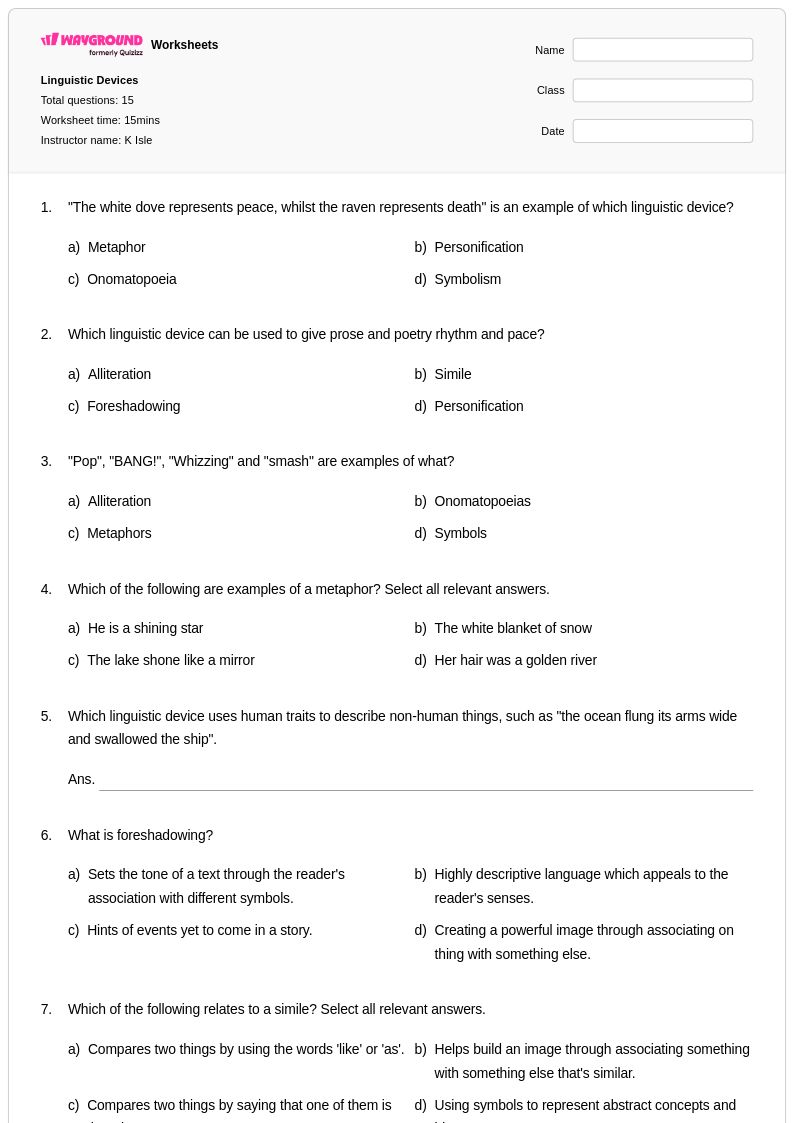
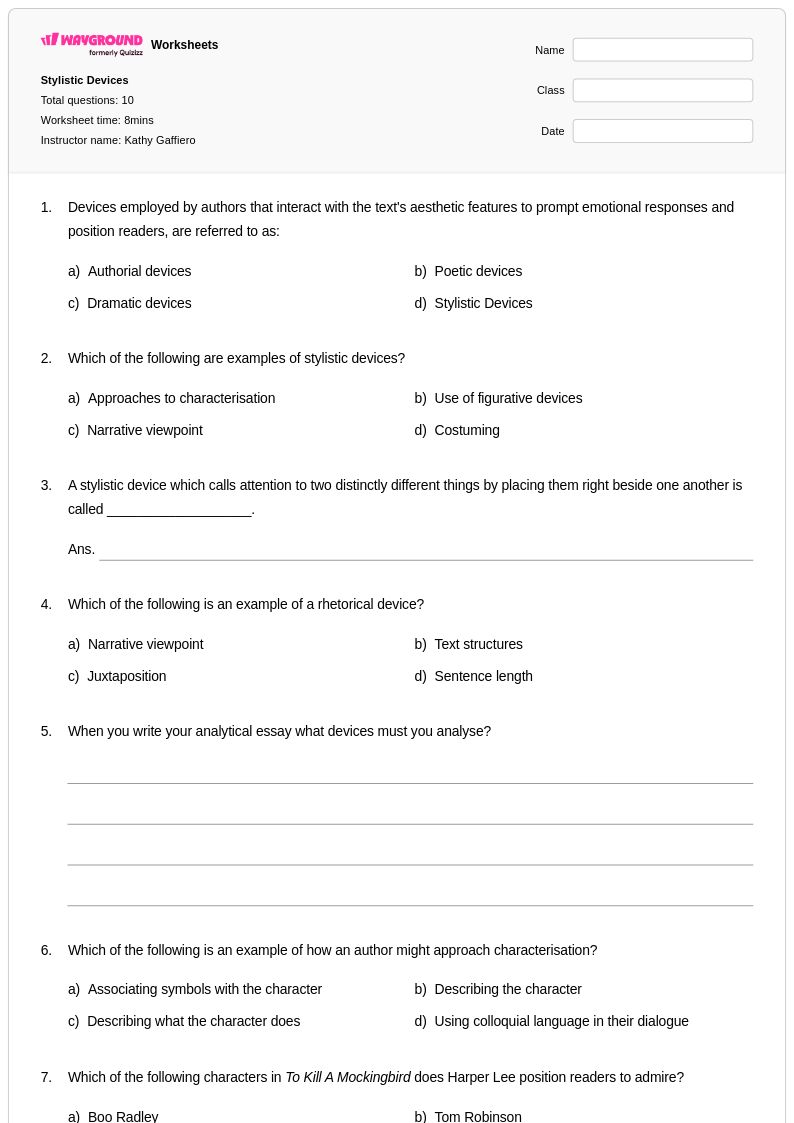
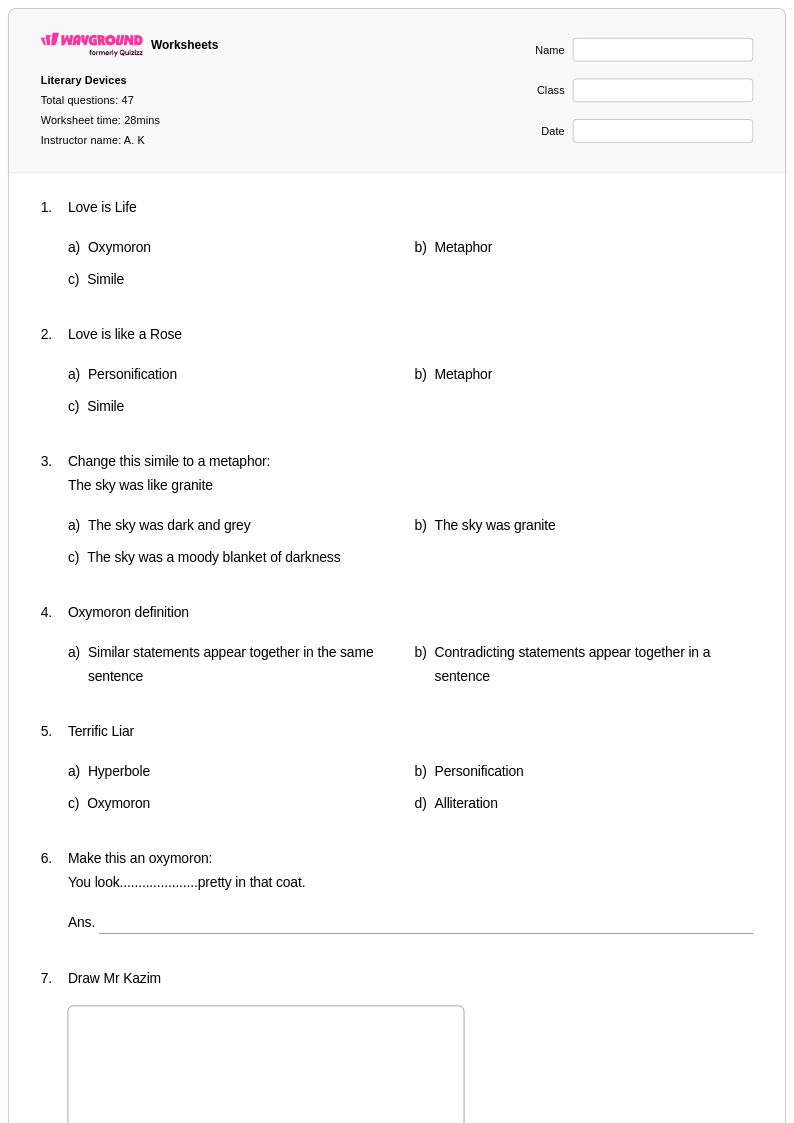
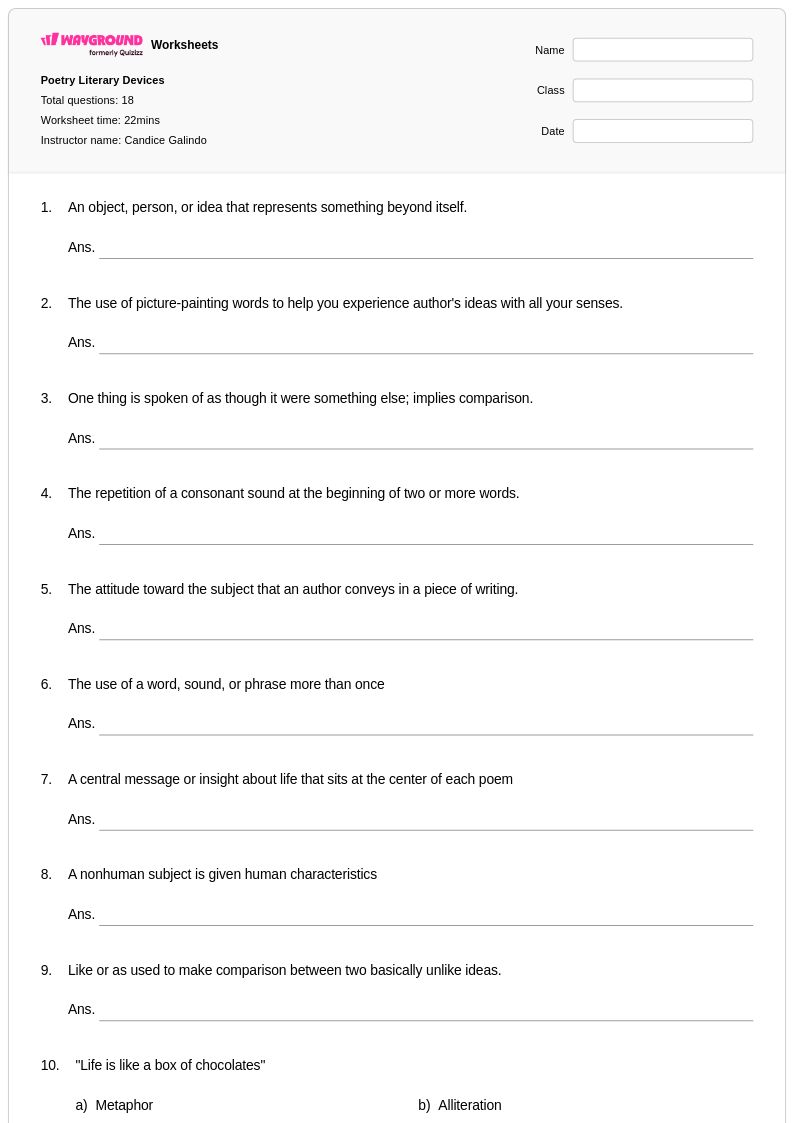
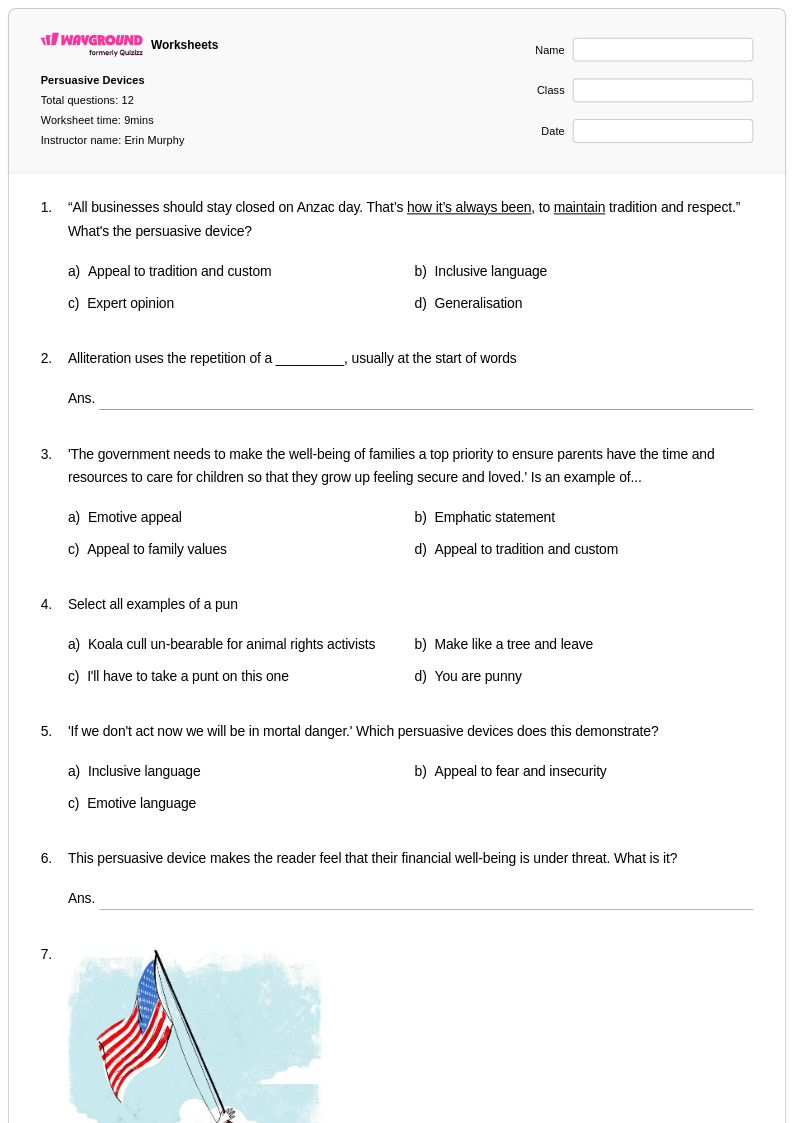
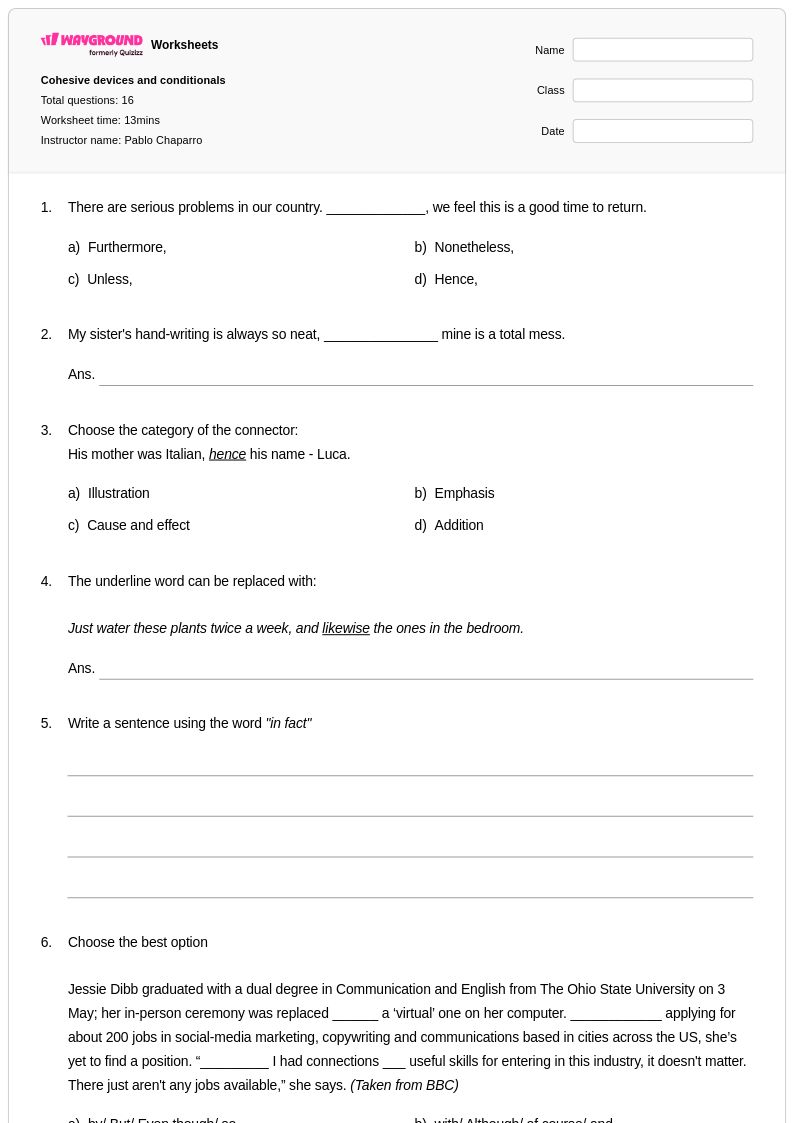
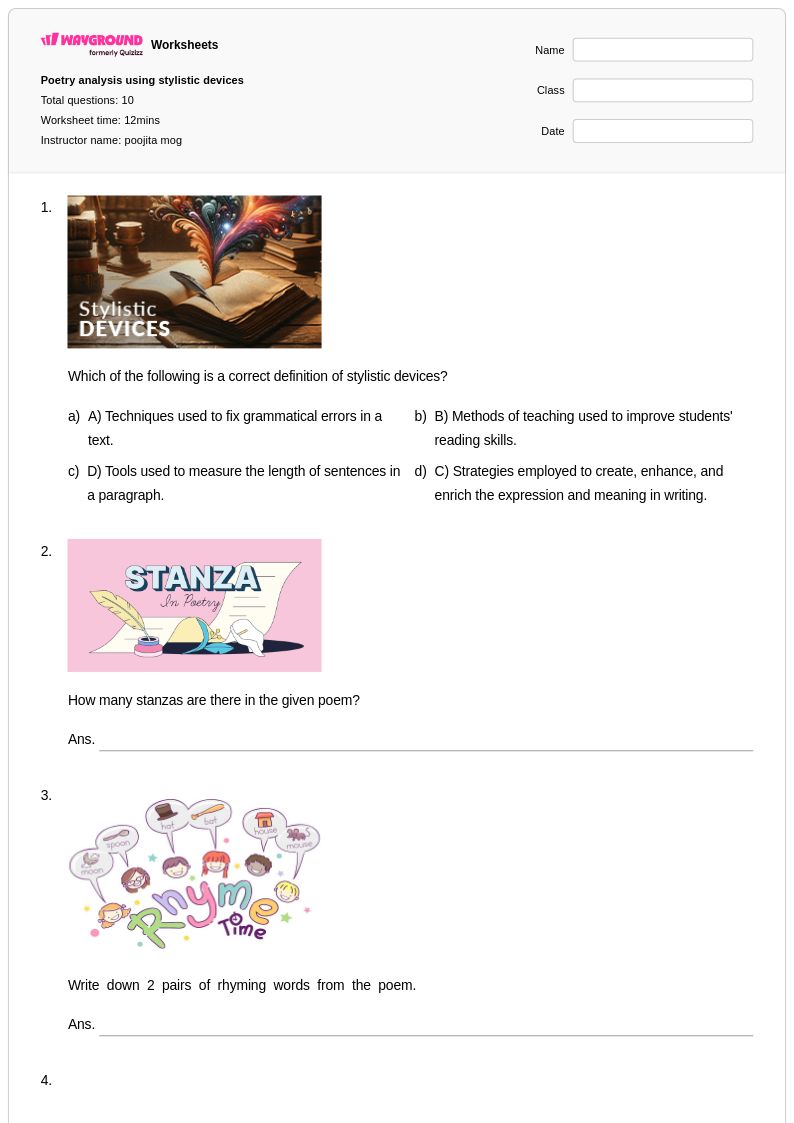
Mnemonic devices worksheets for Year 9 students available through Wayground (formerly Quizizz) provide comprehensive practice in developing and applying memory enhancement techniques to strengthen vocabulary acquisition and retention. These expertly crafted worksheets focus on teaching students how to create and utilize acronyms, acrostics, rhymes, visual associations, and keyword methods to remember complex vocabulary, literary terms, and language concepts. Students engage with practice problems that challenge them to construct their own mnemonic devices while also decoding existing memory aids, building essential cognitive skills that support long-term academic success. Each worksheet includes a detailed answer key and is available as a free printable pdf, allowing educators to seamlessly integrate these valuable learning tools into their language arts curriculum while providing students with tangible resources for independent study and review.
Wayground (formerly Quizizz) empowers educators with access to millions of teacher-created mnemonic device worksheets specifically designed for Year 9 English language and vocabulary instruction. The platform's robust search and filtering capabilities enable teachers to quickly locate resources that align with curriculum standards and match their students' specific learning needs, whether for initial skill introduction, targeted remediation, or advanced enrichment activities. Teachers can customize existing worksheets or create entirely new materials using the platform's flexible tools, ensuring perfect alignment with lesson objectives and student ability levels. Available in both printable pdf format for traditional classroom use and interactive digital versions for technology-enhanced learning environments, these resources support differentiated instruction while streamlining lesson planning and providing educators with reliable materials for ongoing vocabulary skill practice and assessment.
FAQs
How do I teach mnemonic devices to students?
Start by introducing one mnemonic type at a time — acronyms, acrostics, rhymes, or visual associations — so students can build familiarity before combining techniques. Model the construction process explicitly: show students how to take a challenging word list or concept and systematically transform it into a memorable pattern. Once students understand the structure, guided practice with real vocabulary from their current units helps transfer the skill to authentic academic contexts.
What types of mnemonic devices should students learn?
The most broadly applicable mnemonic types for K-12 learners include acronyms (forming a word from initial letters), acrostics (sentences where each word's first letter represents a term), rhymes, and visual associations or word linkages. Each type suits different content: acronyms work well for ordered lists, acrostics for multi-term sequences, and visual associations for foreign language vocabulary or scientific terminology. Teaching students a repertoire of techniques gives them flexibility to choose the best strategy for any subject.
What exercises help students practice creating mnemonic devices?
Effective practice exercises ask students to construct their own mnemonics for given word lists rather than simply memorize teacher-provided ones, because personalized strategies are more memorable. Progressing from simple two-word associations to multi-step mnemonic systems builds both creative thinking and practical memorization skill. Comparing student-created mnemonics with proven approaches — as answer keys can facilitate — helps learners evaluate and refine their own strategies.
What mistakes do students commonly make when using mnemonic devices?
A common error is creating mnemonics that are more complex than the information they are meant to encode, which defeats the purpose of the technique. Students also frequently create mnemonics that are personally unmemorable — for example, using an acronym word they rarely encounter. Teaching students to test their own mnemonics immediately after creating them, by attempting recall without looking at the original material, helps catch ineffective strategies before they become ingrained.
How can mnemonic device practice support struggling learners or students with memory challenges?
Structured mnemonic instruction is especially beneficial for students who have difficulty retaining vocabulary or academic terminology, because it gives them a repeatable strategy rather than relying on rote repetition alone. Starting with highly visual or rhythmic mnemonics — rhymes and picture associations — tends to be more accessible for struggling learners before introducing abstract techniques like acronyms. On Wayground, teachers can use the Read Aloud accommodation so that question prompts are read to students who also have reading difficulties, and Reduced Answer Choices can lower cognitive load for students who become overwhelmed during practice.
How do I use Wayground's mnemonic devices worksheets in my classroom?
Wayground's mnemonic devices worksheets are available as printable PDFs for traditional classroom use and in digital formats for technology-integrated environments, making them suitable for in-class instruction, homework, or learning centers. Teachers can also host a worksheet as a quiz directly on Wayground, giving students an interactive experience while automatically collecting results. Each worksheet includes a comprehensive answer key demonstrating multiple mnemonic approaches, so teachers can use them for direct instruction, independent practice, or self-guided review.