
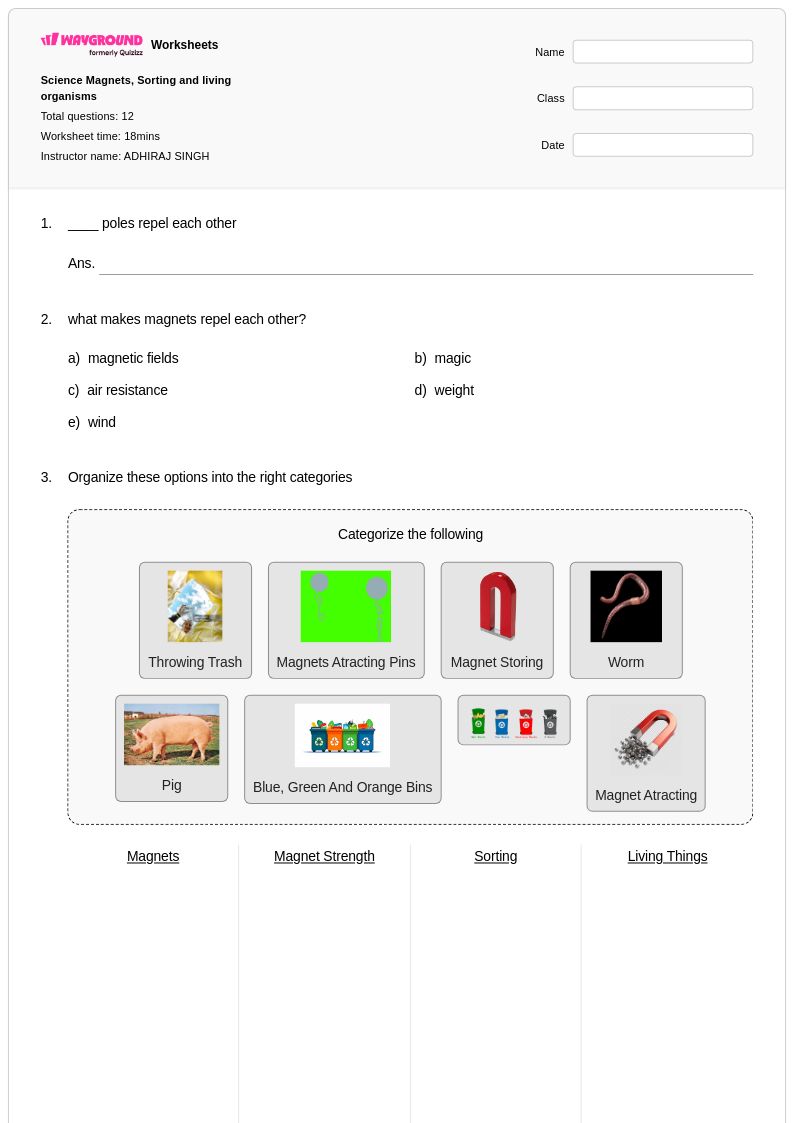
12 Q
6th - Uni
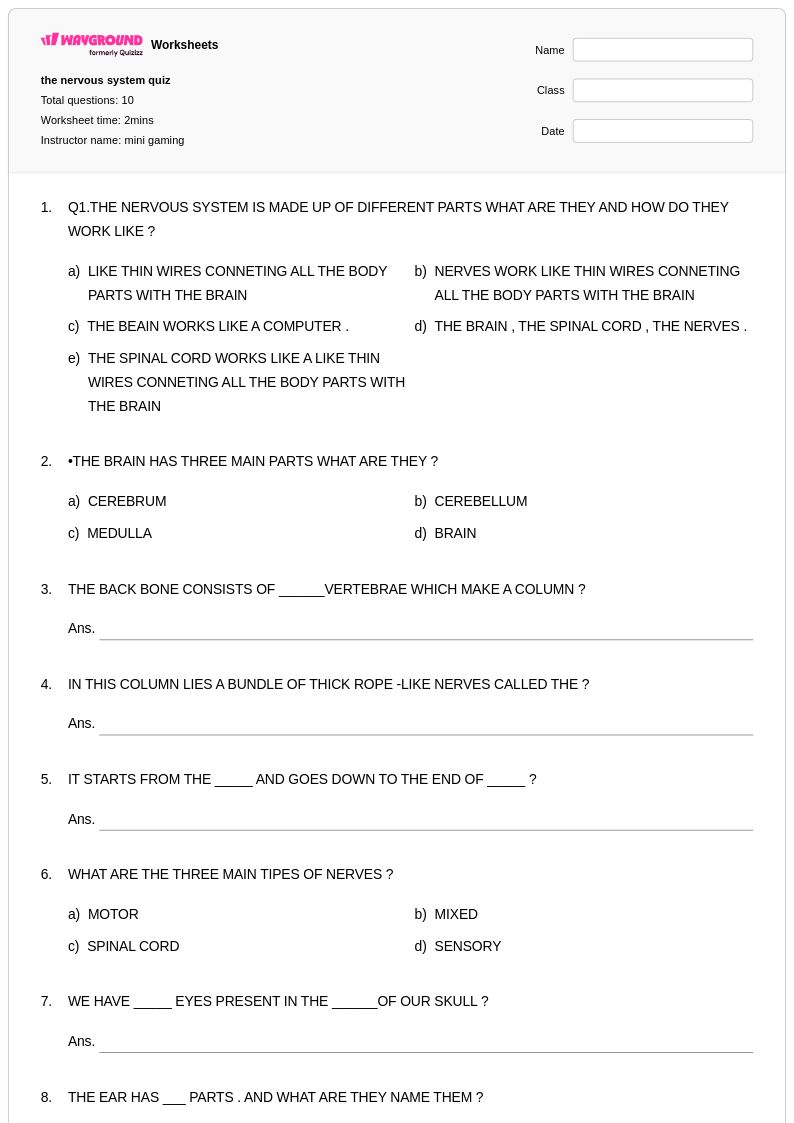
10 Q
5th - 6th
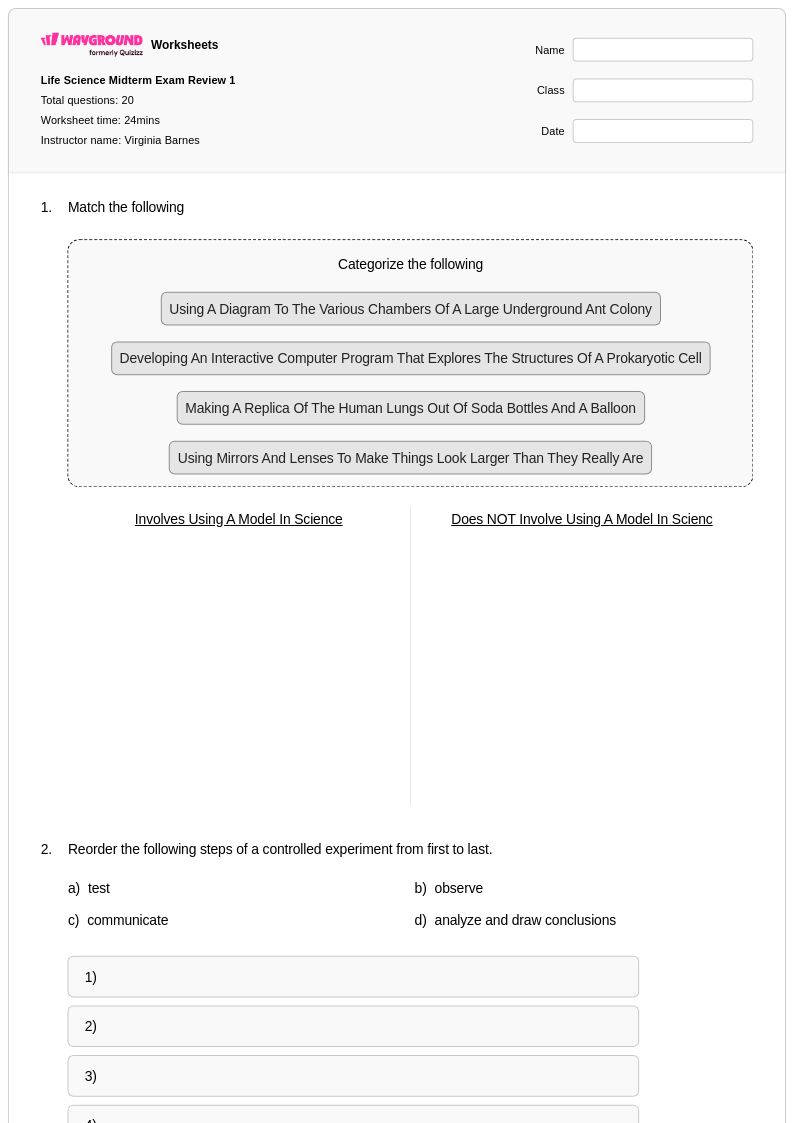
20 Q
7th
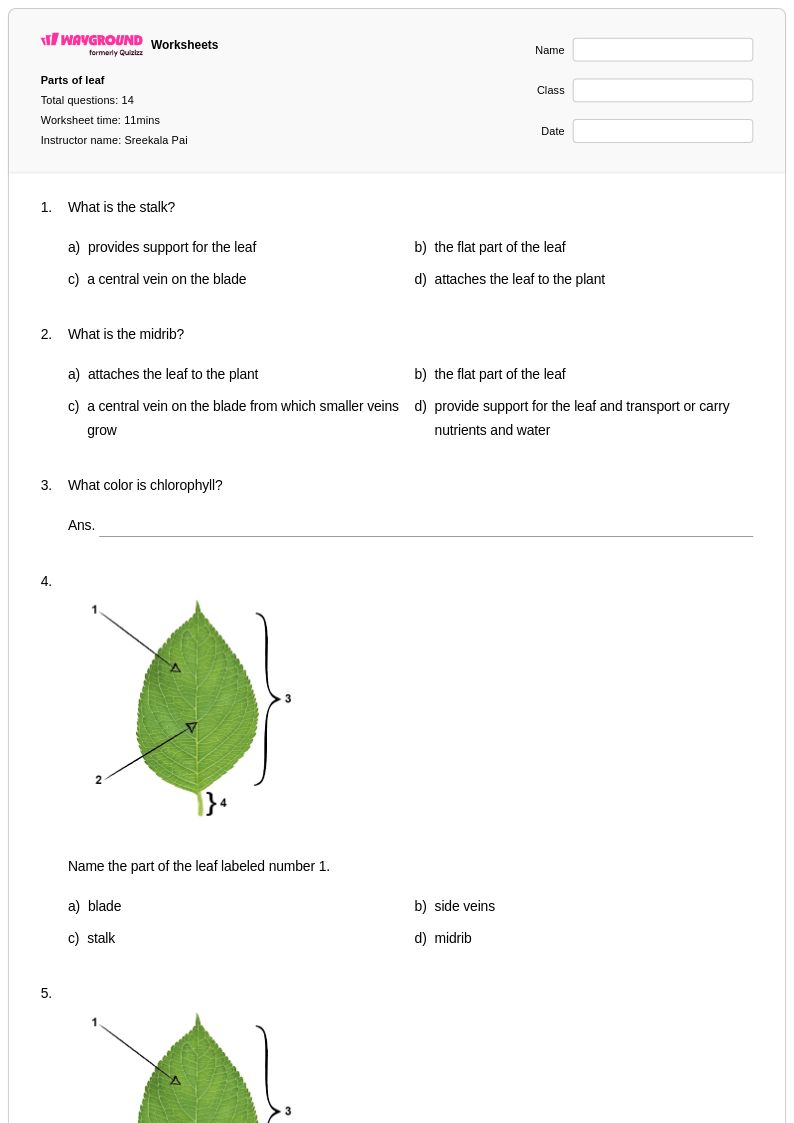
14 Q
4th
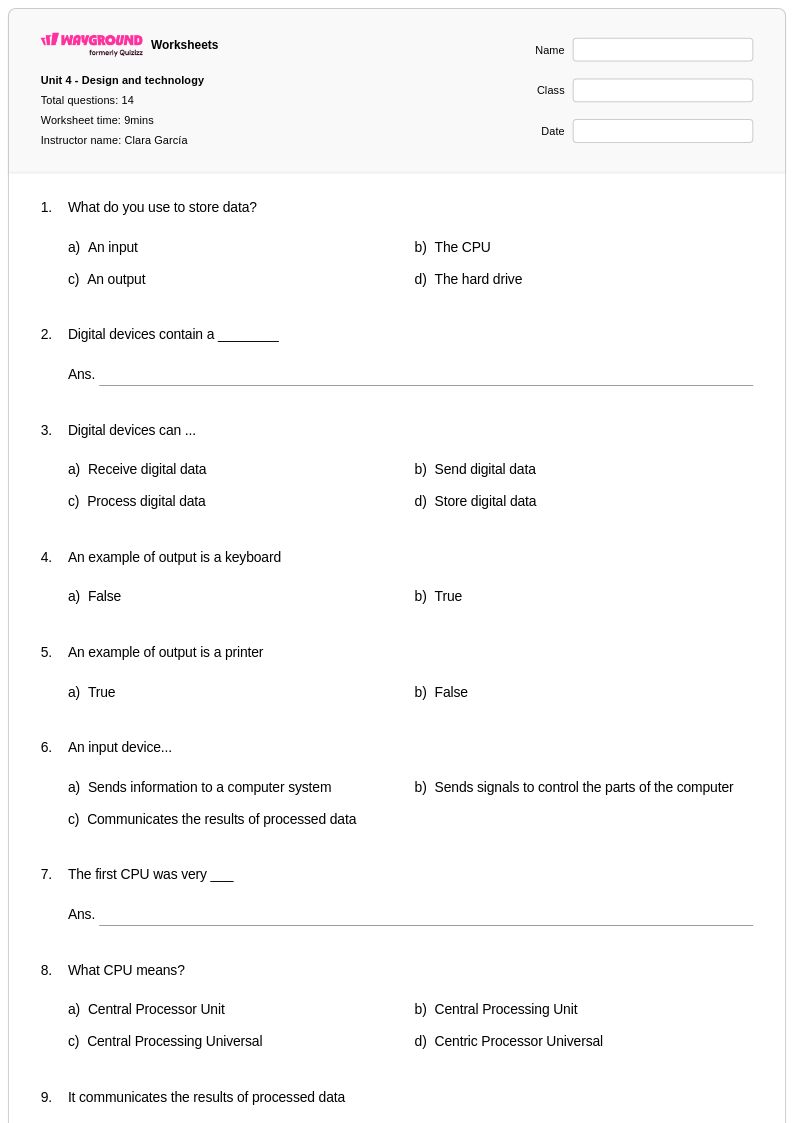
14 Q
5th
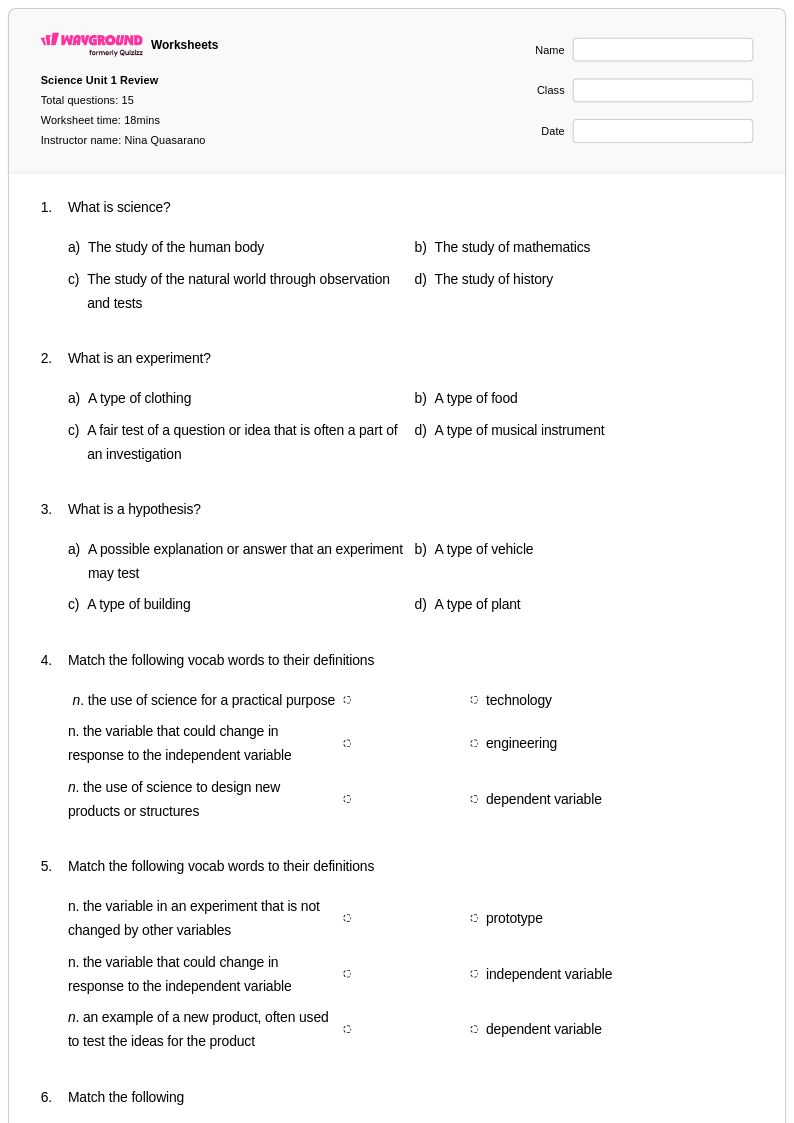
15 Q
5th
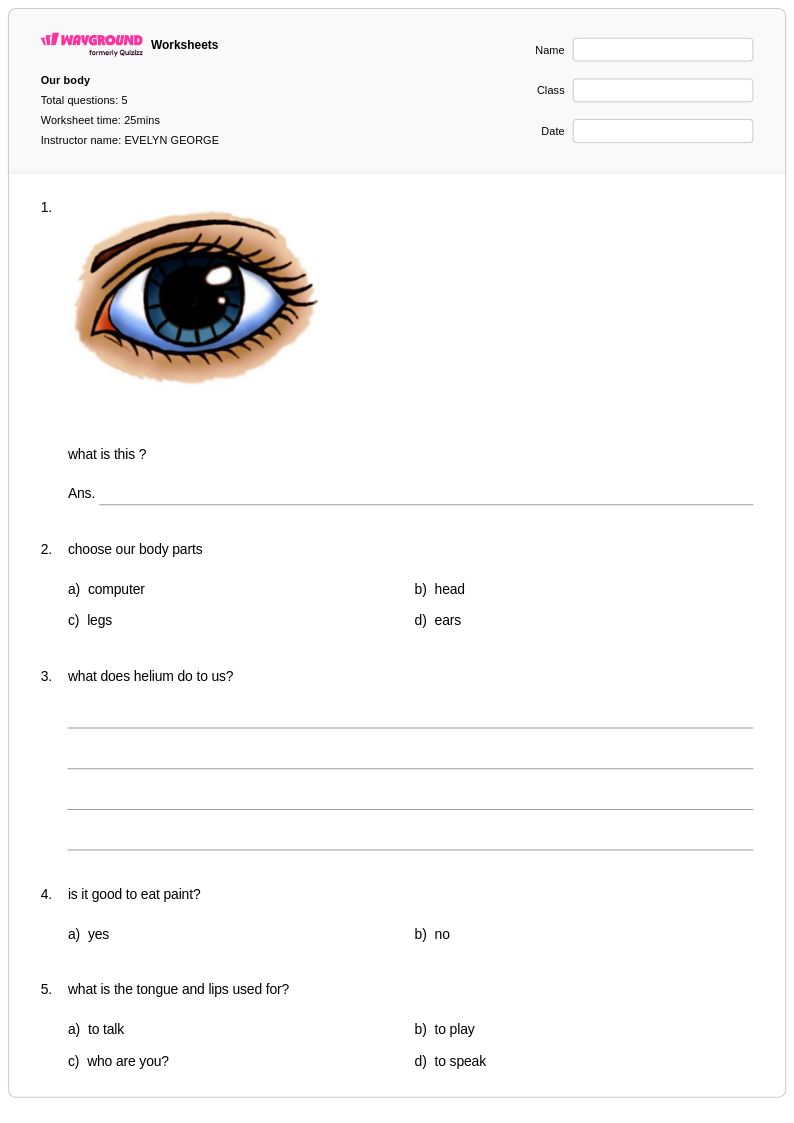
5 Q
2nd - 3rd
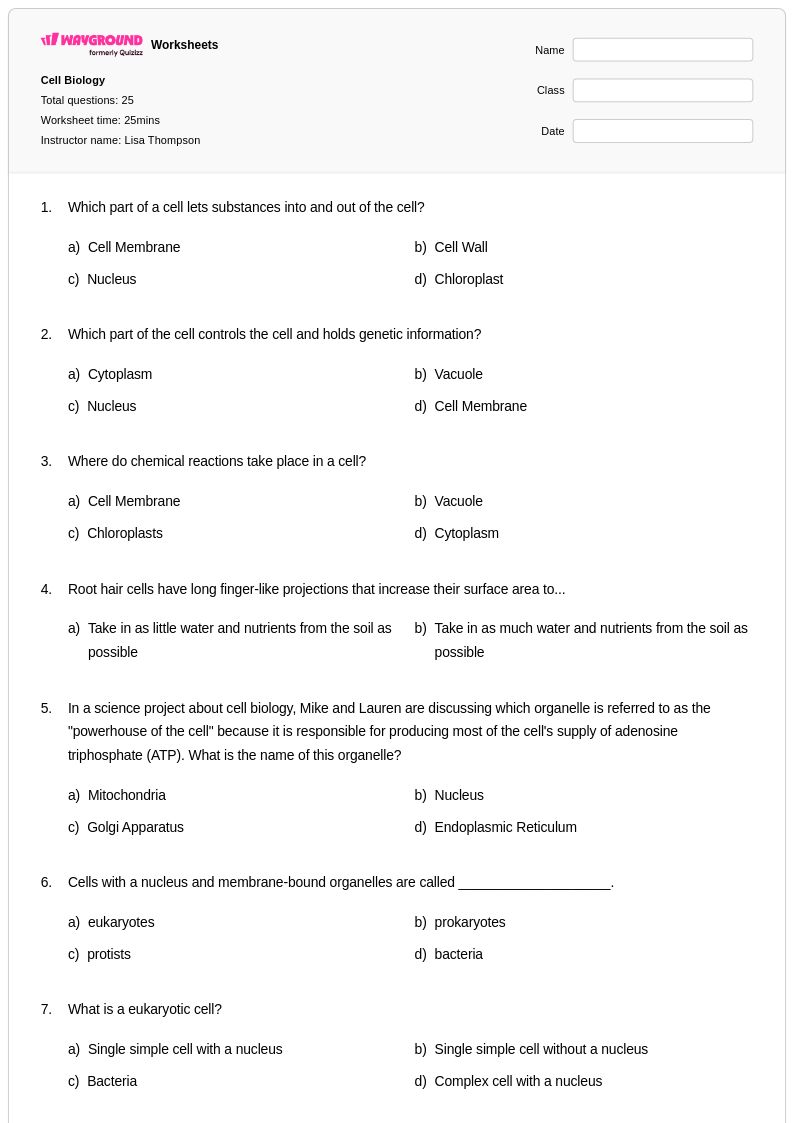
25 Q
7th - Uni
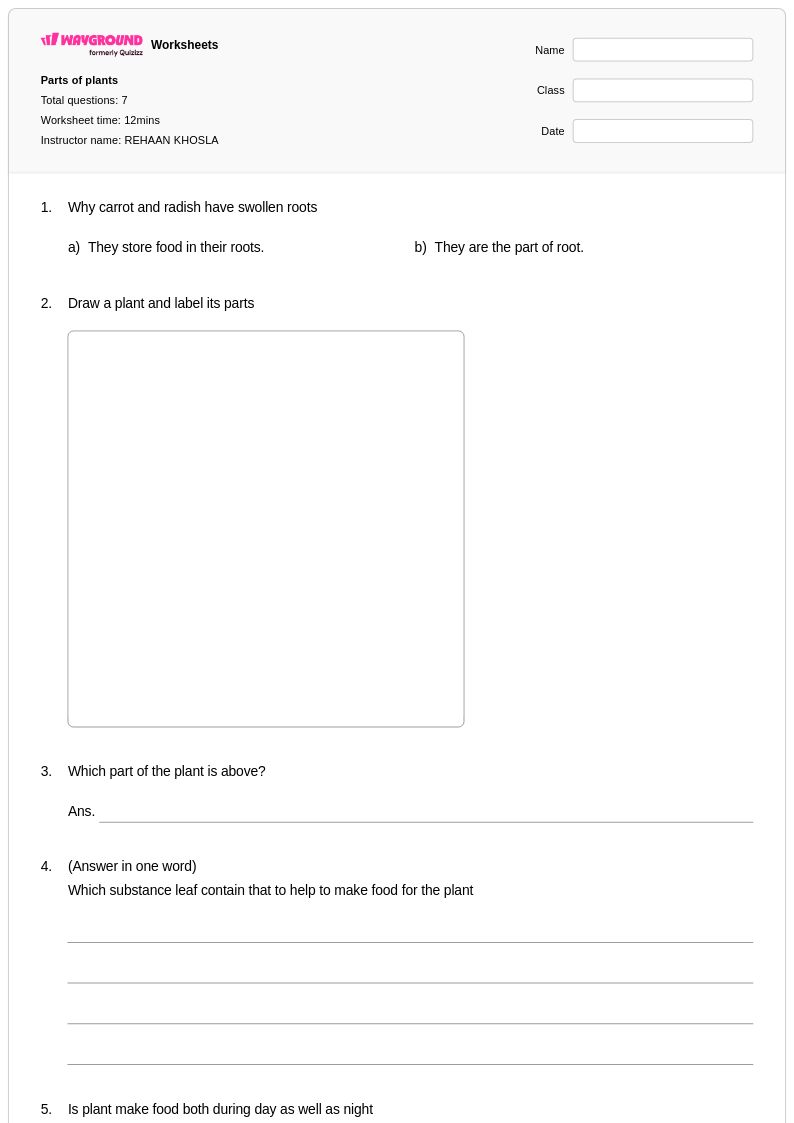
7 Q
3rd
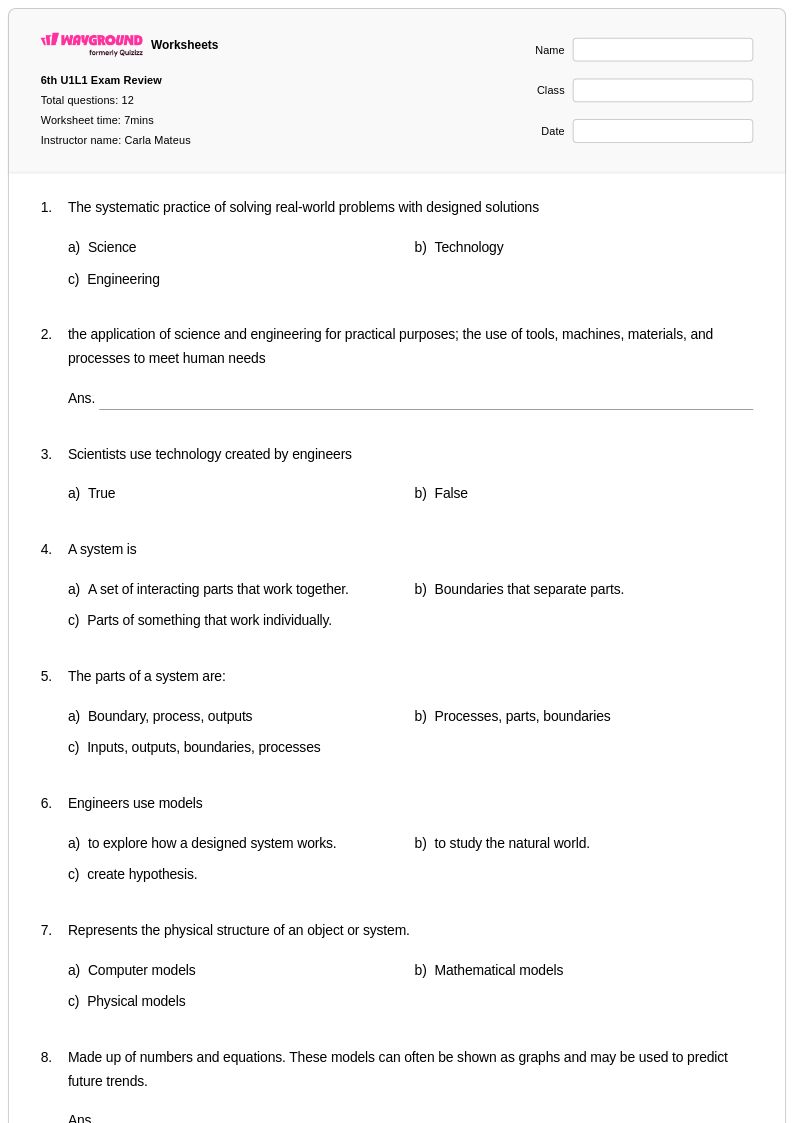
12 Q
6th
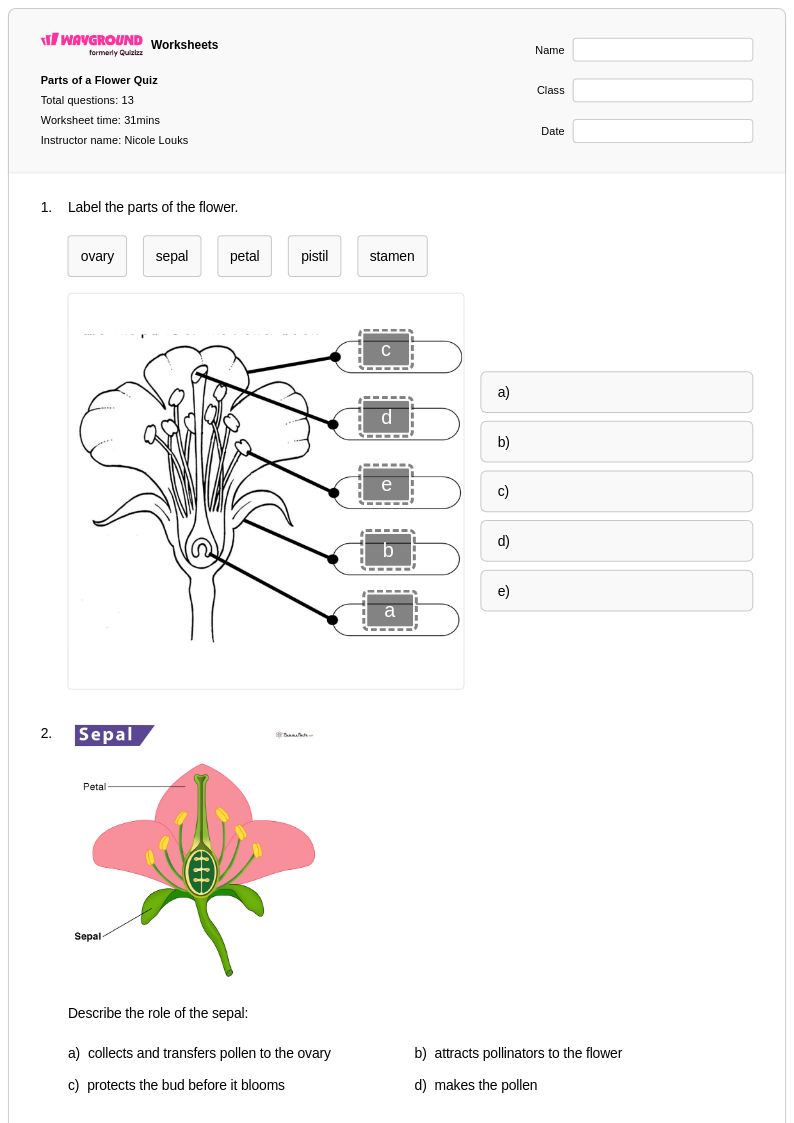
13 Q
3rd
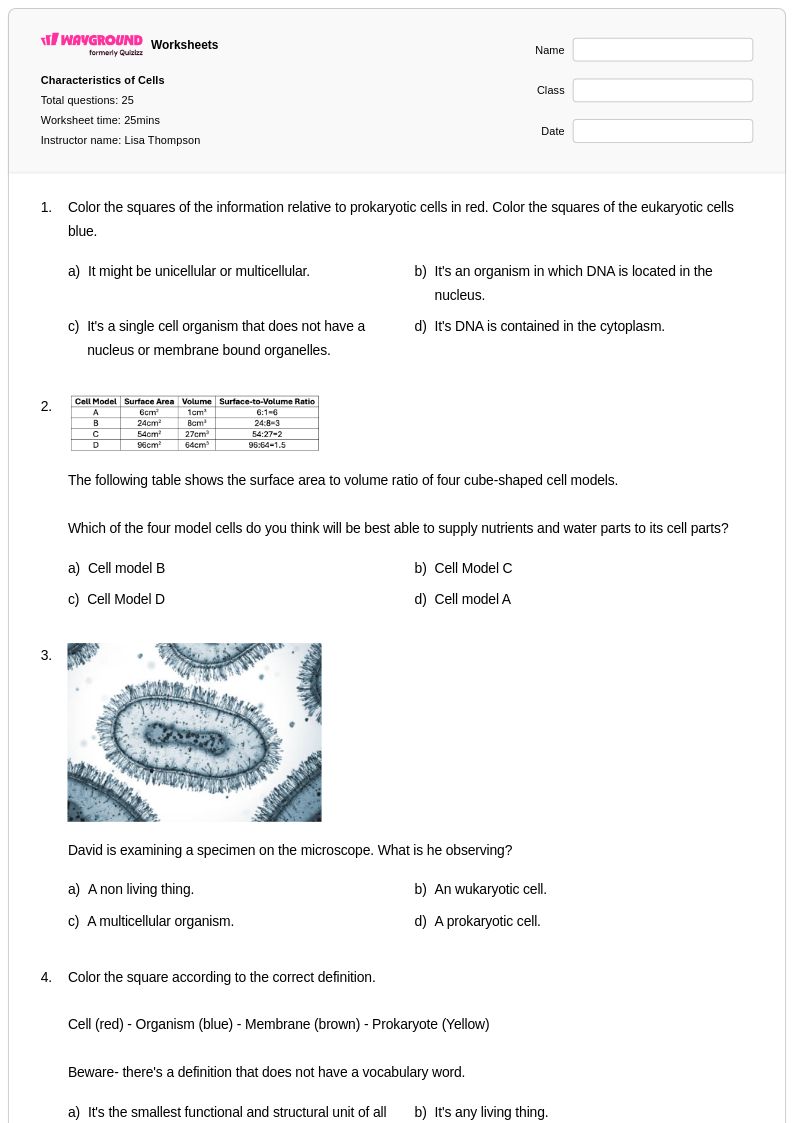
25 Q
7th - Uni
14 Q
5th
13 Q
1st
10 Q
1st
14 Q
6th
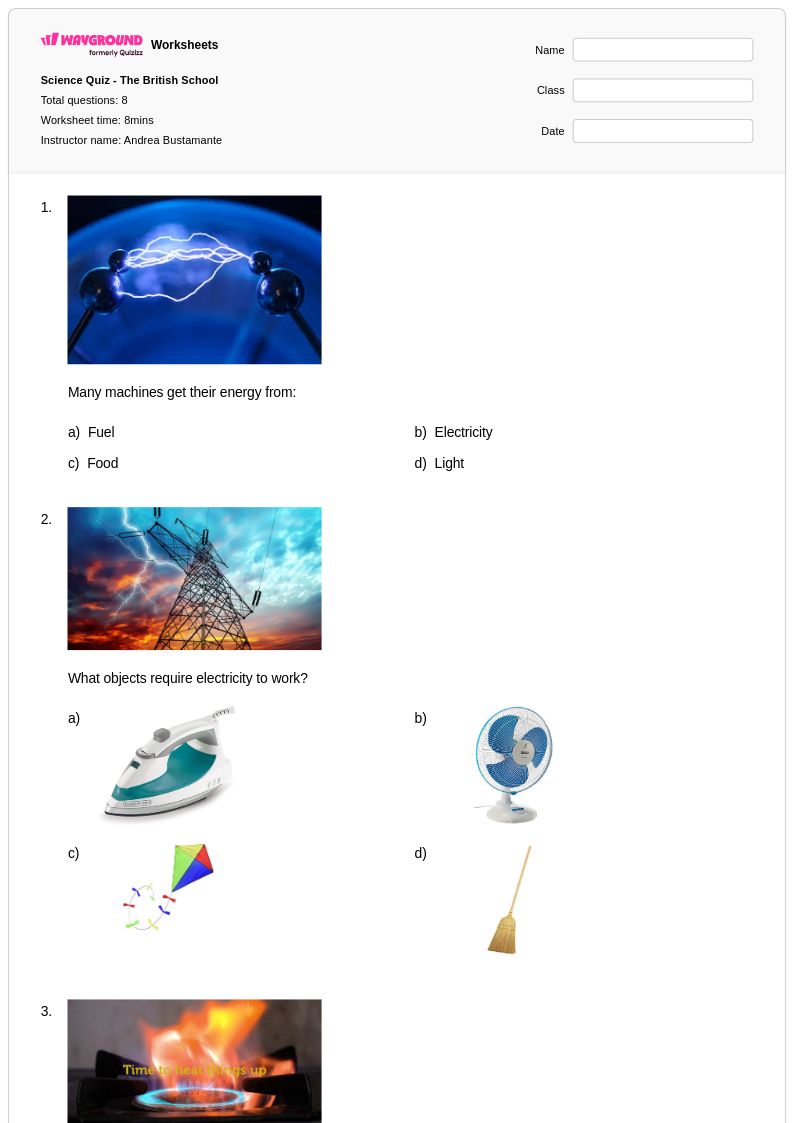
8 Q
2nd
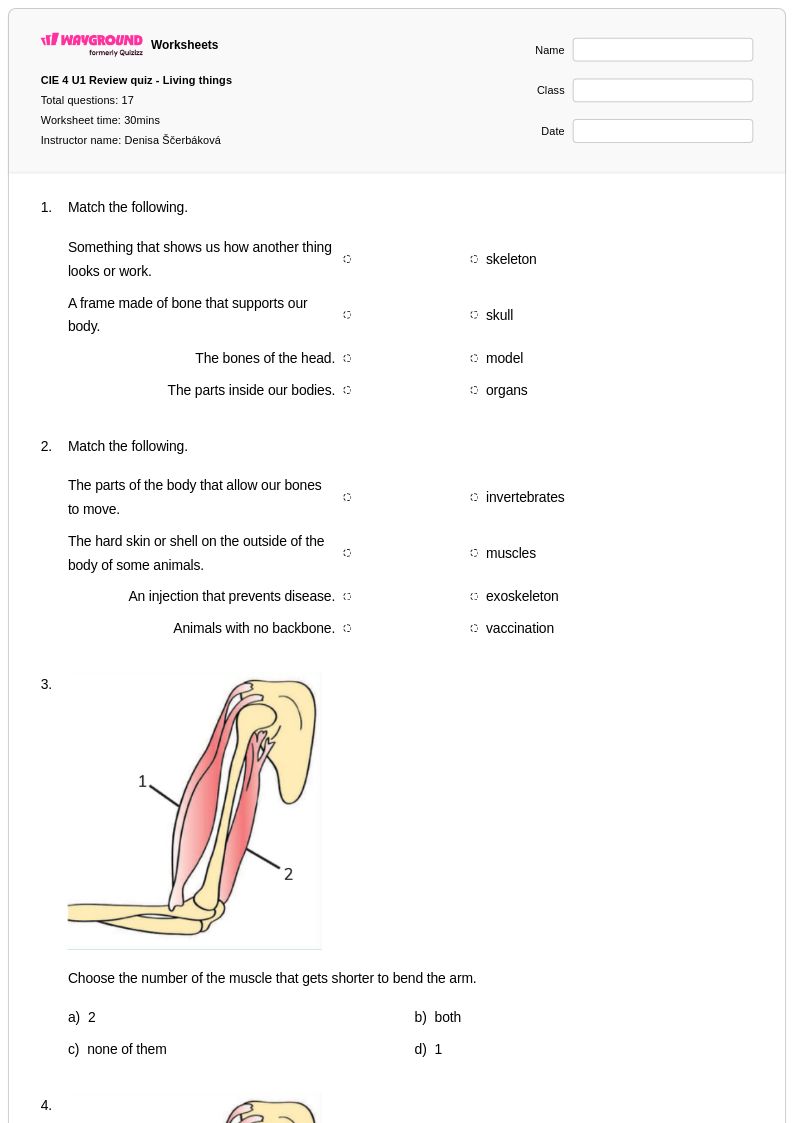
17 Q
4th
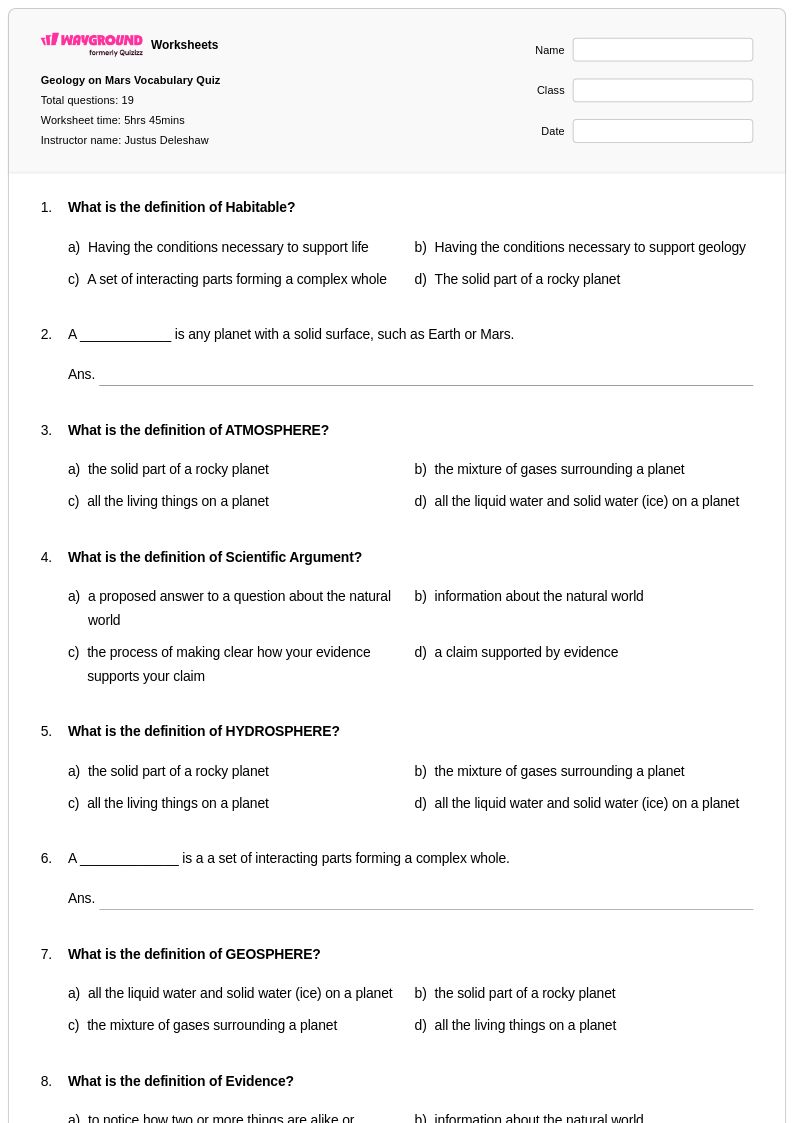
19 Q
6th
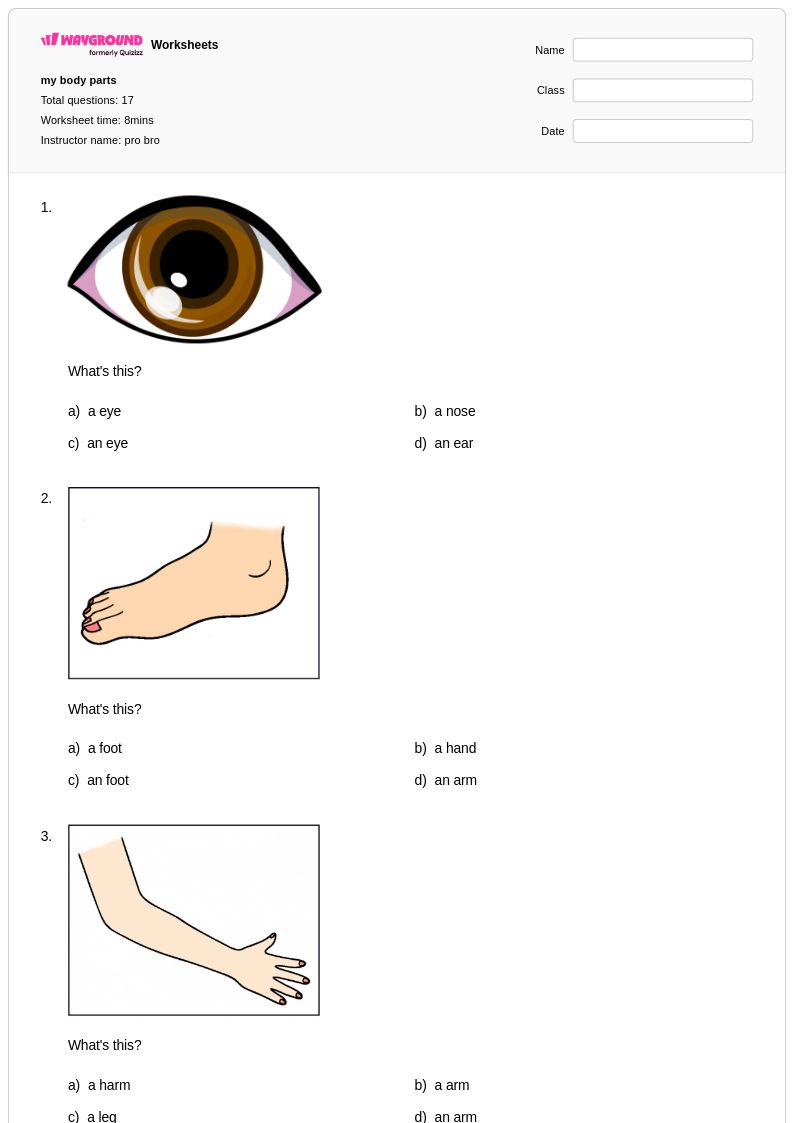
17 Q
1st
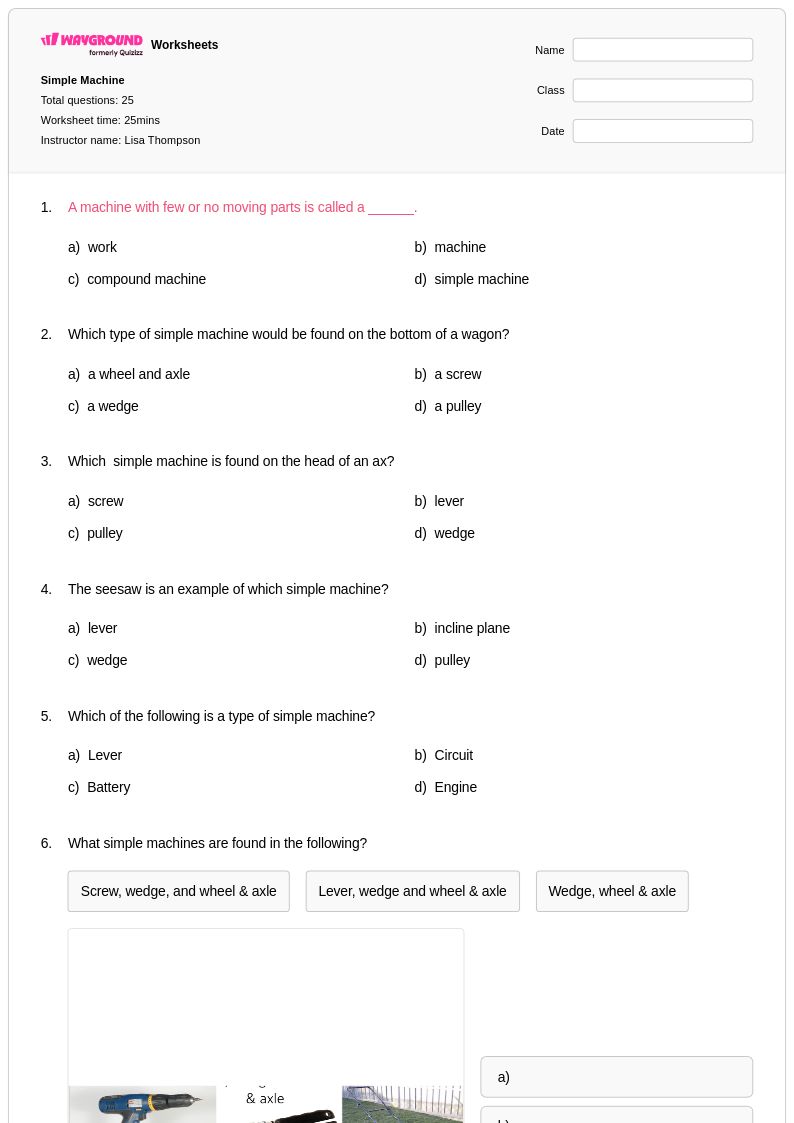
25 Q
3rd - Uni
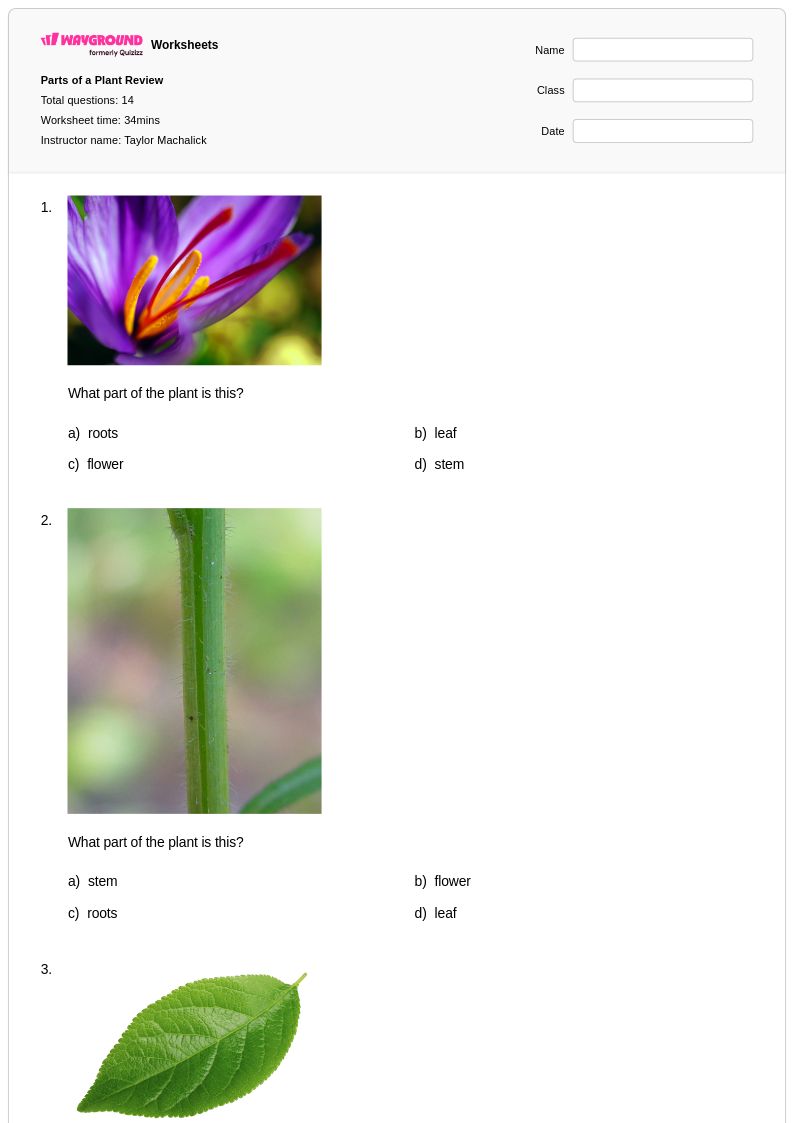
14 Q
3rd
17 Q
4th
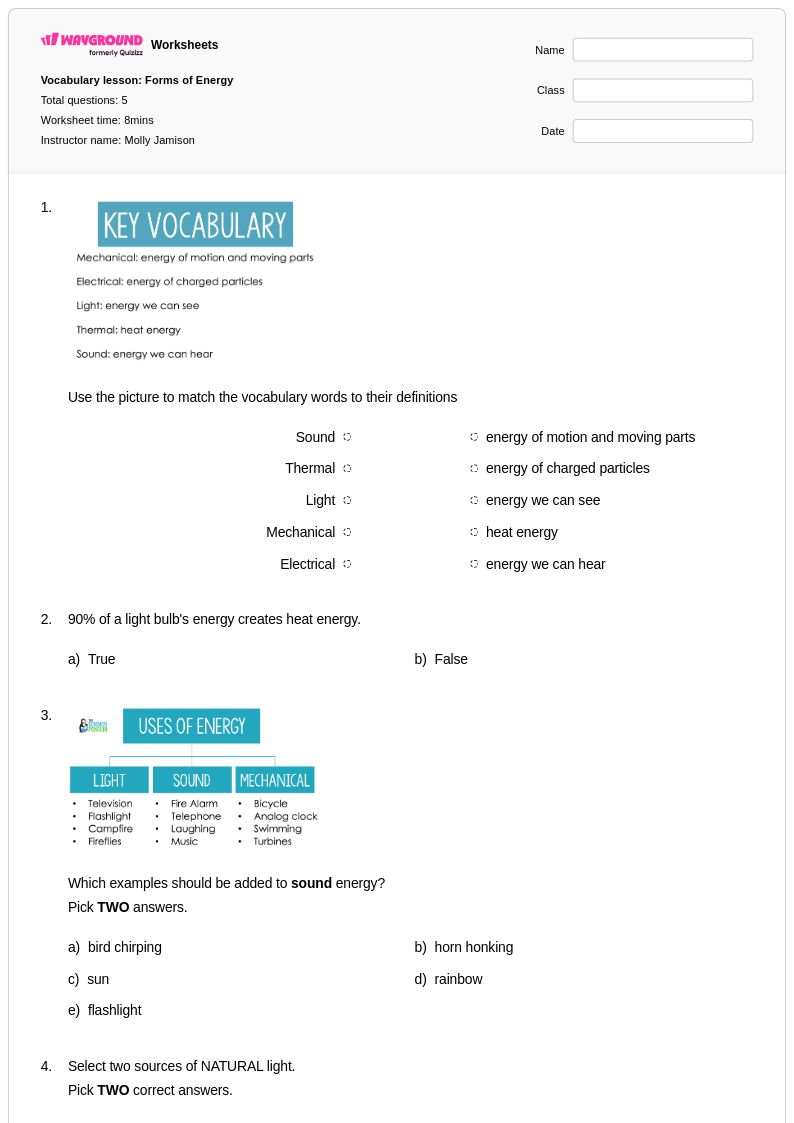
8 Q
4th
Explore Other Subject Worksheets for kindergarten
Explore printable Computer Parts worksheets for Kindergarten
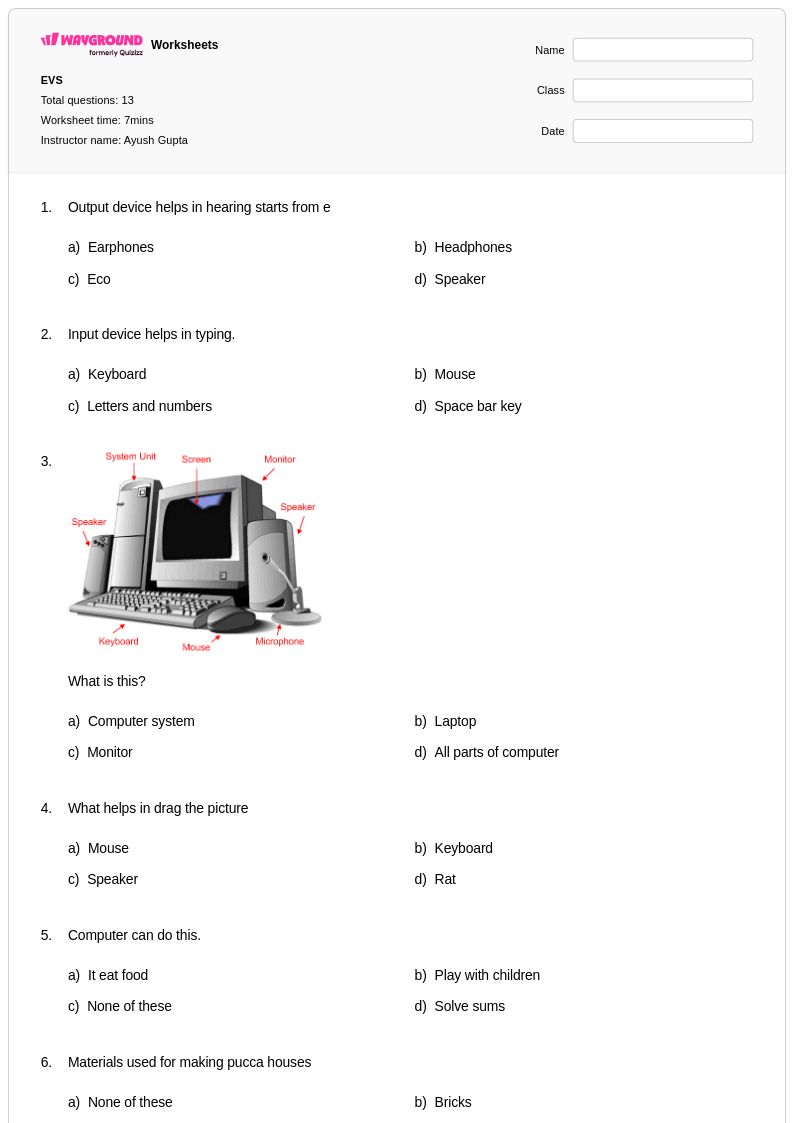
Computer parts worksheets for kindergarten students available through Wayground (formerly Quizizz) introduce young learners to the fundamental components that make up everyday technology devices. These carefully designed printable resources help kindergarteners identify and name basic computer parts such as the monitor, keyboard, mouse, and speakers through engaging visual activities and hands-on practice problems. The worksheets strengthen essential technology literacy skills by combining picture recognition exercises with simple labeling tasks that match developmental abilities of five and six-year-old students. Each free pdf worksheet includes an answer key to support independent learning and provides teachers with ready-to-use materials that build foundational understanding of how computers work and the purpose of each major component.
Wayground (formerly Quizizz) empowers educators with access to millions of teacher-created computer parts worksheets specifically tailored for kindergarten learners, featuring robust search and filtering capabilities that allow quick identification of age-appropriate content. The platform's comprehensive collection supports differentiated instruction through customizable materials that can be adapted for various skill levels, from basic part identification to more complex matching and sequencing activities. Teachers benefit from standards-aligned resources available in both printable and digital formats, including downloadable pdf versions that facilitate seamless lesson planning and classroom implementation. These versatile worksheets serve multiple educational purposes, supporting initial skill introduction, targeted remediation for students needing extra practice, and enrichment opportunities for advanced learners ready to explore more detailed aspects of computer technology.
FAQs
How do I teach computer parts to students who have never used a desktop before?
What exercises help students practice identifying computer hardware components?
What mistakes do students commonly make when learning about computer parts?
How can I differentiate computer parts instruction for students at different skill levels?
How do I use Wayground's computer parts worksheets in my classroom?