
12 Q
5th
12 Q
5th
10 Q
5th
15 Q
4th - 6th
25 Q
1st - 5th
15 Q
4th - 6th
60 Q
5th
17 Q
4th - Uni
15 Q
5th
10 Q
1st - 6th
20 Q
3rd - 5th
10 Q
4th - 5th
15 Q
1st - 5th
18 Q
4th - 5th
10 Q
4th - 8th
14 Q
5th
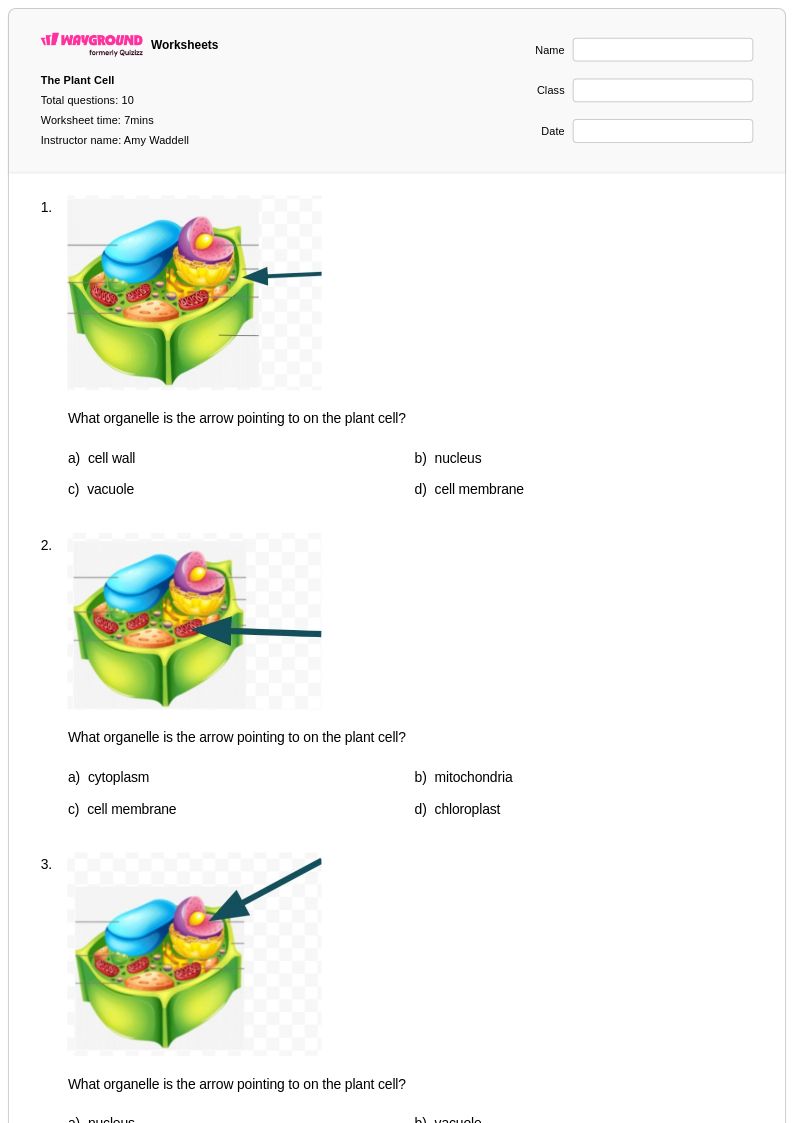
10 Q
5th
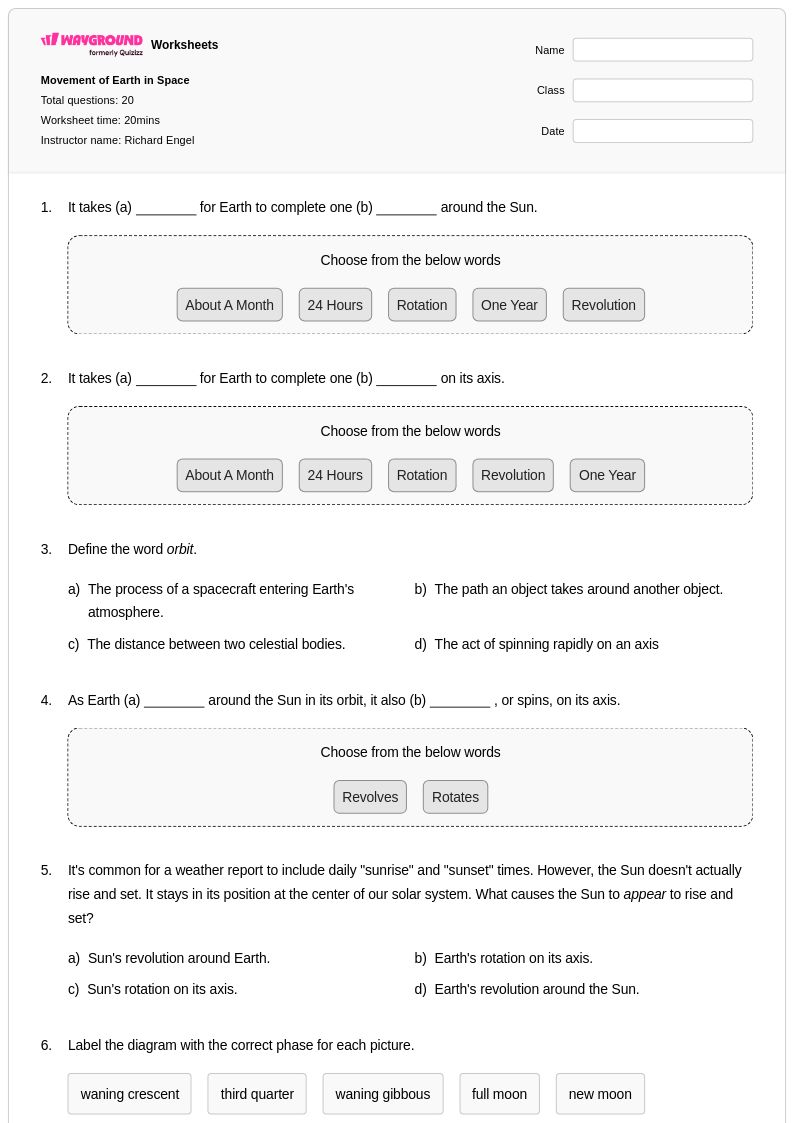
20 Q
5th
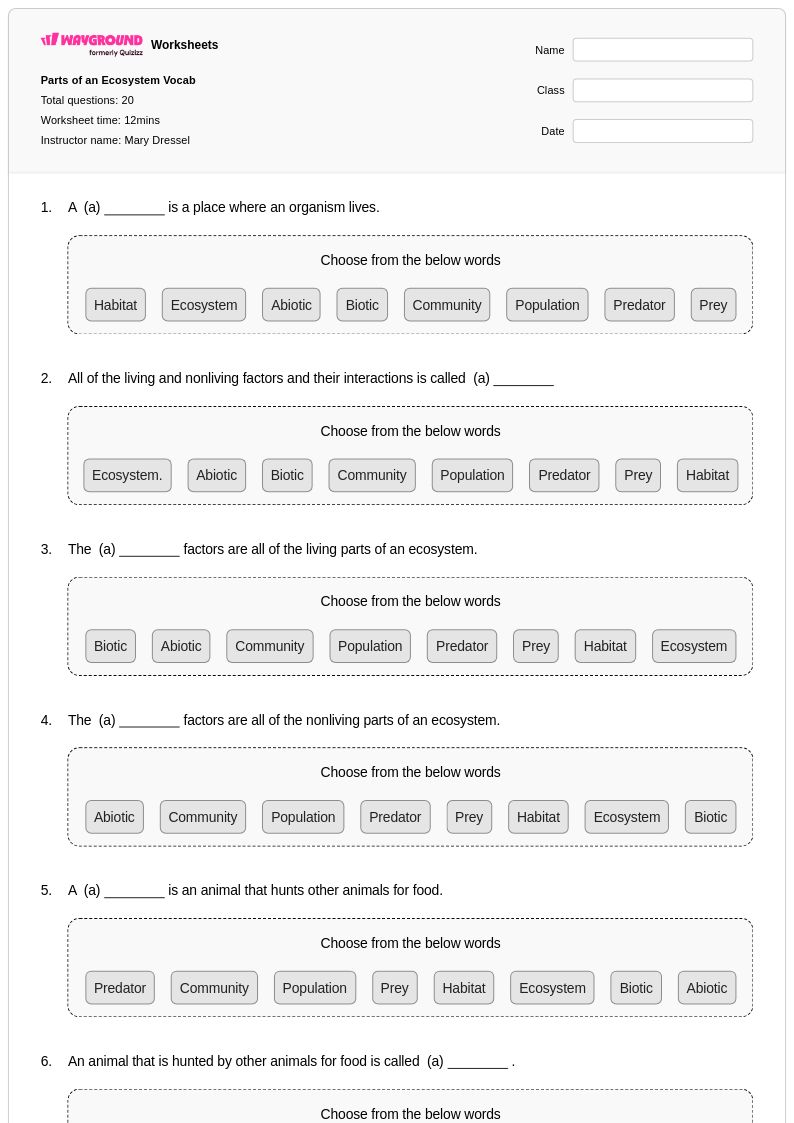
20 Q
5th
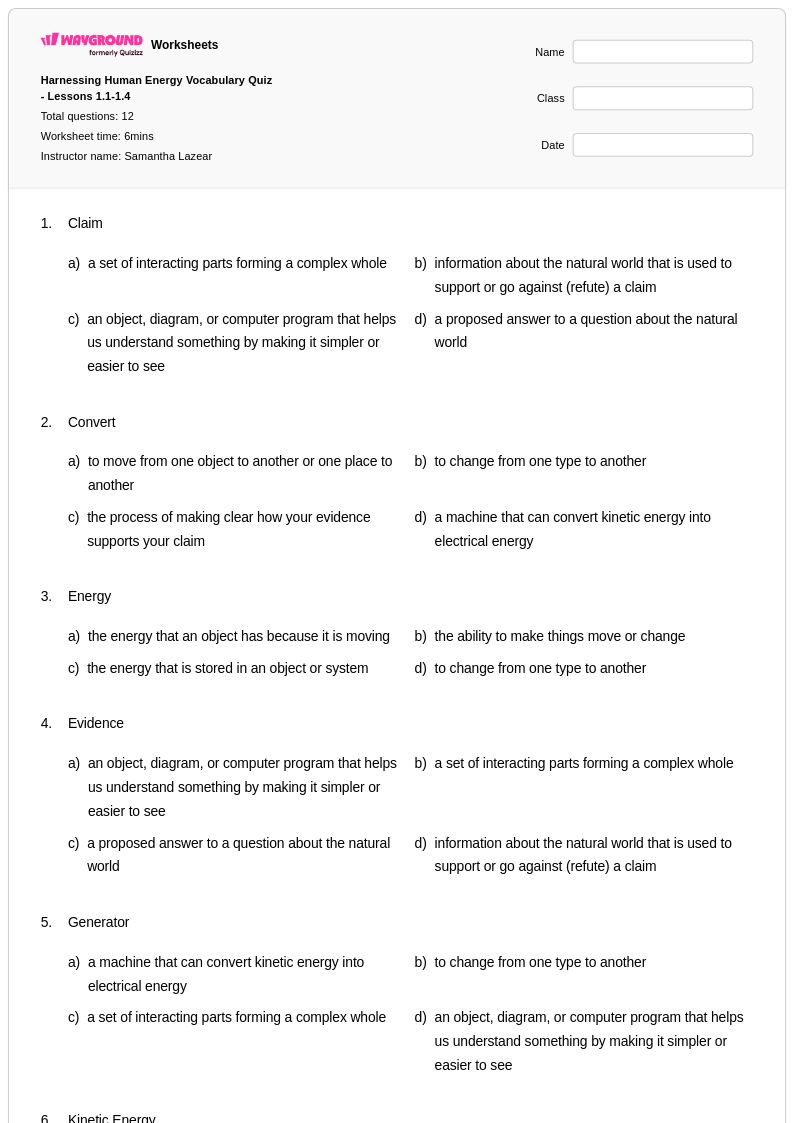
12 Q
5th - 8th
10 Q
5th
12 Q
5th
20 Q
5th
21 Q
5th
Explore Other Subject Worksheets for grade 5
Explore printable Computer Parts worksheets for Grade 5
Computer parts worksheets for Grade 5 students available through Wayground (formerly Quizizz) provide comprehensive coverage of fundamental computing hardware concepts that align with elementary technology curriculum standards. These educational resources help students identify, understand, and explain the functions of essential computer components including the central processing unit, memory, hard drives, monitors, keyboards, and input/output devices. The worksheets strengthen critical thinking skills as students learn to categorize different types of computer parts, match components with their specific functions, and understand how these parts work together to create a functioning computer system. Each worksheet includes detailed answer keys that support both independent learning and guided instruction, while the free printables offer flexible practice problems that can be used for homework assignments, classroom activities, or assessment preparation in convenient pdf format.
Wayground (formerly Quizizz) empowers educators with millions of teacher-created computer parts resources that streamline lesson planning and enhance Grade 5 technology instruction. The platform's robust search and filtering capabilities allow teachers to quickly locate worksheets that match specific learning objectives, whether focusing on basic hardware identification or more complex concepts about how computer components interact. Standards alignment features ensure that selected materials support district curriculum requirements, while built-in differentiation tools help teachers modify content complexity to meet diverse student needs. The flexible customization options enable educators to adapt existing worksheets or create entirely new materials, with resources available in both printable and digital formats including downloadable pdf versions. These comprehensive features support effective remediation for struggling learners, provide enrichment opportunities for advanced students, and offer consistent skill practice that builds technological literacy throughout the elementary years.
FAQs
How do I teach computer parts to students who have never used a desktop before?
What exercises help students practice identifying computer hardware components?
What mistakes do students commonly make when learning about computer parts?
How can I differentiate computer parts instruction for students at different skill levels?
How do I use Wayground's computer parts worksheets in my classroom?