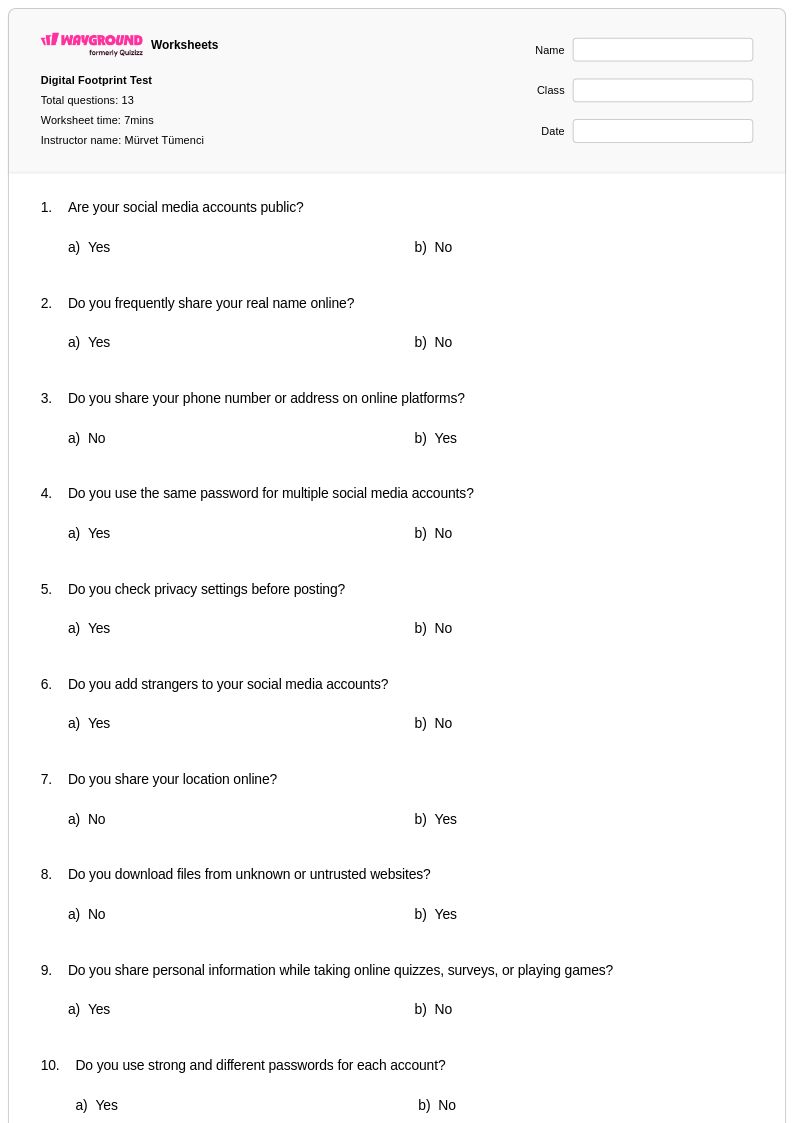
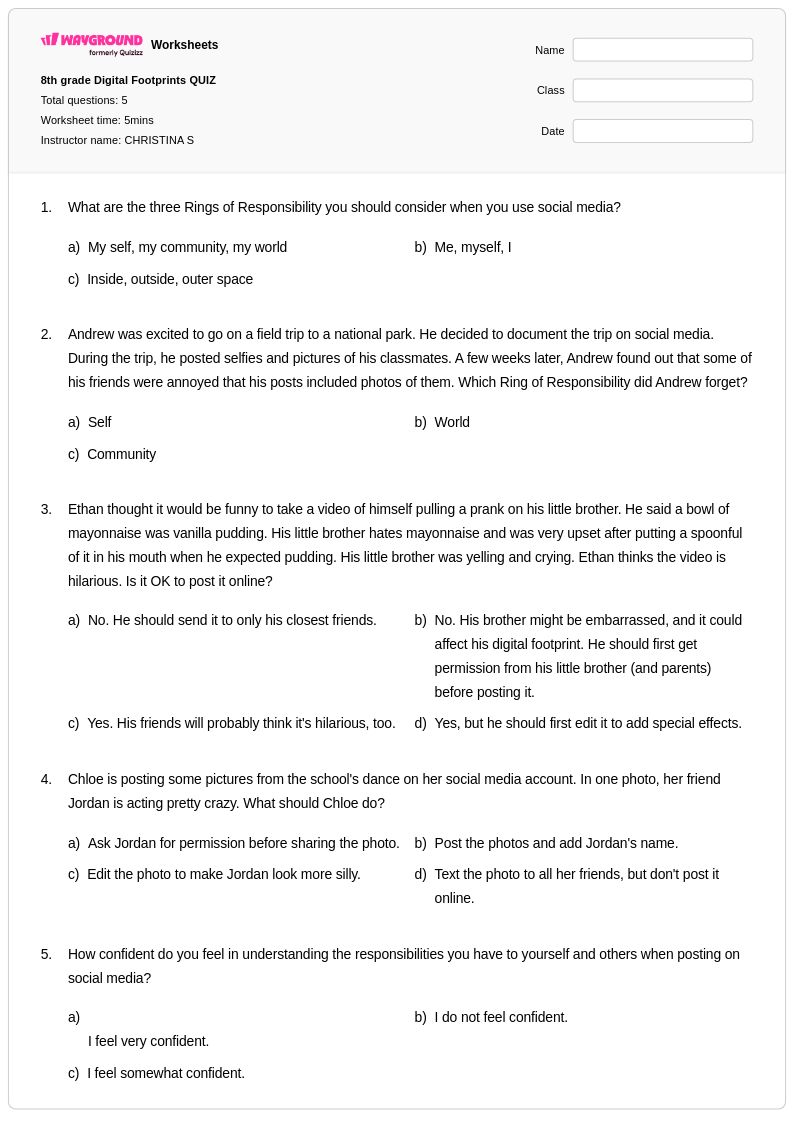
Free Printable Digital Footprint Worksheets for Grade 9
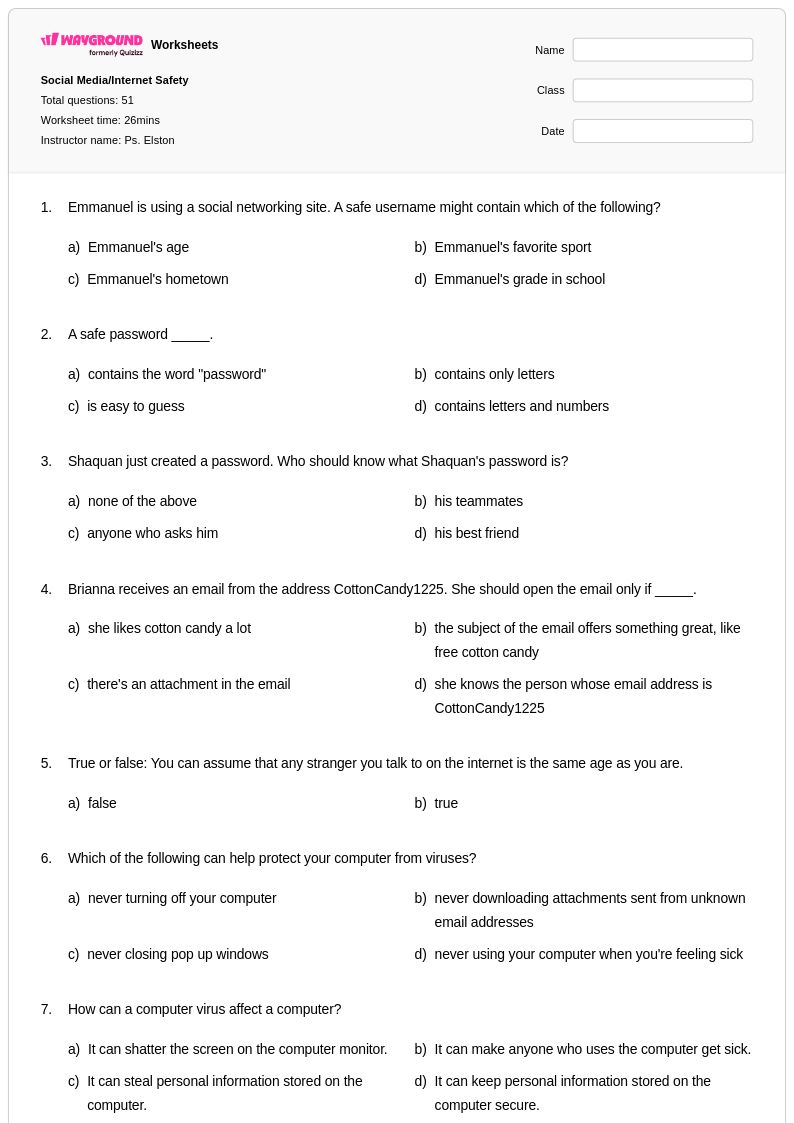
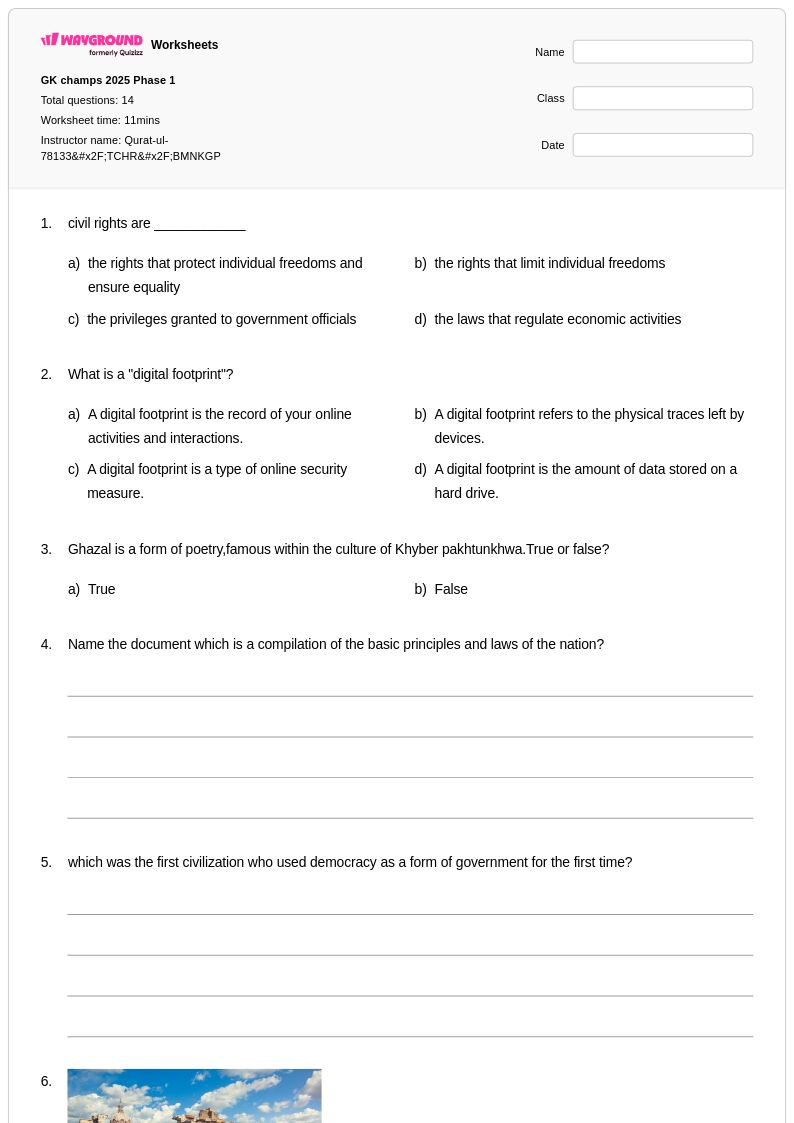
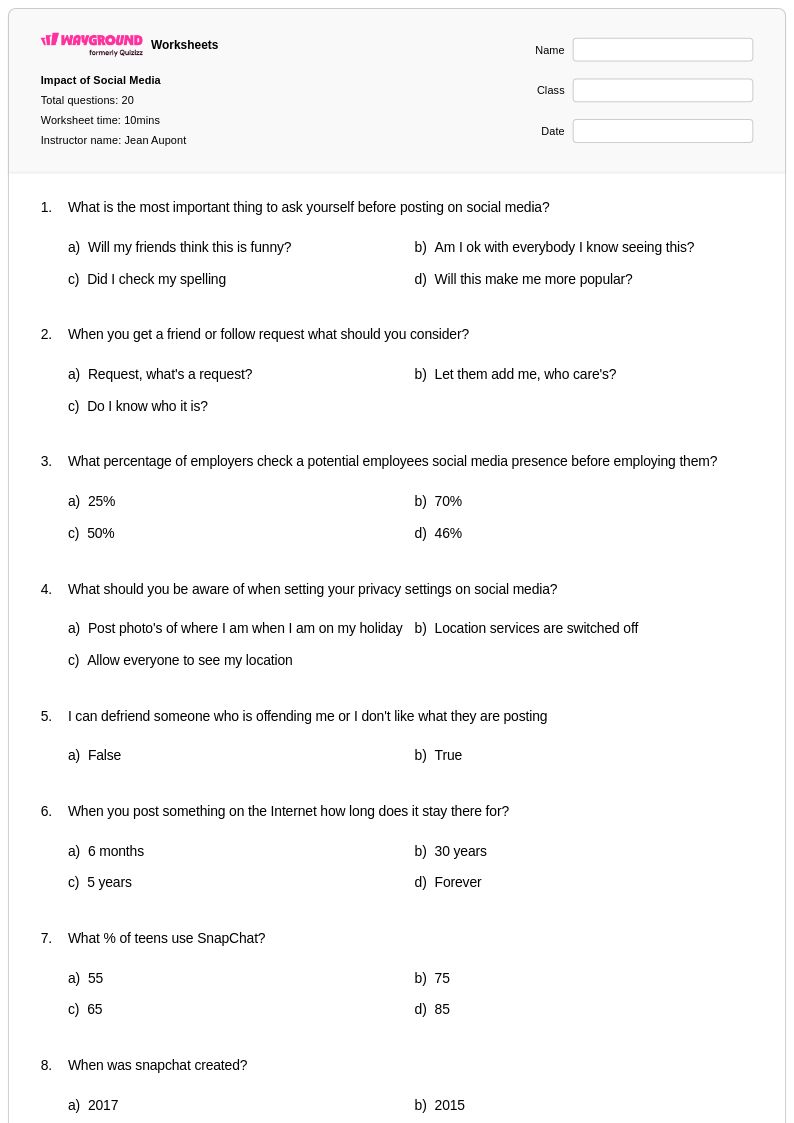
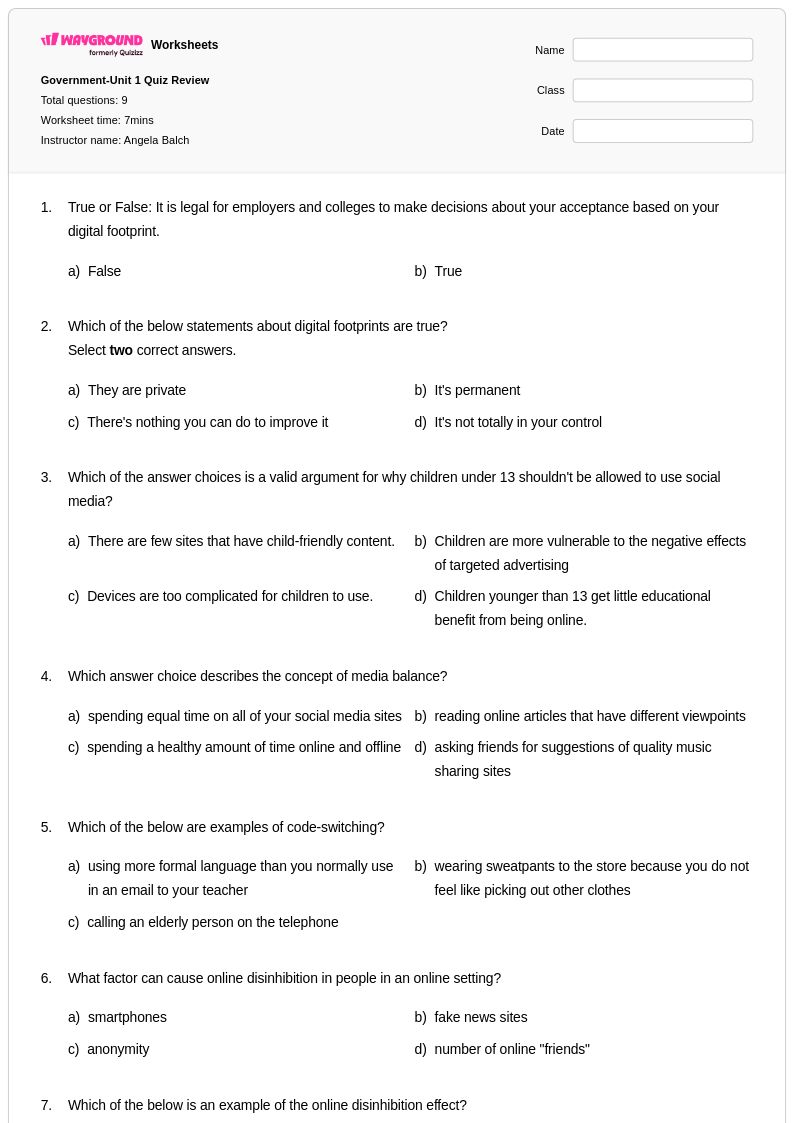
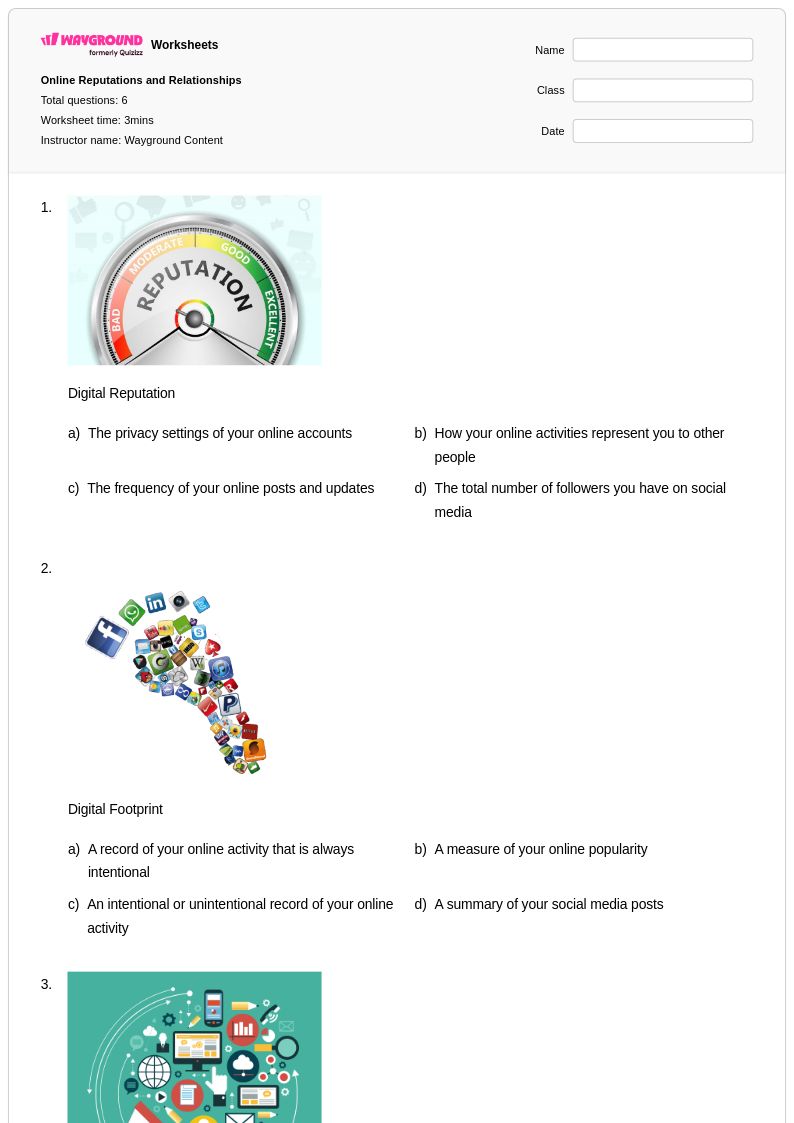
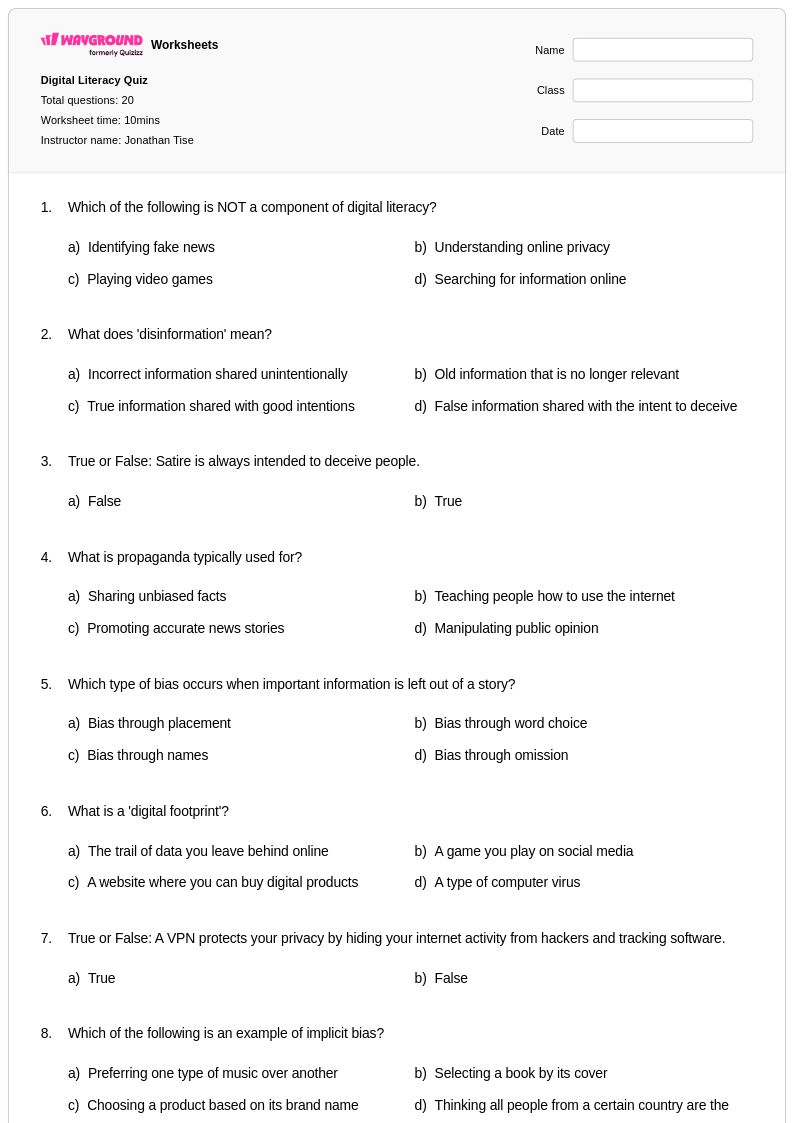
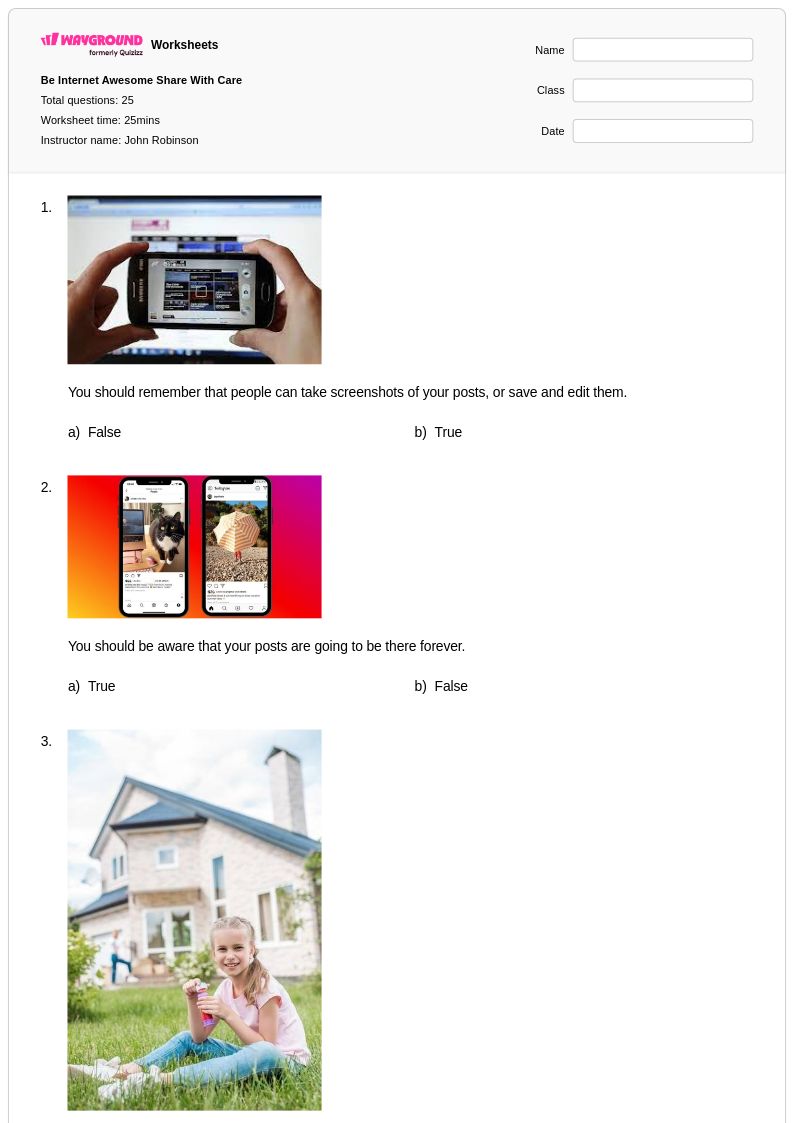
Grade 9 digital footprint worksheets from Wayground help students understand online presence and responsible internet use through engaging printables, practice problems, and comprehensive answer keys for effective social skills development.
Explore printable Digital Footprint worksheets for Grade 9
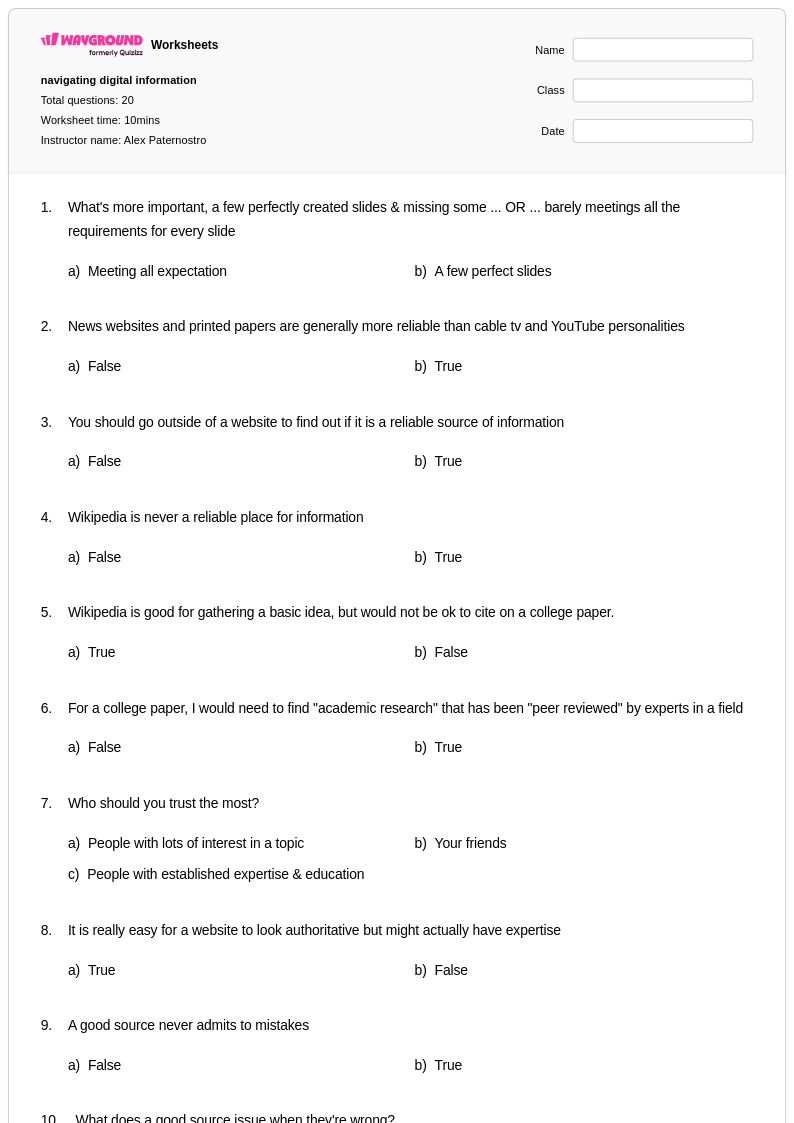
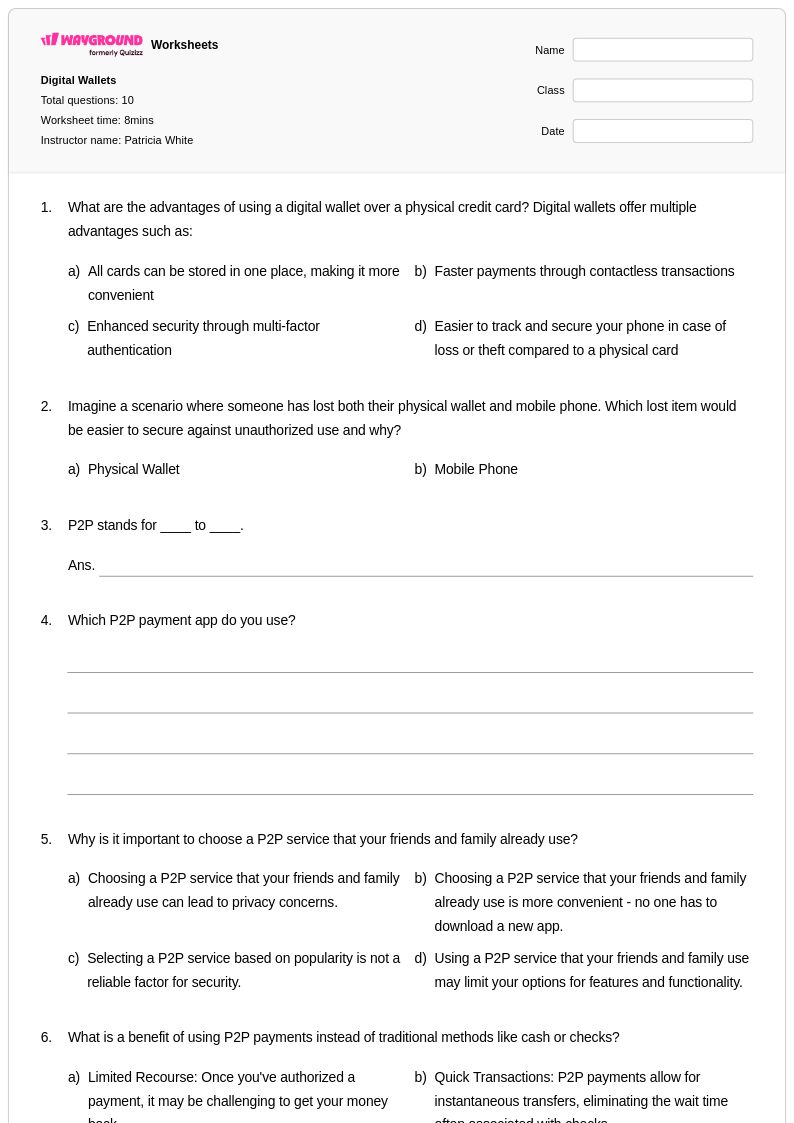
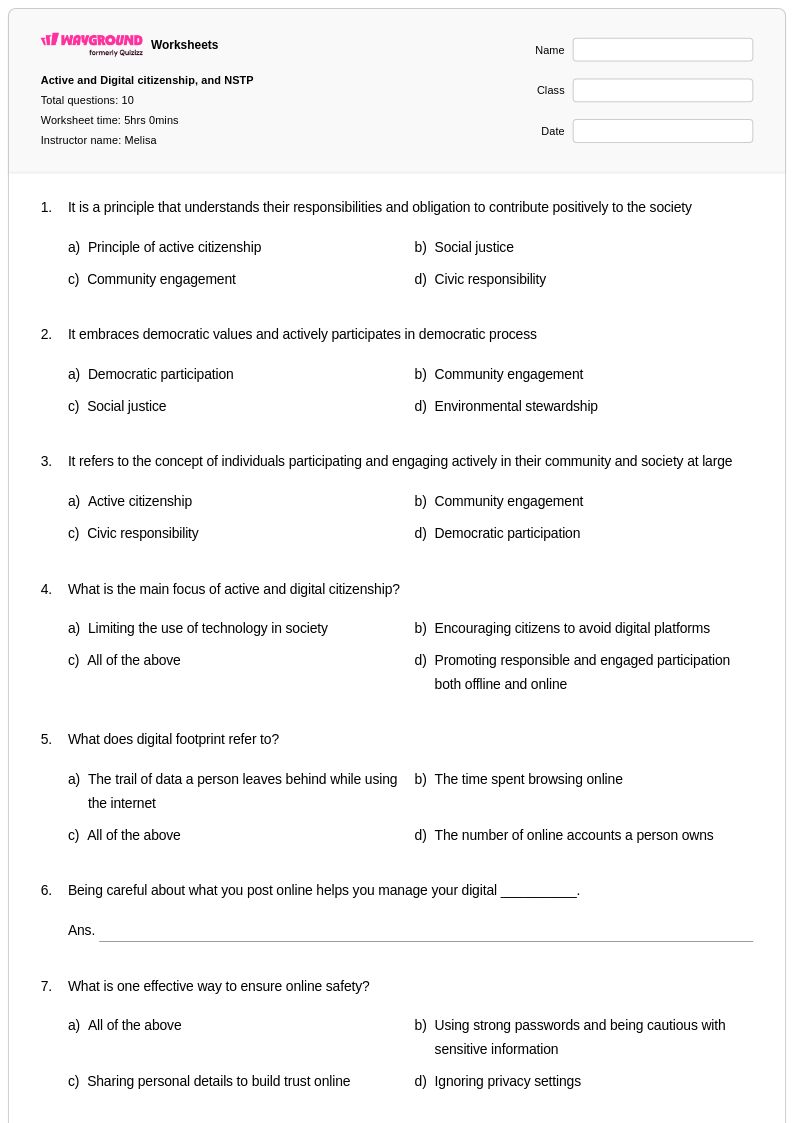
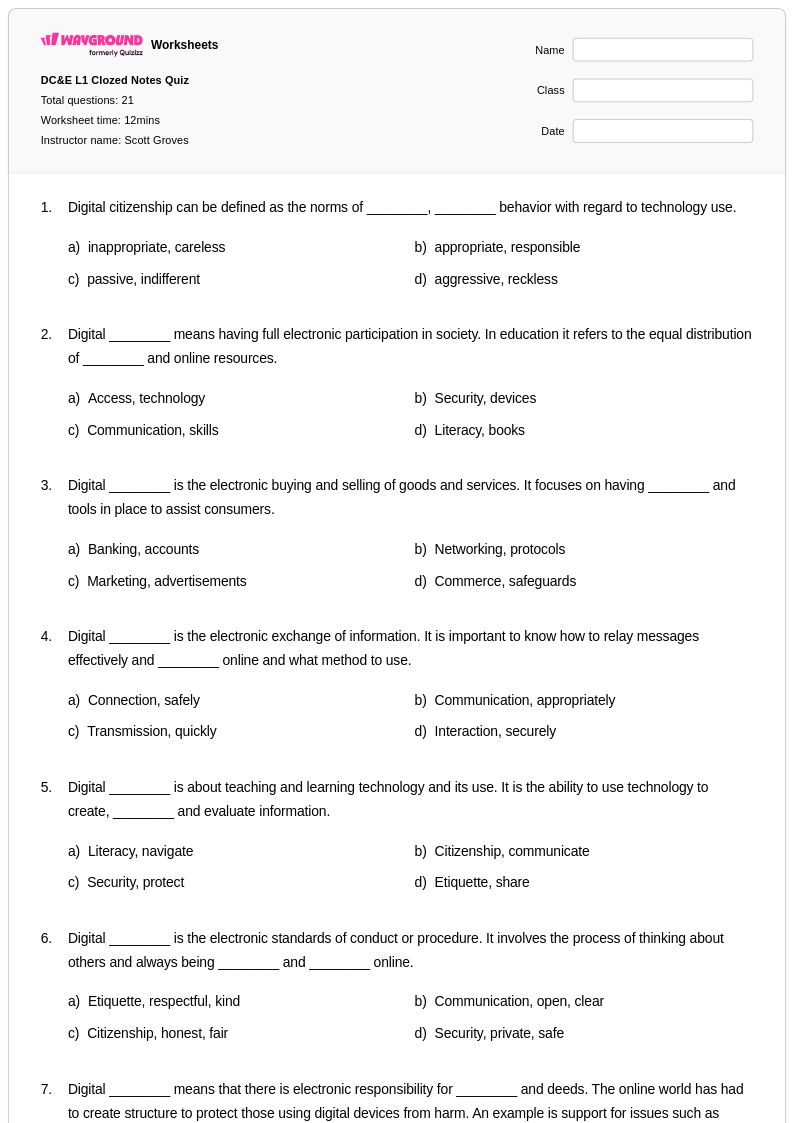
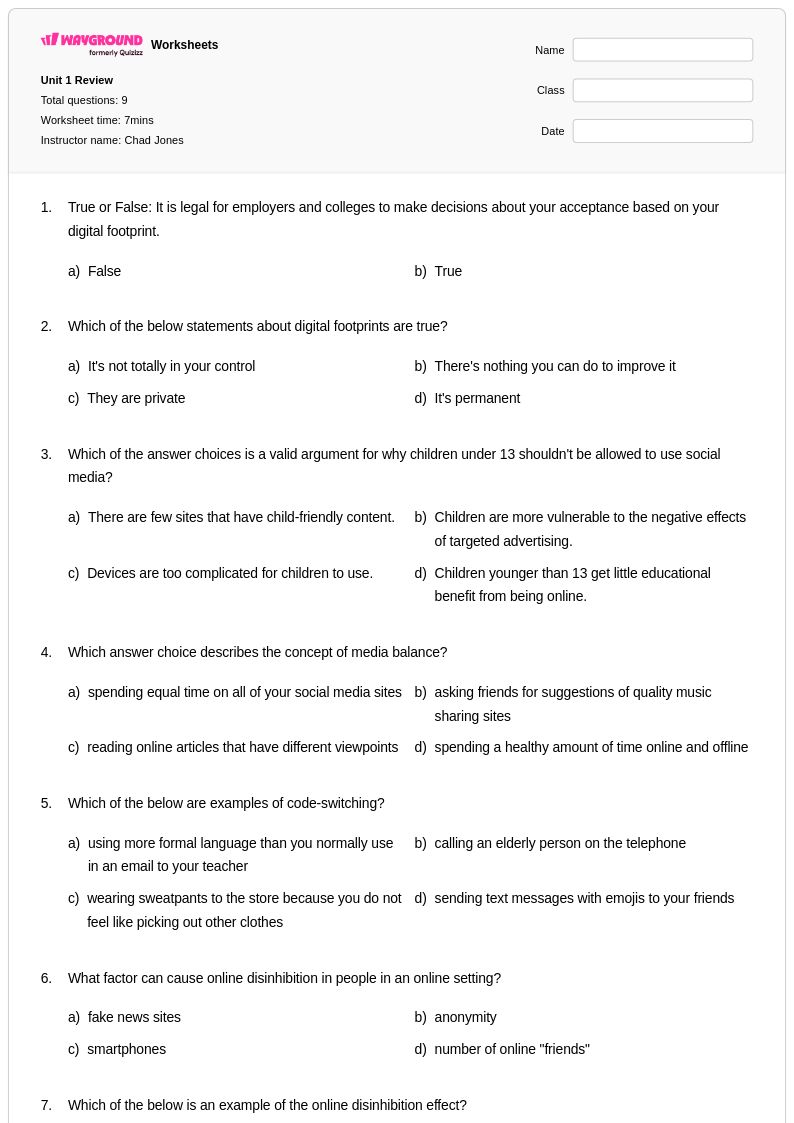
Digital footprint worksheets for Grade 9 students available through Wayground (formerly Quizizz) provide comprehensive practice opportunities for developing critical awareness of online presence and digital citizenship. These expertly crafted resources strengthen essential skills including evaluating the permanence of digital communications, analyzing privacy settings across social media platforms, and understanding how online behaviors can impact future academic and career opportunities. The worksheet collection includes detailed answer keys that help educators assess student comprehension of complex digital scenarios, while free printable pdf formats ensure accessibility for diverse classroom environments. Practice problems guide students through real-world situations involving digital reputation management, appropriate online communication, and the long-term consequences of sharing personal information in digital spaces.
Wayground (formerly Quizizz) empowers educators with millions of teacher-created digital footprint resources that streamline lesson planning and support differentiated instruction for Grade 9 social studies curricula. The platform's robust search and filtering capabilities enable teachers to quickly locate worksheets aligned with specific standards and learning objectives, while customization tools allow for seamless adaptation to meet individual student needs and varying skill levels. These versatile resources are available in both printable and digital formats, including downloadable pdf versions, making them ideal for in-class activities, homework assignments, remediation sessions, and enrichment opportunities. The extensive collection supports comprehensive skill practice by offering varied scenarios and case studies that help students develop nuanced understanding of digital citizenship principles and make informed decisions about their online presence.
FAQs
How do I teach digital footprint to students?
Teaching digital footprint effectively starts with helping students understand that every action they take online, from posting photos to commenting on videos, creates a permanent, traceable record. Use real-world scenarios to show how personal information spreads across platforms and how past posts can resurface years later. Connecting the concept to students' existing social media habits makes the lesson immediately relevant and more likely to change behavior.
What exercises help students practice digital footprint concepts?
Practice exercises that simulate real-world decisions work best for digital footprint, such as reviewing fictional social media profiles and identifying what information could be harmful or permanent. Scenario-based problems that ask students to evaluate whether a post, message, or photo should be shared help build critical thinking around personal data protection. These exercises also reinforce digital literacy skills by prompting students to consider audience, context, and long-term consequences.
What misconceptions do students commonly have about their digital footprint?
A common misconception is that deleting a post removes it permanently, when in reality screenshots, cached pages, and platform data retention mean the content often persists. Students also tend to underestimate how much personal information is passively collected through browsing habits, app permissions, and location data, even without active posting. Addressing these misconceptions directly in instruction helps students develop more accurate mental models of how online systems work.
How can I use digital footprint worksheets to support digital citizenship education?
Digital footprint worksheets on Wayground are available as printable PDFs for traditional classroom use and in digital formats for technology-integrated learning environments, including the option to host them as a quiz directly on Wayground. This flexibility allows teachers to assign the material as independent practice, homework, or a structured class activity depending on their setup. The worksheets can also be used as entry points for broader digital citizenship discussions around privacy, identity, and responsible online behavior.
How do I differentiate digital footprint instruction for students at different skill levels?
For students who are newer to the concept, simplified scenarios with fewer variables help build foundational understanding before introducing more complex ideas like data aggregation or platform algorithms. Advanced learners can engage with enrichment tasks that ask them to analyze privacy policies or evaluate the long-term professional implications of an online presence. On Wayground, teachers can apply accommodations such as reduced answer choices or read-aloud support to individual students, ensuring all learners can access the material without disrupting the rest of the class.
At what grade level should digital footprint be taught?
Digital footprint concepts are most commonly introduced in upper elementary and middle school, where students are beginning to engage independently with social media and online communication. However, foundational awareness of online safety and personal information can be introduced as early as third or fourth grade. The topic is also revisited in high school within broader digital citizenship, media literacy, and social studies curricula as students encounter more complex online environments.