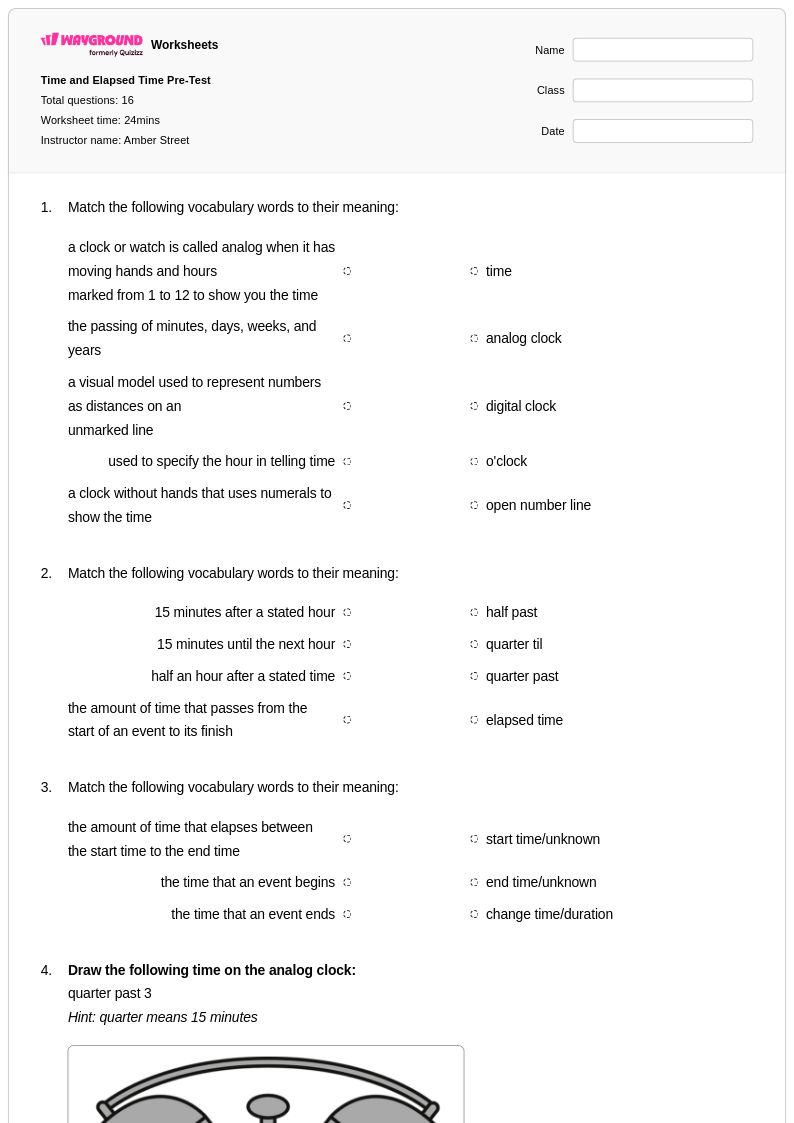
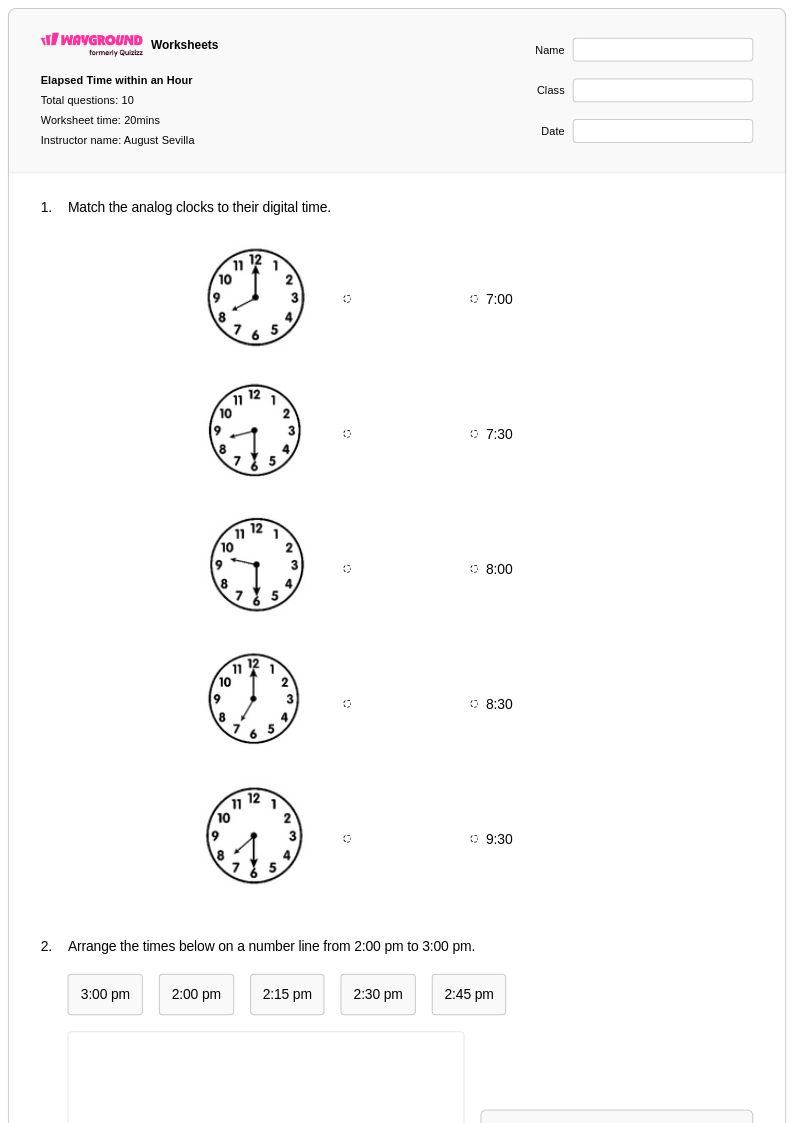
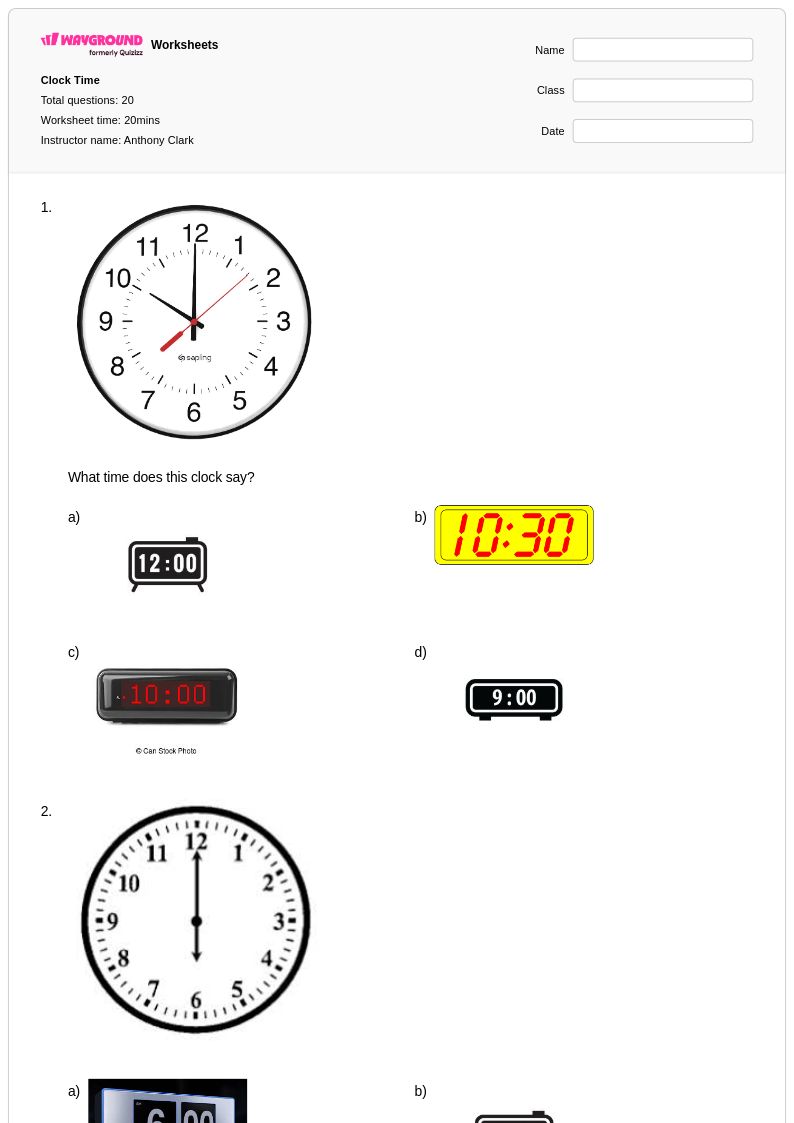
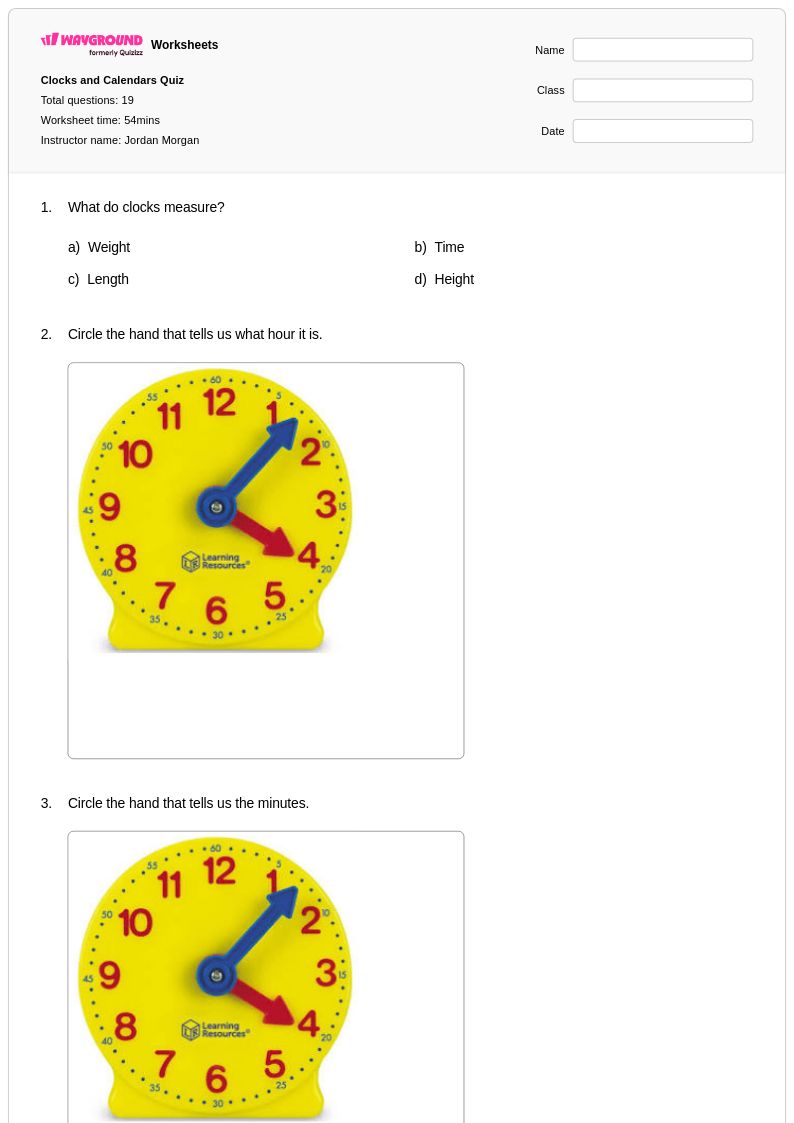
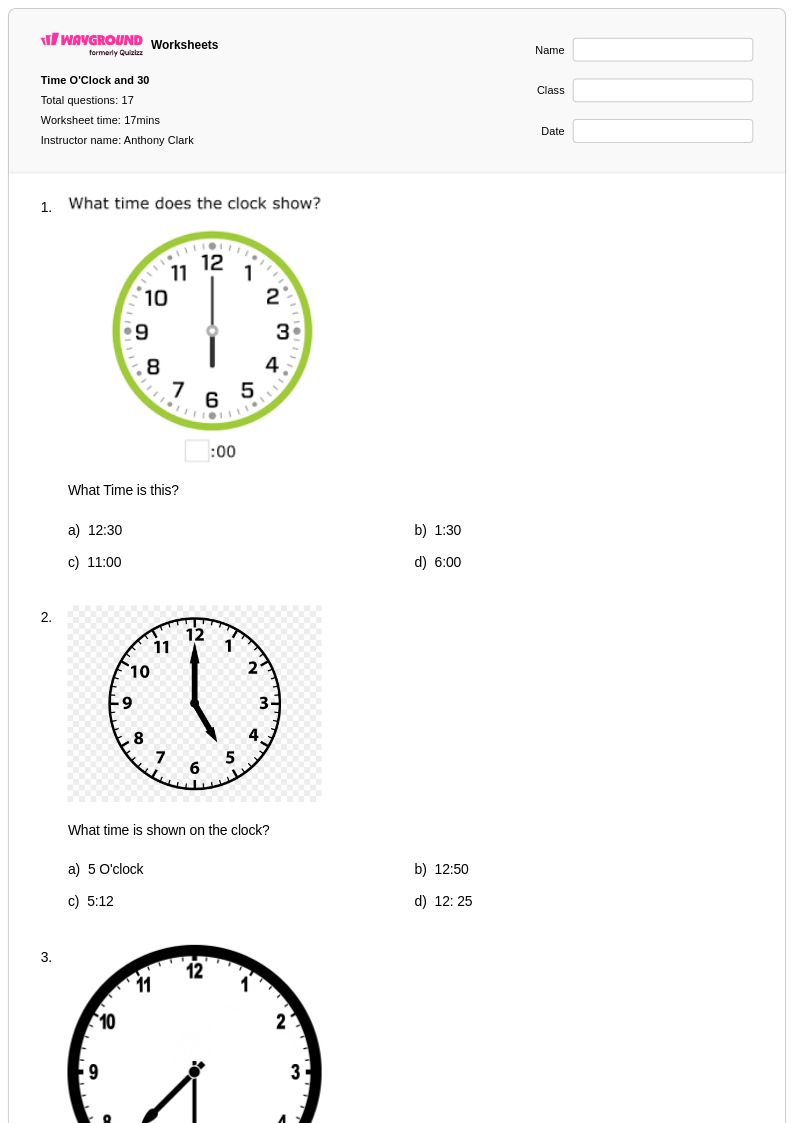
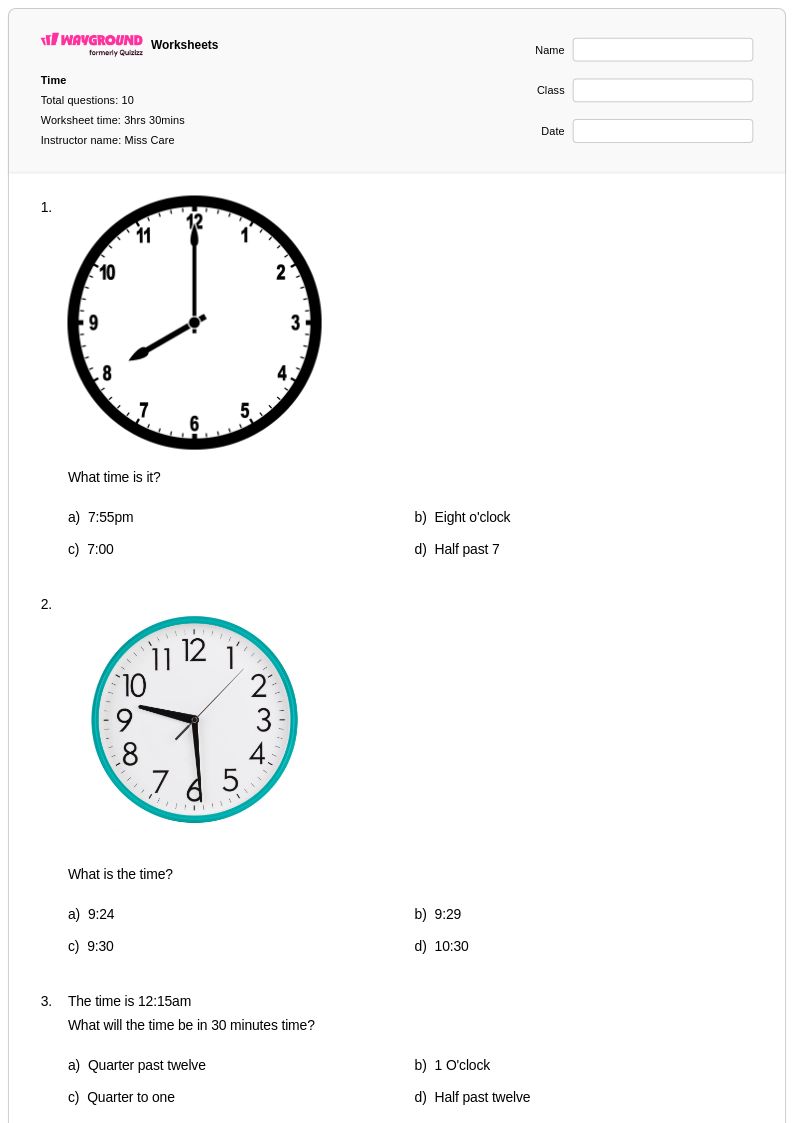
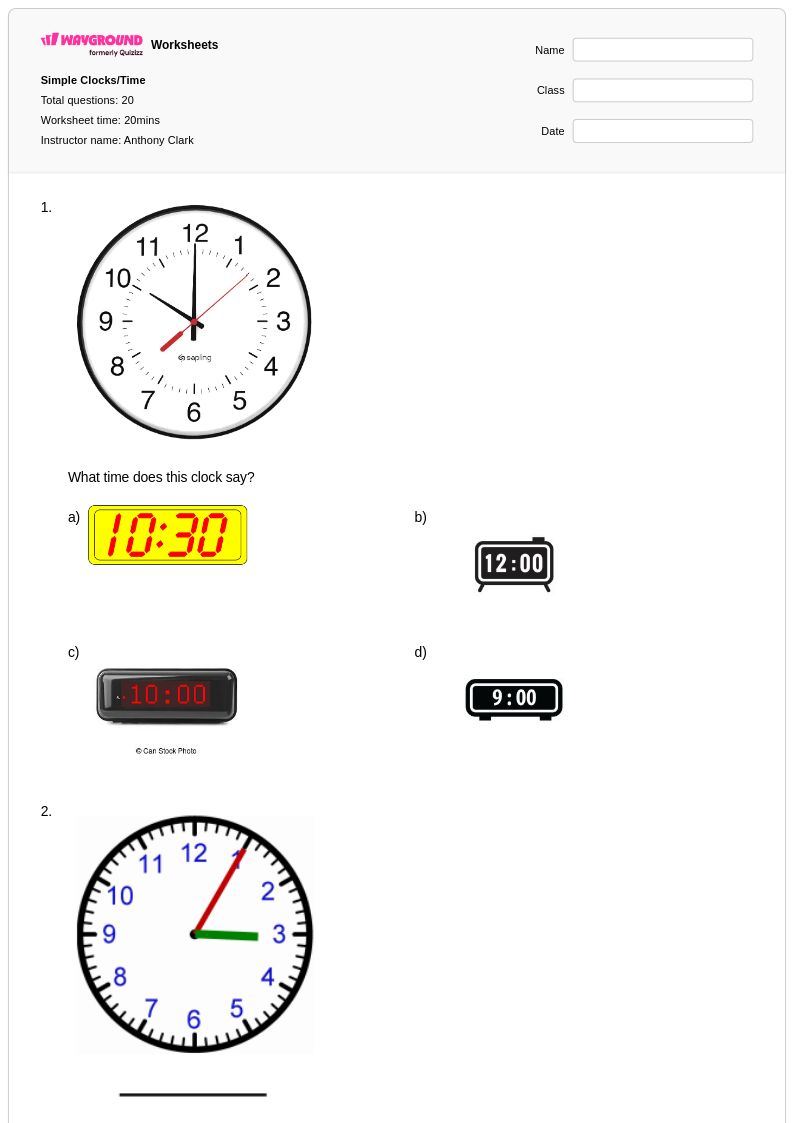
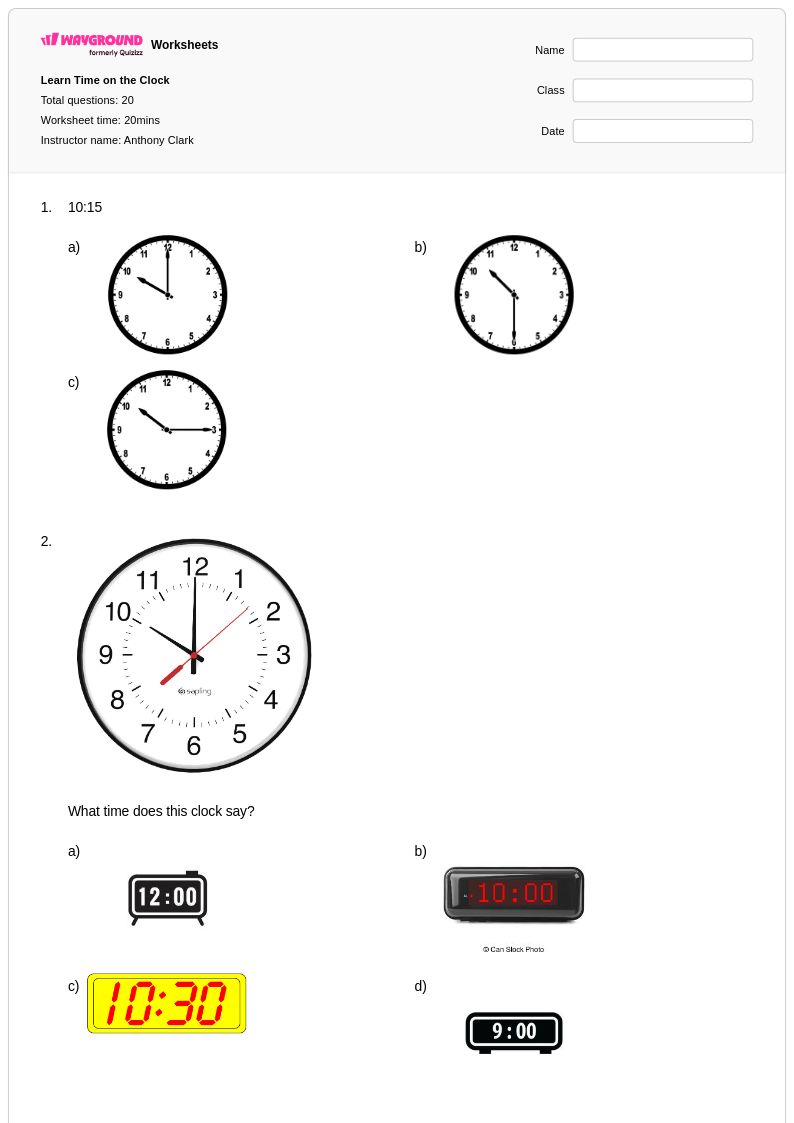
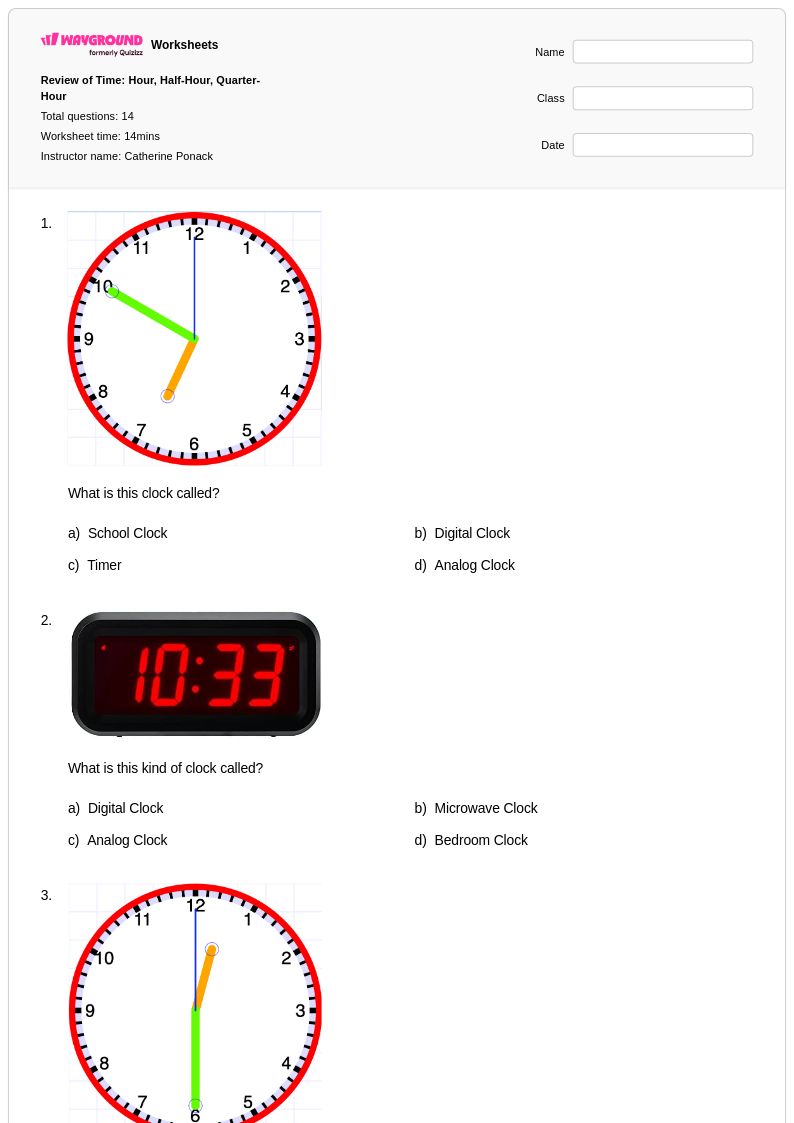
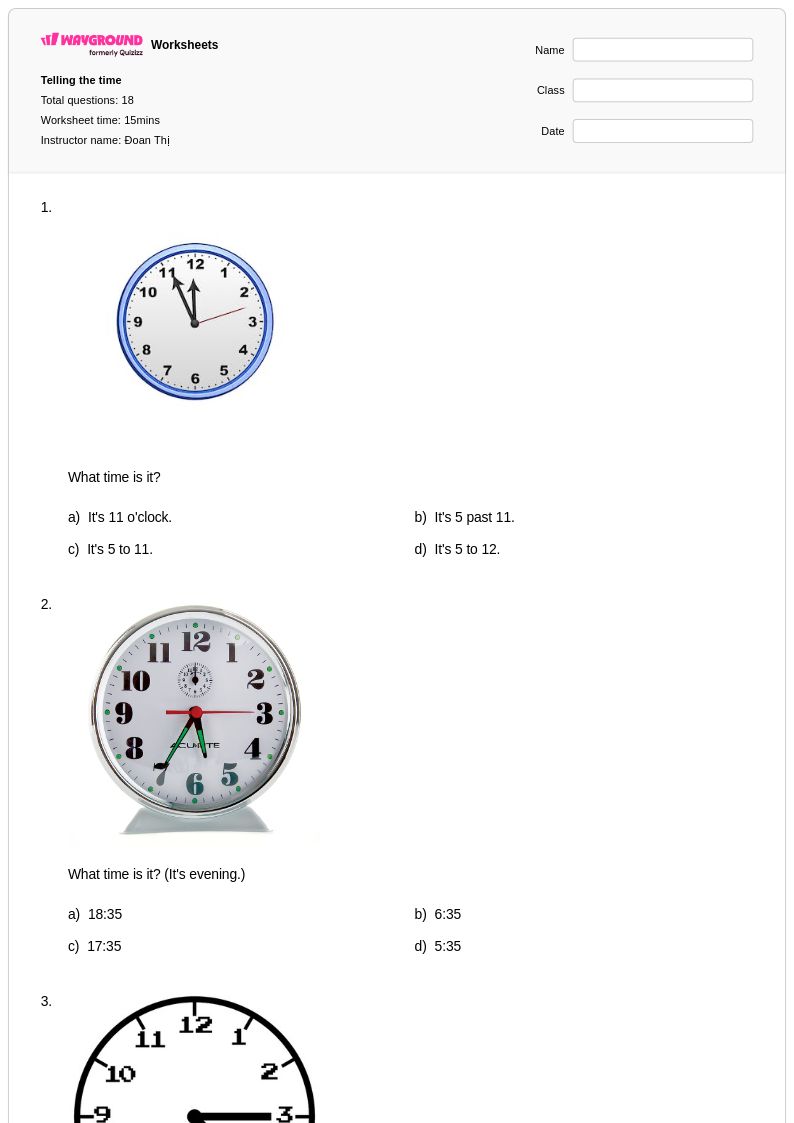
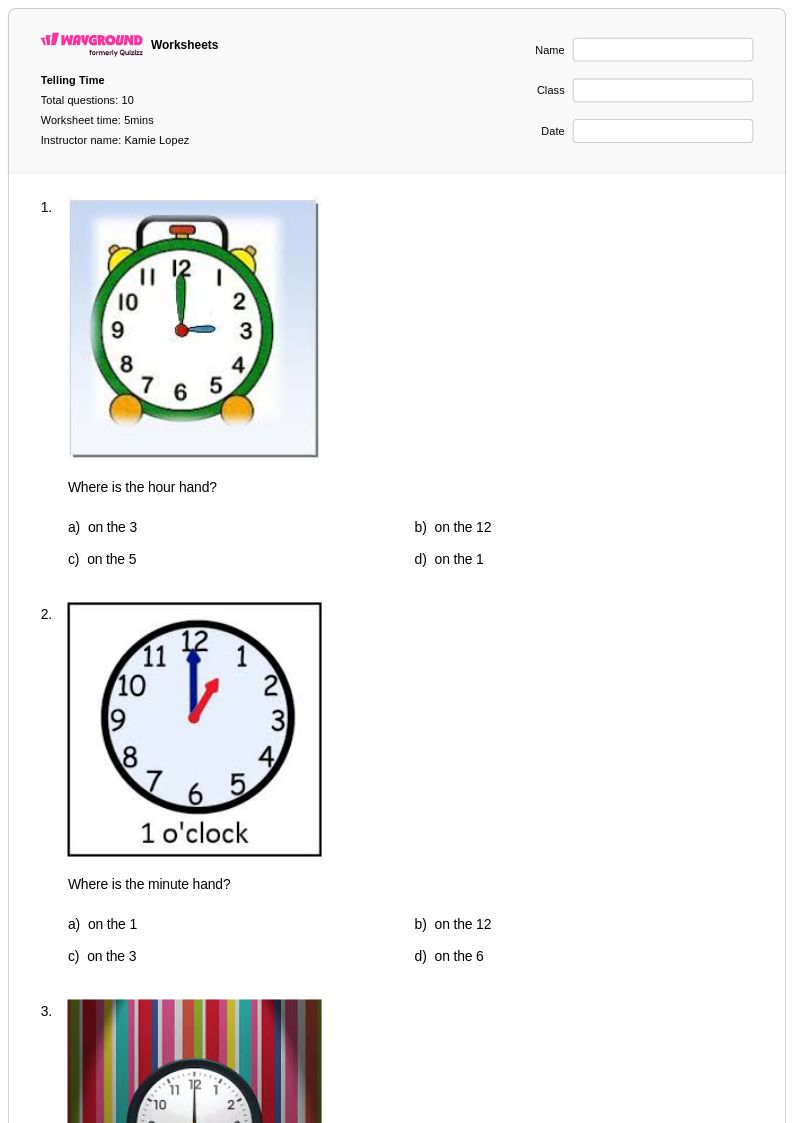
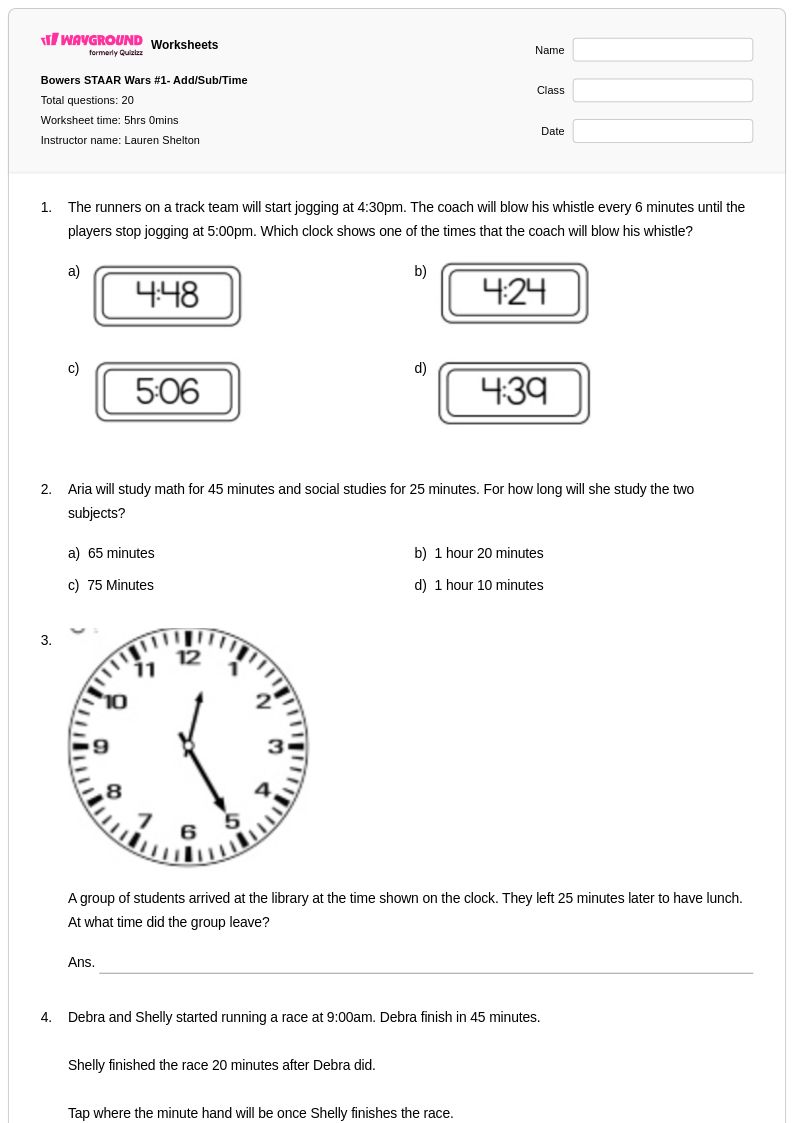
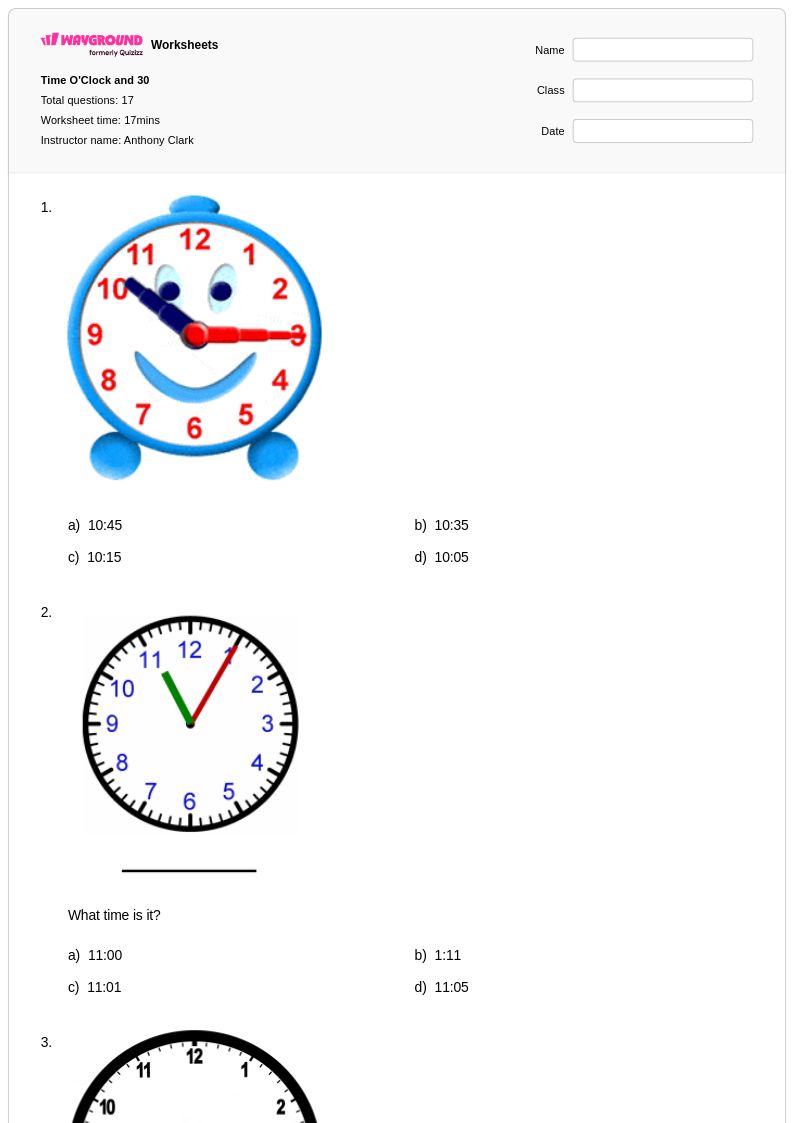
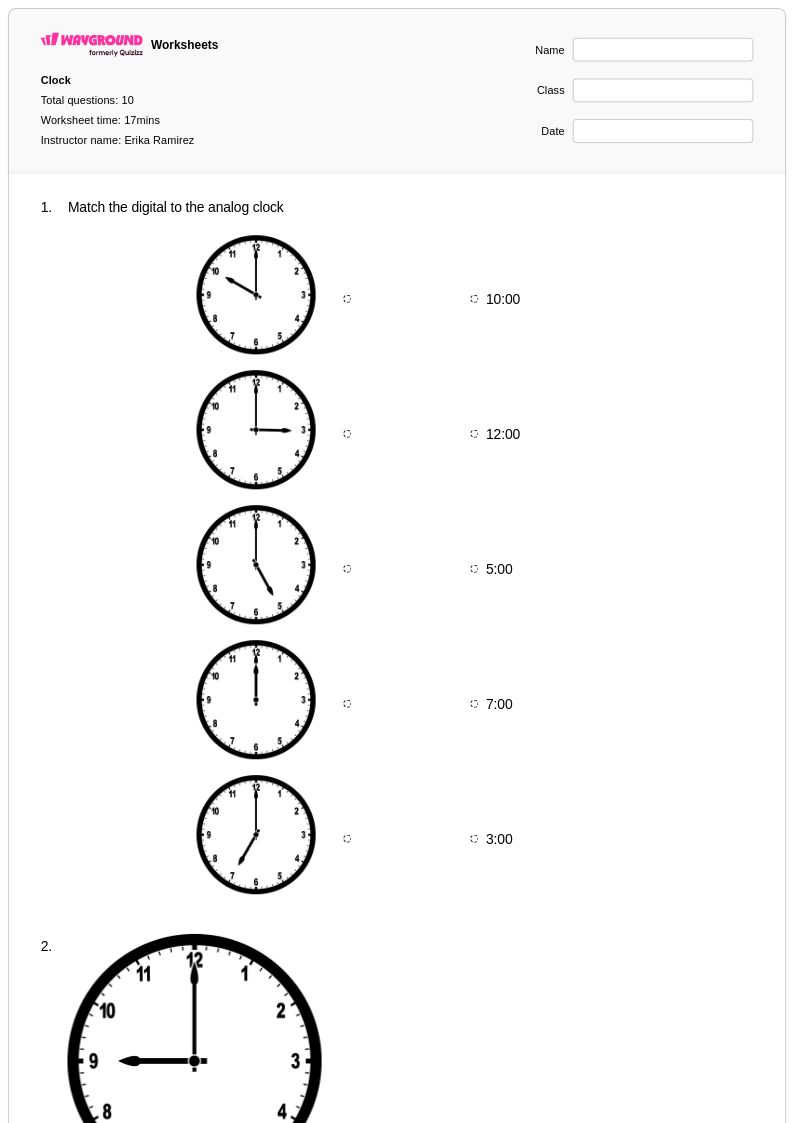
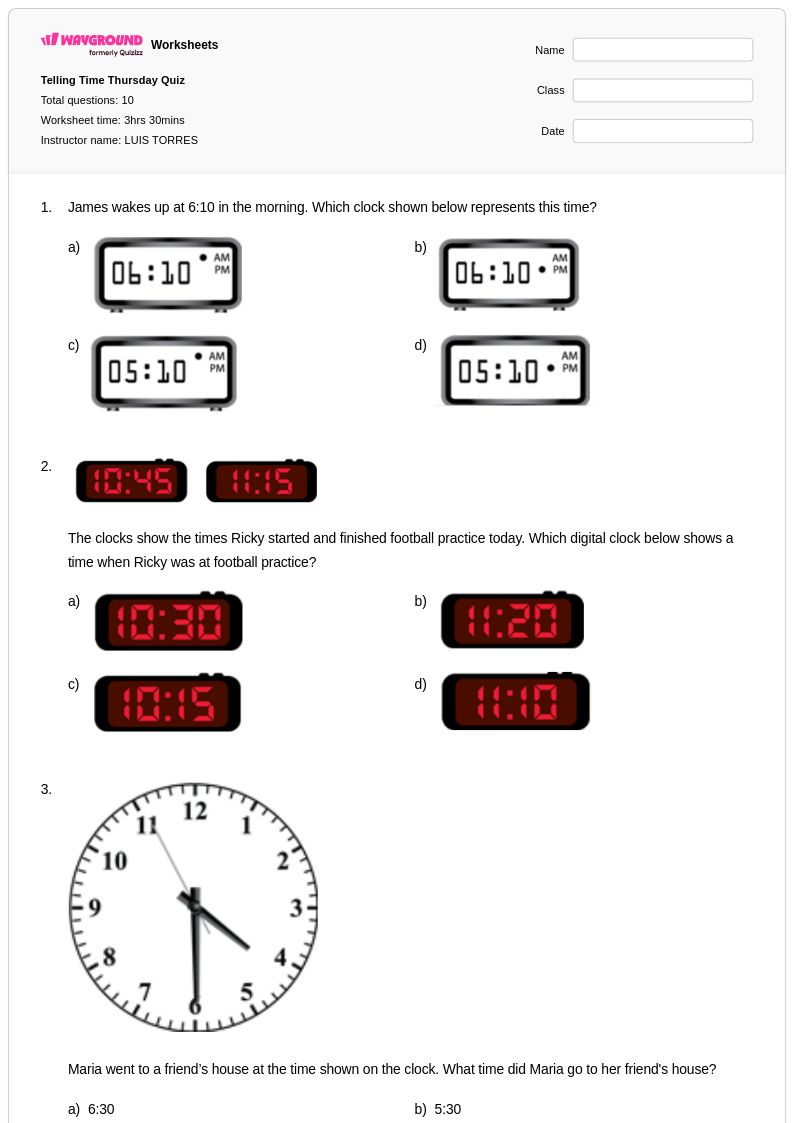
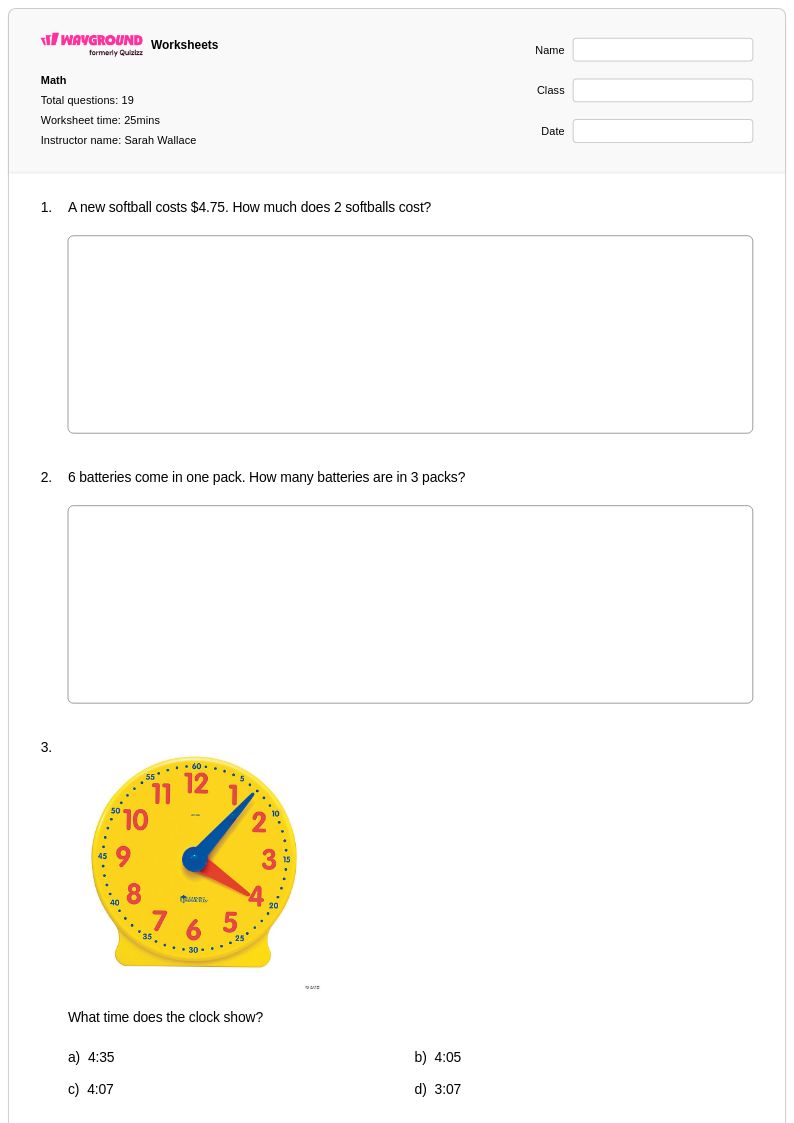
Wayground's free digital time worksheets provide printable PDF practice problems and answer keys to help students master reading and interpreting time displayed on digital clocks and electronic devices.
Digital time worksheets available through Wayground (formerly Quizizz) provide comprehensive practice opportunities for students learning to read, interpret, and work with time displayed in digital format. These educational resources strengthen essential time-telling skills by presenting various digital clock displays and time-related scenarios that mirror real-world applications. The worksheets feature carefully structured practice problems that progress from basic digital time recognition to more complex concepts like elapsed time calculations, time conversions, and scheduling activities. Each worksheet collection includes detailed answer keys to facilitate quick assessment and feedback, while the free printable format ensures accessibility for classroom and home use. The pdf resources are designed to reinforce mathematical reasoning and help students develop fluency in understanding digital time representations across different contexts and problem types.
Wayground (formerly Quizizz) empowers educators with an extensive library of millions of teacher-created digital time worksheets that support diverse instructional needs and learning objectives. The platform's robust search and filtering capabilities enable teachers to quickly locate resources that align with specific curriculum standards and match their students' proficiency levels. These differentiation tools allow educators to customize content for remediation, enrichment, or targeted skill practice, ensuring that every student receives appropriate challenge and support. The flexible format options, including both printable and digital versions with comprehensive pdf downloads, streamline lesson planning and provide versatile implementation choices for various classroom settings. Teachers can efficiently organize practice sessions, create differentiated assignments, and track student progress through these carefully curated digital time resources that adapt to individual learning needs and instructional goals.
FAQs
How do I teach students to read digital time?
Start by making sure students can recognize the colon separator and understand that the left number represents hours (1–12) and the right represents minutes (00–59). From there, build toward reading times like 3:05 without calling it "three zero five," and connect digital displays to real-world clocks students see every day — microwaves, phones, classroom displays. Once basic reading is solid, introduce elapsed time by asking students to figure out how much time passes between two digital readings.
What kinds of exercises help students practice digital time?
The most effective practice moves through three stages: recognition (read the display and write the time in words), production (draw or write the digital time for a given phrase like "quarter past seven"), and application (solve scheduling or elapsed-time problems). Wayground's digital time worksheets cover all three, progressing from straightforward clock-reading to multi-step scenarios involving time intervals and daily schedules.
What mistakes do students commonly make when reading digital time?
Three errors come up repeatedly. First, students misread minutes below 10 — seeing 4:07 and saying "four seven" instead of "four oh seven." Second, they confuse AM and PM, especially for times close to noon or midnight. Third, when working with elapsed time, they treat the minutes column like a base-10 problem and add or subtract across the hour incorrectly (e.g., calculating 60 minutes past 2:45 as 2:105 instead of 3:45). Targeted practice on each of these catches the errors before they calcify.
How do I use Wayground's digital time worksheets in my classroom?
You can run these worksheets as a digital quiz hosted on Wayground — students work through problems on their devices and results come back to you automatically. If you'd rather go paper, every worksheet is available as a printable PDF with a complete answer key included. Once students hand in their work, the Wayground for Teachers app lets you scan or capture submissions for quick grading without manual data entry.
Is digital time part of the Common Core math standards?
Yes. Common Core introduces telling and writing time in first grade, initially to the hour and half-hour, then extends to the nearest five minutes in second grade using both analog and digital formats. By third grade, students are expected to solve word problems involving time intervals — which is where digital time practice connects directly to elapsed-time reasoning. Each grade's work builds on the last, so gaps in basic digital reading tend to surface as errors in elapsed-time problems later on.
How can I differentiate digital time practice for students at different levels?
For students who are still building number recognition, Wayground's Read Aloud accommodation reads questions aloud so decoding text doesn't block access to the math. For students who get overwhelmed by multiple-choice options, reduced answer choices lowers the cognitive load while they're still building confidence. At the worksheet level, you can apply a larger font size or wider spacing for students who need it, or generate a translated version for English learners, without creating a separate assignment from scratch.
What grade level is digital time taught?
Digital time is typically introduced in kindergarten and first grade, where students learn to read hours and half-hours. It deepens in second grade with five-minute intervals, and by third grade the focus shifts to elapsed time and real-world scheduling problems. Wayground offers grade-specific worksheet sets for each of these levels.