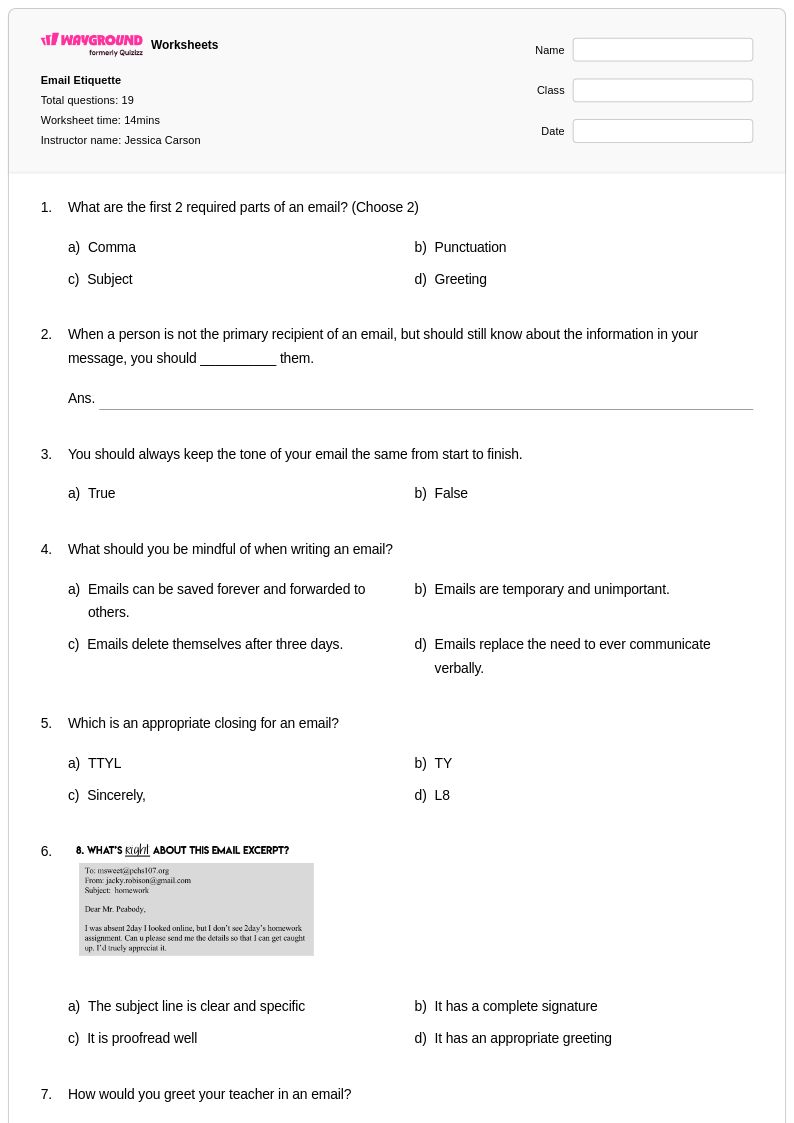
19 Q
9th - 12th
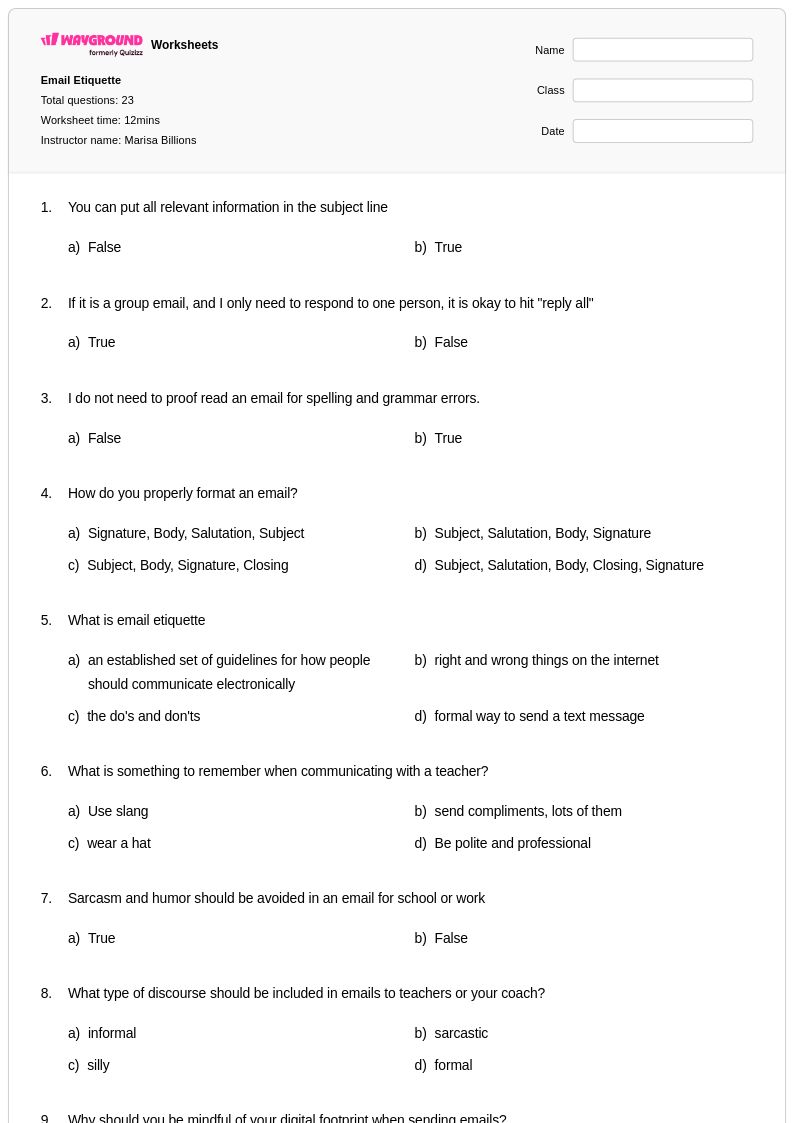
23 Q
9th - 12th
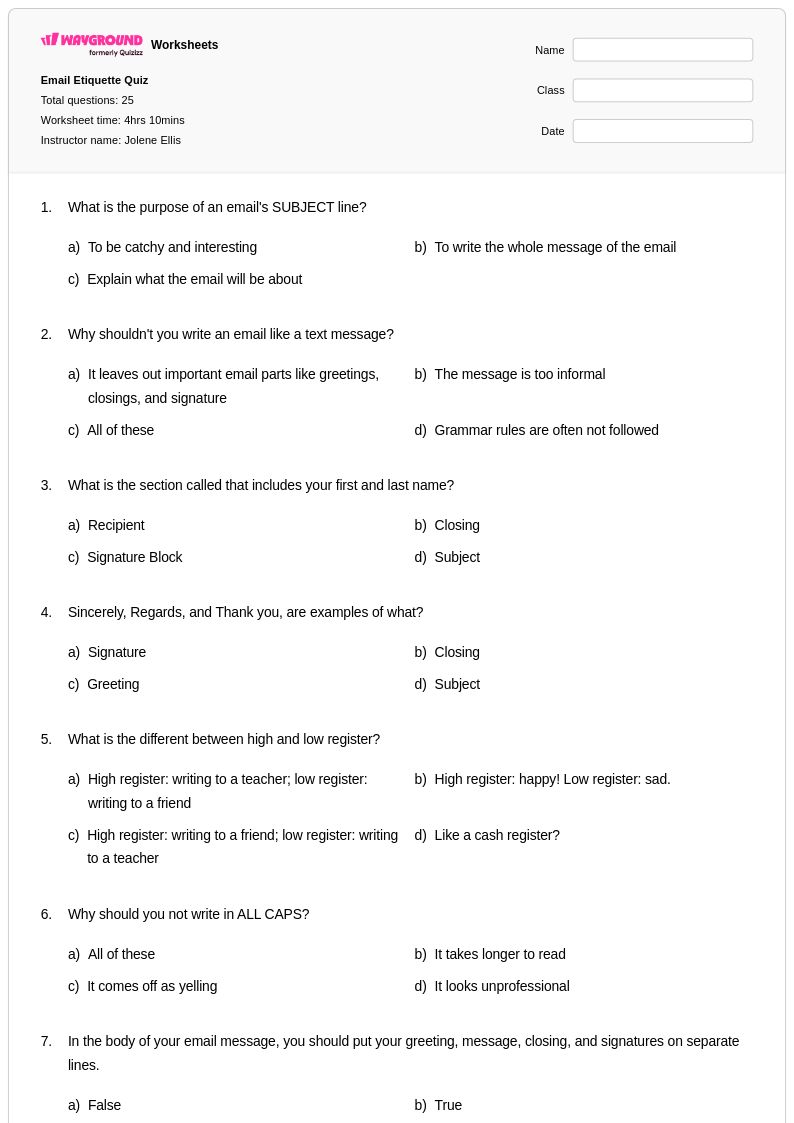
25 Q
9th - 12th
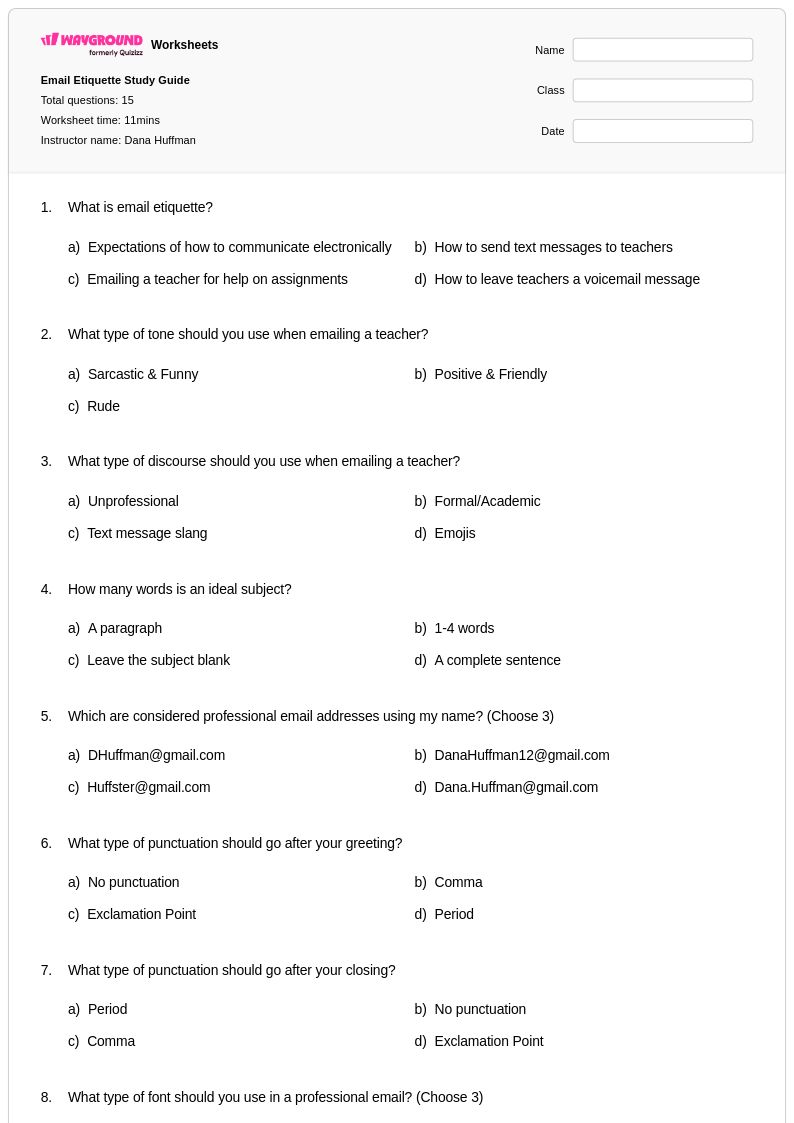
15 Q
9th - 12th
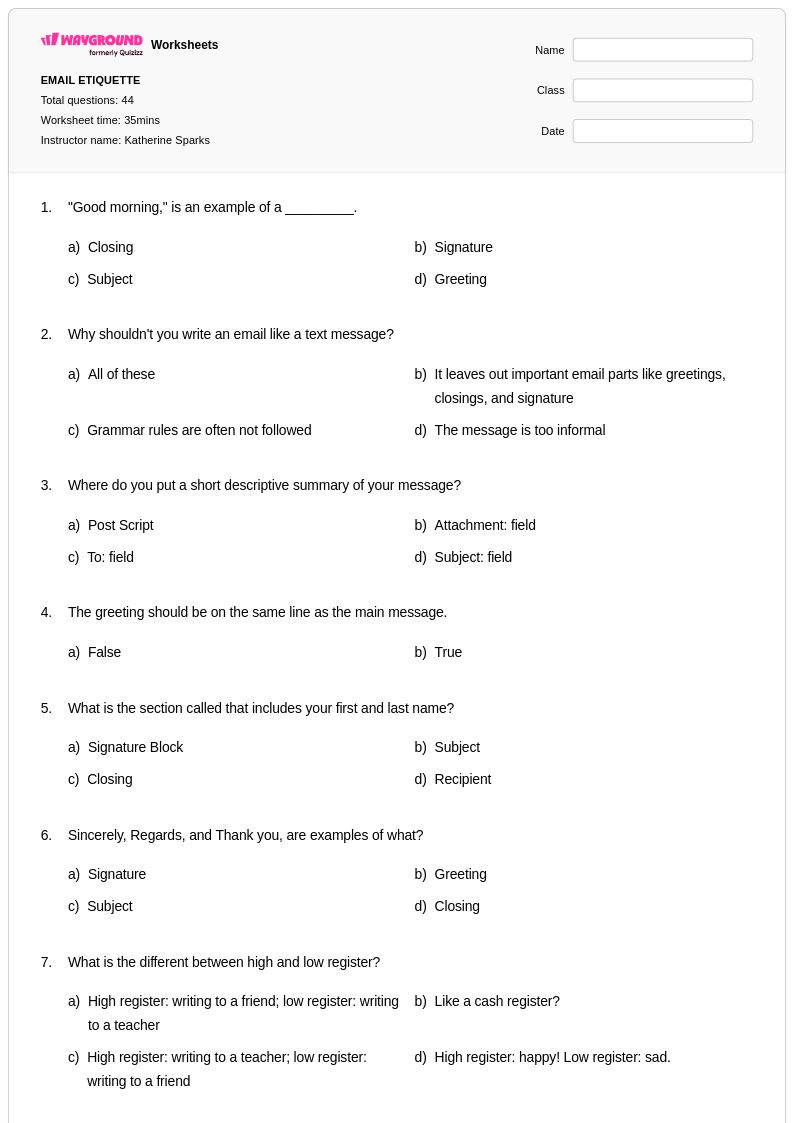
44 Q
9th - 12th
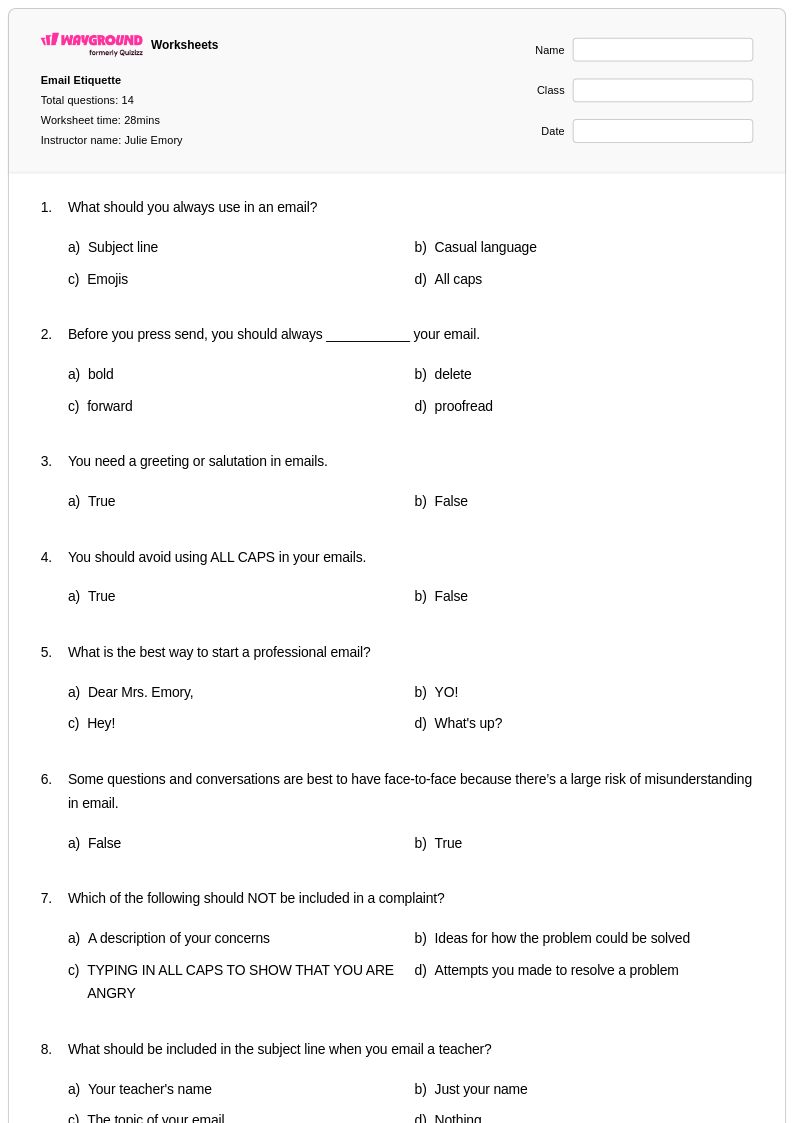
14 Q
9th - 12th
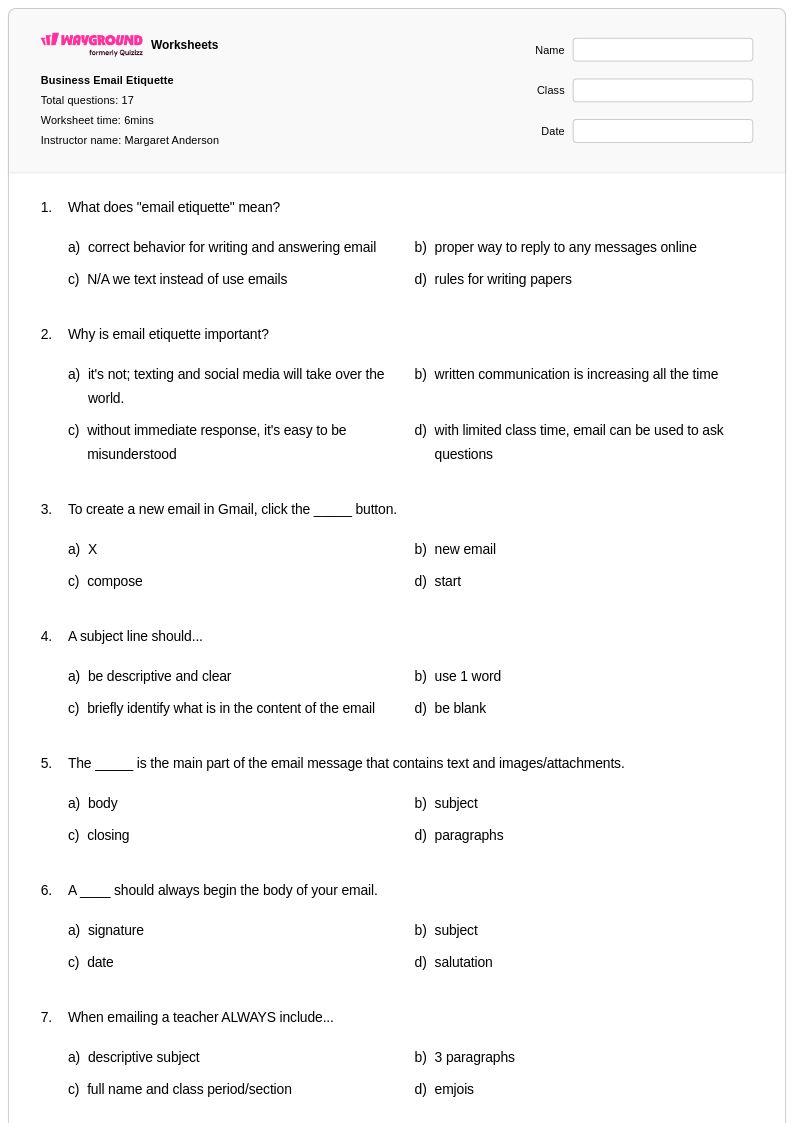
17 Q
8th - Uni
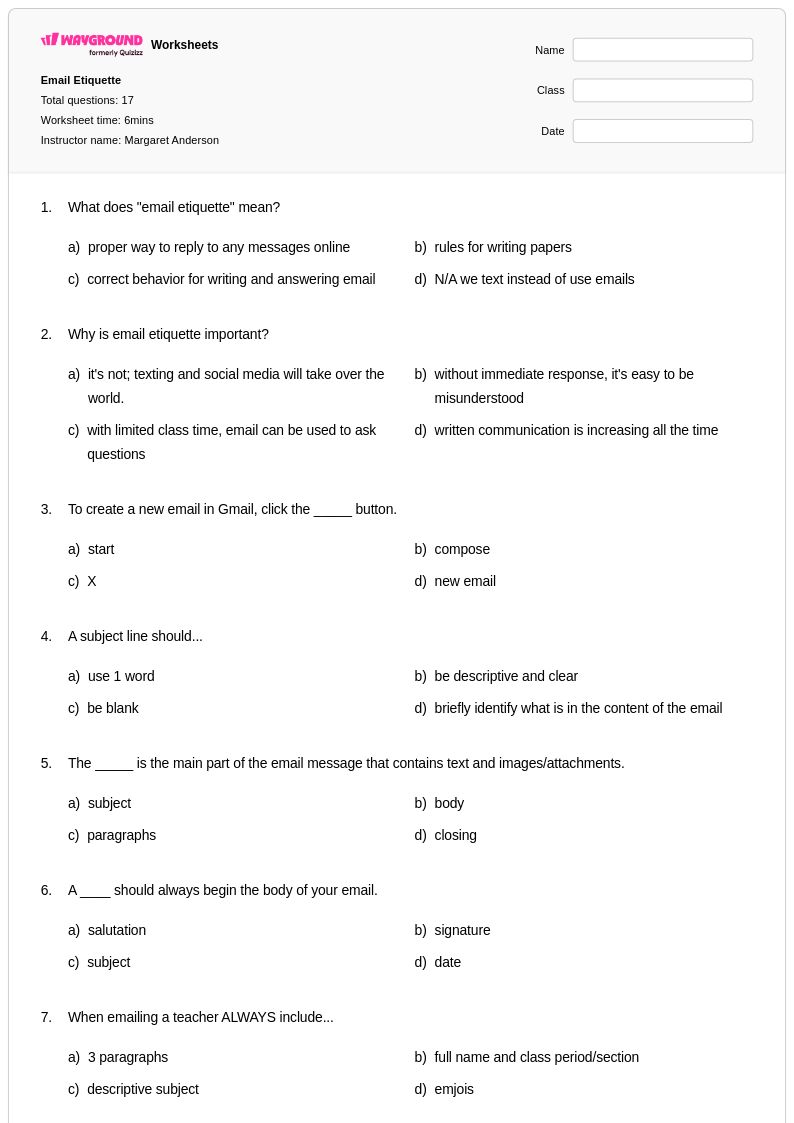
17 Q
8th - Uni
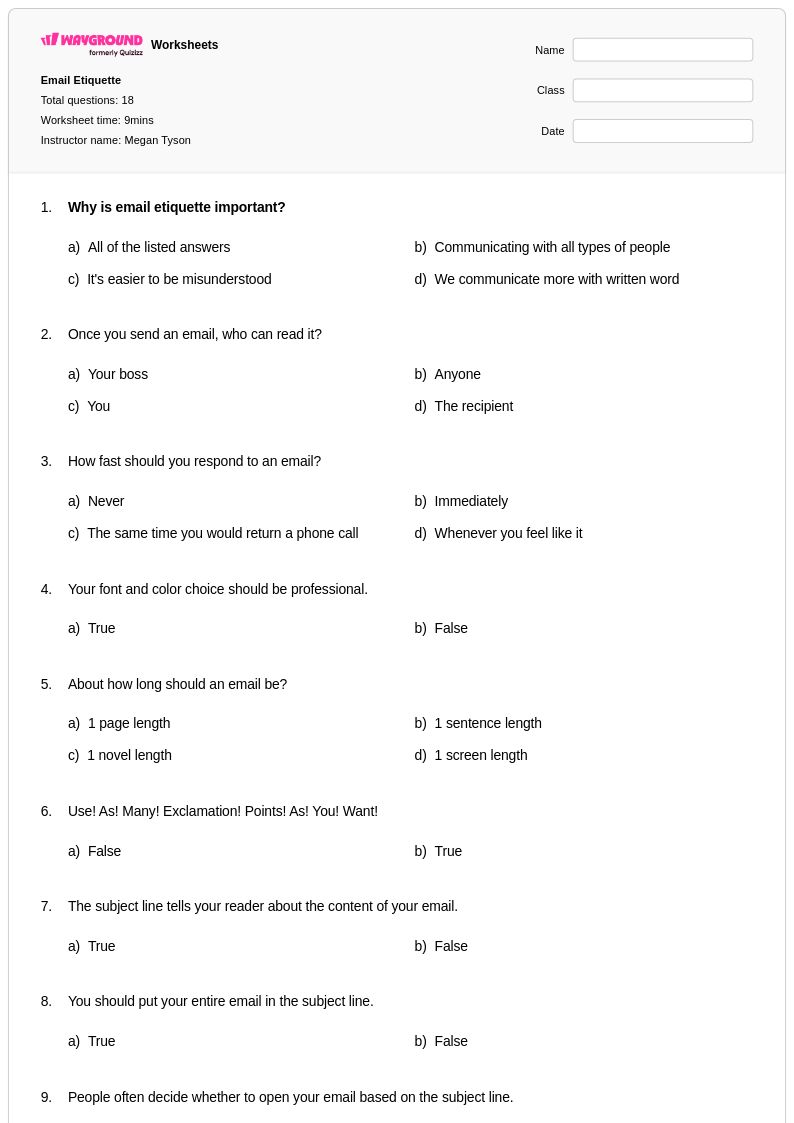
18 Q
9th - 12th
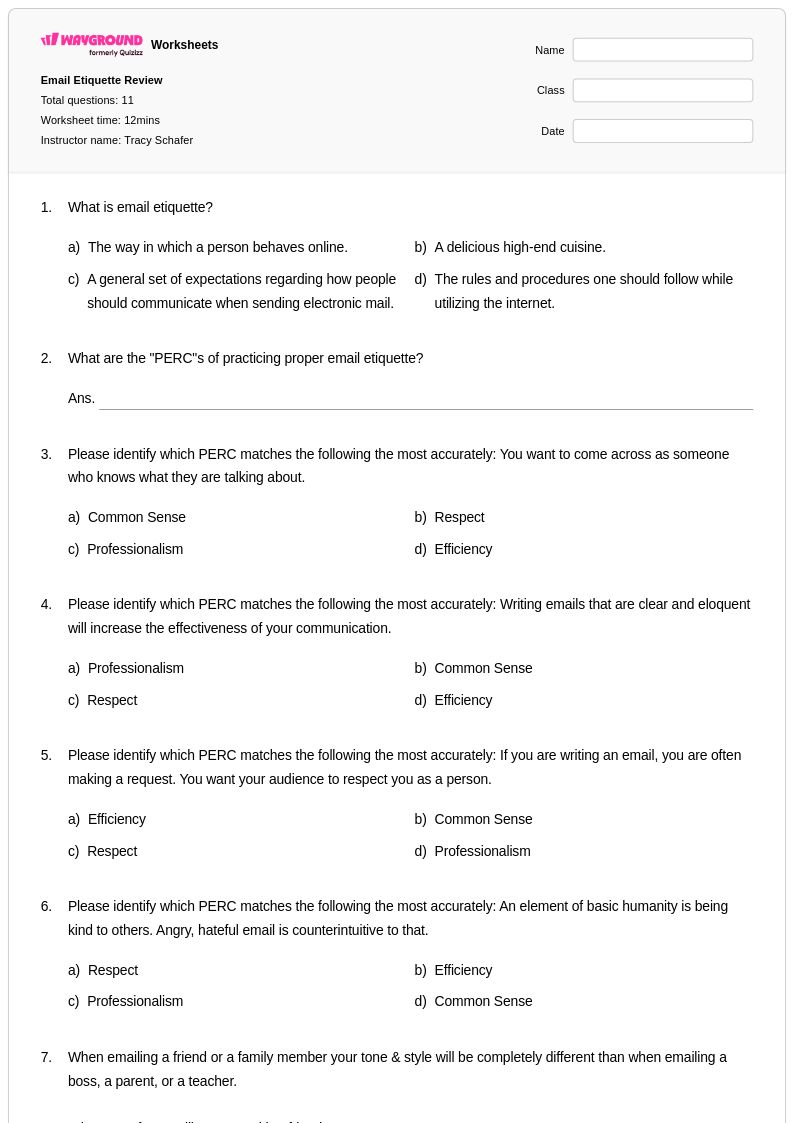
11 Q
3rd - 12th
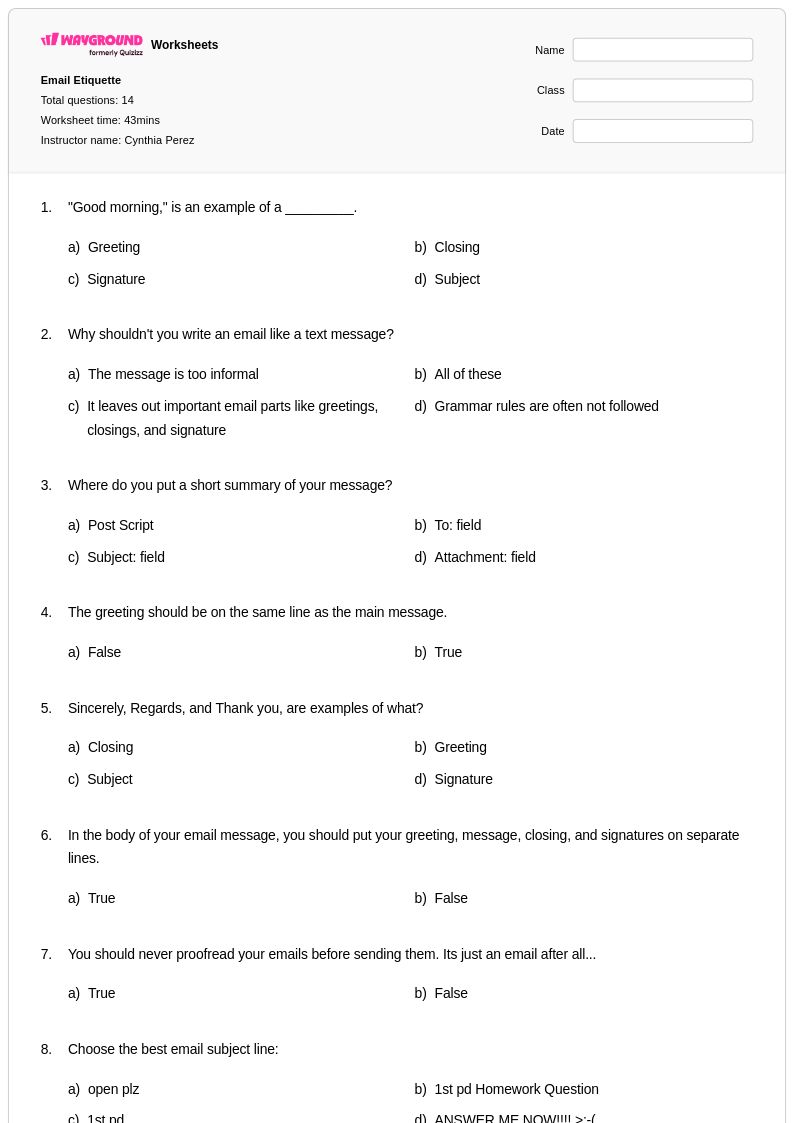
15 Q
9th - 12th
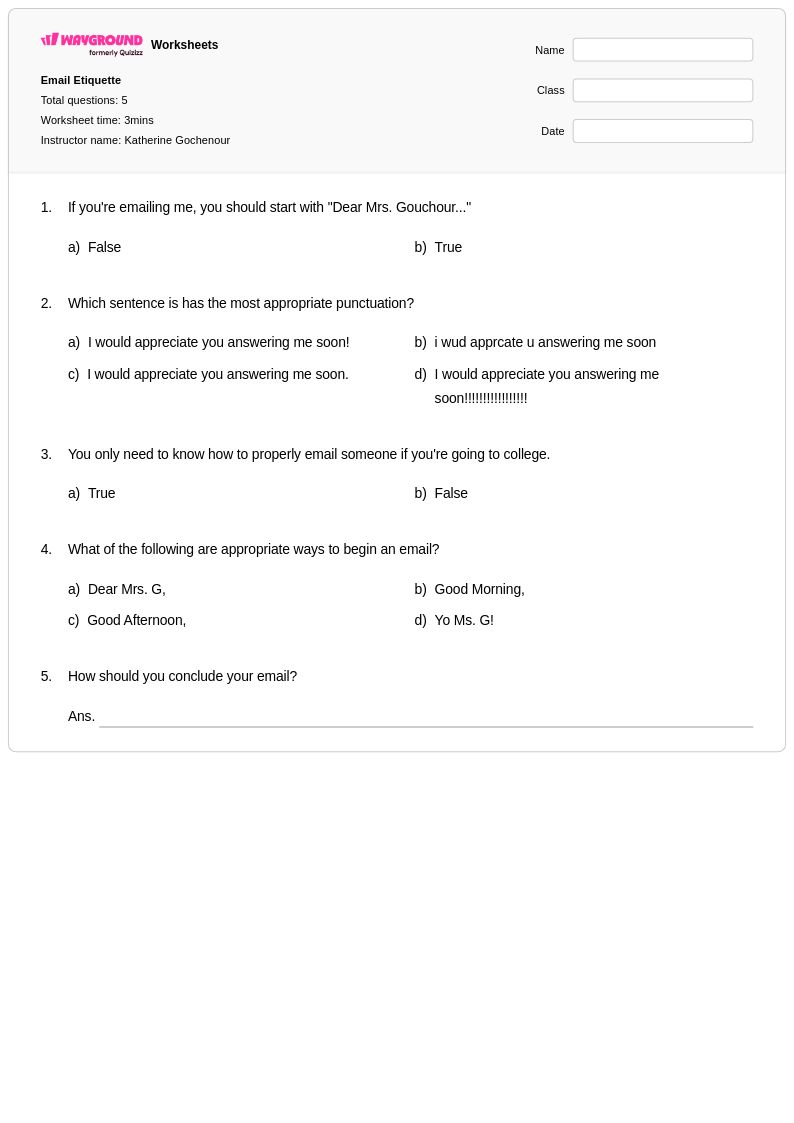
5 Q
7th - 12th
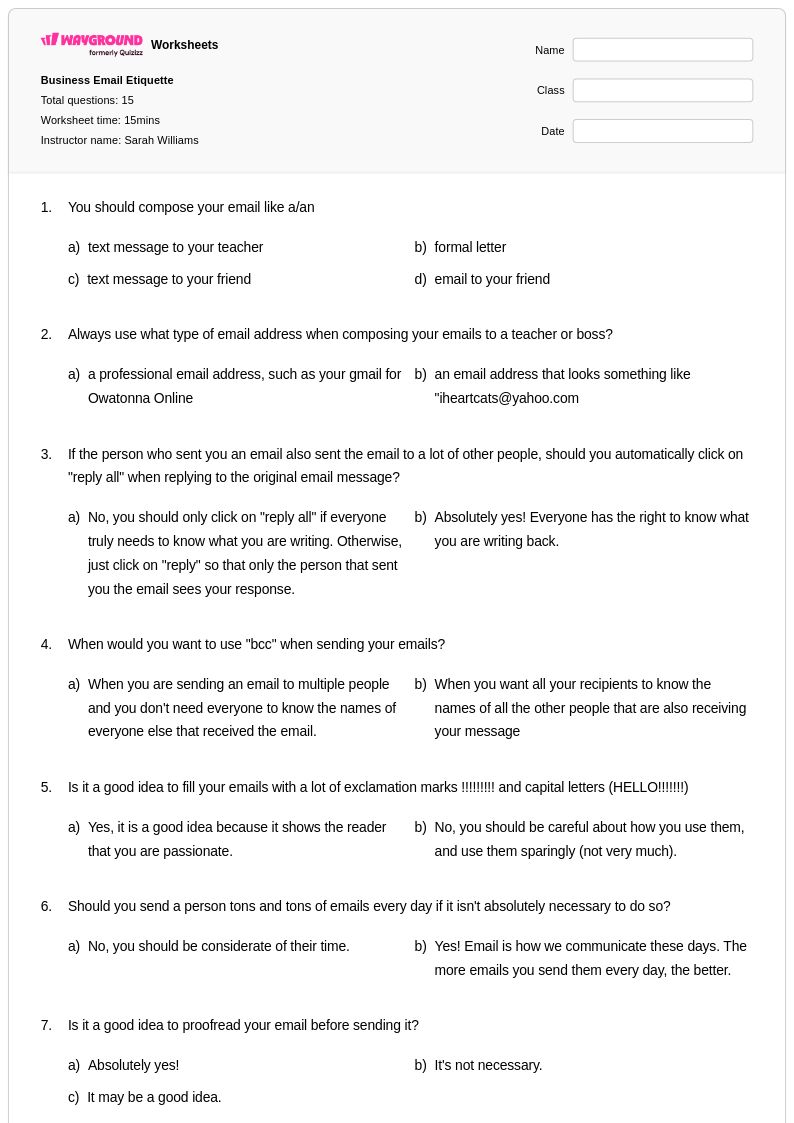
15 Q
8th - Uni
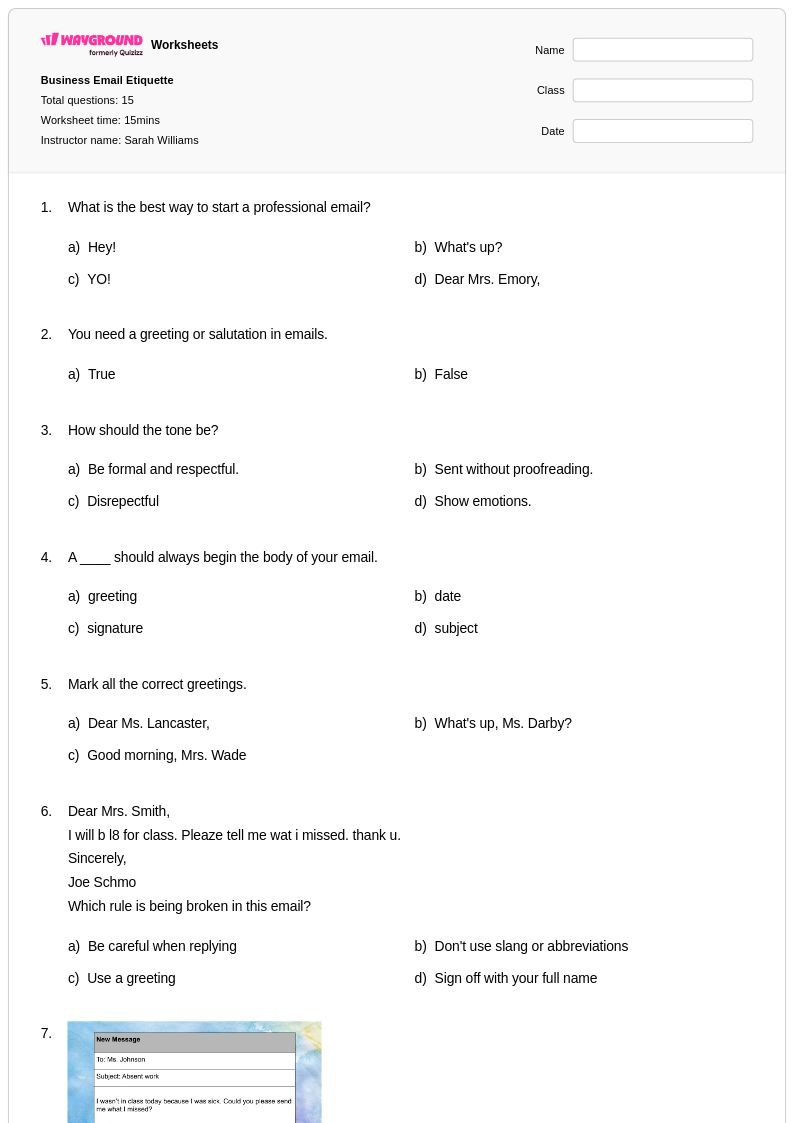
15 Q
8th - Uni
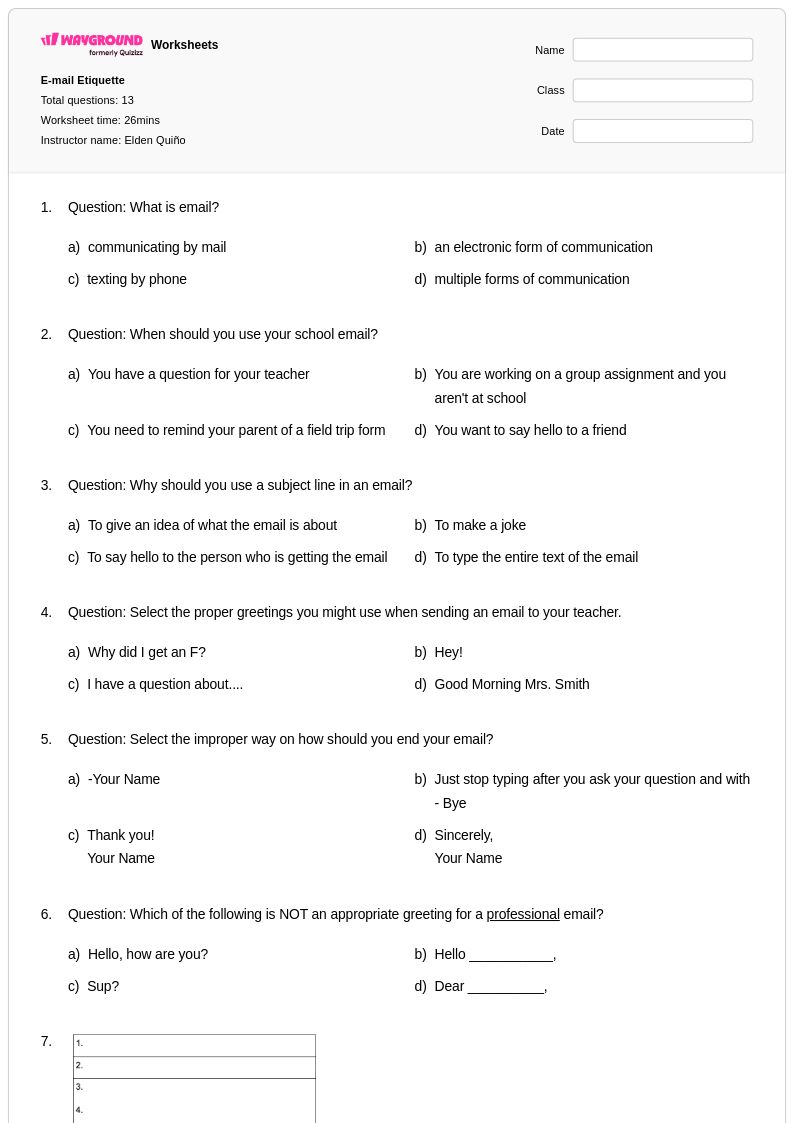
13 Q
10th - 12th
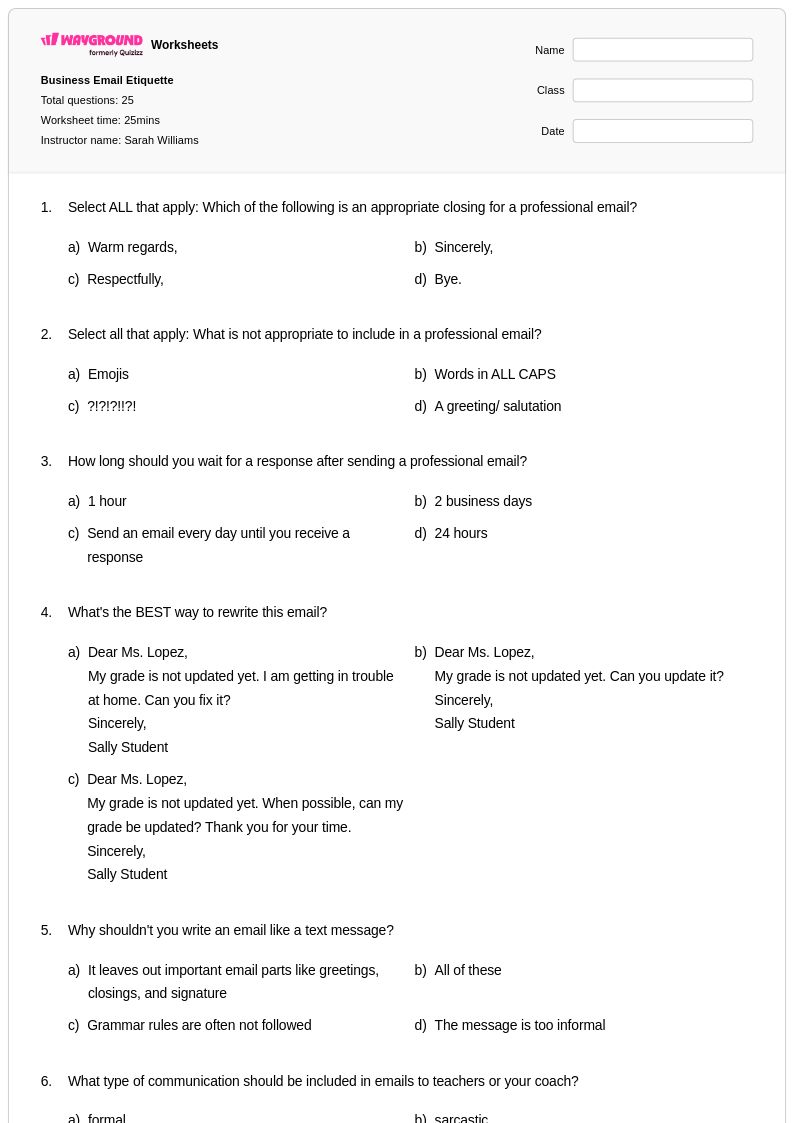
25 Q
8th - Uni
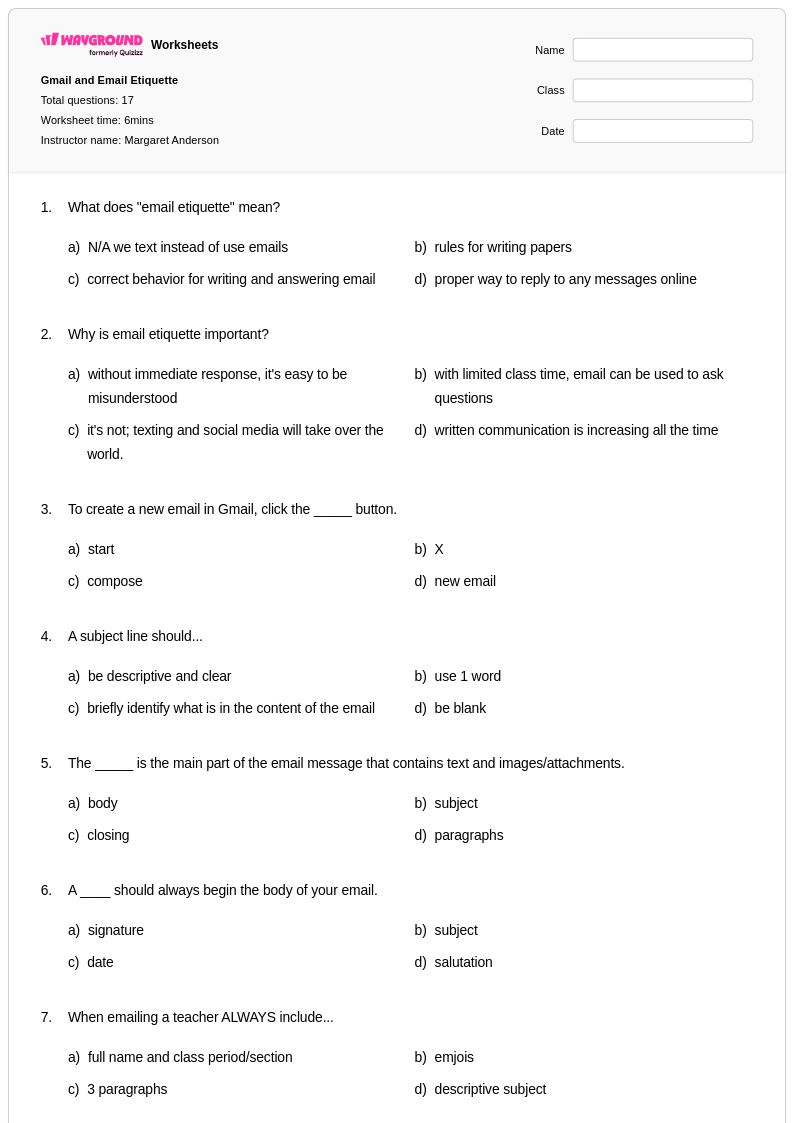
17 Q
8th - Uni
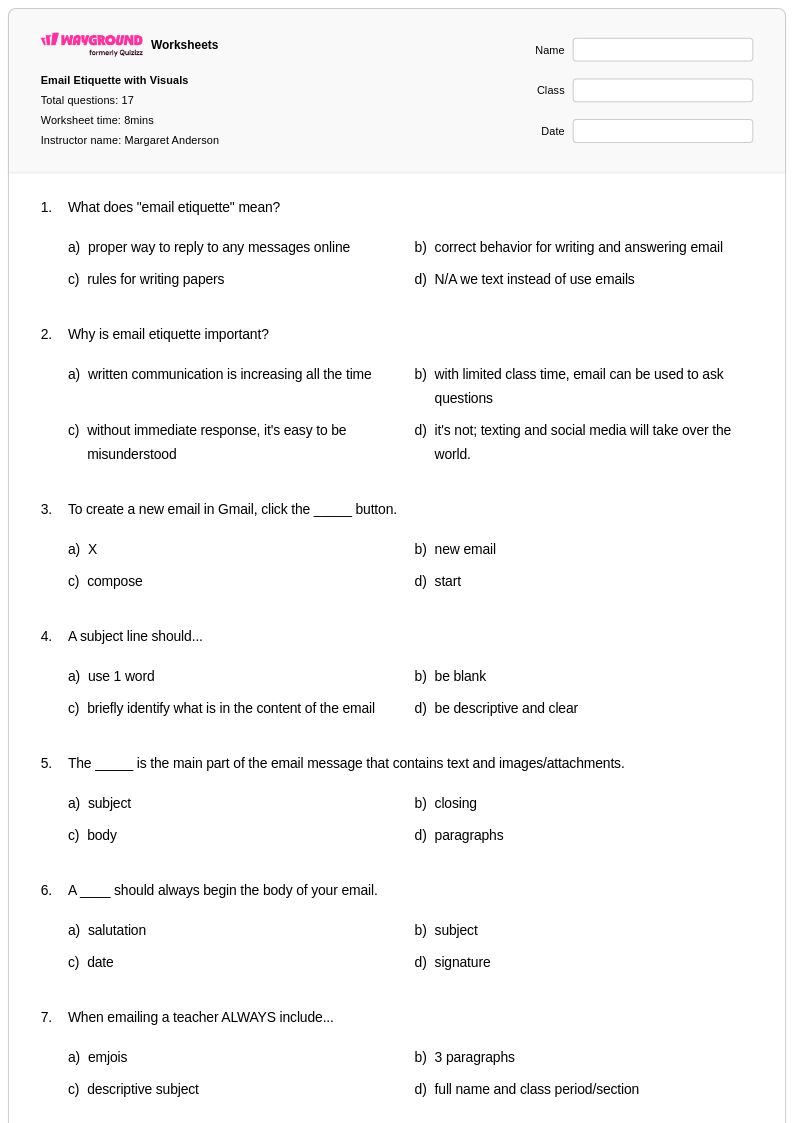
17 Q
8th - Uni
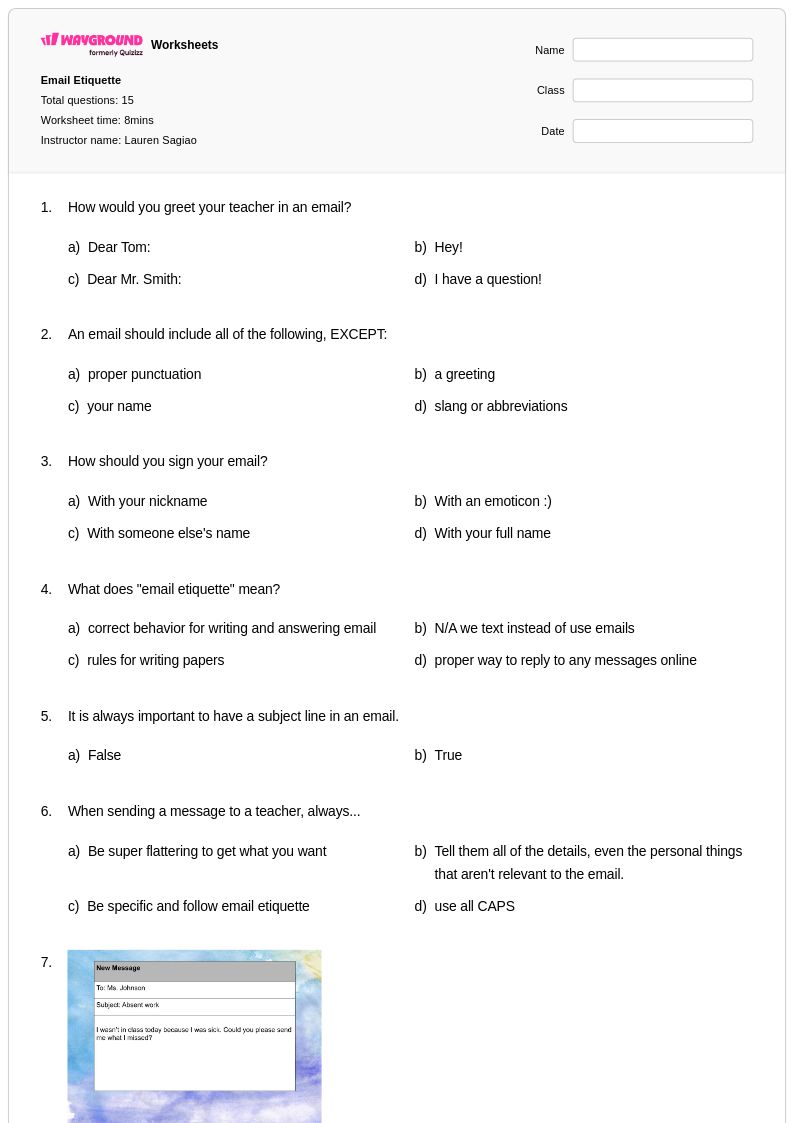
15 Q
9th - 12th
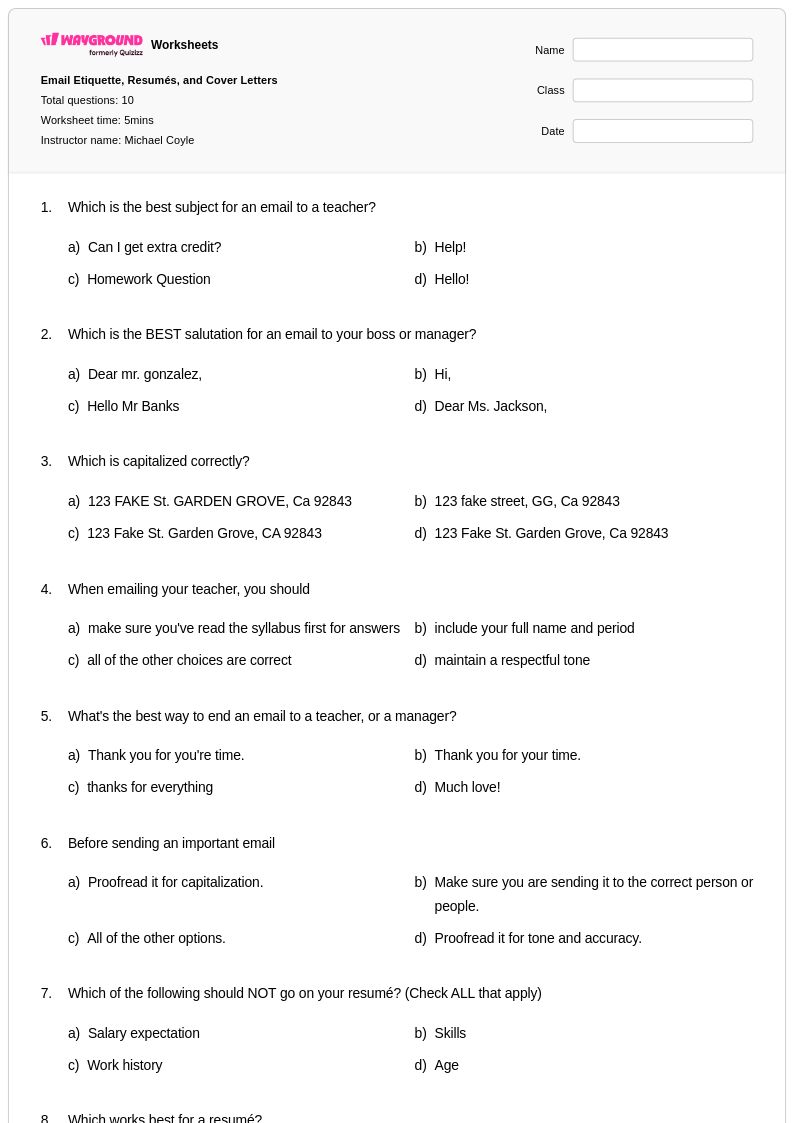
10 Q
7th - 12th
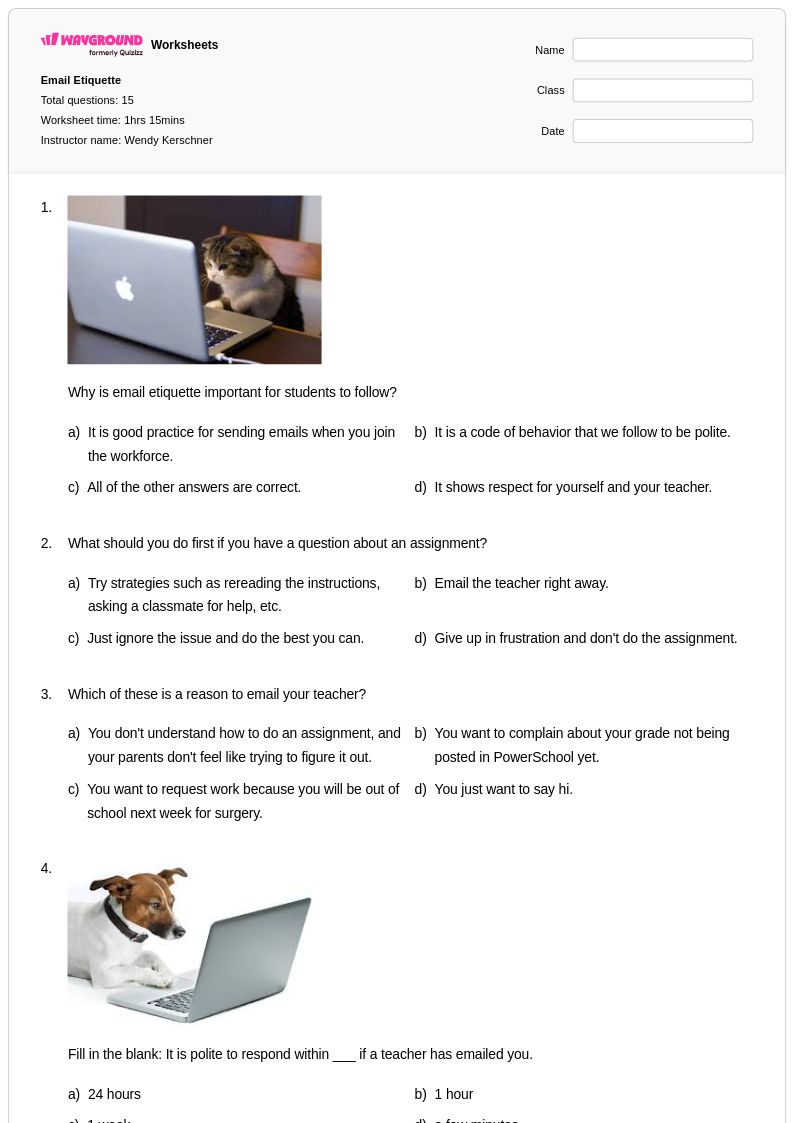
15 Q
5th - 12th
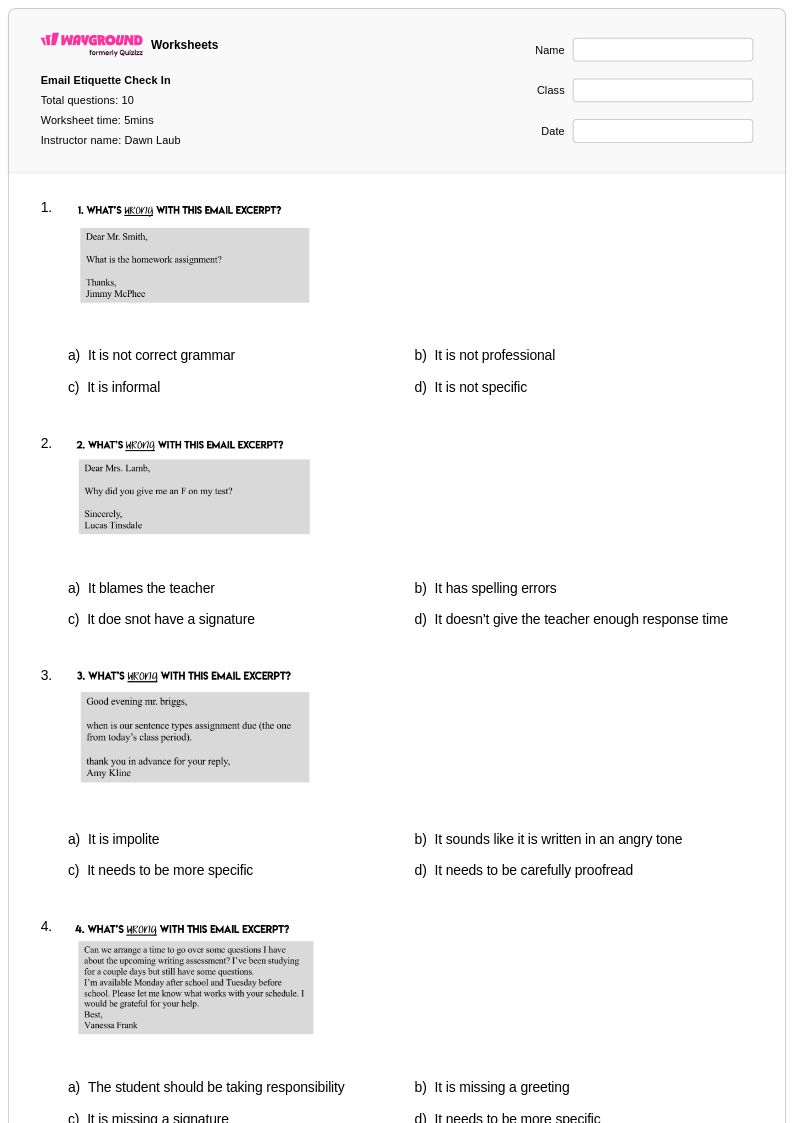
10 Q
7th - 12th
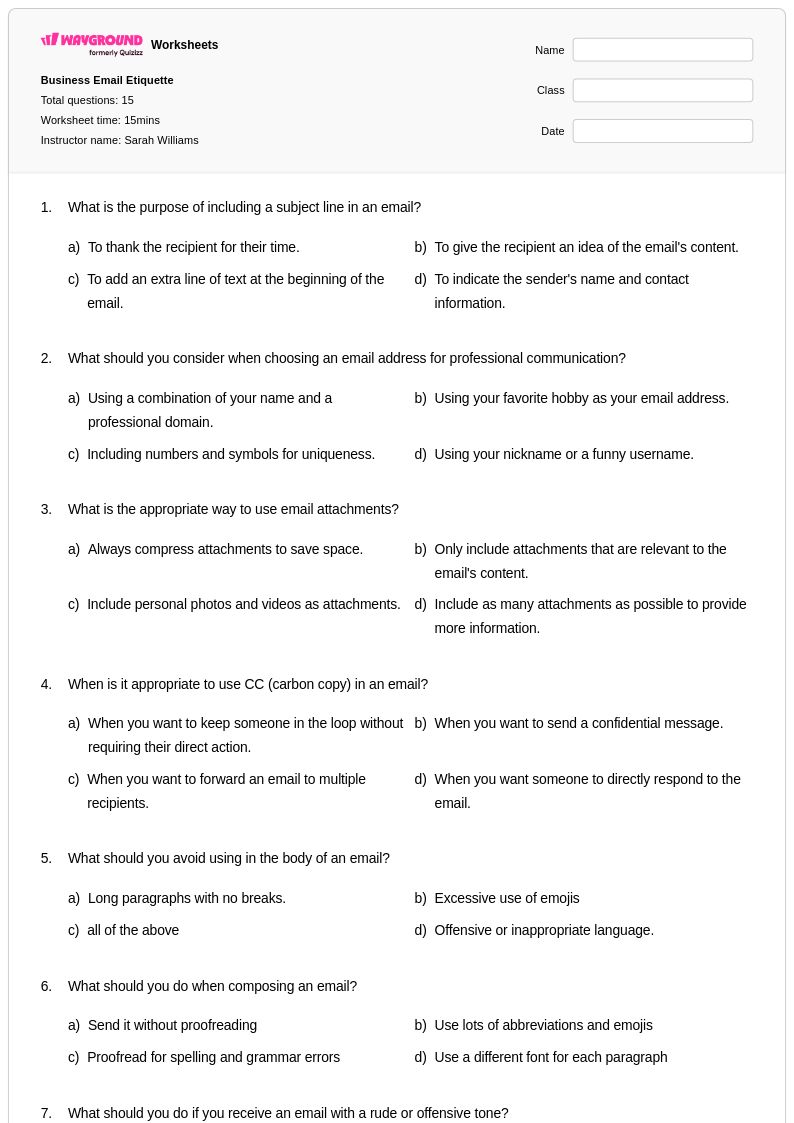
15 Q
8th - Uni
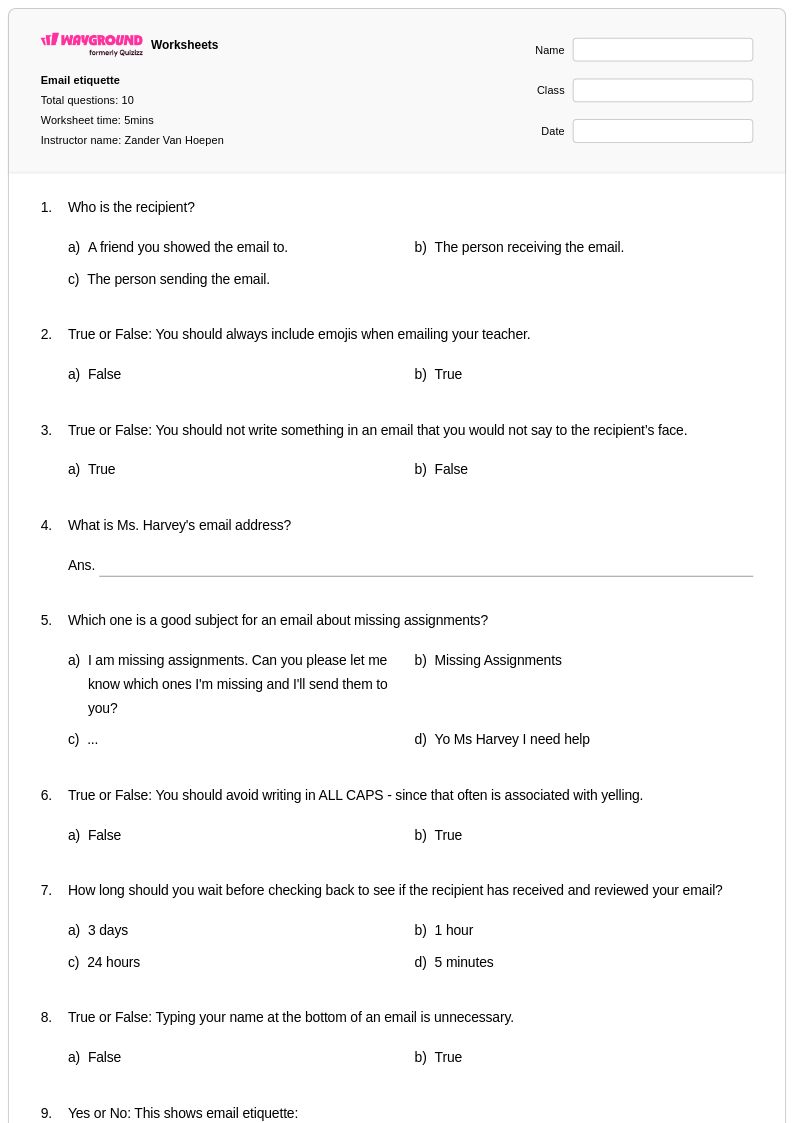
10 Q
10th
Explore Email Etiquette Worksheets by Grades
Explore Other Subject Worksheets for grade 10
Explore printable Email Etiquette worksheets for Grade 10
Email etiquette worksheets for Grade 10 students through Wayground (formerly Quizizz) provide comprehensive instruction in professional digital communication skills essential for academic and career success. These carefully designed resources help students master the fundamental components of effective email writing, including appropriate subject lines, formal salutations, clear body paragraphs, and professional closings. Students develop critical thinking about tone, audience awareness, and context through practice problems that simulate real-world scenarios such as contacting teachers, communicating with potential employers, and collaborating with peers on academic projects. The worksheets feature structured exercises with detailed answer keys that guide students through common email mistakes and best practices, while pdf formats ensure easy access for both classroom instruction and independent study. Free printables complement digital activities, allowing teachers to reinforce proper formatting, grammar conventions, and the nuanced differences between formal and informal electronic correspondence.
Wayground (formerly Quizizz) empowers educators with an extensive collection of teacher-created email etiquette resources specifically calibrated for Grade 10 writing instruction, drawing from millions of expertly developed materials that align with communication standards and writing benchmarks. The platform's robust search and filtering capabilities enable teachers to quickly locate worksheets that target specific aspects of digital communication, from basic email structure to advanced professional correspondence techniques. Comprehensive differentiation tools allow instructors to customize difficulty levels and modify content to meet diverse learning needs, while flexible formatting options support both traditional printable worksheets and interactive digital assignments available as downloadable pdfs. These versatile resources facilitate targeted skill practice for remediation of common email writing errors, enrichment activities for advanced students exploring business communication, and systematic lesson planning that builds sequential mastery of professional correspondence skills throughout the academic year.
FAQs
How do I teach email etiquette to students who have never written a professional email?
What exercises help students practice professional email writing?
What are the most common mistakes students make when writing professional emails?
How do I differentiate email etiquette instruction for students at different skill levels?
How do I use Wayground's email etiquette worksheets in my classroom?
How do I assess whether students understand professional email conventions?