Free Printable Email Etiquette Worksheets for Grade 6
Grade 6 email etiquette worksheets and printables help students master professional digital communication skills through interactive practice problems, free PDF resources, and comprehensive answer keys available on Wayground.
Explore printable Email Etiquette worksheets for Grade 6
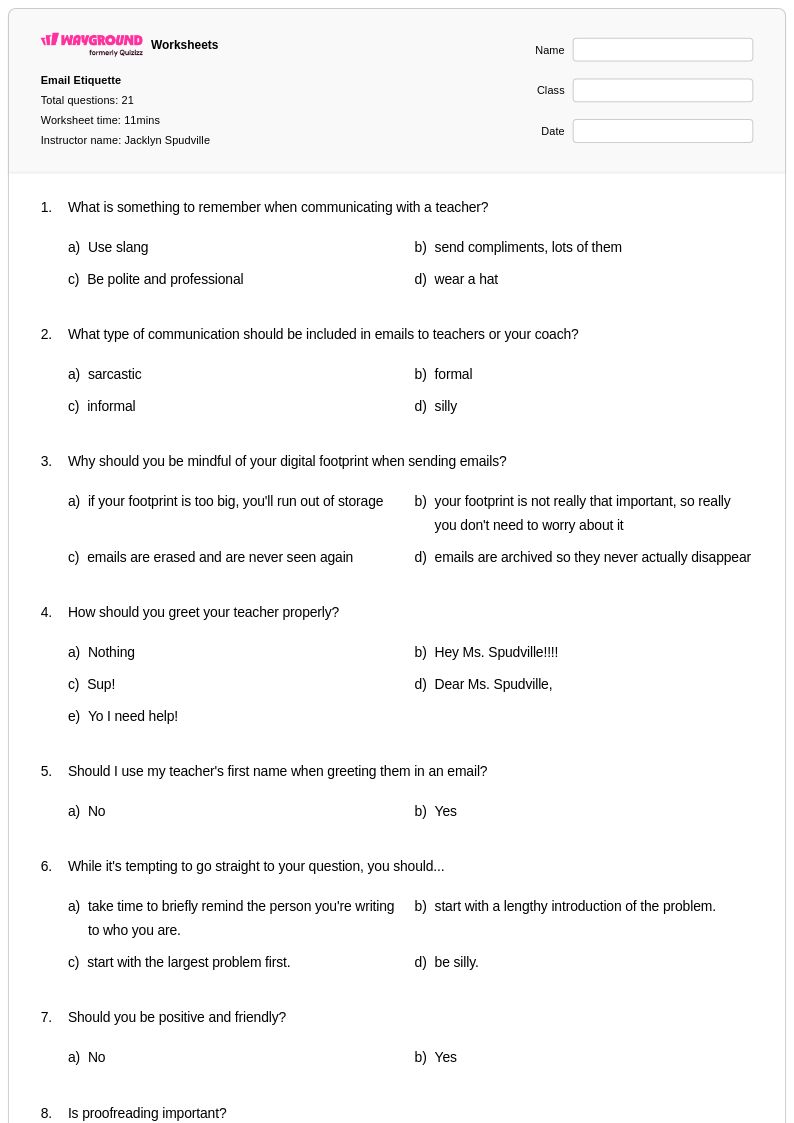
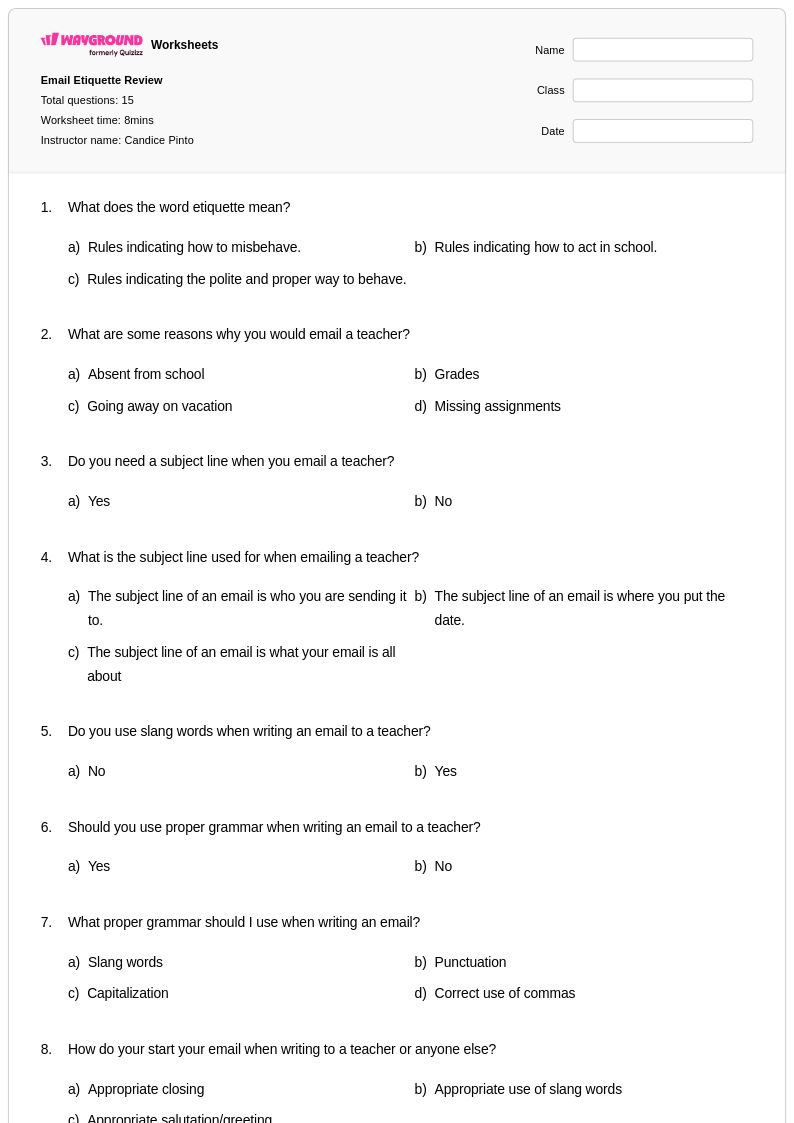
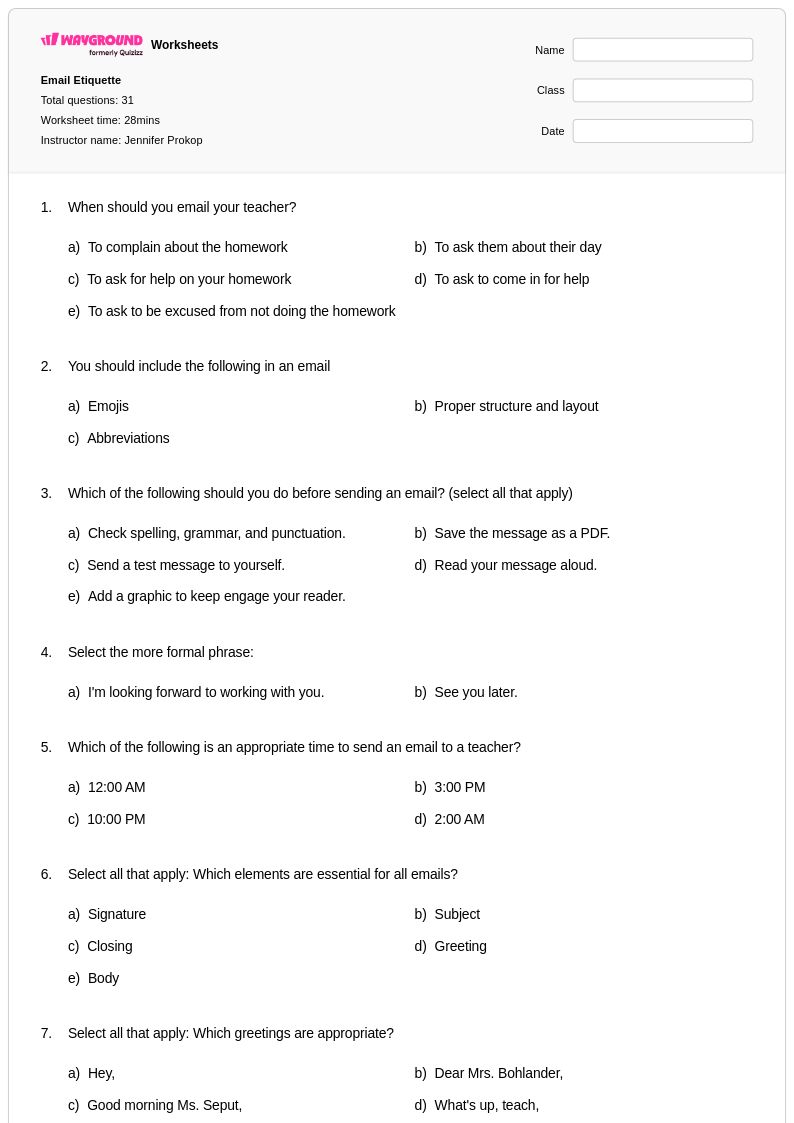
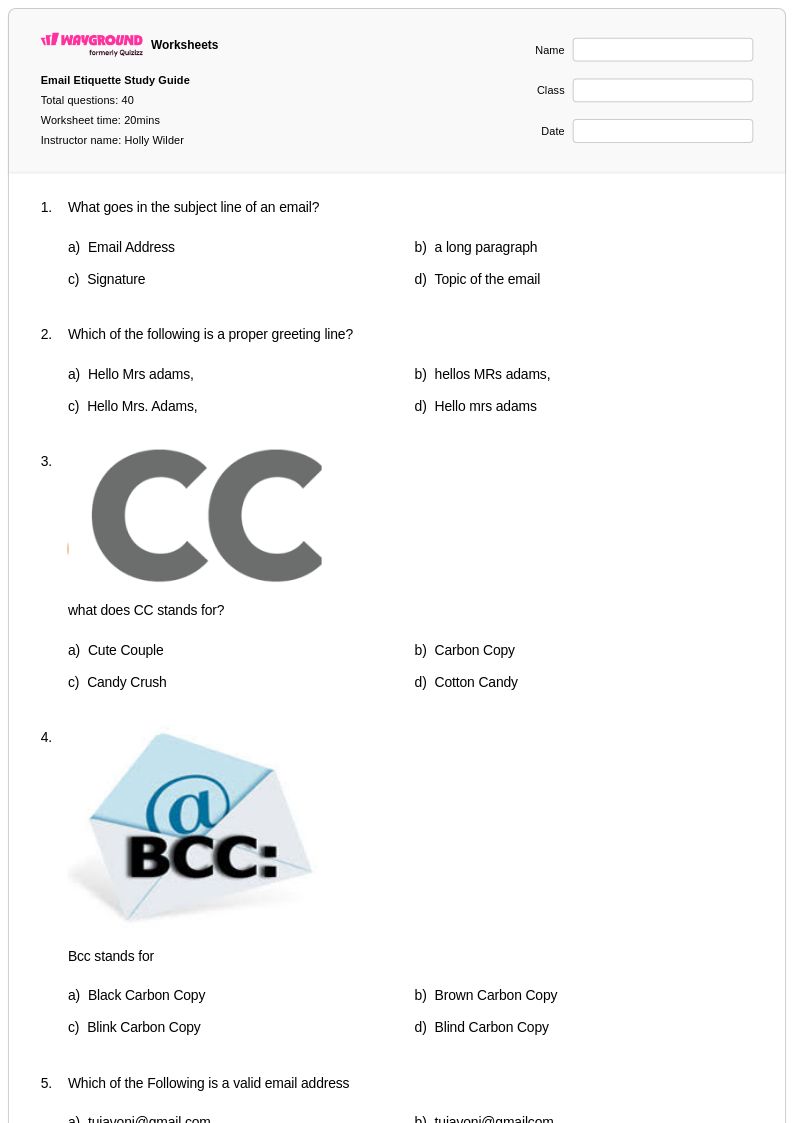
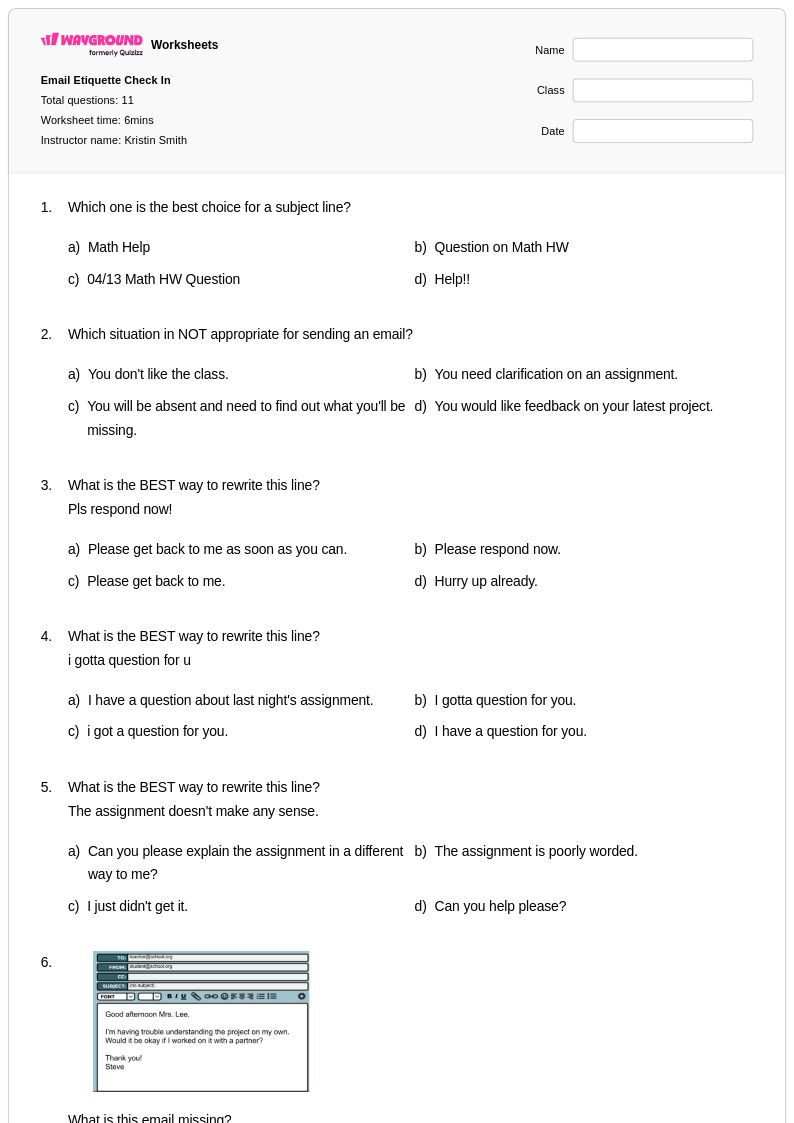
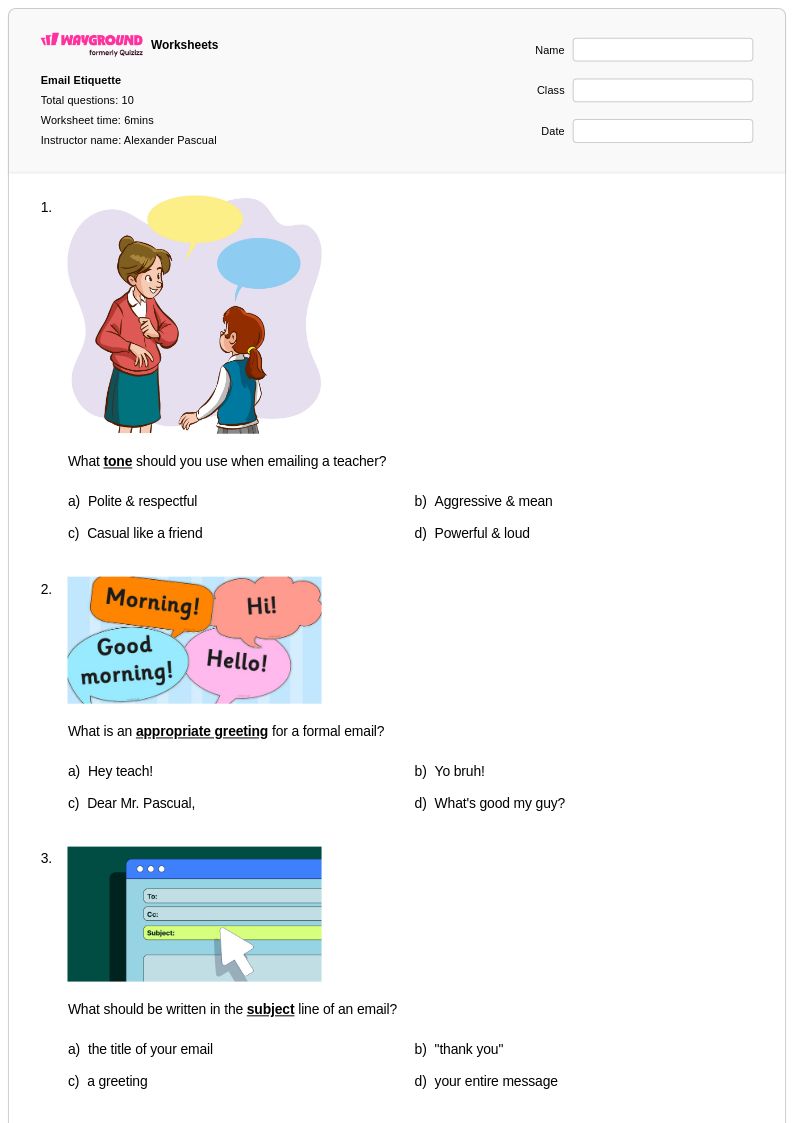
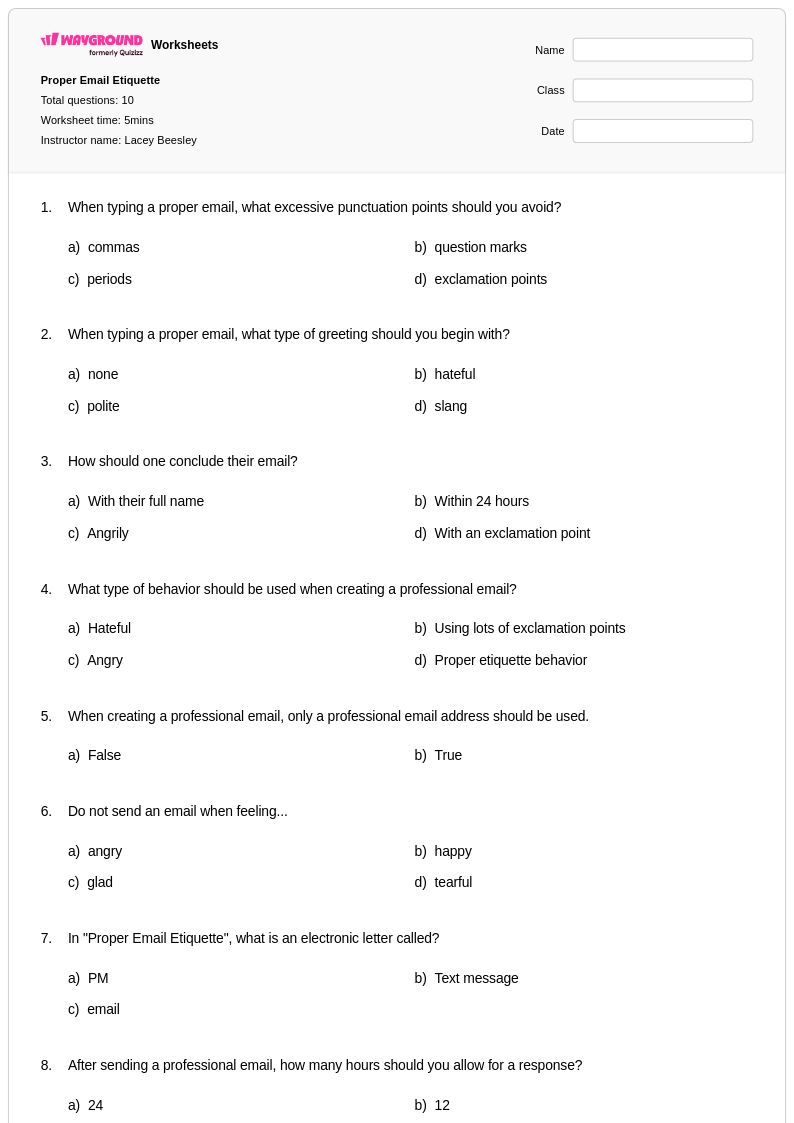
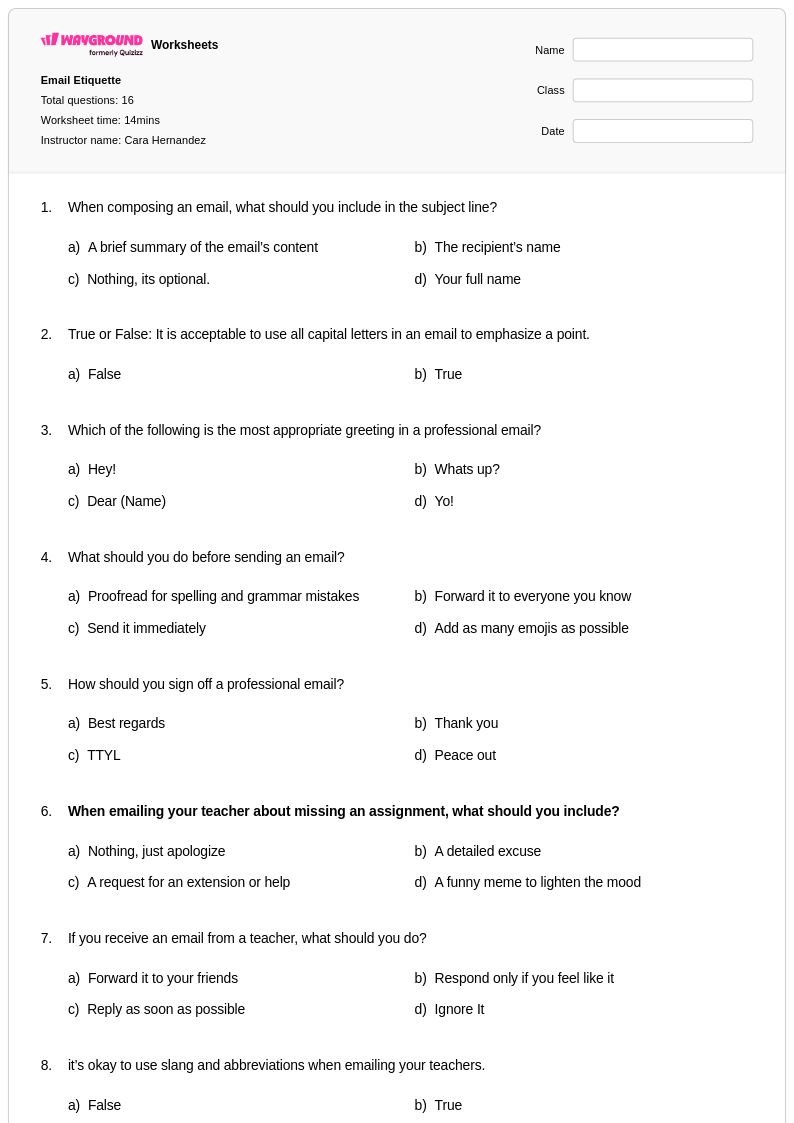
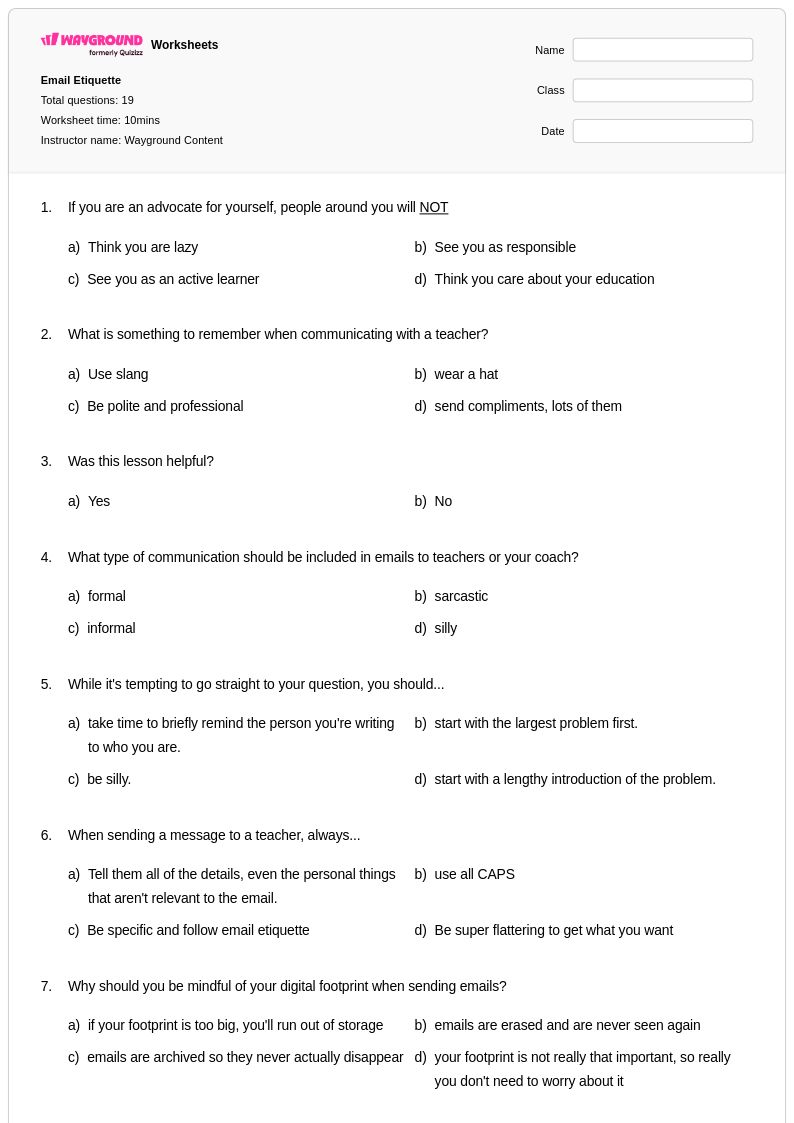
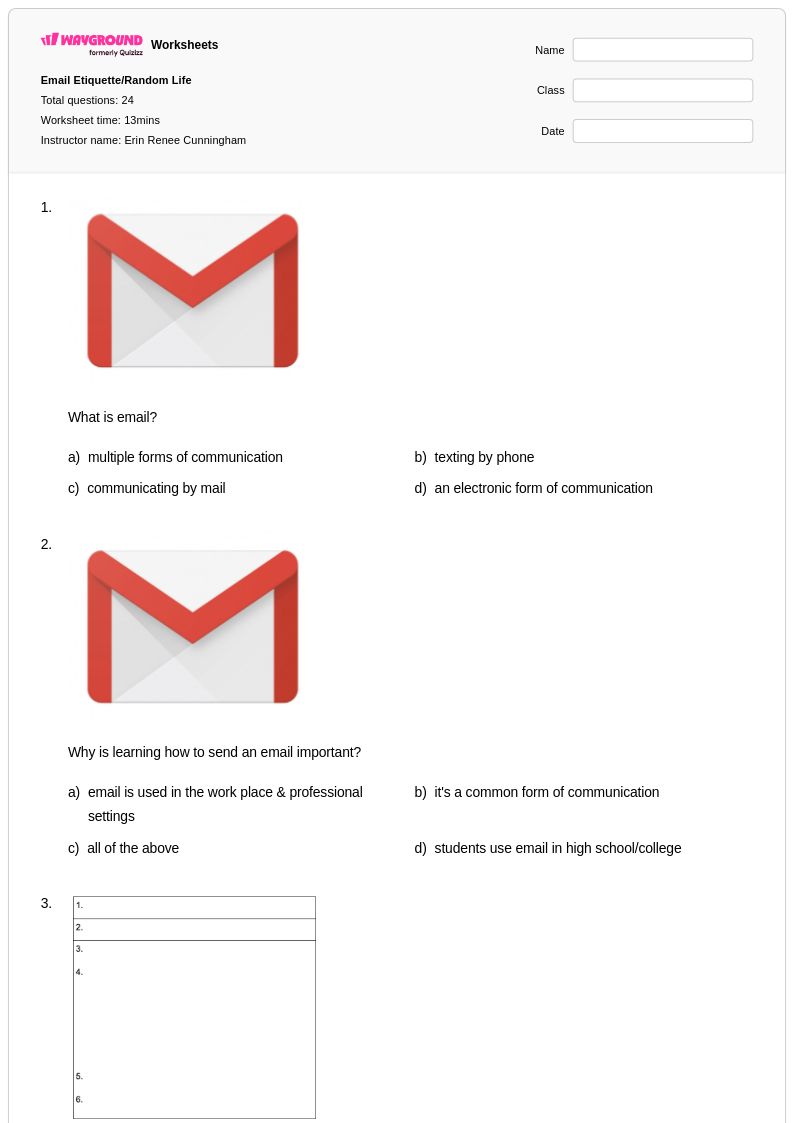
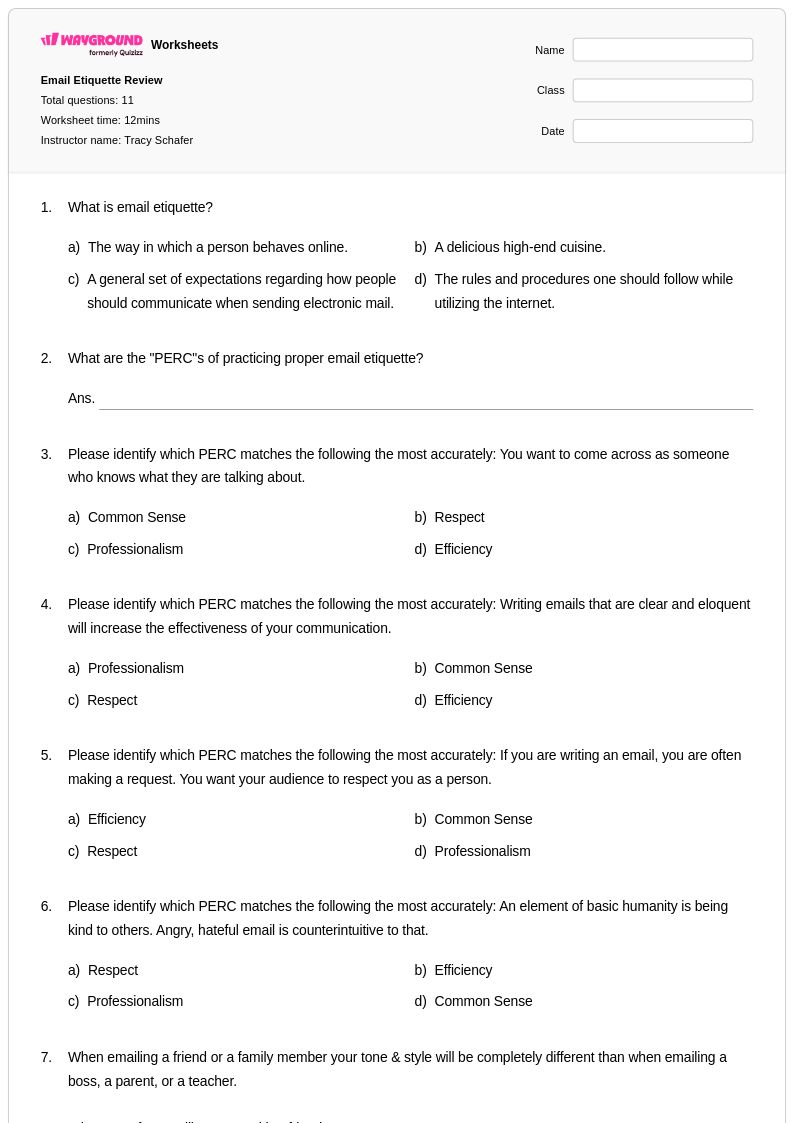
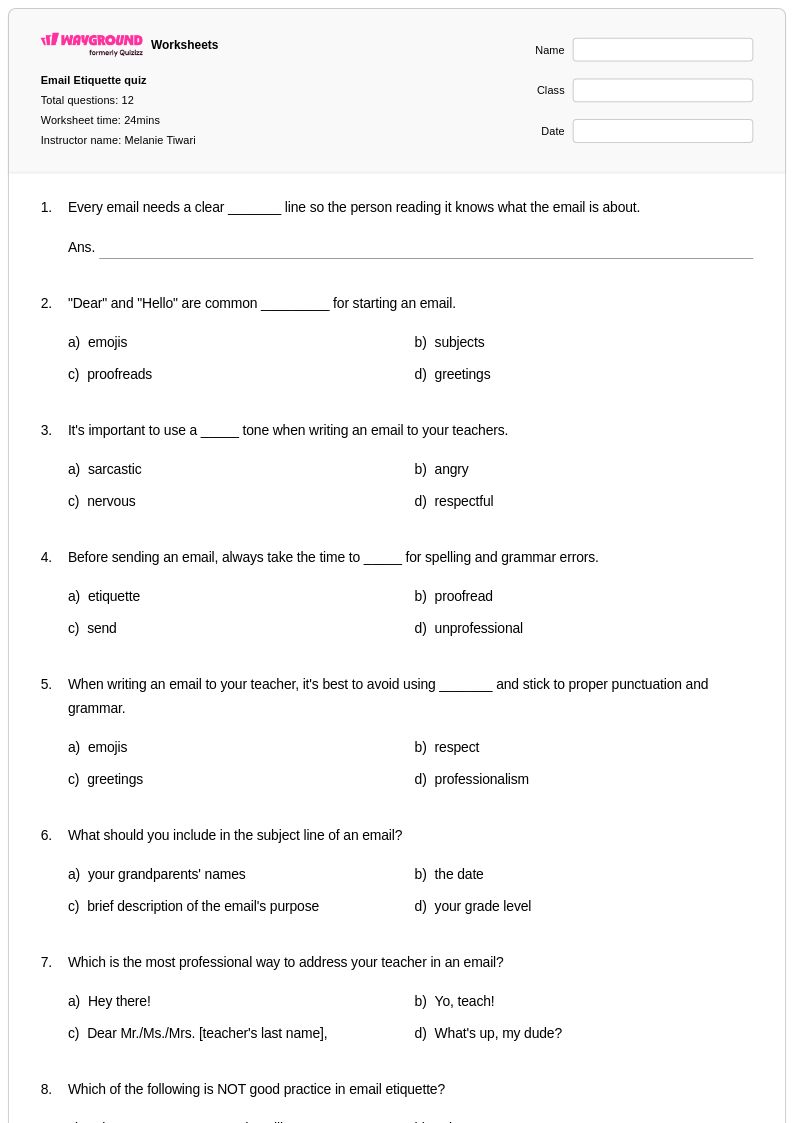
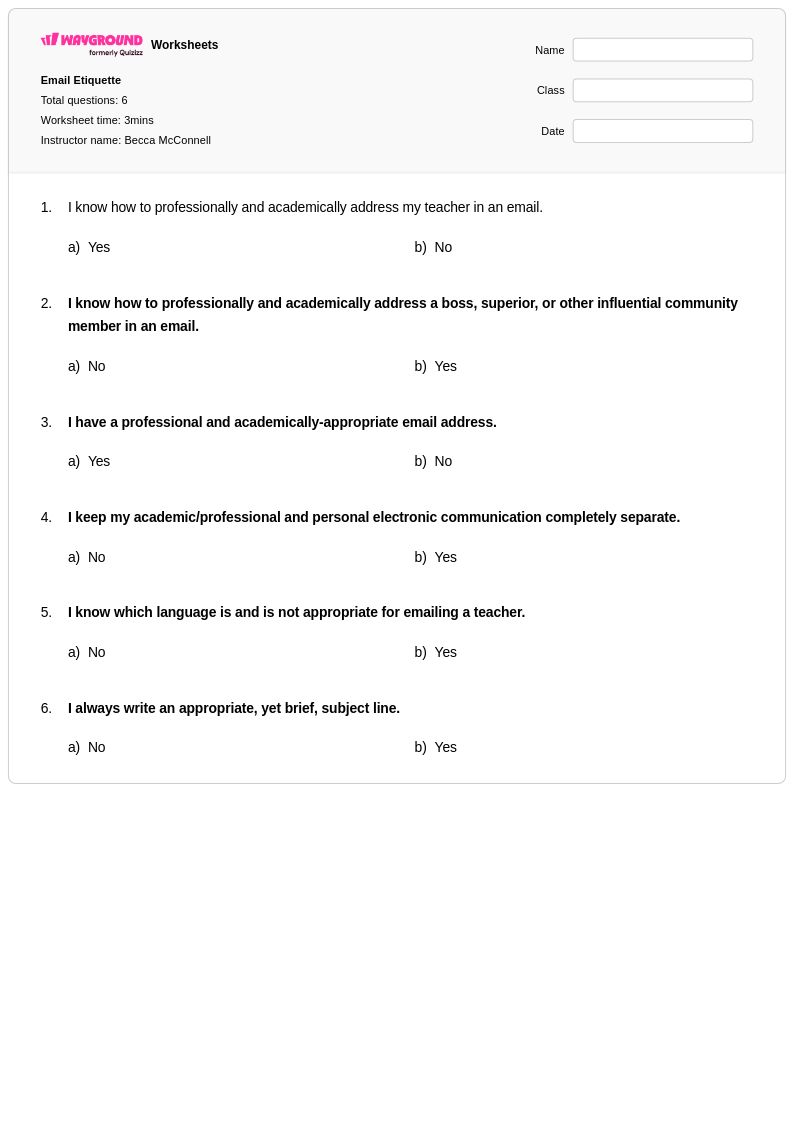
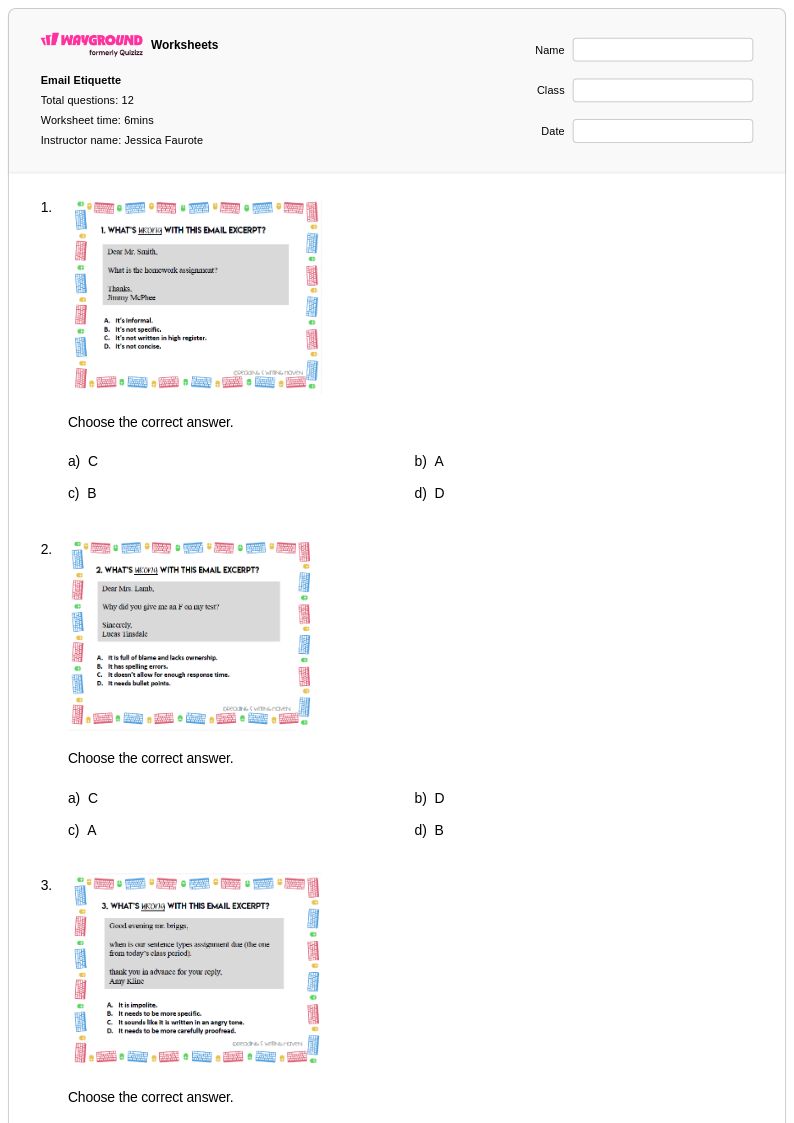
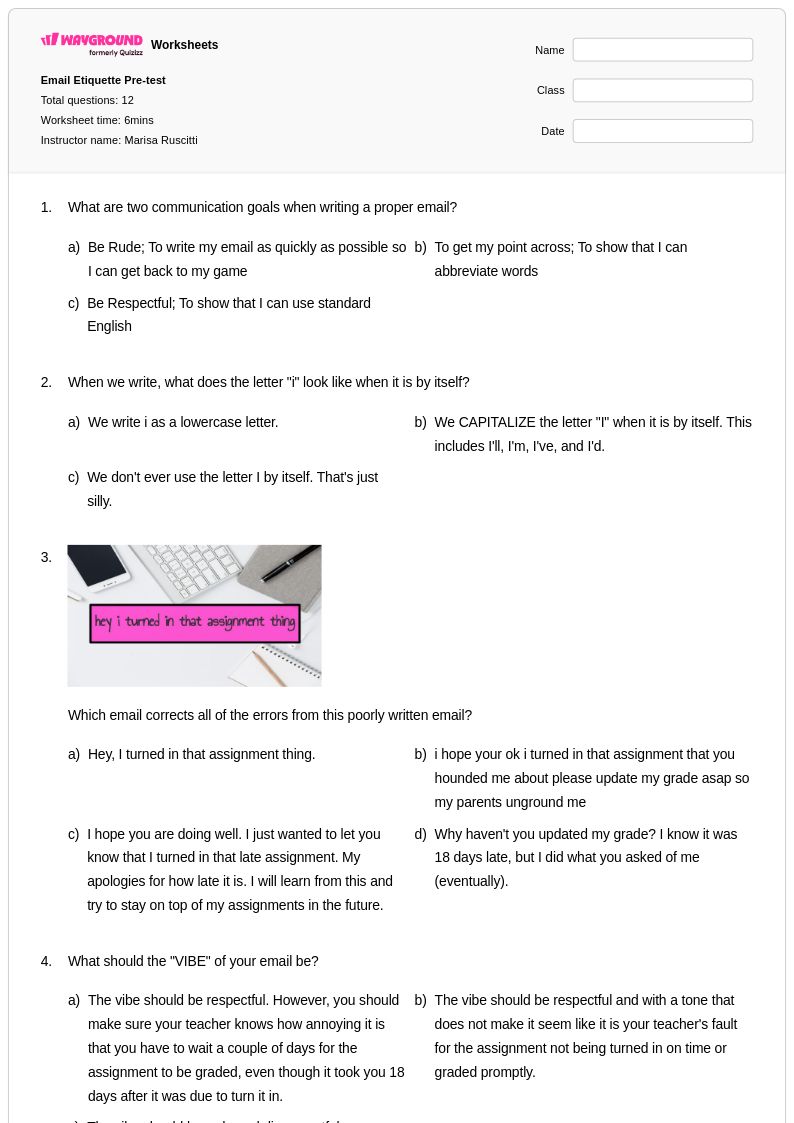
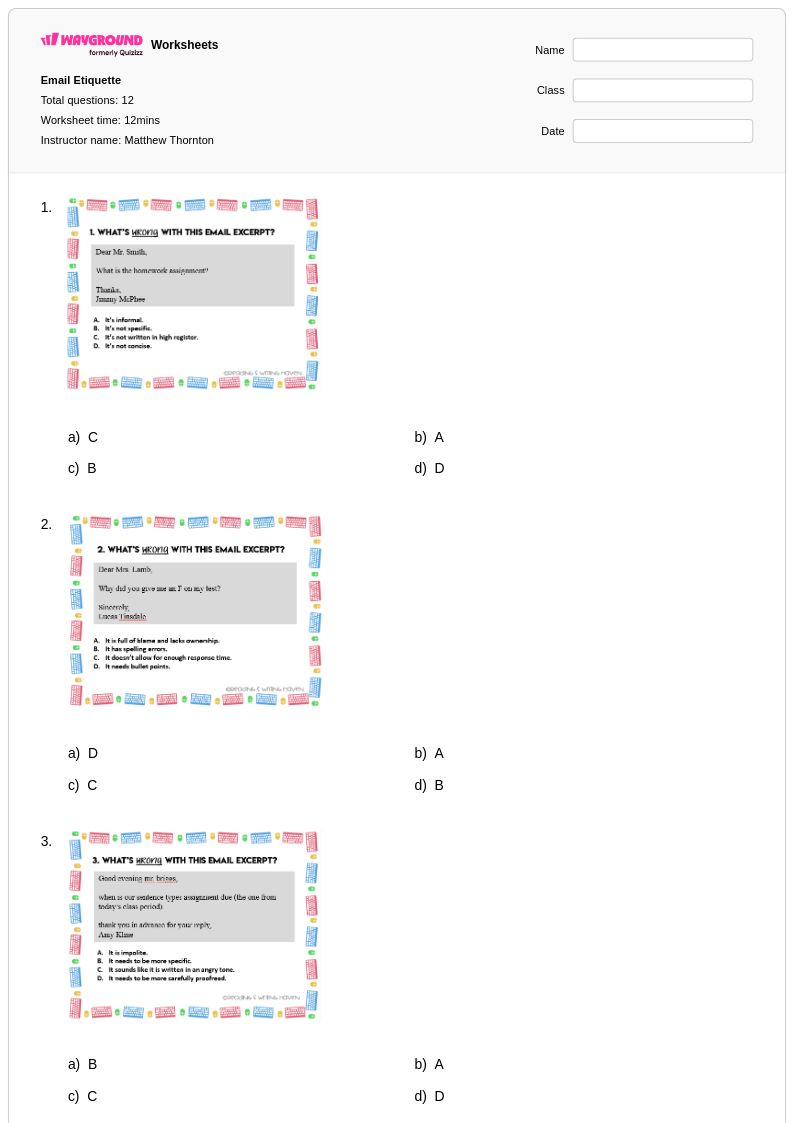
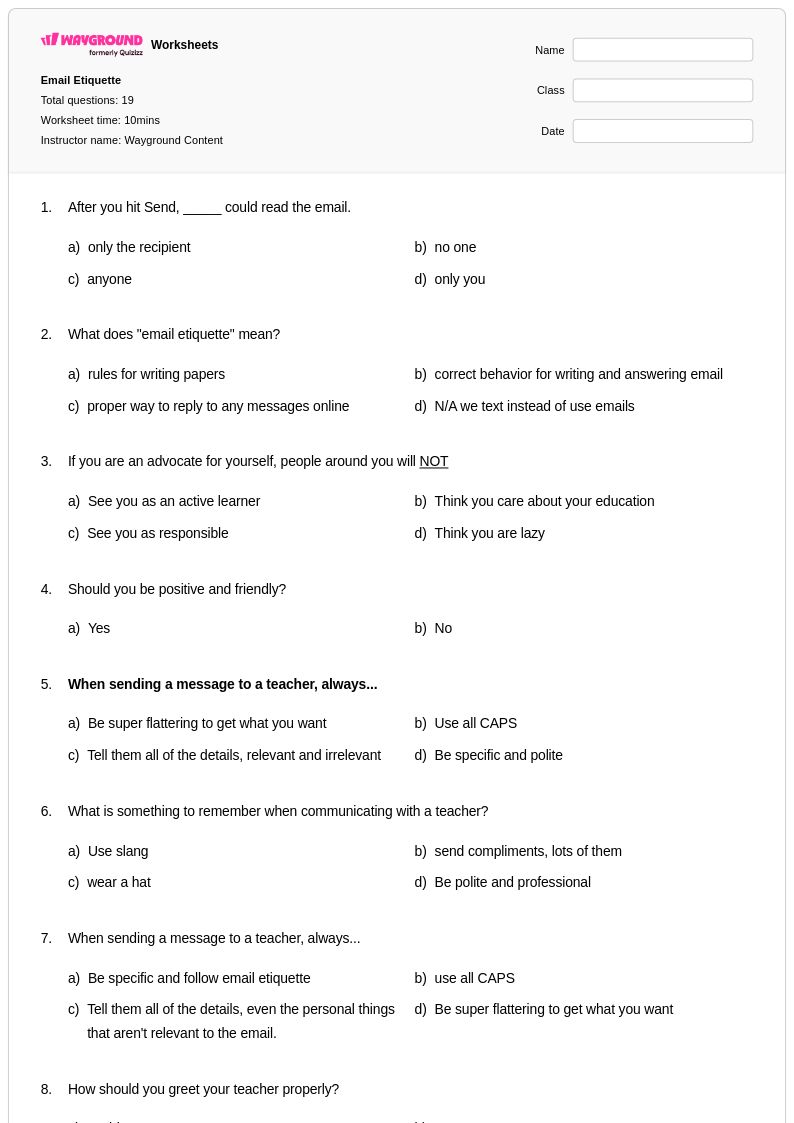
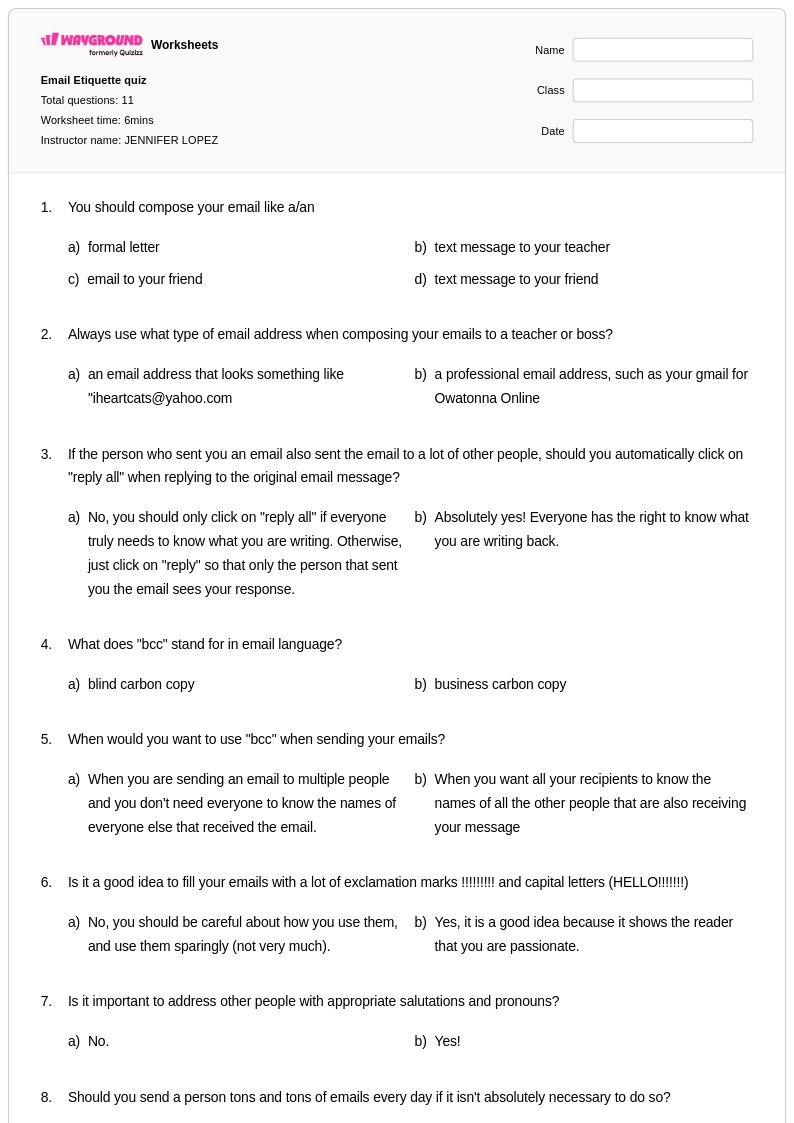
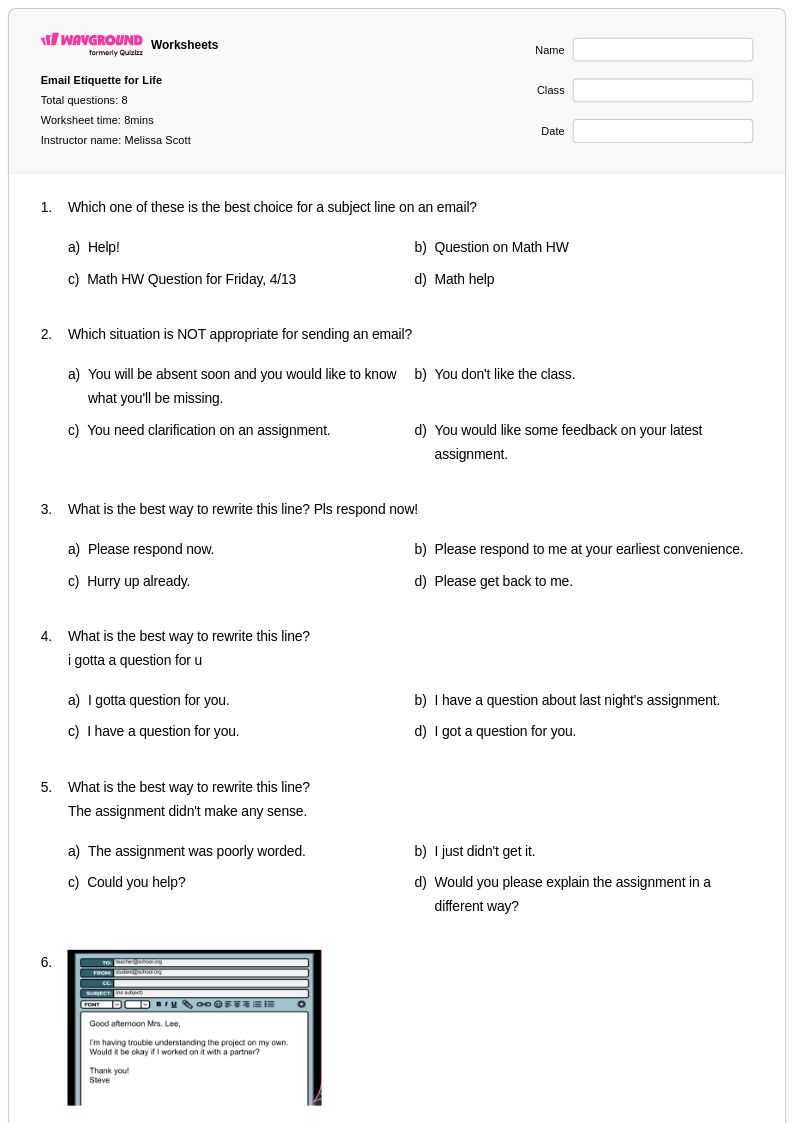
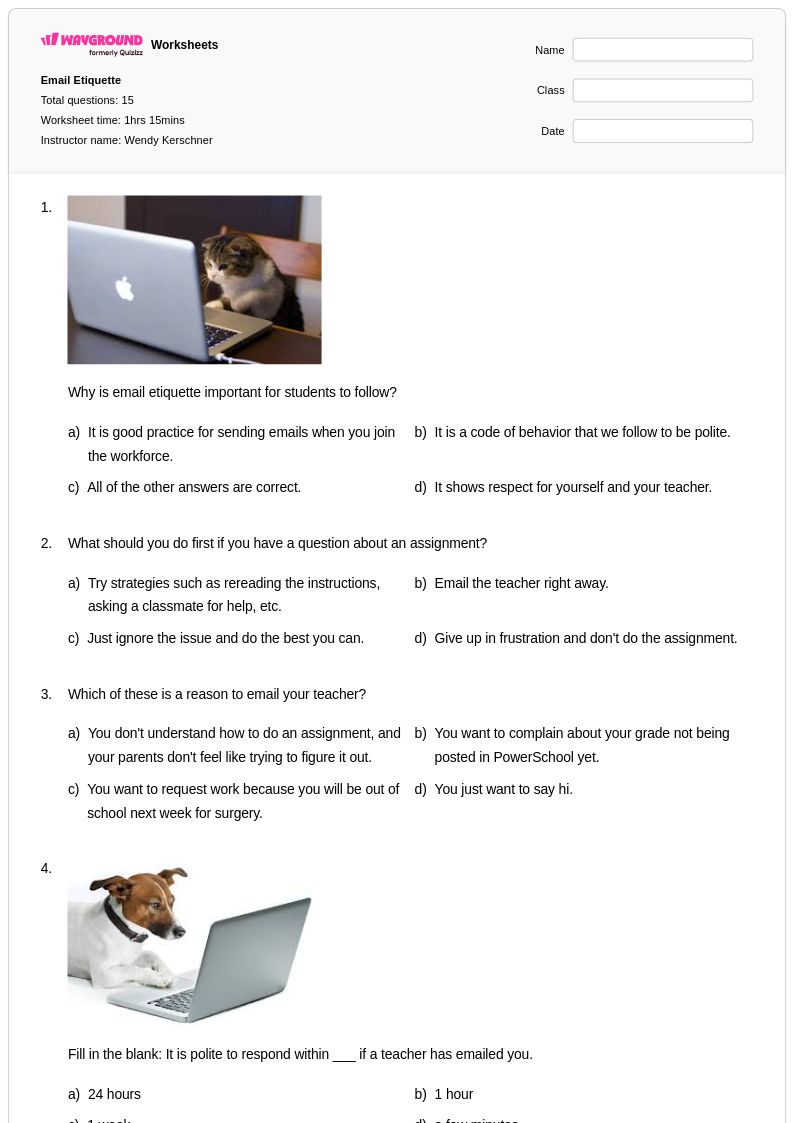
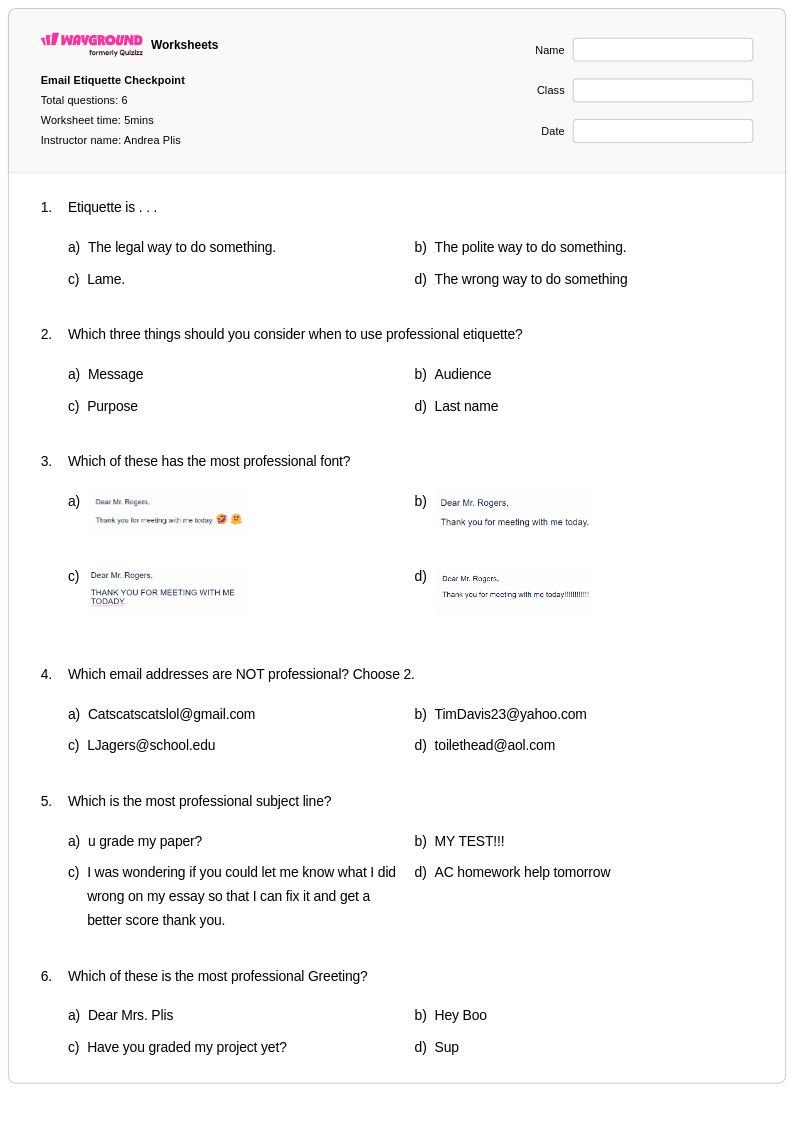
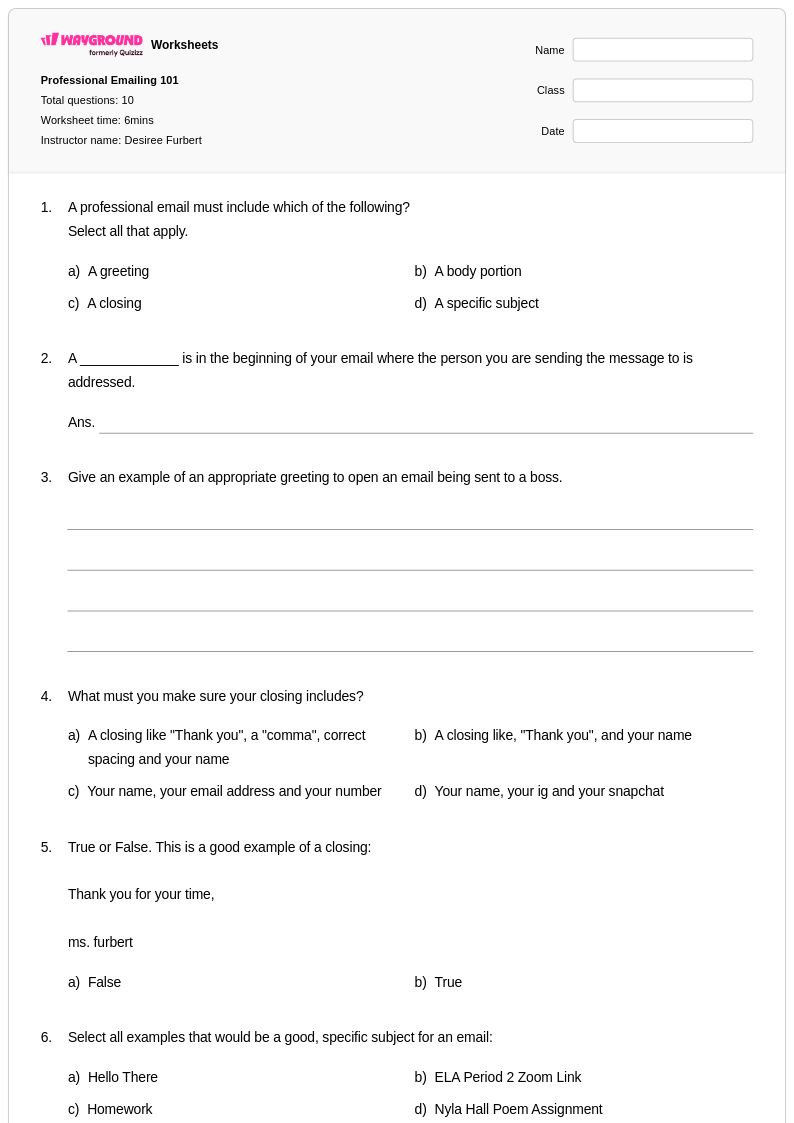
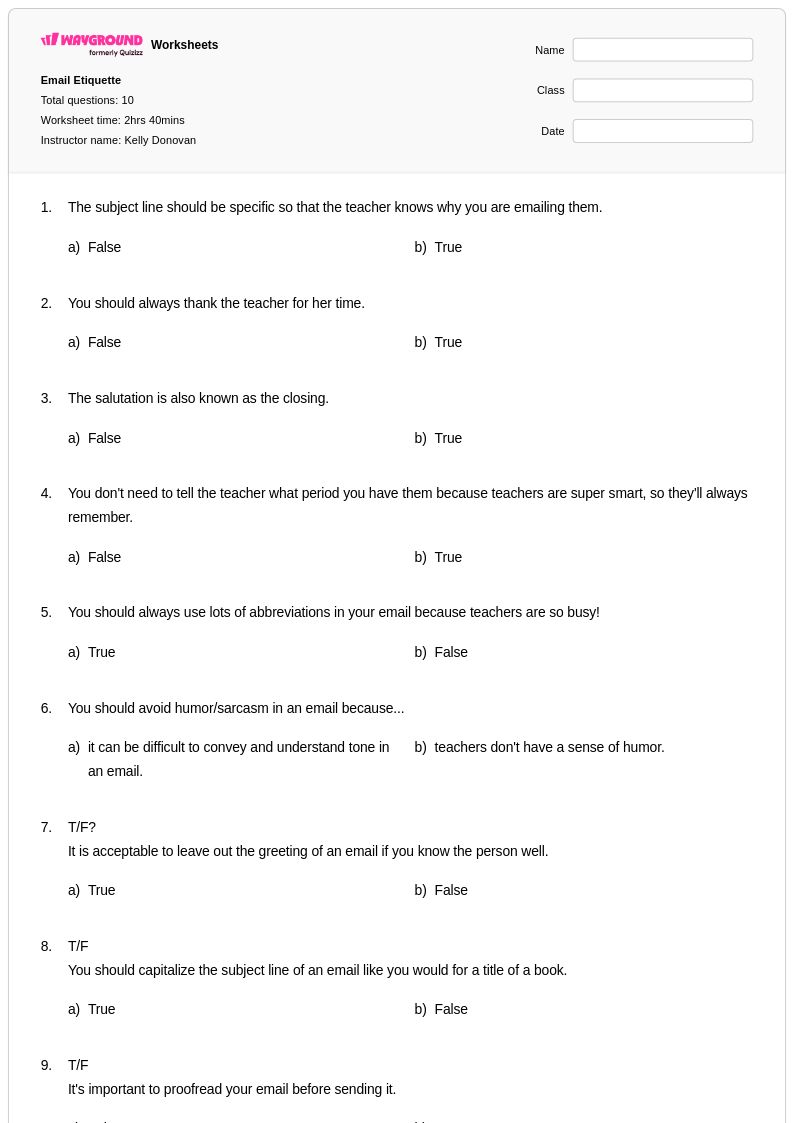
Email etiquette worksheets for Grade 6 students available through Wayground (formerly Quizizz) provide comprehensive instruction in professional digital communication skills that are increasingly essential in academic and future workplace settings. These carefully designed resources teach students the fundamental components of effective email writing, including appropriate subject lines, proper greetings and closings, clear and concise body paragraphs, and respectful tone. The worksheets systematically build competency through structured practice problems that cover common email scenarios students encounter, from contacting teachers about assignments to communicating with peers about group projects. Each worksheet includes detailed answer keys that allow students to self-assess their progress, and the materials are available as free printables in convenient PDF format for easy classroom distribution and homework assignments.
Wayground's extensive collection of teacher-created email etiquette resources empowers educators with millions of standards-aligned materials that support differentiated instruction across diverse learning needs and abilities. The platform's robust search and filtering capabilities enable teachers to quickly locate worksheets that match specific curriculum requirements, skill levels, and classroom objectives. These versatile materials are available in both printable and digital formats, including downloadable PDFs, allowing seamless integration into traditional classroom settings or remote learning environments. Teachers can customize worksheets to address individual student needs, making these resources invaluable for targeted skill practice, remediation for struggling learners, and enrichment opportunities for advanced students, while the comprehensive scope ensures thorough coverage of essential digital communication competencies that prepare Grade 6 students for academic success and responsible online citizenship.
FAQs
How do I teach email etiquette to students who have never written a professional email?
Start by contrasting informal texting language with professional email conventions side by side so students can see the register shift clearly. Introduce the core components in sequence: subject line, salutation, body structure, closing, and signature. Using real-world scenarios, such as emailing a teacher to request an extension or contacting a potential employer, gives students a concrete purpose and makes the formality expectations feel authentic rather than arbitrary.
What exercises help students practice professional email writing?
Scenario-based practice is the most effective approach: give students a situation and ask them to draft an appropriate email from scratch, then revise a poorly written version of the same email. Targeted exercises that isolate specific components, such as writing subject lines for five different situations or choosing between formal and informal closings, build competency incrementally. Peer review rounds out practice by having students evaluate each other's tone, formatting, and word choice against a clear rubric.
What are the most common mistakes students make when writing professional emails?
The most frequent errors fall into three categories: tone, structure, and subject line quality. Students often default to casual language, using contractions, slang, or overly brief replies that read as dismissive. Subject lines are frequently vague or left blank entirely. Many students also omit a proper closing or forget to include their name, which undermines professionalism. Addressing these patterns explicitly, with before-and-after examples, helps students internalize what separates an effective professional email from an ineffective one.
How do I differentiate email etiquette instruction for students at different skill levels?
For students still building foundational writing skills, reduce cognitive load by focusing on one component at a time, such as salutations and closings, before asking them to compose full emails. More advanced students can tackle nuanced scenarios requiring them to adjust tone for different audiences, such as a peer versus a department head. On Wayground, teachers can apply accommodations such as read aloud support, reduced answer choices, and extended time to individual students, allowing the same worksheet to serve diverse learners without singling anyone out.
How do I use Wayground's email etiquette worksheets in my classroom?
Wayground's email etiquette worksheets are available as printable PDFs for traditional classroom use and in digital formats for technology-integrated or remote learning environments. Teachers can also host worksheets directly as a quiz on Wayground, enabling real-time student responses and instant feedback. Each worksheet includes a complete answer key, so teachers can efficiently review student work or allow for self-assessment after practice sessions.
How do I assess whether students understand professional email conventions?
The most reliable assessment strategy combines structured rubrics with authentic tasks. Ask students to compose an original email in response to a realistic prompt, then score it across dimensions including subject line clarity, appropriate salutation, tone consistency, body organization, and professional closing. Common misconceptions to watch for include students who use correct structure but inappropriate tone, or who write formally in the opening and then slip into casual language by the second paragraph. Formative checks after each component lesson catch these gaps early.