Free Printable Programming Worksheets for Class 11
Enhance Class 11 programming skills with Wayground's comprehensive collection of free worksheets, printables, and practice problems covering coding concepts, algorithms, and software development with detailed answer keys.
Explore printable Programming worksheets for Class 11
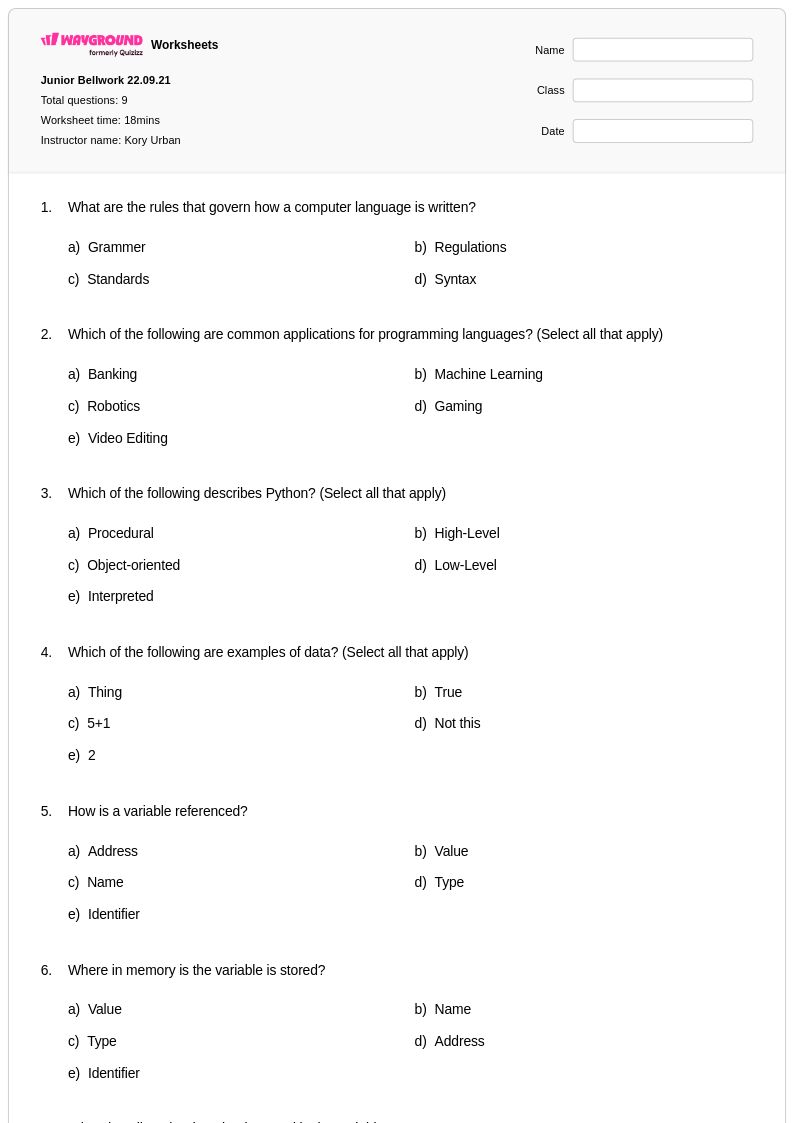
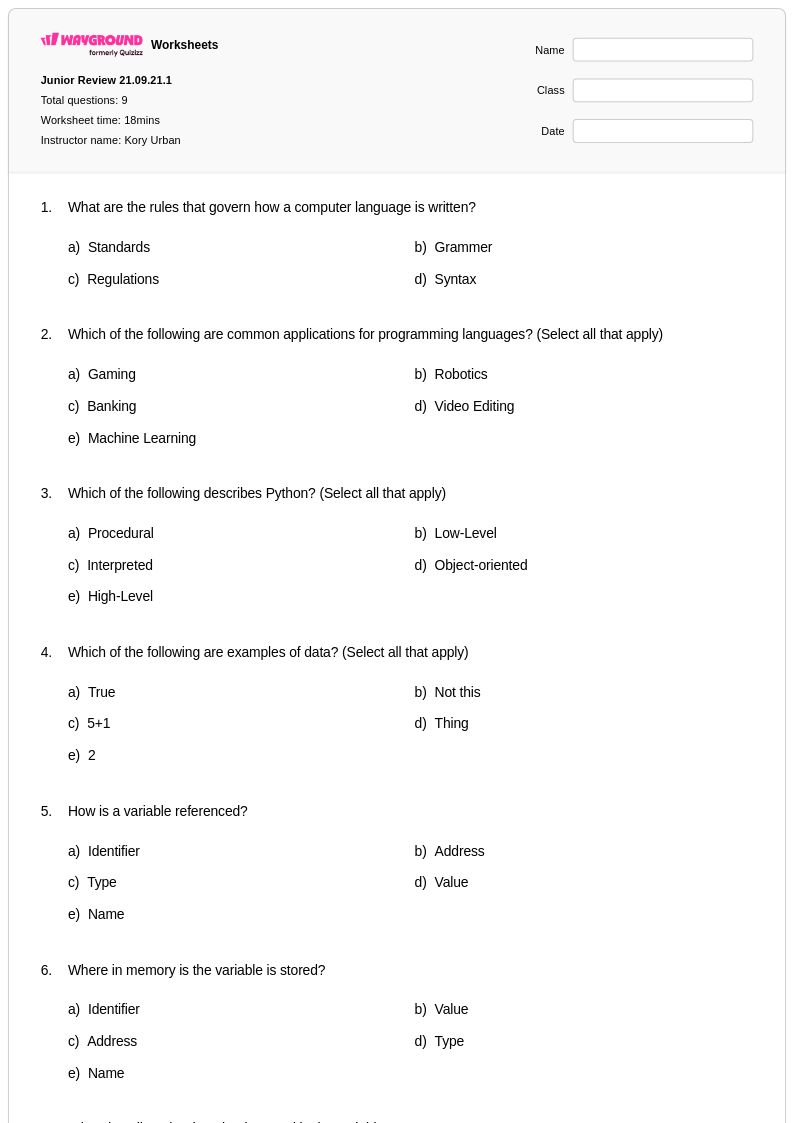
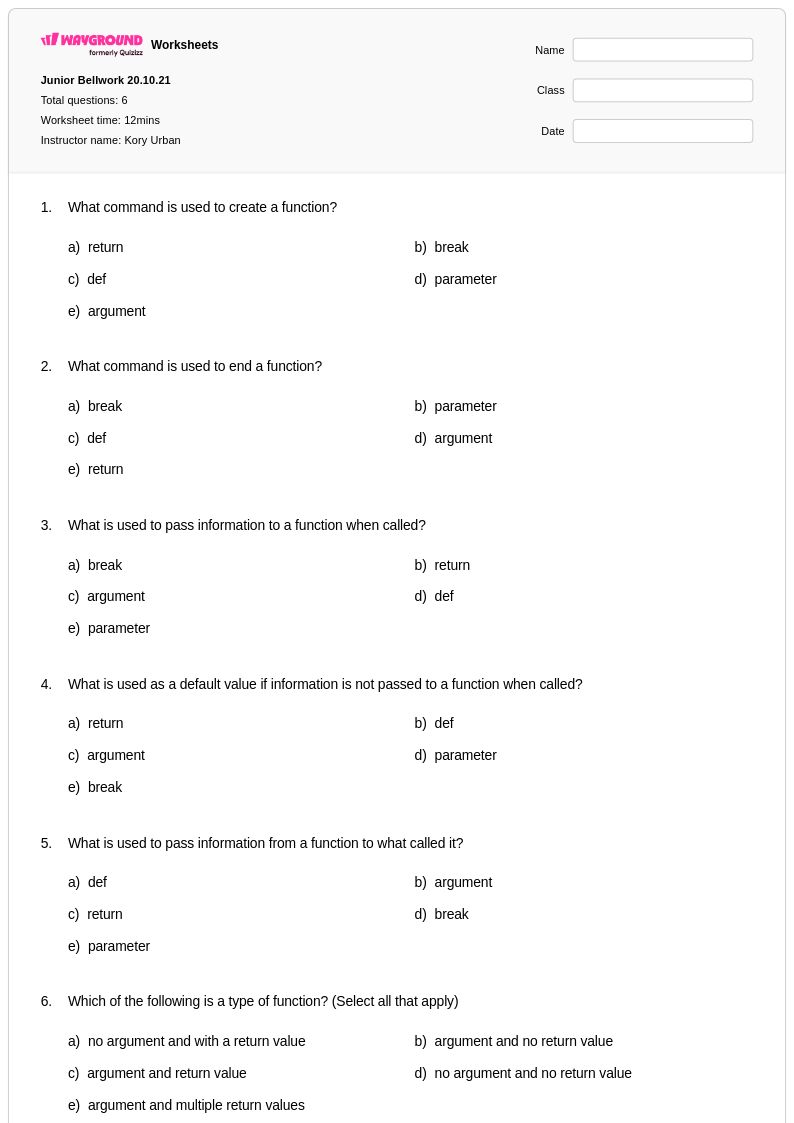
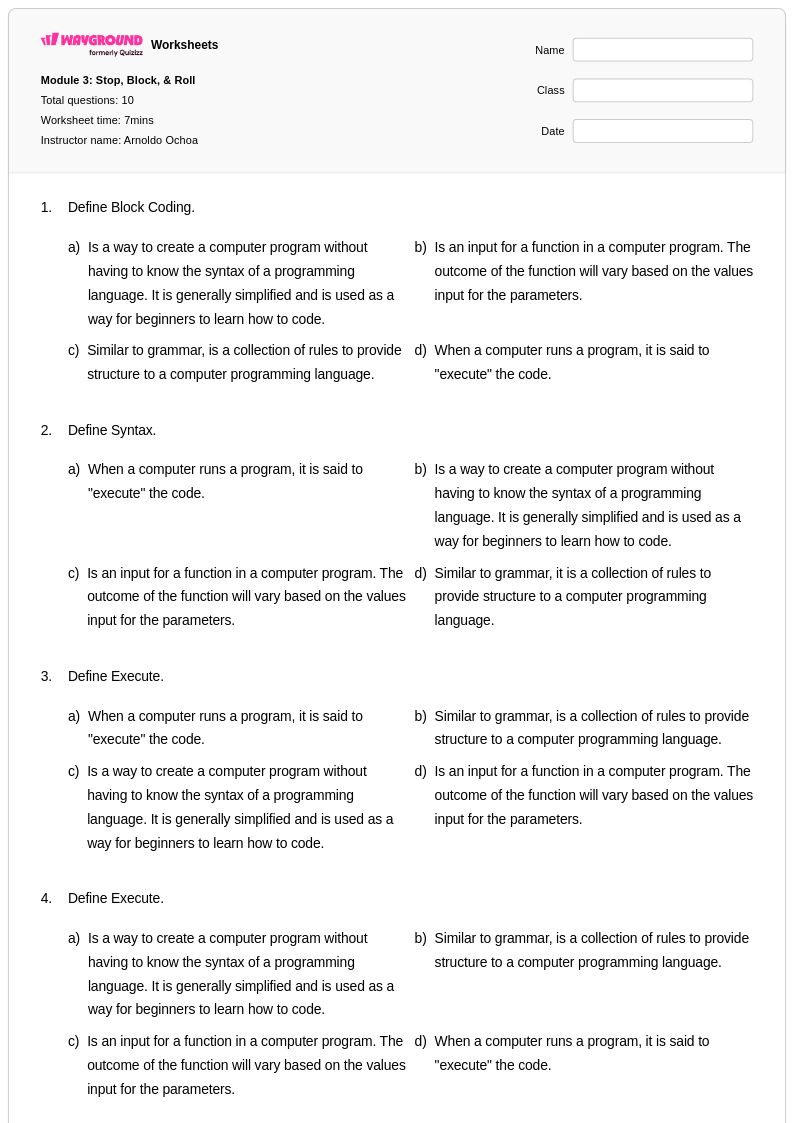
Programming worksheets for Class 11 students available through Wayground (formerly Quizizz) provide comprehensive practice opportunities that strengthen essential computational thinking and coding skills. These expertly crafted resources cover fundamental programming concepts including algorithm design, data structures, control flow, debugging techniques, and object-oriented programming principles that are critical for advanced computer science study. Students engage with hands-on practice problems that reinforce syntax mastery across popular programming languages while developing logical problem-solving abilities through structured coding exercises. Each worksheet collection includes detailed answer keys and is available as free printable materials in convenient pdf format, allowing educators to seamlessly integrate programming instruction into their Class 11 curriculum while providing students with immediate feedback on their computational reasoning progress.
Wayground (formerly Quizizz) empowers educators with access to millions of teacher-created programming worksheets specifically designed for Class 11 computer science instruction. The platform's robust search and filtering capabilities enable teachers to quickly locate resources aligned with specific programming standards and learning objectives, while differentiation tools allow for customized instruction that meets diverse student needs and skill levels. These flexible programming materials are available in both printable and digital formats, including downloadable pdf versions that support various classroom environments and learning preferences. Teachers can efficiently customize worksheet collections to target specific programming concepts, facilitate remediation for struggling students, provide enrichment challenges for advanced learners, and deliver consistent skill practice that builds computational confidence throughout the academic year.
FAQs
How do I teach programming concepts to beginners?
Start by building computational thinking before introducing syntax — use flowcharts and pseudocode to help students plan logic before writing a single line of code. Introduce programming through concrete, visual problems like tracing through an algorithm step by step, then gradually move to code completion exercises where students fill in missing syntax rather than writing from scratch. Sequencing, debugging, and pattern recognition are the three core skills beginners need to develop early and consistently.
What exercises help students practice coding concepts without a computer?
Unplugged activities like algorithm design challenges, syntax error identification, and code tracing exercises are highly effective for building programming intuition offline. Worksheets that present partially written code for students to complete or debug reinforce both logical reasoning and language-specific syntax in a structured, low-stakes format. These paper-based practice problems also help students slow down and think through each step, which is a skill that directly transfers to writing and debugging code on a screen.
What mistakes do students commonly make when learning programming?
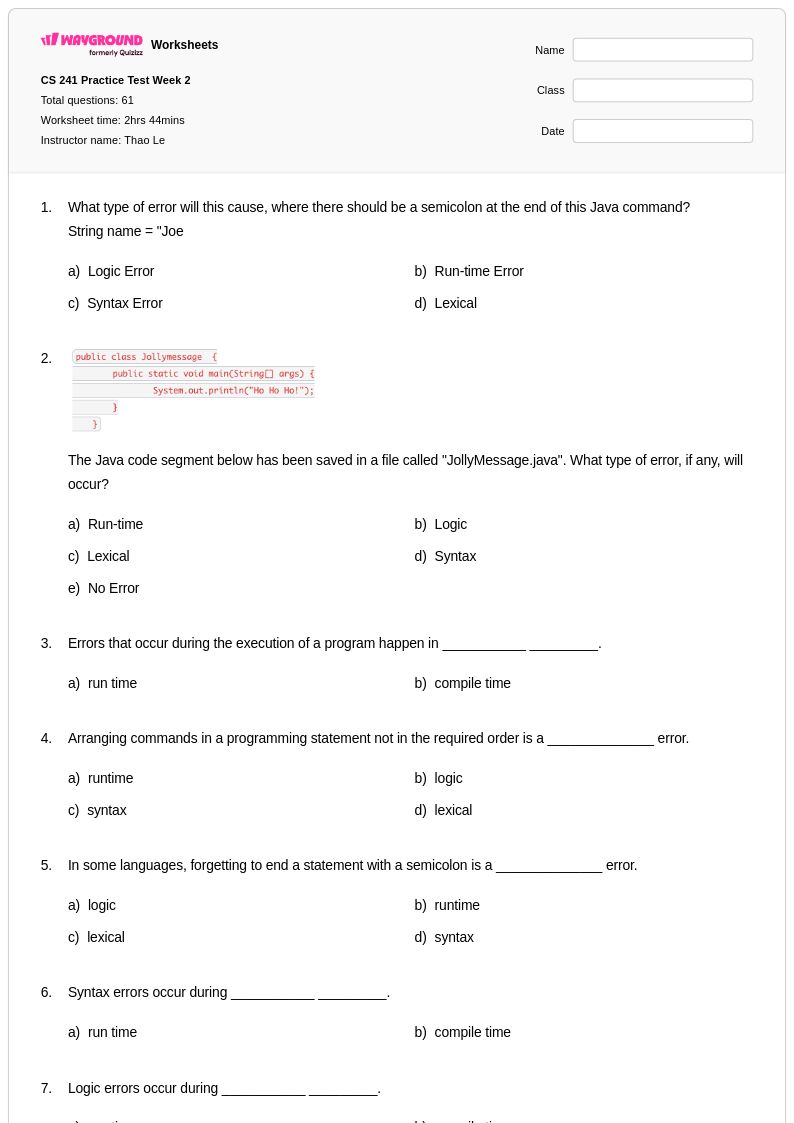
The most common errors fall into two categories: syntax mistakes, like missing semicolons, mismatched brackets, or incorrect capitalization, and logic errors, where the code runs but produces the wrong output. Students frequently confuse assignment operators with equality operators and struggle to trace what a variable holds at each step of execution. Targeted debugging exercises that ask students to identify and correct pre-written errors are one of the most effective ways to address both error types simultaneously.
How can I differentiate programming instruction for students at different skill levels?
Differentiation in programming instruction works best when you vary task complexity rather than the concept itself — all students can work on debugging, but some debug one-line errors while others tackle multi-step logic problems. Wayground supports student-level accommodations including reduced answer choices to lower cognitive load and Read Aloud for students who need questions read to them, which is especially helpful during assessment. For advanced learners, enrichment problems that ask students to extend or optimize a working program push deeper thinking without requiring entirely different materials.
How do I use Wayground's programming worksheets in my classroom?
Wayground's programming worksheets are available as printable PDFs for traditional classroom use and in digital formats for technology-integrated environments, giving teachers flexibility regardless of their setup. You can also host a worksheet as a quiz directly on Wayground, which allows you to track student responses and review results in real time. Each worksheet includes a detailed answer key, so these materials work equally well for guided practice during class, independent study, or targeted remediation sessions.
How do I assess whether students understand programming logic versus just memorizing syntax?
The clearest way to assess logic understanding is through tracing and prediction tasks — give students a complete block of code and ask them to write what the output will be without running it. Students who rely on memorization will struggle here, while students who understand logic will walk through each step correctly. Debugging exercises that require students to explain why an error occurred, not just fix it, also reveal the depth of conceptual understanding versus surface-level pattern matching.