
 Worksheets
Hardware Software, input output and Storage ICT IGCSE Ch Rev
Total questions: 99
Worksheet time: 48mins
Speakers are connected using
Audio port
AGP port
PCI slot
None
It is called the brain of the computer
SMPS
RAM
Mother board
CPU
Volatile memory unit
ROM
RAM
Pen drive
Hard disk
Disk drive with a high storage capacity
RAM
CD
Hard disk
Pen drive
Made up of coils of a heat conducting metal
SMPS
DVD
Mother board
Heat sink
Fixed inside the mother board
Pen drive
Printer
Mouse
ROM
Throws the visual output on a large flat surface
Printer
Scanner
Projector
Monitor


Identify the device shown in Picture.
Line Printer
Inkjet Printer
Plotter
Daisy wheel Printer

Identify the device shown in picture.
OMR
MICR
Stylus
OCR

Identify the component from the picture.
USB port
Parallel Port
Computer Bus
Serial Port
What is used to connect Multiple USB devices to a computer?
BY using more than one pendrives
USB Hub
Pen drive Hub

The Biometric Body” end the selection with an example of how biometric technology is convenient for citizens.
True
False
6.5G. Use The Biometric Body to answer this question.
The details in the graphic on pages 262-263 support the key idea that --
Biometric technology can be used on smartphones, computers, and even in public places, like airports and schools.
Various parts of the body can help identify individuals.
The use of biometrics has become very popular with law enforcement.
Facial recognition, fingerprinting, and DNA analysis are some of the most common forms of biometric technology.
An user typing on a keyboard
behavioral
physiological
the way an user speaks
behavioral
physiological
fingerprint
behavioral
physiological
CCTV stands for
Copper Circuit Television
Closed Circuit Television
Cool Circuit Television
Closed Coordinate Television
The Biometric Body” end the selection with an example of how biometric technology is convenient for citizens.
True
False
The Biometric Body” end the selection with an example of how biometric technology is convenient for citizens.
True
False
The Biometric Body” end the selection with an example of how biometric technology is convenient for citizens.
True
False


You can use this to input printed documents to a computer ?
Trackerball
Scanner
Keyboard
Mouse
This sensor is used for burglar alarms
Temperature
Humidity
Movement/Motion
PH
Define the term 'sensor'. Choose the most appropriate definition.
Used to capture and can measure physical quantities
A hardware device that collects data and stores it.
A sensor stores data that it collects
True
False
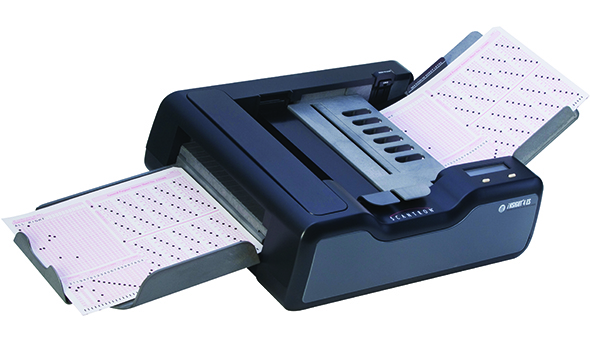
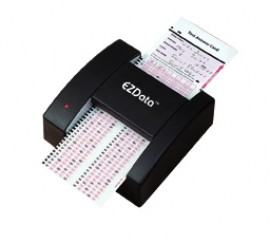
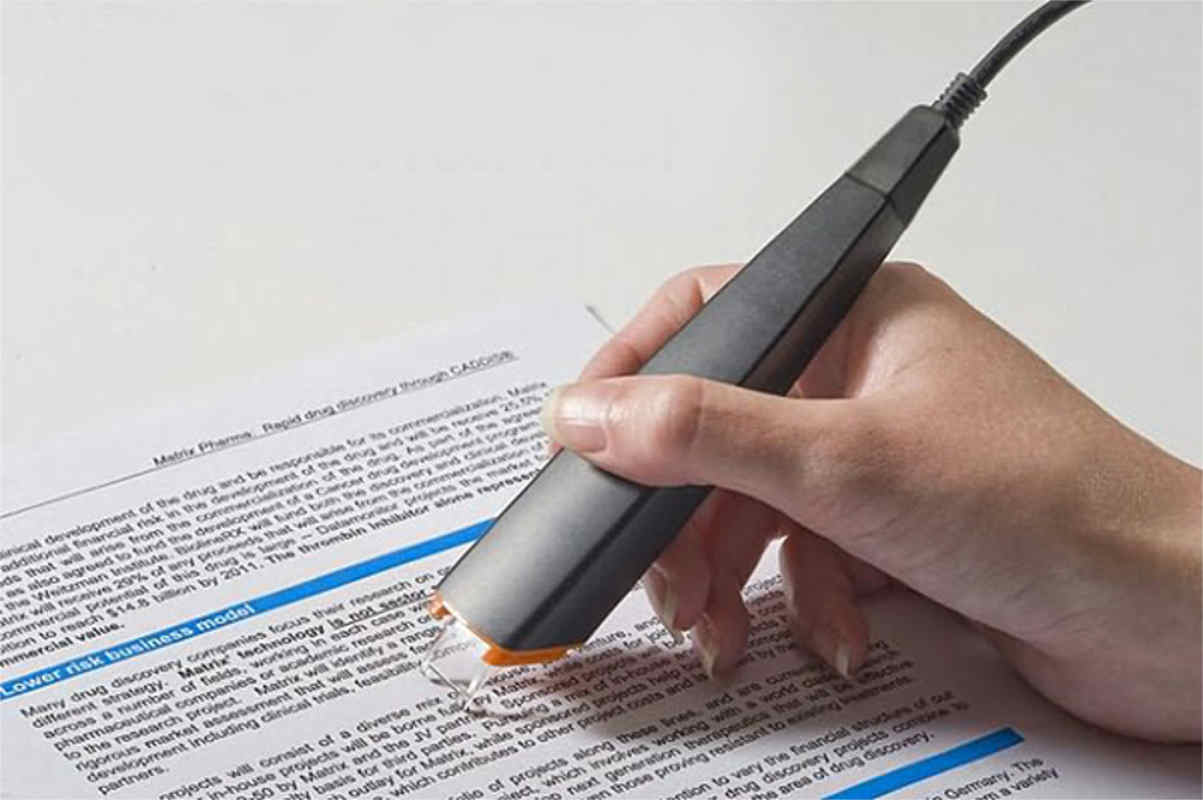
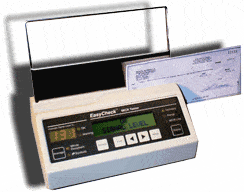


The device used to input the data from a contactless credit card
Bar code reader
Magnetic stripe reader
RFID reader
Pin Pad
The device used to input the data from a contactless credit card
Bar code reader
Magnetic stripe reader
RFID reader
Pin Pad
What two input devices could be used with a VR flight training system?
Steering wheel/joystick
Motion sensor
bar code reader
OCR
RFID

Which category is the picture above belongs to?
Input device
Output Device

Which category is the picture above belongs to?
Input Device
Output Device

Which category is the picture above belongs to?
Hardcopy output devices
Softcopy Output devices

Which category is the picture above belongs to?
input devices
output devices

Which category is the picture above belongs to?
Input device
output device

Which category is the picture above belongs to?
Input device
output device
A form of input that does not require data to be keyed by someone sitting at a keyboard.
Direct Entry
Keyboard Entry
Both Direct and Keyboard Entry
None of the two
Which of the following CAN read from a distance?
Magnetic Stripe Reader
Barcode Reader
Chip Reader and PIN Pad
RFID reader
Which of the following can be easily cloned/duplicated?
Chip Reader and PIN pad
Magnetic Stripe Reader
Which of the following has a higher storage capacity?
Magnetic Stripe
Chip on a card
What does RFID stand for?
Receiver Frequency Indicator
Radio Frequency Identification
Really Funny Idea Dude
e
What 3 Parts does a RFID system contain?
Ram, Power supply and Monitor
Wheels, Engine, Battery
Processor, Printer and Scanner
Tag, Reader and Antenna
Which of these is a use of RFID?
Iris scanner
Codes on back of groceries
Oyster cards
To store data in the Random Access Memory
A computer's external hard drive is often considered a _______ storage device
primary
secondary
tertiary
tertiary
What are the examples of primary memory?
RAM
ROM
HDD
SSD
Which one is used to store data that controls the most basic computer functionality?
RAM
ROM
HDD
How many bytes are there in a kilobyte?
2024
1024
1000
8
Data is stored in the computer memory in the form of :
Numbers
Text
Bits/Bytes
Data and instructions stored in this Internal memory are lost when computer is turned off
ROM
RAM
USB
Hard disk
This internal memory holds start up instructions that prepare the computer for use and check proper working of computer parts.
RAM
Flash Drive
ROM
Memory Card
Which type of storage is directly accessible to the CPU?
Primary
Secondary
Offline

Information that we no longer seeing on the screen has been erased from RAM.
True
False

What is primary storage?
The hard drive
Memory
Network server
Cloud storage
Which of these is NOT secondary storage?
USB
Google Drive
RAM
DVD
Why is secondary storage needed?
It is non-volatile
It is volatile
It is quicker
It is online
A [what?] is the most common type of secondary storage.
(a)
Which of these is the cheapest type of secondary storage?
Magnetic hard disk
Static hard drive
USB drive
DVD-RW
What do the letters RAM stand for?
(a)
Which type of memory is non-volatile?
ROM
RAM
Which type of memory is volatile?
(a)
Which type of memory will you find inside a CPU?
RAM
ROM
Virtual
Cache
Which type of memory will you find on a hard disk?
(a)
Which of these is cloud storage?
Network server
Google Drive
USB Drive
CD
Which is the fastest type of storage?
Static Drive
Magnetic Drive
CD
DVD
What is the benefit of cache memory?
It's cheaper than RAM
It's easier to add more to upgrade a computer
It makes the CPU run faster
It lets you store more data on a computer
Backing up refers to the copying of files/data to a different medium in case of a problem with the .....
Main Storage Device
External Storage Device
Main Secondary Storage Device
Hard disk drive
Why back up data? Pick 3 reasons
Safeguard against loss data due to the storage device failure
Safeguard against virus
Safeguard against hackers
24/7 availability
Three main reason that cause loss data in the computer main storage devices
Failure of the original secondary storage devices
Corrupted files
Hardware failures
Out of date Operating System
The weakness of backing up files, the (a) could attach itself to the files, which mean the backup files reloaded.
(a) is a collection of records
Which type of access that access each record in turn until the required record is found?
Serial
Direct
Storage device that uses serial access and in a very slow form of data access, called?
Magnetic tape
CD-R/CD-RW
Memory stick
HDD
When transferring data using magnetic tape, the original file is called?
Main file
Master file
Home file
Genuine file
Storage device that uses direct access and in a very fast form of data access are listed below, except?
Memory sticks
DVD-ROM
Portable HDD
Magnetic tapes
What is the term used to measure the size of memory or storage device?
Bit
Byte
Many hard disk drives are made up of more than one disk and these disk known as (a)
What is RW means in CD-RW?
Write once only
Can only be read
Can be written to or read from many times
The data stored in CD/DVD-ROM, is stored as a series of?
Pits and Lands
Digital media
1 and 2
Label and Tags

