
 Worksheets
Year 8 Computer Systems
Total questions: 44
Worksheet time: 22mins

Secondary storage devices can be grouped into three categories - what are they?
Magnetic, Flash and Optical
Magnetic, Optical and Solid State
Solid State, Flash and Hard Drives
Hard Drives, CDs and USBs
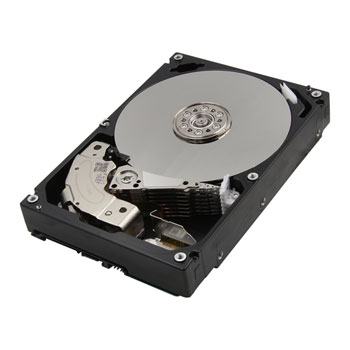
Hard Disk Drives are a type of...
Optical storage device
Magnetic storage device
Solid State memory
Primary memory
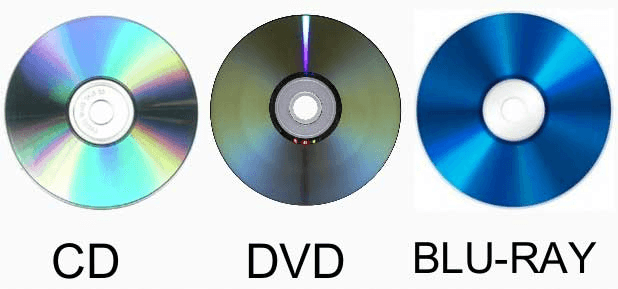
CDs, DVDs and Blu-Rays are all types of...
Magnetic storage devices
Optical storage devices
Solid State memory
Primary memory

Magnetic tape storage is what kind of device...
Solid state memory
Optical storage
Magnetic storage
Primary memory
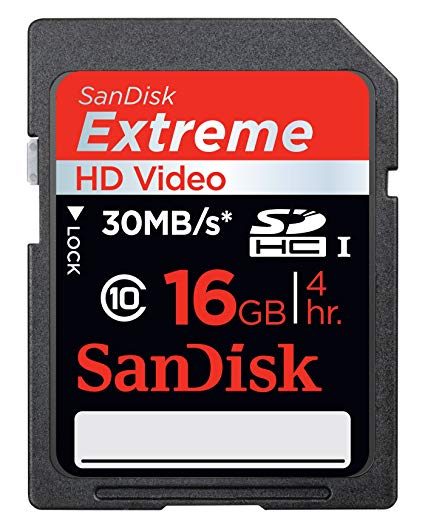
What category of storage device is a HD card?
Magnetic
Optical
Solid state
Primary memory
This mouse function displays a list of commands or options on the screen depending on the application being used
Clicking
Double clicking
Dragging and Dropping
Right clicking
Which of the following is not a pointing device
Mouse
Light pen
Keyboard
Joystick
For Video conferencing over the internet, what input device would you use?
Graphics Tablet
Barcode reader
Touch screen
Webcam
Enters sound onto a computer
Microphone
Speakers
Touch Screen
Light pen
Device that allows the user to put data into the computer
INPUT DEVICES
OUTPUT DEVICES
STORAGE DEVICES
PROCESSING DEVICES
Most commonly used input device.
Graphic tablet
Keyboard
Track ball
Joystick
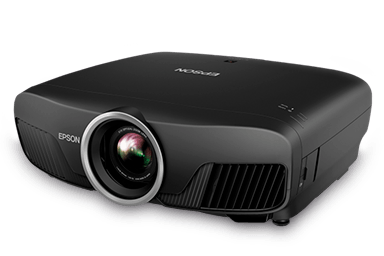
What type of device is this? (Projector)
Input
Output
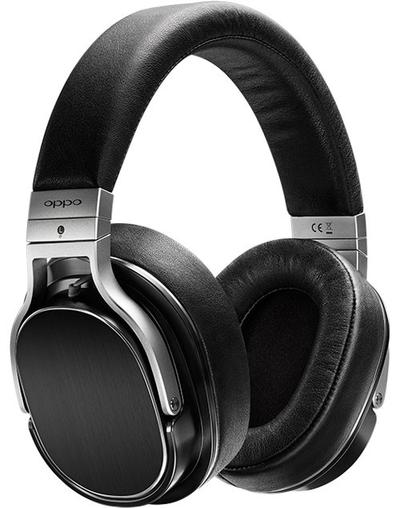
What type of device is this? (Headphones)
Input
Output

What type of device is this? (Monitor)
Input
Output

What type of device is this? (Smartphone screen)
Input
Output
Input and Output

What type of device is this? (Interactive whiteboard)
Input
Output
Input and Output


RAM is
Volatile
Non-Volatile


Who should you ask before you do it?

What is E-Safety?
Knowing how to be safe online
Knowing how to be safe in a public place
Knowing how to cross a road
Knowing how to be safe in school

If you receive an abusive e-mail from an anonymous sender, what should you do?
reply politely
send an abusive message back
confront the person you think it probably came from
none of the above


All images you find online are free to use.
True
False
Anything found online is under copyright unless the author/creator has explicitly indicated that their work is free to use.
True
False
Which of the following is information that is not dangerous to share on the Internet?
your country
personal information
your passwords
famili information
What is a digital trace?
Everything we leave on the Internet.
Only uploaded images on the Internet
Just what we write on the Internet
Why should you be careful when using file sharing sites?
You might be downloading malware.
The person sharing the file can see your name and address.
The person sharing the file will send you a bill.
What term describes the act of winding someone up online?
Trolling
Posting
Phishing
What software can you use to avoid getting viruses?
Disk Cleanup software
Firewall software
Anti-virus software
What might someone do if they steal your identity?
Earn lots of money and leave it in your bank account.
Try to give you all the credit for their hard work.
Try to access your bank account or set up a loan in your name.

