
Font size
 Worksheets
Grade 3,4 Practice
Total questions: 57
Worksheet time: 1hrs 27mins
The _____________ is the brains of the computer where most calculations take place.
System Unit
CPU
Mouse
Keyboard
The _____________ is a device used to input text into a computer or other device.
System Unit
CPU
Mouse
Keyboard
The _____________ works with a video card, located inside the computer case, to display images and text on the screen.
Speaker
Monitor
Headphones
Scanner
A ______________ is used to print documents, photos, and anything else that appears on your screen.
Speaker
Monitor
Headphones
Printer
A _________________ is a hardware device that connects to a computer to generate sound.
Scanner
Monitor
Speaker
Printer

Which part of the computer is this?
monitor
scanner
keyboard
Computer CPU

When is it safe to share your password with your friends?
Anytime
Never
On their birthday
on days that end in y
How is a computer like a human brain?
they both process input and output
they both have neurons
they both use bits
they both have lobes
Which of the following is an output device on a computer?
keyboard
printer
mouse
Which of the following is an output device on a computer?
keyboard
microphone
speaker
Which icon is MS Paint?


To draw a traffic light, what shapes do we use?
Oval
Triangle and Oval
Oval and Rectangle
Rectangle

How to duplicate a picture?
Draw again
Copy, Paste
Select, Copy, Paste
Cut

What box is it?
Tool box
Shape box
Color box
Size
You can fill colours only in a ___________ figure.
airbrush
closed
opened
irregular
Once you open MS Paint, how does it looks like?


Choose the correct answers:
Microsoft paint allows you to do online shopping
Microsoft paint allows you color your drawings
Microsoft paint allows you play games
Microsoft paint allows you watch a movie

We can use this tool for:
Writing text
Undo
Drawing
Erasing

To make the line thicker, you use


This part of the Microsoft Paint environment is called:
Tools Panel
Brushes
Ribbon
Shapes
A (a) is used to point, select, and move any object on the computer screen.
The output printed on a paper is known as hard copy.
True
False
A computer displays ___________ after processing the data.
Input
Process
Output
Whatever you type and draw can be seen on me. Who am I?
TV
Monitor
Printer
I am not afraid of a cat, sit on a mat, have a long tail. Who am I?
Keyboard
CPU
Mouse
Printer

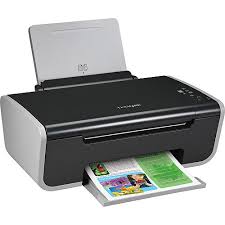
Is this device Input or Output?
Printer
Input
Output

Keyboard

Monitor

Mouse
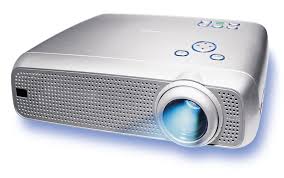
Projector
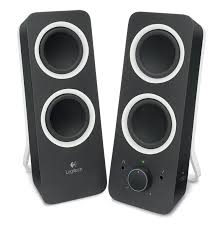
Speaker


A game controller is a ________ device.
input
output
A microphone is a _____________ device.
input
output

What is the device shown in the picture?
Headphones
A game controller
A microphone
A barcode reader

What is the device shown in the picture?
A keyboard
A monitor
A mouse
A printer

What is the device shown in the picture?
A digital camera
A barcode reader
Earphones
A joystick

What is the device shown in the picture?
A game controller
A microphone
A joystick
A webcam

What is ICT?
Integrating communication technologhy
Information Communication technology
Information Connecting Technology
Information communication technique

What browser is this the icon of?
Internet Explorer
Mozilla Firefox
Google Chrome
Safari

What part of the computer is this?
Screen
Desktop
TV
Monitor
What can you do with computer ?
Playing games
Cooking
Send emails
Writing

What is your favorite game ?

What is this ?
Pen drive
Flash drive
Portable disk
Hard disk
Which of the picture below is a mouse ?
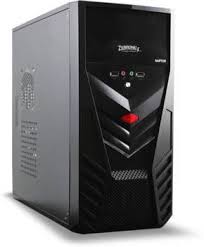
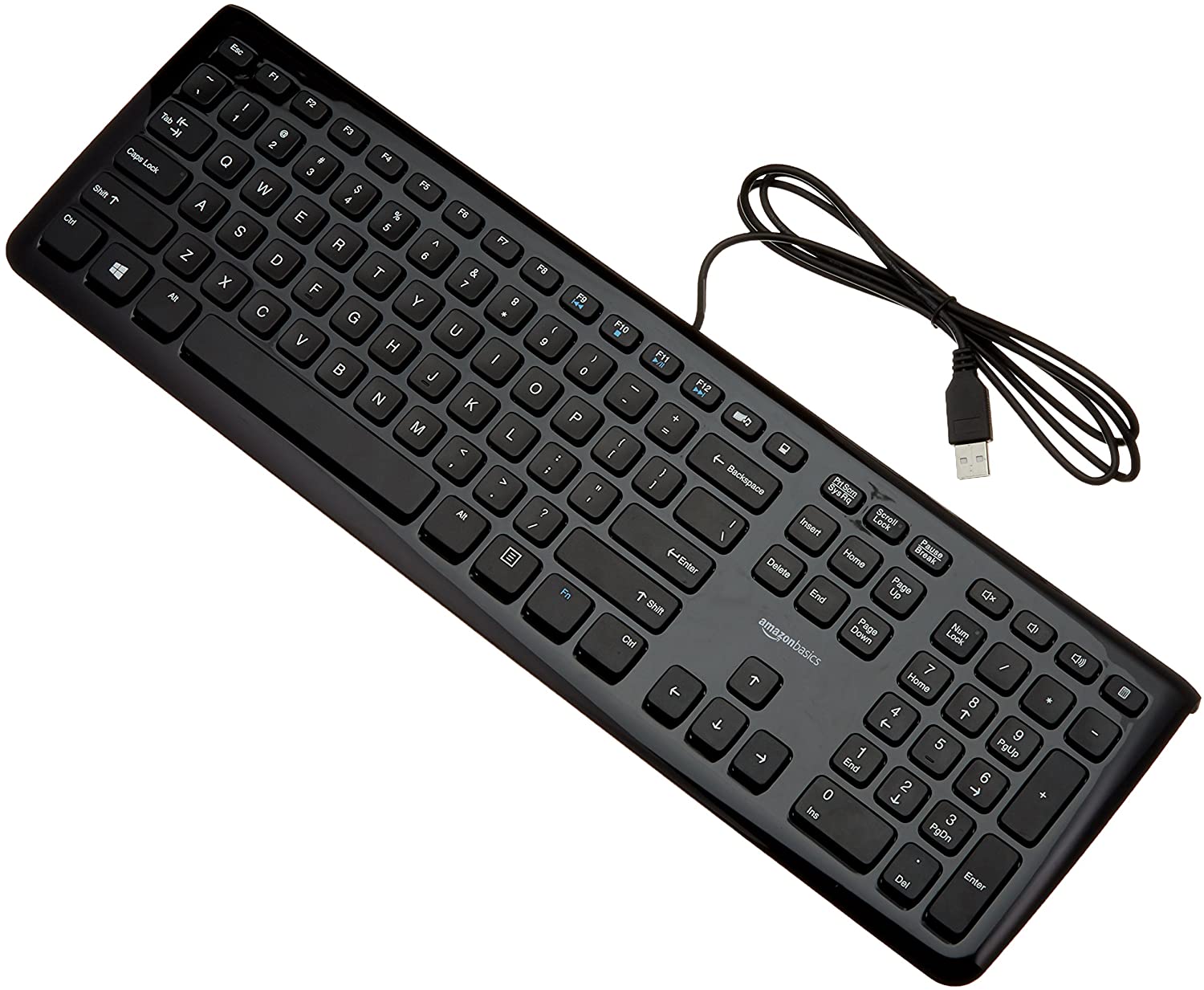
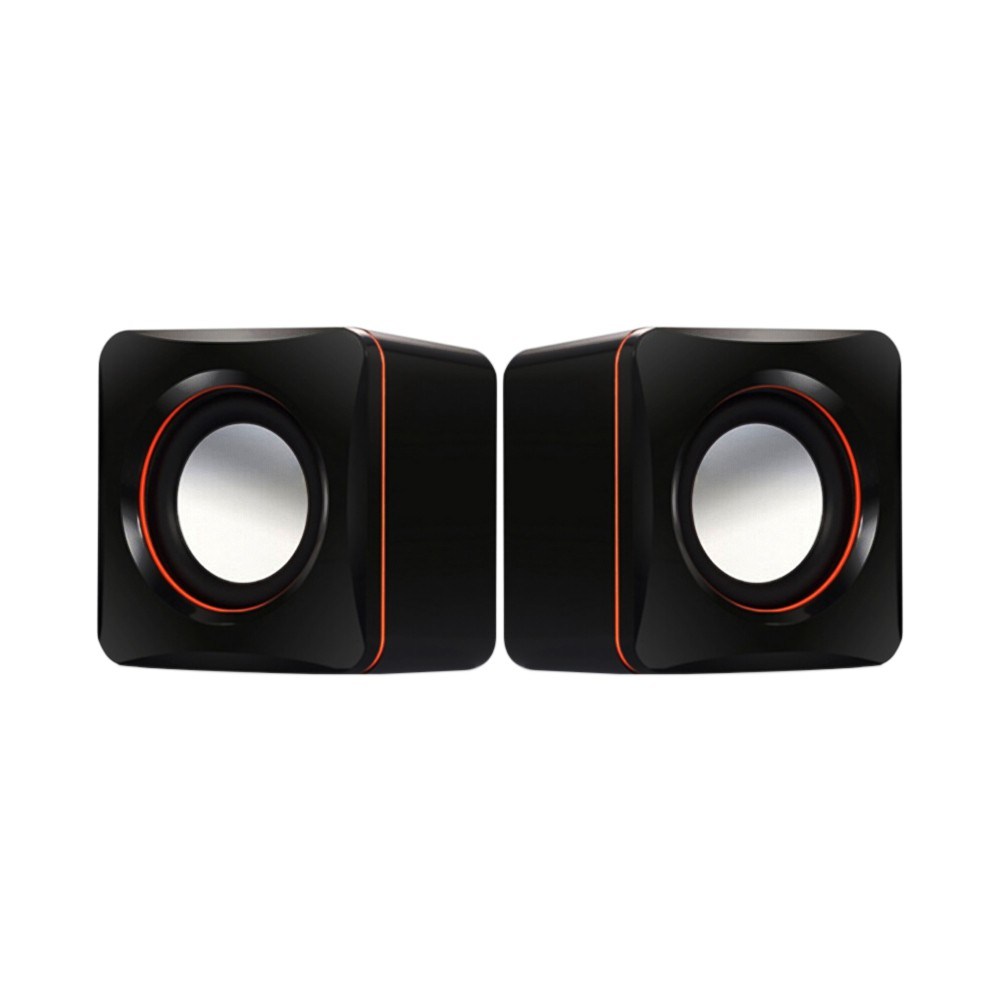
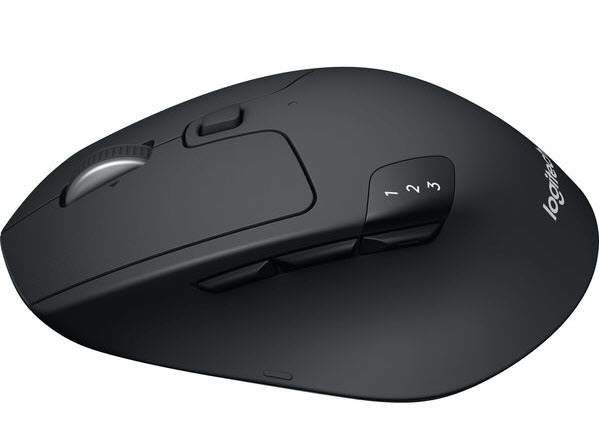

What icon is this?
Basket
Container
Recycle Bin
Trash Can

What icon is this
Volume
Bluetooth
WiFi
All of the above

What is TOTS stand for ?


What are the component ?
CPU
Picture
Keyboard
Monitor

What is the name of the picture ?
Flash drive
CD
Mouse
CPU
What is a machine?


What is your favorite color ?

