
 Worksheets
1st Semester Final: Graphic Design 1
Total questions: 34
Worksheet time: 17mins
Choose the option that list the forms of communication - from 1st (earliest) to 5th (last/most recent)
Screen resolution is measured in PPI and it stands for

The "T" tool creates
Lines
Shapes
The earliest form of advertising was ________.
Proctor & Gamble was the first client to spend 11,000 dollars on advertising. What did they sell?
To change the transparency (to make it see thru) of a layer you must adjust the ________ .
To hide or make a layer visible in Photoshop you click on the ____ _____ next to the layer.
The most basic element of design is _____.
You always want your designs to be ______ ,________ & ________.

The __________ deletes unwanted portions of an image.
The Color Mode RGB stands for what?
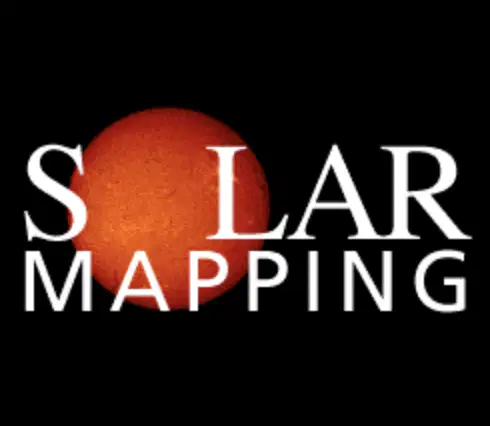
Select all the ways this image is showing Emphasis. (Select all that apply)
The ____ ___ tool in Photoshop makes a selection based on color.

Magic Wand Tool

Paint Bucker Tool

Rectangular Marquee Tool

Zoom Tool
The 3 step in the Design Process (TRAP) are what?
(1)Thumbnail Sketch, (2)Rough Sketch and (3)Presentation Layout
Choose the picture below that LISTS THE OBJECT that has rhythm. (check all that apply)
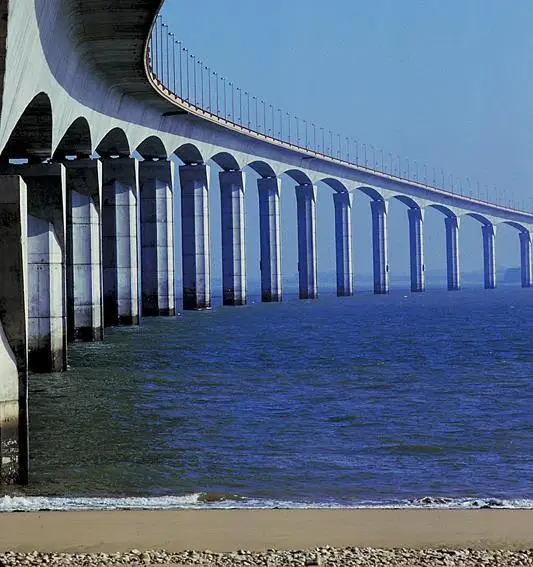
the columns
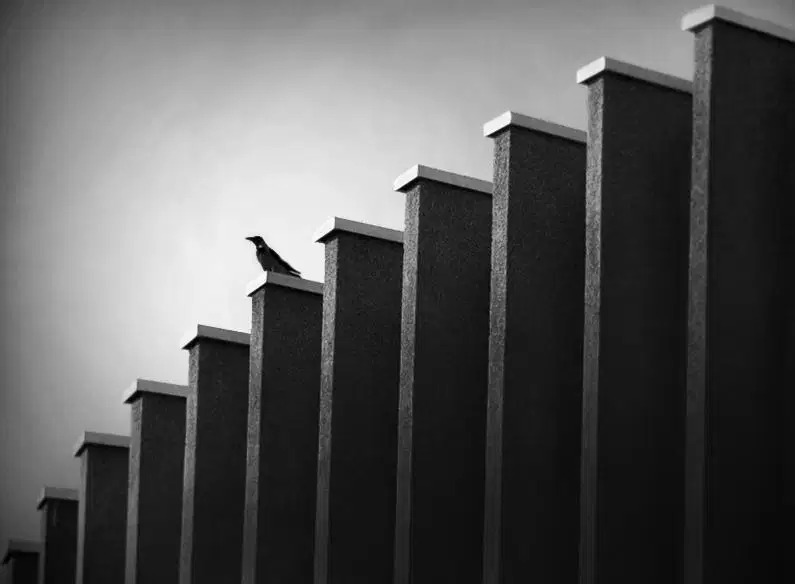
the bird

the bike
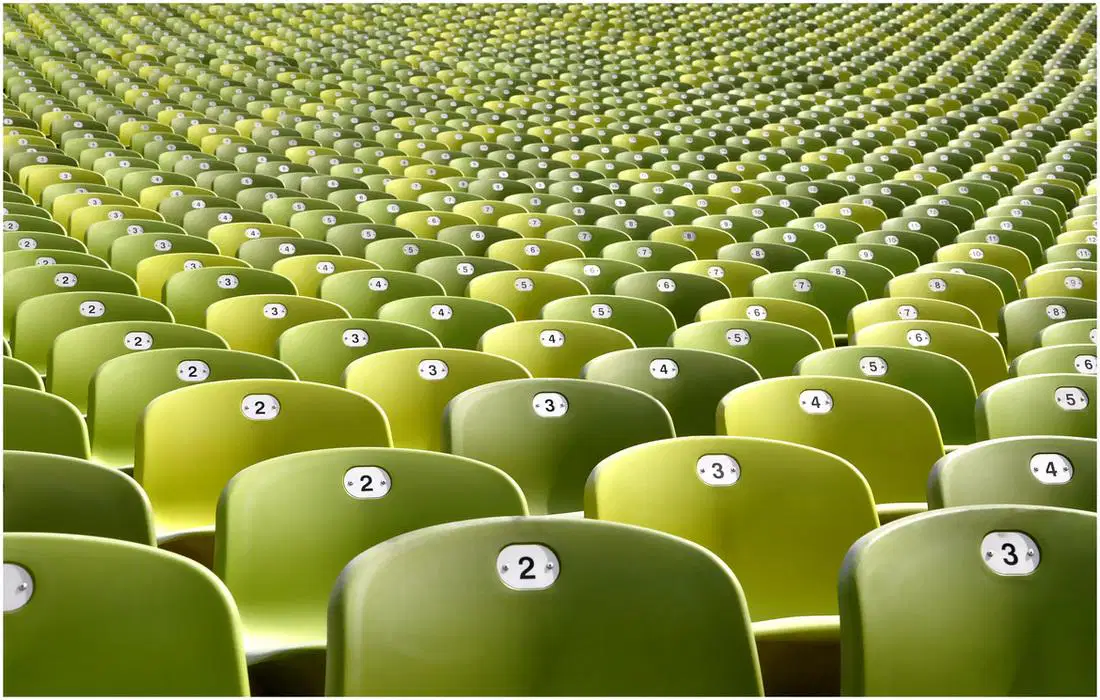
the seats
______ are tiny point of light on a monitor/screen which make up a raster/bitmap image.

What does this image (visual mnemonic) represent?
love
depression
envy
an idea
What type of image files can show transparency?
Anytime you are looking at a screen you are looking at tiny _____ & when you print something out, the printer uses tiny color ______ to print.
Any digital device uses the color combination of ______ to show color information on a screen, the printer uses the color combination of _________ to show color when it print out information on a page.
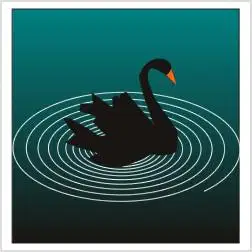
What are the lines (showing movement) in this picture representing.
colors
spiral
circles
Choose a website below that is a good example of "Simplicity of Design" or "Keeping it Simple"

Option 1
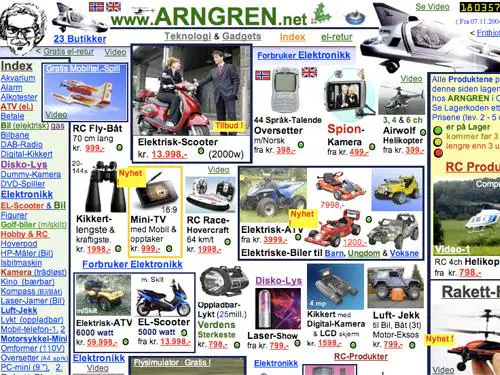
Option 2
To duplicate a layer you must ________ on the layer and select duplicate layer.

The ____ _____ tool is used to fill a selection with a color.
paint bucket
eraser
move
magic wand
The _____ ______ tool make a selection based user input.

Quick Selection tool

Paint Bucket tool

Gradient Tool

Eye Dropper tool
The __________ tool creates a transition from one color to another.

Gradient tool

Paint Bucket tool

Rectangular Marquee tool

Move tool


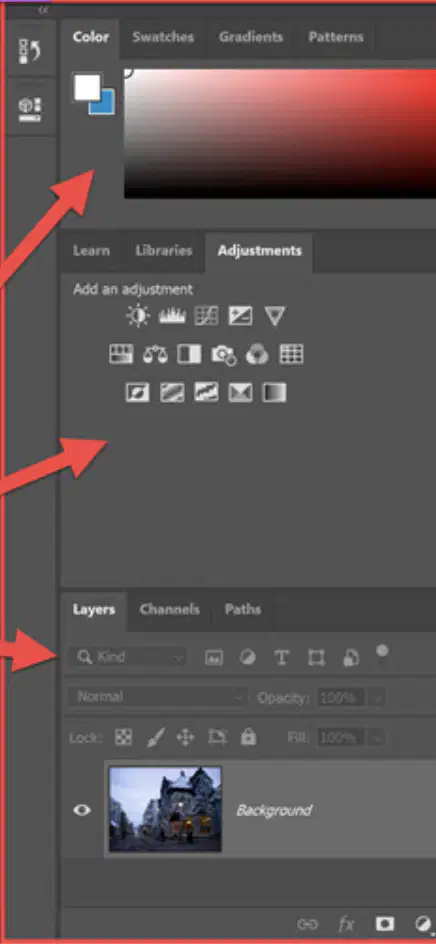
This is the _____ _____ (It will change depending on what tool you are using and it is just below the menu bar)
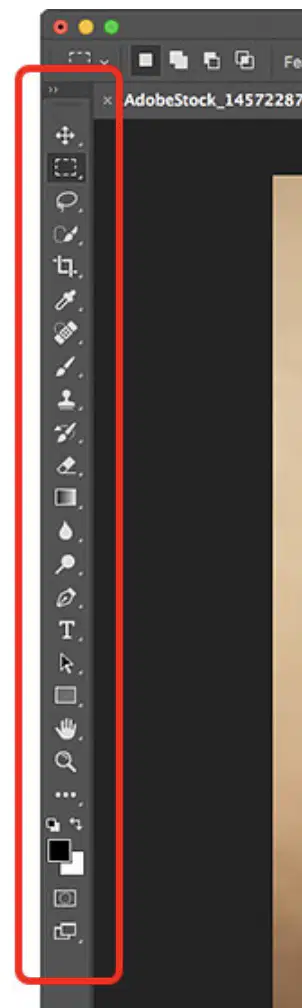
This is the _____ _____.
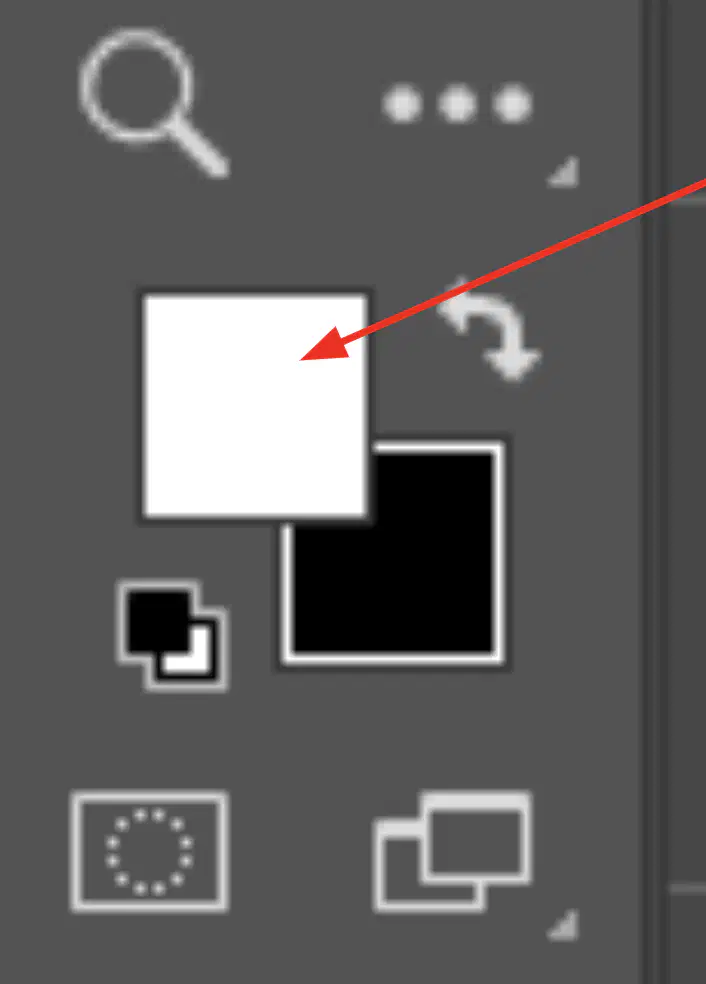
This is the ______ _____.
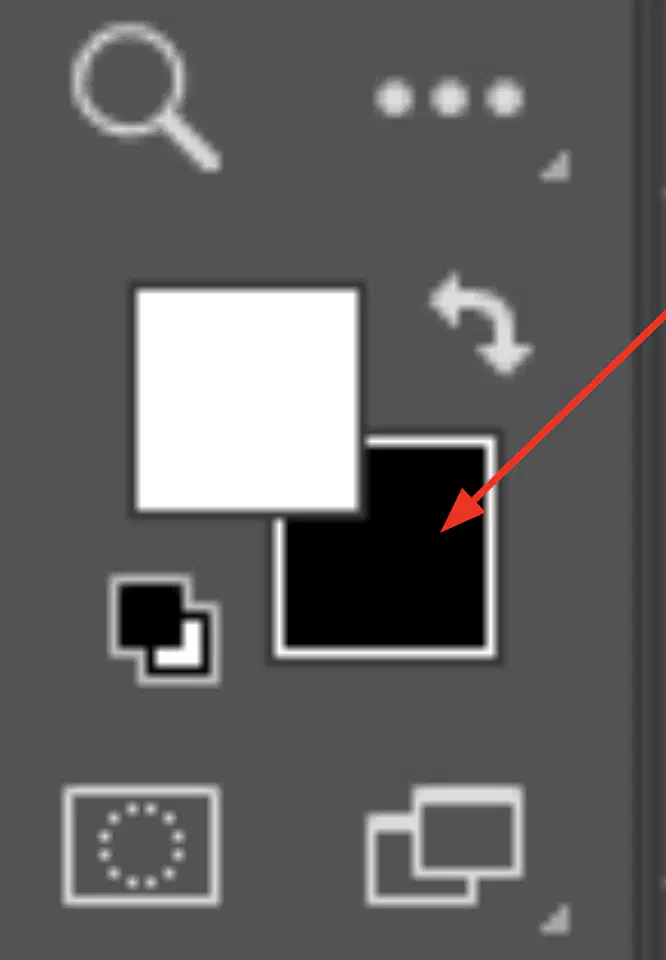
These are _______.
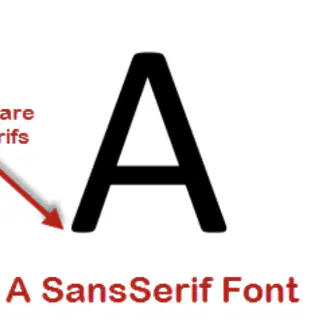
Sans Serif
Sans Serif
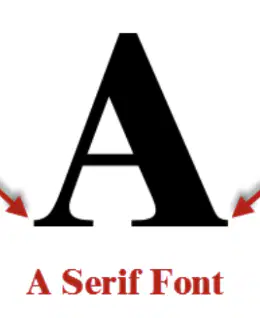
Serif
Serif
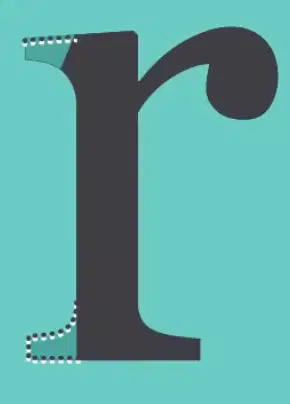
The “Sans” in Sans Serif means _____.
Without
Big
Small
Including

