
 Worksheets
Rana Quiz
Total questions: 53
Worksheet time: 2hrs 46mins

The X and Y part of these blocks help us.....
place any shape or sprite in a specific area on the screen.
change how big or small the shape or sprite is
move the shapes
create a new plot
The W and H part of these blocks help us.....
place any shape or sprite in a specific area on the screen.
change how wide or tall the shape or sprite is
move the shapes
create a new plot

How do we use this block in code.org?
We have to place this block by a shape or sprite in order to change its size.
We use this to change all colors
We have to put this block at the end of the code
We have to place this block by a shape or sprite in order to change its color.

What does this block do and how do we use it?

What does this block do and how do we use it?

Tell me what this block does for us in code.org.

It is important for the sprite to have the small name and be spelled correctly when using it throughout your code.
True
False

Scale block zooms in the sprite or shape
rotation block spins the sprite or shape
True
False

What will this block help you do in Code.org?
Change
Color development
Change the color of the background
background movement
A graphic character on the screen with properties that describe its location, movement, and look.
Debugging
Bug
Variable
Sprite
A placeholder for a piece of information that can change.
Debugging
Sprite
Variable
Parameter
Attributes that describe an object's characteristics
Property
Sprite
Variable
Algorithm

This block will....
Create a variable
Move a sprite across the screen
Place a sprite on the screen
Draw a background
The way that sprites' properties are used in Game Lab, by connecting the sprite and property with a dot.
Dot Notation
Declare Command
Initialize
Variable
By chance, not planned or prearranged; irregular
variable
random
property
sprite
True or False: the following is a valid label name
1team
True
False
True or False .The following is a valid label name.
size_of _eye
True
False
True or False. The following is a valid label name.
petalsize
True
False

How can we correct the code above? We are getting the error message (dessert is defined, but it is not called in your program)
Change drink to dessert in the 6th line of code
Change drink to ice cream in the 6th line of code
Change drink to sprite in the 6th in of code
If you wanted to make a sprite twice as big as it currently looks which code would you use?
sprite.y
sprite.scale
sprite.rotation
sprite.setAnimattion

The block of code in this image
Creates a sprite
transforms a sprite from a gray square into a picture of a mouse
changes the size of a sprite
changes the x position of a sprite

What is the NAME and starting Y LOCATION of this sprite?
dog, 150
dog, 350
fido, 150
fido, 350

What is the name of the ANIMATION (not the sprite) used in this block of code?
dog
fido
sprite
150
what block is used to declare a variable


Can we create our own sprite ?
Yes
No

Where is the (0,0) point on a programming grid?
Top right corner
Top left corner
Bottom right corner
Bottom left corner
When you're drawing a square, where does the shape start?
Bottom line
A few centimeters away
Center
Top left corner
I can't change the colors of my shapes.
True
False
I can make my shapes black and white.
True
False
How do I get the grid to show onscreen?
Click run
Click finish
Click reset
Click show grid
Shapes can overlap each other
True
False
What is x value in the following code?
rect(250, 200, 75, 225);
250
200
75
225
What is y value in the following code?
rect(250, 200, 75, 225);
250
200
75
225
The fourth parameter in the () after an ellipse or rectangle code is:
height
width
x coordinate point
y coordinate point
The third parameter in the () after an ellipse or rectangle code is:
height
width
x coordinate point
y coordinate point

What is the (x, y) location of the palette?
(0, 0)
(200, 200)
(100, 300)
(300, 100)
error

What is the (x, y) location of the palette?
(0, 0)
(200, 200)
(100, 300)
(300, 100)
error

What is cowSmall.scale=?
var cowBig = createSprite(150, 150);
cowBig.setAnimation("cow");
cowBig.scale = 1;
var cowSmall = createSprite(250, 250);
cowSmall.setAnimation("cow");
cowSmall.scale = ?;
0.5
1.0
1.5
2.0
None of the above

Compare the rotation of the top row to the bottom row.
What is the rotation of the red car?
Definition: sprite.rotation = #;
Clockwise rotation in degrees of the sprite.
A positive value will rotate clockwise, a negative value will rotate counterclockwise. The rotation usually will be a number between -360 and 360.
car.rotation = 0;
car.rotation = 90;
car.rotation = -90;
car.rotation = 270;
car.rotation = -270;

What is cowSmall.scale=?
var cowBig = createSprite(150, 150);
cowBig.setAnimation("cow");
cowBig.scale = 1;
var cowSmall = createSprite(250, 250);
cowSmall.setAnimation("cow");
cowSmall.scale = ?;
0.5
1.0
1.5
2.0
None of the above

What is fishBlue.scale=?
var fishGold = createSprite(100, 100);
fishGold.setAnimation("fish");
fishGold.tint='gold';
fishGold.scale = 1.0;
var fishBlue = createSprite(200, 200);
fishBlue.setAnimation("fish");
fishBlue.tint='blue';
fishBlue.scale = ?;
0.5
1.0
2.0
None of the above
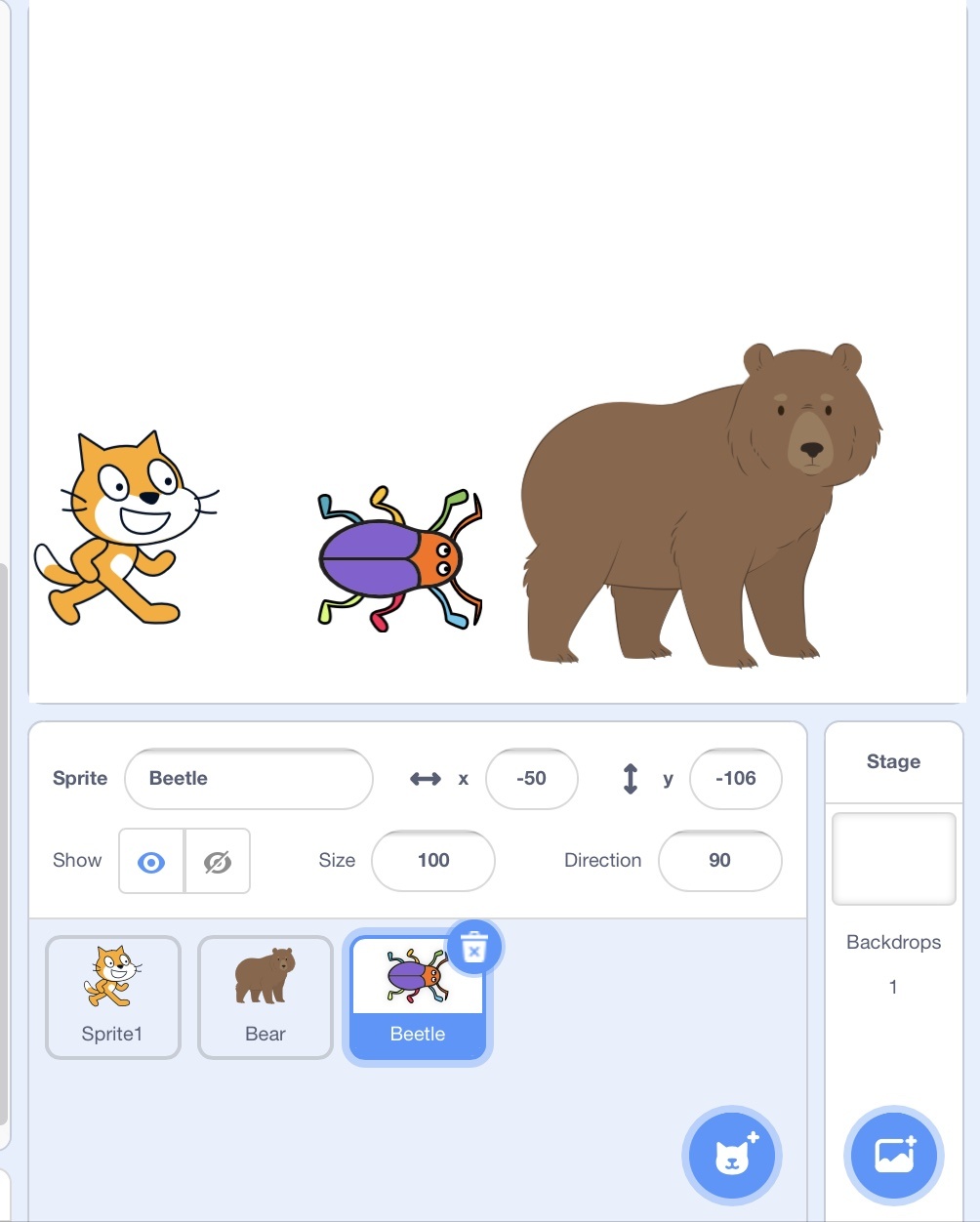
To add more sprite (character) which button should you click?

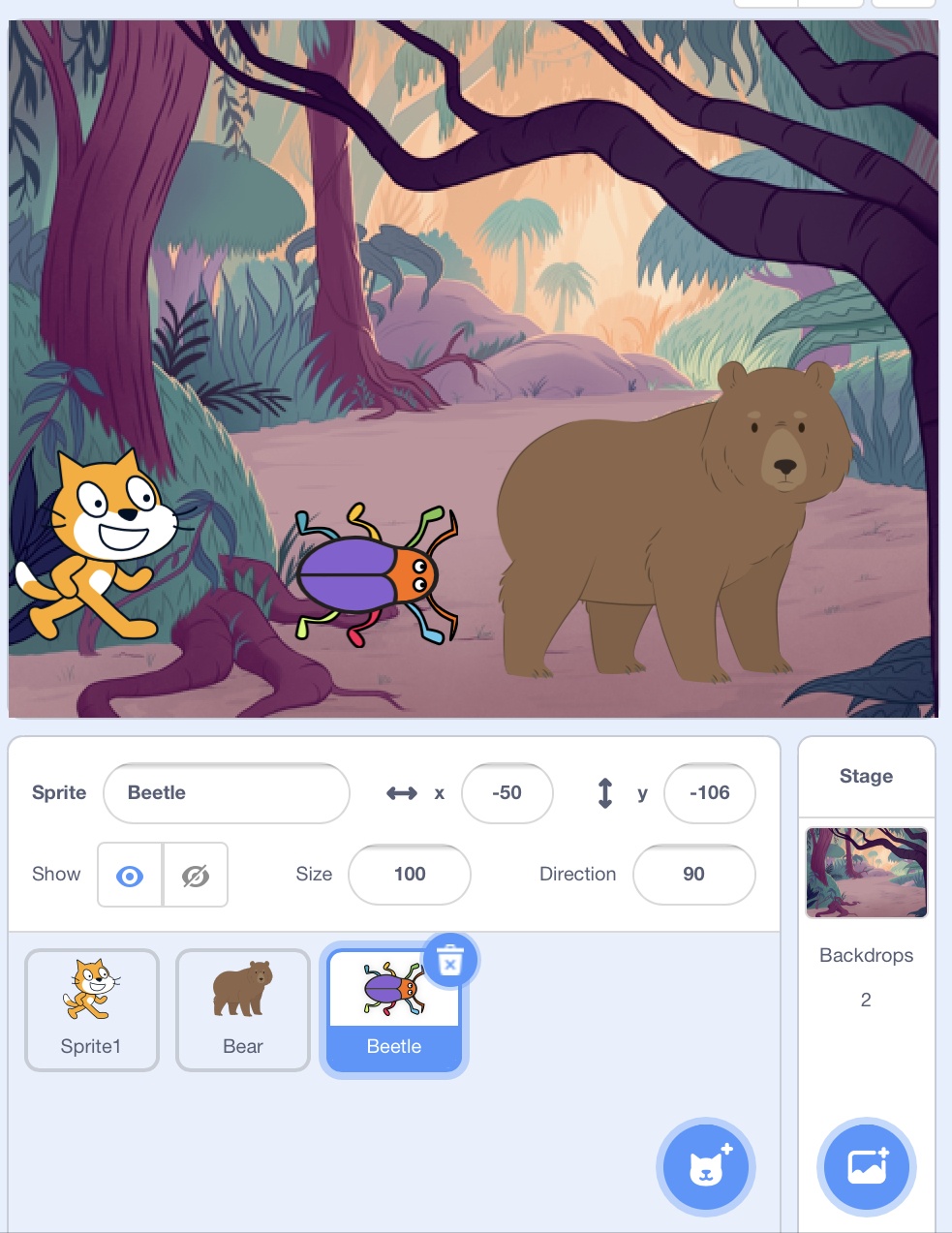
Which icon should you click to change Scratch backdrop
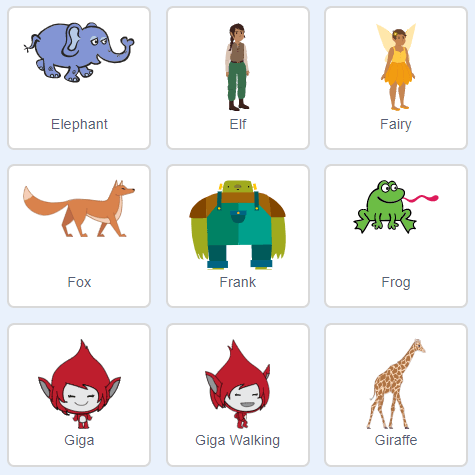
What is the name of this part of Sratch?
Sprites
Backdrop
Costume
Blocks
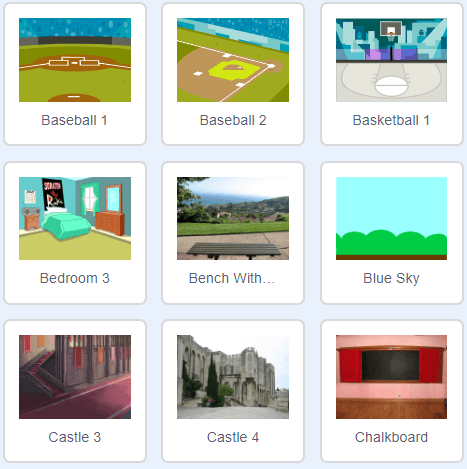
What is the name of this in Scratch?
Costumes
Code
Script
Backdrop
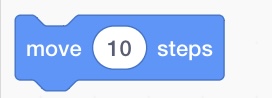
What happen to sprite if you use this block?
Sprite will jump
Sprite will move 10 steps
Sprite will change colour
Sprite will say hello
This block moves its sprite costume center's X position by the specified amount.


This block moves its sprite's Y position by the specified amount.

What is this cat a type of?
Animal
Cat species
Sprite


Where to find these codes?


Where to find these codes?


Where to find these codes?



