
 Worksheets
We use the internet responsibly
Total questions: 24
Worksheet time: 12mins
The unique name of a website. It stands for uniform resource locator
http://
https://
URL
www
These letters in the address bar stand for world wide web
http://
https://
URL
www
These letters in the address bar show that it is a secure website.
http://
https://
URL
www
These letters in the address bar show that it is less secure.
http://
https://
URL
www
What is the name of this web browser?
GOOGLE CHROME
MICROSOFT EDGE
FIREFOX
OPERA

What is the name of this web browser?
GOOGLE CHROME
MICROSOFT EDGE
FIREFOX
OPERA

What is the name of this web browser?
GOOGLE CHROME
MICROSOFT EDGE
FIREFOX
OPERA

They are websites that help us to find information about anything.
Web browser
Search engine
They are applications that connect us to the internet.
Web browsers
Search engines
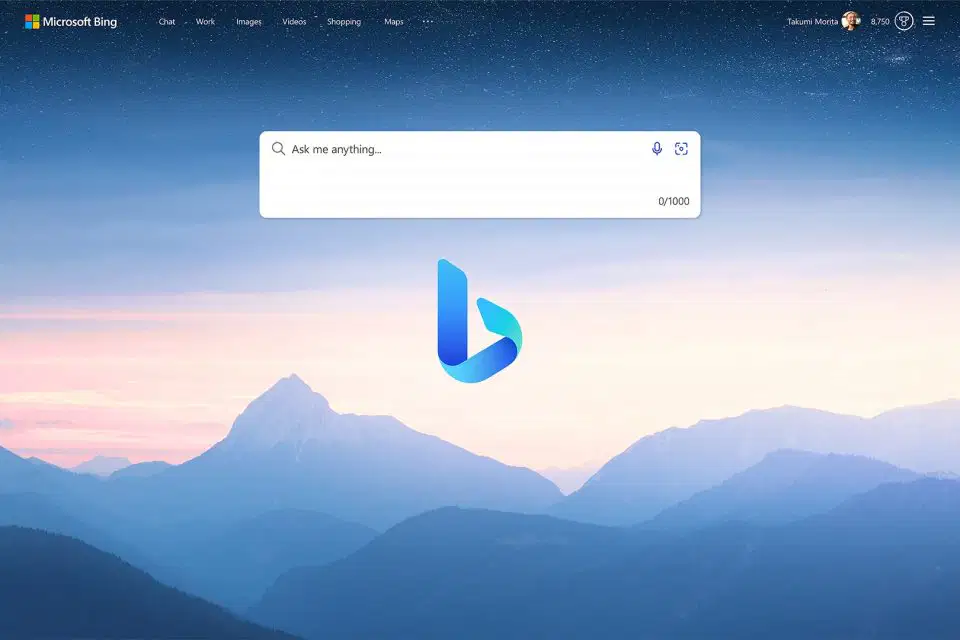
Classify the web browsers and search engines.
Microsoft Bing
Web browser
Search engine
Classify the web browsers and search engines.
Google Chrome
Web browser
Search engine

We use this to send and receive messages immediately.
Instant messaging
Social networks
Forums
Applications where we can share ideas or ask for help with a topic.
Instant messaging
Social networks
Forums

We can send and receive messages with many types of attachments
Instant messaging
Social networks
Forums

Applications where we can share messages, images and short videos, and make comments.
Instant messaging
Social networks
Forums
Delete __________________________. It is unwanted email.
account
Minimum age
spam
strangers
Never share ________________________________ information online.
account
spam
strangers
personal
Don’t __________________________ your friends’ accounts.
account
share
Minimum age
adult
Don’t believe the __________________________ you see on the internet.
account
personal
offers
adult
Rules of netiquette
3. Be clear and don’t make grammar and _________________________ mistakes.
Capital letters
spelling
people
patient
Rules of netiquette
5. Respect other people’s ________________________.
Capital letters
patient
spelling
time
9. Check ______________________ before sharing.
Capital letters
facts
reply
share
10. __________________________ to messages.
Capital letters
share
reply
people

The internet is a global ________________________
connects
network
share

