
 Worksheets
ICT Hardware and Software
Total questions: 77
Worksheet time: 44mins
Which is the correct definition of software?
Software is hardware used to operate computers and execute specific tasks.
Software used to access the Internet and provide users with the correct documents to do this.
Software is a program used to operate computers and execute specific tasks.
Software is used to control computers and execute specific tasks.
Which of the following are input devices?
printer
monitor
keyboard
mouse
Which of the following are input devices?
printer
microphone
usb
scanner
Which of these are output devices?
Mouse
Printer
Monitor
Keyboard
Which of these is NOT an input device?
speaker
keyboard
mouse
touch screen
Which is the correct definition for hardware?
A program used to operate computers and execute specific tasks.
The physical components of the computer.
The devices used to access a network.
The way in which you can connect to the Internet.

Name this specialist input/output device.
Joystick
Virtual Reality
Tracker ball
Foot mouse

Name this specialist input/output device.
Foot mouse
Sip and Puff Pipe
Tracker ball
Voice Recognition

Name this specialist input/output device.
Tracker ball
Joystick
Foot mouse
Sip and Puff Pipe
Which is the correct definition for an Operating System.
Software that manages computer devices.
Software that allows access to a network to control the security.
Software that provides instant access to the Internet over a network.
Software that manages computer hardware and software.

What are these examples of?
Operating Safety devices
Operational Systems
Opportunity Systems
Operating Systems
Which of these are NOT examples of an Operating System?
Windows
Android
Unix
Cisco
Which of these are NOT examples of an Operating System?
Chrome
Android
Python
Windows
A graphical user interface uses WIMP but what is the missing word?
Windows, (a) , Menu, Pointer.

What type of user interface is this?
Menu
GUI
CLI
Natural Language

What type of operating system is this?
GUI
Menu
Windows
CLI
Which of these is NOT a design consideration for a HCI?
Aesthetics
Shortcuts
Volume control
Help facility
Which of these is NOT a design consideration for a HCI?
User skills
Memory
Aesthetics
Help Facility

Is this an example of an embedded system?
True
False

Is this an example of an embedded system?
True
False

Is this an example of an embedded system?
True
False
Which of these devices is NOT an embedded system?
Fitness tracker
Smart Phone
Desk top computer
Engine Management System in a car
The computer can not run without ___________ software.
System
Electronic
Mac OS
Application
Processing is done by the (a) .
A computer is an electronic device.
True
False
Output is the data that you enter into a computer.
True
False
MS Word is a kind of
(a)
What do you call the programs that help a computer run?
(a)
What do you call the parts that make up a computer?
(a)
How many types of hardware are there?
(a)
What are the examples of an internal hardware?
Circuit Board
Hard Drive
Fan
Games
What does a computer fan do?
Cools the desk area.
Makes a relaxing sound.
Cools down the computer when it gets warm.
The fan does nothing.
Hardware and software work (a) to form a system.
What software would you need to search for something on the computer?
Google Meet
Zoom
Internet Browser
Google Drive
Is a printer an example of an internal or external computer part?
(a)
What is hardware?
The parts that make up a computer
The programs that help a computer run.
What is software?
The parts that make up a computer.
The programs that help a computer run.

CD/DVD
Hardware
Software
Peopleware

Microphone
Hardware
Software
Peopleware

Teachers
Hardware
Software
Peopleware

Windows 10
Hardware
Software
Peopleware

PowerPoint
Hardware
Software
Peopleware

Paint
Hardware
Software
Peopleware

External Hard drive
Hardware
Software
Peopleware

Webcam
Hardware
Software
Peopleware

Apple iOS
Hardware
Software
Peopleware

Programmers
Hardware
Software
Peopleware

Game Controller
Input Device
Processing Device
Output Device
Storage Device

Router
Input Device
Output Device
Storage Device
Communications

Monitor
Input Device
Processing Device
Output Device
Storage Device

CPU
Input Device
Processing Device
Output Device
Storage Device

CD/DVD
Input Device
Processing Device
Output Device
Storage Device

Earphones
Input Device
Processing Device
Output Device
Storage Device

RAM
Input Device
Processing Device
Storage Device
Both Processing and Storage Device

Mouse
Input Device
Processing Device
Output Device
Storage Device

Keyboard
Input Device
Processing Device
Output Device
Storage Device

Speakers
Input Device
Processing Device
Output Device
Storage Device
Antivirus software is designed to protect computers from an assortment of viruses and unauthorized intrusions
True
False
An example of the computer's hardware would be ...
MS Word
MS Publisher
speakers
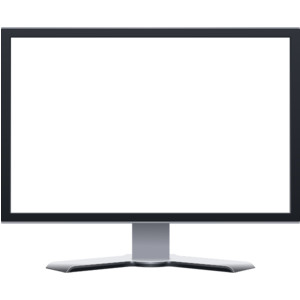
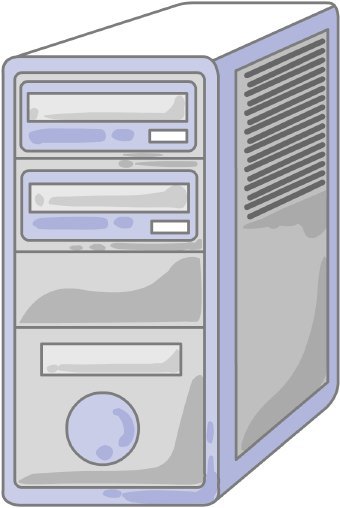
What is this piece of hardware?
Tower/Computer Case
Storage Unit
Monitor
CPU
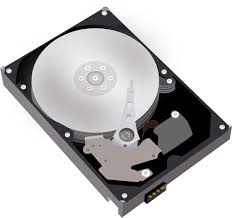
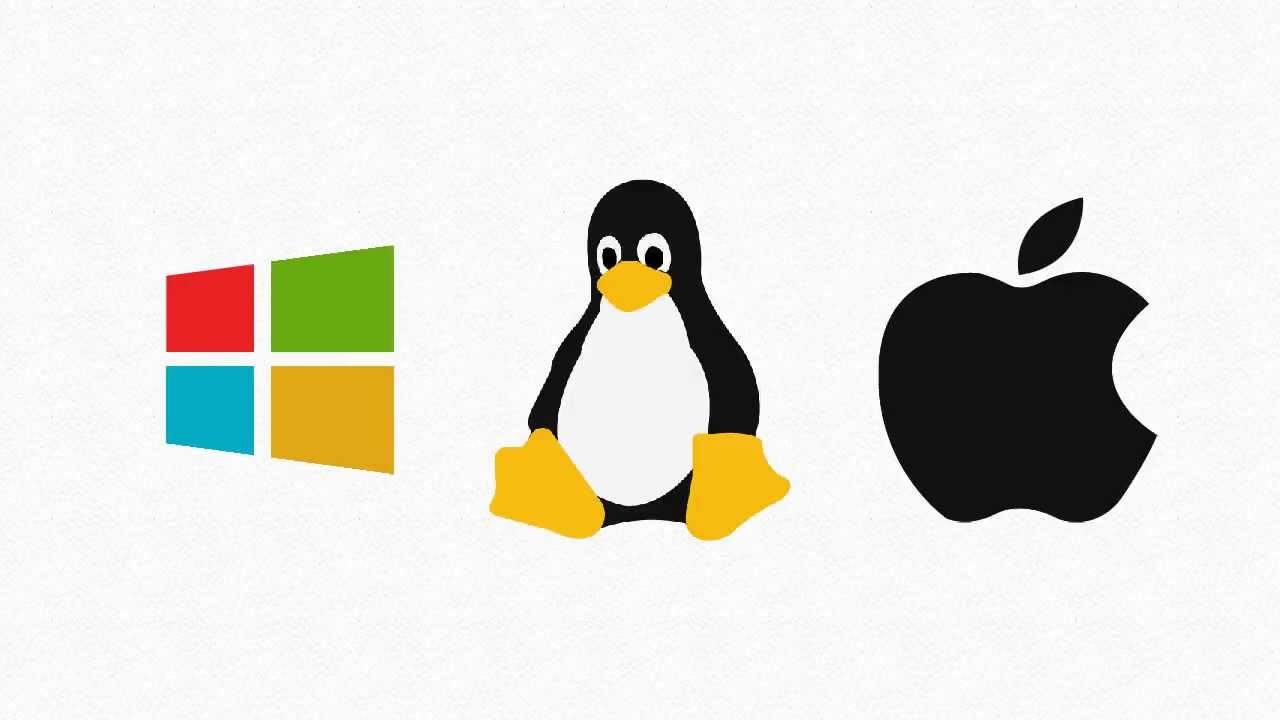
What is the most important program that runs on your computer, it lets software and hardware work together?
Operating System
Programs
Applications
Hardware
What is Hardware?
Computer Instructions or Data
Physicals parts of a computer that you can touch

What is Software?
Programs and applications, it tells the hardware what to do and how to do it
Physicals parts of a Computer
The physical objects that make up the computer system:
Software
Storage
Input
Hardware
Hardware and Software do not have to work together.
True
False
You can touch software
True
False
Examples of hardware are:
Keyboard
Microsoft word
Mouse
hard drive
Grand theft Auto
Lets you explore the Internet where you can find lots of information.
antivirus software
presentation programs
Internet Browser
application programs
Which are 2 examples of word processing programs?
Microsoft Word
Microsoft PowerPoint
Google Slides
Google Docs
Computers can't work just using hardware, to be able to do all the fun things you want to do on a computer you need software.
true
false
A system of many parts that work together?
hardware
software
computer

