
 Worksheets
Intro to TinkerCAD
Total questions: 41
Worksheet time: 12mins
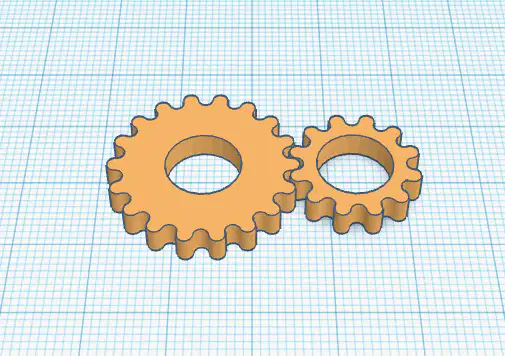


What is the correct name for the tube shape?
Cylinder
Box
Circle
Cube

Which one of the following would you use to move an object vertically (up/down) in TinkerCAD?
1
2
3
Which one of the following would you use to rotate an object in TinkerCAD?
1
2
3
Which one of the following would you use to resize a shape in TinkerCAD?
1
2
3
The shortcut for Copy is
CTRL Z
CTRL V
CTRL C
The shortcut for Paste is
CTRL Z
CTRL V
CTRL C
How do you zoom in on TinkerCAD?
Spacebar
Use the scroll wheel
Use the arrows on the keyboard
Right click
What button do we use on the mouse to rotate the workplane?
Left Click
Right Click
Middle Click
Space Bar

Which button do you press to begin to EXPORT your design as an STL file?
1
2
3
Which button do you press to begin to SAVE AN IMAGE of your design?
1
2
3

Which is the Copy icon?
1
2
3
4
Which is the Paste icon?
1
2
3
4
Which is the Duplicate icon?
1
2
3
4
Which is the Undo icon?
3
4
5
6
Which is the Redo icon?
3
4
5
6

Which is the Group icon?
7
8
9
10
Which is the UnGroup icon?
7
8
9
10
Which is the Align icon?
7
8
9
10
Which is the Flip icon?
7
8
9
10
If I want to make an object bigger but I don't want it get stretched in one direction, WHAT BUTTON DO YOU PRESS?
Alt
Shift
Enter
Right Click

All objects can be resized,
True
False

TinkerCAD gives you automatically a good file name that makes sense.
False
True
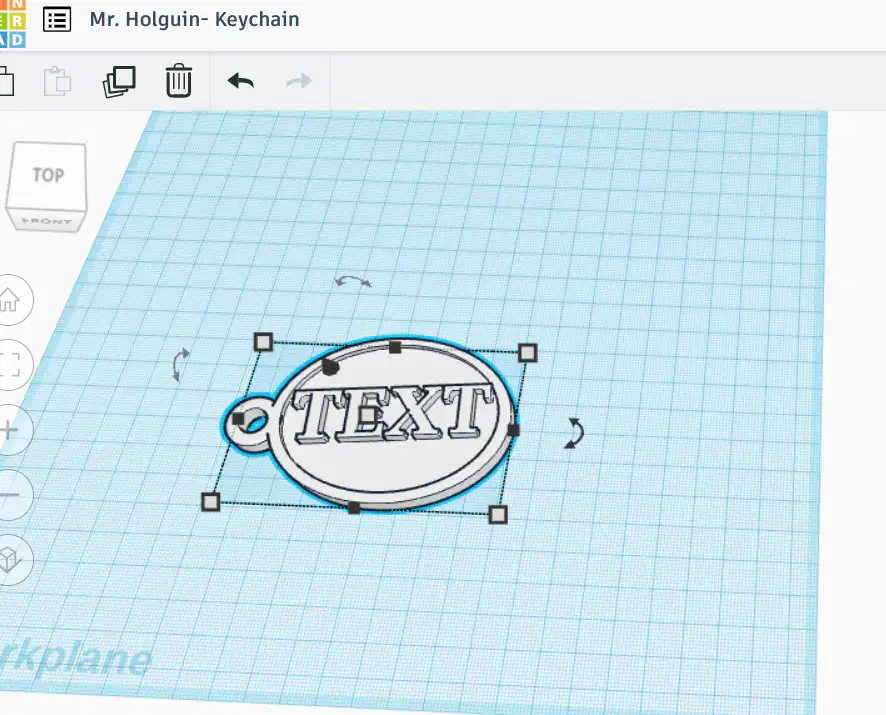
The format for your projects file name should be Your Name-Name of Project
True
False

By click on the Cruising button, it allows you easily place an object the surface of another object.
True
False
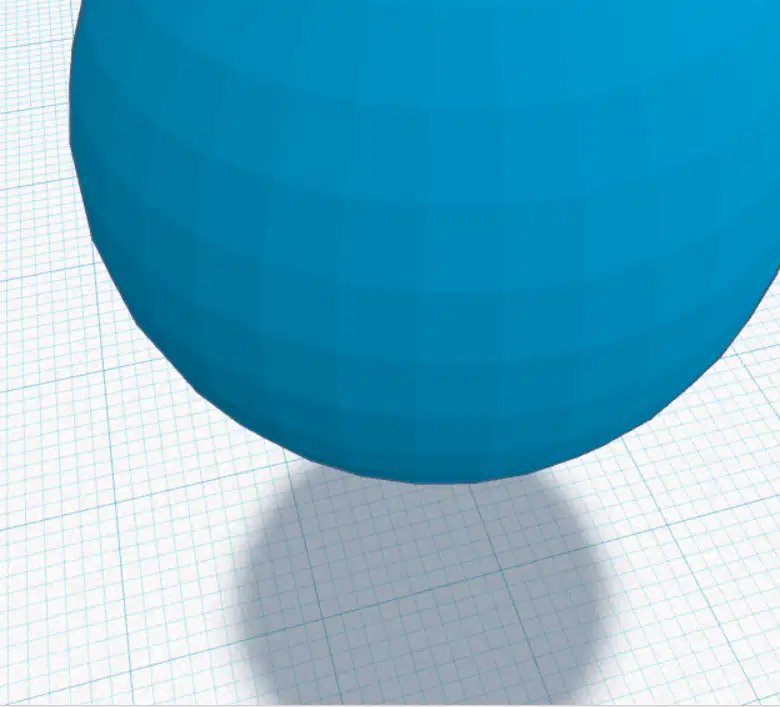
Are there real circles/spheres in TinkerCAD?
No
Yes

What allows you to raise an object off of the workplane?


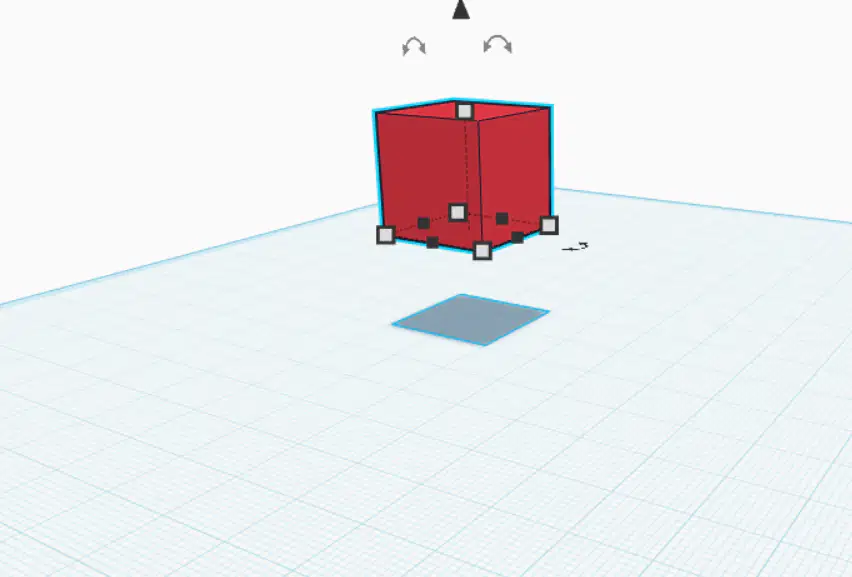
What key do I press to get the cube flat on the workplane?
a
d
c
r
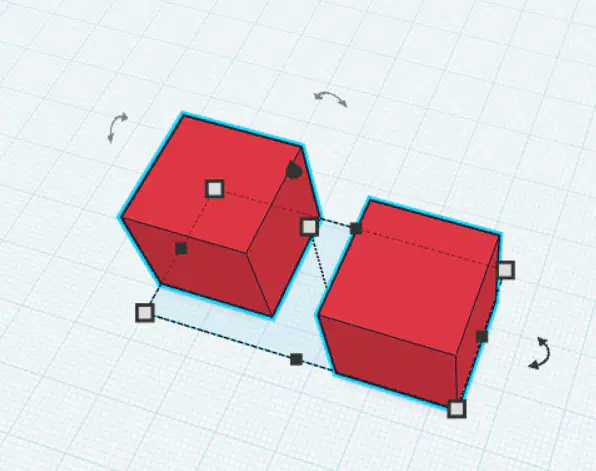
I want these two blocks to line up perfectly what button/icon do I press?



What has been your favorite 3D Model Project we've done so far?
POKEMON
DREAM ROOM
CAR CHALLENGE
SOMETHING ELSE
The best way to begin rotating shapes is to zoom in on them to get closer.
TRUE
False
To change the size of a shape, I must click and drag the...
Black triangle above the shape
White squares on the corners of the shape.
Rounded arrow on the side of the shape.
To group a shape, I must...
Select both shapes and click the GROUP button
Double Click on the shapes
How do you raise the shapes in Tinkercad?
Double click the target.
Click and drag on the black triangle above the shape.
How do I zoom in and out on a shape in Tinkercad?
Use the mouse scroll wheel
Double click
Click the NEXT button

