
 Worksheets
Assistive Technology Unit Test
Total questions: 23
Worksheet time: 2hrs 4mins
What is assistive technology?
any tool that helps anyone complete a task
any tool that a teacher or doctor says you have to use
any tool that has computer parts in it
any tool that assists technology work faster
Dyscalculia mainly involves understanding ________-related concepts and using symbols or functions needed to be successful in math.
word
writing
vision

What is the function of an annotation tool (like OneNote or OrbitNote)?
To create spreadsheets
To add to a document with text, shape, math, or inking tools
To edit videos
To design graphics.
What does the RWG Picture Dictionary tool allow you to do?
see definition of a word
hear a definition of a word
see simple picture of a word
take you to a website about that word
Please describe what Google Voice Typing does and how to use it.
Name one tool that is a text-to-speech tool.
Match the following tools with their descriptions:

Write math equations in Google Docs

Contextual spellcheck and grammar check

turns your mouse into a spotlight
How are Google Keep and Google Tasks similar and how are they different?
Explain in 2-3 sentences (with good spelling, grammar and punctuation and capitalization)
Match the following tools with their primary function:

Reading Tool

Note taking tool

Editing/revising tool
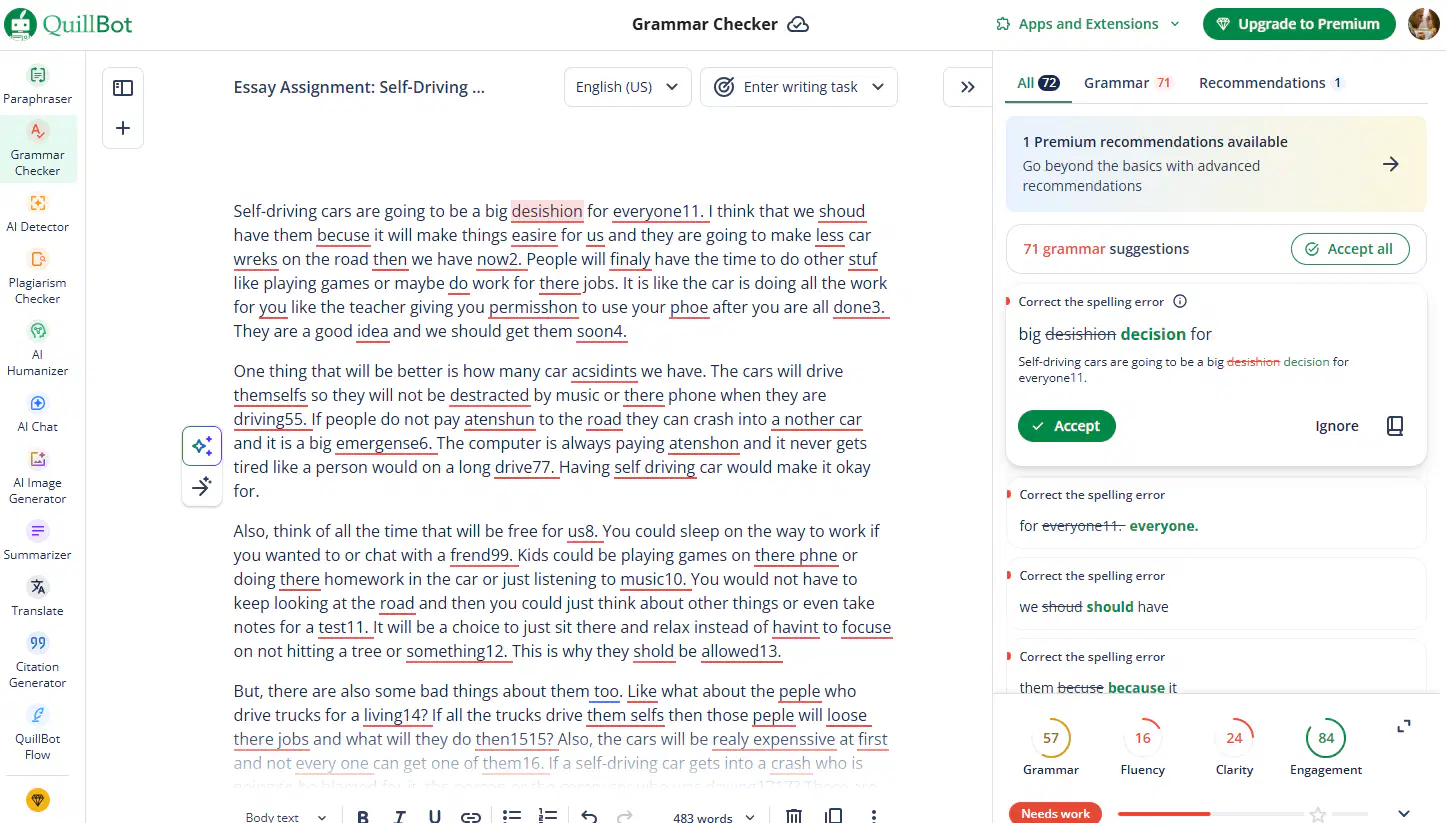
Quillbot not only gives suggestions for spelling, but also grammar and _______
note taking
clarity of writing
concept mapping
dictionary use
Match the following tools with their uses:
SpellcheckerRWG Check It

Time Management Tool
seeing a simpler version of complex wor
Organize the Types of Specific Learning Disabilities
Dyslexia
Dyscalculia
Dysgraphia
What step of POWER UP should you use a checklist or rubric to grade yourself to make sure you have all required elements in the final assignment?
Categorize the following
Visual Processing Disorder
Attention Deficit Disorder
Executive Functioning Disorder
Google Voice typing
RWG Talk & Type
RWG Word Prediction
Learning Ally
RWG Reading Tools
Immersive Reader

What does the OrbitNote allow you to do?
Listen to digital text on websites and PDF documents
See a simple picture of words
Turn your mouse into a spotlight on the screen
Leave audio voice comment bubbles.
What step of the POWER UP Writing Process can you NOT use AI tools?
Prepare
Write
Edit
Revise
Match the following tools with their functionalities:
Allows you to view a web page in a simpler view without ads
RWG Simplify Tool
Creates an automatic picture board with words, definitions and pictures
RWG Vocabulary Tool
Allows you to listen to text in Microsoft programs like OneNote
Immersive Reader
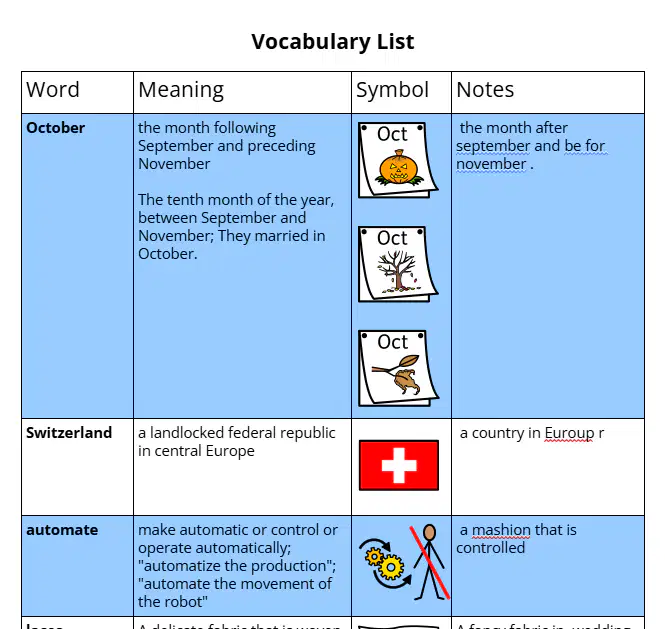
What are the steps for creating a Picture Board with the RWG Vocabulary Tool?
highlight individual words with RWG Highlighters
click the RWG Vocabulary button
a new Google Doc is created with the picture board
fill in the blank definitions and pictures
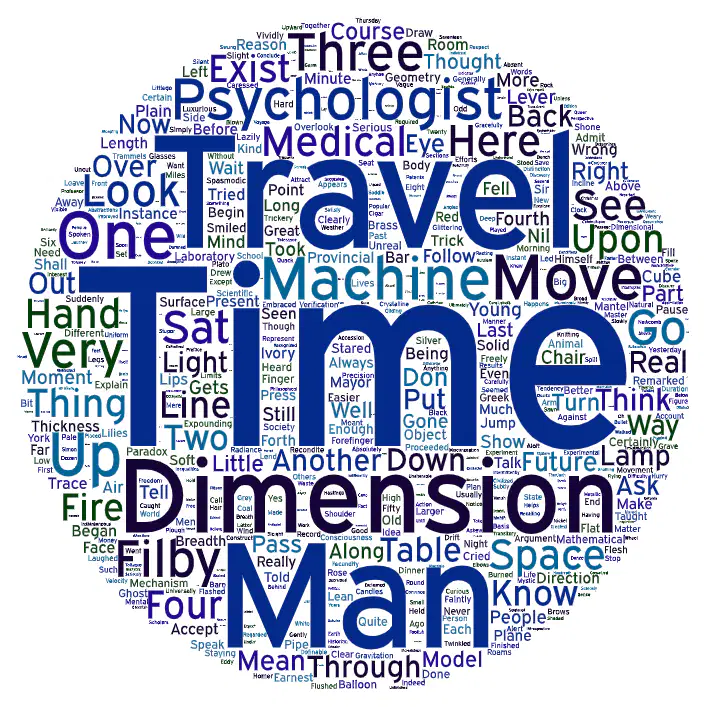
Look at the word cloud. Make a prediction about what this story is about.
Write an example of an AI acknowledgment. Pretend you wrote a paragraph and you used Google Gemini and Quillbot
(It cannot be exactly the same as the one in the AT Notes!)
Why can't you use AI tools for the W step of POWER UP? Explain why in 2-3 sentences (capital letters, periods, and correct spelling)
Record a Video Reflection of which of the AT tools we have tried during the Assistive Technology unit are most meaningful to YOU.
Describe the tool (give the name) and how/why it is helpful to you. You can talk about 1 or more tools.
You must show your face in your response (Ms. Garza will be the only one to see it).
Your response should be over 30 seconds and under 1 minute long.
Did you use AT Tools during this test?
This is a requirement to use 2 different tools or more during this
Name the 2 or more tools that you used.
Ms. Garza was watching!

