
 Worksheets
TinkerCAD Login and Tutorials
Total questions: 21
Worksheet time: 11mins
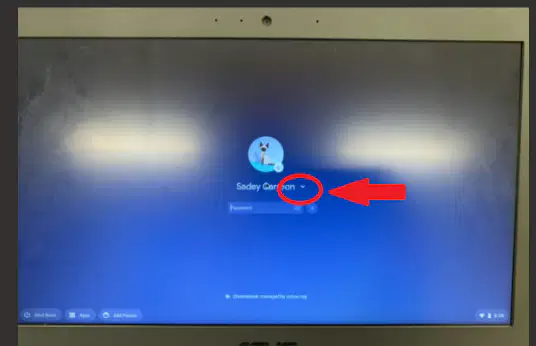
When I click on the arrow next to the name, what happens?
My computer restarts.
TinkerCAD appears on my computer.
The "remove account" option appears.
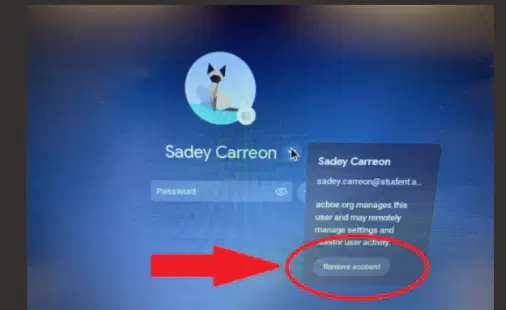
How many times do I click “remove account”?
1 time
2 times
3 times

What is the left click for?
Selection
Scrolling
Menu
Hand position

What is the right click for?
Selection
Scrolling
Menu
Hand position

What is the scroll wheel for?
Selection
Scrolling
Menu
Hand position

What is the body for?
Selection
Scrolling
Menu
Hand position
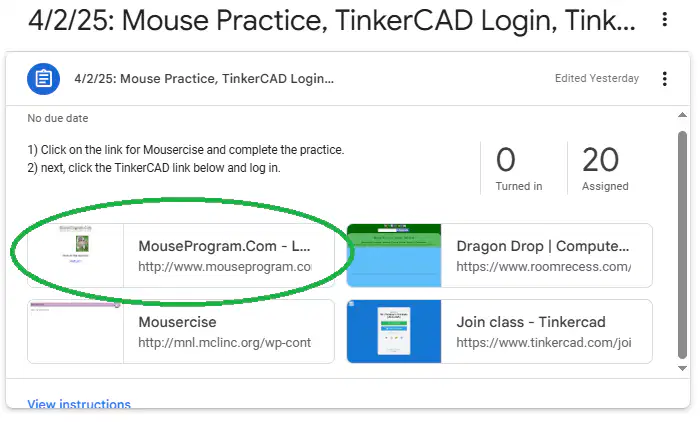
What was practiced here?
Left Clicking Only
Dragging & Dropping
Left Clicking,
Double Clicking and Scrolling
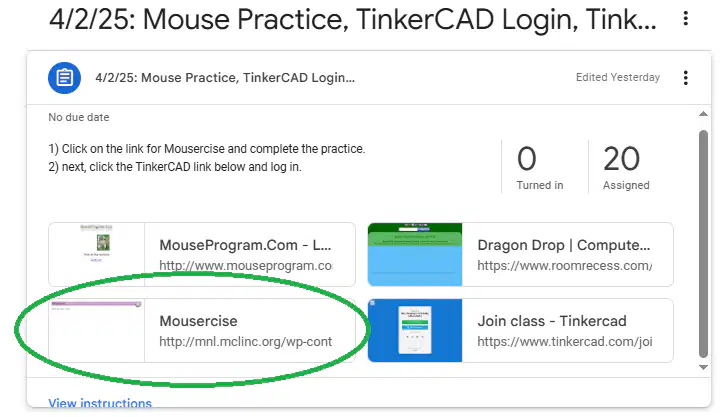
What was practiced here?
Left Clicking Only
Dragging & Dropping
Left Clicking,
Double Clicking and Scrolling
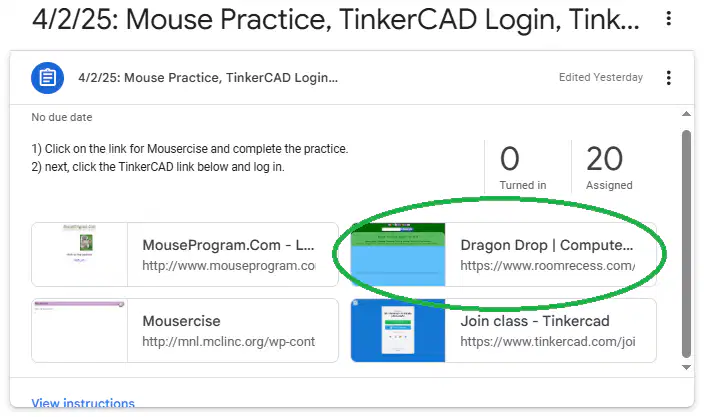
What was practiced here?
Left Clicking Only
Dragging & Dropping
Left Clicking,
Double Clicking and Scrolling
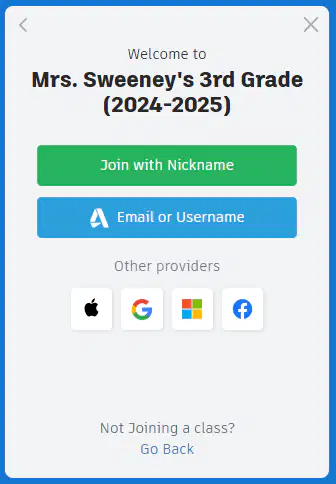
What do I click on here?


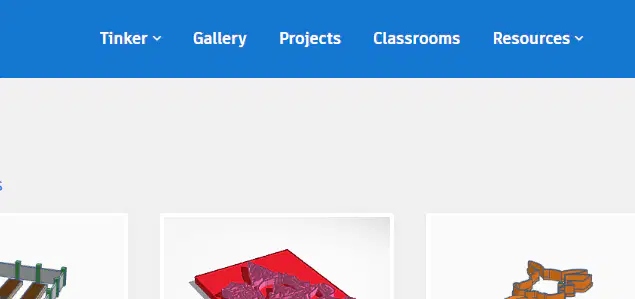
Which menu item do I click for the tutorials?
Tinker
Gallery
Projects
Classrooms
Resources

Which menu item do I click for the tutorials?
Tinkercad Blog
Learning Center
Design & Make Skills
Challenges
Help Center
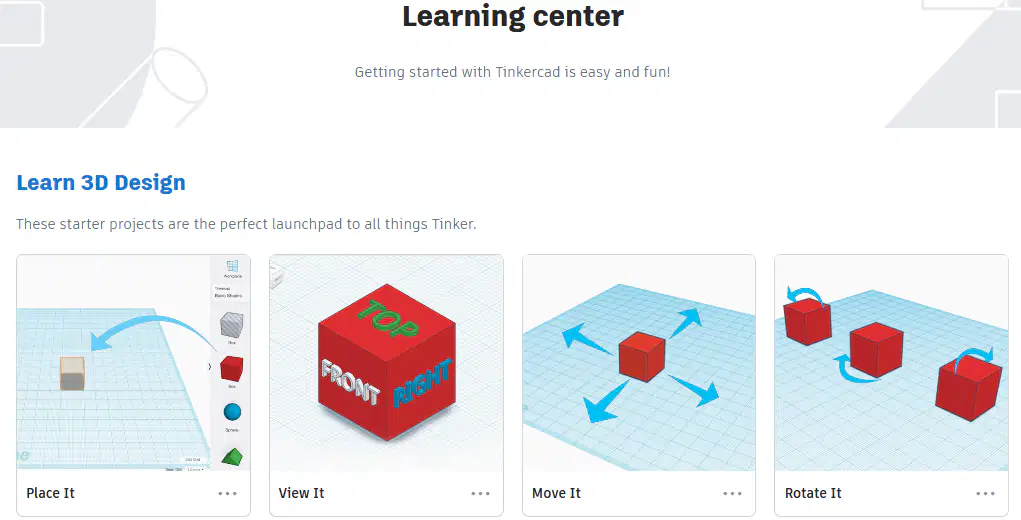
Which tutorial do I click on first?
Place It!
View It!
Move It!
Rotate It!
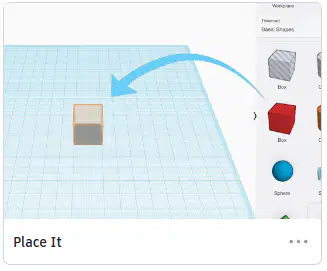
What should “Place It!” look like when it is completed?



What should “View It!” look like when it is completed?


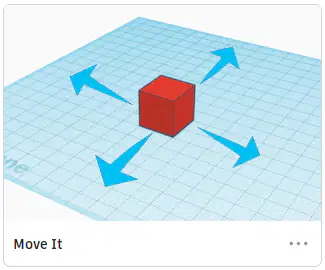
What should “Move It!” look like when it is completed?


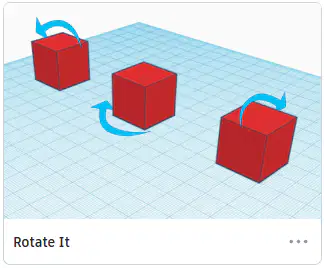
What should “Rotate It!” look like when it is completed?


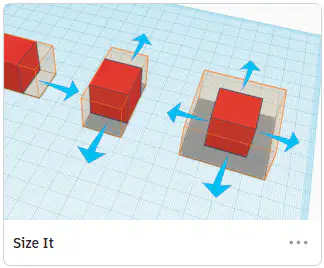
What should “Size It Up!” look like when it is completed?


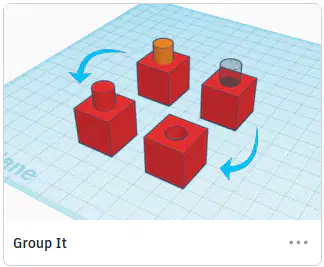
What should “Group It!” look like when it is completed?


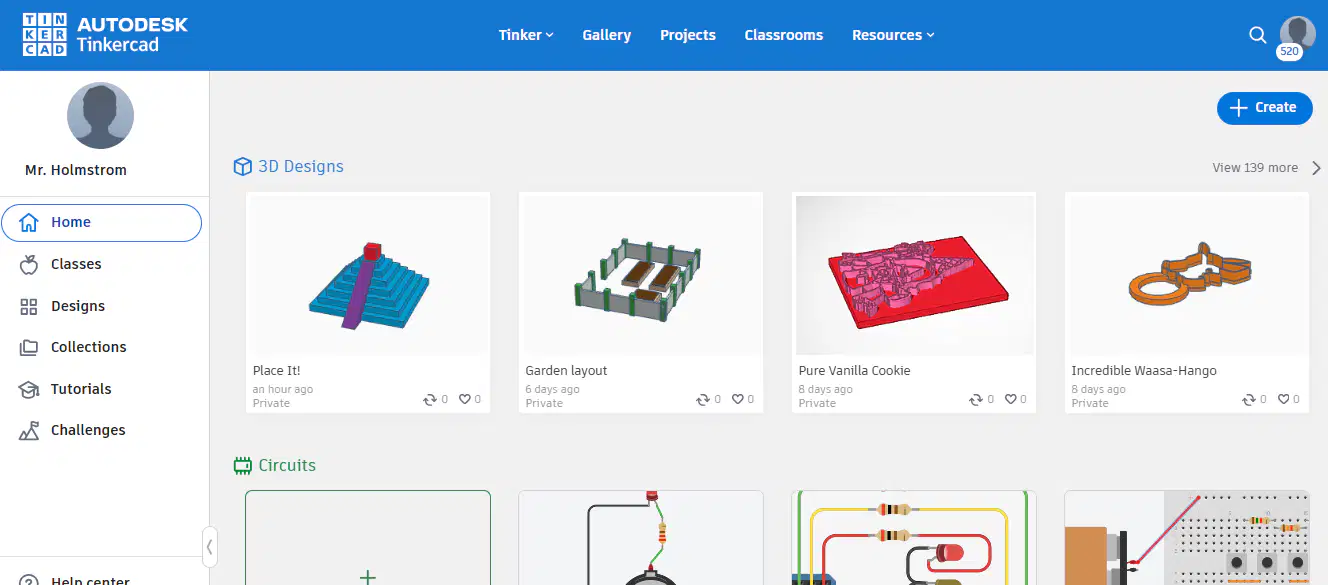
Where do I click to create my own design?


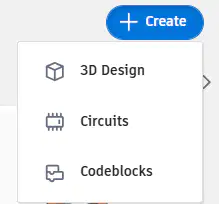
Which option do I click under the “Create” menu?



