
 Worksheets
Std 5 1UT practice 25-26
Total questions: 63
Worksheet time: 51mins
Match the following
Input device
Monitor
CPU
Keyboard
Pen drive
Match the following
Input device
Monitor
CPU
Keyboard
Pen drive
Match the following
Storage device
Monitor
CPU
Keyboard
Pen drive
Match the following
Output device
Monitor
CPU
Keyboard
Pen drive
Match the following
Processing device
Monitor
CPU
Keyboard
Pen drive
Unscramble the letters
HALEHT
(a)
Fill in the blanks.
A computer is a machine that works on the principle of (a) cycle.
Fill in the blanks.
(a) software is the manager of a computer system.
Fill in the blanks.
Computers are classified into different (a) based on the technologies used to design them.
Fill in the blanks.
High-level programming languages like COBOL and BASIC were developed in (a) generation.
Fill in the blanks.
Computers are used in (a) for checking records of books.
Fill in the blanks.
(a) were used instead of transistors in third generation computers.
Fill in the blanks.
(a) were used in fourth generation computers.
Fill in the blanks.
Computers are used by (a) to design cars and equipment.
Fill in the blanks.
The fourth generation computers led to the development of (a) .
Fill in the blanks.
Computers are used in shops to keep records of (a) sold.
Unscramble the letters
TELTESR
(a)
Unscramble the letters
TLTSEVRAIIY
(a)
Unscramble the letters
EYTP
(a)
Unscramble the letters
RESAHCRE
(a)
Unscramble the letters
GRTSOAE
(a)
Identify the places where computers are used with the help of given hints.
1.Maintain medical records and treatment details of patients.
Perform operations.
(a)
Identify the places where computers are used with the help of given hints.
2. Access library's database to check records of books.
Check records of books issued and returned.
(a)
Guess and name the generations of computers based on the given hints.
1.They are heavy and large in size.
They consumed a lot of electricity which generates a lot of heat.
(a)
Guess and name the generations of computers based on the given hints.
2.Inputs were given in the form of punched cards and printouts were received as output.
ENIAC 1401 AND IBM 700 are some examples.
(a)
True or False
System software is the manager of application software.
True
False
True or False
Second generation computers were used between 1940 and 1956.
True
False
True or False
In second generation computers, transistors were soldered to circuit board.
True
False
True or False
Third generation computers were used between 1964 and 1975.
True
False
True or False
Keyboards were used to input data and monitors were used as output device for third generation computers.
True
False
True or False
The technology used for fourth generation computers is artificial intelligence.
True
False
True or False
A computer can work for long hours with the same speed and accuracy.
True
False
True or False
The technology used for fourth generation computers is artificial intelligence.
True
False
True or False
Application software helps in doing some specific tasks.
True
False
True or False
Hardware can work on its own.
True
False
True or False
Computers are used to add special effects in movies.
True
False
True or False
There are three types of software.
True
False
True or False
Bills cannot be generated using computers.
True
False
True or False
Computers are used in schools to maintain medical records and treatment details of patients.
True
False
True or False
Computers are used in offices to communicate using e-mails.
True
False
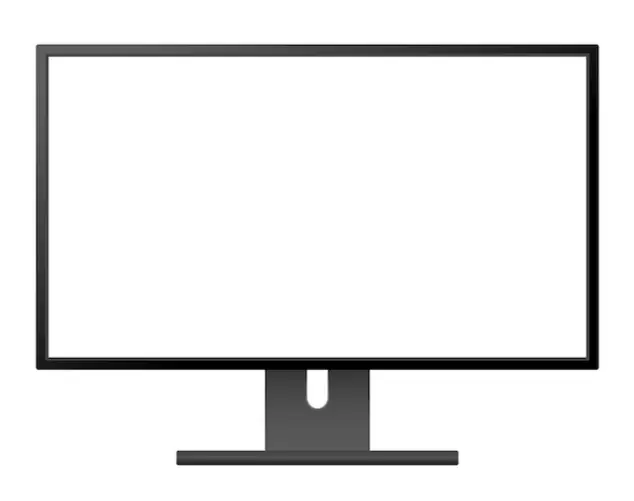
Type of device
Use
(a)
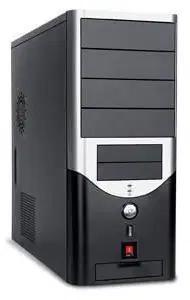
Type of device
Use
(a)

Type of device
Use
(a)
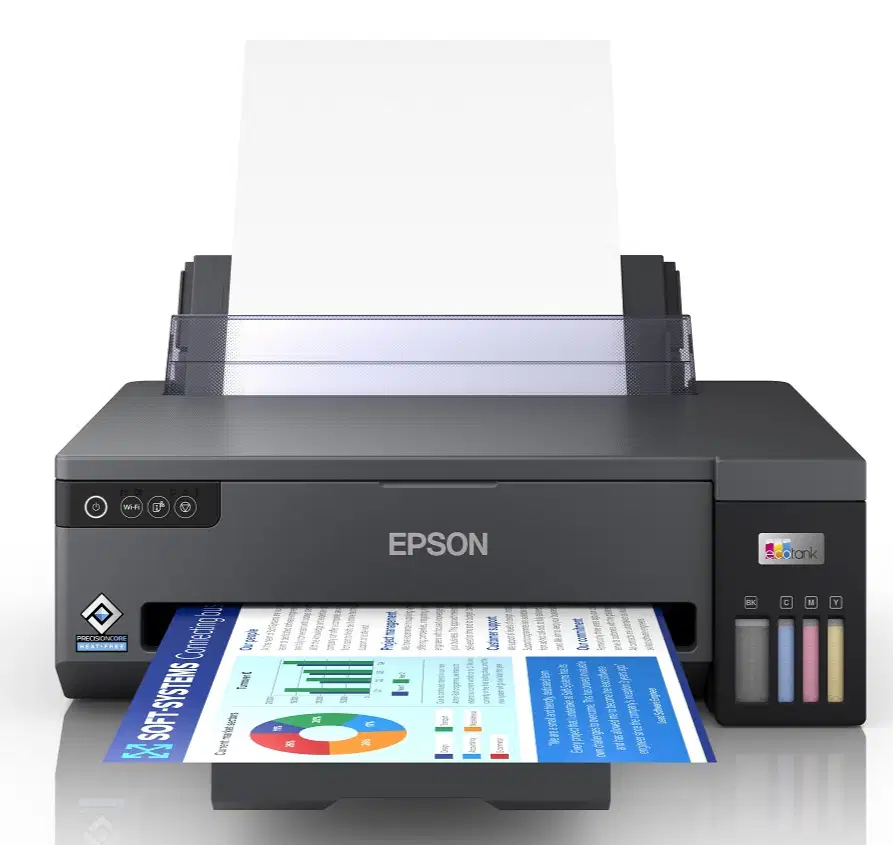
Type of device
Use
(a)
Match the columns
Second generation
1957 - Present
1964 - 1975
1956 - 1964
1940 - 1956
Match the columns
Fourth generation
1957 - Present
1964 - 1975
1956 - 1964
1940 - 1956
Match the columns
First generation
1957 - Present
1964 - 1975
1956 - 1964
1940 - 1956
Match the columns
Third generation
1957 - Present
1964 - 1975
1956 - 1964
1940 - 1956
Use the given hints to name the following.
Inventors of ENIAC
(a)
Use the given hints to name the following.
Two examples of second generation computers
(a)
Use the given hints to name the following.
Two programming languages in second generation computers.
(a)
Use the given hints to name the following.
Silicon chip with integrated circuits.
(a)
Use the given hints to name the following.
Silicon chip with integrated circuits.
(a)
Use the given hints to name the following.
Technology used in the fifth generation computers.
(a)
Which of the following was the first fully automatic calculator?
(a)
Which of the following had no stored programs?
(a)
Which of the following where used instead of transistors in the third generation computers?
(a)
Which of the following is an example of the third generation computers?
(a)
Which of the following were used in second generation computers?
(a)
Which of the following is an example of first generation computers?
(a)
Which of the following were used in fourth generation computers?
(a)
Which of the following is an example of third generation computers?
(a)
Which of the following generation of computers led to the development of personal computers?
(a)

