
 Worksheets
WG:CO:Lesson 15: Conditionals Quiz
Total questions: 43
Worksheet time: 22mins

What is the main topic of Lesson 15 in the learning material?
Loops
Variables
Conditionals
Functions
What is the learning goal of Lesson 15?
To use loops to repeat actions
To use conditionals to react to changes in variables and sprite properties
To create animations using functions
To understand the basics of programming languages
Which of the following is an example of using conditionals in programming?
Repeating a task multiple times
Checking if a variable meets a certain condition before performing an action
Declaring a variable
Organizing code into functions
What are conditionals primarily used for in programming?
To store data
To repeat actions
To make decisions based on certain conditions
To create animations
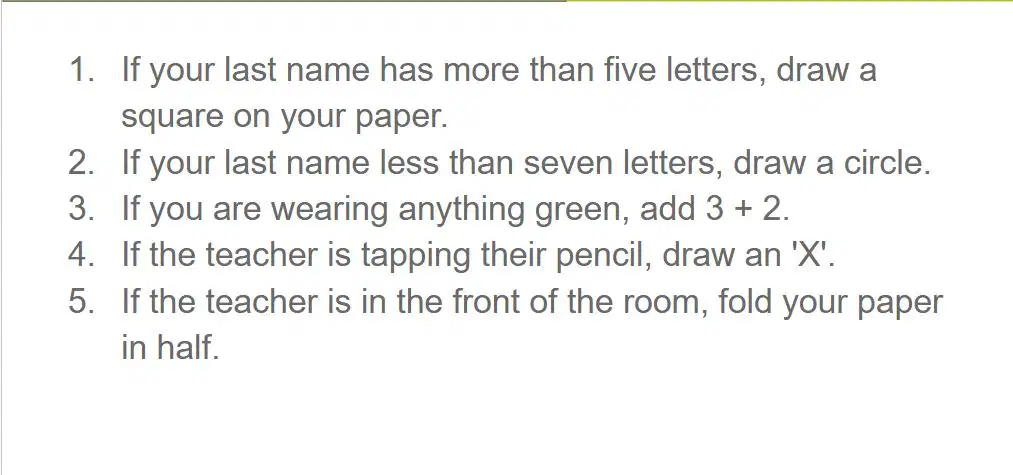
What should you do if your last name has more than five letters?
Draw a circle on your paper
Draw a square on your paper
Fold your paper in half
Draw an 'X'

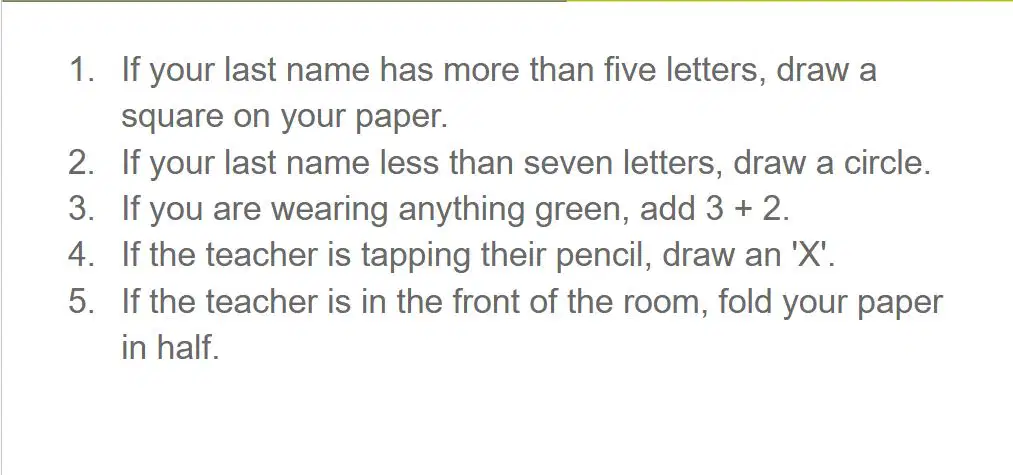
What action is required if your last name has less than seven letters?
Draw a square on your paper
Add 3 + 2
Draw a circle on your paper
Fold your paper in half
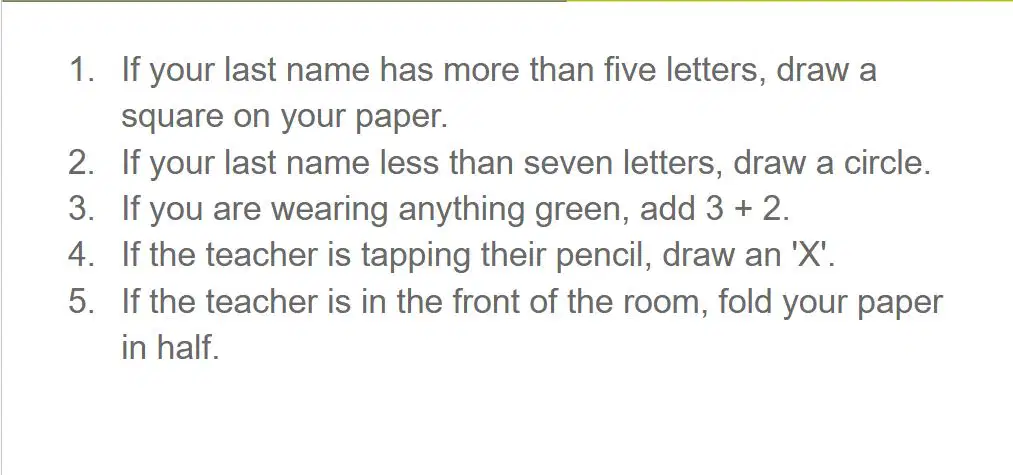
If you are wearing anything green, what should you do?
Draw an 'X'
Add 3 + 2
Fold your paper in half
Draw a square on your paper
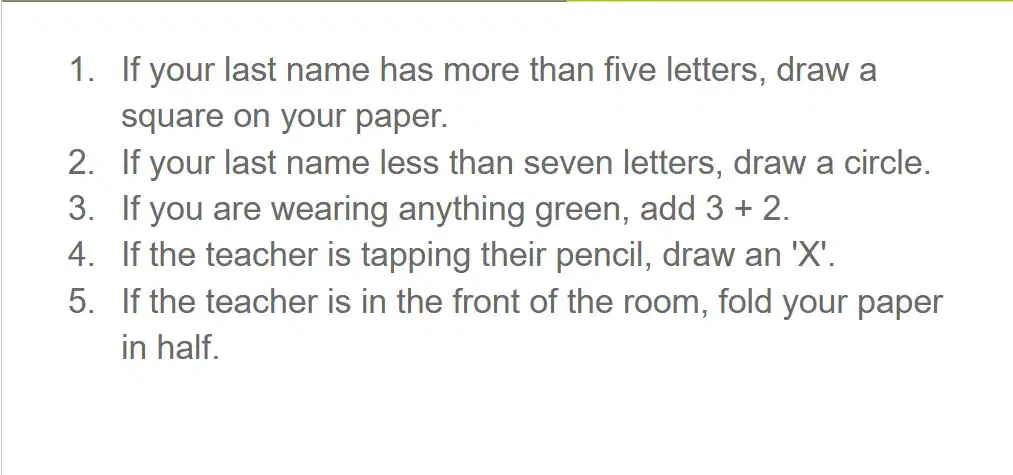
What should you do if the teacher is tapping their pencil?
Draw a circle
Fold your paper in half
Draw an 'X'
Add 3 + 2
What action is required if the teacher is in the front of the room?
Fold your paper in half
Draw a square
Draw a circle
Add 3 + 2
What is a condition in programming?
A statement that only runs under certain conditions.
Something a program checks to see whether it is true before deciding to take an action.
A loop that repeats a set of instructions.
A variable used to store data.
What are conditionals in programming?
Statements that only run under certain conditions.
A program that checks if something is true.
A loop that repeats a set of instructions.
A variable used to store data.
What is the first step in the Code Prediction activity described in the learning material?
Run the code to test your prediction.
Discuss how the code works with your partner.
Read the code and discuss with your partner what you think will be printed by the program.
Write your own code to predict the output.
What is the purpose of running the code in the Code Prediction activity?
To test your prediction.
To write new code.
To discuss the code with your partner.
To learn how to debug errors.
What should students do after running the code in the Code Prediction activity?
Write a new program.
Discuss how the code works with their partner.
Predict the output again.
Memorize the code.

What is a Boolean expression?
An expression that evaluates to either true or false
An expression that performs mathematical calculations
An expression that stores text values
An expression that evaluates to multiple values

Which of the following is an example of an expression that would evaluate to true?
5 > 3
3 == 4
7 < 2
10 != 10

Which of the following is an example of an expression that would evaluate to false?
2 == 2
8 > 10
4 != 5
6 >= 3
What is a Boolean Expression in programming?
An expression that evaluates to numbers.
An expression that evaluates to True or False.
An expression that evaluates to text.
An expression that evaluates to images.
Which of the following is an example of a Boolean Expression?
5 + 3
"Hello" + "World"
10 > 5
3 * 7
What type of values does a Boolean Expression return?
Numbers
Text
True or False
Images
In programming, Boolean Expressions are primarily used for:
Performing mathematical calculations.
Evaluating conditions in decision-making.
Displaying images.
Formatting text.
What is the purpose of using booleans in the activity described in Code Studio, Level 3?
To determine when the race car crosses the finish line
To change the color of the race car
To calculate the speed of the race car
To display the race car's position on the screen

If you get stuck while working on the activity, what should you try first?
Help and Tips Tab
Restart the activity
Ask a friend for help
Skip the activity
What can you use to go back if you make a big mistake in the activity?
Version History
Undo Button
Restart Button
Save Button
What will the program do when the car reaches the finish line?
The car stops moving.
The car changes direction.
The program ends.
The car speeds up.
Why is the if block inside the draw loop?
To check conditions continuously while the program runs.
To execute the code only once.
To make the program faster.
To stop the program from running.
When would you want to use an if statement?
To make decisions based on conditions.
To repeat a block of code multiple times.
To store data in variables.
To define a function.
What is the purpose of using a conditional in the draw loop in the given activity?
To check if fruit.scale is less than 2 and change the animation to 'pear'.
To check if fruit.scale is greater than 2 and change the animation to 'pear'.
To check if fruit.scale is equal to 2 and change the animation to 'pear'.
To check if fruit.scale is greater than 2 and change the animation to 'apple'.
What happens if the condition fruit.scale > 2 is true in the draw loop?
The fruit's animation changes to 'apple'.
The fruit's animation changes to 'pear'.
The fruit's animation remains unchanged.
The fruit's scale is reset to 2.
Which programming concept is being applied in the activity described?
Looping
Conditional statements
Variables
Functions
What is the condition being checked in the draw loop?
fruit.scale < 2
fruit.scale == 2
fruit.scale > 2
fruit.scale != 2
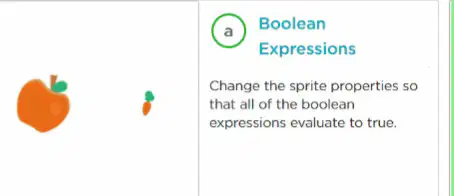
What is the purpose of the "Boolean Expressions" activity in Code Studio, Level 6?
To change sprite properties so that all boolean expressions evaluate to true.
To make the alien dance when the spaceship takes off.
To empty the soup bowl when it turns upside down.
To create a new sprite for the game.
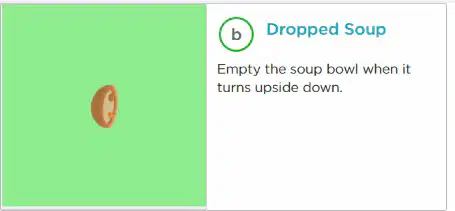
What action is required in the "Dropped Soup" activity in Code Studio, Level 6?
Make the alien dance when the spaceship takes off.
Empty the soup bowl when it turns upside down.
Change sprite properties to evaluate boolean expressions.
Create a new sprite for the game.

What is the goal of the "Alien Celebration" activity in Code Studio, Level 6?
Change sprite properties to evaluate boolean expressions.
Empty the soup bowl when it turns upside down.
Make the alien dance when the spaceship takes off.
Create a new sprite for the game.
What should students do before moving on from Code Studio, Level 6?
Skip the activities and proceed to the next level.
Practice their new skills and check with their teacher.
Memorize the names of the activities.
Create a new game from scratch.
What is the first step mentioned in the "Do This" section for completing the activity in Code Studio?
Follow the instructions in Code Studio
Check out the Help & Tips tab
Refer to the "Rubric" tab
Submit your work immediately
What does the "Rubric" tab describe in Code Studio?
How to find coding errors
How to demonstrate your understanding
How to access advanced features
How to submit your project
Where can students go if they need help while working in Code Studio?
The "Rubric" tab
The Help & Tips tab
The Instructions tab
The Feedback tab
What is the purpose of the "New Block: Visible" activity in Code Studio, Level 8?
To learn how to make a sprite appear and disappear using the visible property.
To create a never-ending fish scene.
To wrap sprites back around to the other side of the screen.
To create an animated quote or saying.
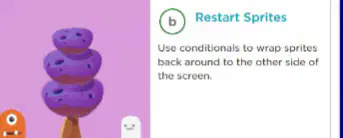
Which activity in Code Studio, Level 8, involves using conditionals to wrap sprites back around to the other side of the screen?
Restart Sprites.
Sci-Fi Scene.
Animated Quote or Saying.
New Block: Visible.
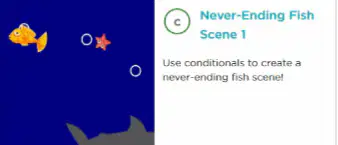
What is the main goal of the "Never-Ending Fish Scene 1" activity?
To use conditionals to create a never-ending fish scene.
To learn how to make a sprite appear and disappear.
To create an animated science fiction scene.
To wrap sprites back around to the other side of the screen.
Which activity in Code Studio, Level 8, focuses on creating an animated scene of a quote or saying with moving sprites?
Animated Quote or Saying.
Sci-Fi Scene.
Restart Sprites.
Never-Ending Fish Scene 3.
What is the purpose of the "Sci-Fi Scene" activity in Code Studio, Level 8?
To create a moving science fiction scene that changes when sprites are at certain locations on the screen.
To use conditionals to create a never-ending fish scene.
To learn how to make a sprite appear and disappear using the visible property.
To wrap sprites back around to the other side of the screen.

