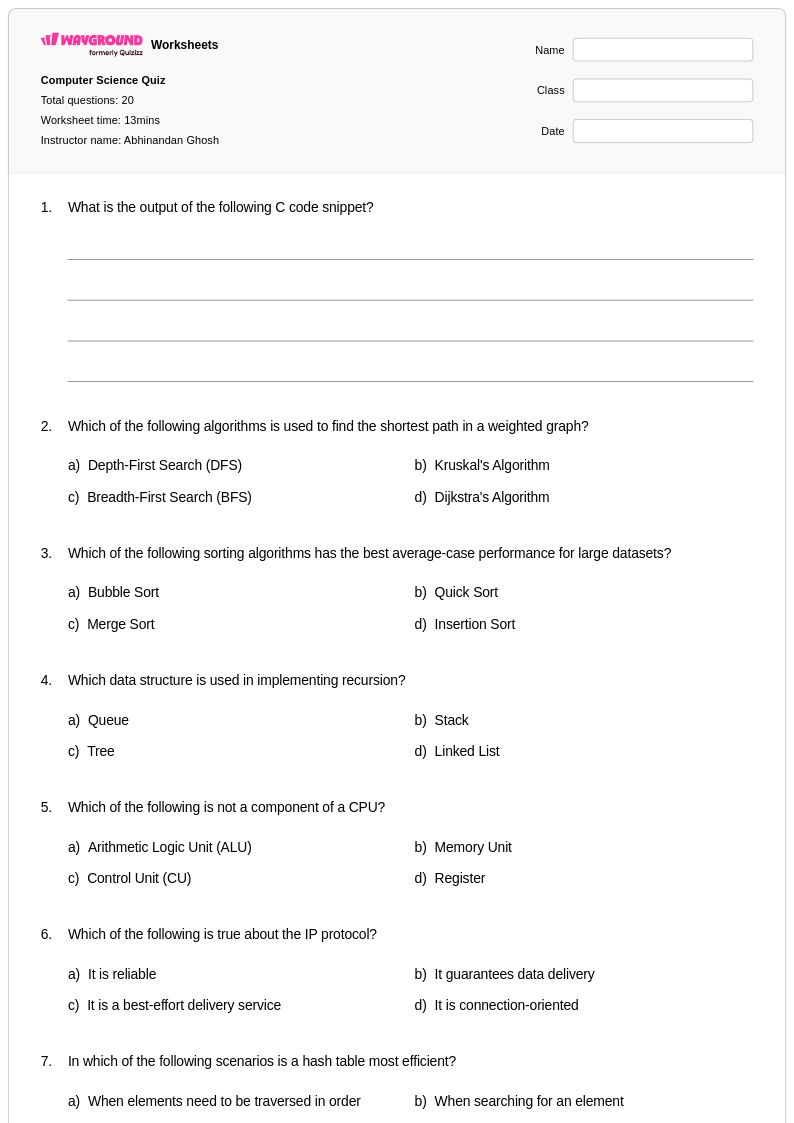
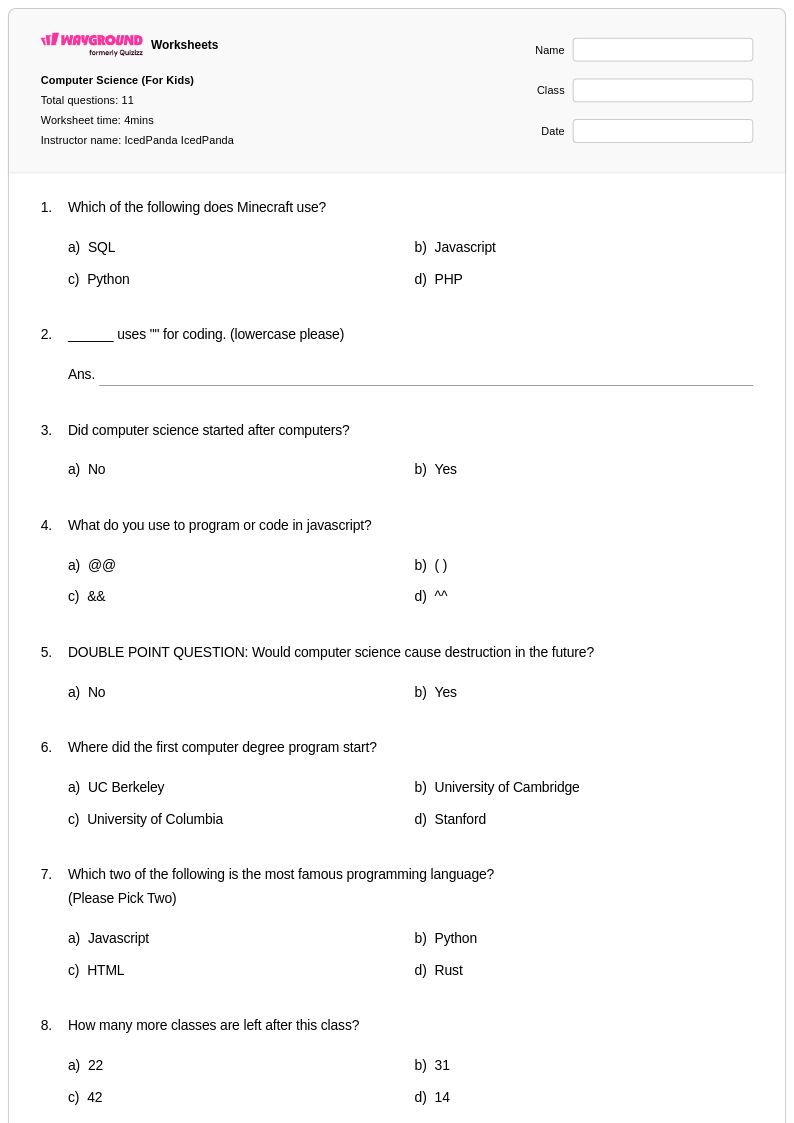
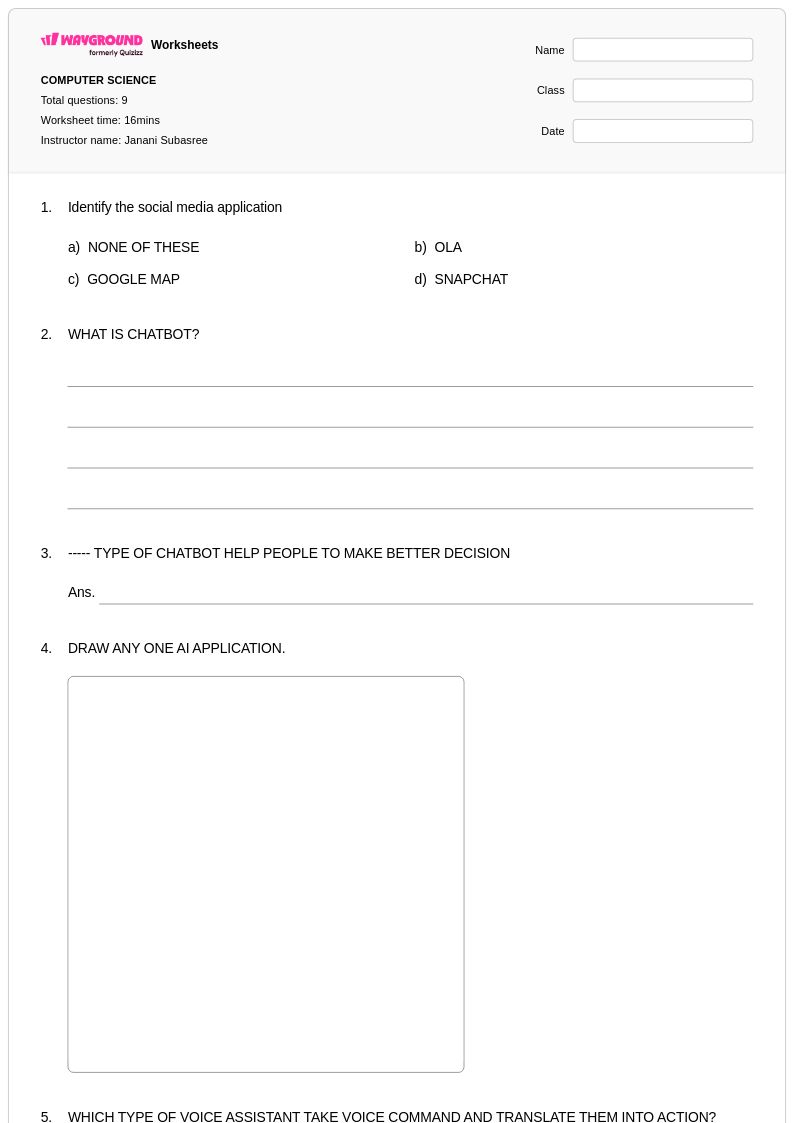
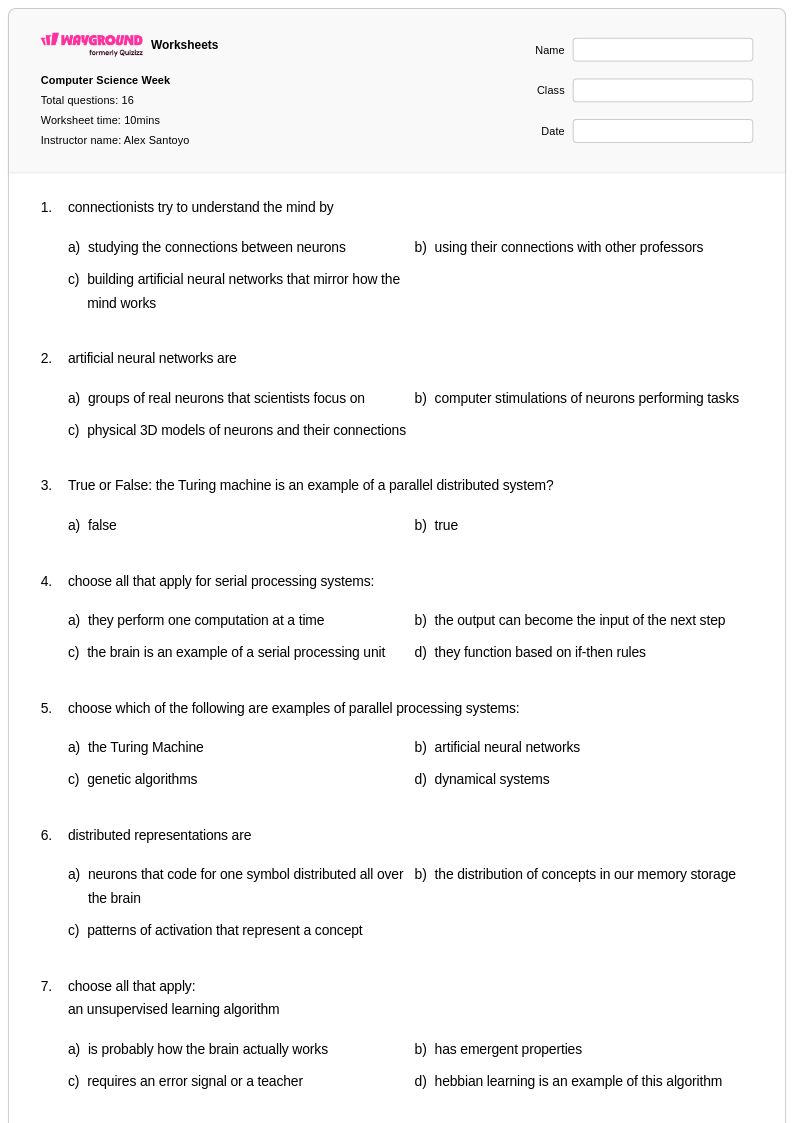
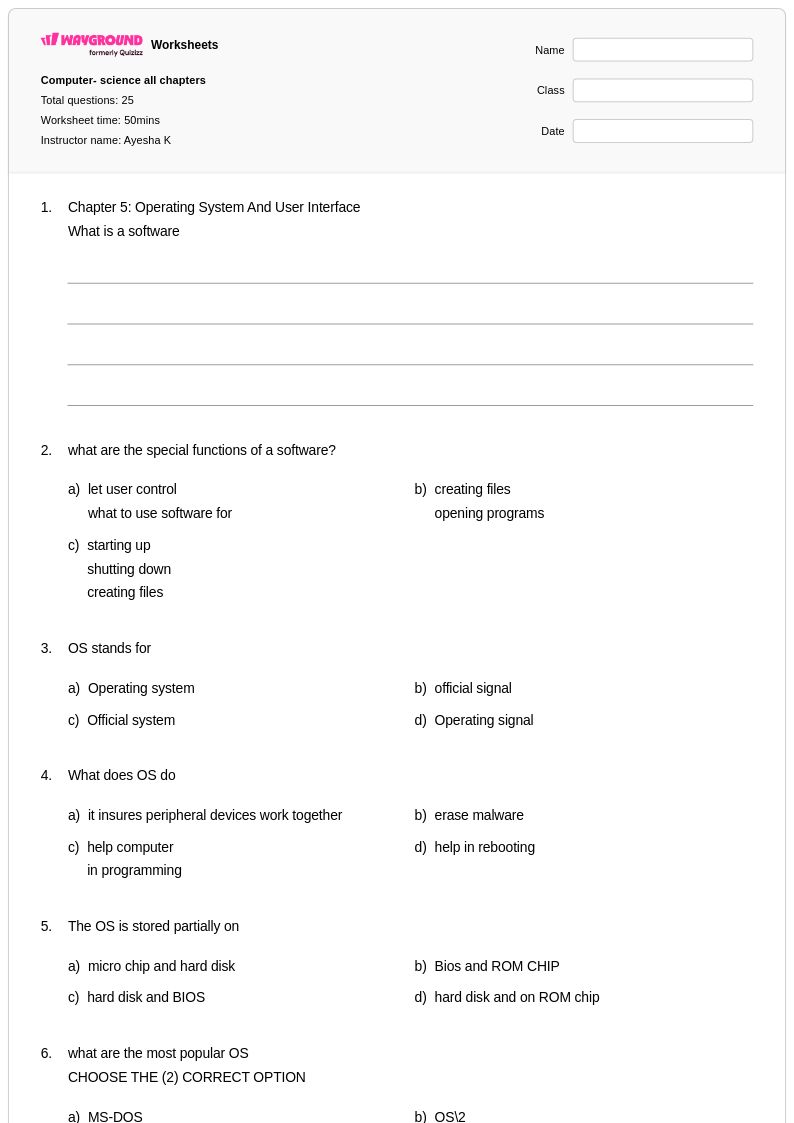
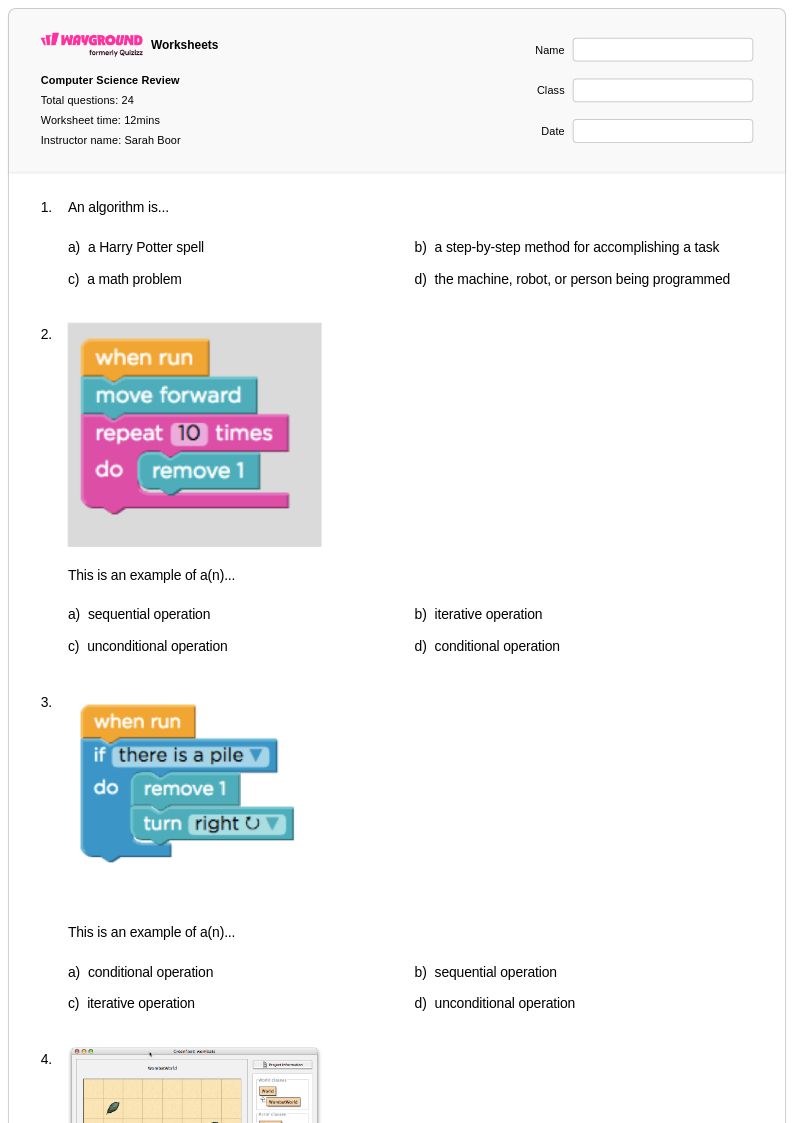
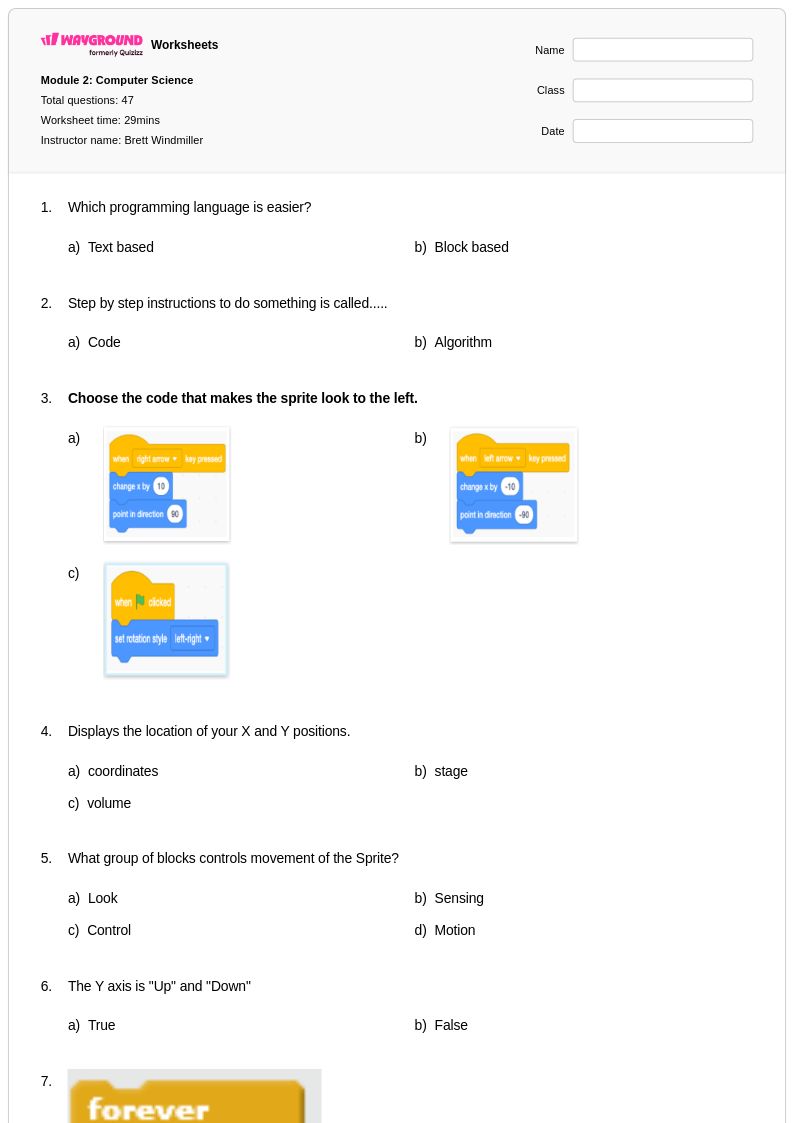
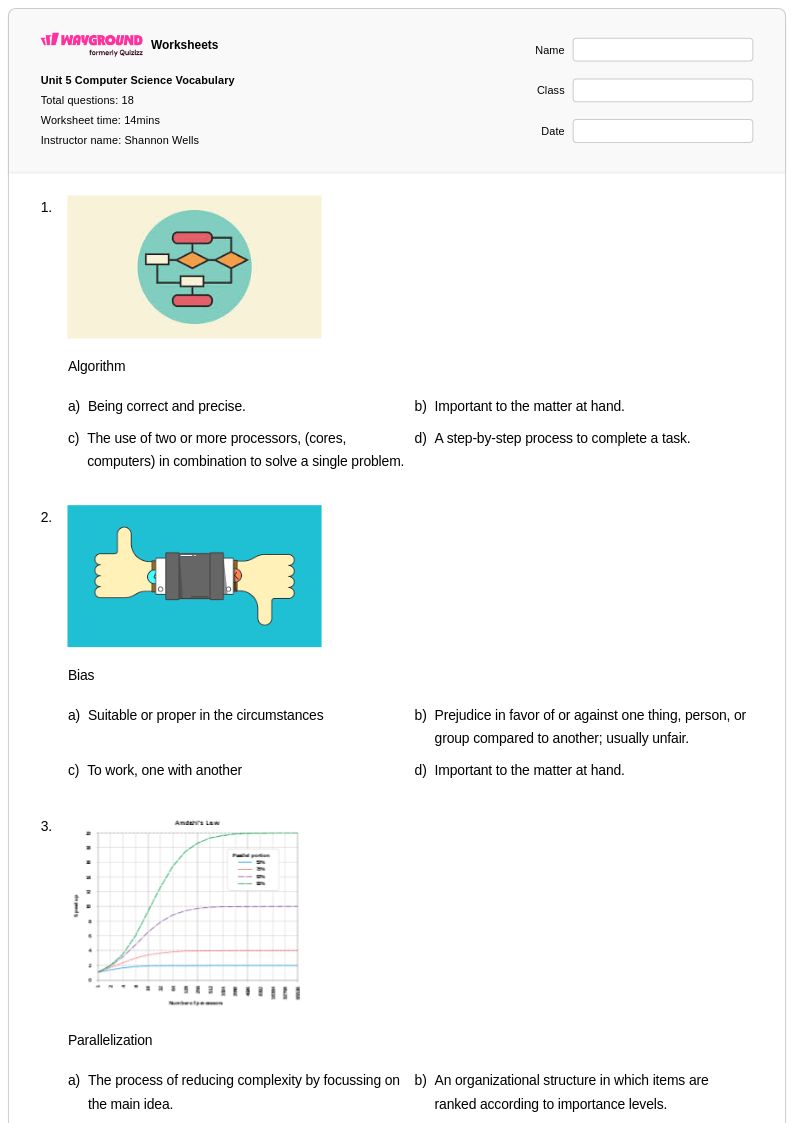
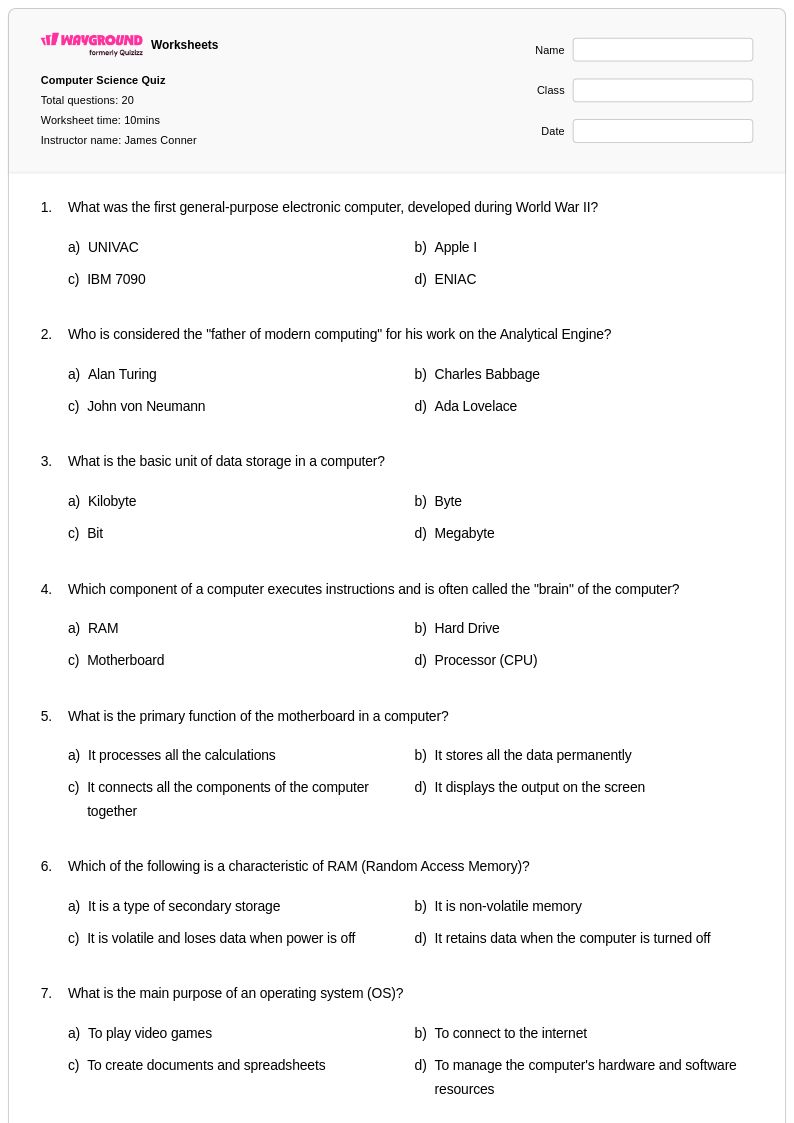
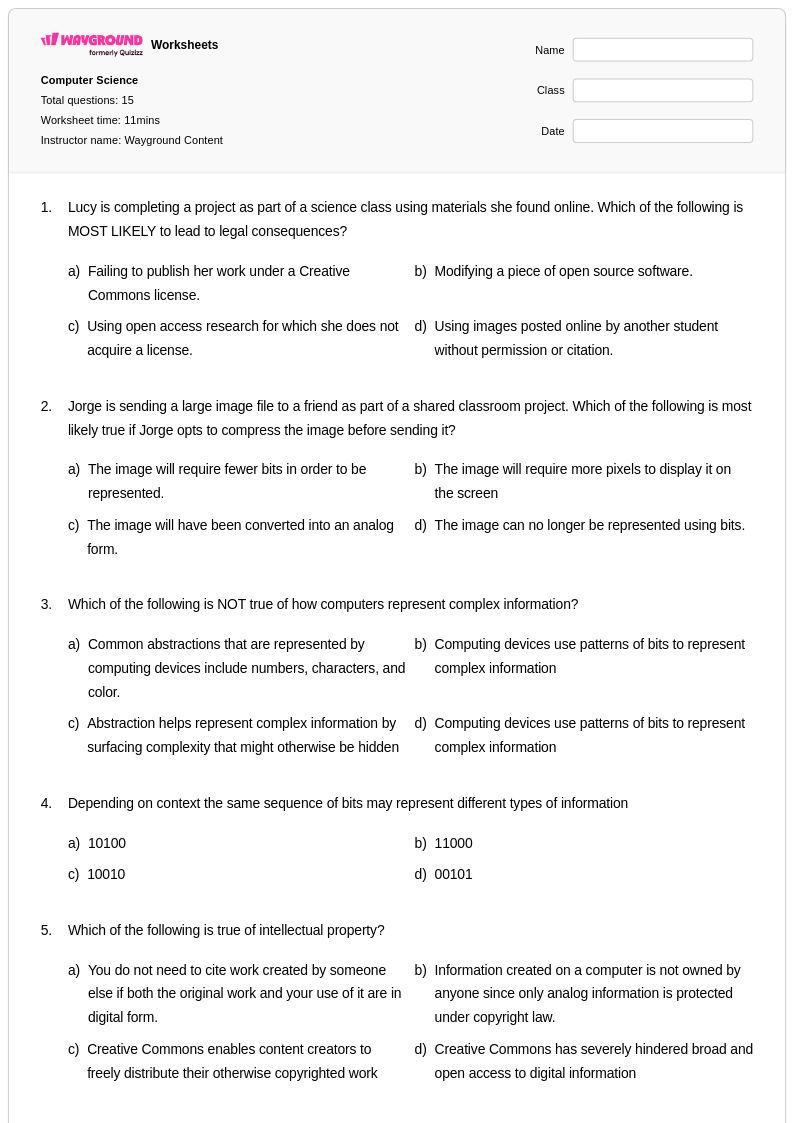
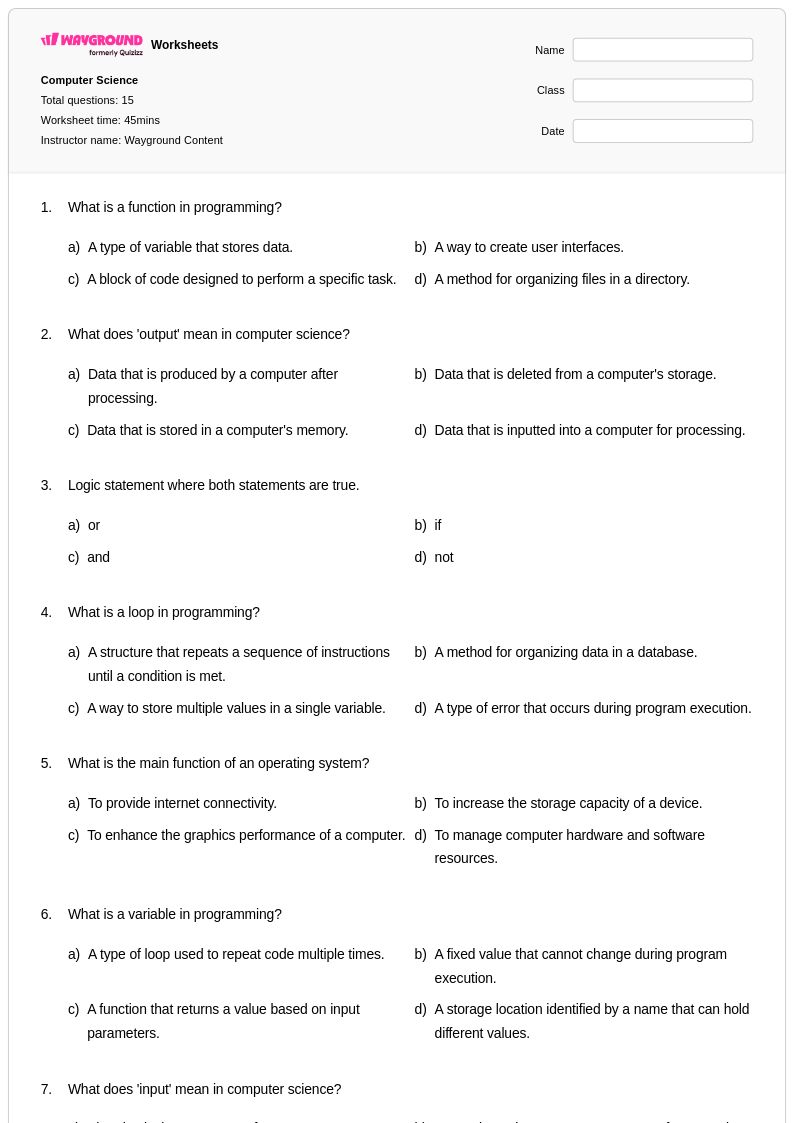
Explore Wayground's comprehensive collection of computer science worksheets and printables that help students master programming concepts, algorithms, and digital literacy through engaging practice problems with detailed answer keys.
Computer Science worksheets available through Wayground (formerly Quizizz) provide comprehensive resources that develop fundamental computational thinking skills and technical knowledge essential for understanding modern technology. These expertly designed materials cover core concepts including programming logic, algorithms, data structures, digital citizenship, and problem-solving methodologies that form the backbone of computer science education. Each worksheet collection includes detailed answer keys and practice problems that reinforce critical skills such as code analysis, debugging techniques, and systematic thinking approaches. Available as free printables in convenient PDF format, these resources systematically build student competency in areas ranging from basic programming concepts to more advanced topics like cybersecurity, artificial intelligence fundamentals, and software development principles.
Wayground (formerly Quizizz) empowers educators with millions of teacher-created Computer Science resources that streamline lesson planning and enhance student learning outcomes across all skill levels. The platform's robust search and filtering capabilities allow teachers to quickly locate materials aligned with specific curriculum standards and learning objectives, while built-in differentiation tools enable customization for diverse student needs and abilities. These comprehensive worksheet collections are available in both printable PDF formats for traditional classroom use and interactive digital versions that support modern educational technology integration. Teachers can leverage these flexible resources for targeted skill practice, remediation support for struggling students, and enrichment activities for advanced learners, ensuring that every student develops the computational literacy and critical thinking skills necessary for success in our increasingly digital world.
FAQs
How do I teach computer science concepts to students who have no prior experience?
Start with foundational computational thinking skills before introducing any syntax or code: pattern recognition, decomposition, and algorithmic sequencing can all be taught without a computer. Use unplugged activities and structured worksheets to build mental models of how programs work, then layer in programming logic and debugging practice as students gain confidence. Grounding abstract concepts in real-world examples, such as sorting algorithms modeled on everyday sorting tasks, helps novice learners connect theory to practice.
What exercises help students practice programming logic and algorithms?
Tracing exercises, where students manually follow a program's logic step by step and predict the output, are among the most effective ways to build algorithmic thinking. Debugging worksheets that present broken code for students to identify and correct reinforce both syntax awareness and logical reasoning. Flowchart and pseudocode activities bridge the gap between abstract problem-solving and actual programming, making them especially useful before students write their first lines of code.
What mistakes do students commonly make when learning programming concepts?
One of the most frequent misconceptions is treating variables as fixed values rather than containers that change during program execution, which leads to persistent errors in tracing and debugging tasks. Students also commonly confuse sequence with logic, assuming that code runs based on their intent rather than its literal instructions. Conflating loops and conditionals is another common stumbling block, particularly when nested structures are introduced. Targeted practice problems that isolate each of these error types help students confront and correct these patterns directly.
How do I differentiate computer science worksheets for students with different skill levels?
For struggling learners, reduce cognitive load by breaking multi-step problems into single-concept tasks and providing sentence starters or partially completed code. Advanced students benefit from open-ended extension problems that require them to design their own algorithms or evaluate trade-offs between solutions. On Wayground, teachers can apply student-level accommodations including reduced answer choices and read-aloud support, which are especially useful during digital practice sessions for students who need additional scaffolding without disrupting the rest of the class.
How can I use Wayground's computer science worksheets in my classroom?
Wayground's computer science worksheets are available as printable PDFs for traditional classroom use and in digital formats for technology-integrated environments, giving teachers flexibility across in-person, hybrid, and remote settings. Teachers can also host worksheets as a quiz directly on Wayground, which enables real-time progress tracking and immediate feedback for students. This makes them well-suited for warm-up activities, formative checks, independent practice, or homework across a range of computer science topics including hardware, programming, and digital citizenship.
How do I assess student understanding of computer science topics like algorithms and data structures?
Formative assessments work best when they require students to demonstrate process, not just answers: asking students to annotate their reasoning on a tracing exercise or explain a debugging decision reveals far more about their understanding than a multiple-choice response. Short written reflection prompts after algorithm or data structure activities help teachers identify gaps in conceptual thinking before they become entrenched. Using answer keys alongside student work allows teachers to pinpoint exactly where logical breakdowns occur rather than simply marking answers right or wrong.