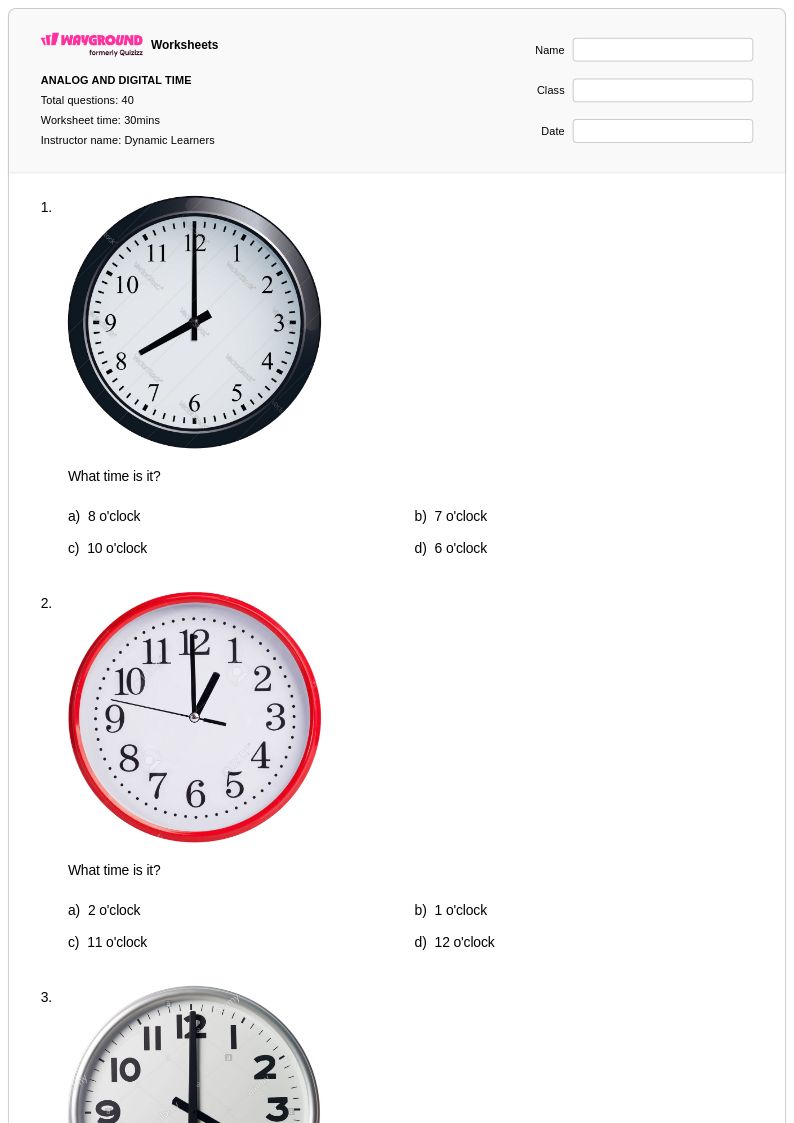
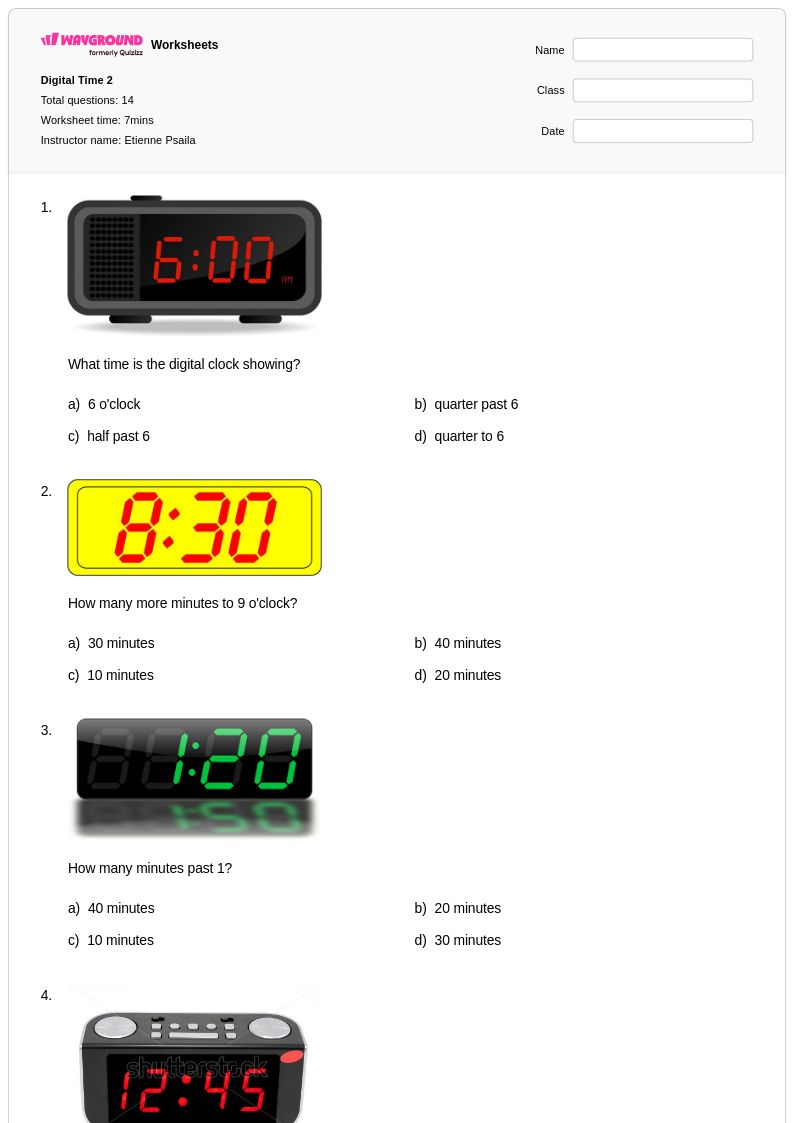
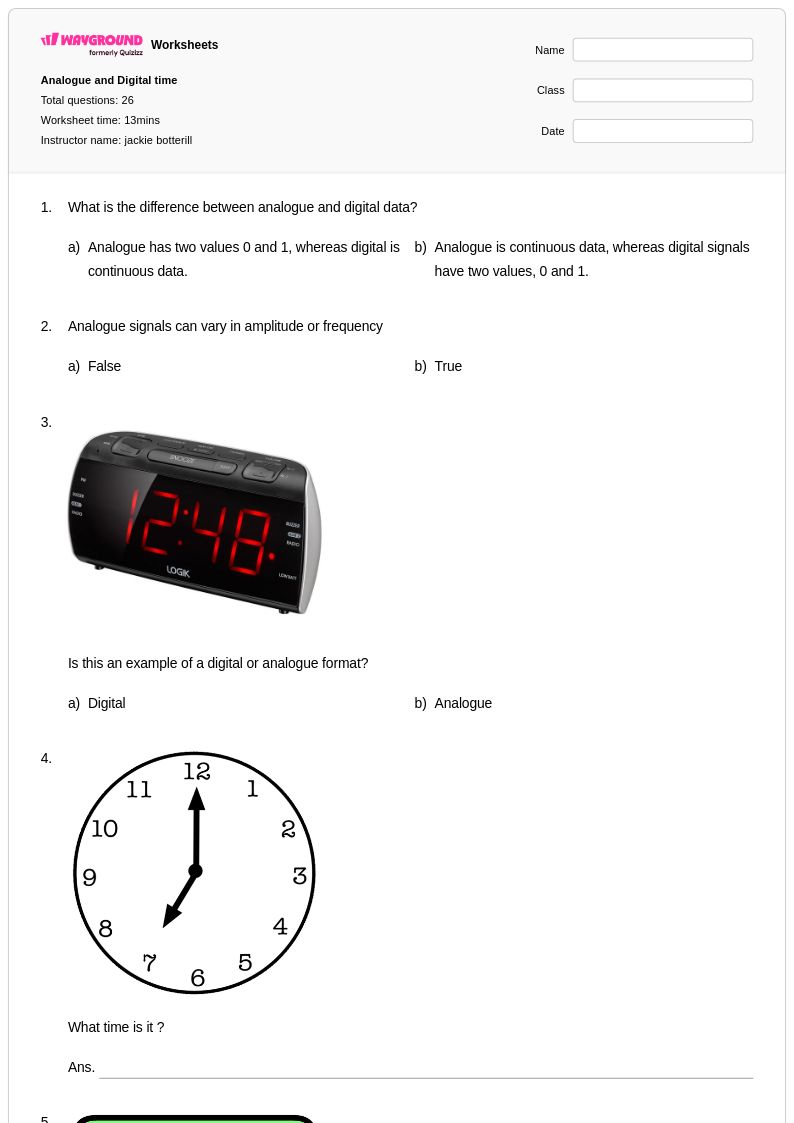
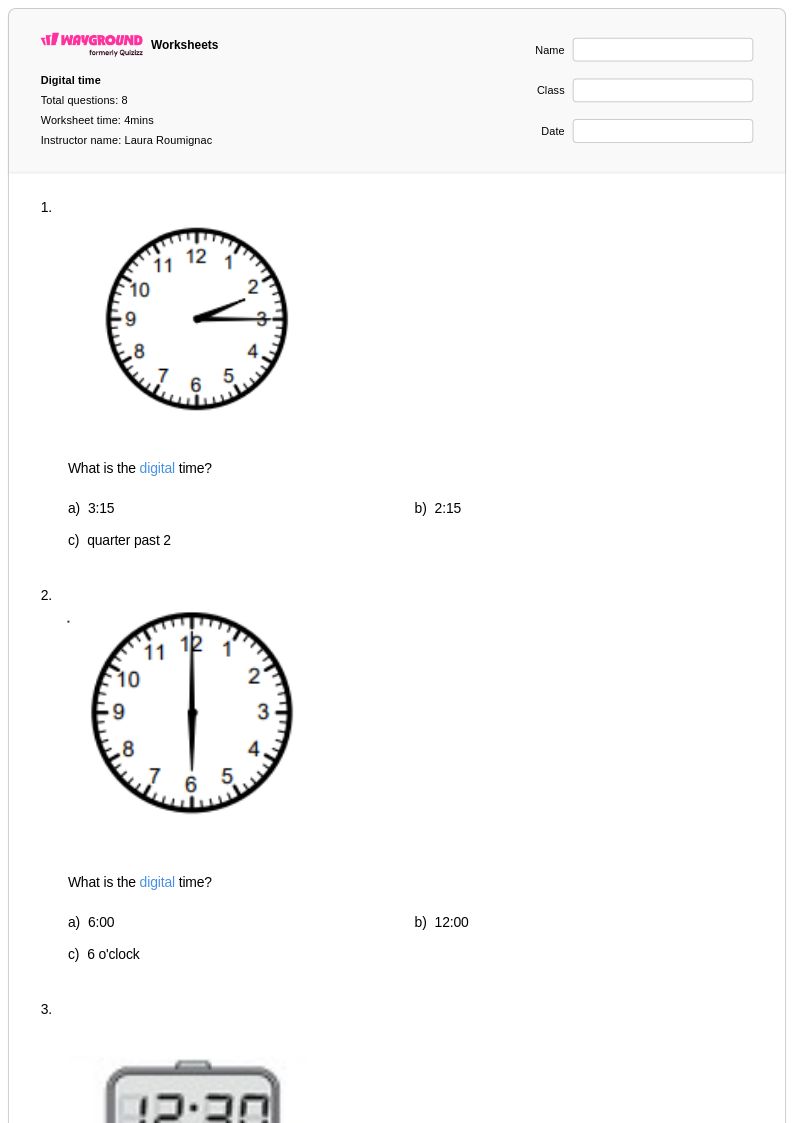
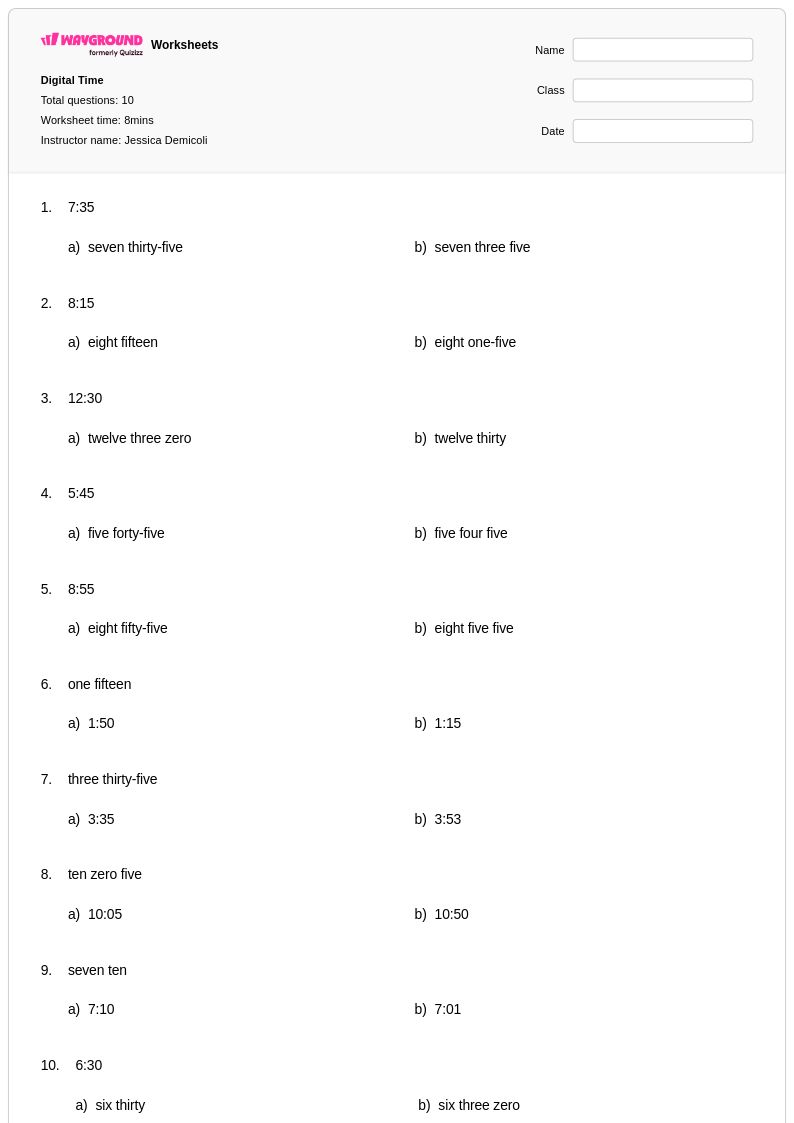
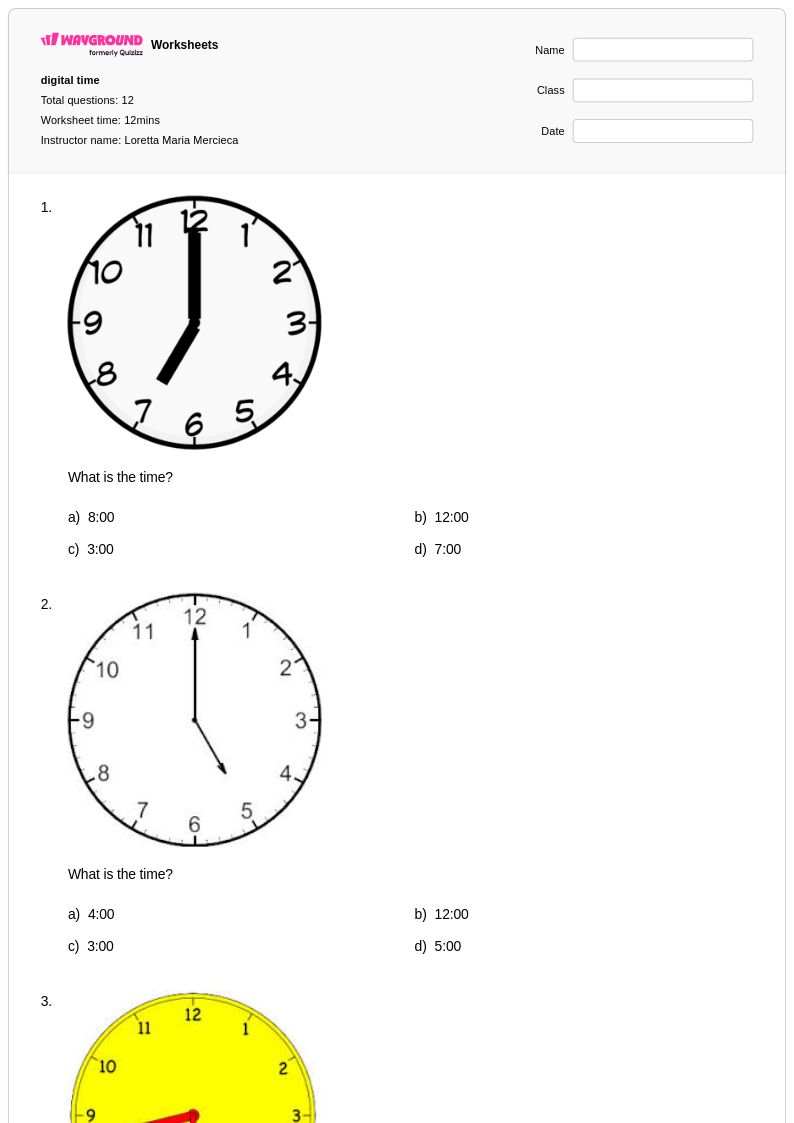
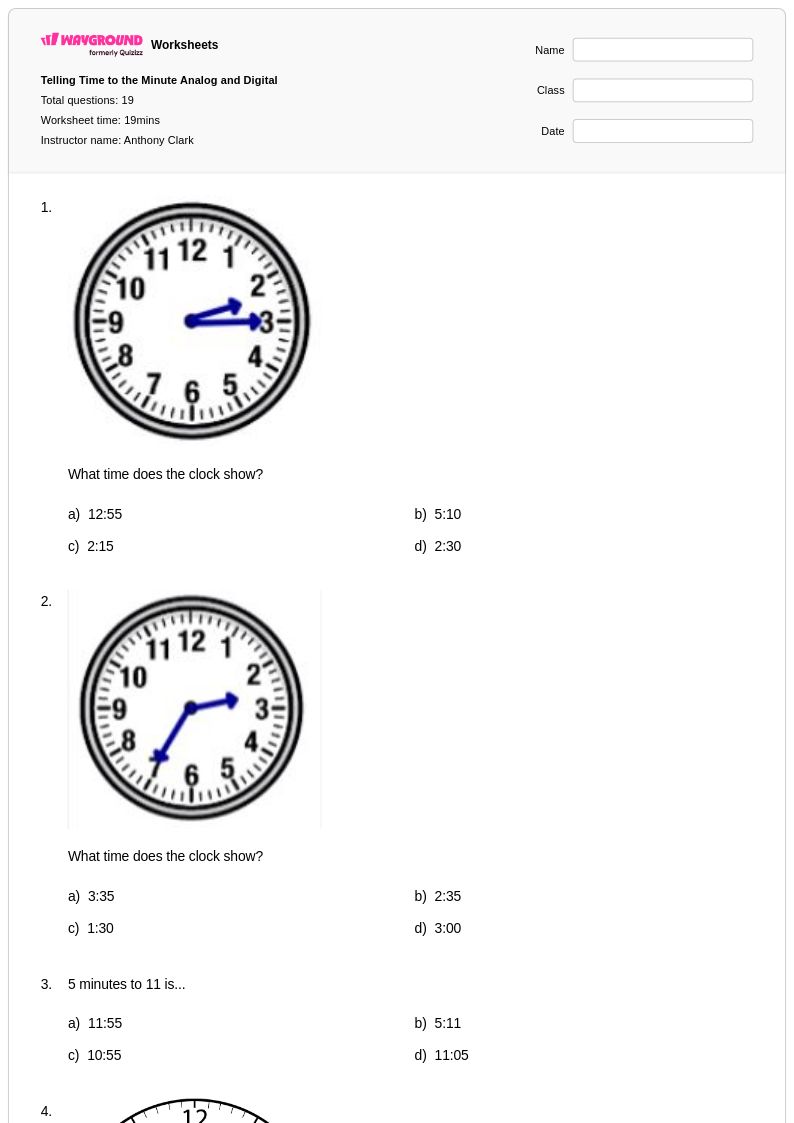
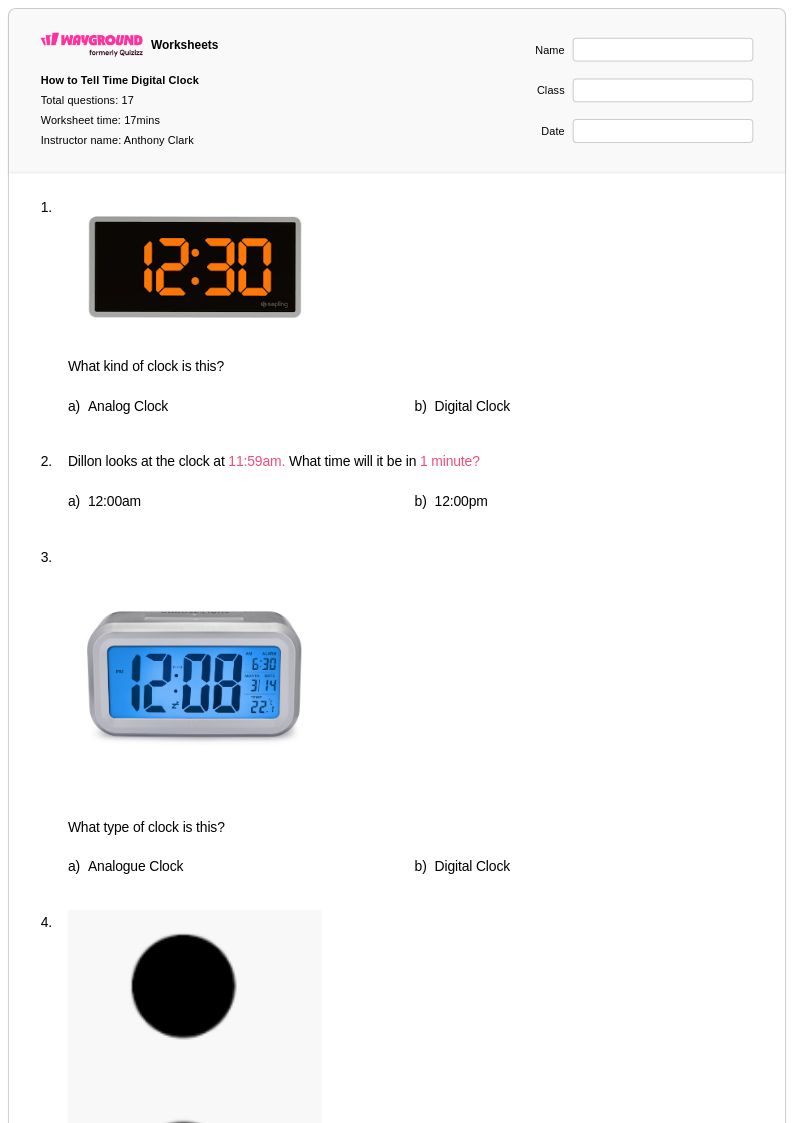
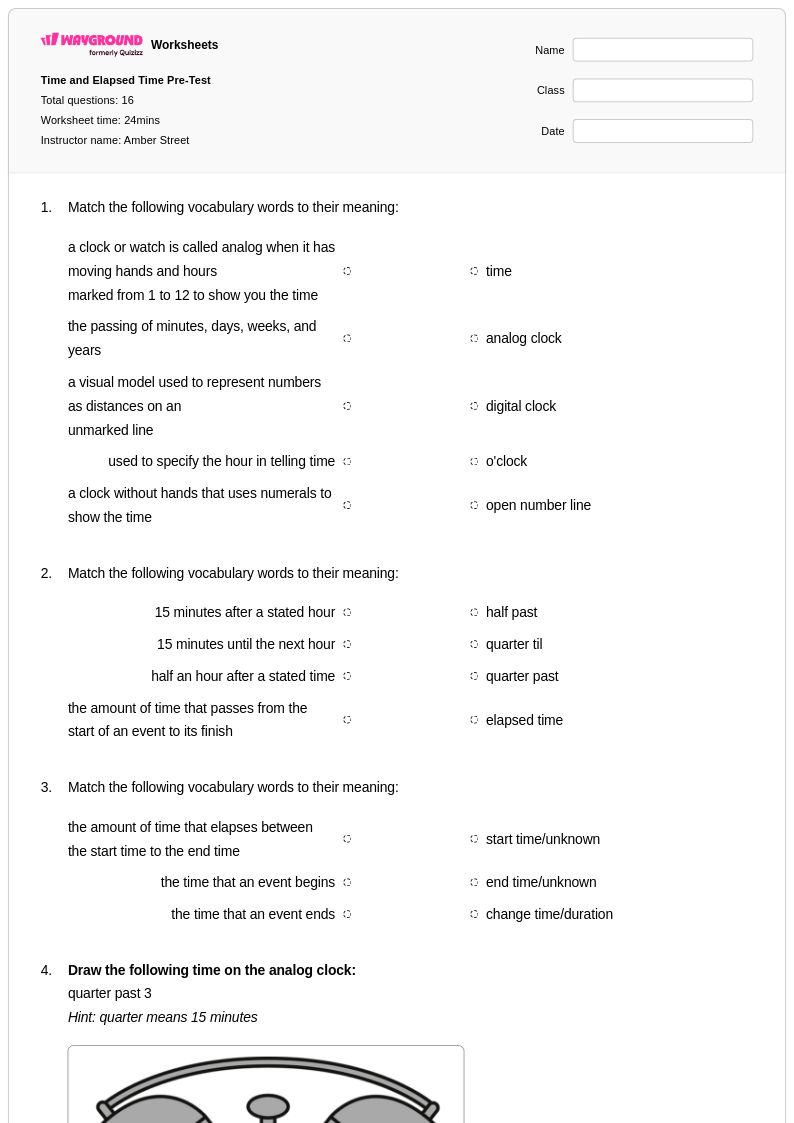
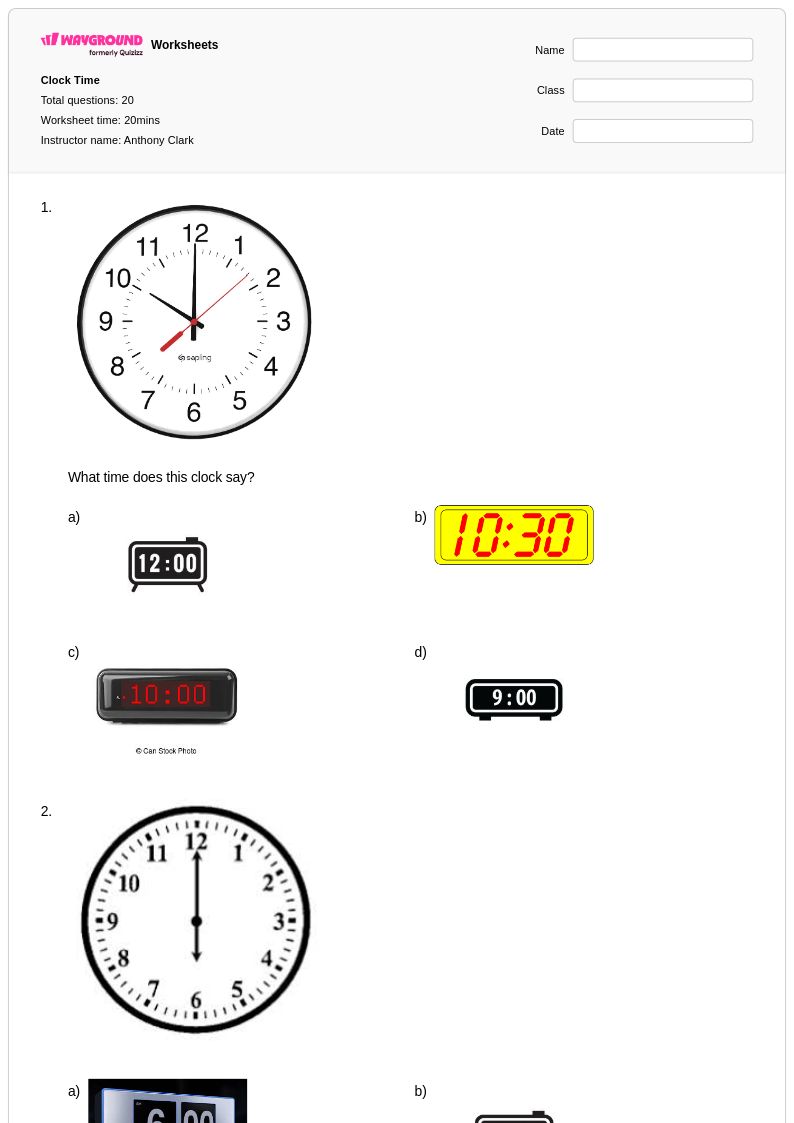
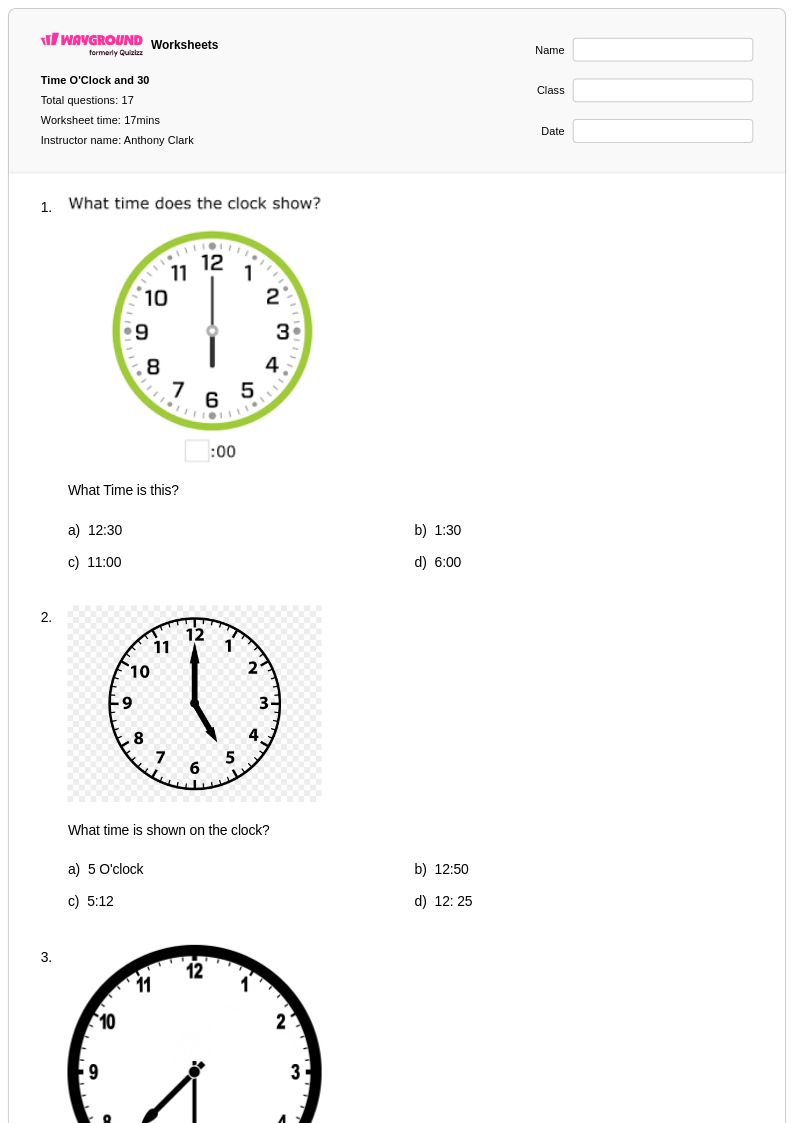
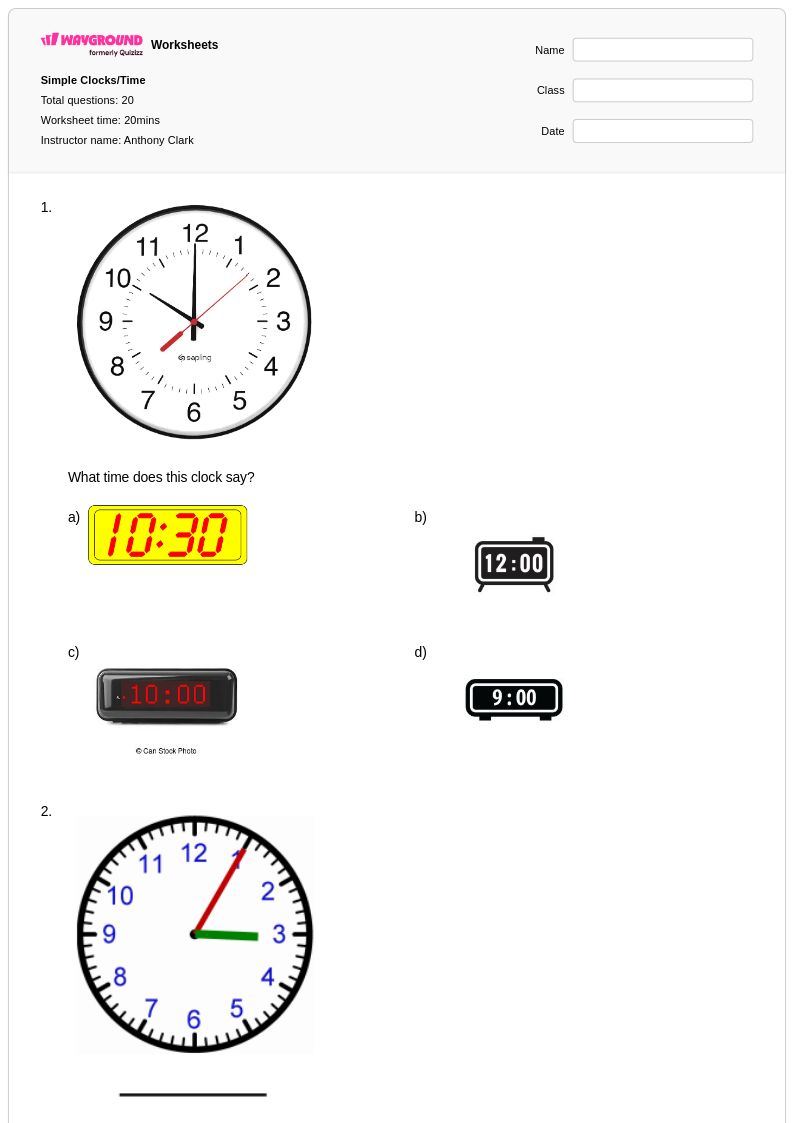
Year 4 digital time worksheets from Wayground help students master reading and interpreting time on digital clocks through engaging printables, practice problems, and comprehensive answer keys available as free PDF downloads.
Explore printable Digital Time worksheets for Year 4
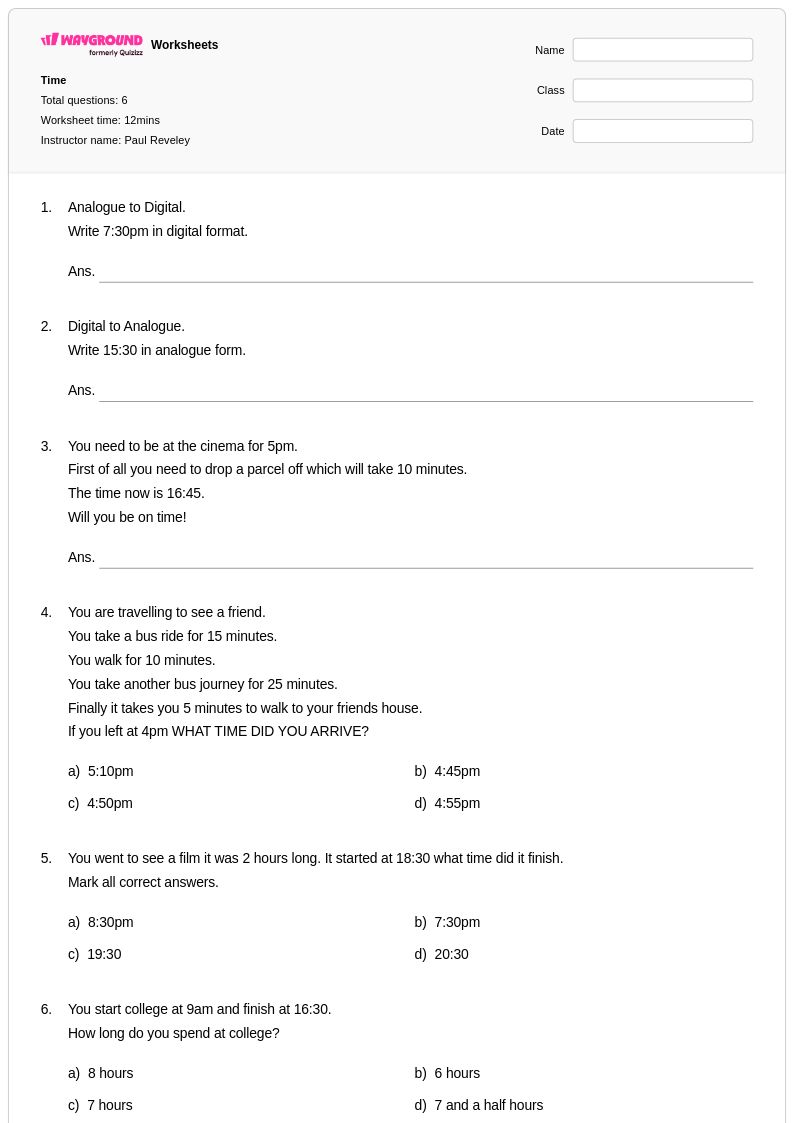
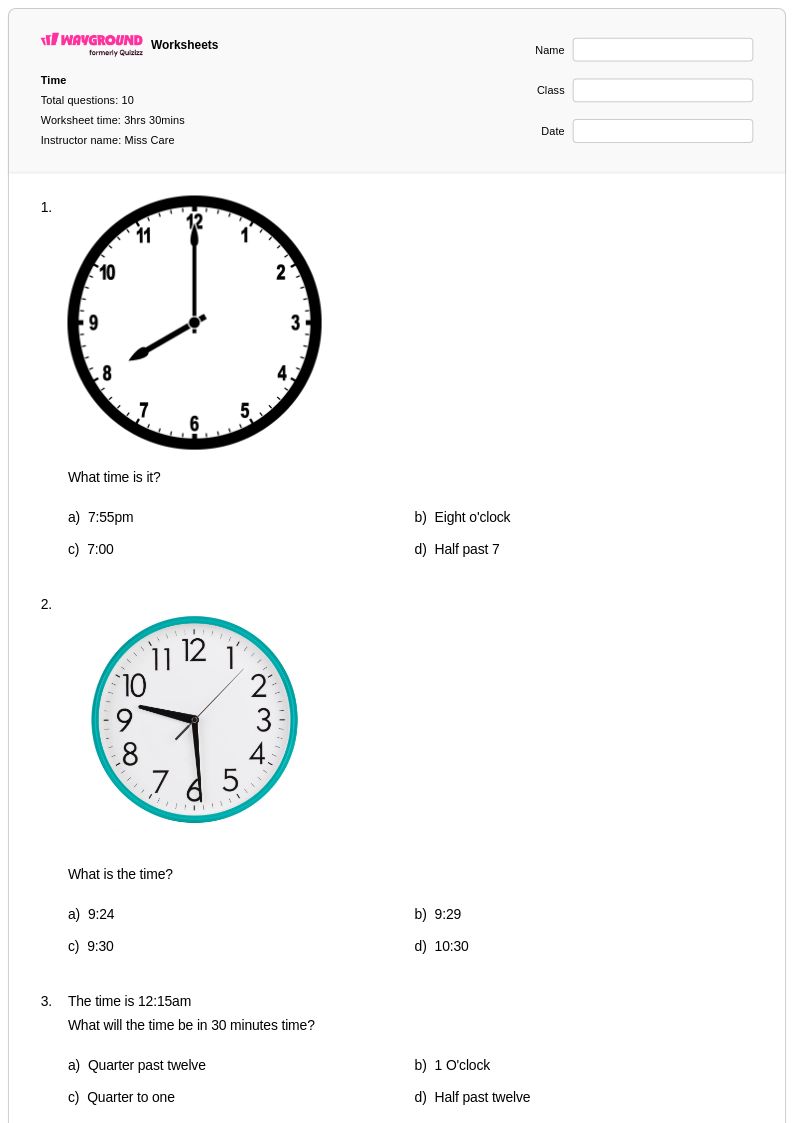
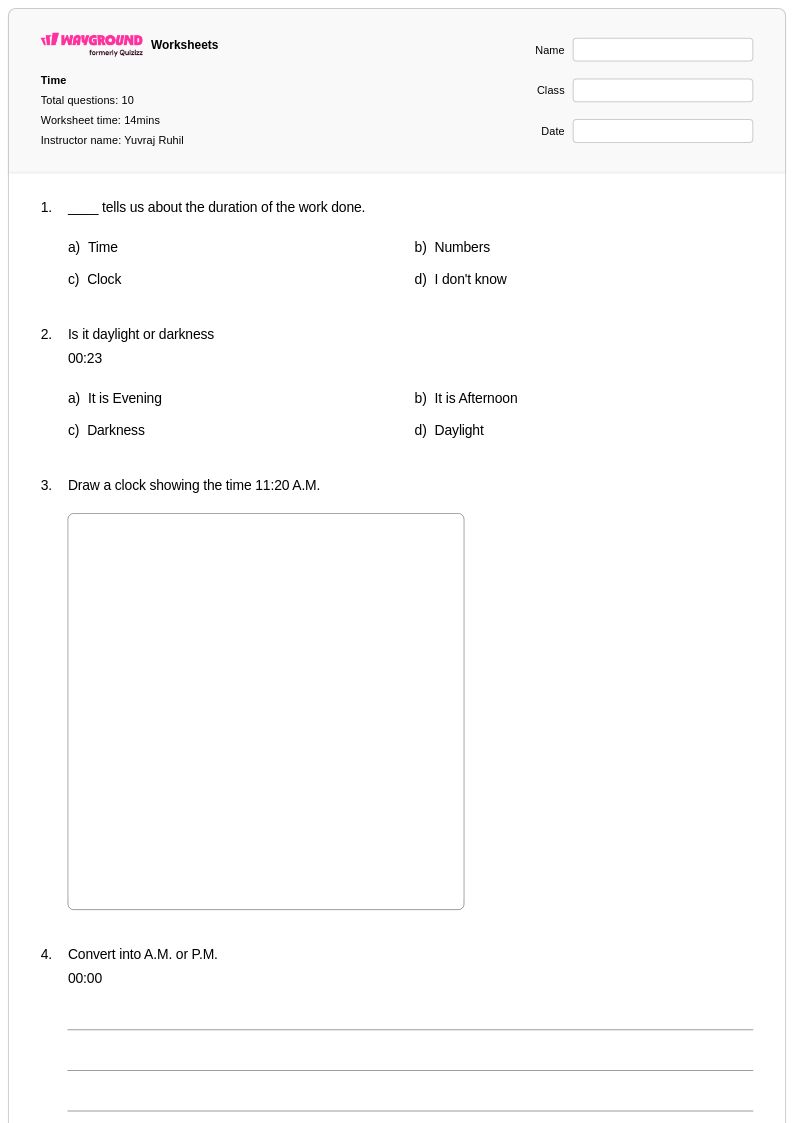
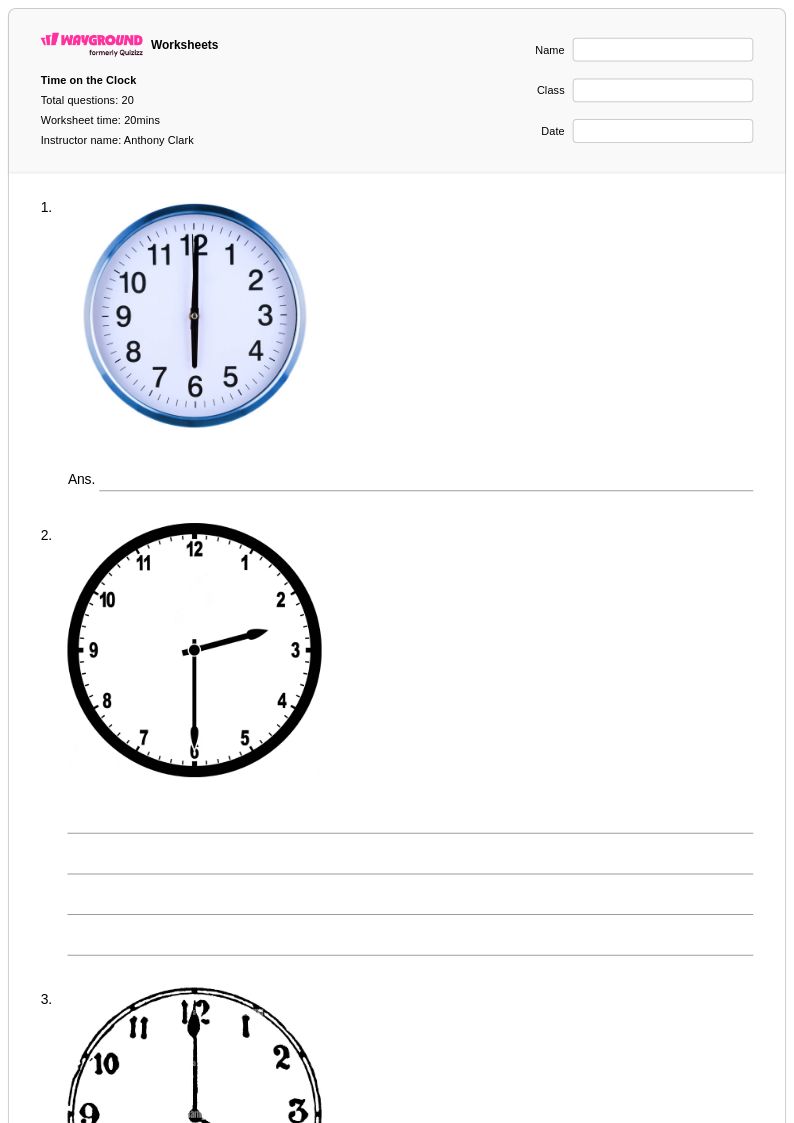
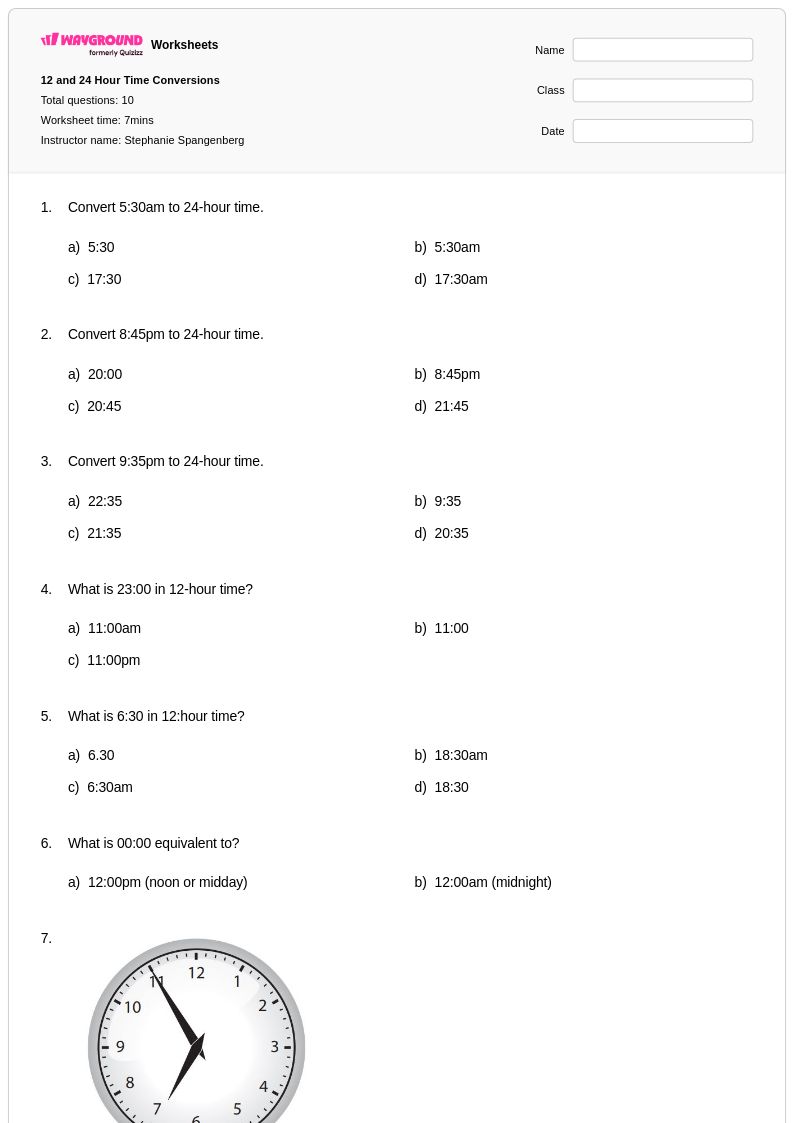
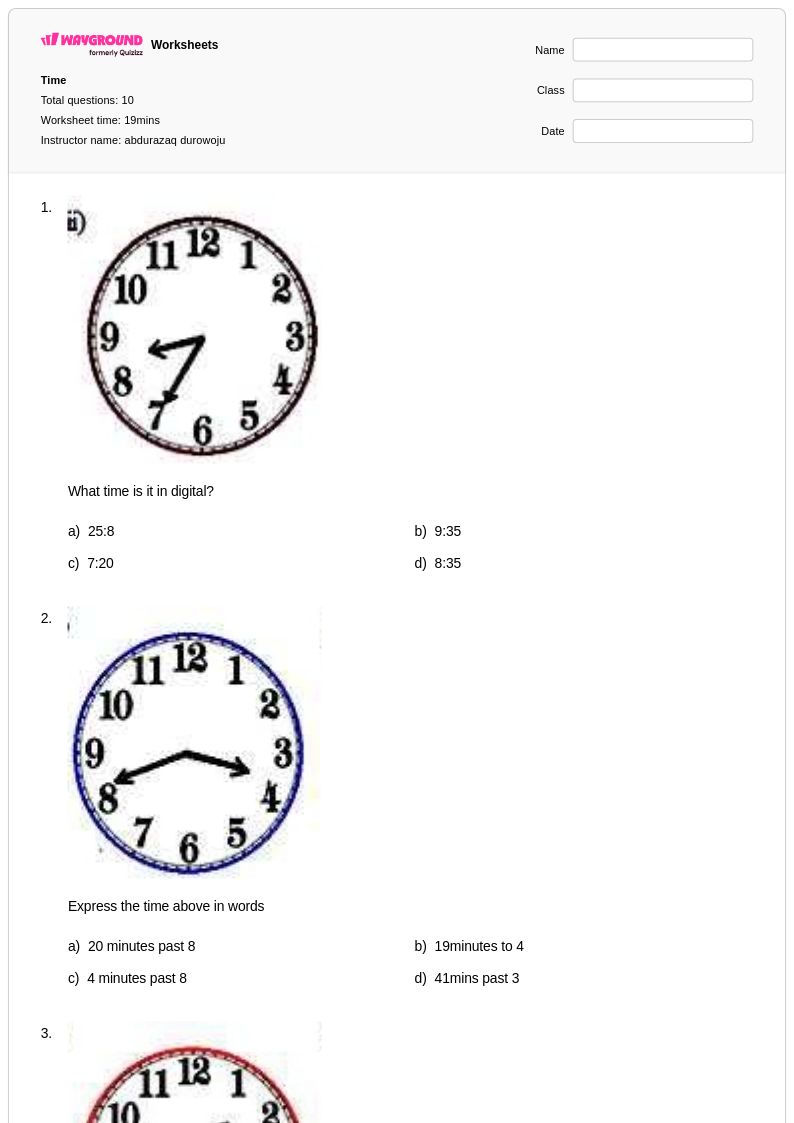
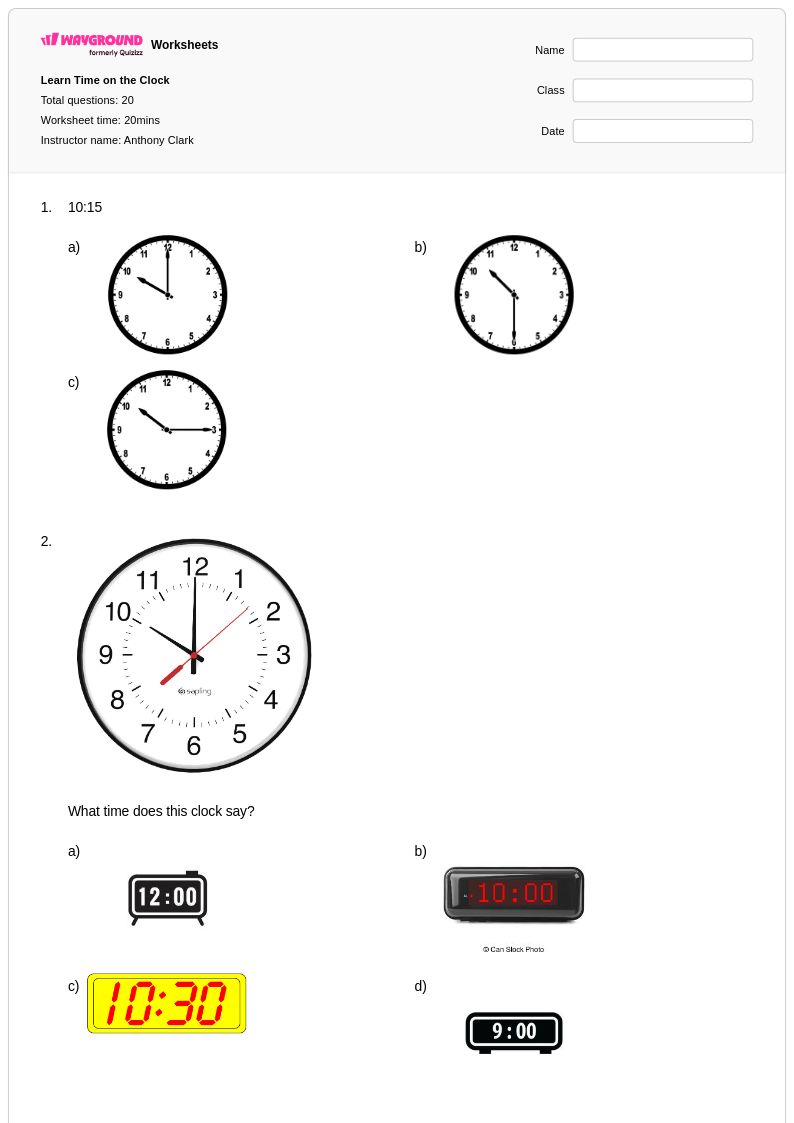
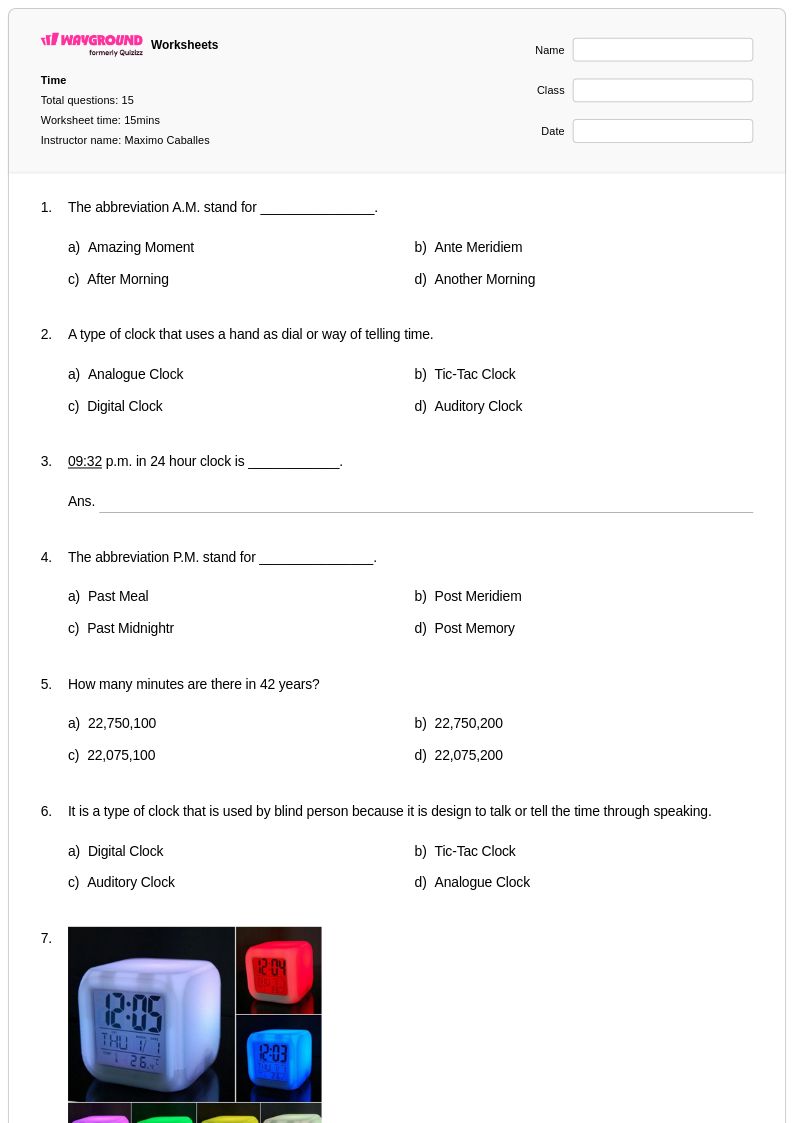
Digital time worksheets for Year 4 students available through Wayground (formerly Quizizz) provide comprehensive practice in reading and interpreting time displayed on digital clocks and devices. These carefully designed printables help fourth-grade students master the fundamental skill of understanding digital time formats, including reading hours and minutes in both 12-hour and 24-hour formats, converting between analog and digital time displays, and solving real-world time problems using digital representations. Each worksheet collection includes detailed answer keys and offers free access to practice problems that progressively build students' confidence in working with digital time concepts, from basic hour and minute recognition to more complex time calculations and elapsed time scenarios using digital formats.
Wayground (formerly Quizizz) empowers teachers with millions of educator-created digital time resources that streamline lesson planning and support differentiated instruction for Year 4 mathematics. The platform's robust search and filtering capabilities enable teachers to quickly locate worksheets aligned with specific learning standards and student needs, while built-in customization tools allow for easy modification of practice problems to match varying skill levels within the classroom. These versatile resources are available in both printable PDF formats for traditional paper-based learning and interactive digital formats for technology-enhanced instruction, making them ideal for remediation sessions with struggling learners, enrichment activities for advanced students, and regular skill practice across diverse learning environments.
FAQs
How do I teach digital time to 4th graders?
Start by making sure students can read hours and minutes fluently on a 12-hour digital clock before introducing 24-hour format. A common bridge activity is pairing a digital display with an analog clock face so students see both representations of the same time simultaneously. Once 12-hour reading is solid, introduce 24-hour format by focusing on the afternoon hours — students who understand that 13:00 means 1:00 PM have cracked the pattern. From there, move into elapsed time problems using digital formats, which is where most Grade 4 students need the most practice.
What exercises help 4th graders practice reading digital time?
The most effective practice combines recognition and application. Students should practice reading digital displays and writing the time in words, converting between 12-hour and 24-hour formats, and solving short elapsed-time scenarios ("The movie starts at 2:15 PM and runs 45 minutes — when does it end?"). Mixing these problem types in a single worksheet keeps practice from feeling mechanical and surfaces which skill is actually causing difficulty.
What mistakes do 4th graders commonly make with digital time?
Three errors come up repeatedly. First, students confuse AM and PM, especially for times close to noon or midnight. Second, when converting to 24-hour format, they add 12 to morning hours instead of only afternoon hours — so they'll write 9:00 AM as 21:00. Third, elapsed time problems trip students up when the calculation crosses the hour mark (e.g., from 3:45 to 4:20), because they try to subtract minutes directly rather than working in two steps.
How do I use Wayground's digital time worksheets in my Grade 4 class?
Each worksheet is available as a printable PDF or as a hosted digital quiz on Wayground. For paper practice, print and distribute — every worksheet includes a complete answer key, and you can scan or photograph completed student work to grade it using the Wayground for Teachers app. If you're running a tech-enabled session, assign the worksheet as a digital quiz so students work through it on their devices and results come back to you automatically. Both formats use the same problems, so you can mix delivery methods across your class without creating separate materials.
How does digital time fit into the Grade 4 math curriculum?
Common Core builds time work progressively: students in earlier grades learn to tell and write time to the nearest minute on analog clocks, so by Grade 4 the expectation shifts toward applying that understanding — converting between formats, working with AM/PM and 24-hour notation, and solving elapsed time problems in real-world contexts. Digital time at this grade is less about clock-reading basics and more about using time flexibly, which is why elapsed time across the hour mark is the skill that typically needs the most targeted practice.
How can I differentiate digital time practice for mixed-ability 4th graders?
For students who are still shaky on basic minute reading, Wayground's reduced answer choices accommodation lowers the cognitive load so they can focus on the time-reading skill itself rather than being overwhelmed by options. For students with reading difficulties, the Read Aloud feature ensures word problems are accessible. On the worksheet side, you can generate an alternate version with a larger font size or a dyslexia-friendly font for students who need it, same problems, adjusted presentation, without having to build a separate worksheet from scratch.