Free Printable Formatting Titles Worksheets for Class 11
Class 11 formatting titles worksheets from Wayground provide comprehensive printables and practice problems to help students master proper title formatting conventions, complete with answer keys and free PDF resources.
Explore printable Formatting Titles worksheets for Class 11
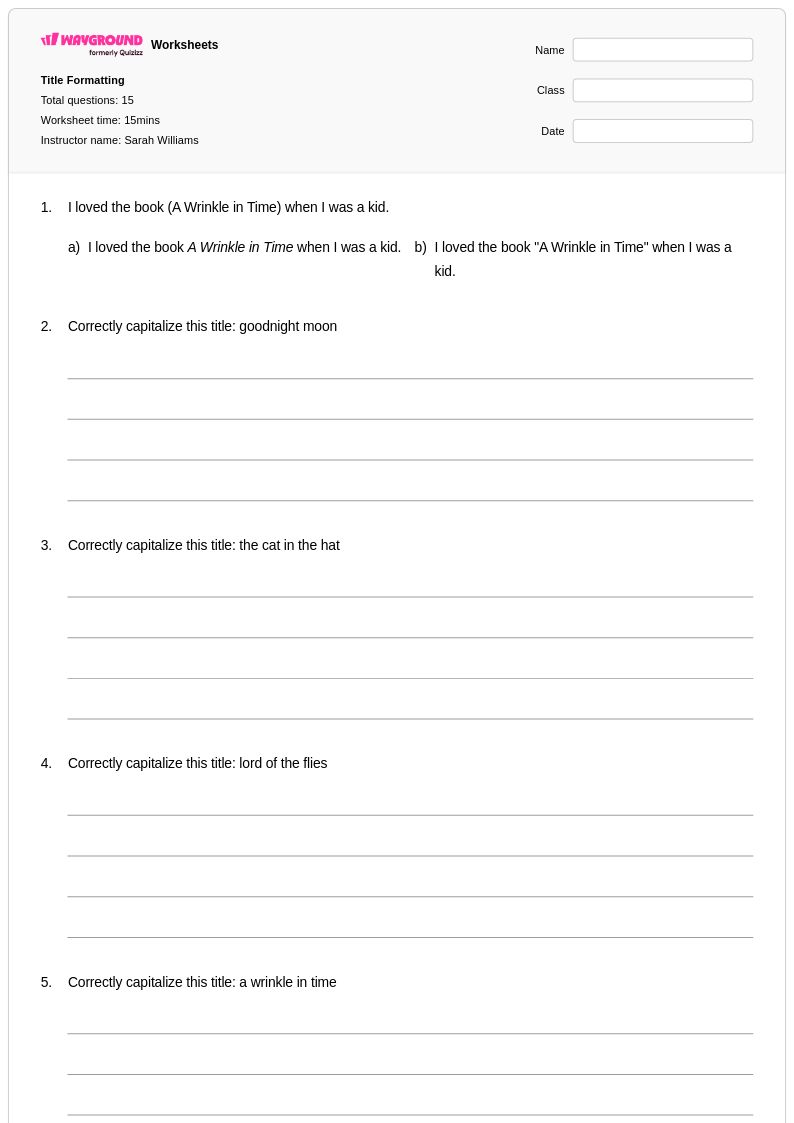
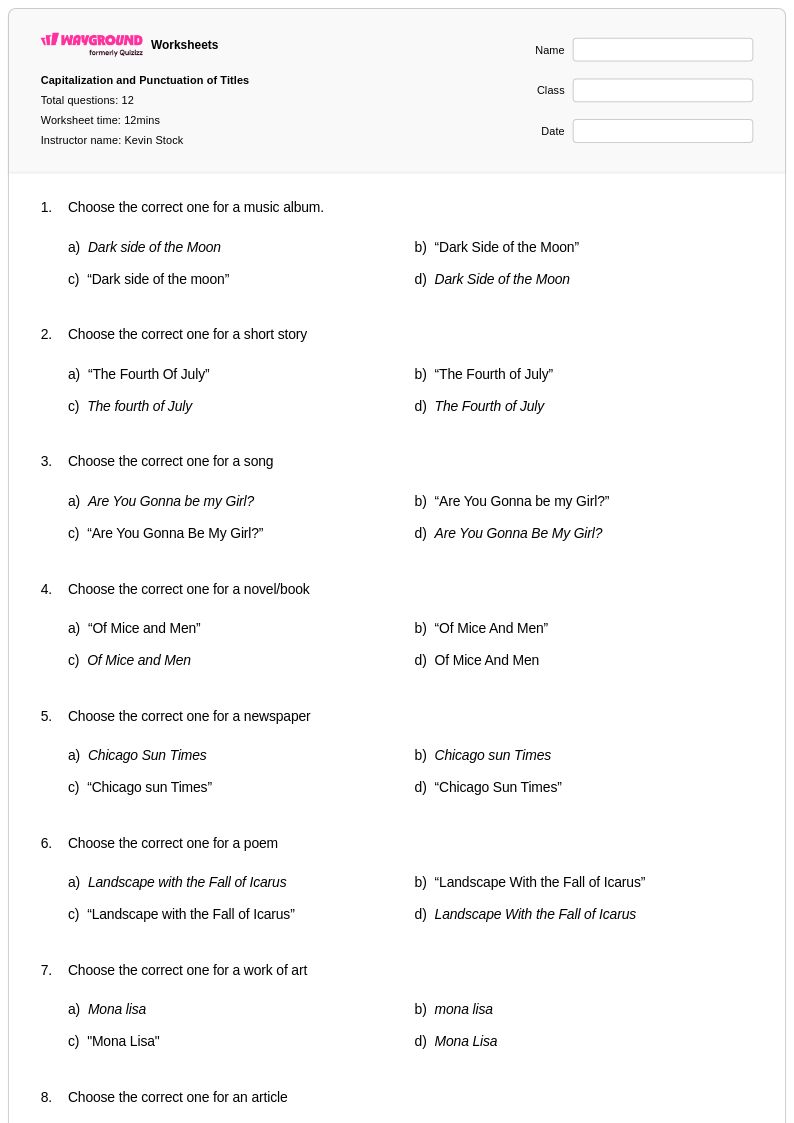
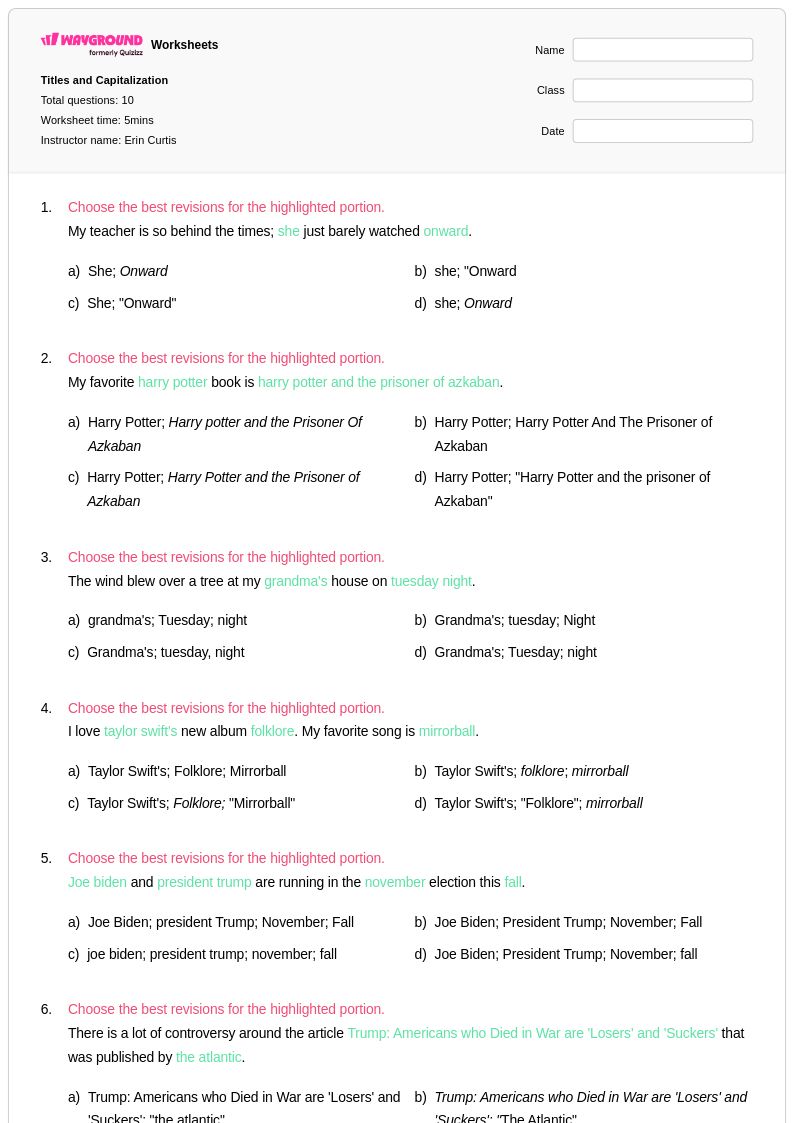
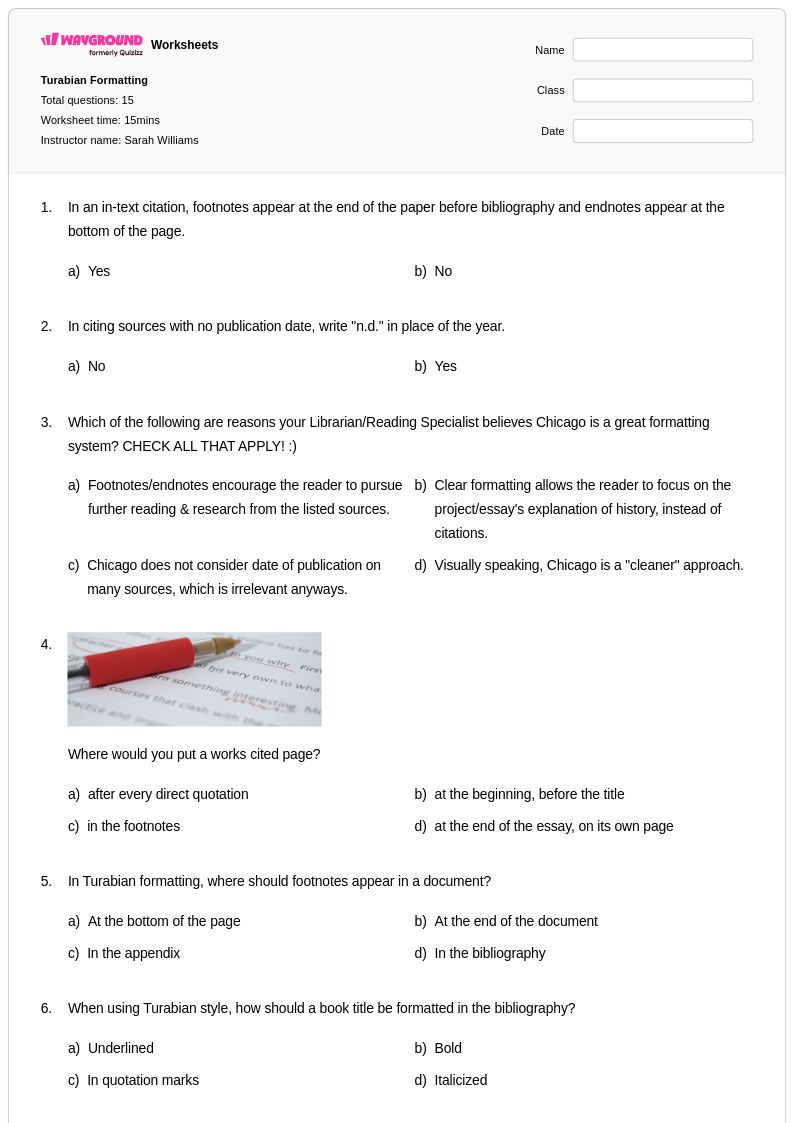
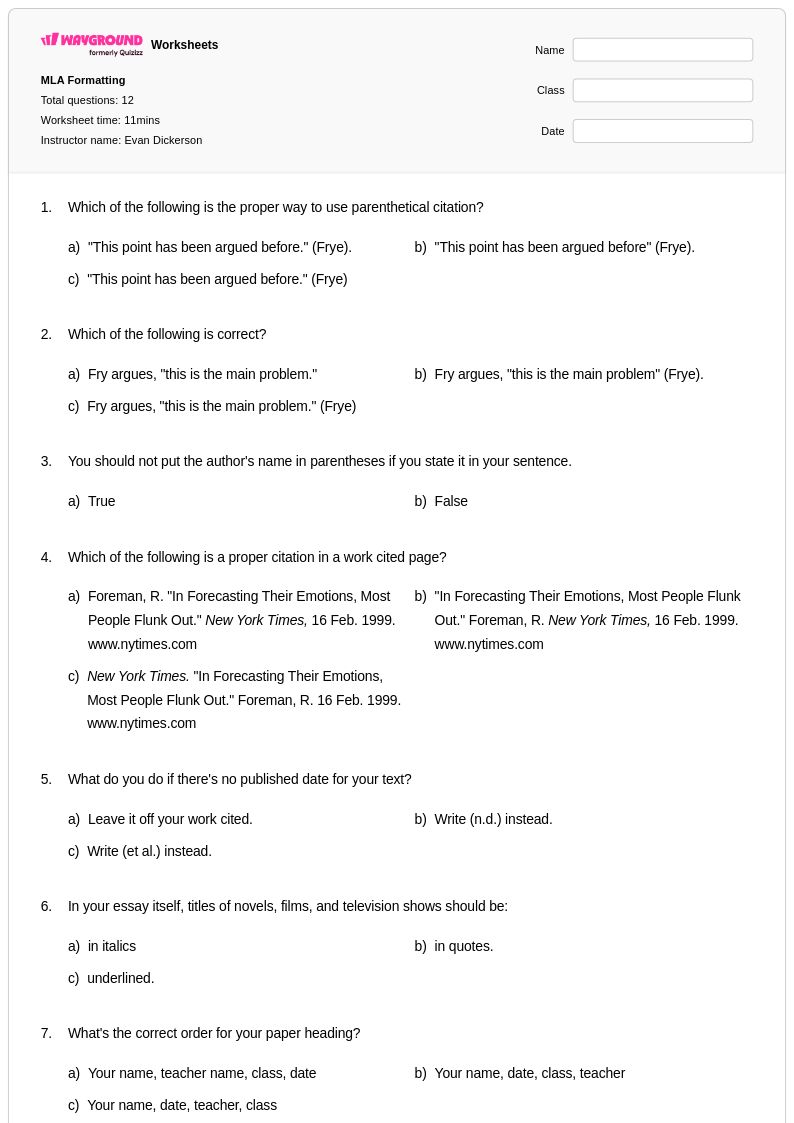
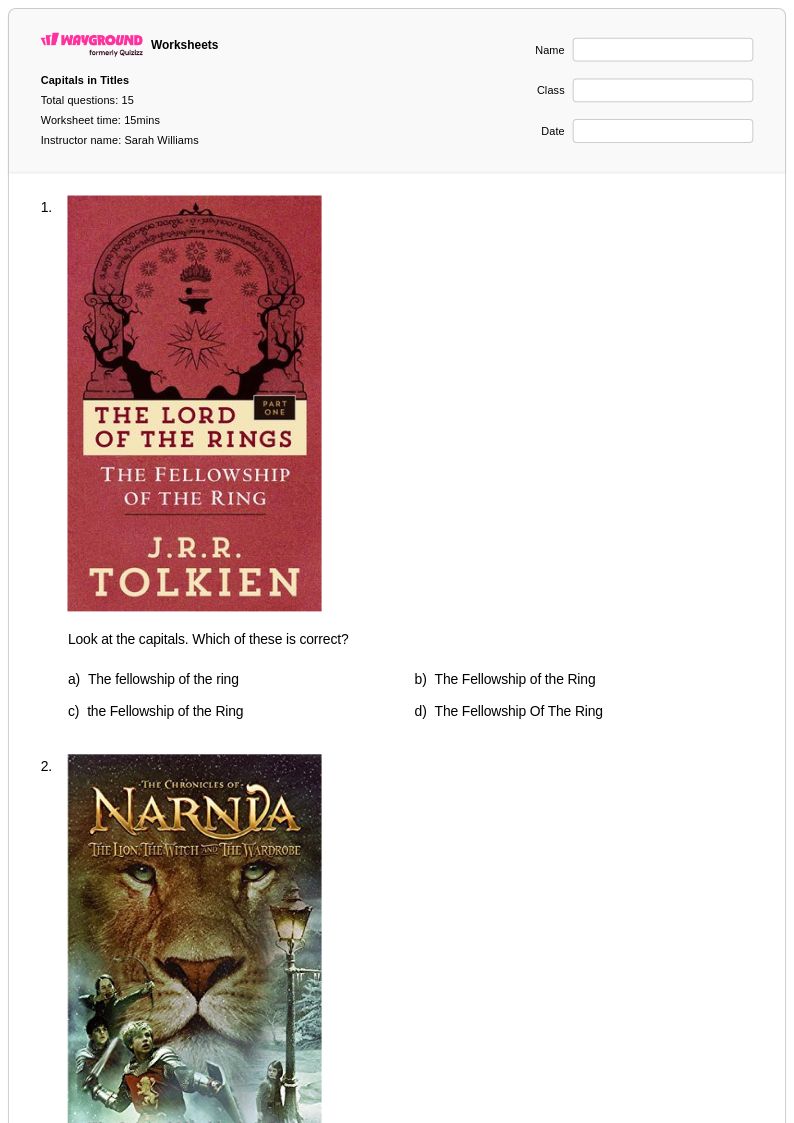
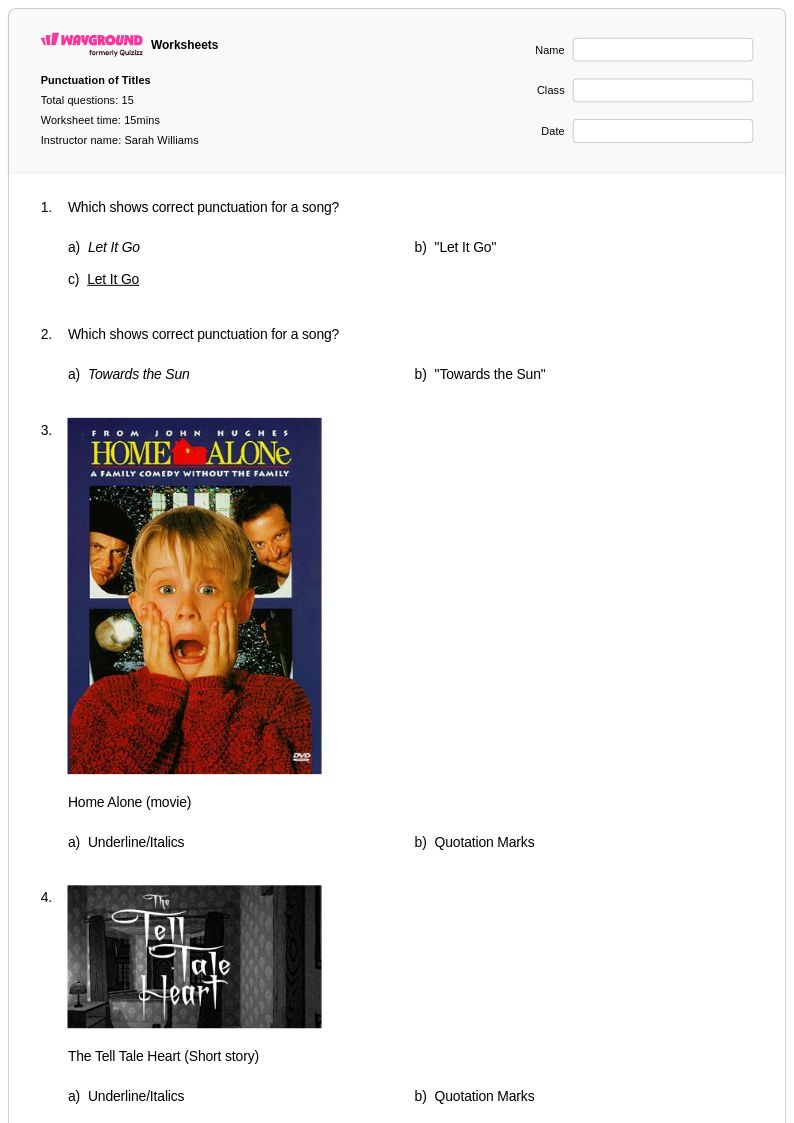
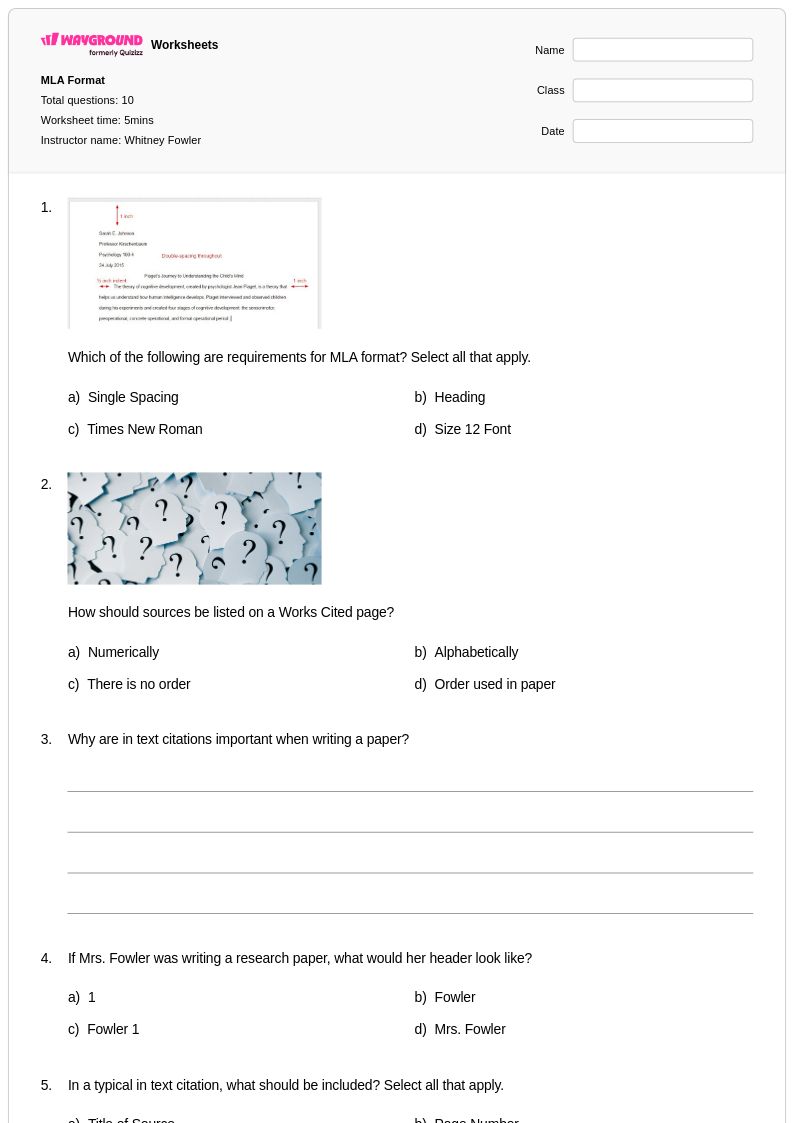
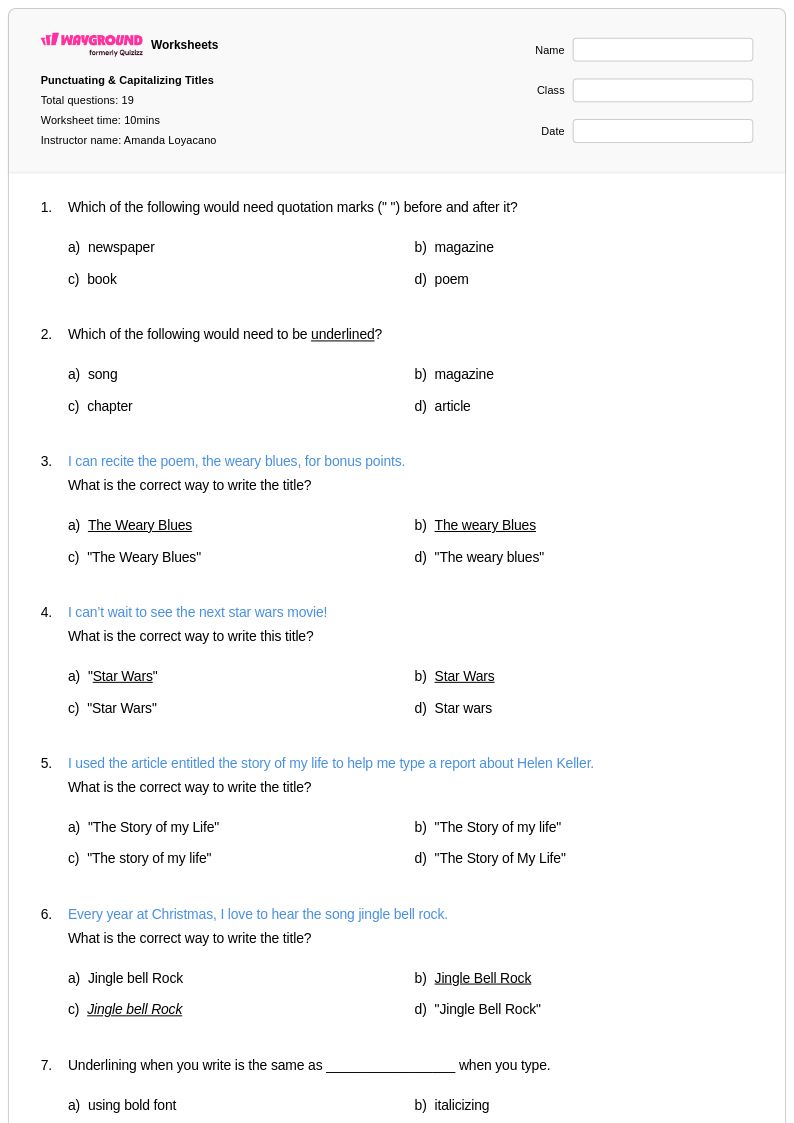
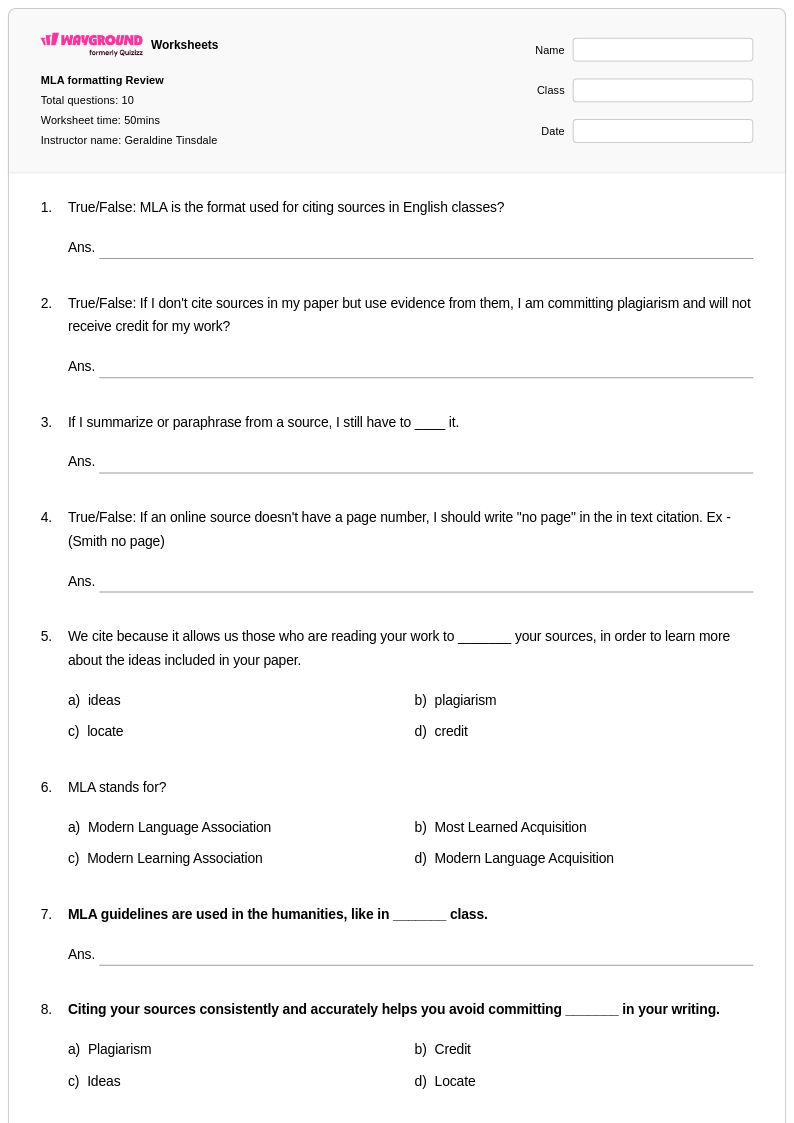
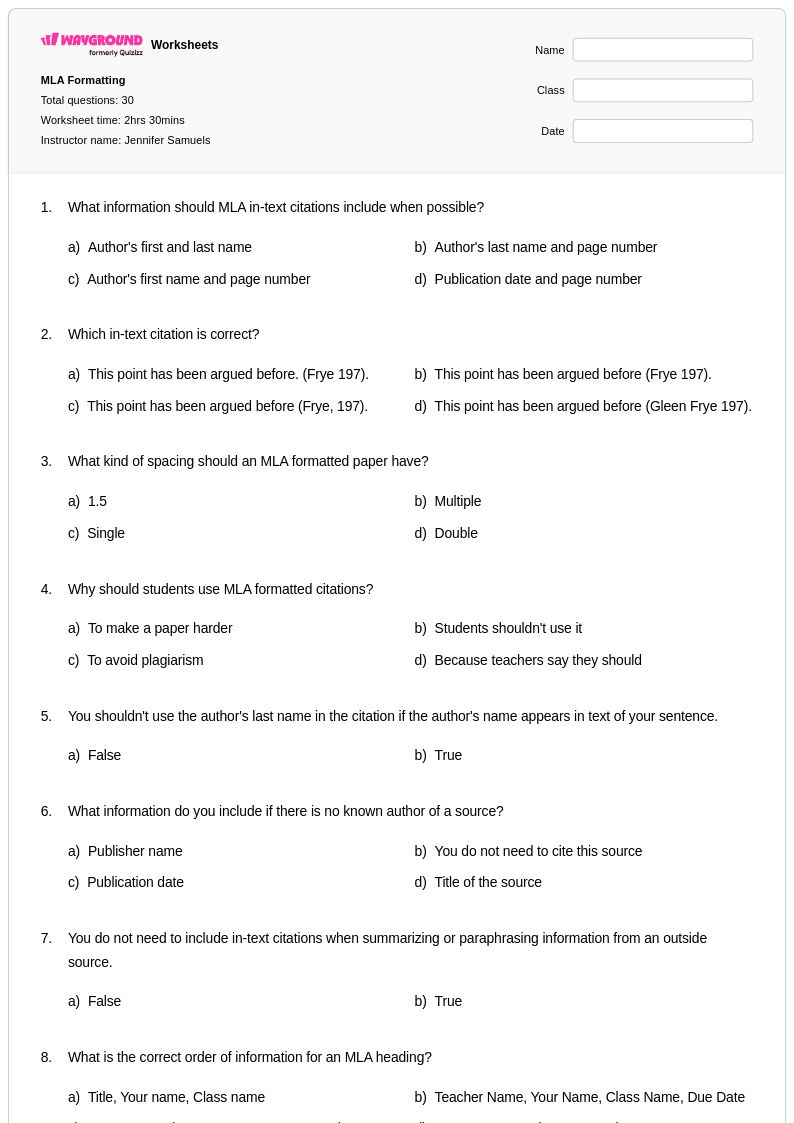
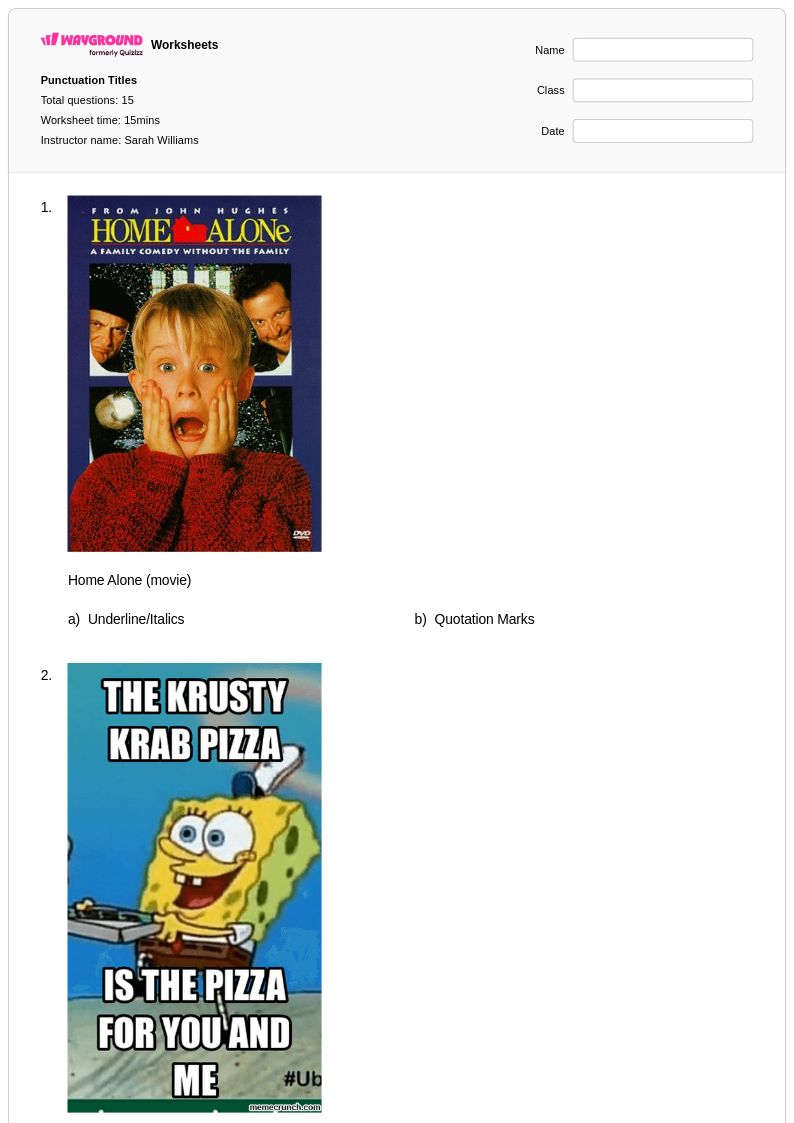
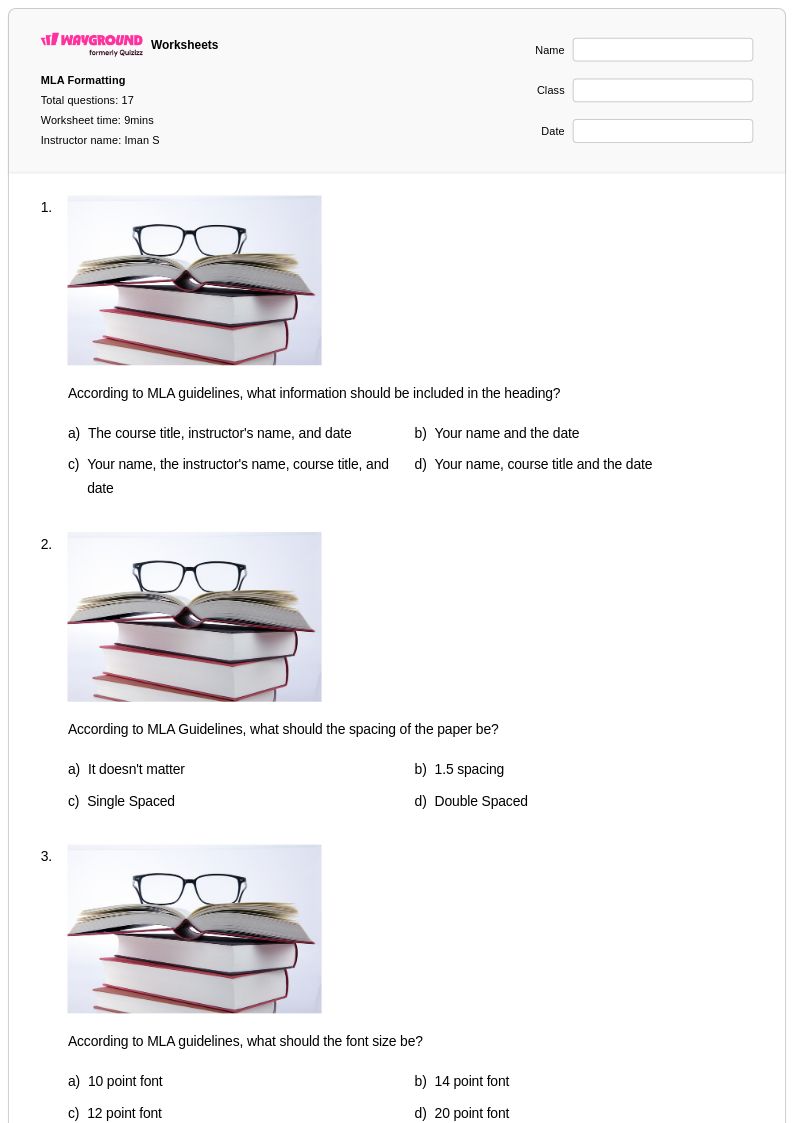
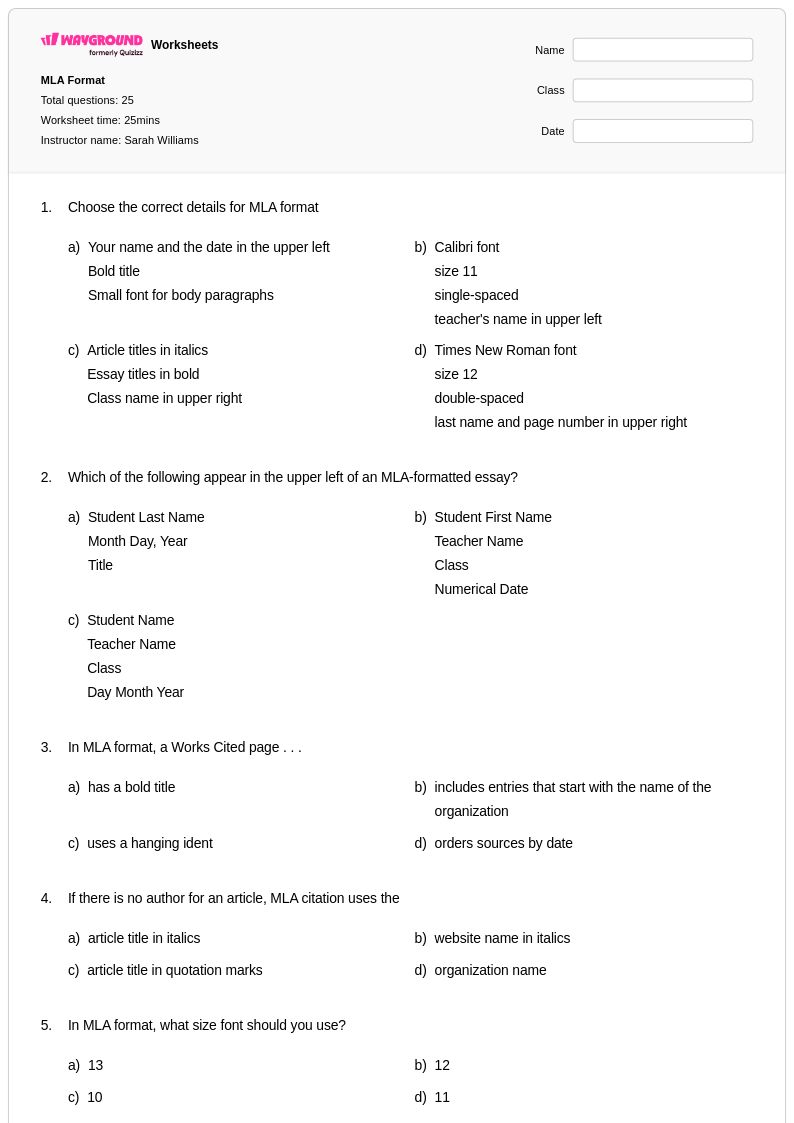
Formatting titles correctly is a fundamental component of the writing process that Class 11 students must master to produce polished, professional academic work. Wayground's comprehensive collection of formatting titles worksheets provides targeted practice in applying proper capitalization rules, punctuation guidelines, and style conventions across various types of written works including essays, research papers, and creative writing pieces. These expertly designed worksheets strengthen students' understanding of title case versus sentence case applications, the appropriate use of italics and quotation marks for different media types, and the specific formatting requirements of major citation styles such as MLA and APA. Each worksheet includes detailed answer keys and step-by-step explanations that help students identify common formatting errors and develop consistent habits for creating correctly formatted titles. The free printable resources offer extensive practice problems that progress from basic title capitalization rules to complex scenarios involving subtitles, special punctuation, and discipline-specific formatting requirements.
Wayground's robust platform supports English teachers with millions of teacher-created resources specifically designed for Class 11 writing instruction, including comprehensive formatting titles worksheet collections that align with state and national writing standards. The platform's advanced search and filtering capabilities allow educators to quickly locate materials that match their specific curriculum needs, whether focusing on particular citation styles, media types, or complexity levels. Teachers can easily customize worksheets to differentiate instruction for diverse learners, modifying difficulty levels and adding supplementary examples that reflect their students' academic contexts. The flexible digital and printable pdf formats enable seamless integration into both classroom instruction and remote learning environments, while the extensive variety of practice materials supports targeted remediation for struggling students and enrichment opportunities for advanced learners. This comprehensive approach to formatting titles instruction helps teachers efficiently address individual student needs while ensuring all learners develop the precise technical skills required for successful academic writing.
FAQs
How do I teach students when to italicize versus use quotation marks for titles?
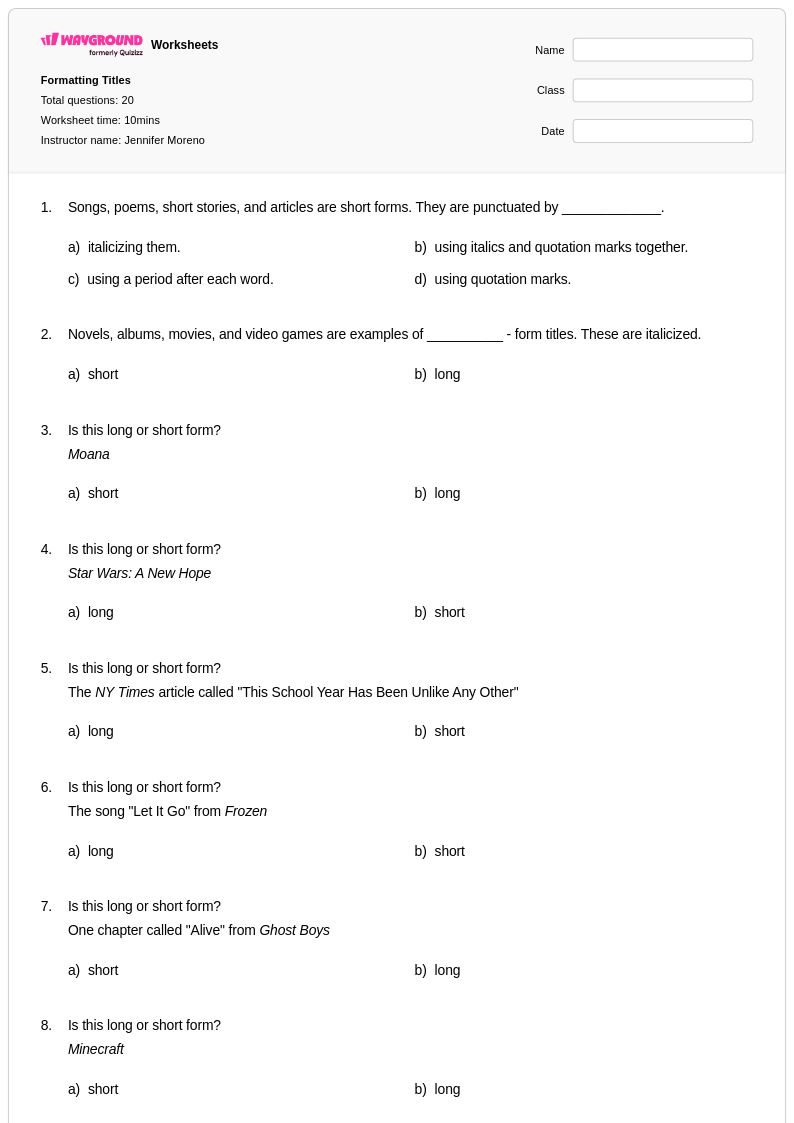
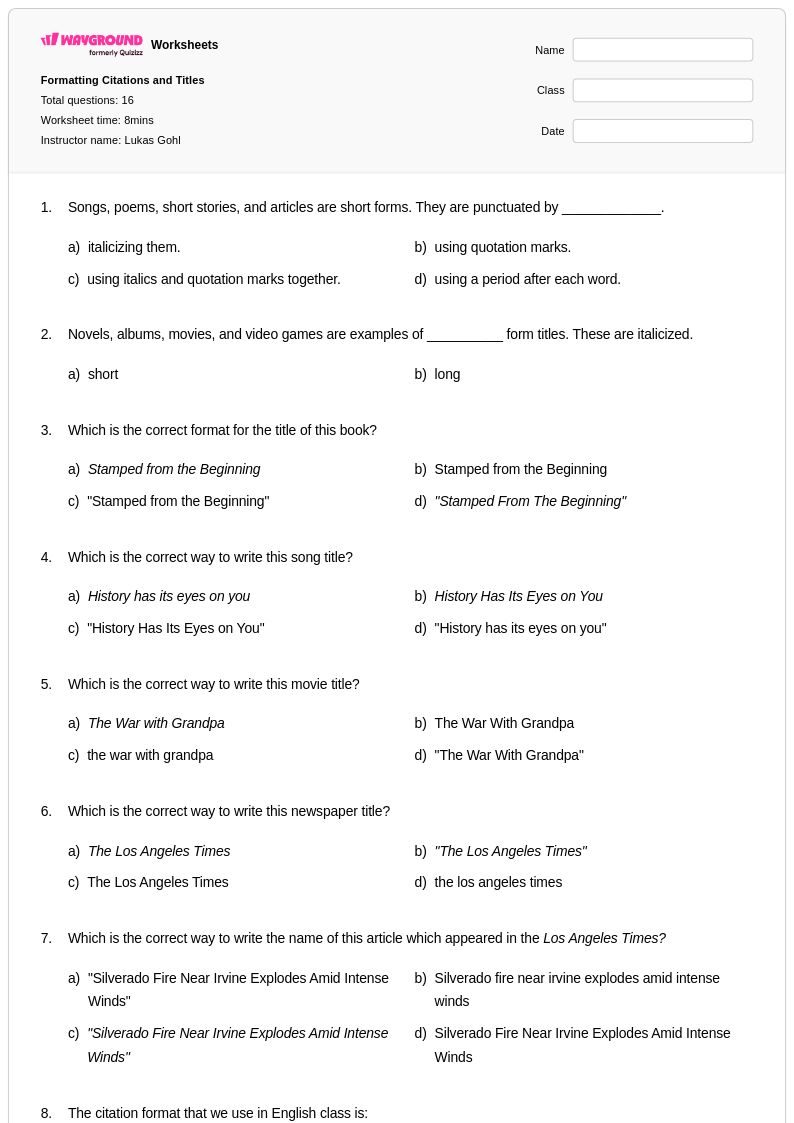
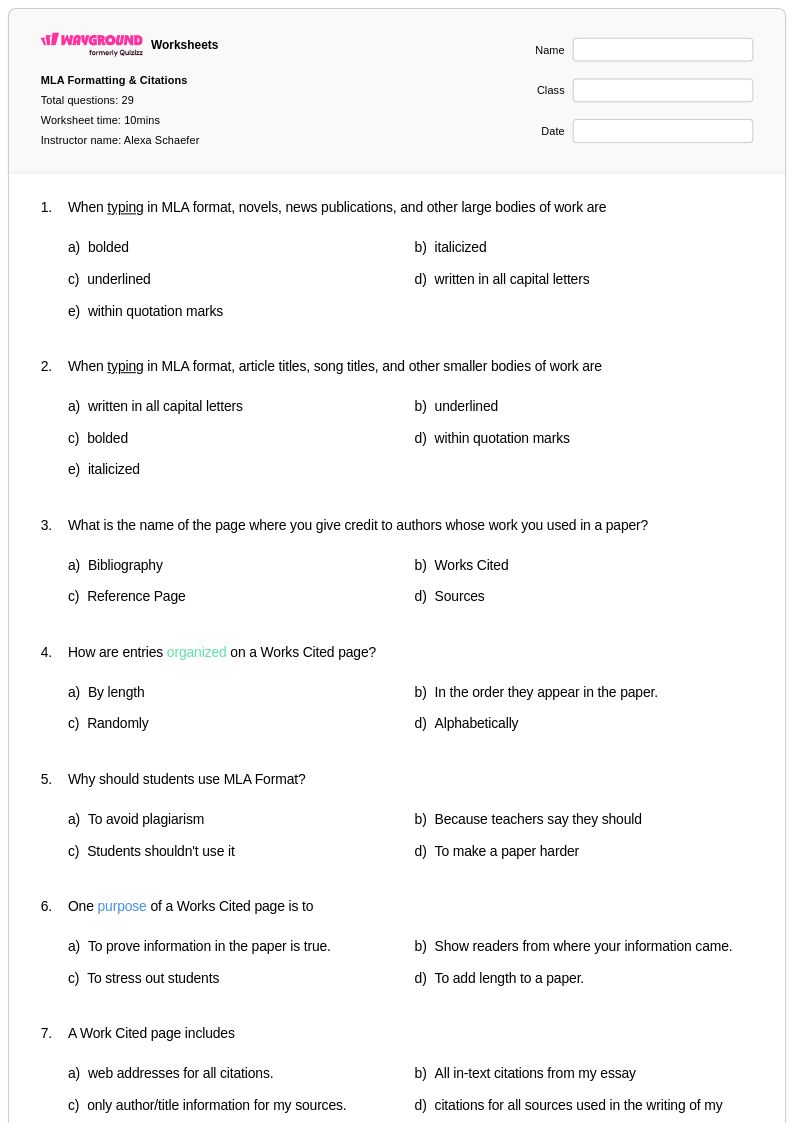
The core rule is that longer, standalone works such as books, films, albums, and newspapers are italicized, while shorter works contained within a larger collection, such as short stories, poems, songs, and articles, are placed in quotation marks. A useful classroom anchor is to ask students whether the work 'stands alone' or 'lives inside something else.' Consistent exposure to both categories through categorization exercises helps students internalize the distinction before applying it in their own writing.
What exercises help students practice title capitalization rules?
Effective practice exercises include rewriting incorrectly formatted titles, identifying which words in a title should and should not be capitalized, and sorting word types such as nouns, verbs, adjectives, prepositions, and articles into 'capitalize' and 'lowercase' columns. Sentence-level editing tasks, where students correct a passage containing multiple title errors, build transferable proofreading skills. Progressing from simple book titles to multi-word academic paper titles ensures students encounter the full range of capitalization decisions they will face in real writing.
What mistakes do students commonly make when formatting titles?
The most frequent errors include capitalizing every word in a title regardless of word class, forgetting to capitalize the first and last word regardless of their type, and confusing when to use italics versus quotation marks. Students also commonly overgeneralize one style guide's rules, applying MLA conventions in an APA context or vice versa. Another persistent mistake is failing to format titles consistently within a single document, alternating between underlining and italics without a clear rationale.
How do I explain the difference between MLA, APA, and Chicago title formatting to middle or high school students?
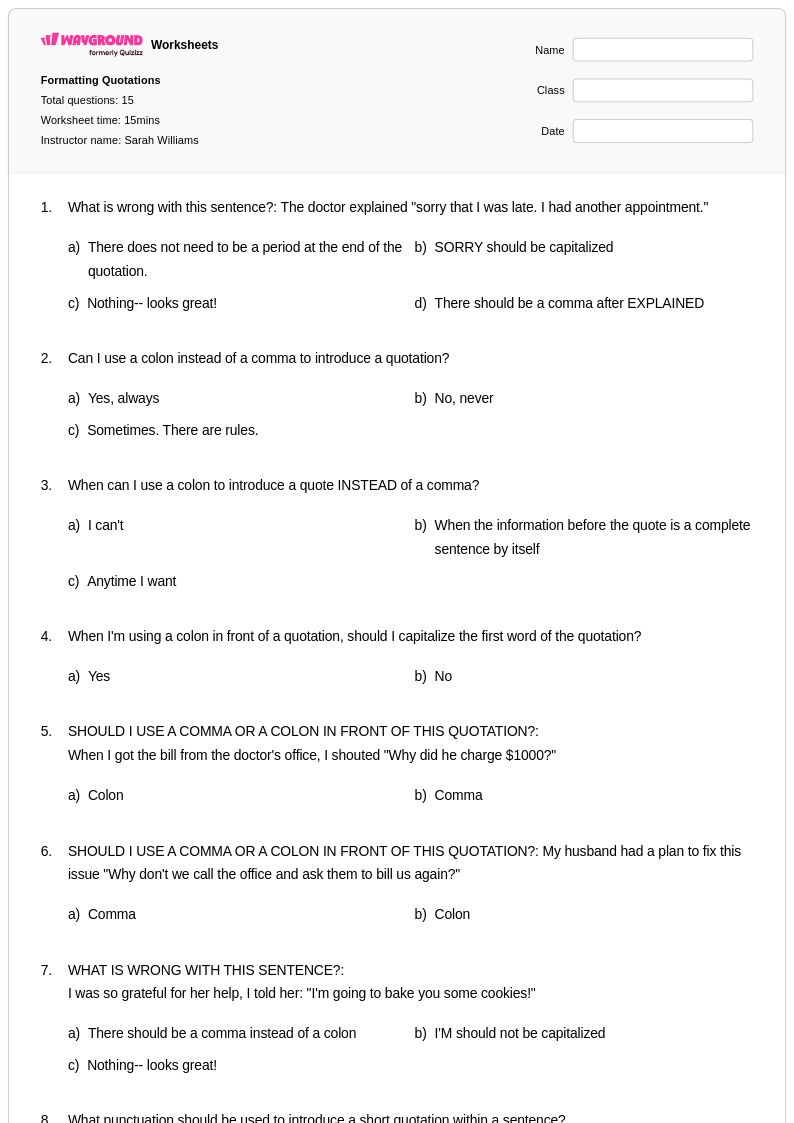
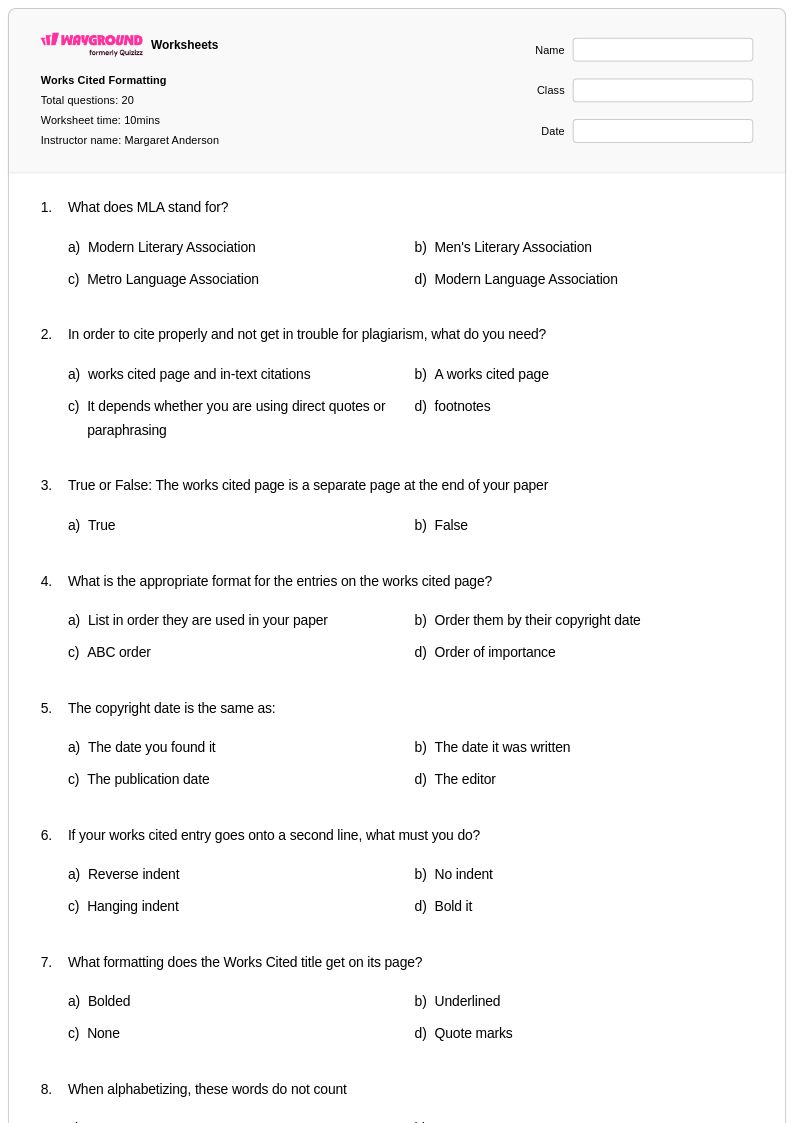
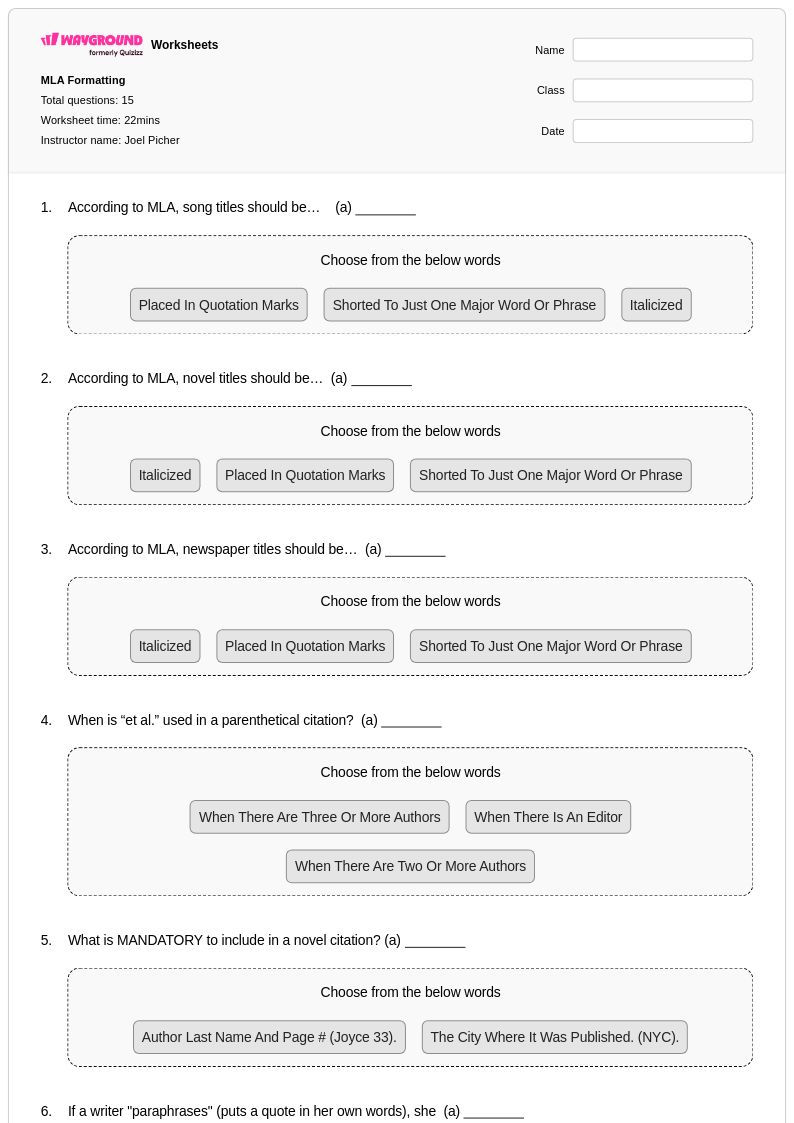
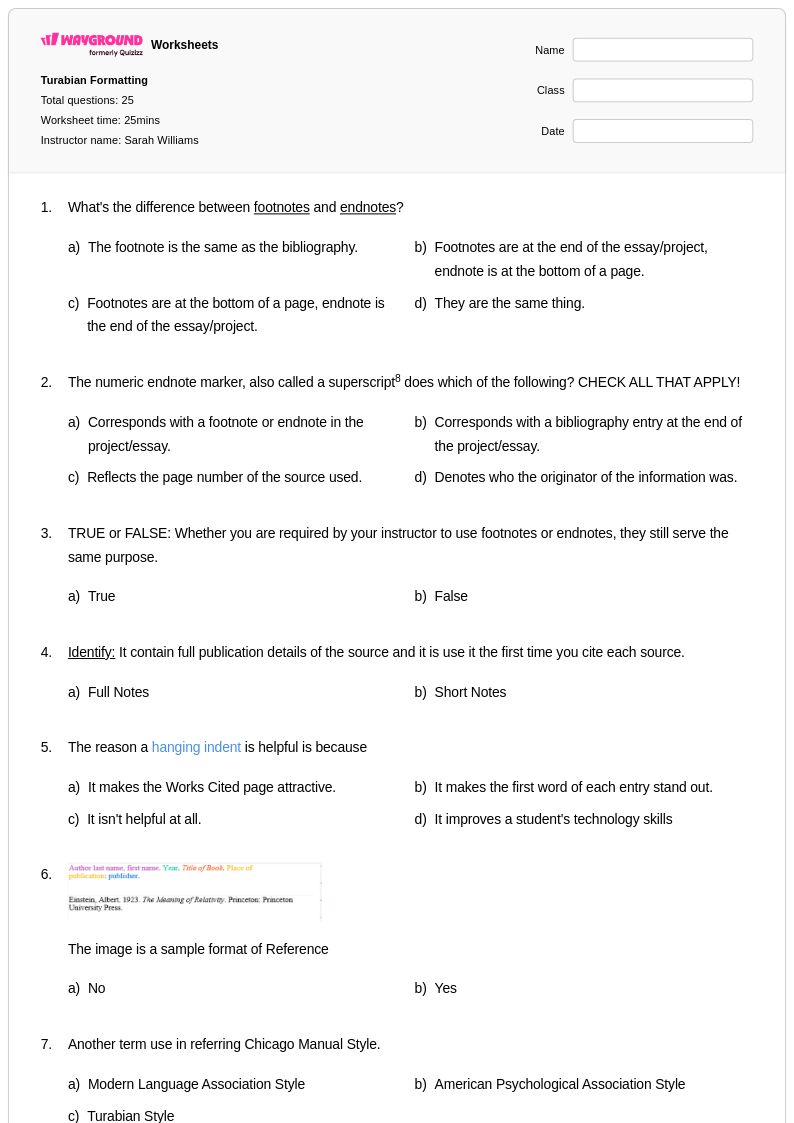
The clearest approach is to anchor each style guide to a discipline: MLA is used in English and humanities, APA in psychology and social sciences, and Chicago in history and some professional writing. All three capitalize major words but differ in how they handle source lists, in-text citations, and specific punctuation conventions. Teaching students to identify which style guide a class or assignment requires before they format any titles prevents the most common cross-style errors.
How can I use formatting titles worksheets in my classroom?
Formatting titles worksheets on Wayground are available as printable PDFs for traditional classroom distribution and in digital formats for technology-integrated or remote learning environments, and can also be hosted as a quiz directly on Wayground. Teachers can use them for targeted skill practice during writing units, as remediation for students who struggle with capitalization and punctuation conventions, or as enrichment activities that challenge advanced learners to apply formatting rules across multiple genres and style guides. Each worksheet includes a complete answer key, enabling immediate feedback whether used as a guided lesson, independent practice, or self-assessment activity.
How do I support students who struggle with formatting titles while keeping the rest of the class moving forward?
On Wayground, teachers can apply individual accommodations such as reduced answer choices to lower cognitive load for struggling students, or enable Read Aloud so that question text is read to students who need additional support processing written instructions. These settings can be assigned to specific students while the rest of the class completes the default version, and they carry over to future sessions without requiring setup each time. This allows teachers to differentiate formatting titles practice without creating separate lesson plans or singling students out in front of their peers.