Free Printable Technology Worksheets for Kindergarten
Explore Wayground's free kindergarten technology worksheets and printables that help young learners discover basic tech concepts through engaging practice problems, complete with answer keys and downloadable PDFs.
Explore printable Technology worksheets for Kindergarten
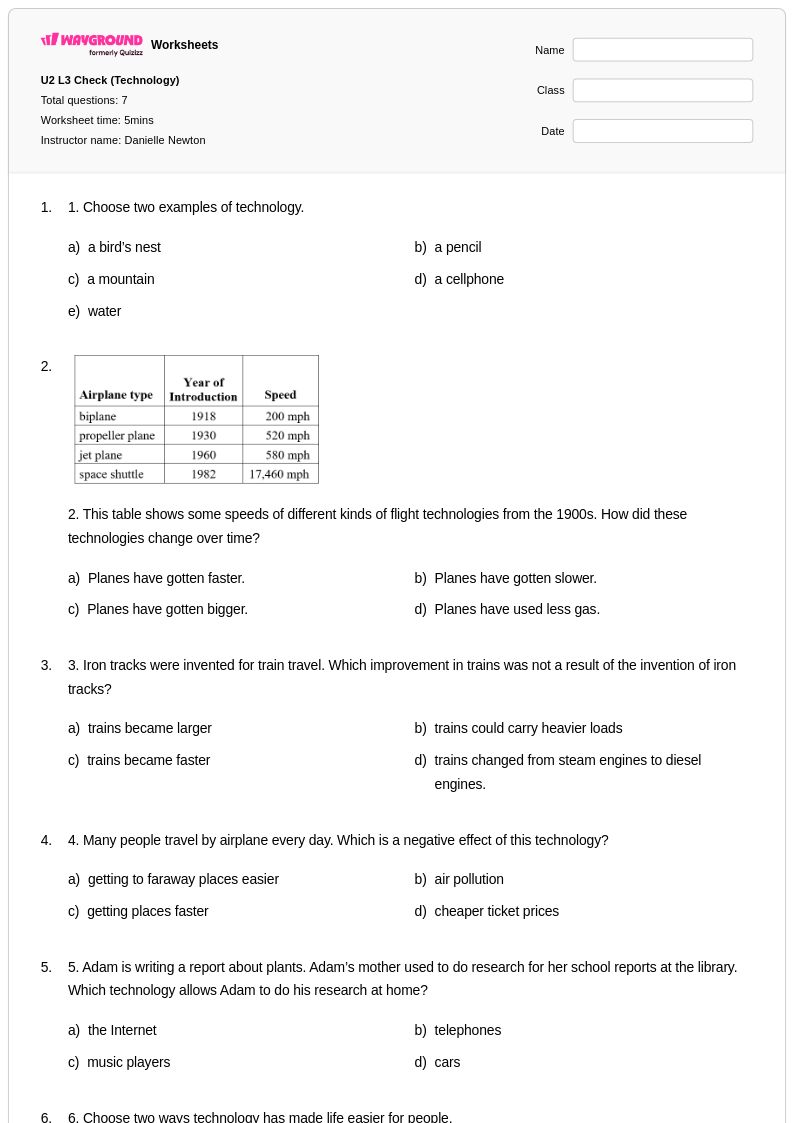
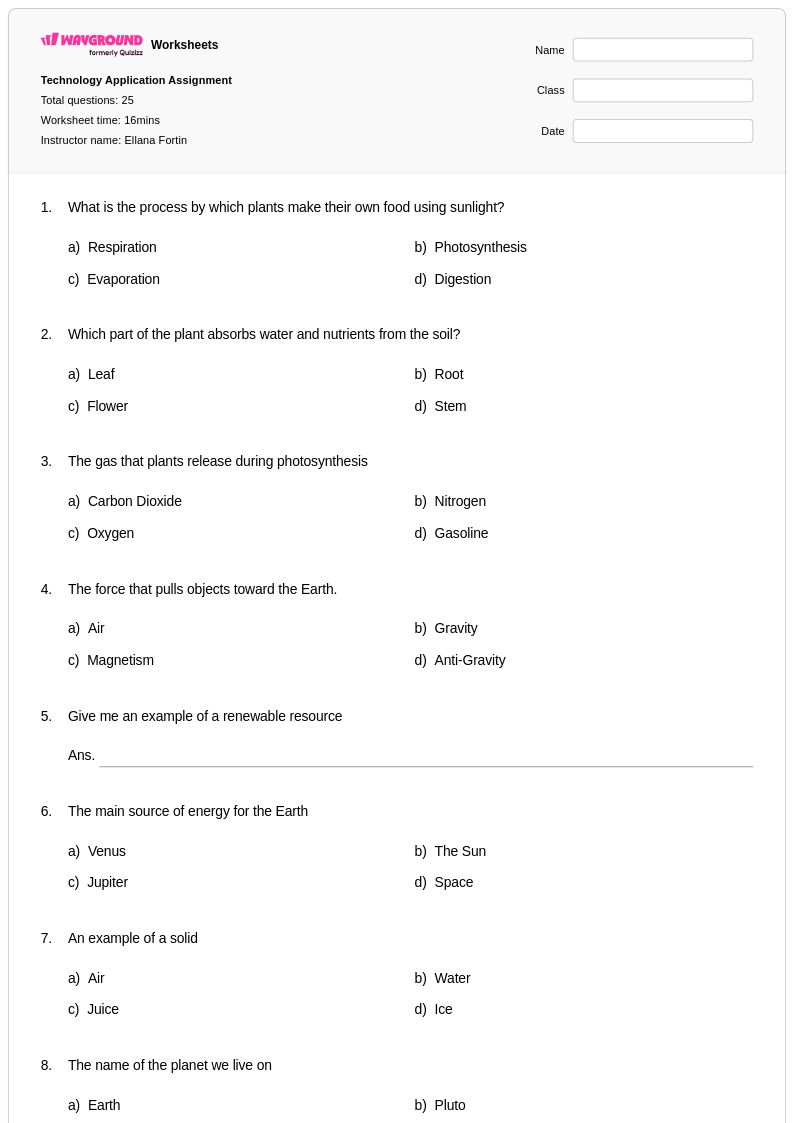
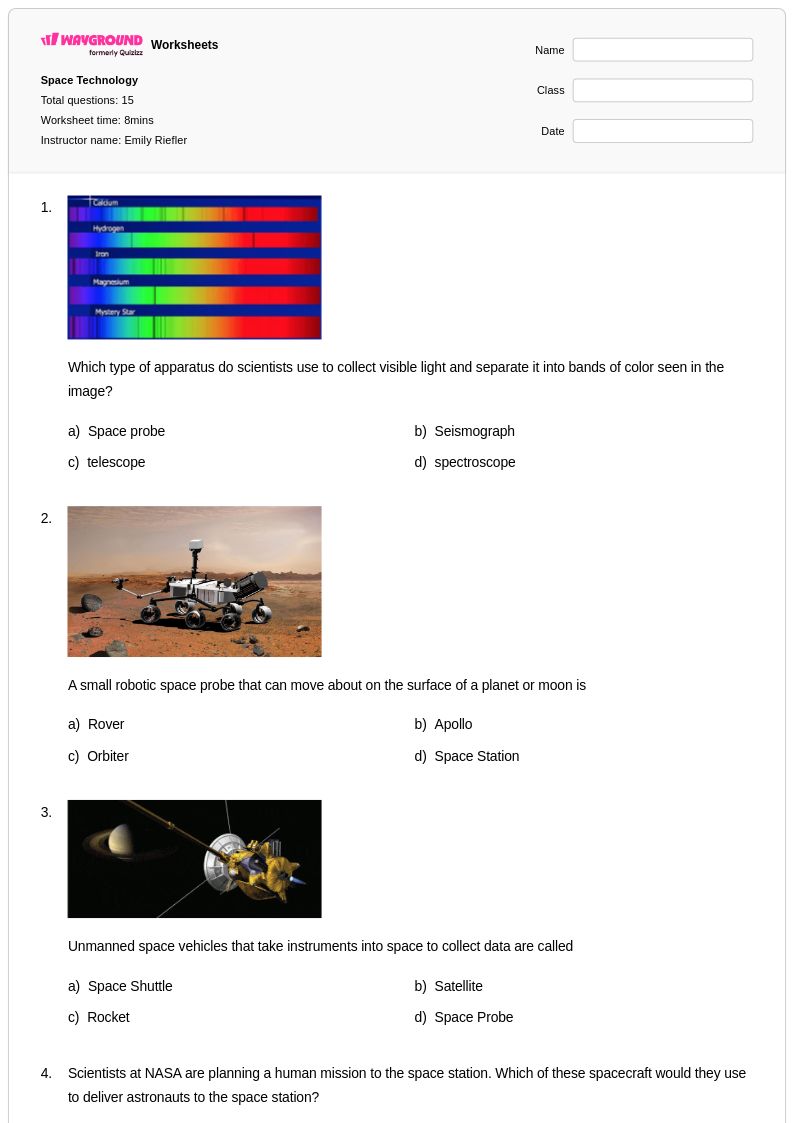
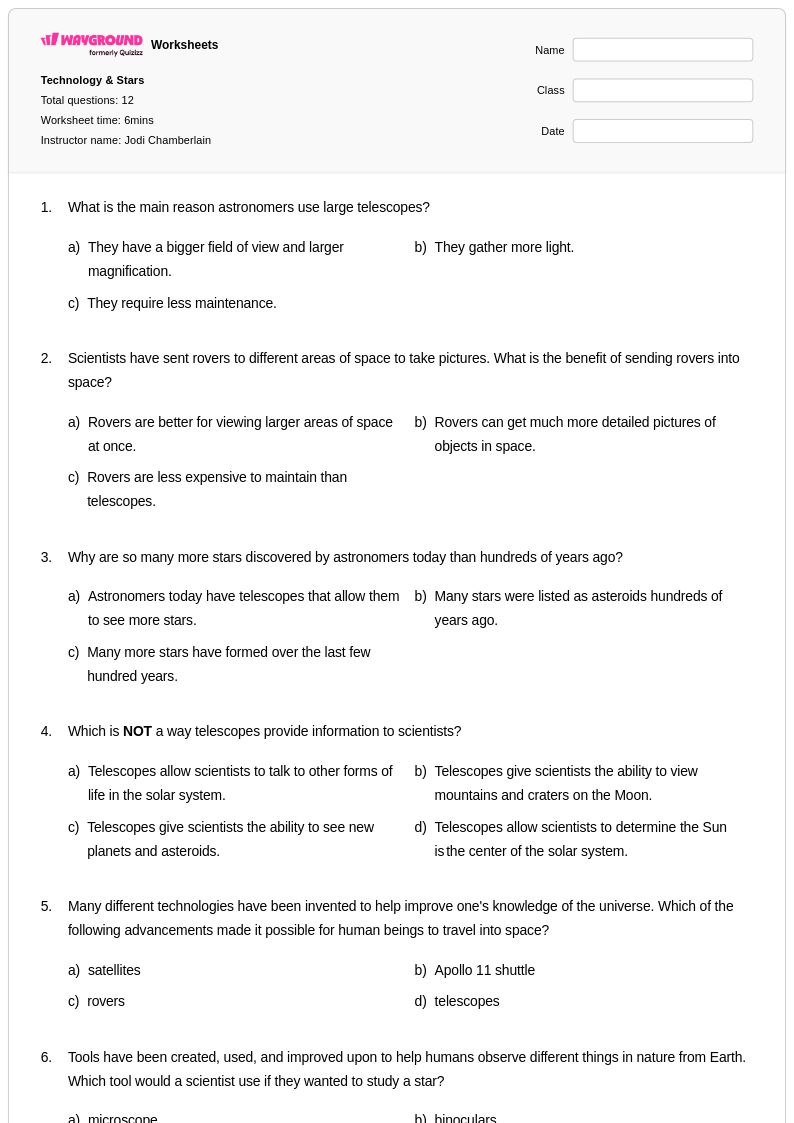
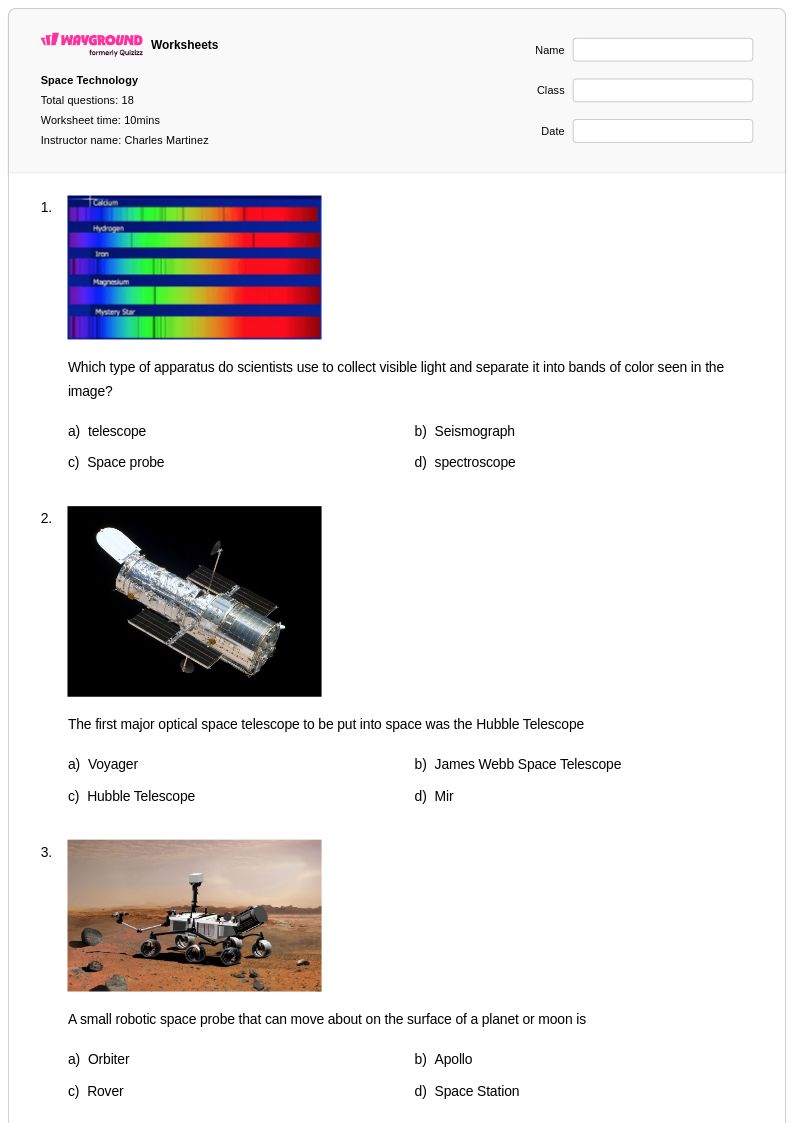
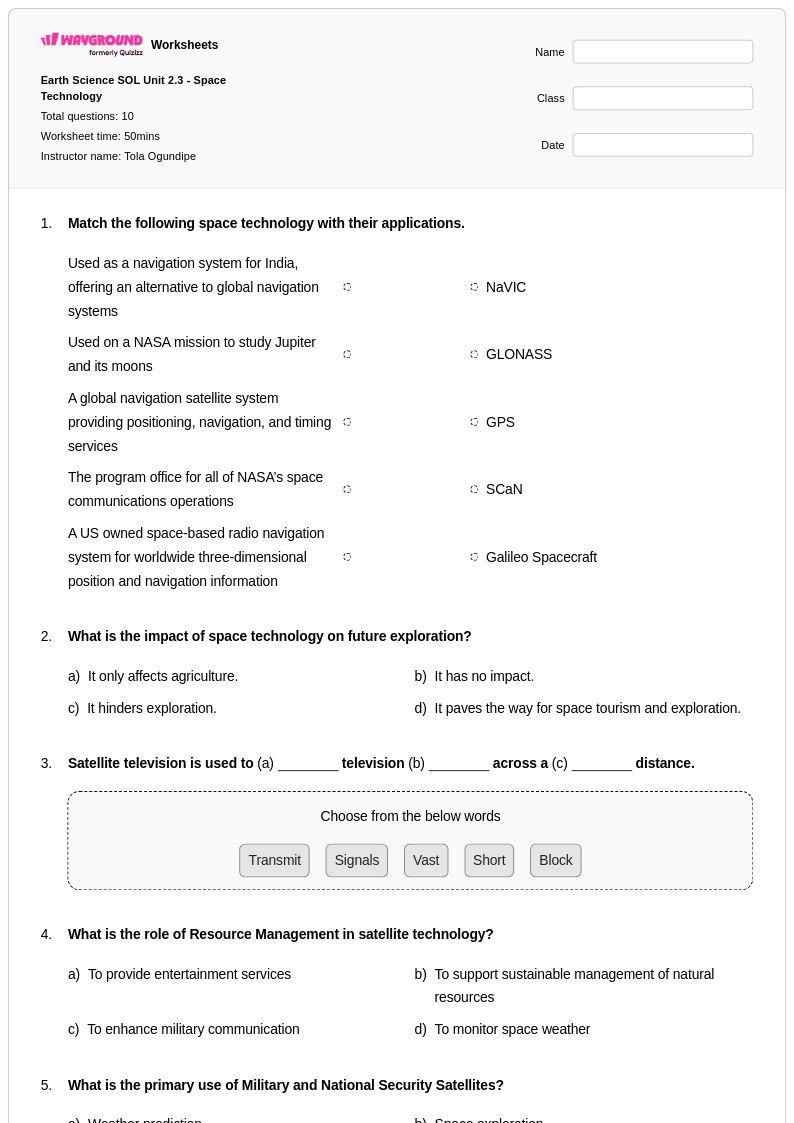
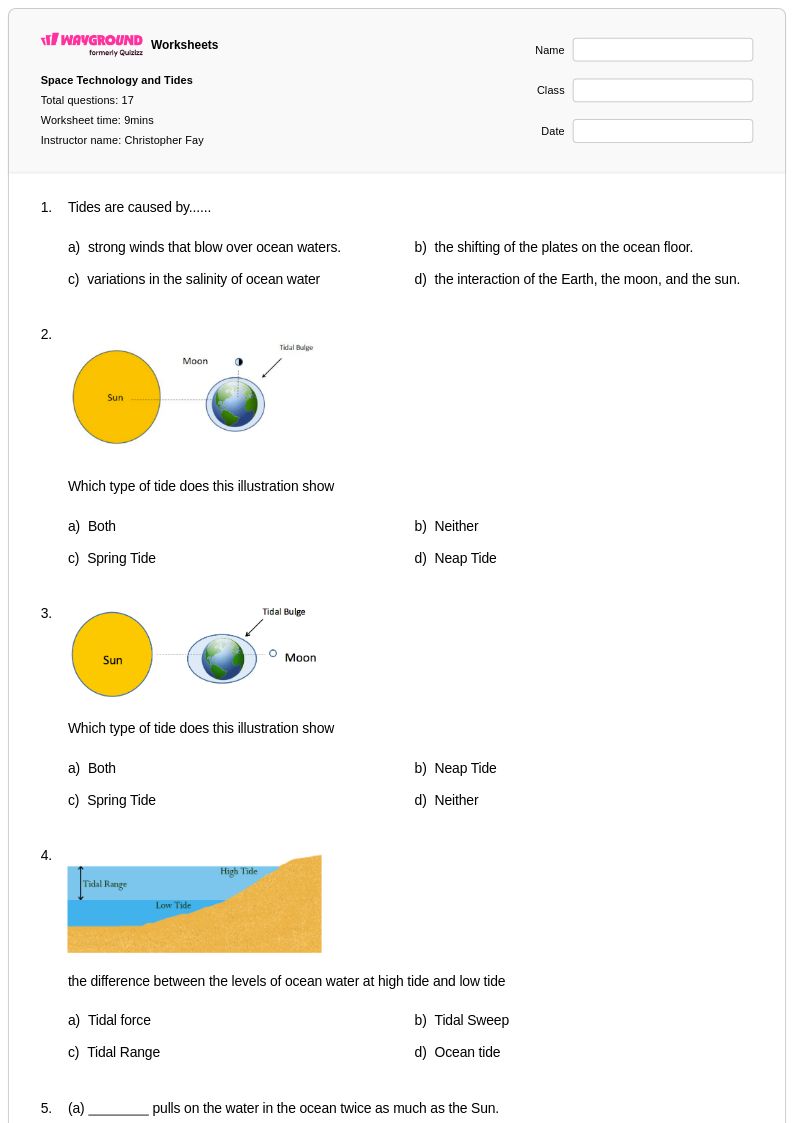
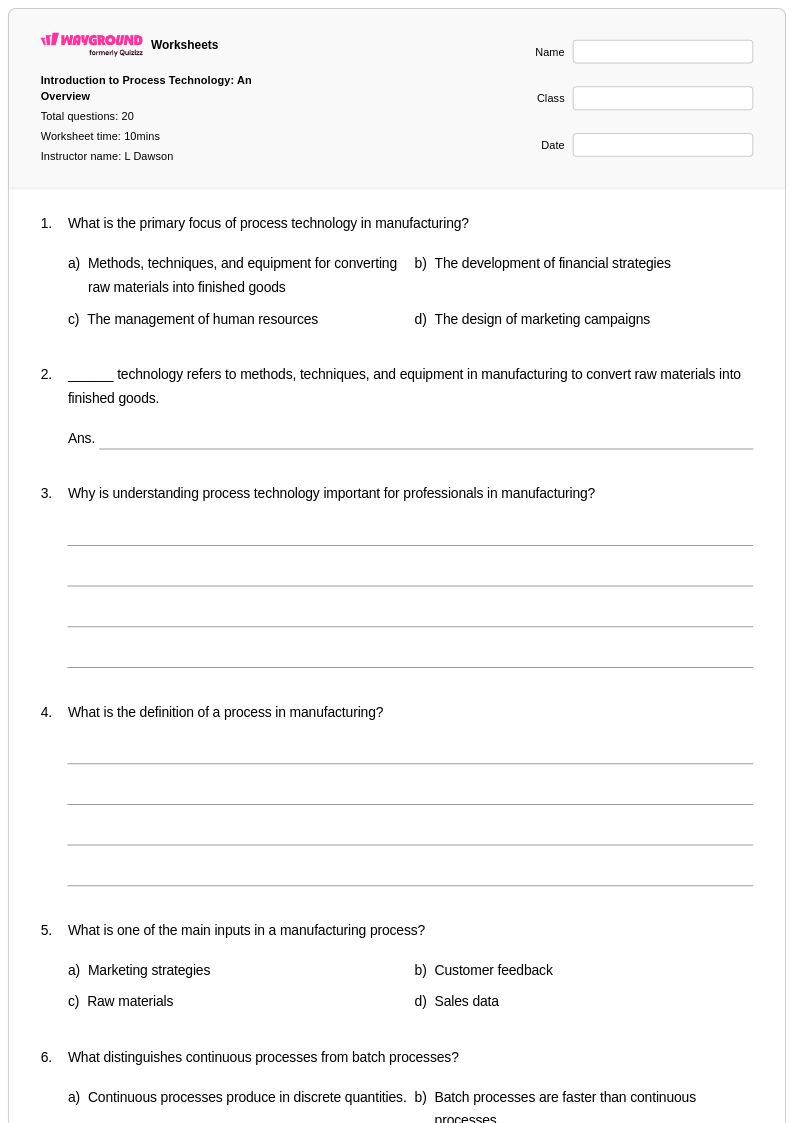
Technology worksheets for kindergarten students available through Wayground (formerly Quizizz) introduce young learners to fundamental concepts about the tools and devices that shape our modern world. These carefully crafted educational resources help kindergarteners develop essential skills in identifying common technologies, understanding basic digital safety, and recognizing how technology helps us in daily life. Each worksheet focuses on age-appropriate technology concepts through engaging activities that build vocabulary, visual recognition, and critical thinking skills. Teachers can access comprehensive materials including detailed answer keys, ready-to-print pdf formats, and free printable resources that make technology education accessible and enjoyable. The practice problems are designed to strengthen foundational understanding while fostering curiosity about how simple machines, computers, and everyday technological tools function in their environment.
Wayground (formerly Quizizz) empowers educators with an extensive collection of teacher-created technology resources specifically designed for kindergarten classrooms, drawing from millions of high-quality materials developed by experienced educators worldwide. The platform's robust search and filtering capabilities allow teachers to quickly locate worksheets that align with specific learning standards and curriculum requirements, while differentiation tools ensure that materials can be adapted for diverse learning needs and abilities. Teachers benefit from flexible customization options that enable them to modify content for targeted skill practice, remediation support, or enrichment activities. These technology worksheets are available in both printable and digital formats, including convenient pdf downloads, making lesson planning more efficient and providing versatile options for classroom instruction, homework assignments, and independent practice sessions that reinforce kindergarten students' understanding of basic technology concepts.
FAQs
How do I teach technology concepts like digital literacy and engineering design to K-12 students?
Effective technology instruction builds from concrete to abstract: start with how familiar devices work, then move into engineering design processes and problem-solving cycles. Anchoring lessons in real-world examples, such as evaluating the benefits and risks of a specific emerging technology, helps students connect abstract concepts to daily life. Structured practice that asks students to analyze, evaluate, and iterate reinforces the critical thinking skills central to technology education.
What exercises help students practice understanding computer parts and digital systems?
Labeling diagrams of computer components, matching hardware to its function, and tracing how data flows through a system are effective exercises for building foundational knowledge of computer parts. Practice problems that ask students to identify input, output, storage, and processing components in real devices help solidify understanding. Worksheets that combine identification tasks with short-answer questions about each component's role develop both recall and applied comprehension.
What common mistakes do students make when learning about technology and computer parts?
Students frequently confuse hardware and software, treating them as interchangeable rather than as distinct categories with different roles. Another common error is misidentifying storage and memory, conflating RAM with long-term storage like a hard drive. Students also tend to underestimate the iterative nature of engineering design, assuming that a first solution is a final one rather than a starting point for refinement.
How can I use technology worksheets to support students with different learning needs?
Differentiation in technology instruction can be supported through tiered worksheets that adjust complexity, such as providing simplified answer choices for students who need reduced cognitive load. On Wayground, teachers can apply individual accommodations including extended time, read-aloud support for students who struggle with text-heavy questions, and reduced answer choices, all configurable per student without notifying the rest of the class. These settings are reusable across future sessions, making it practical to maintain consistent support for diverse learners.
How do I use Wayground's technology worksheets in my classroom?
Wayground's technology worksheets are available as printable PDFs for traditional classroom use and in digital formats for technology-integrated or hybrid learning environments, including the option to host them as a quiz directly on Wayground. Teachers can use robust search and filtering tools to find materials aligned to specific topics like computer parts or engineering design, and all worksheets include complete answer keys. The platform also allows teachers to modify existing worksheets or create new ones to match their specific curriculum needs.
How do I assess whether students understand how technology impacts society?
Effective assessment goes beyond recall and asks students to evaluate trade-offs, such as weighing the benefits of a new technology against its societal risks or ethical implications. Short-answer and scenario-based questions that require students to justify their reasoning reveal the depth of their understanding more accurately than multiple-choice alone. Looking for whether students can apply the concept of unintended consequences or identify stakeholders affected by a technological decision is a strong indicator of genuine comprehension.