
 Worksheets
4th Nine Weeks Review
Total questions: 40
Worksheet time: 23mins
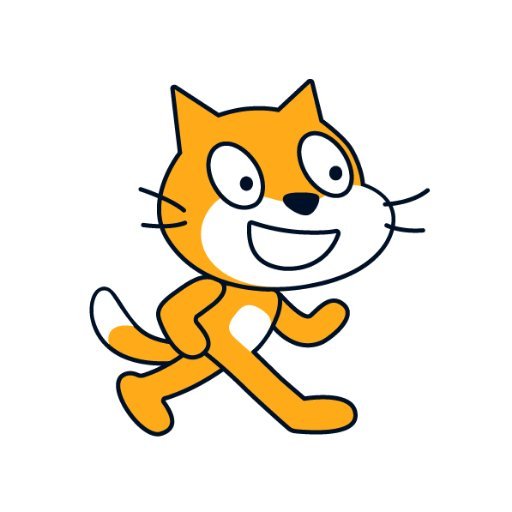
choose the sprite.
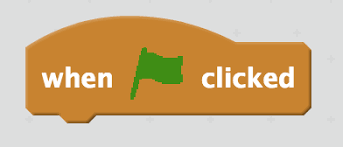
What happens when we click this?
Nothing happens
The scene stops
We can change the sprite
The scene starts
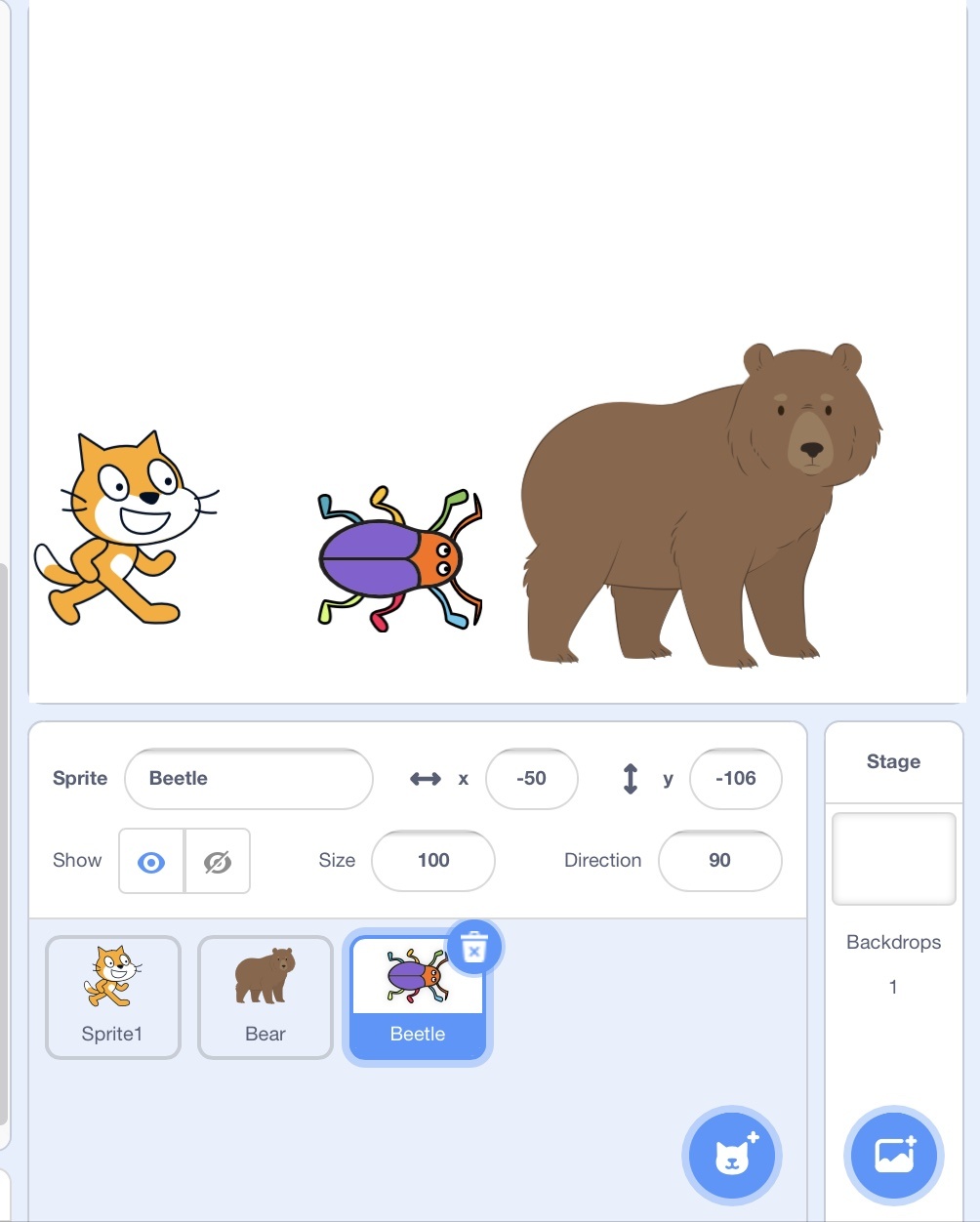
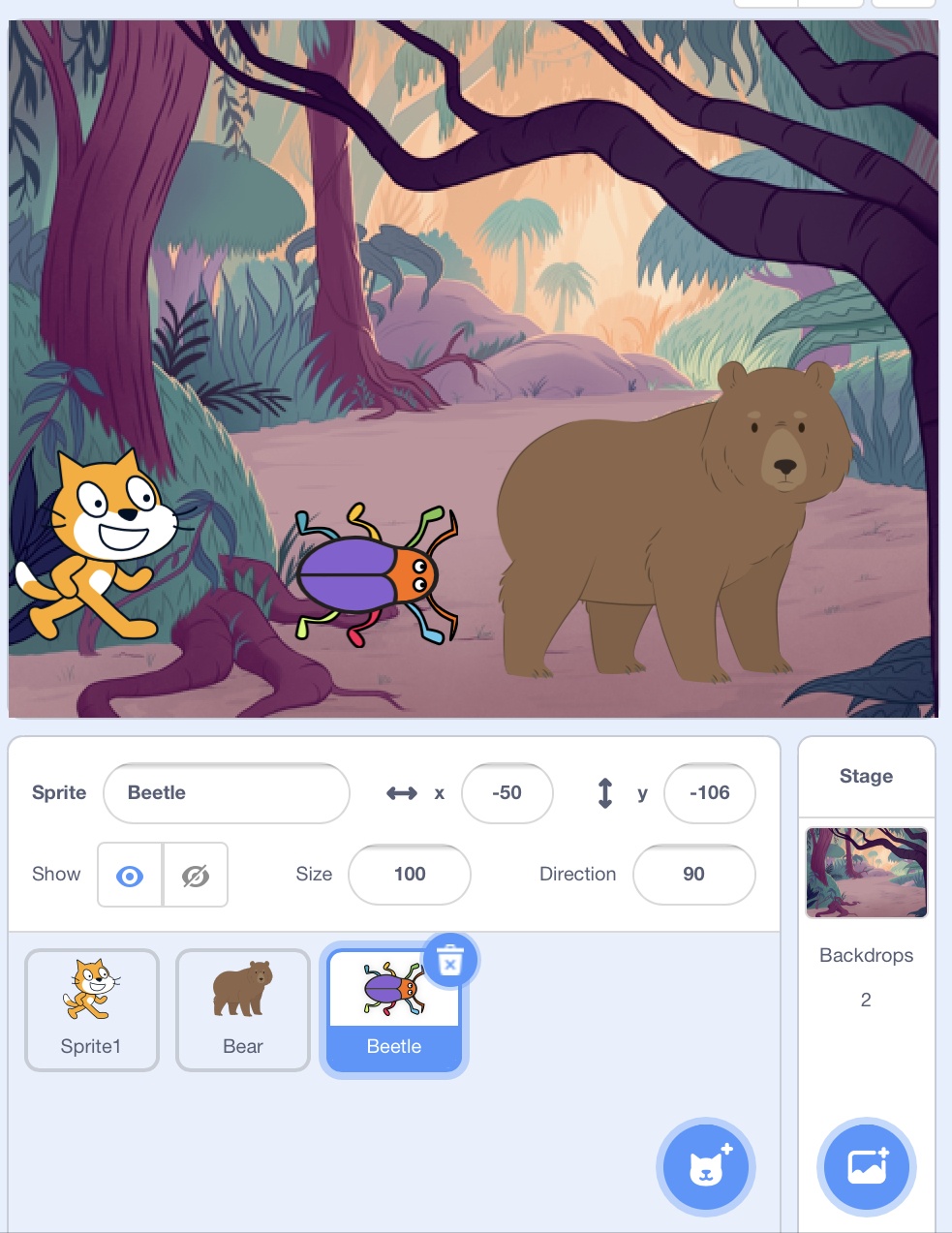
To add more sprite (character) which button should you click?

Which icon should you click to change Scratch backdrop

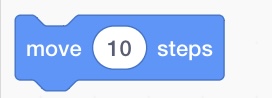
What happen to sprite if you use this block?
Sprite will jump
Sprite will move 10 steps
Sprite will change colour
Sprite will say hello
What happens to a sprite's script if this sprite was deleted?
The script will be saved if you decided to use this sprite later
You can't delete a sprite before deleting the script written in it.
The script will be deleted with the sprite
A blocks that hold value and can be changed
Operational Blocks
Event Blocks
Sensing Blocks
Variable Blocks
In scratch, this is the place where we see all the possible commands for our project. Includes movement, control, events and other options.
Stage
Sprites
Blocks
Scripts
Which command let the sprites walk?
Walk
Run
Move
Go
A costume is...
a code block
a motion
a sound
a different way a sprite looks
Scratch is...
a programming language
a gaming application
video editing software
sound editing software

These blocks are different examples of what?
motion
events
controls
sound
A completed program in scratch is called
Scratch
Volume
Project
Document

What will the cat say when this script is run?
Have a nice day. (only)
Here's some fruit. (only)
Here's some fruit. Have a nice day.
You can't have any. Have a nice day.

What is the variable in this code?
keep score
random position
edge

What does this section called?
Stage
Sprite
Script
Costumes
To make character pause or slow in scratch, control that is added to script is
Forever
Repeat
Wait
Next costume
Sensing blocks are used to tell the sprite what to do when touching something on the stage.
True
False
Start
Put your hand on the doorknob
Turn the doorknob to the side until it unlocks the door
Push or pull the door to open it
End
..................................................
What would be an appropiate title for this sequence?
How to push a door
Steps to stand infront of a door
Steps to touch a doorknob
How to open a door

What does this green flag mean in scratch?
Nothing
Start
STOP
I don't know

What does this block to do the sprite?
Nothing
Changes it's size
Changes it's colour
I don't know

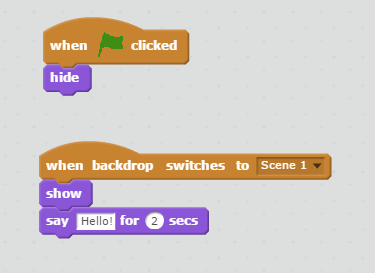
What will happen when the green flag is clicked?
Add a new sprite
Make the character spin
Move the character 15 steps
Nothing

What does this block say when clicked?
Hello!
Don't eat me!
2 seconds
Nothing
A program is
a red fruit with lots of seeds.
a collection of instructions (blocks) that a computer follows to complete a task.
a language that computers recognize.
Can you have more than one sprite?
True
False
An algorithm is...
A set of instructions
A character
A motion block
A loop statement
You use ____ blocks to program Scratch
Code
Sequence
Algorithm
Memory
The Y axis is "Up" and "Down"
True
False

In Scratch, which blocks are blue?
Control
Looks
Sound
Motion

In Scratch, which blocks are purple?
Sensing
Looks
Motion
Variables
What do you call the lists of commands in Scratch?
Sprite
Script
Scratch
Help
The X axis is
"Up and "Down"
"Left" and "Right"
What is the backdrop area called in Scratch?
Ground
Paint
Area
Stage

Which group of blocks include the "Say" block?
Motion
Controls
Events
Looks


In this project, when the green flag is clicked, the Scratch cat should say "Meow, meow, meow!" in a speech bubble and as a sound. But the Scratch cat only makes one "meow!" sound. How do we fix the program?
Add a "Forever" Block around the Sound Block
Add a "Repeat _" Block around the Sound Block
Change the Seconds to 5
Change the Costume of the Cat
One way to run a block is to click the block, another way to run a block is by __________.
Clicking the flag above the stage
Clicking the next custom block
Dragging the blocks from the Script area to the programming palette
Selecting blocks from the sensing blocks

