
Font size
 Worksheets
microword
Total questions: 74
Worksheet time: 1hrs 14mins
is a word processing application that allows you to create a variety of documents
(a)
Provide one-click access to commonly used commands and options.
(a)
Displays the name of the document and the program.
(a)
Contains all of the commands need to perform common tasks in Word. It has multiple tabs, each with several groups of commands.
(a)
Displays the Backstage view which contains commands related to managing files and customizing the program.
(a)
Contains the most frequently used commands.
(a)
Contains commands related to all items that can insert into a document
(a)
Contains commands related to all items that can design into a document.
(a)
Contains commands that affect the overall appearance of a document.
(a)
Contains commands related to items that can add to a document.
(a)
Contains commands related to creating mailings form.
(a)
Contains commands related to working in other languages, adding comments, tracking and resolving document changes, and protecting a document
(a)
Contains commands related to changing the view and other aspects of the display.
(a)
It contain commands that are specific to working with the selected object.
(a)
Allows to search for commands, which is especially helpful if don't remember where to find a specific command.
(a)
Offers additional options or more precise control than the commands available on the ribbon.
(a)
Showing and hiding the Ribbon
(a)
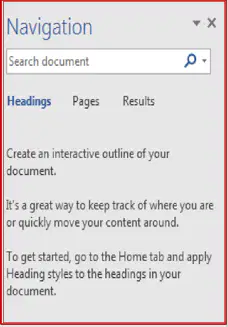
Enables to navigate long documents, search for specific text, and reorganize content.
(a)
Displays a list of the headings in the document.
(a)
Displays thumbnail images of all the pages in the document.
(a)
Displays a list of search results
(a)
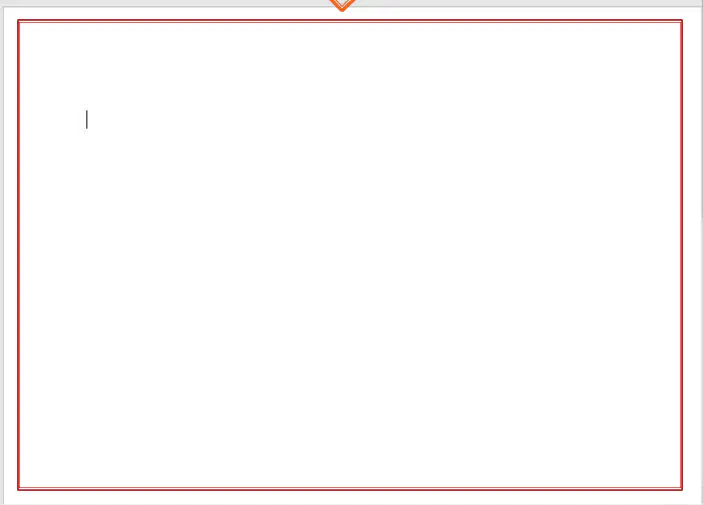
It displays the contents of the document
(a)
Indicates where text or graphics will be inserted.
(a)
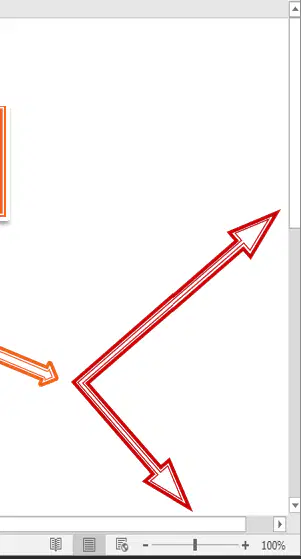
Enable to scroll through the document.
(a)
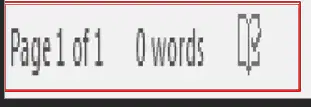
Displays information about the document(number of pages, and words).
(a)
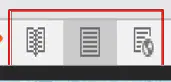
To switch through the Word's various document views
(a)
Gives a full screen view of the document.
(a)
Displays pages exactly as they will appear when printed.
(a)
Shows how a document appears when viewed by a Web browser, such as Internet Explorer.
(a)
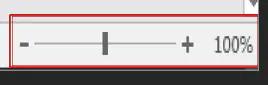
For a closer look at the text.
(a)
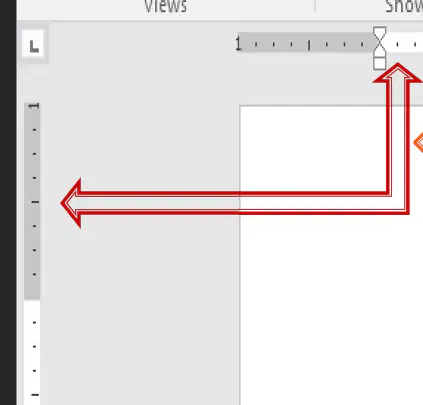
It makes it easier to make alignment and spacing adjustments.
(a)
Is used to set margins and tab stops.
(a)
Is used to scale the vertical position of elements on the page.
(a)
Closing word document interface
(a)
Resizing word document interface
(a)
Restore/Return to default size of word document interface
(a)
Hiding temporary the word document interface
(a)

(a)

(a)

(a)

(a)

(a)

(a)

(a)

(a)

(a)

(a)

(a)

(a)

(a)

(a)

(a)

(a)

(a)
(a)

(a)

(a)

(a)
(a)

(a)
(a)
(a)
(a)

(a)

(a)

(a)
(a)
(a)

(a)

(a)

(a)

(a)

(a)

(a)

