
Font size
 Worksheets
Get Familiar With Microsoft Word
Total questions: 19
Worksheet time: 14mins
where do you go to change the font?


to highlight an entire document press...
the drawing tool
Ctrl + 1
Ctrl + C
Ctrl + A
what changes font size?


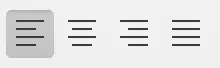
which buttons adjust the text alignment?


Word processing is the use of computer software to enter and edit text.
true
false
what happens when you click twice at any place on your document?
Word allows you to create different types of lines
the option to highlight a word pops up
Word allows you to type at the place you clicked
your entire doc is highlighted
What is the insertion point in Word?
the point that allows you to insert a table or graph
The arrow that moves around the screen when you move your mouse
the point that allows you to insert clipart and pictures from the internet
The blinking vertical line, sometimes called the cursor, showing where text or numbers will appear next when typed
when you enter characters (=, -, *, #, ~) THREE times and then press ENTER what happens?
you are now able to add a complex math equation
you are able to create a line across the document
it takes you to the THIRD paragraph in your document
a dialogue box pops up
clicking insert > Equation allows you to...
add a complex math equation
allows you to copy and paste
allows you to highlight your entire document
is a way that you can save your document
If you are copying and pasting text from another document or another source, you may not want the formatting included. The source text could be in a different color, include bold font, or even a different font or point size. You can use the shortcut....
Ctrl + shift + V
Ctrl + backspace
Ctrl + A or Ctrl + command + A
Ctrl + ALT + V
or
Ctrl +command + A

To quickly highlight an entire sentence, hold down...
Ctrl key or command key and click beginning of sentence
Ctrl + k and click on beginning of sentence
enter 3 equal signs, press enter and click on beginning of sentence
double click and click on beginning of sentence
which button is the "dictate" button?
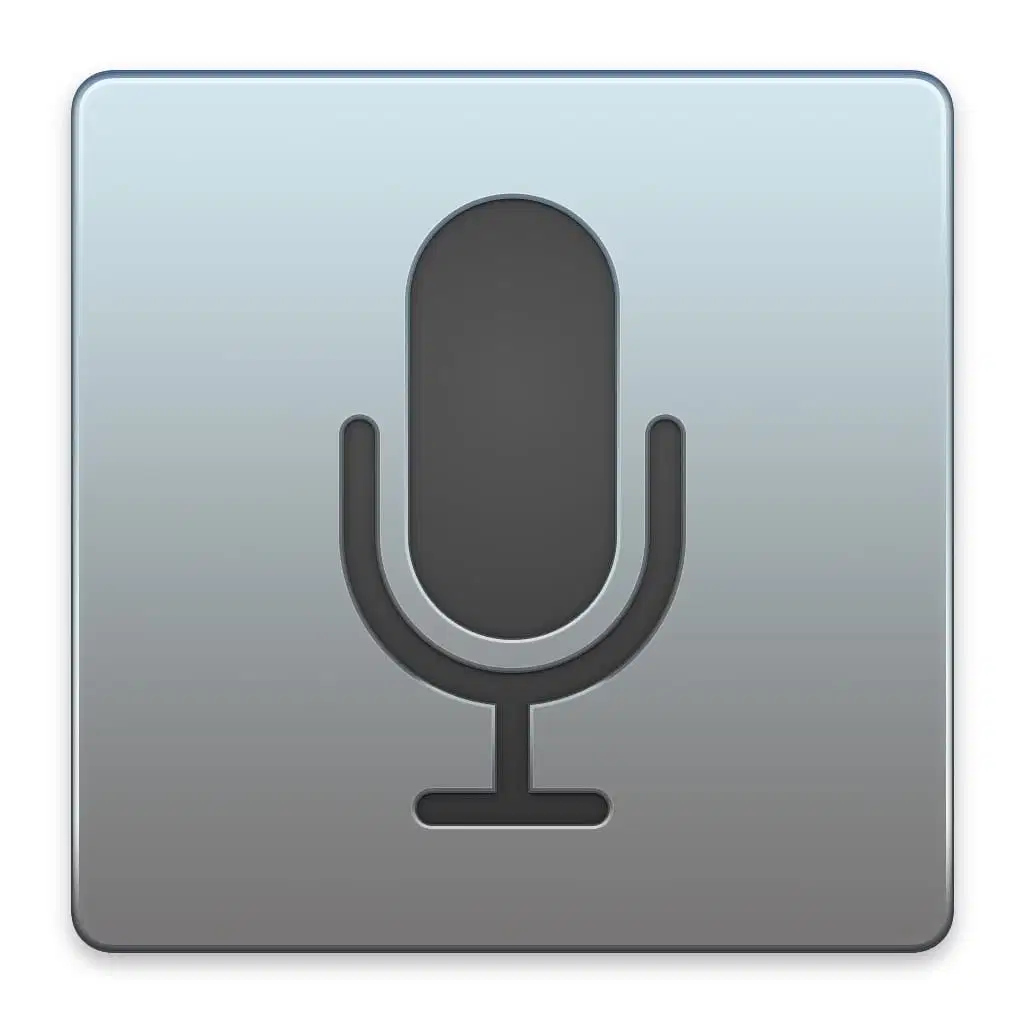
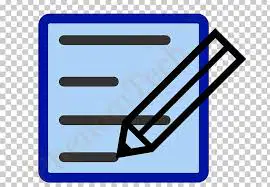
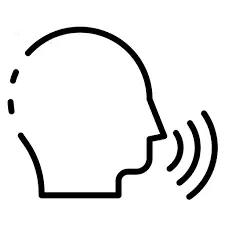

how many fonts are available on microsoft word
37
over 700
1 million
500
which icon adjusts the spacing?



The best way to see what's going on with your document's formatting is to make all the invisible marks (hard returns, soft returns, tabs, spaces) visible. what button do you press to access this? (2 correct answers)
command-8
insert-shift-2

Ctrl-Shift-8
where is the keyboard shortcut key to save something?
Ctrl + V
Ctrl + C
Ctrl + S
Ctrl + A
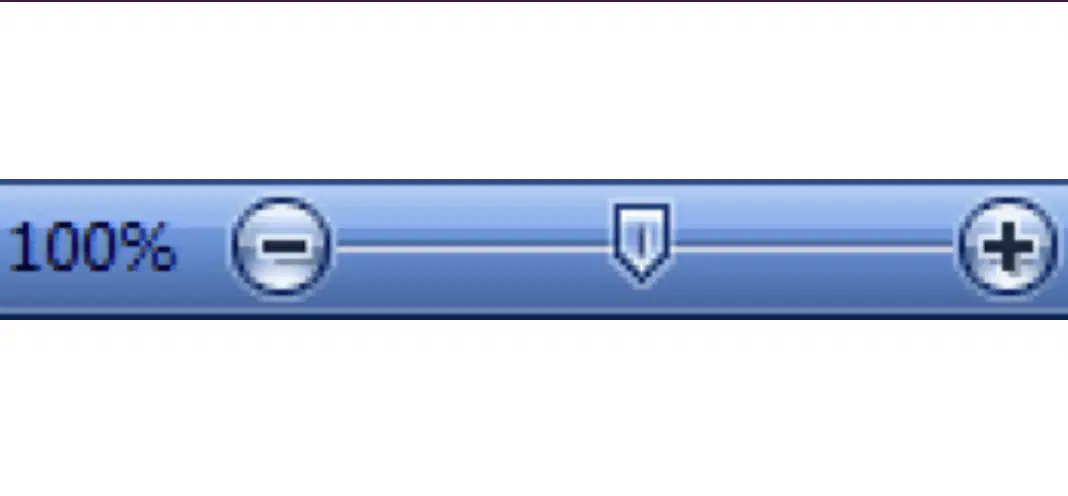
what is this an image of?
zoom slider
vertical scroll bar
document view
print icon
you can find spell check in which of the menus?
insert
review
view
page layout
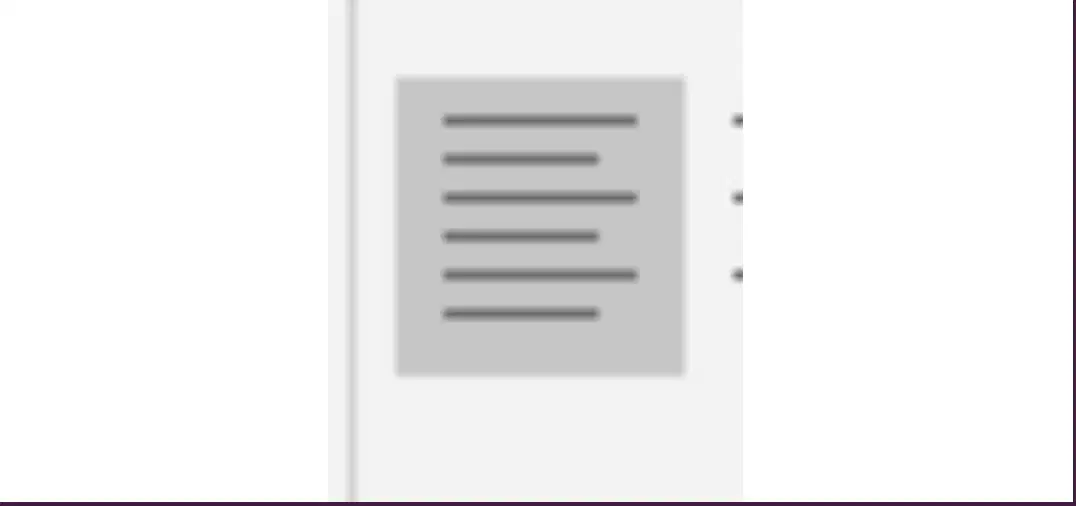
what type of alignment is this?
center
right
none of the above
left

