
Font size
S
M
L
XL
 Worksheets
Crafting a Resume with Canva
Total questions: 5
Worksheet time: 3mins
Name
Class
Date
1.

What is Canva used for?
a)
Designing resumes and other visual content
b)
Managing emails
c)
Tracking projects
2.
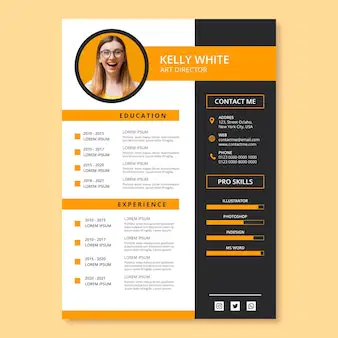
How can you customize a resume template in Canva?
a)
By uploading photos
b)
By changing the text and colors
c)
By using only default settings
3.
What should you do before downloading your resume from Canva?
a)
Review and adjust formatting
b)
Share it on social media
c)
Resize it manually
4.

Which version of Canva offers brand features?
a)
Free version
b)
Canva pro
c)
Both
5.

What is a key benefit of using Canva’s resume templates?
a)
They provide a starting point and professional design
b)
They are only available in black and white
c)
They require no customization
Reset

