
Font size
 Worksheets
PowerPoint & Public Speaking Quiz
Total questions: 15
Worksheet time: 15mins
Match the following actions with their descriptions.
Form ideas into words
Encoding a message
Determine if a message will be written, nonverbal, oral
[how the message
will be transmitted]
Choosing a communication channel
Interpreting a message
Decoding a message
Provide feedback to a sender
Responding to a message
Taylor is restructuring how employees receive company announcements and updates. Announcements will change from email to newsletter format.
This would be an example of what?
Improving the tone of messages to make them more engaging
Increasing the number of meetings to reinforce communication
Revamping the company's internal communication strategy
Asking employees to check in with each other more often
Saving a presentation as a read-only copy helps a presenter avoid which of the following issues?
Improve the visual appeal of the slides.
Accidentally deleting or changing slide content while presenting.
Forgetting key points during the presentation.
Ensuring that all animations and transitions play correctly.
Which of the following is the BEST way to create emotional resonance with an audience during a presentation?
Presenting only facts without personal engagement
Using compelling storytelling and relatable examples
Keeping a neutral tone and avoiding emotional language
Including as much statistical data as possible
Match the following views with their most suitable use cases for a presentation.
Master view
To design the layout and style of all slides
Notes Page view
To view speaker notes for each slide
Slide Sorter view
To see thumbnails of all the slides
Outline view
To see all slides listed in a column
Match the following Home group controls with their functions.
Styles
Controls the overall look and feel of the document, including themes and colors.
Design
Controls the layout and formatting of the document, including margins and spacing.
Font
Controls text size, style, spacing, color, and highlight.
Editing
Controls text modifications such as find, replace, and select.
True or False:
Slide masters can be used to add consistency to your colors, fonts, headings, logos, and other styles, and to help unify the form of your presentation. They're also great when you need a consistent background for your slides.
True
False
When selecting multiple non-consecutive slides in PowerPoint on a PC, which key should you hold down to select more than one slide at a time?
ALT
TAB
SHIFT
CTRL
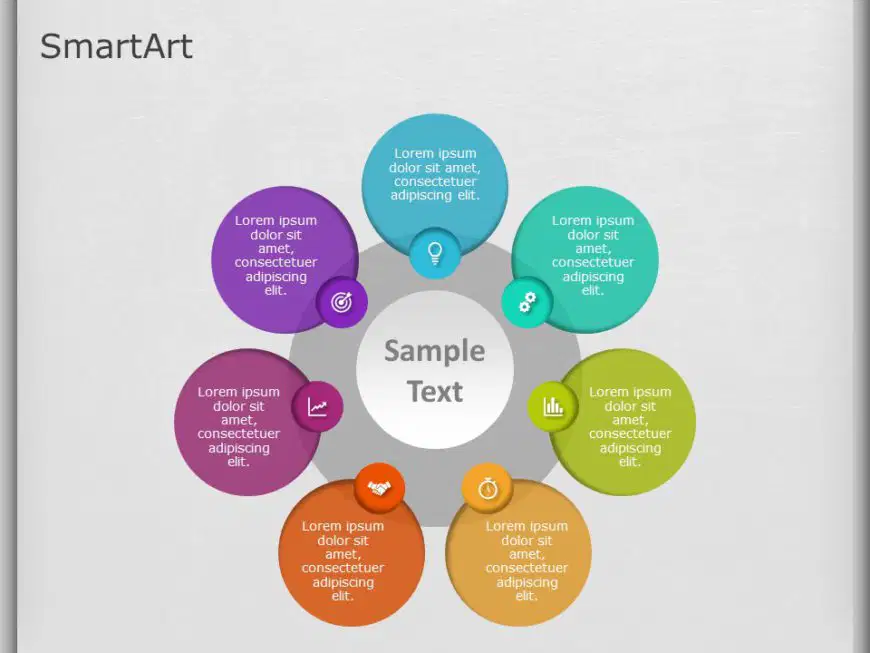
This slide shows an example of how SmartArt graphics can be used. To access, SmartArt in PowerPoint, click on the ______ tab.
File
Review
Design
Insert
Match the following descriptions with their corresponding characteristics.
Used for data organization and representation.
Tables
Visual tools for comparing data points. Use graphics instead of strictly text.
Charts & Graphs
Pre-formatted content and design elements. Can include placeholders for visuals, media, and data.
Themes/Templates
True or False:
Pie charts are useful for visually representing how individual parts contribute to a whole. For example, when creating a visual comparison of percentages, pie charts would be a good element to use.
True
False
True or False:
Social media is a communication channel that allows the use of paid advertising?
True
False
Michael is preparing a presentation for his classmates. How would he ensure the presentation appeals to his peers? Consider factors like tone, content, and interactivity.
Use a monotone voice and static slides
Include interactive elements and relatable content
Focus on technical jargon and complex theories
Avoid any multimedia elements
Amberly wants to add movement to the text on her intro slide. To add text effects, which tab would she need to click to access different text effects?
Uh oh! Amberly thought she was finished, but she realizes that her instructor wants each slide to enter and exit with different movement with slide timings. Which tab would she need to click to access these options?

