
 Worksheets
WG:CO:U4L11: - Mini Project - Captioned Scenes Quiz
Total questions: 37
Worksheet time: 19mins
Which of the following is important to remember when listing blocks from Game Lab?
Knowing what each block does, especially the inputs or parameters
Memorizing only the block names without understanding their function
Focusing only on the visual appearance of the blocks
Ignoring the parameters and just listing as many blocks as possible
Game Lab can be used to express our creativity by:
Creating interactive games and animations
Watching videos online
Browsing social media
Reading news articles
Sprite Scene Overview: Which of the following best describes what a sprite scene overview should include?
A short description including shapes, sprites, and text in the scene.
A list of programming languages used in the project.
A detailed history of sprite animation.
A summary of the hardware requirements for running the scene.
Prepare: Sketch out your background using only the drawing commands (reference provided to the right). Use the sample cells to sketch your background.
(Student's own sketch of the background using drawing commands.)
(Write a paragraph describing your background.)
(Paste a photo of your background.)
(Use only text commands to sketch your background.)
Fill in the blank: The command to draw a rectangle in your scene is _________.
rect(x, y, width, height)
rectangle(x, y, width, height)
drawRect(x, y, width, height)
box(x, y, width, height)
Fill in the blank: The command to draw an ellipse in your scene is _________.
ellipse(x, y, width, height)
rect(x, y, width, height)
circle(x, y, radius)
line(x1, y1, x2, y2)
Fill in the blank: The command to draw a line in your scene is _________.
line(x1, y1, x2, y2)
drawLine(x1, y1, x2, y2)
createLine(x1, y1, x2, y2)
plotLine(x1, y1, x2, y2)
Fill in the blank: The command to add text in your scene is _________.
text(string, x, y)
drawText(x, y, string)
addTextToScene(string, x, y)
sceneText(x, y, string)
Fill in the blank: The command to fill a shape with color is _________.
fill(color)
stroke(color)
draw(color)
paint(color)
Fill in the blank: The command to set the outline color of a shape is _________.
stroke(color)
fill(color)
border(color)
outline(color)
Fill in the blank: The command to set the outline weight of a shape is _________
strokeWeight()
outlineWeight()
borderWidth()
setStroke()
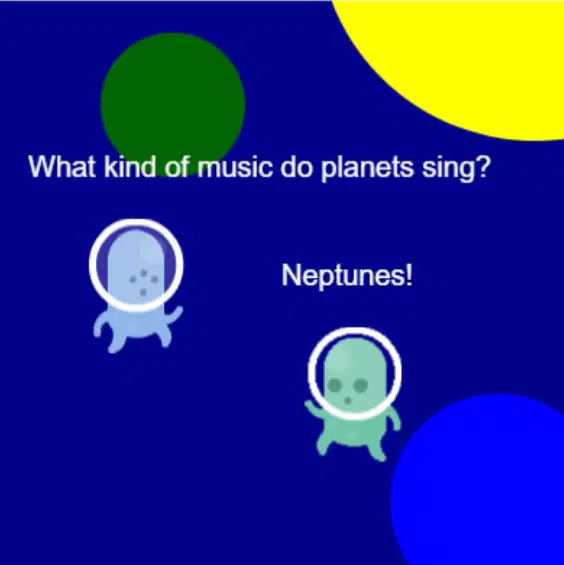
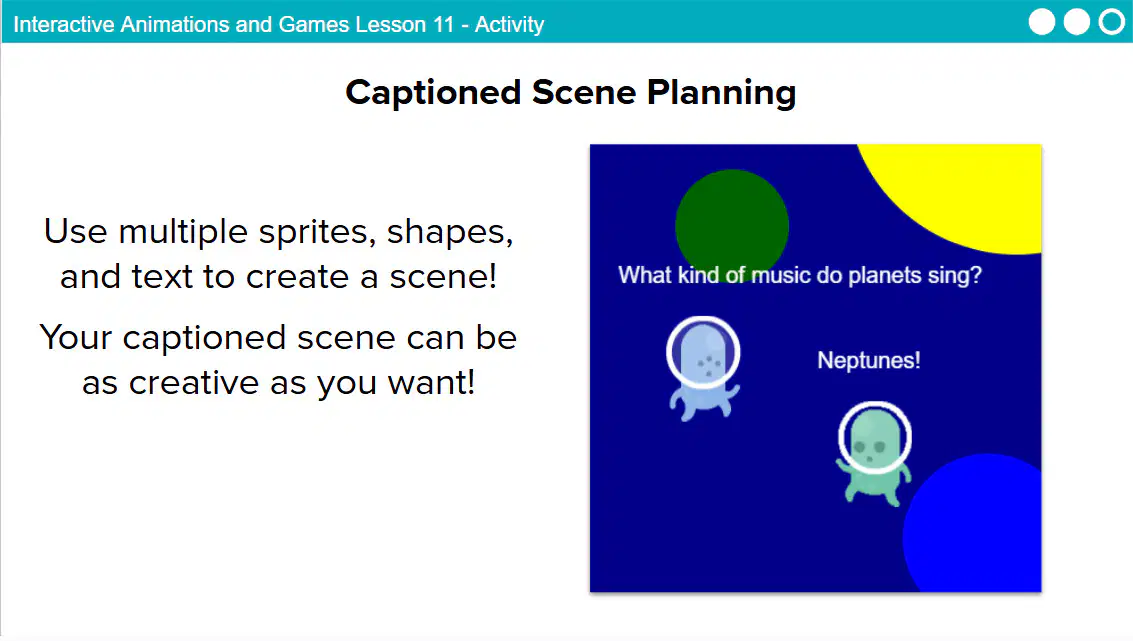
What kind of music do planets sing? ________
Neptunes
Star Tunes
Galaxy Beats
Cosmic Jazz
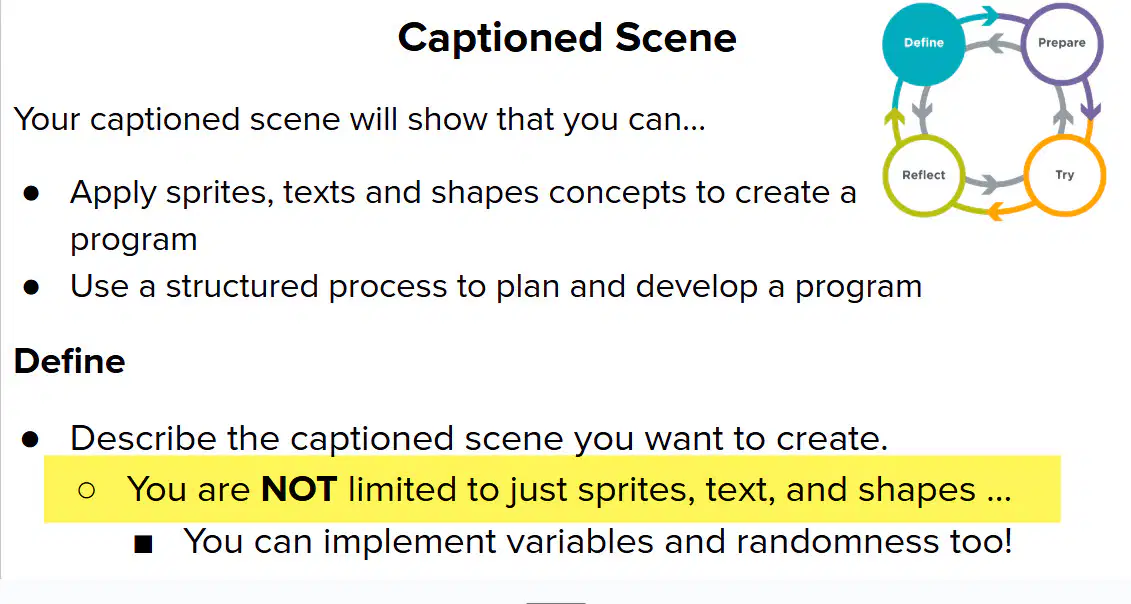
Which of the following best describes what you can include when creating a captioned scene?
You are NOT limited to just sprites, text, and shapes.
You can only use sprites, text, and shapes.
You must use only text in the scene.
You are limited to using only shapes.
Prepare: What should you do to plan your captioned scene?
Make a sketch using the provided table of blocks.
Write a story without any planning.
Ignore the table of blocks and start drawing.
Use only words to describe the scene.
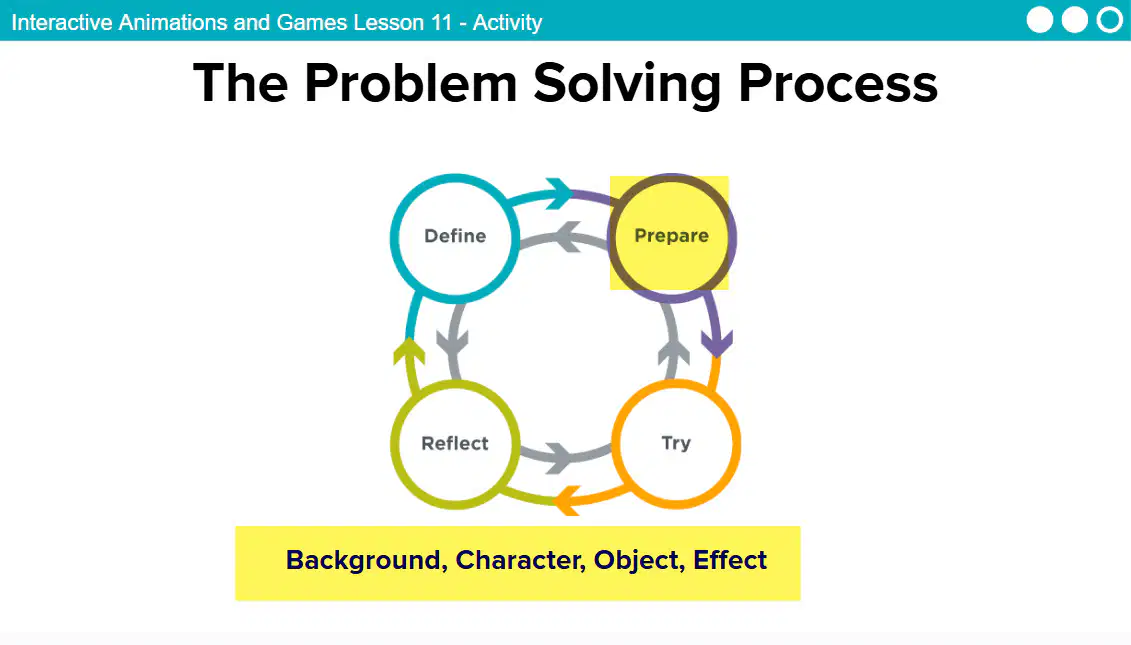
Prepare: Which of the following lists best represents the sprites you’ll use to create your scene?
Background, Character, Object, Effect
Table, Chair, Lamp, Book
Car, Tree, Road, Sign
Cloud, Sun, Bird, Mountain
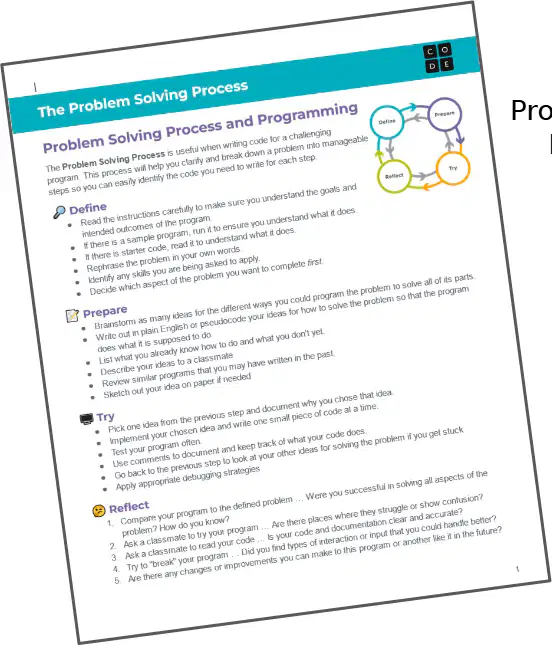
Reflect: Compare your program to the defined problem. Were you successful in solving all aspects of the problem?
Yes, I was successful in solving all aspects of the problem.
No, I was not able to solve any aspect of the problem.
I partially solved some aspects of the problem.
I did not compare my program to the defined problem.
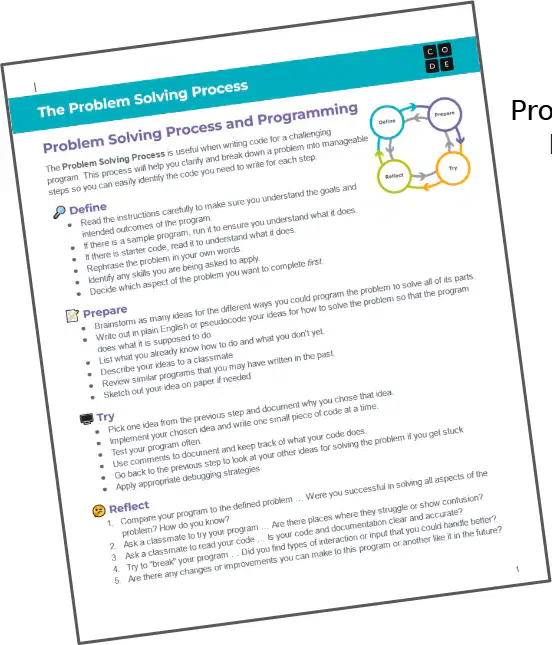
Reflect: Problem areas can be identified by which of the following?
By noticing places where things are unclear or show confusion.
By ignoring unclear sections.
By only focusing on what is already understood.
By skipping over confusing parts.
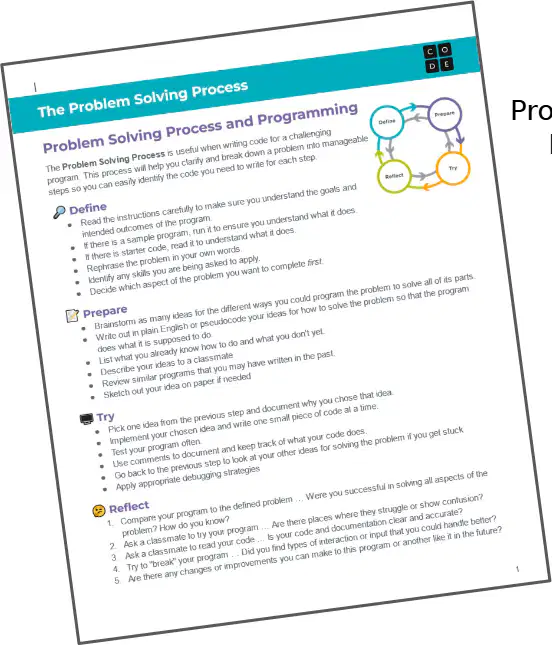
Reflect: Ask a classmate to read your code. Is your code clear and accurate?
Yes, my code is clear and accurate.
No, my code is not clear and accurate.
My code is incomplete.
I did not ask a classmate to read my code.
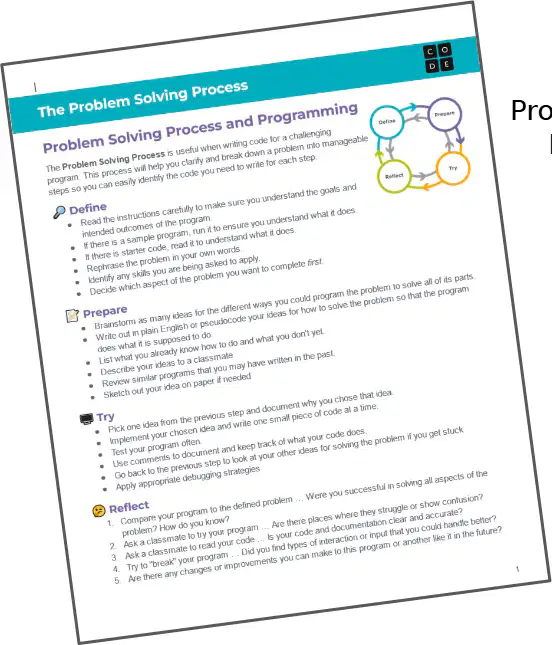
Reflect: Ask a classmate to test your program. Did you find pieces of interaction or things in your program or another's like it in the future?
Yes, testing with a classmate can reveal new interactions or features.
No, testing with a classmate does not provide any new insights.
Testing with a classmate only finds errors, not interactions.
Testing with a classmate is unnecessary for future improvements.
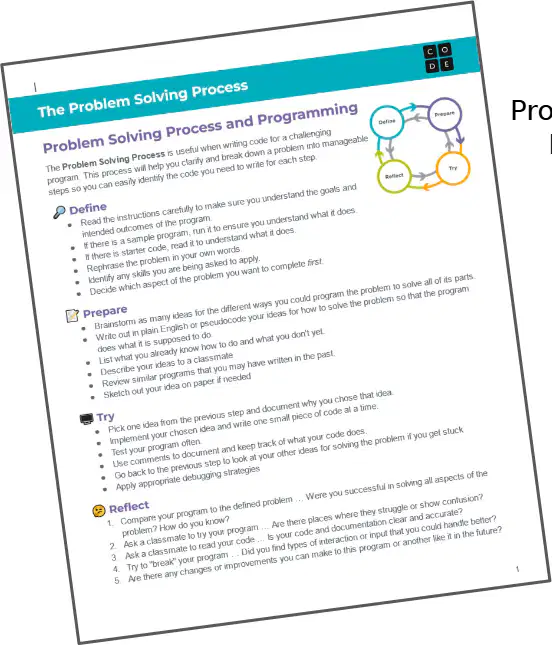
Reflect: Are there any changes or improvements you can make to this program in the future?
Yes, future changes or improvements can be made to this program.
No, the program cannot be changed or improved in the future.
Improvements are not necessary for any program.
Programs should never be updated after creation.
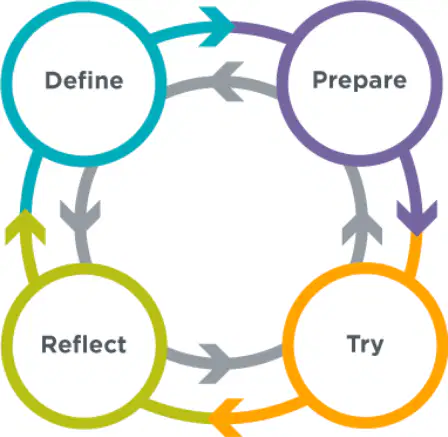
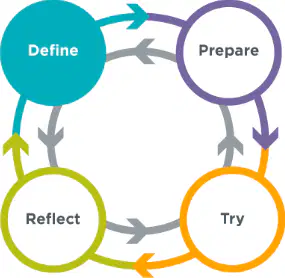
Which of the following is a step in the Problem Solving Process?
Analyze
Define
Evaluate
Summarize
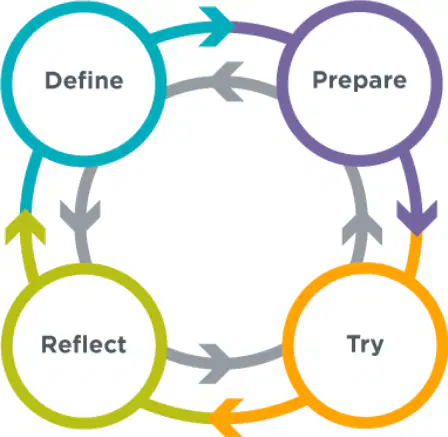
Fill in the blank: The first step in the Problem Solving Process is _____
Define
Analyze
Implement
Evaluate
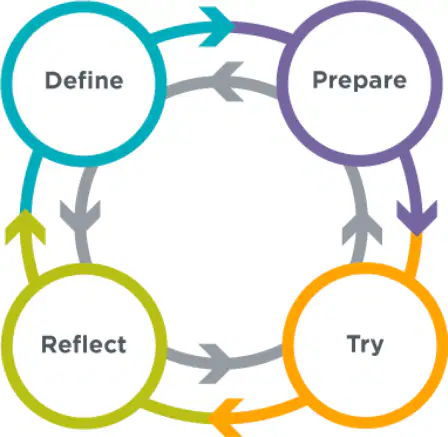
What is the step that comes after 'Prepare' in the Problem Solving Process?
Try
Plan
Review
Reflect
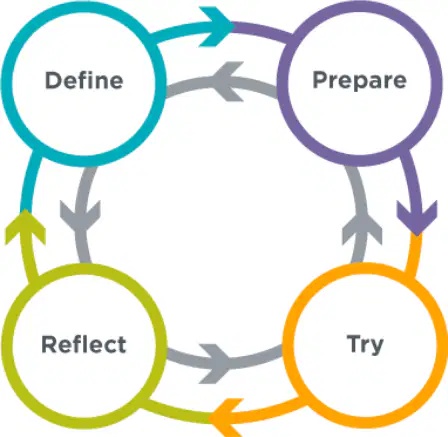
Which of the following is NOT a step in the Problem Solving Process?
Reflect
Try
Prepare
Conclude
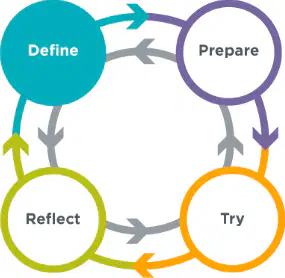
What is the first step you should take according to the instructions for coding your captioned scene in Code Studio?
Open Code Studio and review the instructions for your captioned scene.
Write the final code for your captioned scene.
Test your captioned scene for errors.
Submit your captioned scene for review.
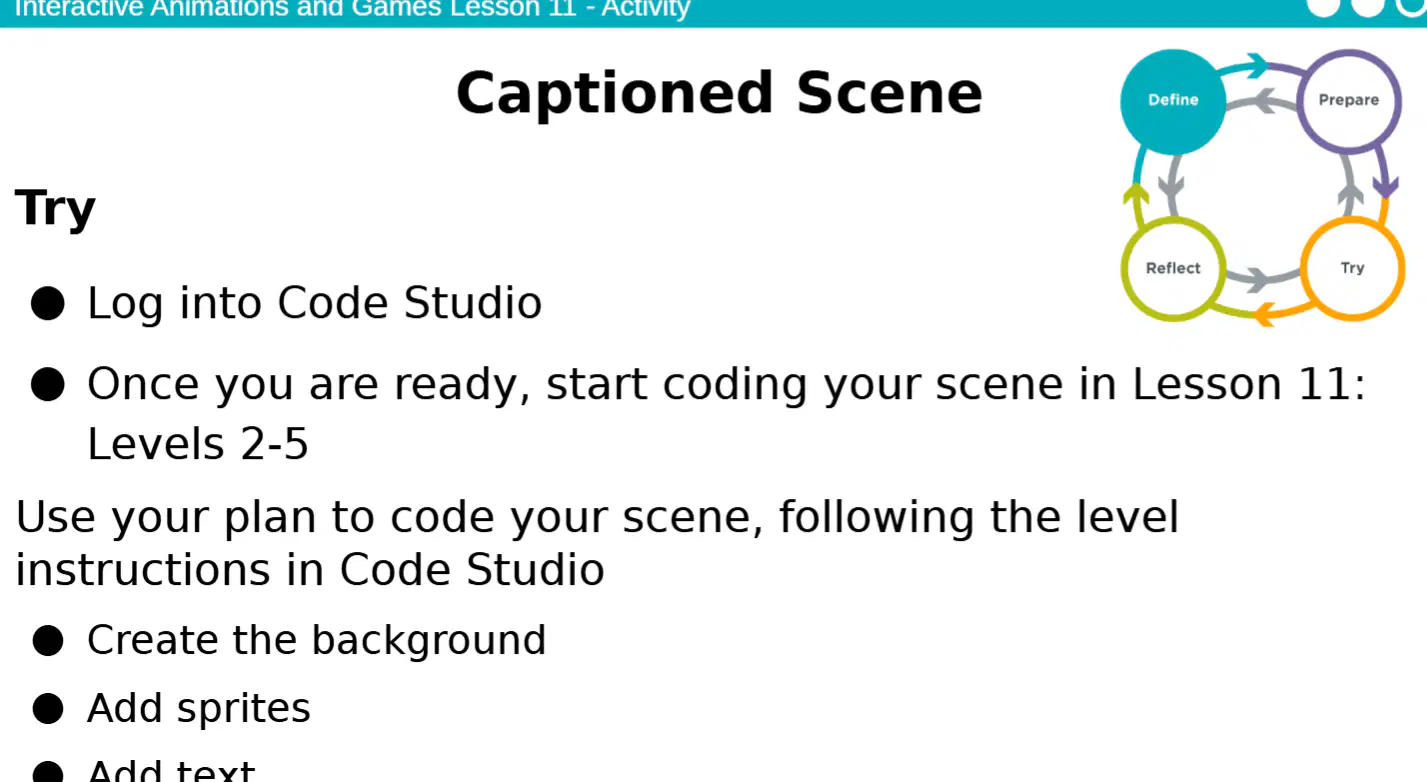
Before starting to code your scene in Lesson 11: Levels 2-5 after logging into Code Studio, what should you do?
Read the instructions for the lesson
Start coding immediately
Skip to the last level
Log out and log back in
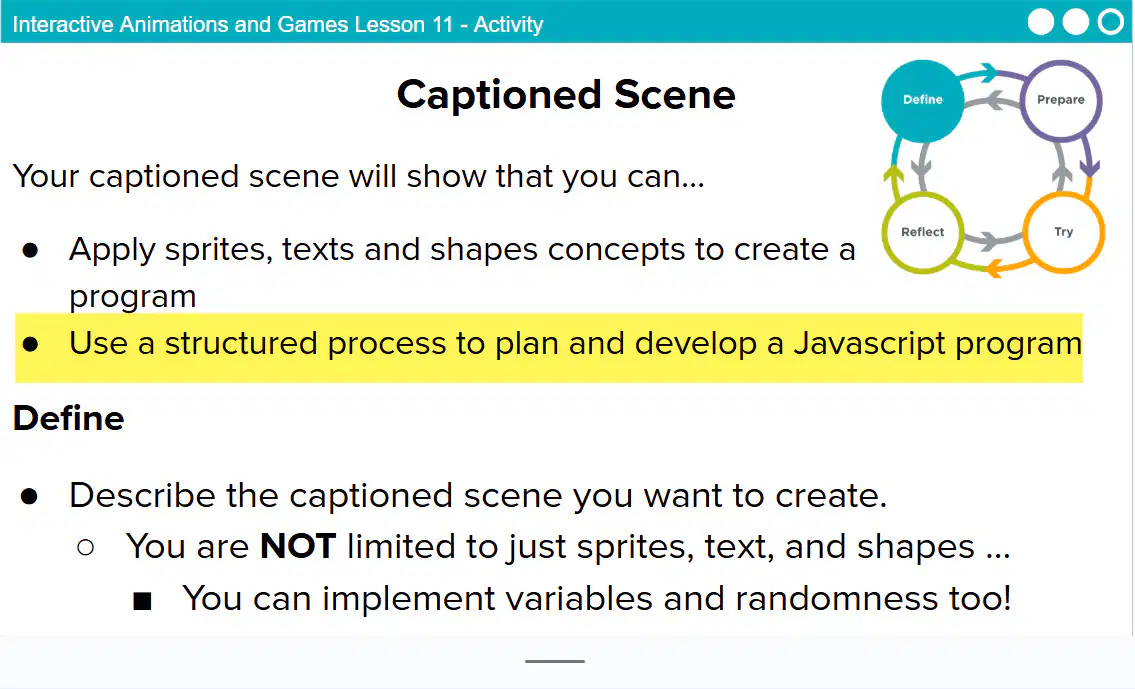
According to the instructions, you should use ______ to code your scene in Code Studio.
JavaScript
Python
Scratch
HTML
One of the tasks you need to complete when coding your scene in Code Studio is:
Adding objects to the scene
Writing a book report
Solving math equations
Drawing by hand
I was successful in solving all aspects of the problem.
Yes, I was successful in solving all aspects.
No, I was not successful in solving all aspects.
I solved only some aspects of the problem.
I did not attempt to solve the problem.
The part of your animation you are most proud of is:
The smoothness of the movement
The background music
The length of the animation
The number of characters
The most challenging aspect was:
Time management
Having too many resources
Lack of interest
Easy instructions
Are there any changes or improvements you can make?
Yes, changes or improvements can be made.
No, no changes or improvements are possible.
Only minor changes can be made.
Improvements are not necessary.
Look at the scenes your classmates have created. What is interesting about each scene?
Each scene has unique elements that reflect creativity.
All scenes are identical in every way.
The scenes do not show any creativity.
None of the scenes have any interesting features.
The scenes your classmates have created show creative use of coding skills in which way?
By designing unique and interactive elements in their scenes
By copying code from others without changes
By avoiding the use of any coding skills
By following a strict template without creativity
Looking at the scenes your classmates have created, you might see something you’d like to try. What should you do?
Try the idea you saw in your classmates' scenes.
Ignore what your classmates have done.
Tell your classmates not to share their ideas.
Only use your own ideas and never look at others' scenes.
One especially creative way someone used the blocks today was:
Building a bridge with moving parts
Stacking blocks in a straight line
Sorting blocks by color only
Leaving the blocks unused
Game Lab can be used to express our creativity by:
creating interactive games and animations
memorizing code syntax
copying others' projects
only following tutorials without changes

