Search Header Logo
Word Processing Program

Word Processing Program

Assessment

Presentation

Computers

5th Grade

Practice Problem

Medium

Created by

Comfort Ademola-Odebiyi

Used 4+ times

FREE Resource

19 Slides • 35 Questions

1

media

2

media

3

media

4

media

5

media

6

media

7

Multiple Select

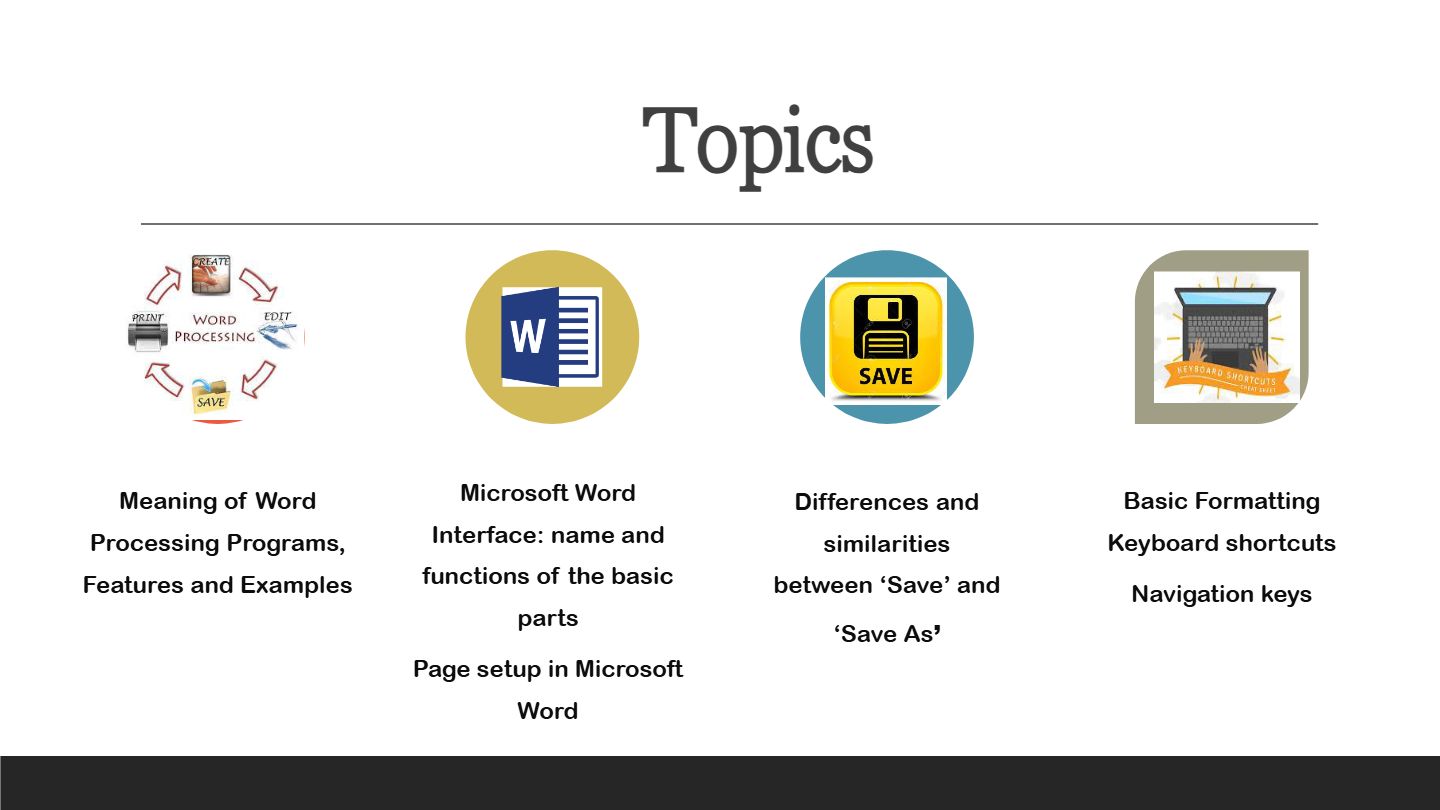
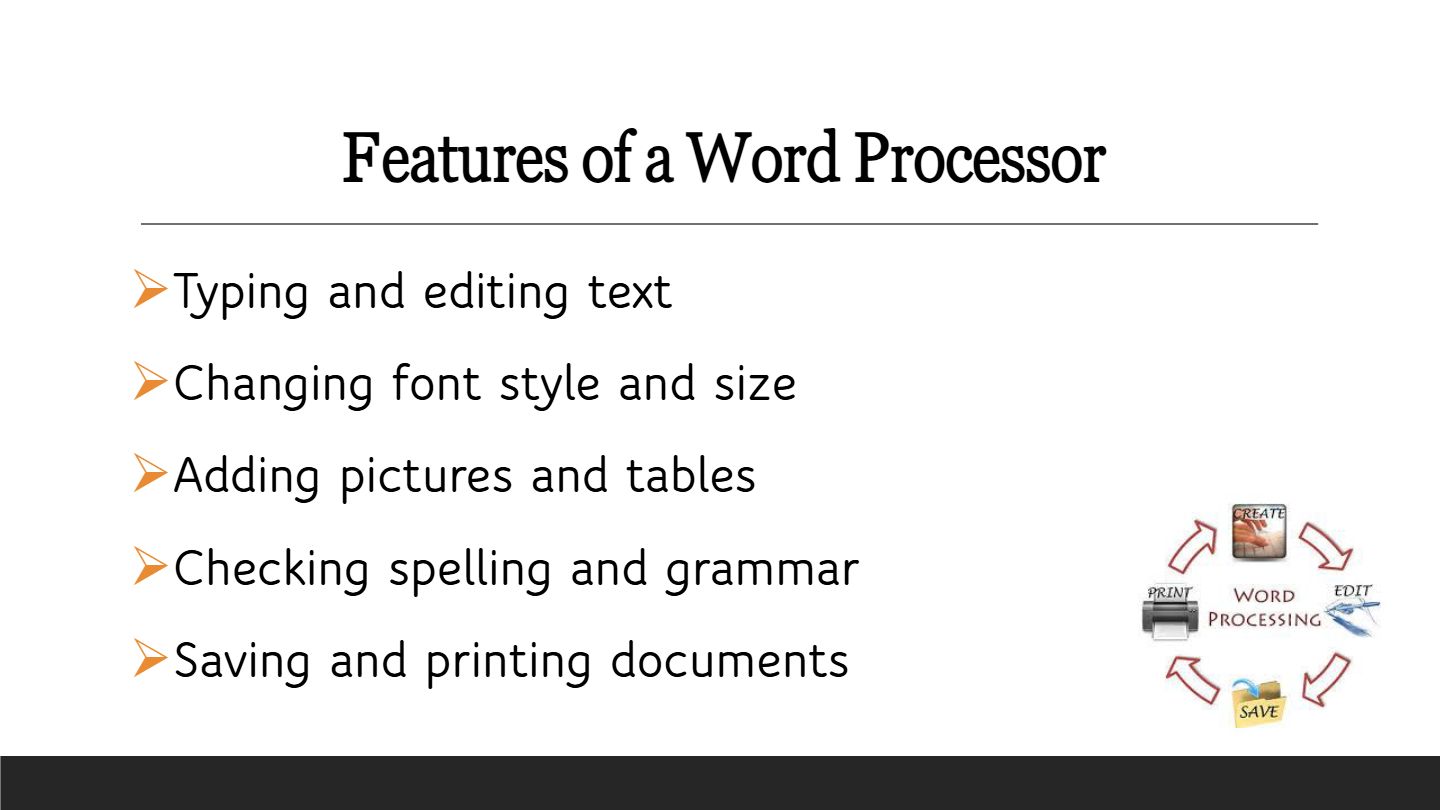
Which of the following are features commonly found in word processors?

1

Typing and editing text

2

Changing font style and size

3

Checking spelling and grammar

4

Compiling programming code

8

Multiple Choice

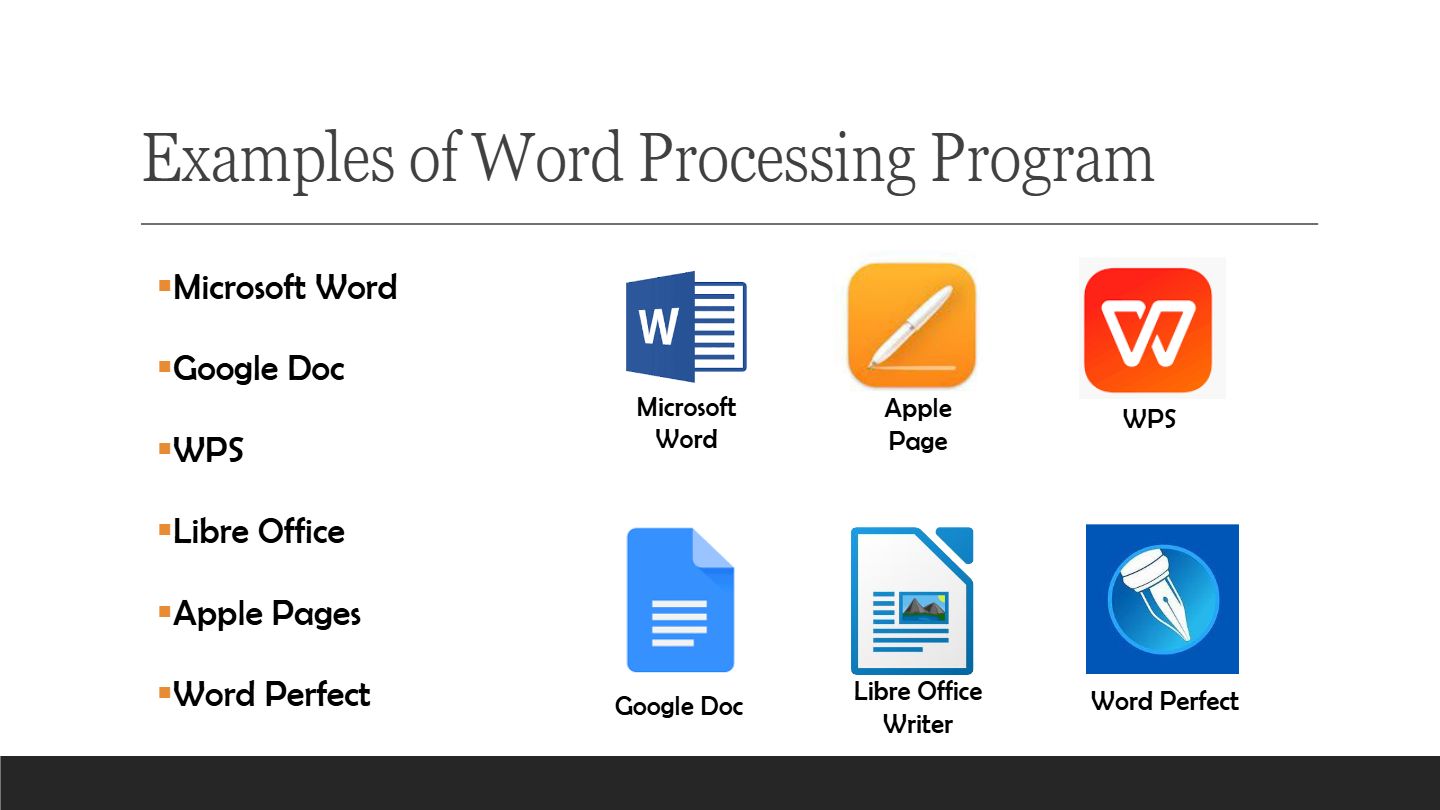
Which of these is not a word processor?

1

Google Slide

2

WPS

3

Apple Pages

4

Microsoft Word

9

Fill in the Blanks

Type answer...

10

Multiple Choice

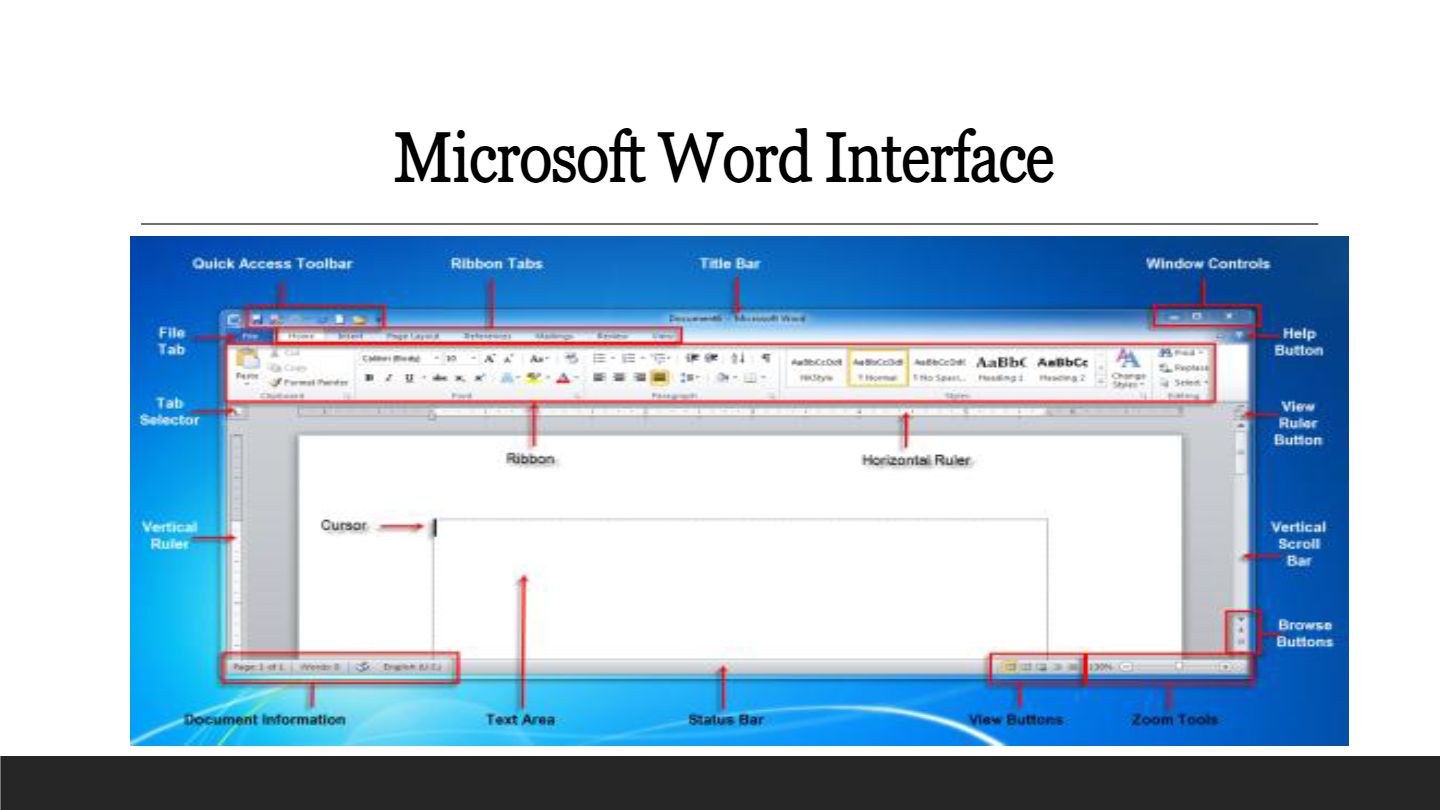
Question image
This is the:
1
Quick Access Toolbar
2
Office Button
3
Status Bar
4
None of the Above

11

Multiple Choice

Question image
This is a:
1
Quick Access Toolbar
2
Group
3
Ribbon
4
None of the above

12

Multiple Choice

Question image
This is the:
1

Zoom Slider

2
Status Bar:
3
Windows Task Bar
4
None of the above

13

Multiple Choice

Question image

What is circled in Red?

1

TABS

2

GROUPS

3

Backstage View

4

Contextual Tab

14

Multiple Choice

Question image

________________is a command bar that organizes a program's features into a series of tabs at the top of the screen

1

Window

2

Ribbon

3

Tab

4

Group

15

Multiple Choice

Question image

You can have a horizontal and/or vertical one of these.

1

tools

2

strips

3

side thingie

4

scroll bar

16

Multiple Choice

Question image

What is this bar called?

1

Tittle bar

2

Status bar

3

Quick Access Toolbar

4

Insertion Point

17

Multiple Choice

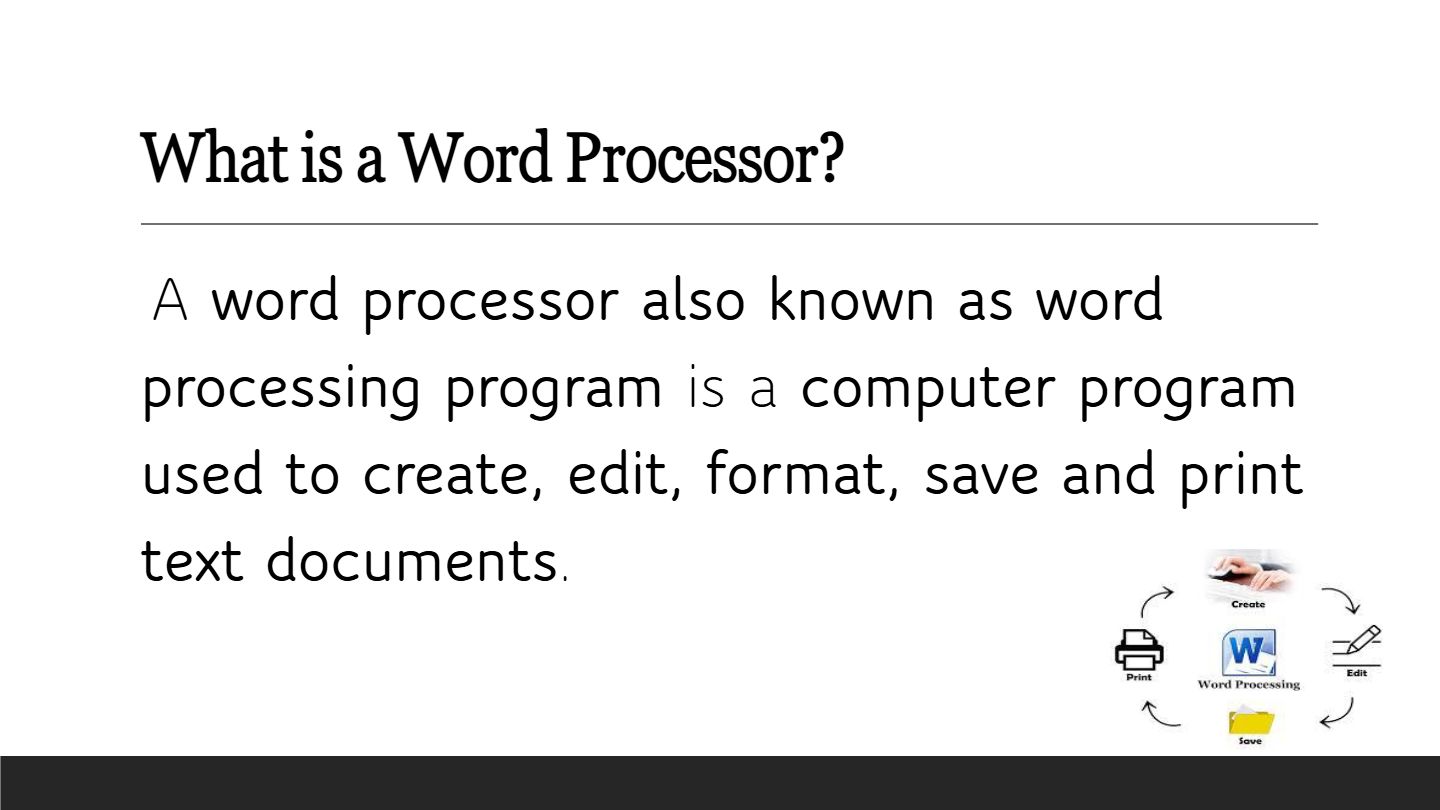
Which of the following is NOT a function of a word processor?

1

Creating and editing text documents

2

Formatting and saving documents

3

Printing documents

4

Compiling computer code

18

media

19

media

20

Multiple Choice

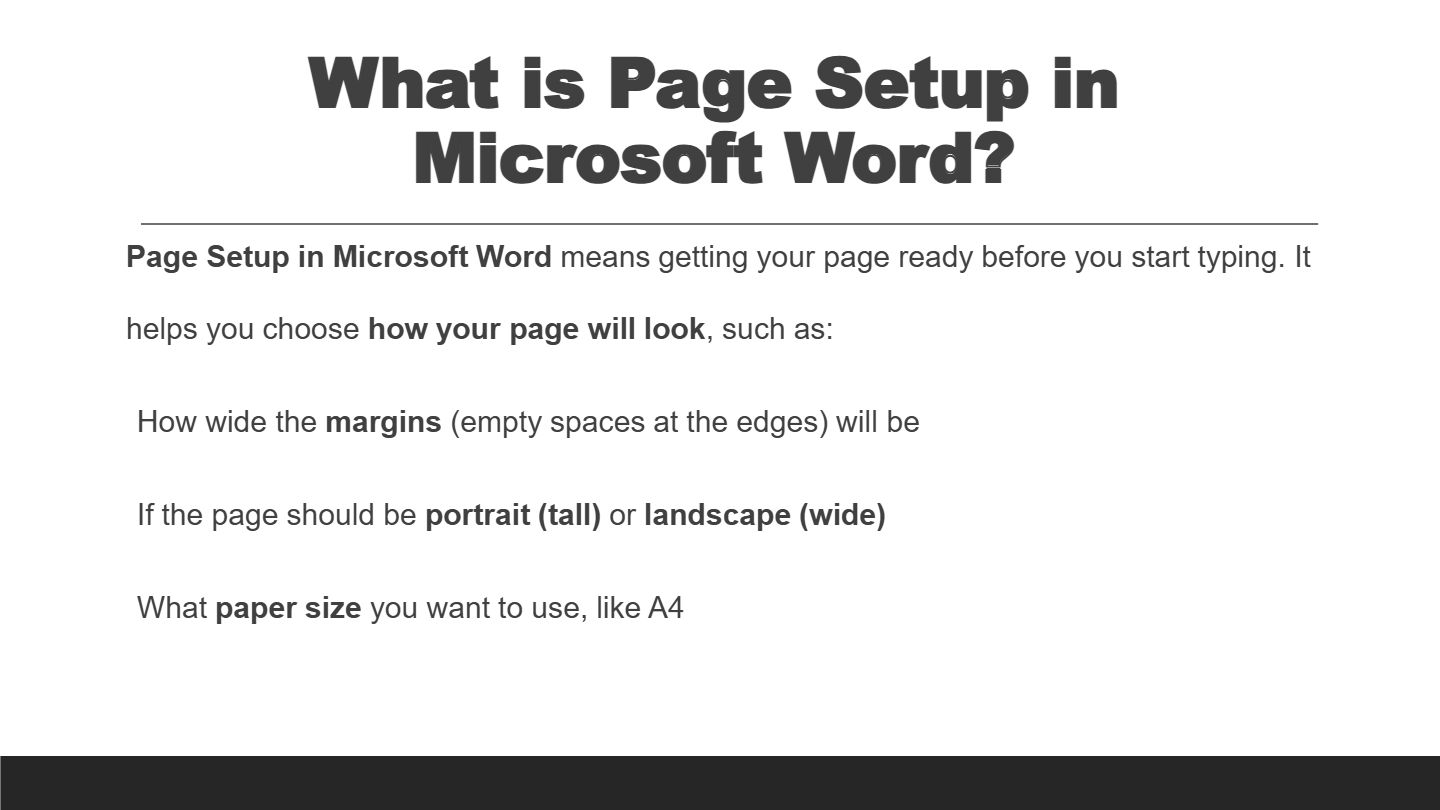
Page setup is all about ------------

1

adding colours to your work

2

getting your page ready before typing

3

editing your documeent

21

Multiple Choice

Which of these can be done under page setup?

1

changing font style

2

choosing paper size and orientation

3

changing font and font size

22

Multiple Select

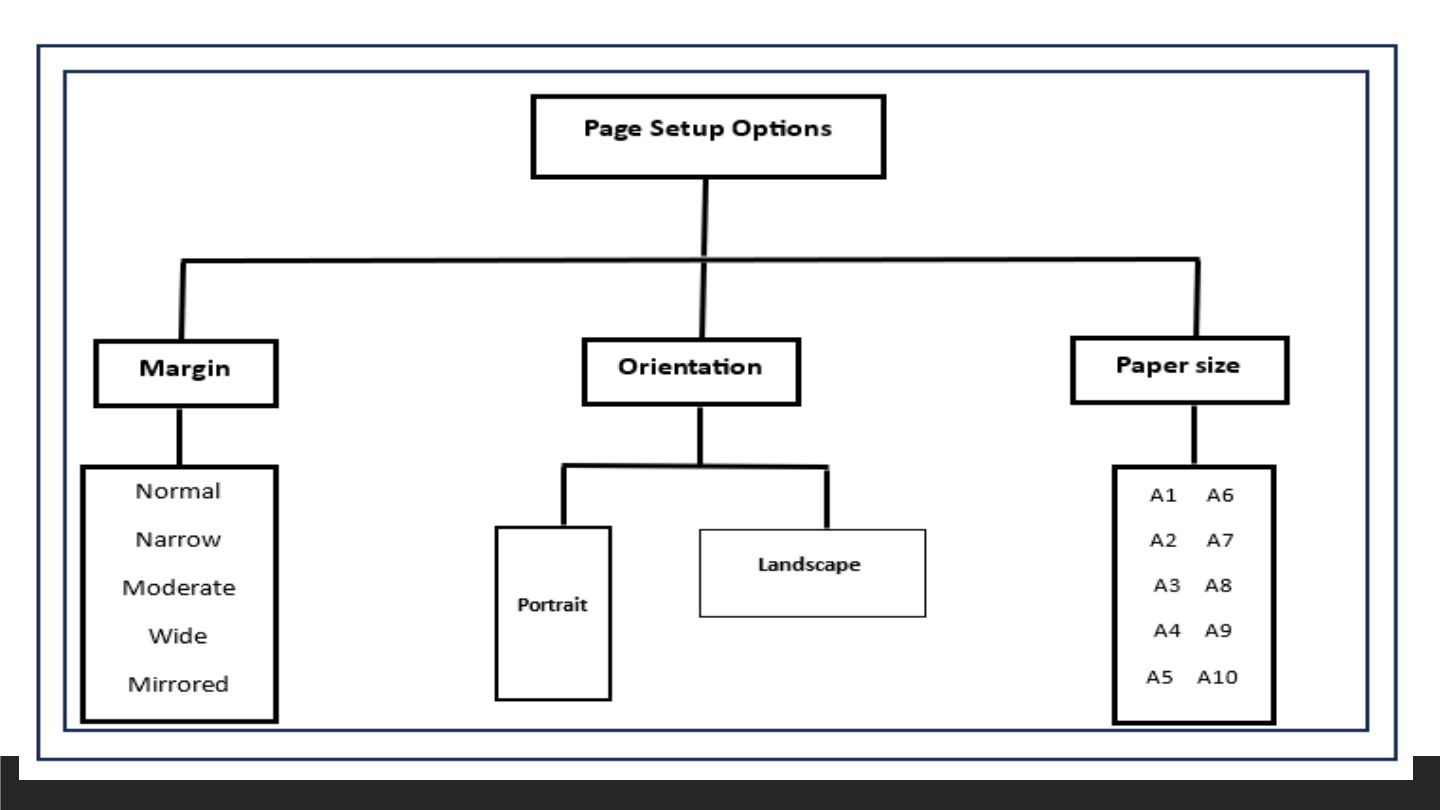
Which of the following are page setup options available in Microsoft Word?

1

Margin

2

Orientation

3

Paper size

4

Font color

23

Multiple Select

Which of the paper sizes is the smallest?

1

A8

2

A2

3

A1

4

A5

24

media

25

Multiple Choice

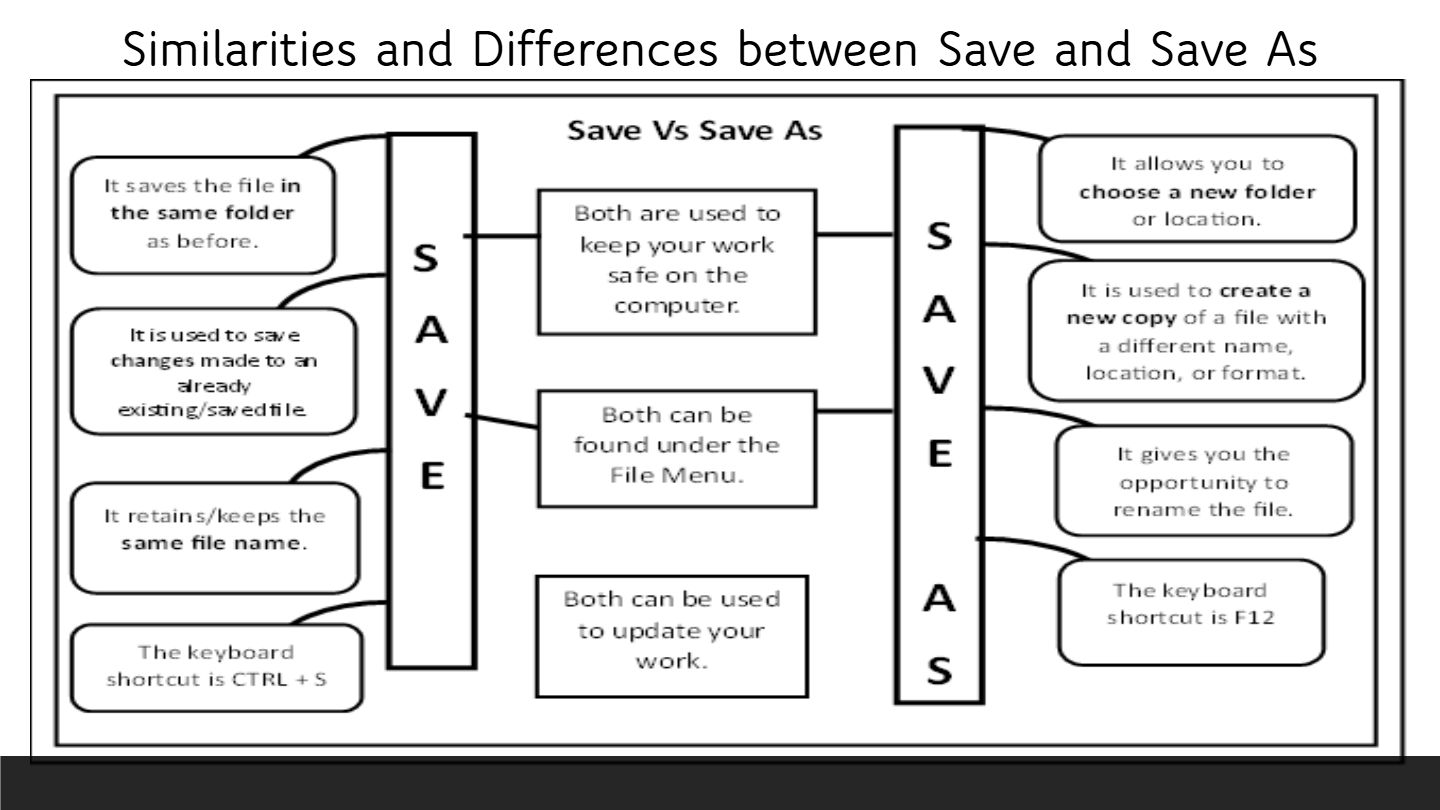
Which of the following is a key difference between the 'Save' and 'Save As' functions in Microsoft Word?

1

'Save' updates the existing file, while 'Save As' creates a new file with a different name or location.

2

'Save' deletes the file, while 'Save As' prints the file.

3

'Save' closes the document, while 'Save As' opens a new document.

4

'Save' changes the file format, while 'Save As' only saves in the same format.

26

Multiple Choice

Which keyboard shortcut is used to save changes to an already existing file in the same folder?

1

CTRL + S

2

CTRL + C

3

F12

4

CTRL + V

27

Open Ended

Explain the main differences between the 'Save' and 'Save As' functions in a word processing program.

28

media

29

media

30

media

31

media

32

Multiple Choice

Question image
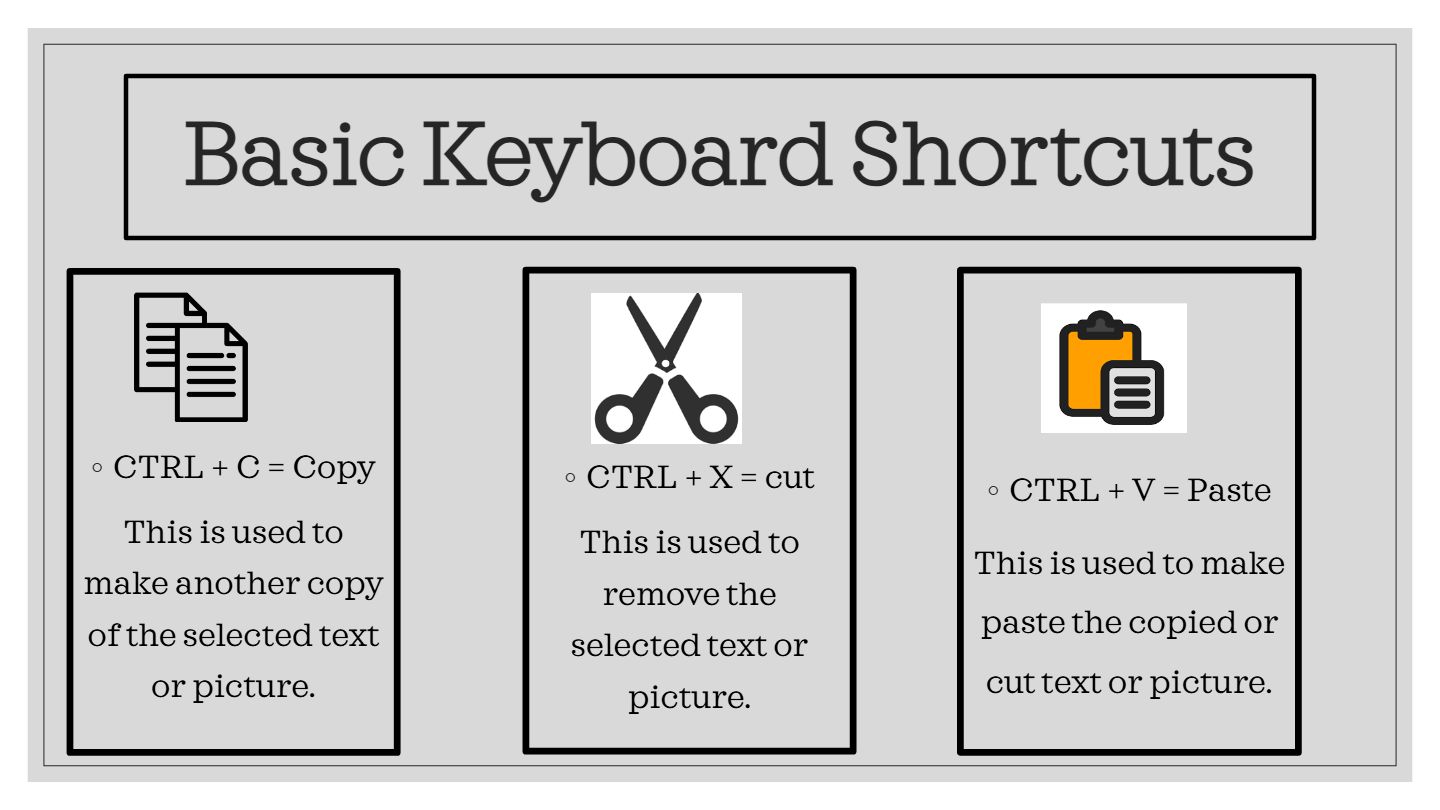
"Ctrl + c" is a shortcut that means to...
1
copy
2
paste
3
cut

33

Multiple Choice

Question image
"Ctrl + v" is a shortcut that means to...
1
cut
2
copy
3
paste

34

Multiple Choice

Question image
"Ctrl + x" is a shortcut that means to... 
1
paste
2
copy
3
cut

35

Multiple Choice

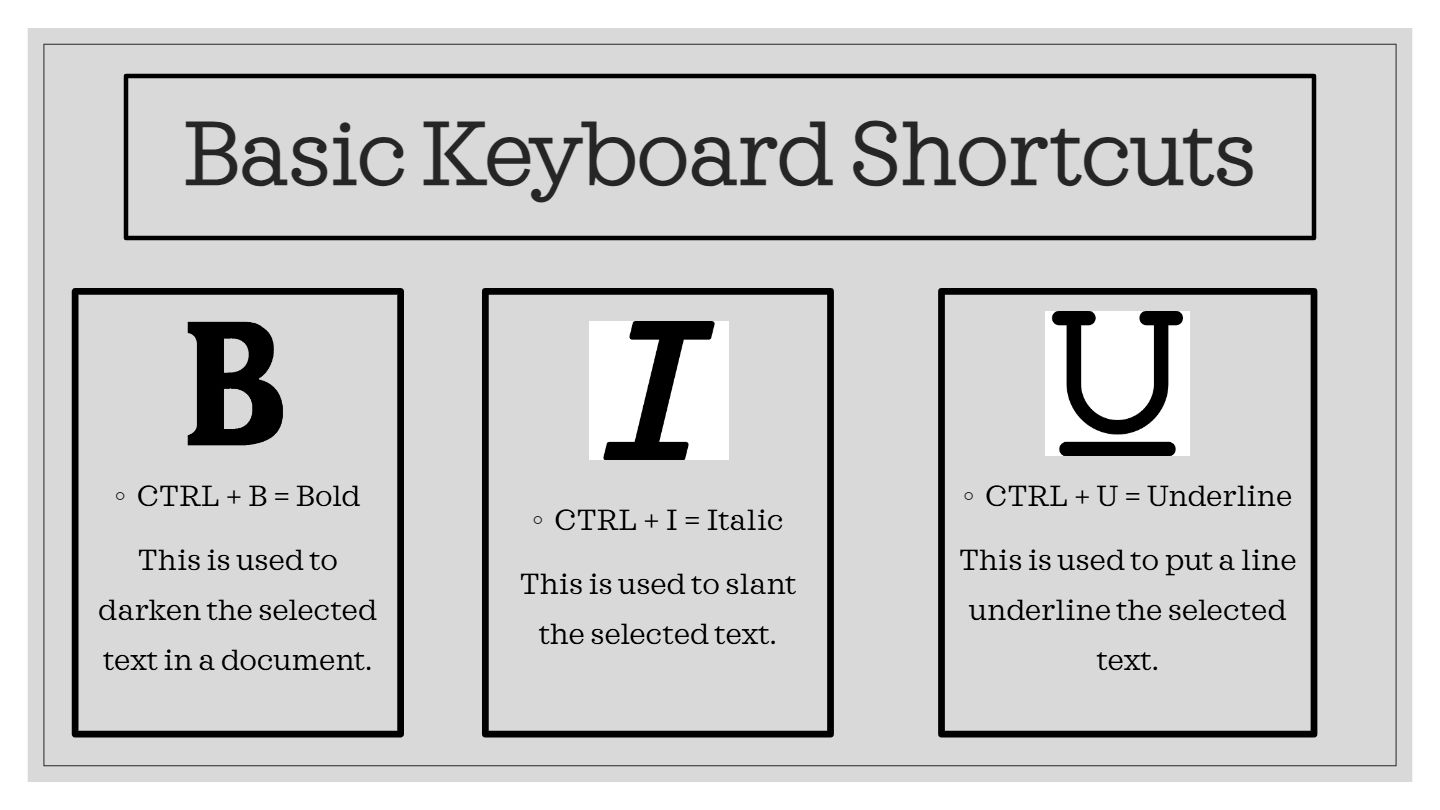
If you want to bold text select

1

Ctril + T

2

Ctrl + B

3

Ctrl + C

36

Multiple Choice

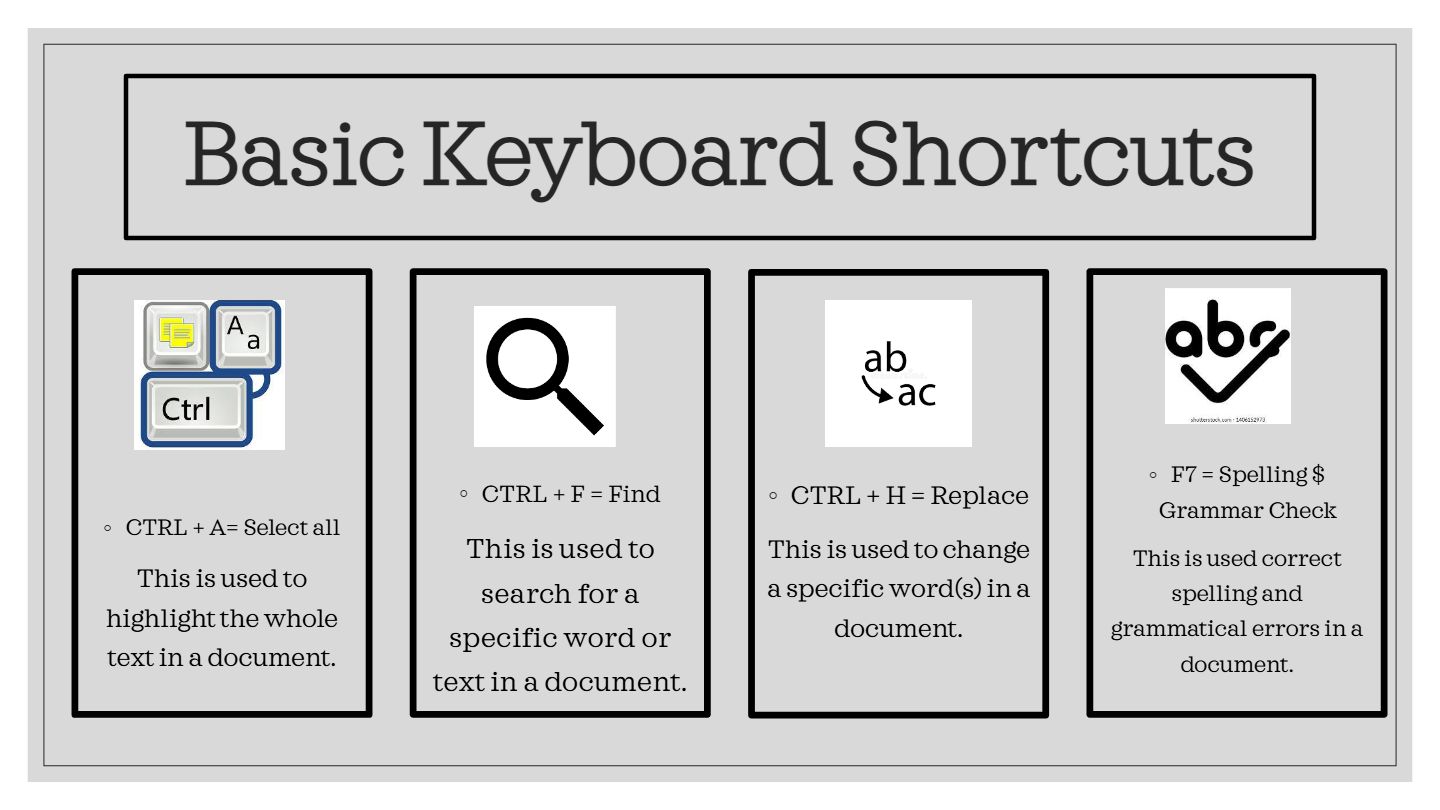
What action does CTRL + F perform?

1

Find Text

2

Font

3

Footer

4

Format

37

Fill in the Blanks

38

Multiple Choice

The shortcut command of ‘bold’ in word:

1

Ctrl+B

2

Ctrl+V

3

Ctrl+S

4

Ctrl+P

39

Multiple Choice

Which of the following keyboard shortcuts is used to underline selected text in a document?

1

CTRL + U

2

CTRL + B

3

CTRL + I

4

CTRL + L

40

Multiple Select

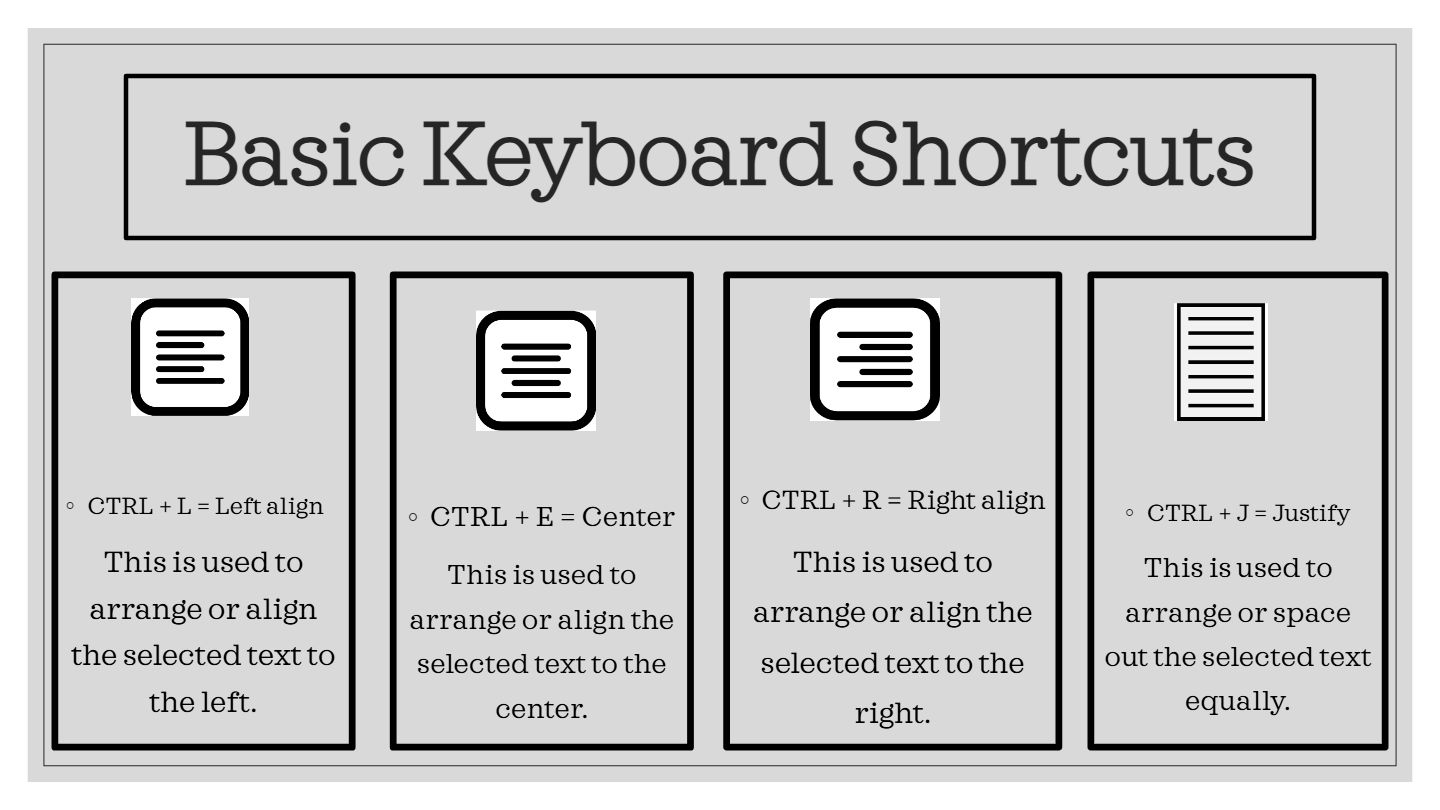
Select all the keyboard shortcuts that are used for aligning text in a document.

1

CTRL + L

2

CTRL + E

3

CTRL + R

4

CTRL + J

41

Fill in the Blanks

Type answer...

42

media

43

media

44

Multiple Choice

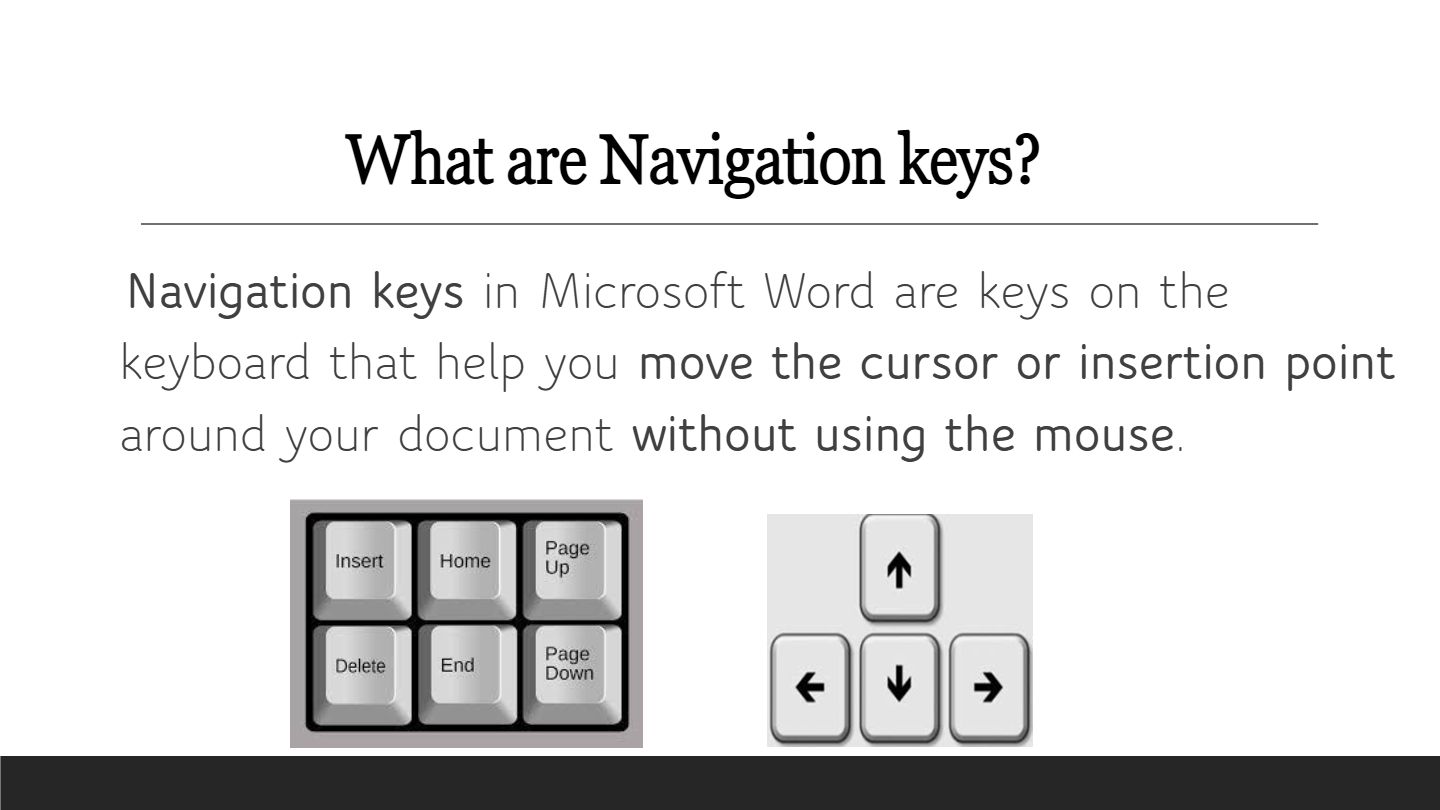
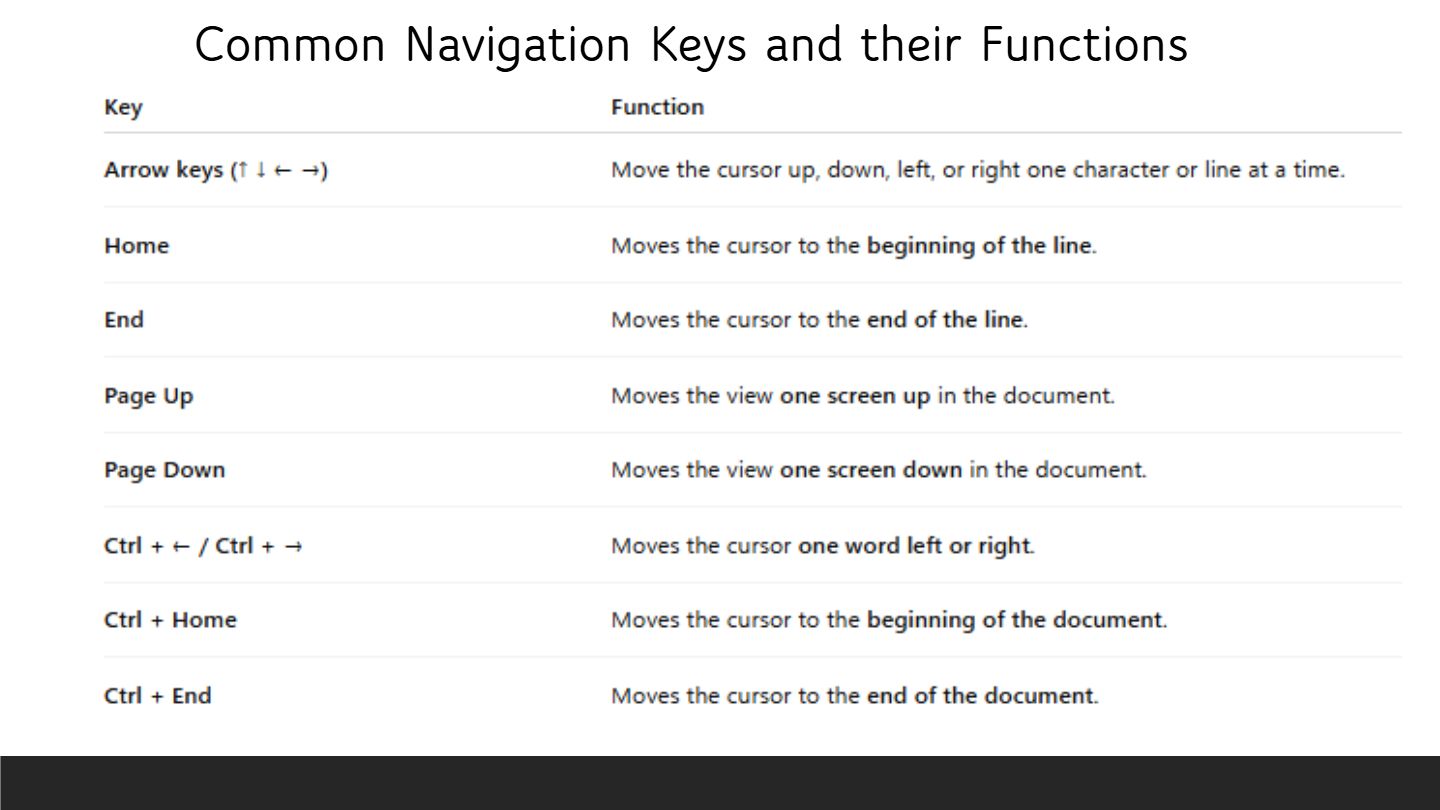
Which key would you use to move the cursor to the beginning of a line?

1

Home

2

End

3

Ctrl + Home

4

Page Down

45

Multiple Choice

Which key would you use to move the cursor to the end of a line?

1

Ctrl + End

2

End

3

Ctrl + Home

4

Page Down

46

Multiple Choice

Which key combination would you use to move the cursor to the end of a document?

1

Ctrl + End

2

End

3

Ctrl + Home

4

Page Down

47

media

48

media

49

media

50

Open Ended

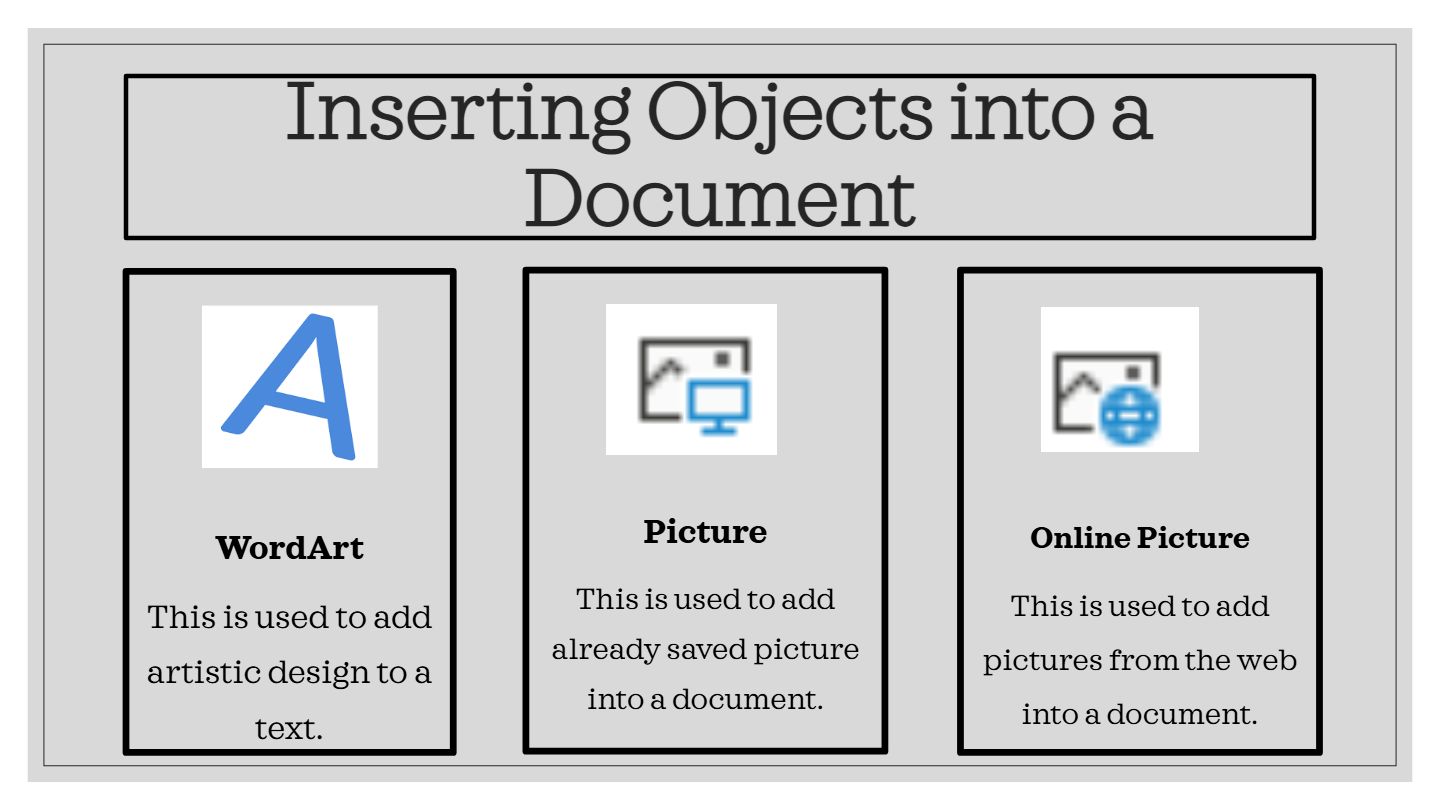
Explain the difference between inserting a Picture and an Online Picture into a document.

51

Fill in the Blanks

Type answer...

52

Open Ended

What is one question you still have or something you would like to know more about regarding word processing programs or Microsoft Word?

53

Multiple Select

Which of the following topics did you find most interesting or useful in today's Computing Study Guide session?

1

Meaning of Word Processing Programs

2

Microsoft Word Interface

3

Differences between 'Save' and 'Save As'

4

Basic Formatting and Keyboard Shortcuts

54

media
media

Show answer

Auto Play

Slide 1 / 54

SLIDE

Discover more resources for Computers