
 Game Mode
Answer to win. Pull to prove it.
Tug of War is a live game mode inside Playground. Students answer to earn strength, then go head-to-head in a dexterity round. Correct answers give an advantage; reflexes create the upset. Every student gets to compete.
How it works
Students compete as themselves
Every student enters the match with their Qbit. Their look, their cosmetics, their identity. The matchup screen shows both Qbits head-to-head with win/loss records, before the first question is asked.
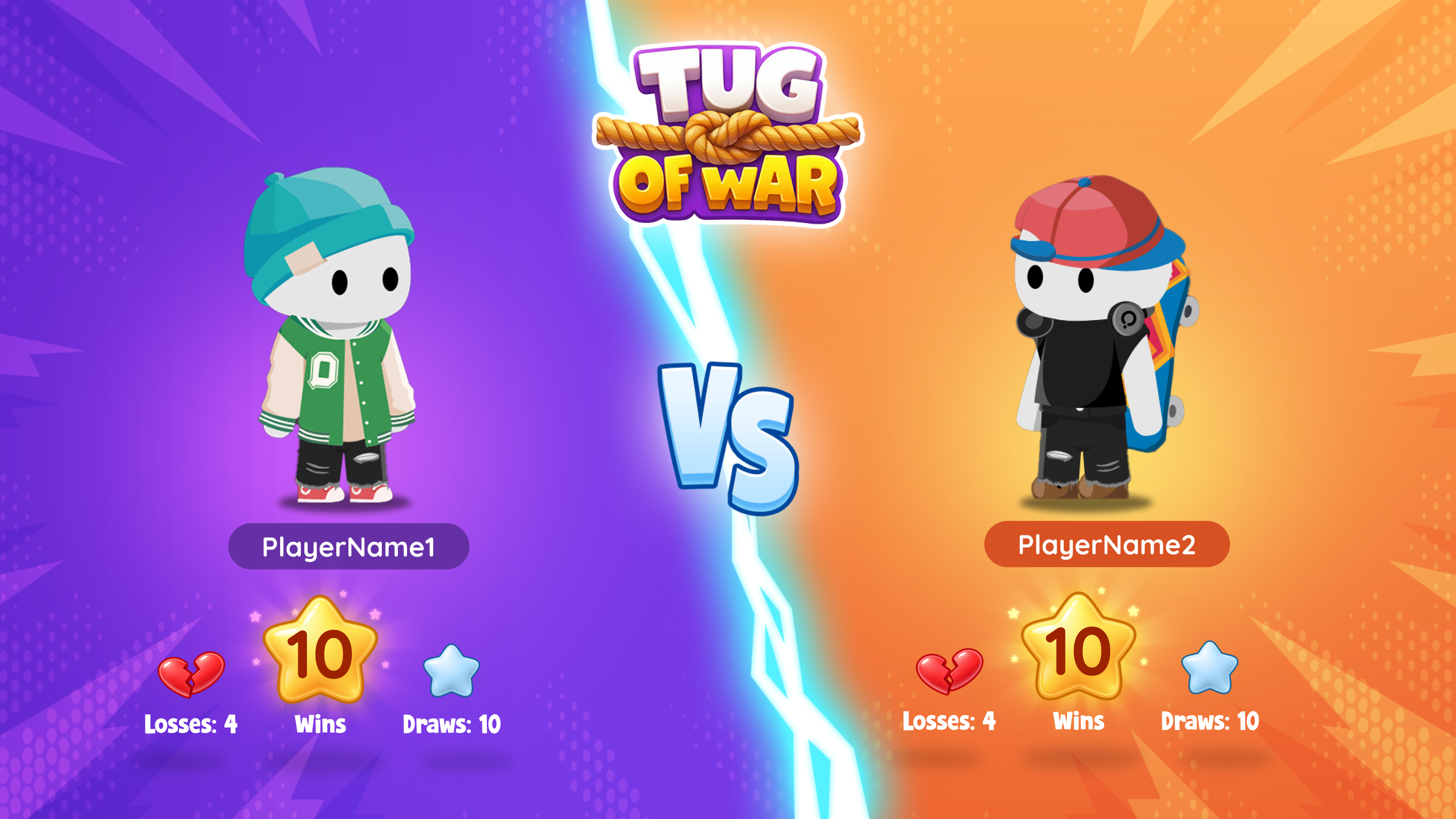 Pre-match: Qbits face off
Pick any activity you already have. Launch takes seconds.
No new content to build. No tool to switch. Tug of War runs on your existing Wayground library.
Try Tug of War FreeYour content. Your reports. Your classroom.
You already have quizzes in Wayground. Tug of War uses them. No importing, no rebuilding, no opening another app for a 5-minute energizer.
Best for
Frequently Asked Questions
Tug of War is a live 1v1 classroom game mode inside Playground. Students answer questions from your existing activity to build strength, then compete in a dexterity round where they press spacebar or click to pull the rope. It runs in 5-10 minutes, uses content you already have, and stays entirely inside Wayground.
After the answer round, matched students see each other on-screen. A timer starts and both students click as fast as they can to pull the rope toward their side. The student with a higher accuracy score from the answer round starts with a strength advantage: the center marker shifts toward them. But the student with faster clicking can overcome that gap. Whoever pulls the rope past the center wins.
Yes. Tug of War runs on multiple-choice and multiple-select quizzes you already have in Wayground. You do not need to rebuild content or import from another tool. Open Playground, pick an activity, and launch.
Yes. Correct answers create a strength advantage going into the dexterity round, but the dexterity round is where the match is decided. A student who answered fewer questions correctly can win by clicking faster. This gives students multiple paths to a win, and means the game feels fair even for lower-confidence learners.
Tug of War currently supports multiple-choice (MCQ) and multiple-select (MSQ) questions. If your quiz includes other question types like polls, open-ended, or draw questions, those won't be included in the game round. The Playground launcher will flag any content that isn't eligible so you can choose a compatible activity.
Yes. Tug of War is part of Playground and is free to use with your Wayground account. Sign up at wayground.com/signup to get started.
Log in to Wayground, navigate to Playground, select Tug of War, and pick any eligible activity from your library. Students join with a code on their devices. The whole setup takes under a minute. You can run your first duel today with a quiz you already have.
Your next review could end in a rematch
Launch Tug of War with an activity you already have and see how quickly students ask for another round.