

This year, there’s a way for it all

This year, there’s a way for it all
New games get even the quiet students buzzing
Playground's newest game modes bring more energy and more students joining in, and they run with the resources already in your library.


Your grading pile now stops following you home
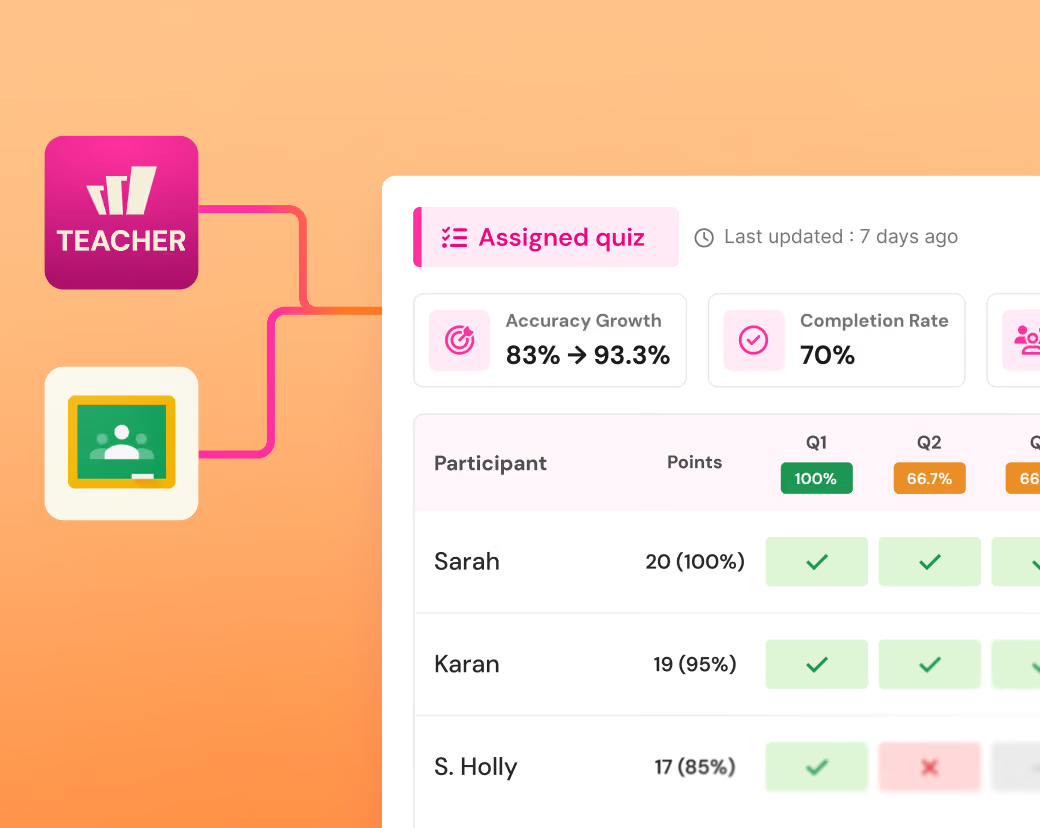
Join our Back-To-School Webinar Series
New Year, New Possibilities
See what's new in Wayground, revisit the essentials, and get your classroom set up for the first weeks of school.
Upcoming subject specific webinars:
ELA, Math, Science, Accomodations and Social Science.
More ways to ask, more ways to check in
New question types, sharper test prep, and built-in supports, ready before the first bell
NEW
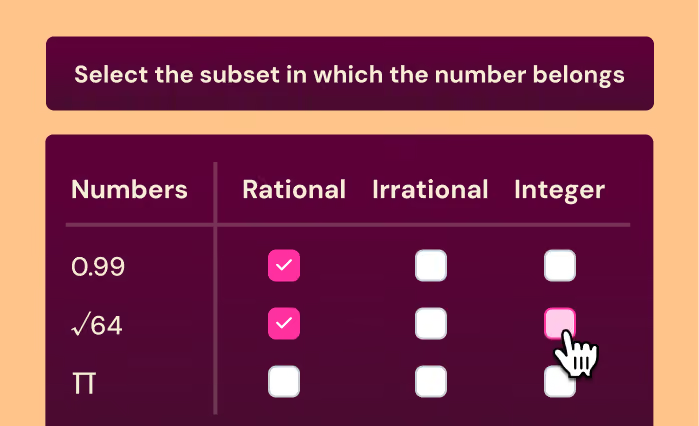
Match Table Grid
Students match each row to one or more columns in a grid, with partial grading so a near miss still earns credit.
NEW
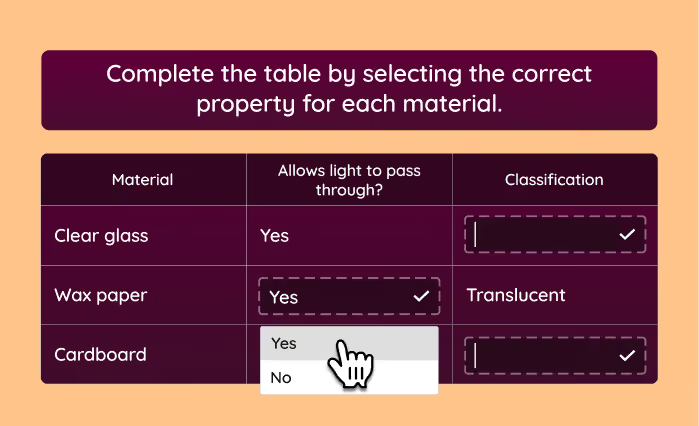
Table Fill In
Students fill in the blanks with the correct answers inside a table, and answers get auto-graded.
NEW
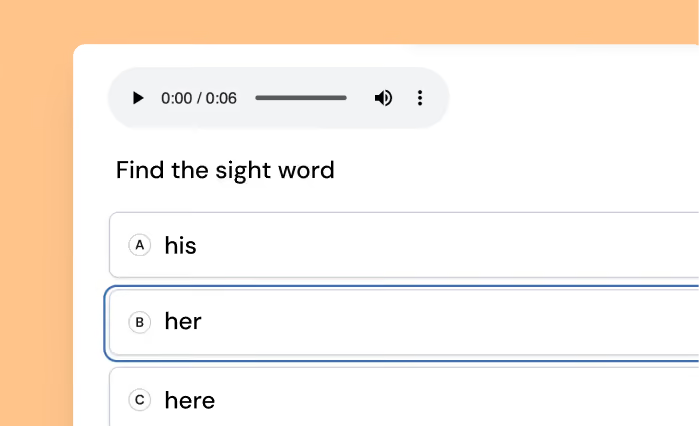
Test-mirrored practice
The TEIs, the environment, the tools, all matched to your state test. So when it's finally test day, nothing about it is new.
NEW
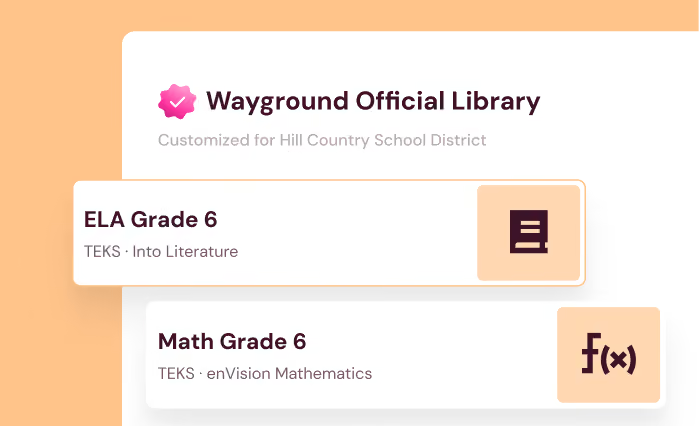
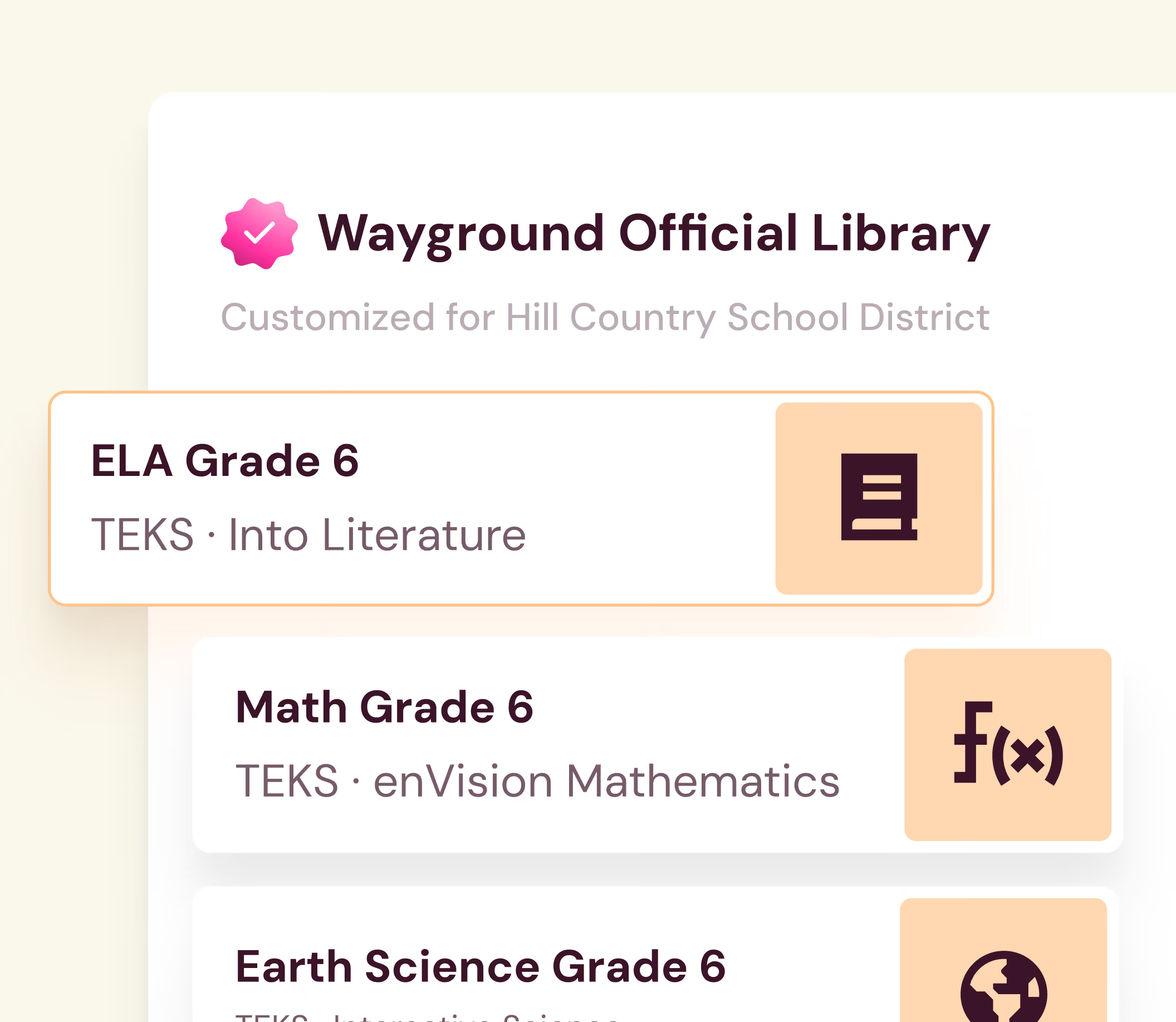
Wayground Official Libraries (WOL)
Pre-built assessments mapped to your scope and sequence in the rigor and formats of the state test.
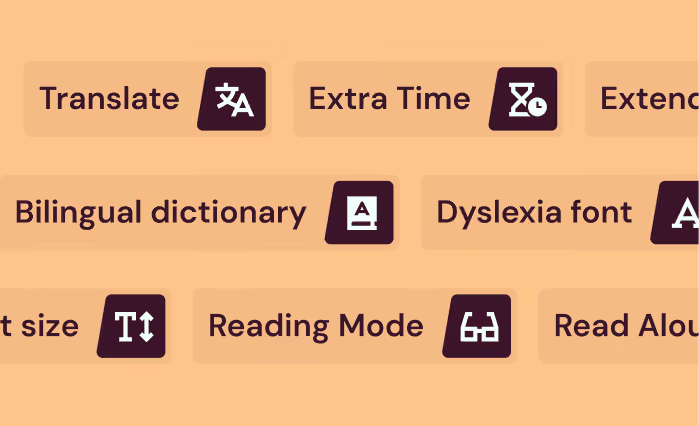
25+ accommodations
Translate, dyslexia font, reduced answer choices, extra time, and more. Set up once and differentiate automatically and discreetly.
Ships early September
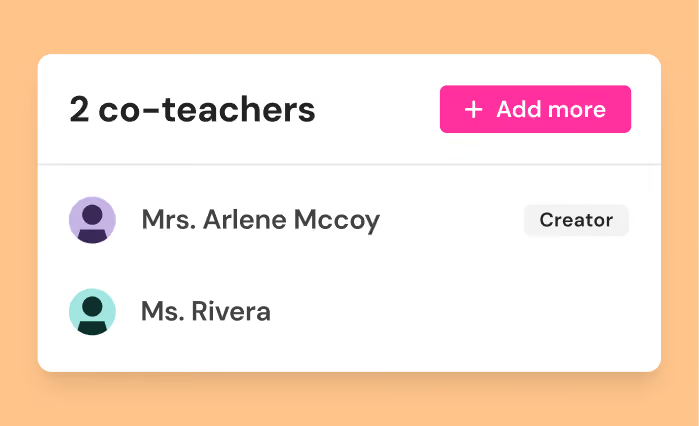
Free co-teacher seats
Add a co-teacher to a shared class, and they see every score, every standard, every accommodation, same as you.
3,000+ schools and districts nationwide


Frequently Asked Questions
Is Wayground free for teachers?
Our Starter Plan is free for every teacher. It covers assessments, presentations, passages, flashcards, videos, generative AI, and 25+ accommodations including read-aloud. Compare plans
Is Wayground the same as Quizizz?
Yes. Quizizz is now Wayground. It's the same platform you know, with a new name that reflects everything it does beyond quizzes.
What do I need to set up before the first day?
Your account, library, and classes carry over, so nothing breaks if you do nothing. Two things are worth ten minutes: add the Wayground extension so you can build from anything in your browser, and get the Wayground Teacher app so paper work lands in the same reports as everything else.
How does Wayground AI handle grading?
Wayground AI takes the first pass and you confirm before any score is final. That holds everywhere it appears, including rubric grading in Google Classroom and scanned paper in the app. It grades and suggests; the decision stays yours.
Can my school or district get this for everyone?
School and District adds all 20+ question types, 40M+ standards-aligned resources, full AI grading with custom and state rubrics, admin dashboards, LMS integrations, centralised accommodation setup, and a dedicated Customer Success Manager. See the leader view
Consolidate your tool stack
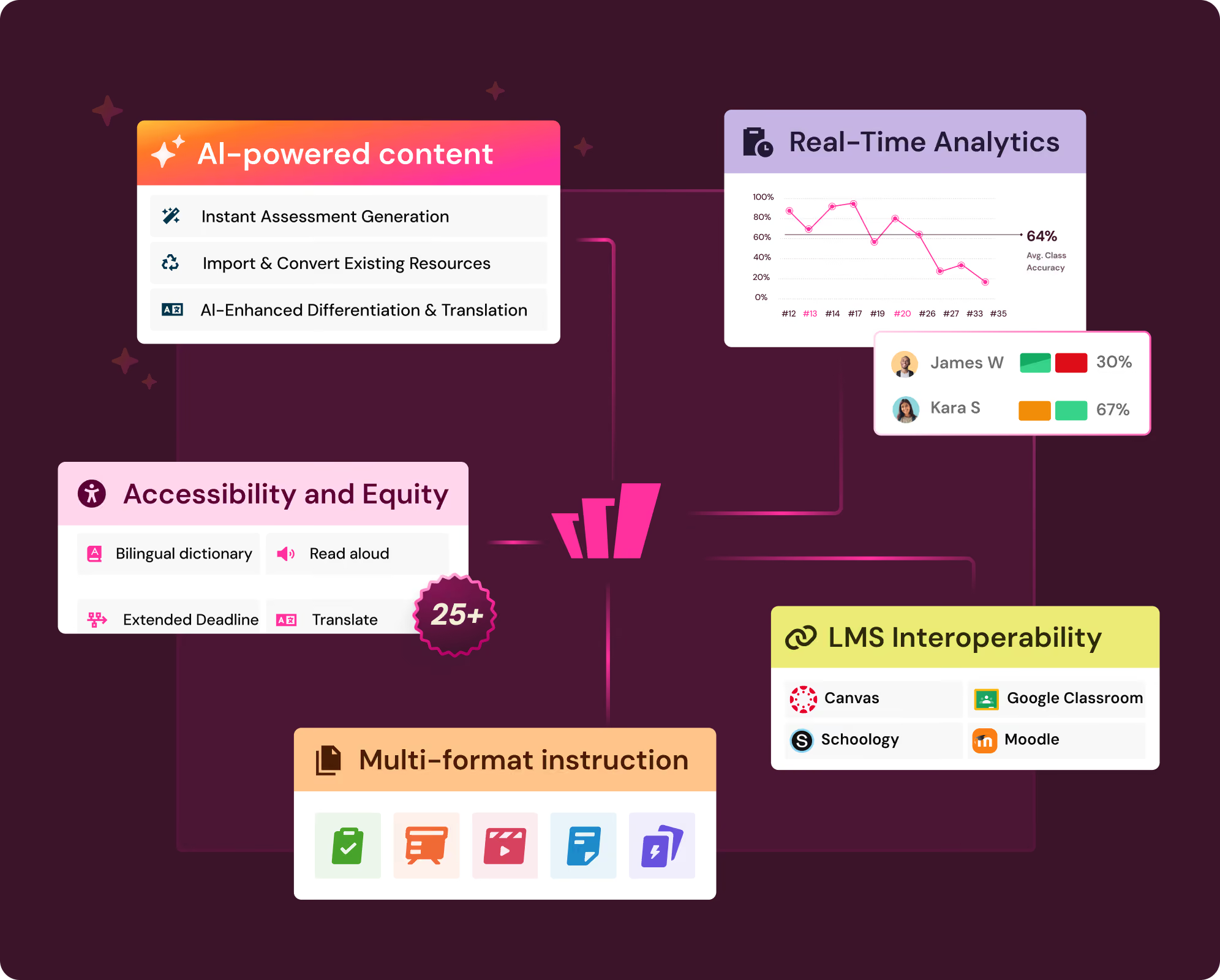
Support every way you teach and learn in one place:

From bell ringers to common assessments: replace 3–5 tools with one platform

Accessible by design: 25+ accommodations that are set once and applied every time, for every student

Bite-sized AI that generates, enhances, and analyzes throughout the instruction-to-assessment cycle
One grading system, wherever the work is
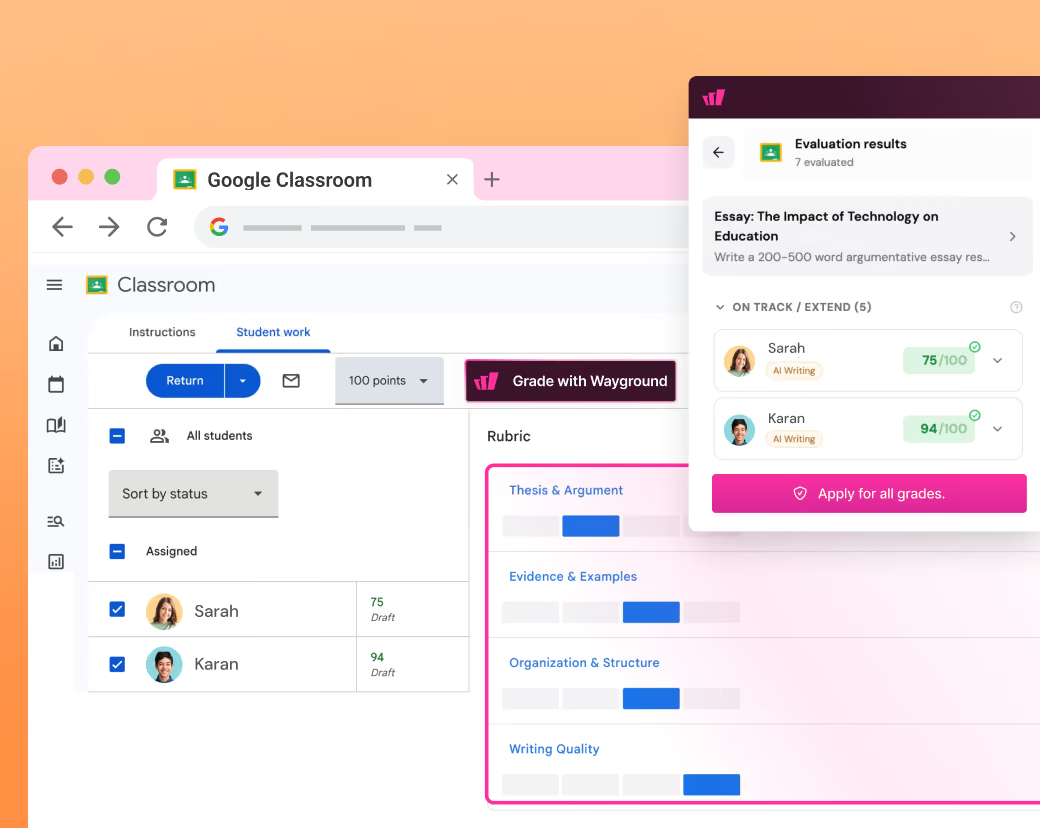
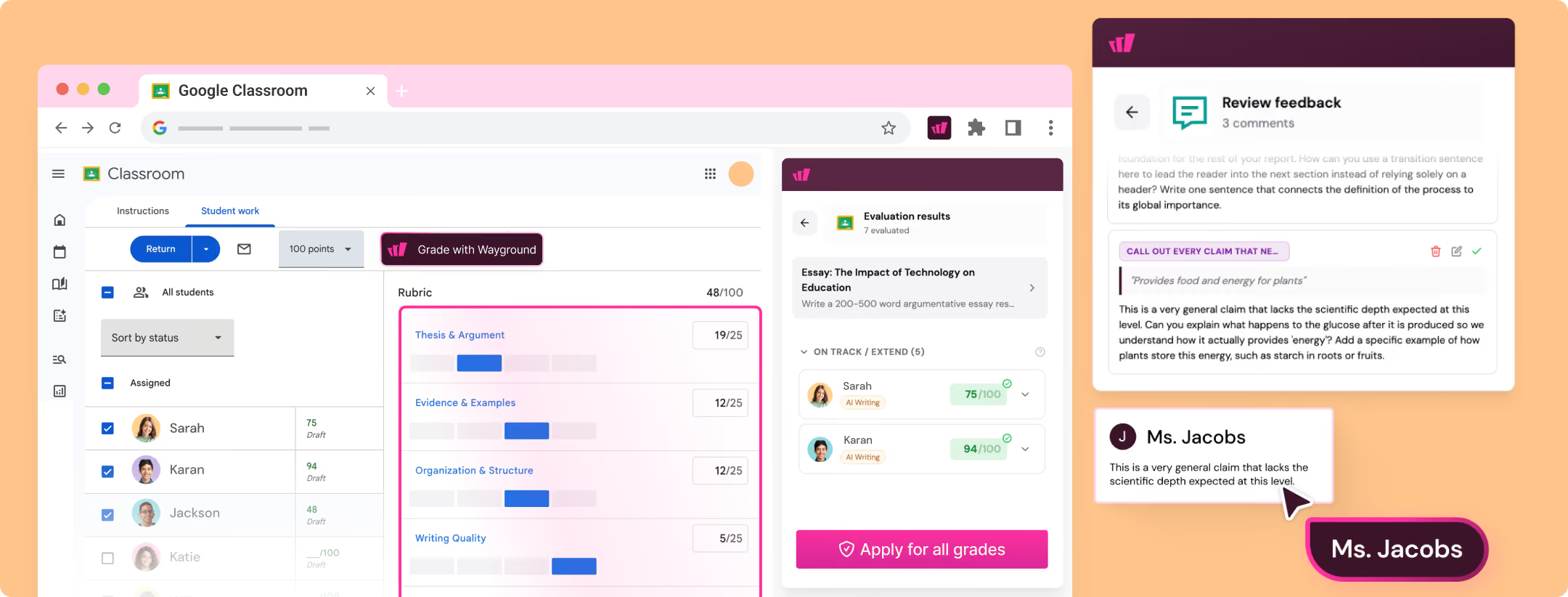
The Wayground Chrome extension lets teachers auto-grade with their own rubrics and check for AI use and plagiarism, without leaving Google Docs, Google Classroom, or their LMS.
Assess on paper, get digital reports instantly
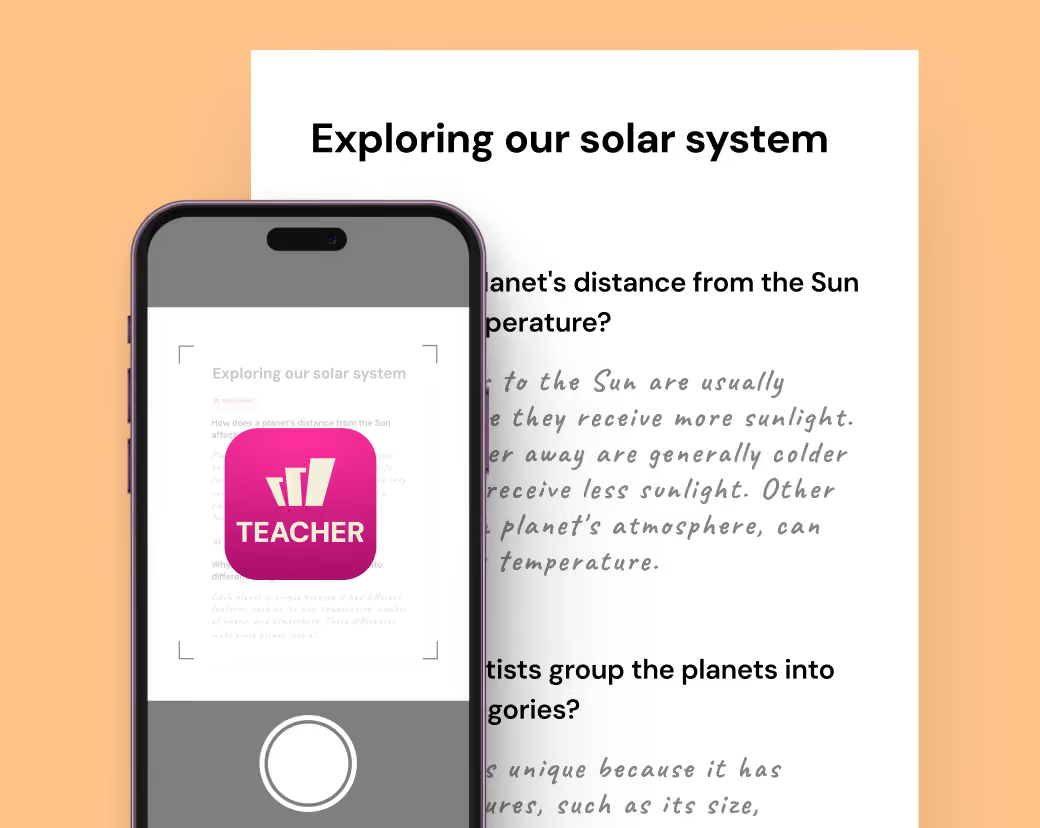
Teachers scan worksheets or bubble sheets with the new Wayground Teacher app, and results land in the same standards reports as everything else in Wayground.
Step 1
Open Wayground for Teachers app
Step 2
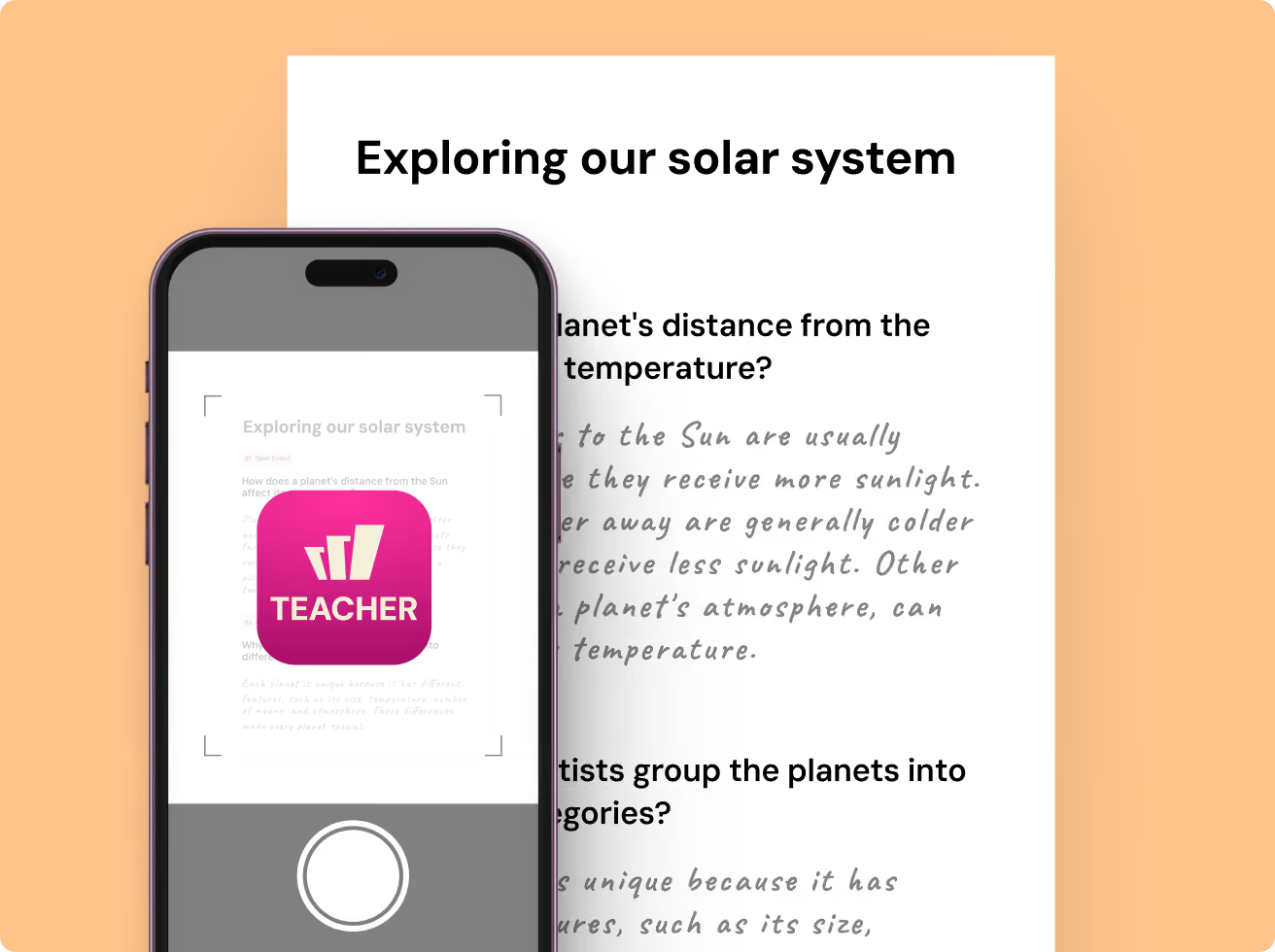
Scan worksheet
Step 3
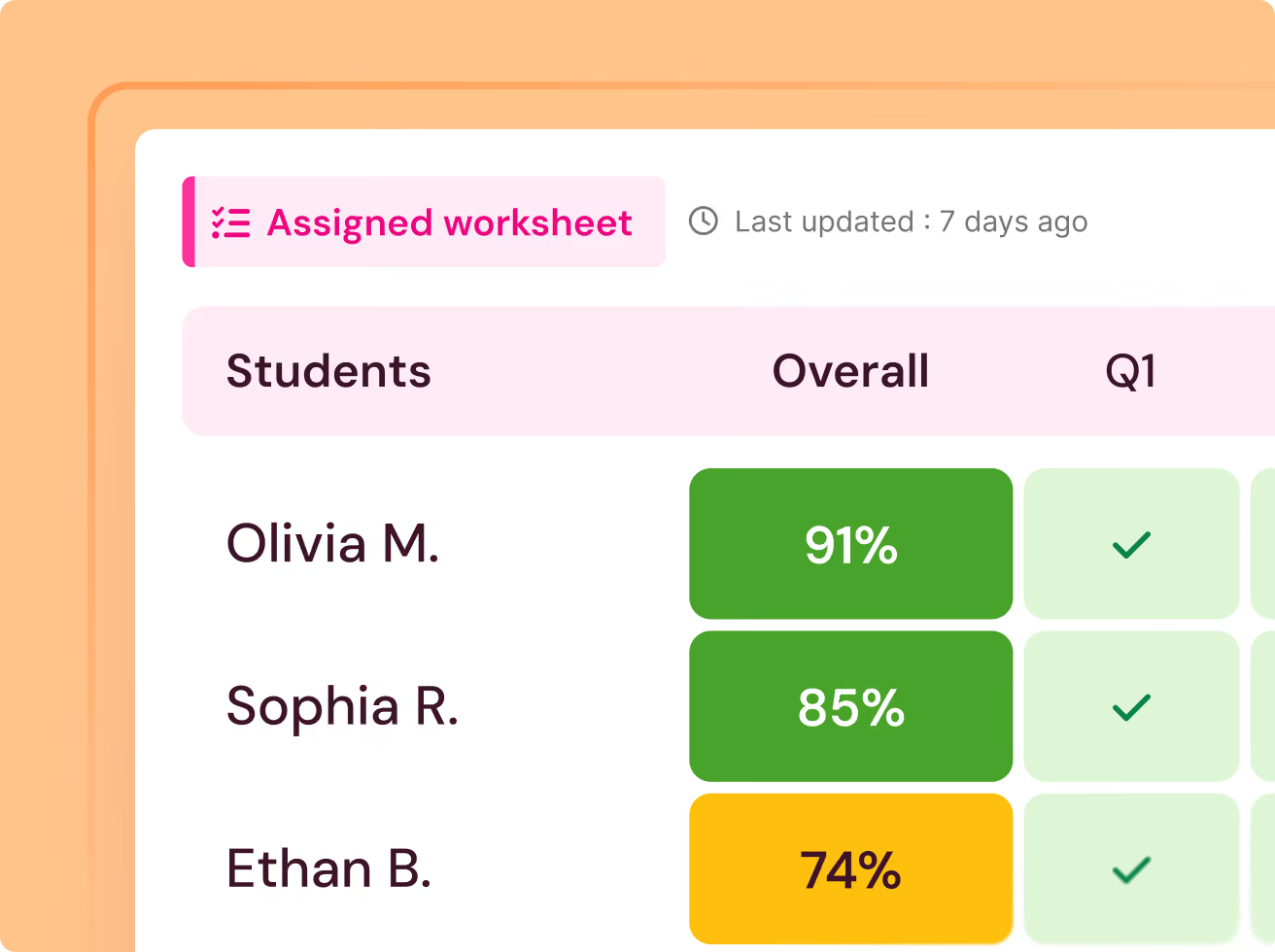
Generate reports
Get ready for the new school year
Sessions for leaders and coaches
A two part webinar series for admins and coaches led by industry leaders. It will take you through the research on navigating screen time and AI policy for your community.
Live sessions for your staff
Sessions held with your teams, on your calendar, using your own content so the training carries straight into your classrooms.
Asynchronous courses
Short courses for your teachers to learn about the platform, with practical skills and strategies.
The partnership around it
Clever and ClassLink integrations, LMS sync, privacy agreements, content migration, centralized accommodation setup. We help you set it all up, on a plan we build together, so support shows up exactly when you need it
Building readiness, all year long
Give students regular practice with the same formats and experience they'll see on state tests, so nothing feels unfamiliar on test day.
Every student and standard, in one view
New
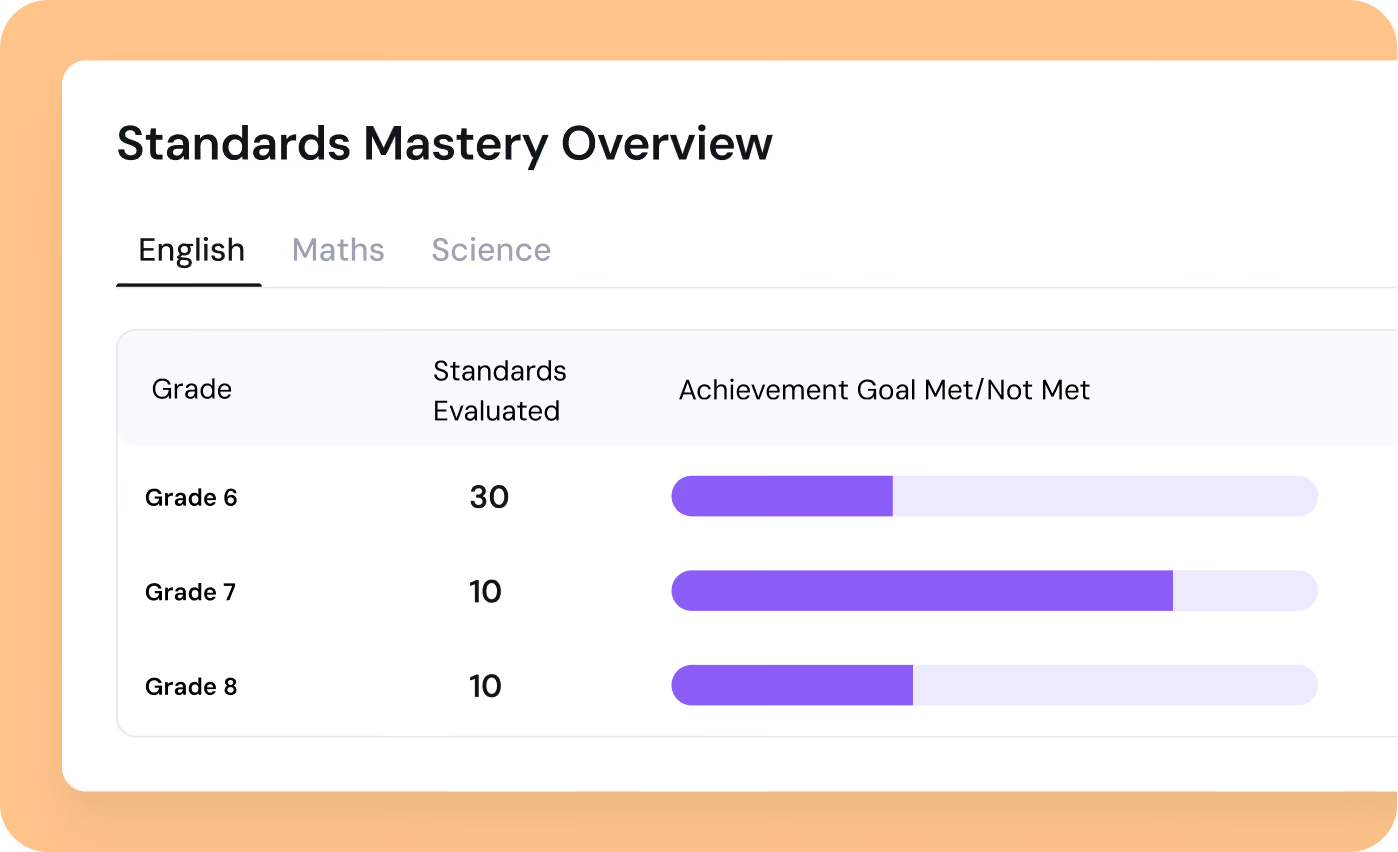
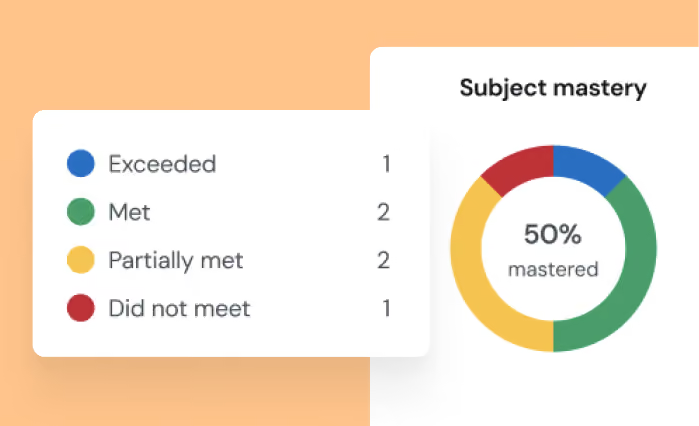
Standards Mastery Tracking
Where students are gaining ground on each standard, at classroom, school and subgroup level.
New
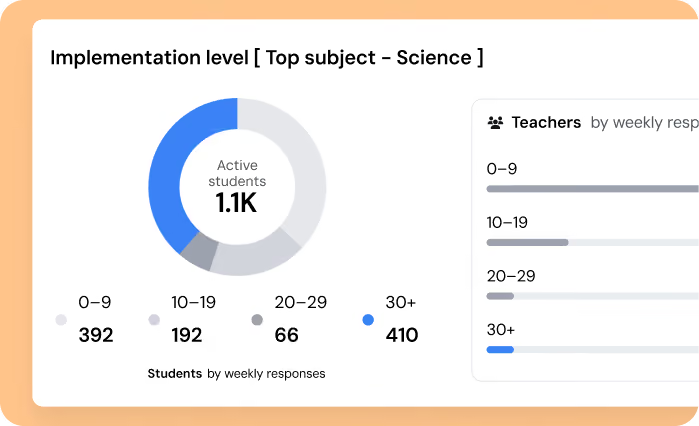
Implementation Tracking
Monitor the 30-questions-a-week guideline and step in before gaps have time to grow.
New
Student Profile
Auto-scored and auto-reported, with your PLCs on one shared data set. Wayground, NWEA, iReady and state tests in a single view.
ESSA Level III — Evidence-based designation that meets the bar for federal program funding and district adoption.

District case study · full write-up on request
“It’s a Swiss Army Knife. Every teacher finds something new to do with it and we use it as admins too. The first time I used the AI I said ‘there’s no way it can be that easy’ and I emailed my staff.”
Gary Lambert
Beekmantown CSD, New York
Ready for the new school year
Everything your teachers already rely on, now stronger at every step.
New
District Approved Resources
A library for district-curated content, distributed district-wide, with a content policy view of what teachers create and use.
New
Wayground AI in Google Classroom and Docs
Rubric-based auto-grading, in-line feedback for open-ended answers, and plagiarism and AI-use checks. Teachers review grades before any score is final.
AI Literacy content built-in
Content on Wayground with an official Common Sense Media partnership with the ability to distribute this content via LTI.
Centrally set-up accommodations
Consistent accommodations across every classroom, built into the platform itself. Compliance documentation runs in the background, and usage reports are ready when you need them.
New engagement tools to get students ready to learn
New game modes and Qbits get more students to participate actively. The same activity students find joy in meets the standards districts need.
3,000+ schools and districts nationwide
Questions teachers ask us
Is Wayground the same as Quizizz?
Yes. Quizizz is now Wayground. It's the same platform you know, with a new name that reflects everything it does beyond quizzes.
Can we use federal funds?
Yes. Wayground is eligible for ESSER, EANS, and Title I funding. We are also backed by ESSA Level III evidence, making it a strong fit for initiatives like learning acceleration, instructional recovery, high-dosage tutoring, and summer learning.
How does rostering and sign-in work?
Setup is automatic. Teachers sign in with Google or Microsoft, while Clever and ClassLink handle rostering. Google Classroom, Moodle, Canvas, and Schoology sync with Wayground, including grade passback where supported.
How do we know teachers will use it?
Most districts find that their teachers are already using Wayground, which is why adoption often starts organically. District leaders can then track usage and implementation across schools to support adoption where it's needed.
How is student data handled?
Privacy comes first. Wayground supports district privacy agreements and the Student Data Privacy Consortium (SDPC) process. Any AI-generated grade recommendations require teacher review before they're finalized. Learn more here: Privacy Center