
Best Classroom Games for Student Engagement: Free Tools and Ideas for Teachers
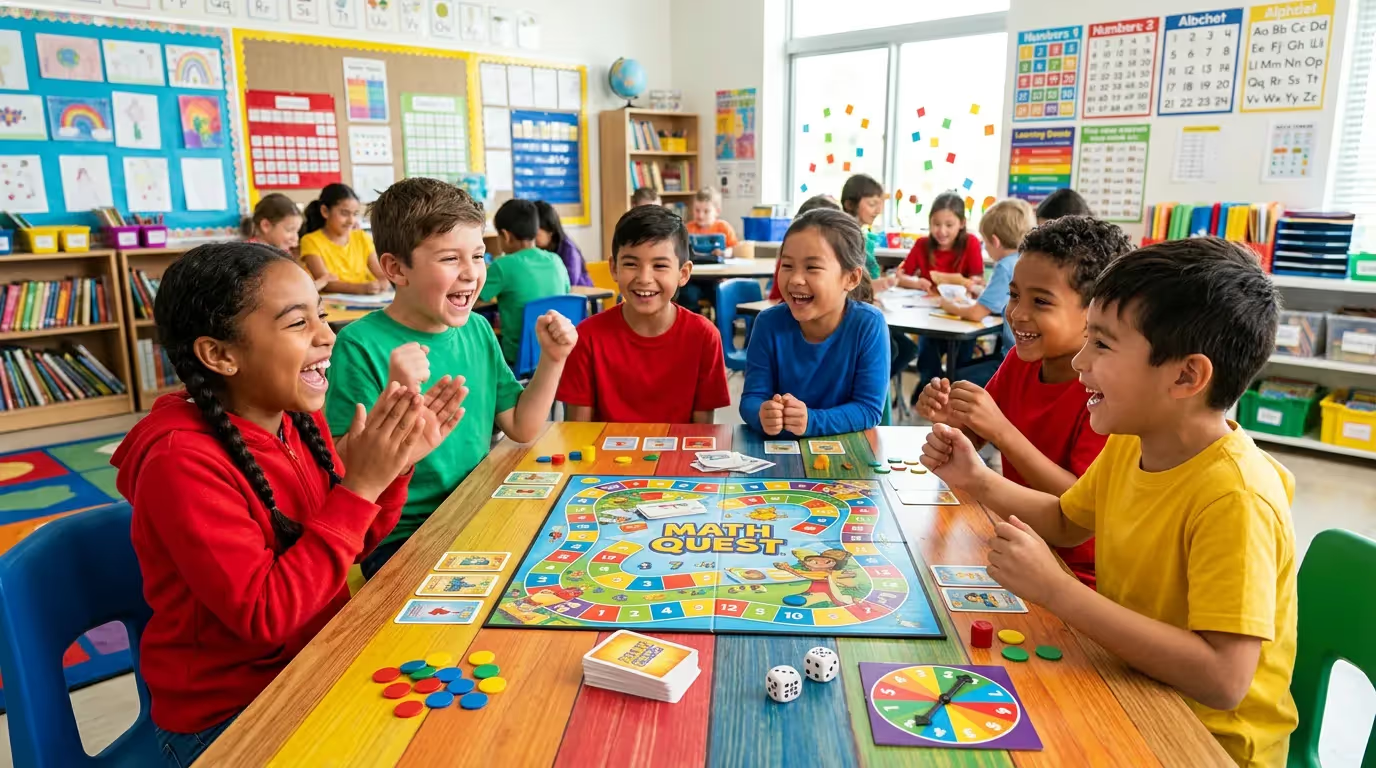
It is the day before a unit test. Students have been staring at review packets for 20 minutes and the energy has completely left the room. You need them to practice the material, but re-reading notes is not going to cut it. This is the moment when classroom games do what nothing else can.
Classroom games are structured learning activities that apply game mechanics, such as competition, points, team challenges, and rewards, to reinforce academic content and increase student engagement. The evidence is compelling: a 2024 meta-analysis in the British Journal of Educational Technology found gamification improves academic performance with an effect size of 0.78 (Zeng et al., 2024), placing classroom games among the most research-backed engagement strategies in K-12 education.
This guide covers the best free digital tools, no-prep physical games, subject-specific recommendations, and a practical framework for running a classroom game in under 10 minutes.
Why Classroom Games Work: The Research Behind Engagement
Teachers using games in their classrooms are not sacrificing rigor for fun. The research consistently shows that well-designed games accelerate learning, build motivation, and improve retention. Understanding the evidence also helps when making the case to administrators or skeptical colleagues.
What the Data Shows About Gamification
A 2023 meta-analysis published in Frontiers in Psychology analyzed 41 studies involving more than 5,071 participants and found gamification produces an overall effect size of 0.822 on learning outcomes. For context, John Hattie's Visible Learning research identifies an effect size of 0.40 as the threshold for meaningful impact, making this result substantial.
A three-year longitudinal study in MDPI Education Sciences (2024) tracked students across gamified, traditional, and online learning environments. Students in gamified classrooms outperformed those in traditional settings by 13% on success rates and those in online-only environments by 39%. The same study found gamification significantly reduced course withdrawal rates, a finding with real implications for teachers working with disengaged or at-risk students.
A separate systematic review in Frontiers in Education (2024) examined 90 gamification interventions across subjects, grade levels, and geographic regions. The conclusion: gamification consistently raises both engagement and academic achievement, with the strongest effects appearing in STEM subjects.
Beyond Engagement: Cognitive and Retention Benefits
Engagement is the entry point, but the deeper benefits are cognitive. Research indicates gamification supports higher-order thinking, promotes collaborative problem-solving, and strengthens long-term content retention when games are designed with clear learning objectives.
The design caveat matters. Not all games are equally effective. Research on Kahoot usage in a foreign language classroom found that its speed-focused scoring format pushed students toward quick guessing rather than accurate recall, and students who ranked low experienced decreased engagement and heightened anxiety. The mechanics of the game shape the learning it produces. Choose formats that align with your goals.
Best Free Digital Classroom Games
Digital tools offer real-time feedback, built-in question libraries, and teacher dashboards that turn a review game into usable instructional data. Below are the strongest free options available in 2026.
1. Wayground (Formerly Quizizz): Live Session Game Modes
Wayground is the most versatile free platform for classroom game-based learning. Used in more than half of U.S. schools and in over 150 countries, it has evolved from a simple quiz tool into a full instructional suite that combines games and formative assessment in a single workflow.
Key features for classroom games:
- Live Session Modes: Host a competitive game where all students play simultaneously. A real-time leaderboard updates after each question and displays on the classroom screen.
- Teacher Lobby: Teachers see a live list of joined students before launching. No more starting before everyone is ready.
- Team Mode: Students collaborate in small groups, with individual responses contributing to a shared group score. This maintains engagement while reducing individual competition pressure.
- Student-Paced Mode: Removes the countdown timer entirely. Students work through questions at their own pace while the teacher monitors live progress on a dashboard.
- Paper Mode: Extends game mechanics to low-device or no-device classrooms. Students complete paper versions; the teacher enters results and the platform tracks class-wide data.
- Real-Time Analytics: During and after every session, teachers see question-by-question performance data. This makes every game session a formative assessment, not just entertainment.
Best for: Teachers who want engagement and formative data from the same activity. Wayground's live sessions work as review games, warm-ups, or closing exit activities.
Implementation tip: Use Wayground's AI to generate 5-10 questions from a lesson document, URL, or text prompt in under two minutes. Host a live game to close the period.
2. Kahoot
Kahoot is the most widely recognized classroom quiz game for good reason. Its countdown music, animated leaderboard, and visual format generate genuine energy in the room.
Key features: Real-time competitive quizzes with sound effects, multiple-choice format, and a public library of millions of teacher-created question sets.
Best for: High-energy review moments when re-engagement is the primary goal. Works well at the start of a unit to activate prior knowledge or as a brief brain break.
Teacher tip: Use Kahoot selectively. Its speed-based scoring rewards fast responders over accurate ones, which can disadvantage students who need more processing time. For a more equitable formative check, Wayground or Blooket are stronger alternatives.
3. Blooket
Blooket has become one of the most-played classroom games at the elementary and middle school levels. Its differentiator is variety: 10 or more distinct game modes, each with a completely different format, from a tower-defense battle to a café-themed collection challenge.
Key features: Multiple game modes, shared question library, option for students to self-host, and classroom controls for teachers.
Best for: Sustained engagement across a multi-day unit. Rotating game modes prevents fatigue when using games repeatedly. Core modes are free; a small number require a paid plan.
4. Quizlet Live
Quizlet Live transforms the platform's enormous study set library into team-based competition. Randomly assigned teams must collectively match every term in a set before other teams finish. Correct answers stay on individual devices; incorrect answers require consultation with teammates.
Key features: Automatic random team assignment, access to thousands of pre-built sets, and a collaborative structure that builds discussion and peer teaching.
Best for: Vocabulary review in ELA, world languages, science, and social studies. Works best as a culminating review after students have already studied a Quizlet set on their own.
5. Wordwall
Wordwall takes a content set and applies it to 20 or more different templates: match-up, maze chase, anagram, quiz, and more. Each activity can also be exported as a printable worksheet, making it useful in both digital and low-tech settings.
Key features: Multiple activity types from a single question set, printable versions, time limits, and a shared teacher resource library.
Best for: ELA and language arts teachers who need variety without rebuilding content from scratch. Also effective for early finisher stations and homework alternatives.
Best No-Tech Classroom Games (No Prep or Low Prep)
Not every classroom has consistent device access, and not every lesson benefits from screens. These no-tech classroom games work anywhere, with minimal setup.
6. Hot Seat (0-Minute Prep)
Hot Seat is the most flexible no-tech game for any subject and any grade. One student sits facing the class with their back to the board. The teacher writes a word, concept, or name on the board behind them. The class gives verbal clues, without saying the actual word, until the student guesses correctly.
How to play:
- Choose a student for the hot seat.
- Write the target term on the board behind them.
- Set a 60-second timer.
- The class offers one-word or short-phrase clues.
- A correct guess earns a point for that student's team.
Best for: Vocabulary review, reading comprehension terms, historical figures, science concepts, and ELL students building language connections through context.
Variation: For large classes, run team rounds of 90 seconds and track cumulative scores. Rotate teams through the hot seat rather than individuals.
7. Jeopardy on the Whiteboard (15-Minute Prep)
Draw a five-by-five grid on the board, label the top row with five content categories, and assign point values to each row: 100, 200, 300, 400, 500. Questions go on sticky notes or index cards placed over the grid.
How to play:
- Divide the class into three or four teams.
- Teams alternate selecting a category and point value.
- The teacher reads the question; the first team to signal answers.
- Correct answers earn points; incorrect answers may deduct them.
- The team with the most points wins.
Teacher tip: This format works for any subject and grade level. For teachers who want the same structure without the prep time, Wayground includes a live game mode that replicates the Jeopardy format digitally, complete with real-time scoring and class analytics.
8. Vocabulary Bingo (15-Minute First-Time Setup)
Create custom bingo cards using vocabulary from your current unit. Students receive unique 5x5 cards with terms filled in randomly, a free center included. The teacher reads definitions, synonyms, or contextual clues rather than the words themselves. Students mark the matching term.
How to play:
- Distribute bingo cards (use a free online bingo card generator).
- Read a definition or clue aloud.
- Students find and mark the matching term on their card.
- First student to complete a line calls "Bingo" and reads back their answers.
- Verify answers before awarding the win.
Best for: Science vocabulary, math terms, historical events, and foreign language units. Once created, cards reuse across multiple class periods. Store cards in plastic sheet protectors so students can mark with dry-erase markers and wipe clean.
9. Four Corners (0-Minute Prep)
Label each corner of the room with a position: Strongly Agree, Agree, Disagree, Strongly Disagree. The teacher reads a statement connected to course content or an opinion question. Students move to their chosen corner and briefly defend their position.
How to play:
- Designate or label corners (temporary signs or simply point them out).
- Read a statement aloud.
- Students move to their corner within 30 seconds.
- Call on one student per corner to justify their choice.
- Brief class discussion before the next statement.
Best for: ELA persuasive writing units, social studies debates on historical decisions, ethics discussions in science, or any topic with legitimate multiple perspectives.
Why it works: Four Corners develops argumentation skills and gets students physically moving. Research links movement during learning to re-engagement, making this format especially useful after long sedentary periods.
Classroom Games by Subject Area
Math Classroom Games
- Wayground live sessions: Build a mixed-operation review quiz; use Student-Paced Mode to accommodate different processing speeds
- Math Baseball: Two teams compete; teacher pitches questions of varying difficulty (single, double, triple, home run), each requiring a harder problem
- Around the World: Two students compete at a time on oral math drills; correct answer advances that student to the next seat, cycling around the room
ELA and Reading Games
- Hot Seat with literary characters, vocabulary terms, or figurative language examples
- Vocabulary Bingo for new unit words and standardized test prep
- Quizlet Live for vocabulary review before major assessments
- Wordwall for grammar activities, sentence structure practice, and reading comprehension matching
Science Classroom Games
- Blooket with teacher-created question sets aligned to current units; particularly popular for middle school life and physical science
- Breakout EDU digital escape rooms for lab safety, scientific method reviews, or unit introductions
- Wayground live games for concept check-ins after labs or demonstrations
Social Studies and History Games
- Four Corners for historical decision debates ("Should the United States have entered World War I?")
- Jeopardy for geography terms, civics vocabulary, and timeline reviews
- Quizlet Live for key figures, important dates, and map terminology
How to Choose the Right Classroom Game
Choosing the right game comes down to four variables: technology access, available time, instructional goal, and class culture.
When to Use Competitive vs. Collaborative Games
Not every student thrives under competitive formats. Research on speed-based games found that students who rank low can experience reduced engagement and a sense of inadequacy. For classrooms with significant skill-level variation or students with test anxiety, collaborative formats tend to produce more consistent participation.
Practical options for reducing competition pressure:
- Use Wayground's Team Mode, where individual answers contribute to a group score rather than a personal ranking
- Enable Wayground's Student-Paced Mode to remove countdown timers entirely
- Choose Quizlet Live, where team coordination matters more than individual speed
- Try Four Corners or Hot Seat, which are inherently discussion-based and low-stakes
How to Run a Classroom Game in 10 Minutes
For teachers with limited prep time, this workflow gets a classroom game running in under 10 minutes using Wayground's live session mode.
Step 1: Open Wayground and select an existing quiz or click "Create." Use Wayground AI to generate 5-10 questions by entering a topic, pasting lesson text, or uploading a document.
Step 2: Click "Host Live." Choose your game mode: Classic (individual leaderboard) or Team Mode (collaborative group scoring).
Step 3: Select session settings. For a structured review, choose Teacher-Paced mode so all students focus on the same question simultaneously. For independent practice, choose Student-Paced.
Step 4: Share the join code displayed on screen or send the lobby link through your LMS. Wayground integrates with Google Classroom, Canvas, and Schoology. Students join at wayground.com.
Step 5: Launch the session and monitor the live dashboard. After the game, review the results screen to identify questions with the highest error rates. That data tells you precisely what to revisit in the next lesson.
The same workflow applies on Kahoot and Blooket. Wayground distinguishes itself by connecting game performance directly to instructional planning through its post-session analytics.
Quick Reference: Classroom Games at a Glance
Getting Started with Classroom Games
The research is consistent, the tools are largely free, and the implementation barrier is lower than most teachers expect. A five-question Wayground live game takes two minutes to set up. Hot Seat requires nothing but a word on a whiteboard.
A few principles to carry forward:
- Start with one game from this list and build a routine before adding variety.
- Match the format to your goal. Collaborative games when competition would disadvantage struggling students; competitive formats when the class can handle the energy.
- Use post-game data. Platforms like Wayground show you exactly which questions students missed, turning every game into an instructional planning tool.
- No-tech games are just as effective as digital ones. Four Corners, Hot Seat, and Jeopardy cost nothing and adapt to any classroom.
Wayground's free plan includes live session game modes with real-time leaderboards, team collaboration options, and class analytics after every session, making it a strong starting point for any teacher ready to explore game-based learning.
References
- Zeng, M., et al. (2024). Exploring the impact of gamification on students' academic performance: A comprehensive meta-analysis.
. https://bera-journals.onlinelibrary.wiley.com/doi/full/10.1111/bjet.13471 - Frontiers in Psychology (2023). Examining the effectiveness of gamification as a tool promoting teaching and learning: A meta-analysis.
. https://www.frontiersin.org/journals/psychology/articles/10.3389/fpsyg.2023.1253549/full - MDPI Education Sciences (2024). Impact of gamification on students' learning outcomes: A longitudinal study.
. https://www.mdpi.com/2227-7102/14/4/367 - Frontiers in Education (2024). Impact of gamification on school engagement: A systematic review.
. https://www.frontiersin.org/journals/education/articles/10.3389/feduc.2024.1466926/full - Wayground Help Documentation (2025). Live session modes on Wayground. https://help.wayground.com/support/solutions/articles/158000404918-live-session-modes-on-wayground
- Common Sense Education. The most engaging games for the classroom. https://www.commonsense.org/education/lists/the-most-engaging-games-for-the-classroom
- Hattie, J. (2012).
Routledge.
Find your way forward
FAQs
What are the best free classroom games for teachers?
Wayground, Kahoot, Blooket, and Quizlet Live all offer free plans with strong core functionality. For no-tech options that cost nothing, Hot Seat, Four Corners, and whiteboard Jeopardy require zero budget and zero digital setup.
What classroom games work without technology?
Hot Seat, Vocabulary Bingo, Four Corners, Jeopardy on a whiteboard, Math Baseball, and Around the World all work without any devices. These games require minimal or no prep and adapt easily to any subject or grade level.
How do classroom games improve student learning?
Research shows gamification improves academic performance with effect sizes of 0.78 to 0.82 (Zeng et al., 2024; Frontiers in Psychology, 2023). Games increase intrinsic motivation, support collaborative thinking, reduce dropout behavior, and improve content recall by tying emotional engagement to learning moments.
What games can you play in a classroom with no materials?
Four Corners and Around the World require zero materials. Hot Seat only needs a whiteboard or chalkboard. All three can be run spontaneously with no advance preparation.
How often should teachers use classroom games?
Most teachers find success with one game-based activity per week, typically as a review, warm-up, or closing activity. Using games too frequently can reduce their novelty and impact. Using them too rarely means leaving a high-impact strategy underutilized.
What are good classroom review games before a test?
Whiteboard Jeopardy and Wayground live sessions are the most effective pre-test formats because they cover broad content quickly and surface which concepts need more attention. Quizlet Live works well for vocabulary-heavy tests. Keep review games to 15-20 minutes to avoid fatiguing students before assessment day.
How do I create a Jeopardy game for my classroom?
Draw a five-by-five grid on the whiteboard. Label the top row with five content categories. Fill each column with point values: 100, 200, 300, 400, 500. Write one question per value on a sticky note or index card. Divide students into teams and let them select categories. For a digital version, use JeopardyLabs.com or Wayground's live game mode.
What classroom games work for middle school?
Blooket is particularly popular at the middle school level for its RPG-style formats. Quizlet Live works well for vocabulary-heavy middle school subjects. For no-tech options, Hot Seat, Jeopardy, and Four Corners all work effectively with grades 6-8. Rotating formats across the school year keeps engagement high.
How do I reduce competition anxiety in classroom games?
Use team-based formats rather than individual rankings. Wayground's Team Mode, Quizlet Live, and Four Corners are naturally collaborative. For competitive formats, consider hiding the leaderboard during gameplay and revealing results only at the end. Student-Paced Mode on Wayground removes countdown timers entirely, which helps students who struggle under time pressure.
Are classroom games better than traditional review activities?
Research generally supports gamified review over passive re-reading or worksheet-based practice. A longitudinal study found gamified learning outperformed traditional instruction by 13% in success rates (MDPI, 2024). That said, the most effective classroom games are those aligned to a clear learning objective. Not every lesson calls for a game; use them strategically where engagement is the primary barrier.