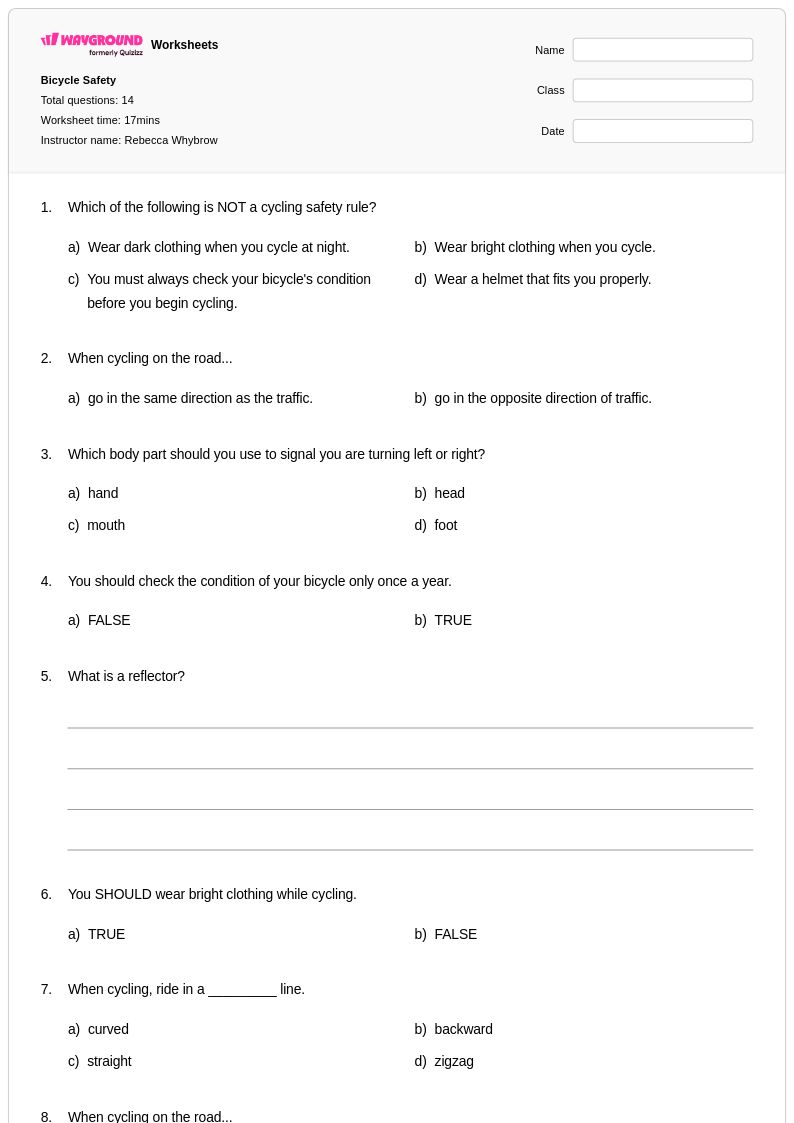
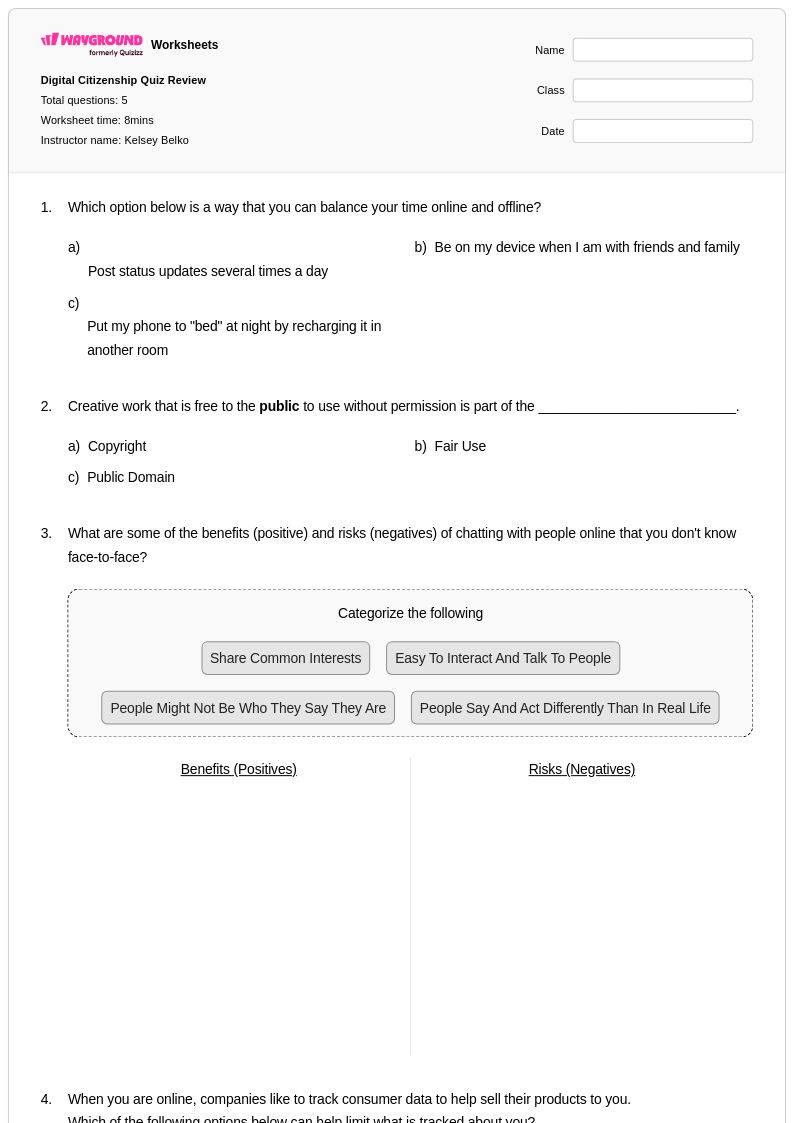
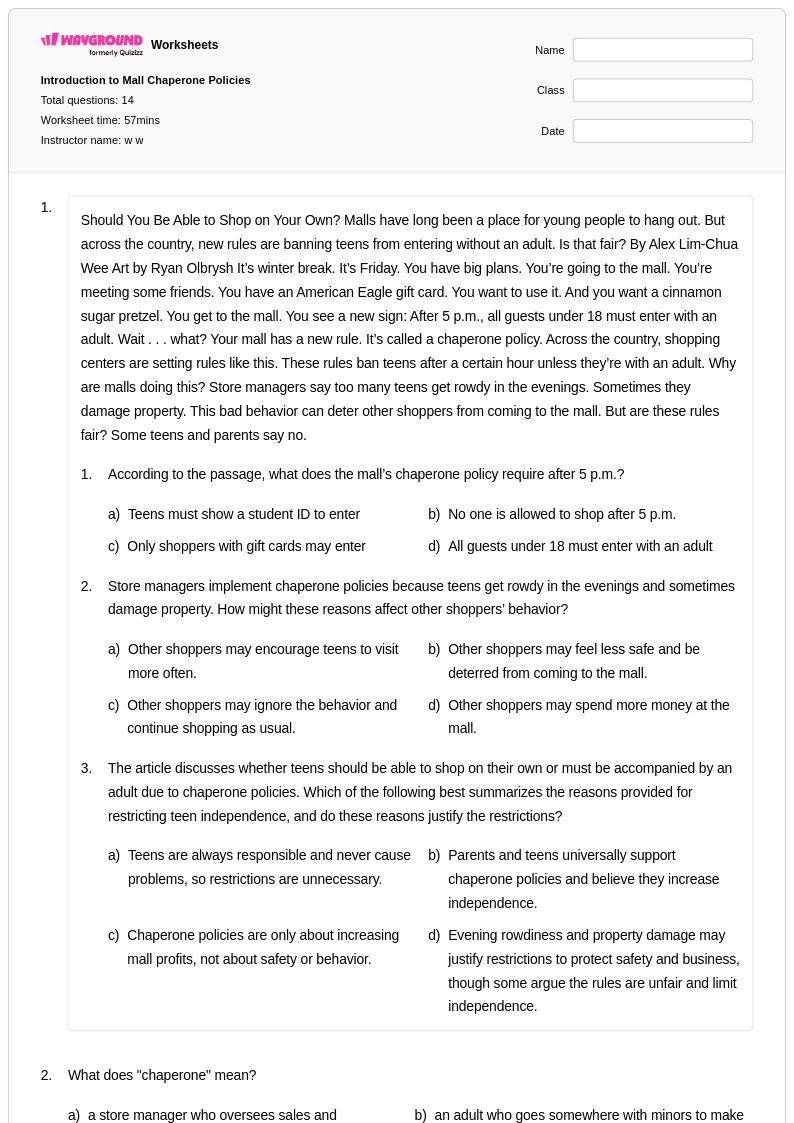
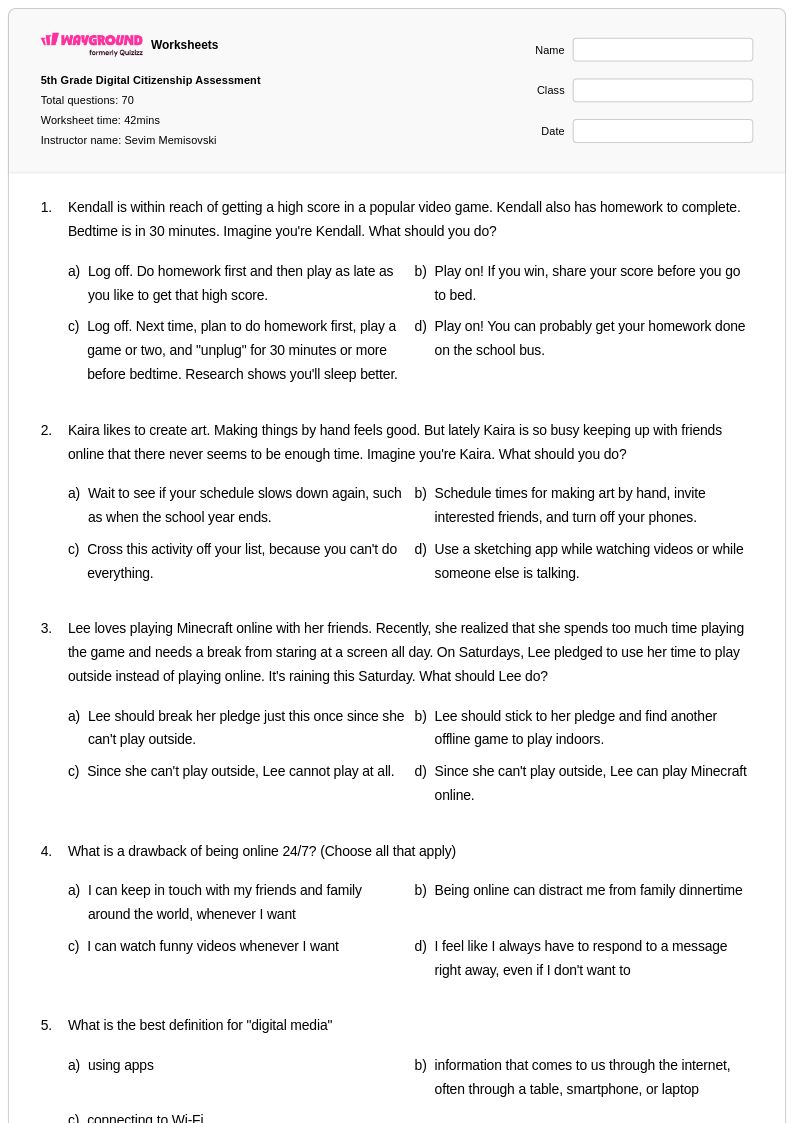
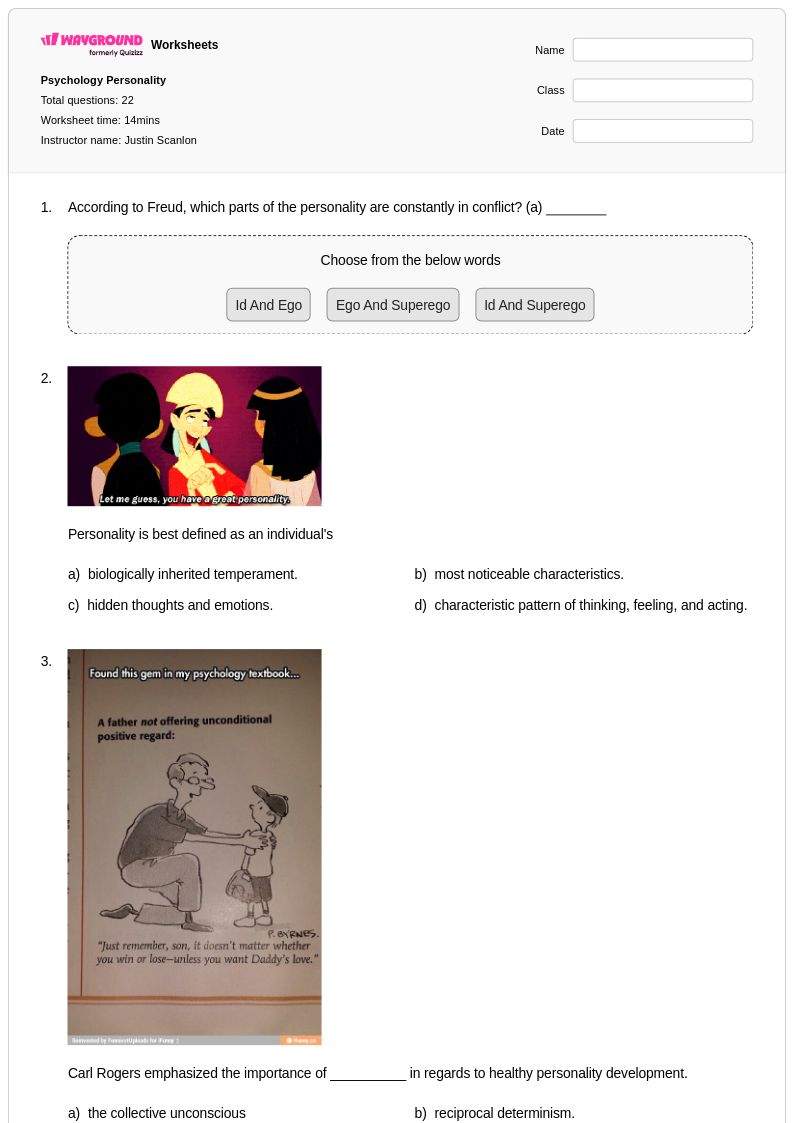
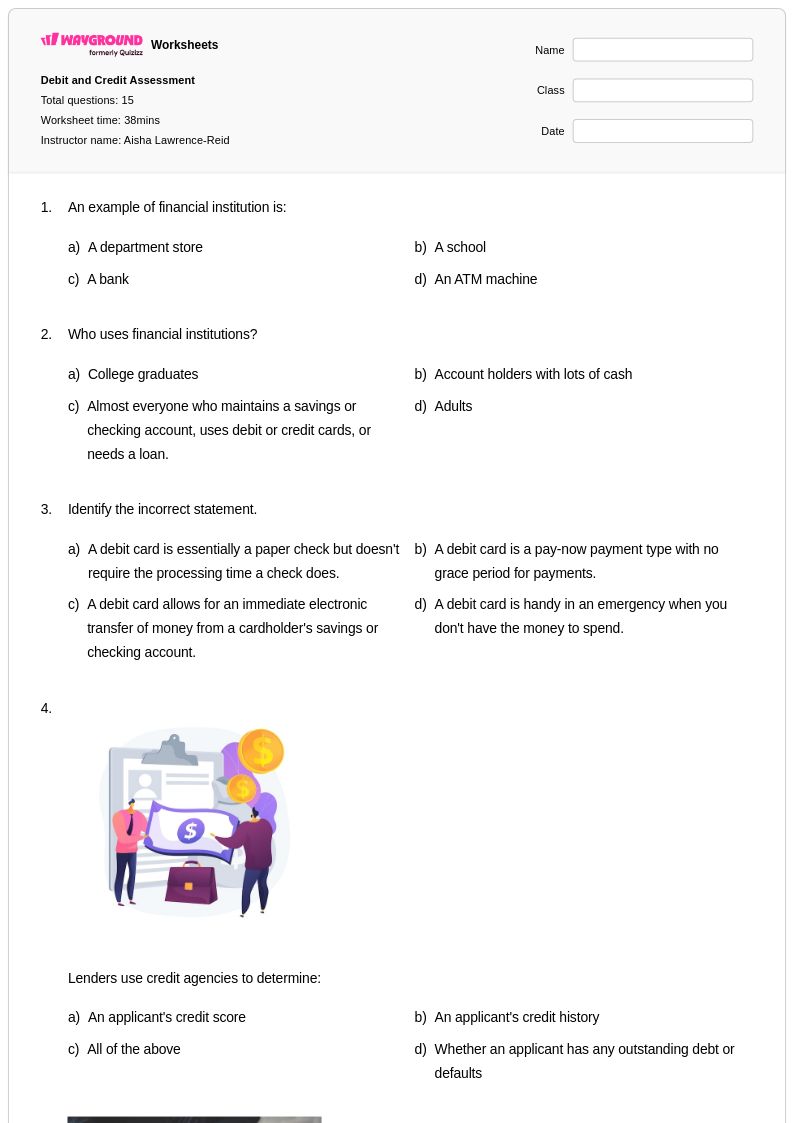
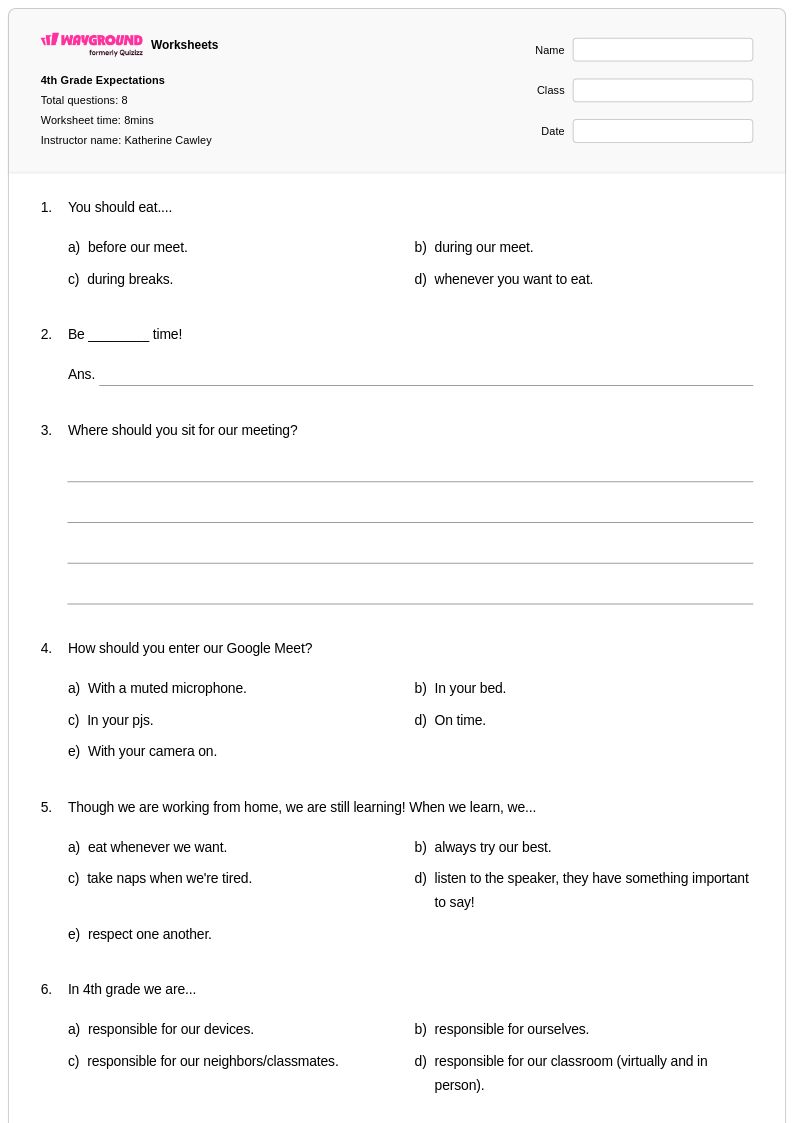
Enhance students' digital citizenship with Wayground's free online safety worksheets and printables that teach essential internet security skills, privacy protection, and responsible online behavior through engaging practice problems and comprehensive answer keys.
Online safety worksheets available through Wayground (formerly Quizizz) provide essential digital citizenship education that helps students develop critical awareness and protective behaviors in virtual environments. These comprehensive resources strengthen students' ability to recognize online threats, understand privacy protection, identify cyberbullying situations, and practice appropriate digital communication skills. The worksheet collection includes practical scenarios that allow learners to apply safety concepts through guided practice problems, while accompanying answer keys support both independent study and classroom instruction. These free printables offer educators ready-to-use materials that address everything from password security and social media awareness to identifying suspicious online behavior and understanding digital footprints.
Wayground (formerly Quizizz) supports educators with an extensive library of millions of teacher-created online safety resources that can be easily searched, filtered, and customized to meet diverse classroom needs. The platform's robust differentiation tools enable teachers to modify worksheet difficulty levels and content focus areas, ensuring appropriate challenge levels for students across different ability ranges. These materials are available in both printable pdf formats for traditional classroom use and digital formats for technology-integrated learning environments, providing maximum flexibility for lesson planning and implementation. Teachers can efficiently locate standards-aligned content, create targeted practice opportunities for skill reinforcement, and develop both remediation materials for struggling learners and enrichment activities for advanced students, making comprehensive online safety education accessible and manageable within any instructional framework.
FAQs
How do I teach online safety to students in a meaningful way?
Effective online safety instruction moves beyond rules and into real-world application. Use scenario-based activities that ask students to evaluate actual situations — such as identifying a phishing message, deciding what personal information is safe to share, or recognizing cyberbullying. Grounding lessons in realistic digital contexts helps students internalize protective behaviors rather than simply memorizing guidelines.
What topics should an online safety worksheet cover?
A well-rounded online safety worksheet should address password security, privacy protection, recognizing suspicious online behavior, understanding digital footprints, social media awareness, and cyberbullying identification. Covering this range ensures students develop both technical awareness and the social-emotional skills needed for responsible digital citizenship.
What exercises help students practice online safety skills?
Scenario-based practice problems are among the most effective tools for building online safety skills, because they require students to make decisions in context rather than recall definitions. Worksheets that present realistic digital situations — such as evaluating a suspicious link or deciding how to respond to an online message — help students apply concepts and build judgment they can transfer to real situations.
What mistakes do students commonly make when learning about online safety?
Students frequently underestimate the permanence of their digital footprint, assuming deleted content disappears entirely. They also tend to overshare personal information, not recognizing that details like school name, location, or daily routines can be used to identify or target them. A common misconception is that only strangers pose online risks, when in reality cyberbullying and privacy violations often involve known peers.
How can I differentiate online safety instruction for students at different skill levels?
For students who need additional support, simplify scenarios and reduce answer choices to lower cognitive load. For advanced learners, introduce more complex situations involving social media ethics, digital reputation management, or identifying subtle manipulation tactics. On Wayground, teachers can apply accommodations such as reduced answer choices or read-aloud support to individual students, ensuring everyone engages with the material at an appropriate level.
How do I use Wayground's online safety worksheets in my classroom?
Wayground's online safety worksheets are available as printable PDFs for traditional classroom use and in digital formats for technology-integrated environments, including the option to host them as a live quiz on the Wayground platform. Teachers can assign worksheets for independent practice, use them as guided group activities, or deploy them digitally with student-level accommodations such as extended time or read-aloud enabled for individual learners.