Free Printable Ecological Succession Worksheets for Class 6
Explore Class 6 ecological succession worksheets and free printables that help students understand how ecosystems change over time through engaging practice problems and comprehensive answer keys.
Explore printable Ecological Succession worksheets for Class 6
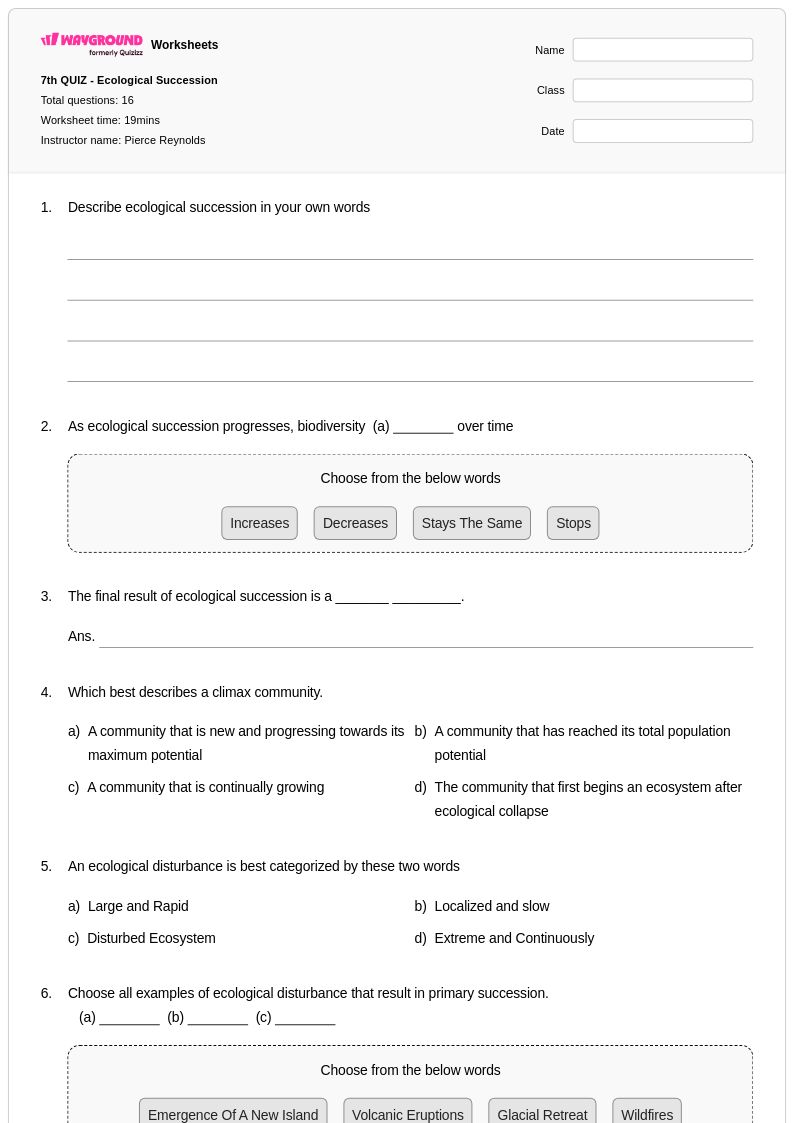
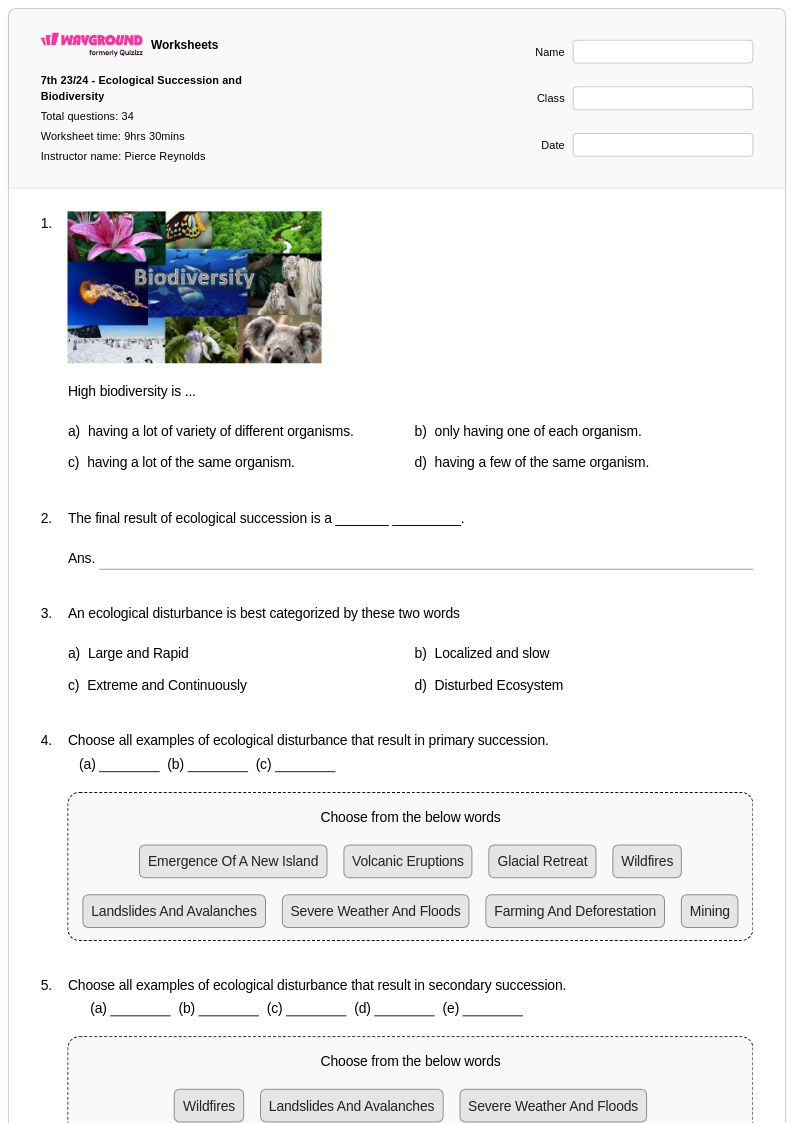
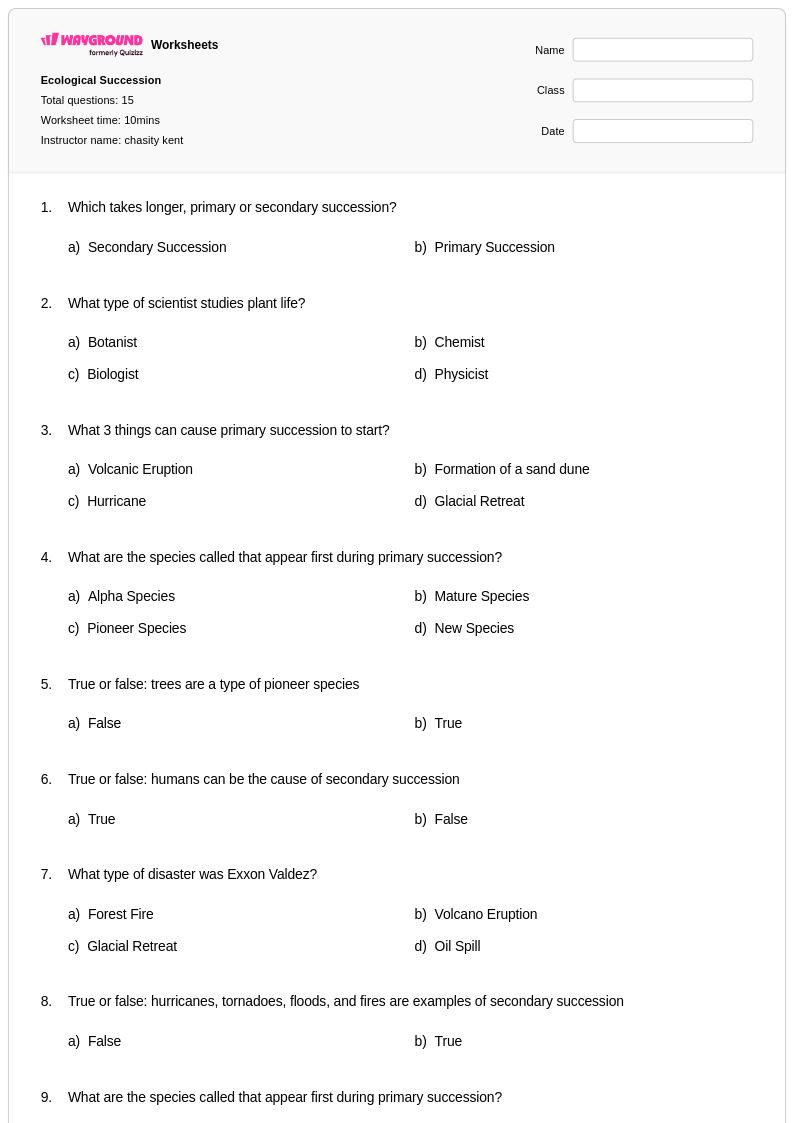
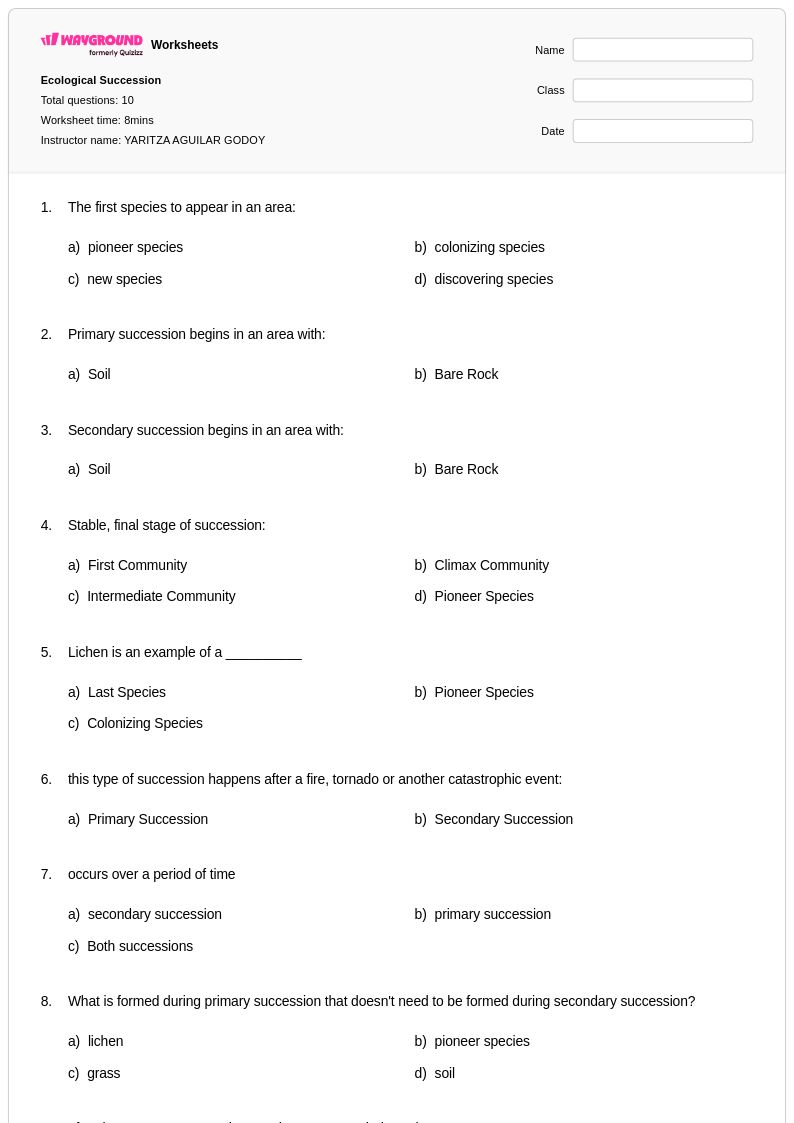
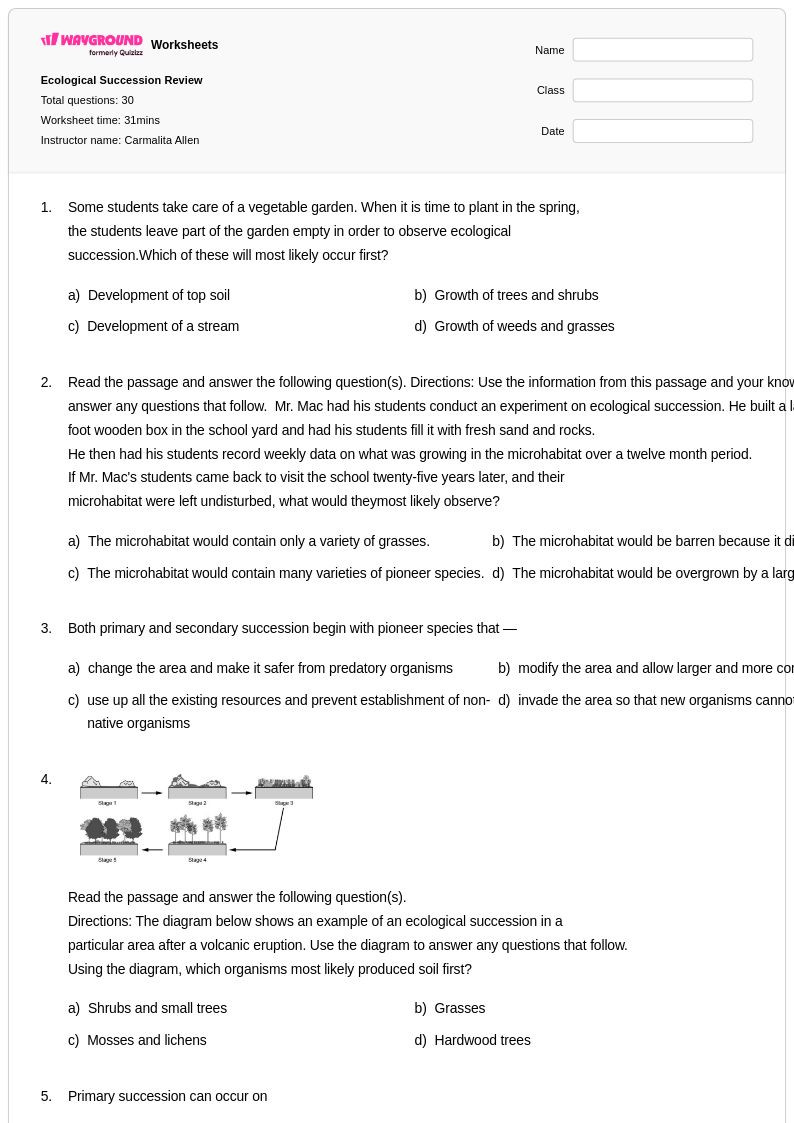
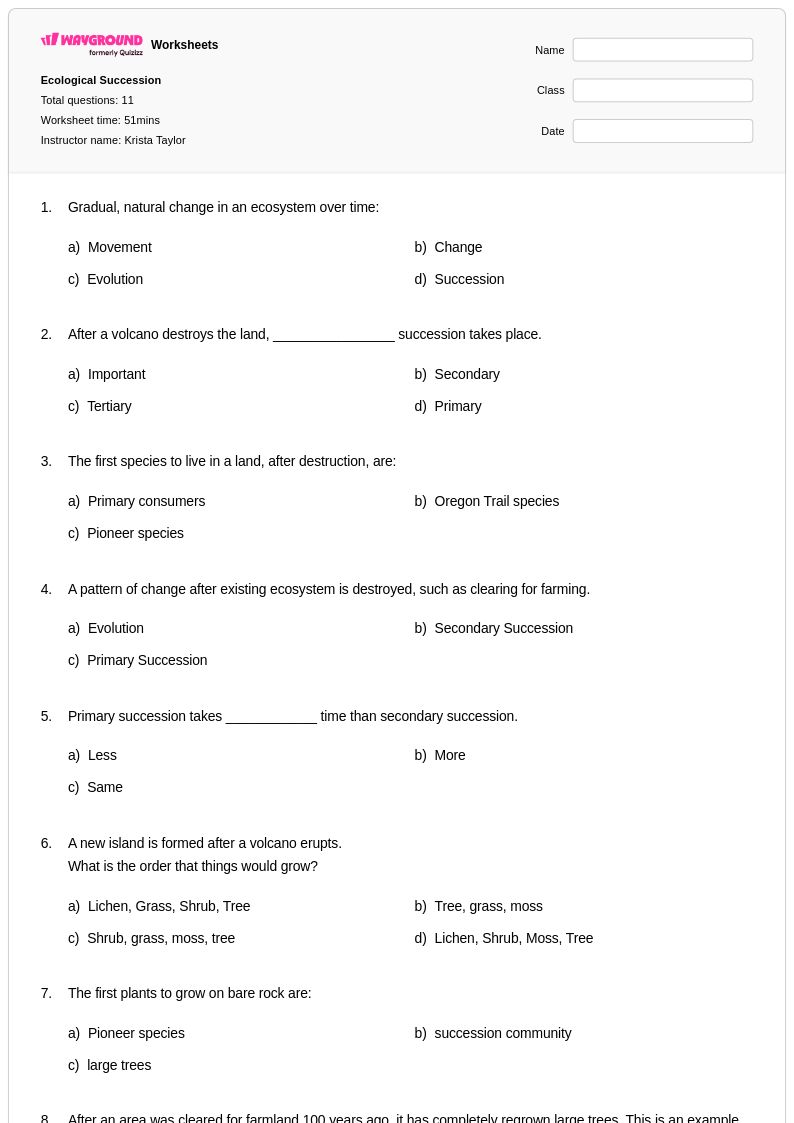
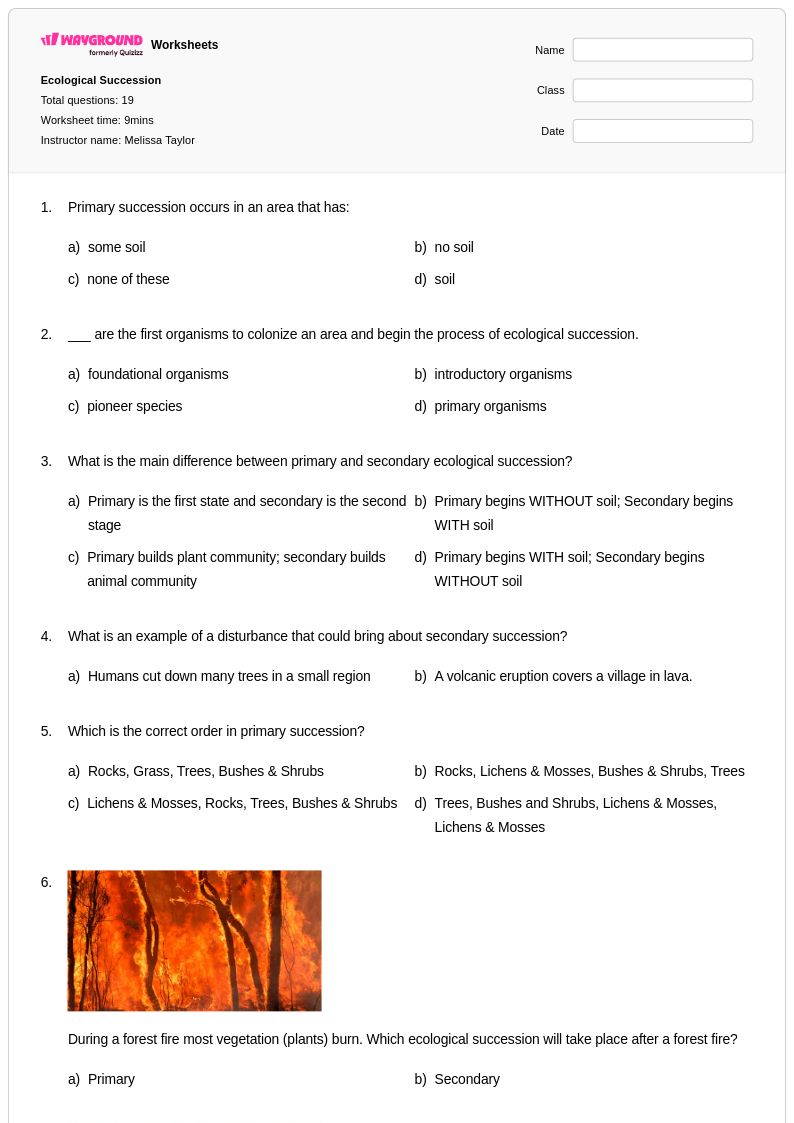
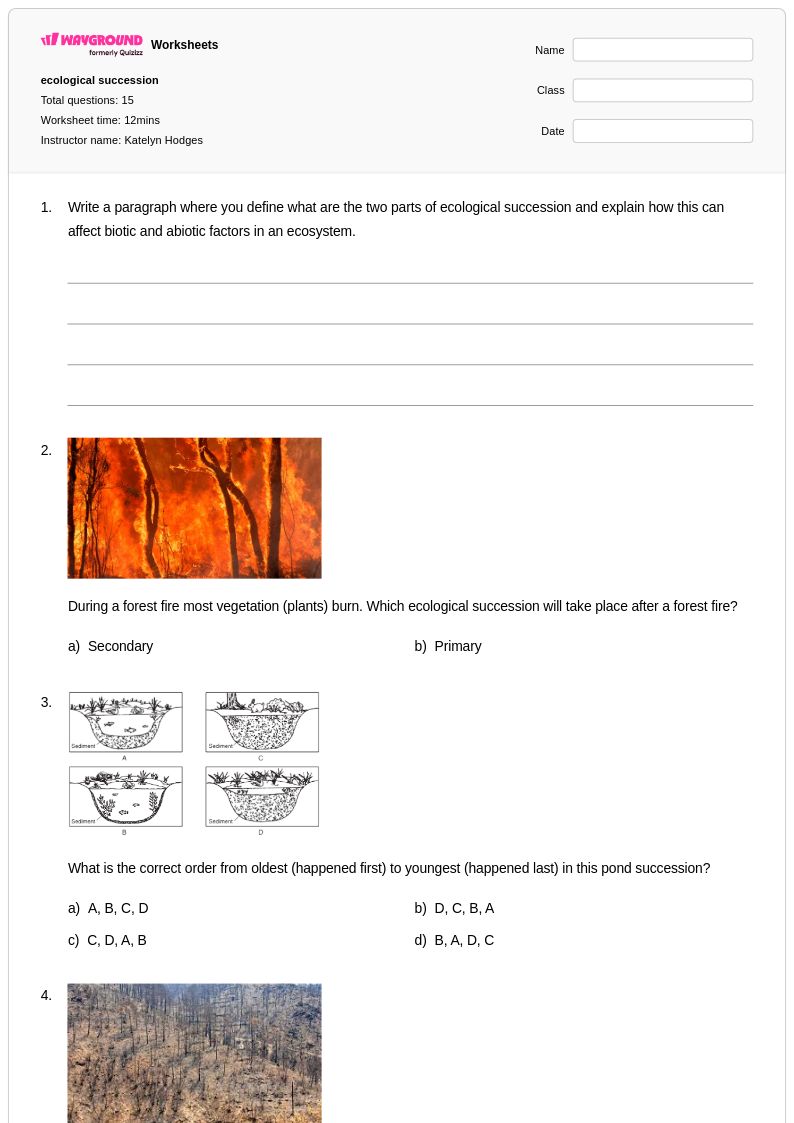
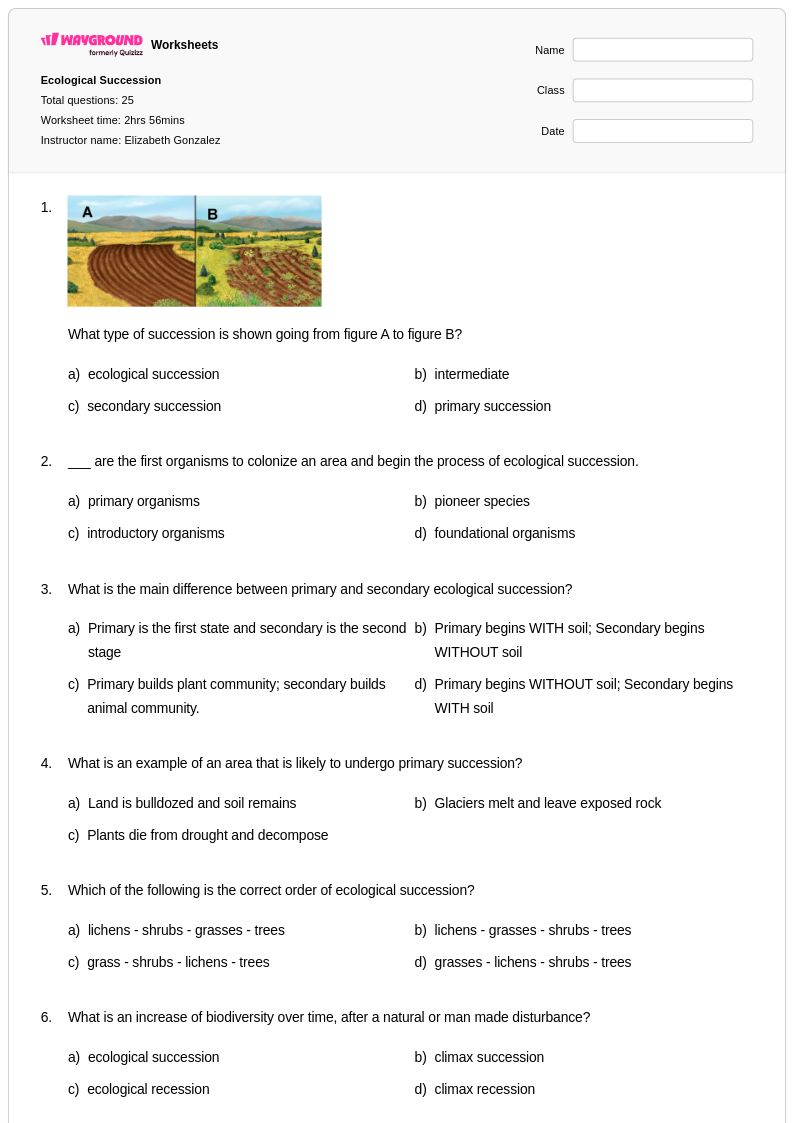
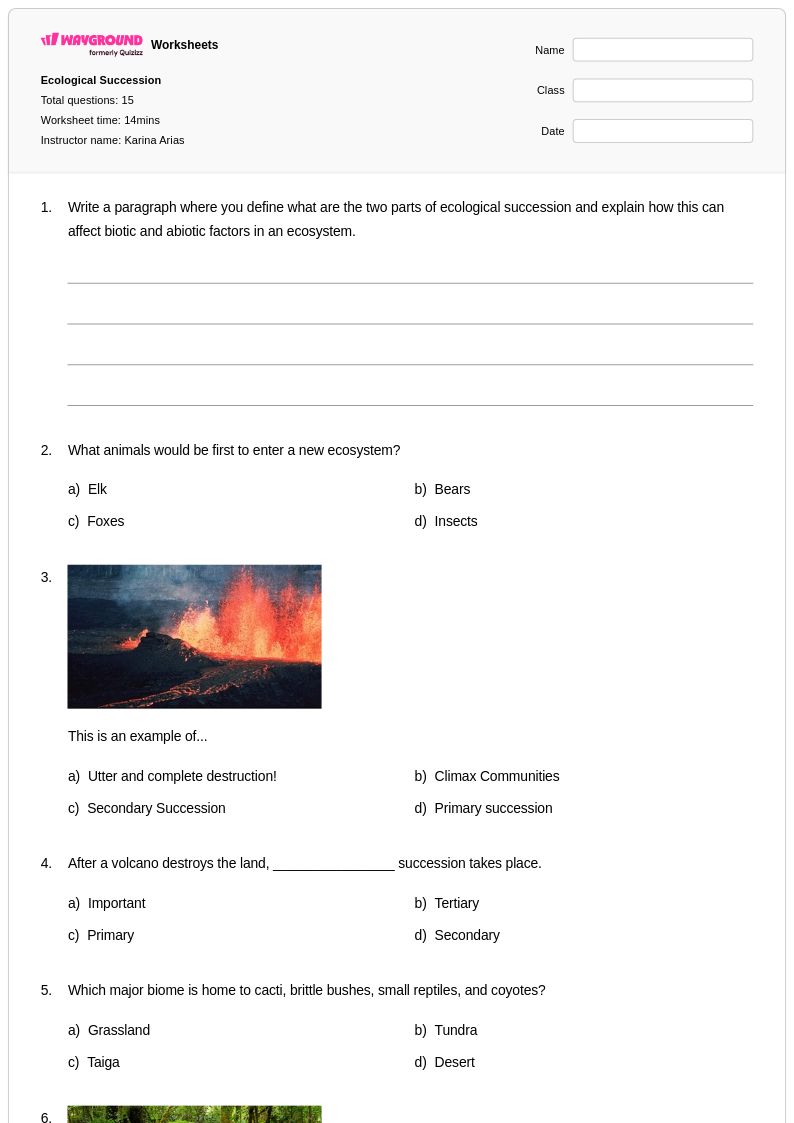
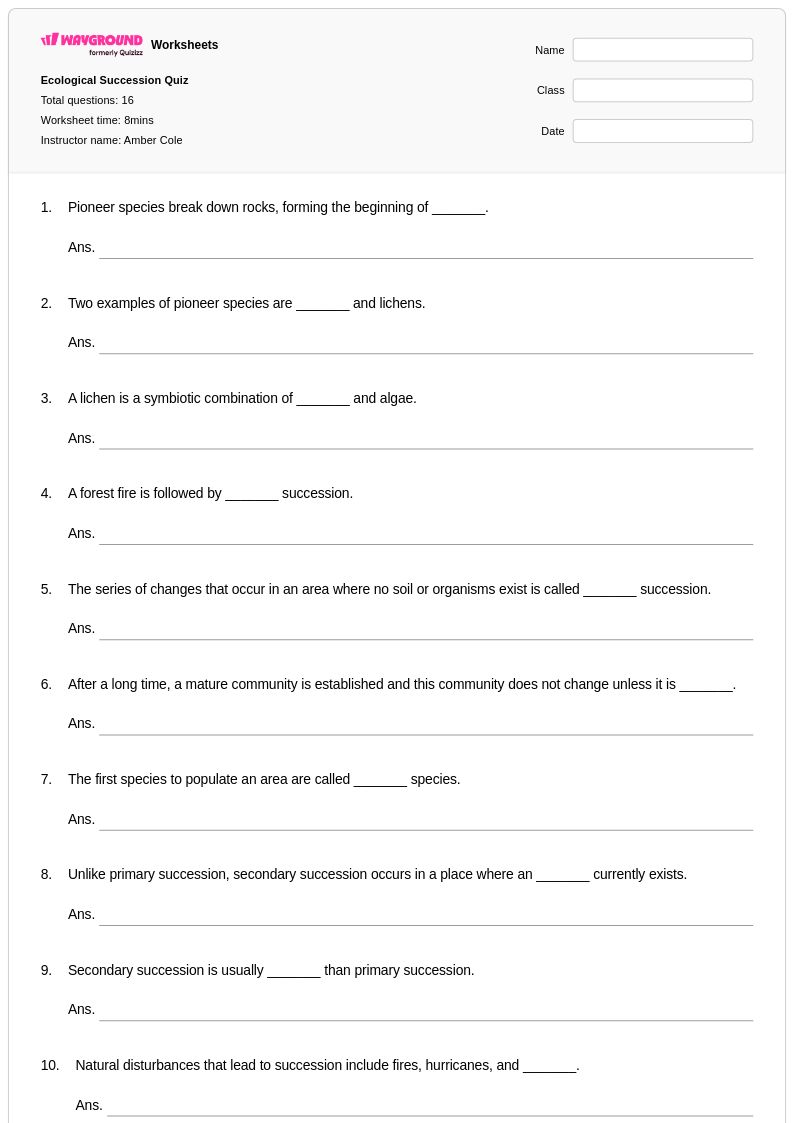
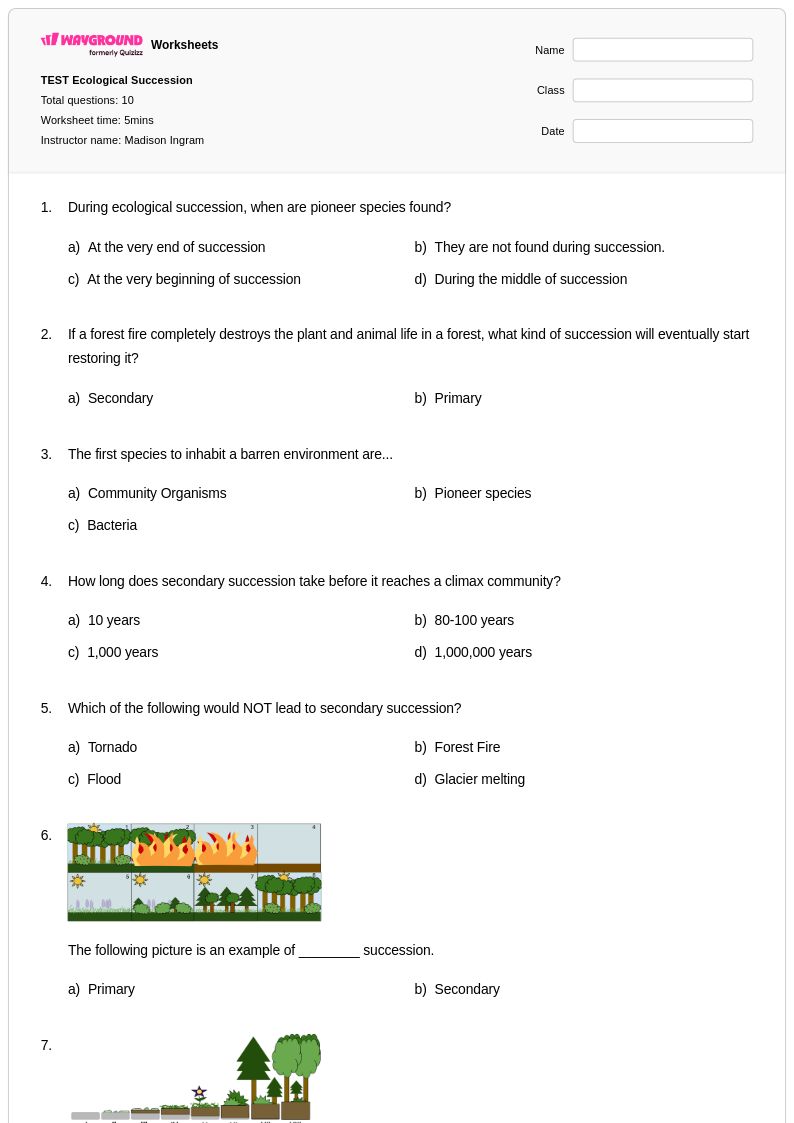
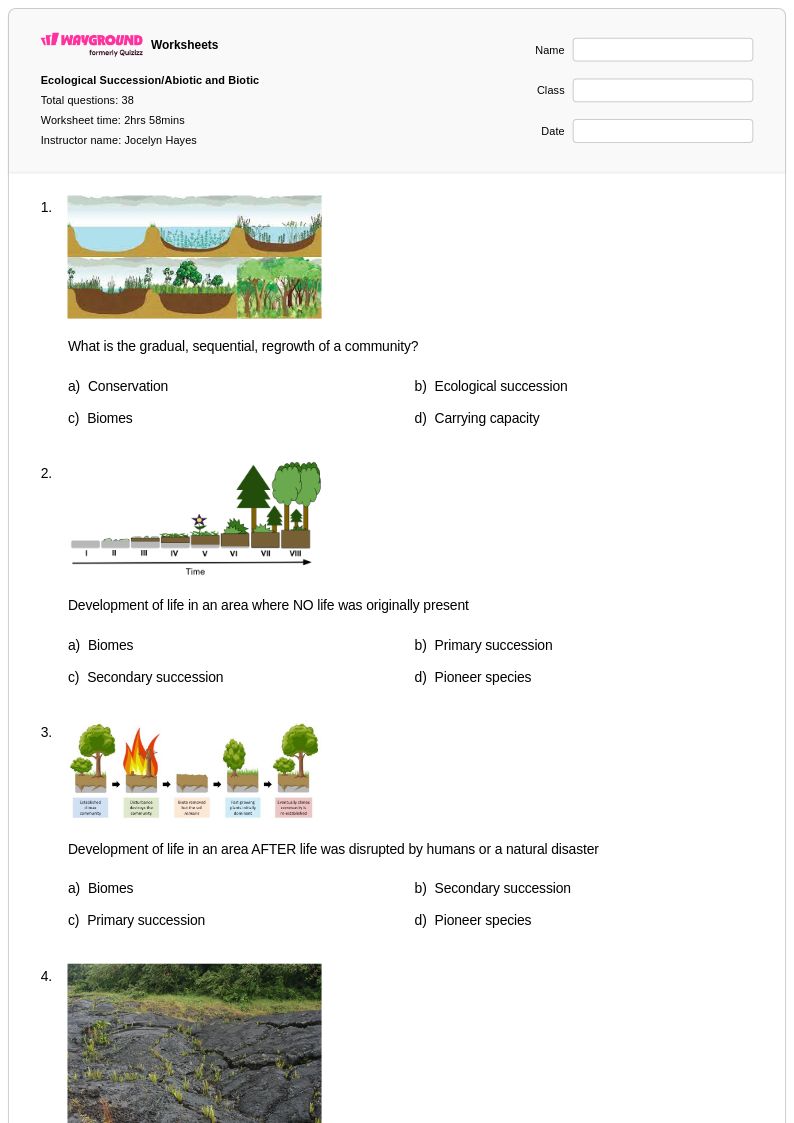
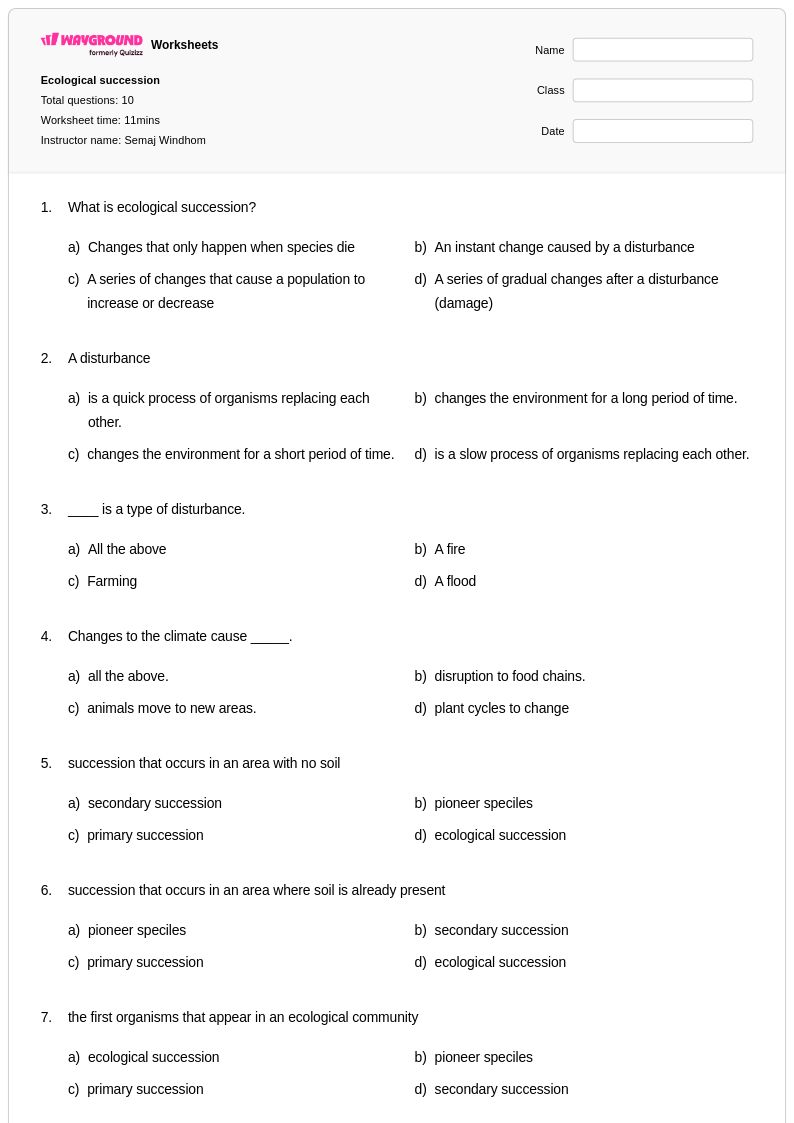
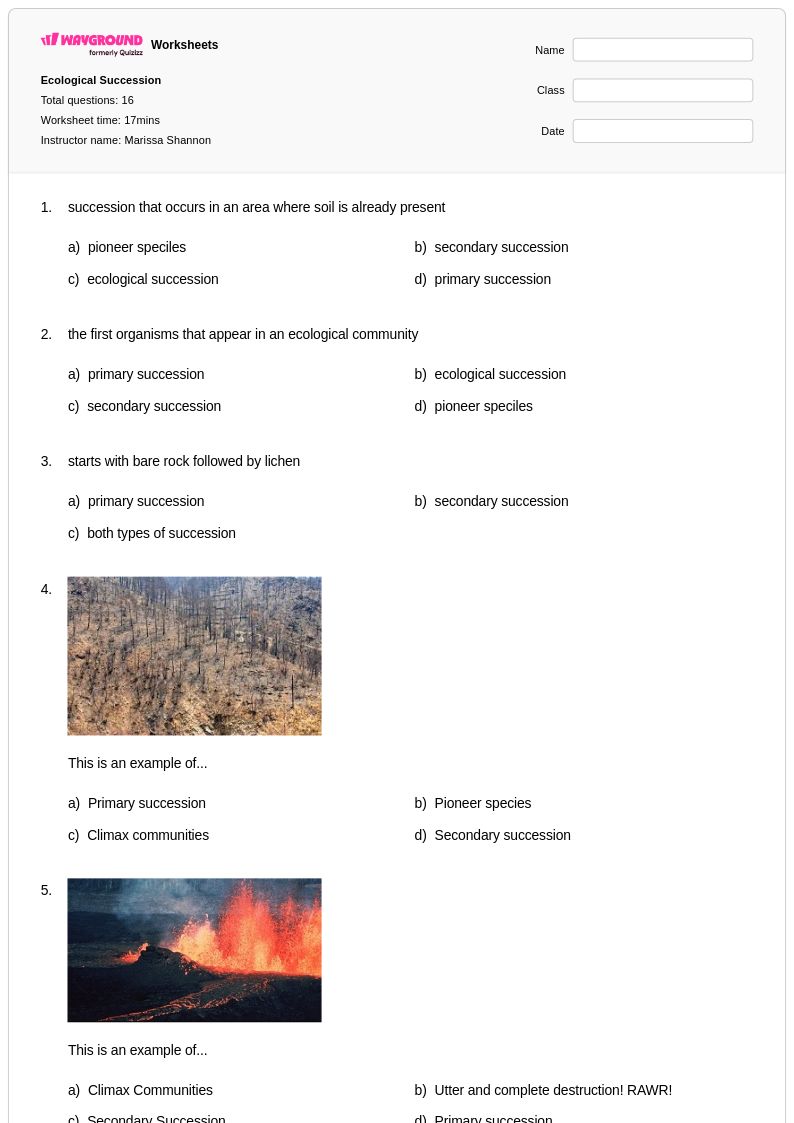
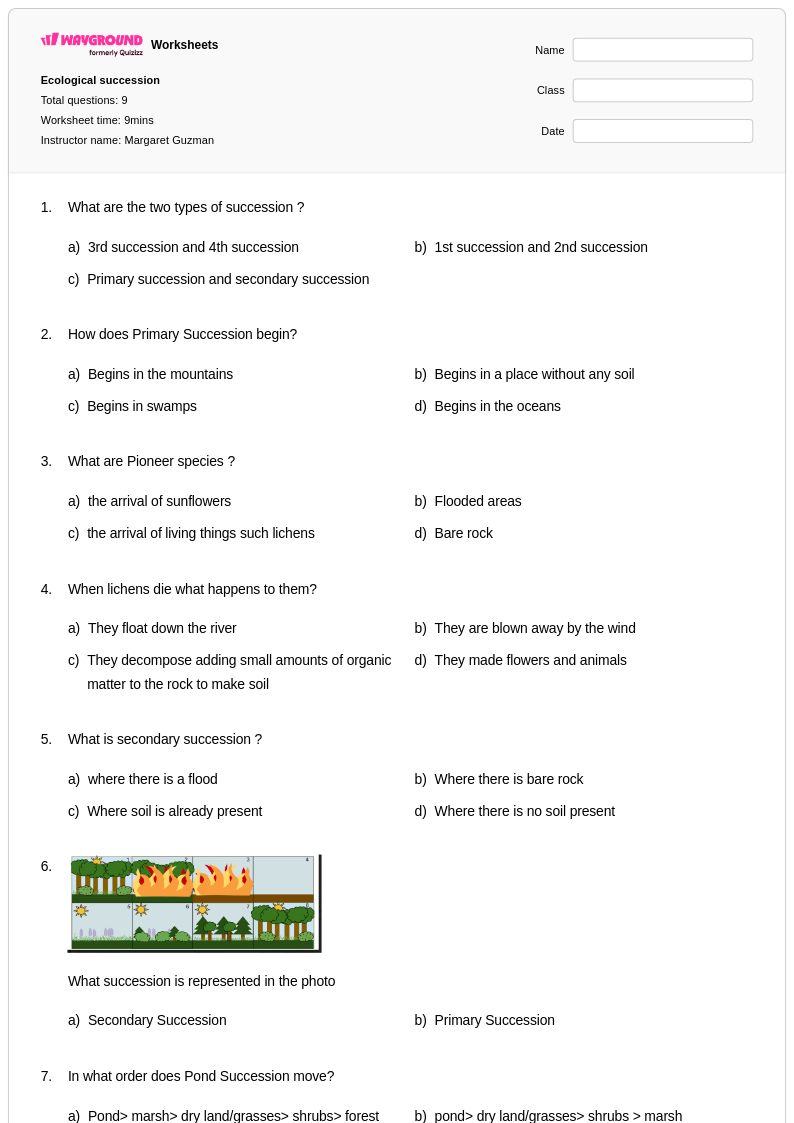
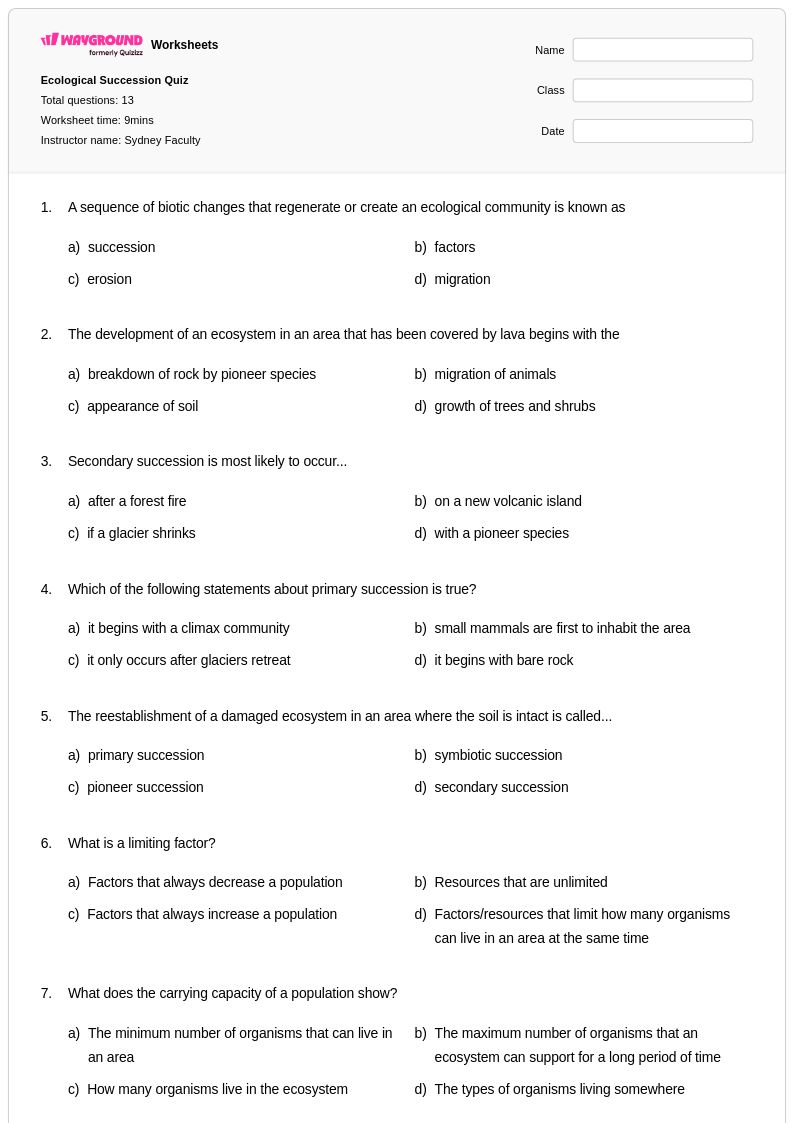
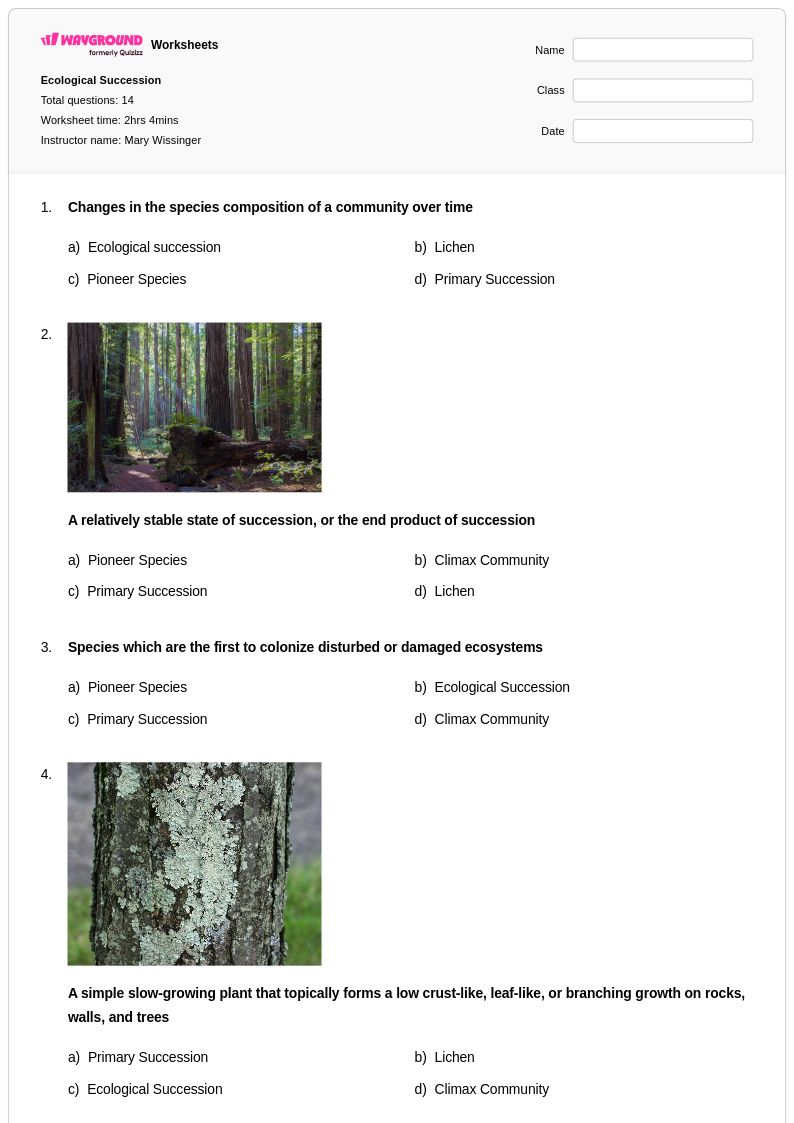
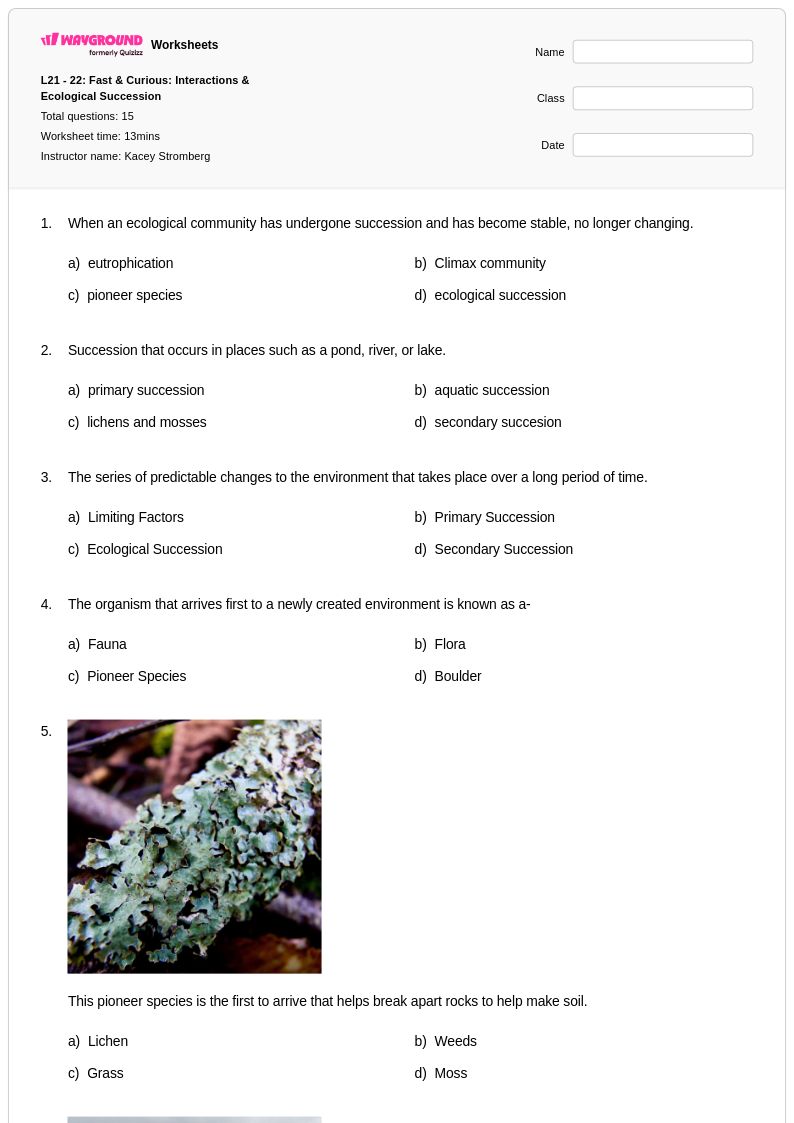
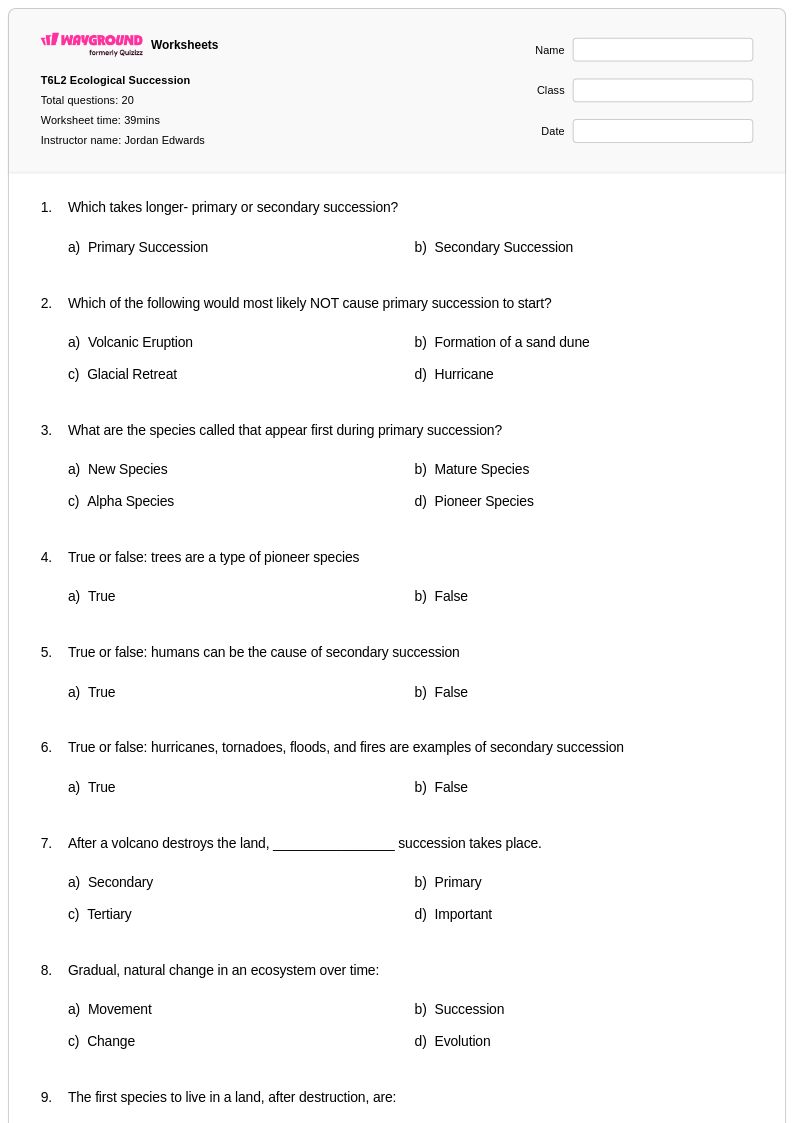
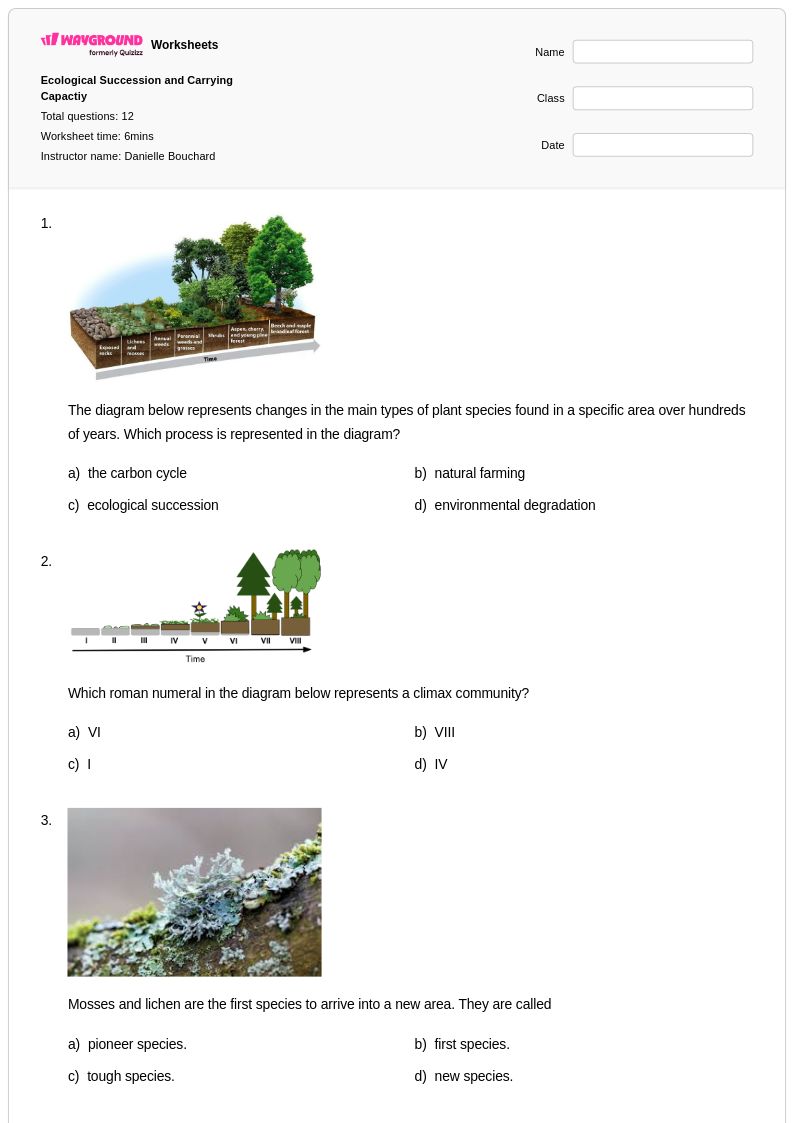
Ecological succession worksheets for Class 6 students available through Wayground (formerly Quizizz) provide comprehensive coverage of how ecosystems change and develop over time. These educational resources focus on helping sixth-grade students understand primary and secondary succession, examining the predictable patterns of species replacement that occur in natural environments. Students work through practice problems that explore pioneer species, climax communities, and the environmental factors that drive ecological change, while developing critical thinking skills about ecosystem dynamics. The worksheets include detailed answer keys that support independent learning and feature free printable formats that make them accessible for both classroom instruction and home study.
Wayground (formerly Quizizz) empowers educators with an extensive collection of teacher-created ecological succession resources, drawing from millions of high-quality materials specifically designed for middle school biology instruction. Teachers can efficiently locate appropriate content through robust search and filtering capabilities, ensuring worksheets align with state and national science standards for Class 6 biology curricula. The platform's differentiation tools allow educators to customize materials for diverse learning needs, while flexible formatting options provide both digital and printable pdf versions to accommodate various teaching environments. These comprehensive features streamline lesson planning and enable teachers to implement targeted remediation, enrichment activities, and systematic skill practice that reinforces students' understanding of succession processes and ecosystem development concepts.
FAQs
How do I teach ecological succession in a biology class?
Start by distinguishing primary succession, which begins on bare substrate like volcanic rock or glacial till, from secondary succession, which follows a disturbance such as a wildfire or flood where soil already exists. Use visual timelines or sequence diagrams to walk students through the stages from pioneer species to climax community, emphasizing how each stage modifies the environment to make it habitable for the next. Grounding abstract succession stages in real-world examples, such as the recovery of Mount St. Helens or forest regrowth after logging, helps students connect the concept to observable ecological change.
What practice exercises help students understand primary vs. secondary succession?
Worksheets that present ecological scenarios and ask students to classify them as primary or secondary succession are highly effective for building this distinction. Practice problems that require students to sequence the stages of succession, identify pioneer and climax species for a given biome, and predict how a specific disturbance will alter community development reinforce both recognition and application-level thinking. Diagram-labeling activities and short-answer questions asking students to justify their reasoning push beyond recall into genuine conceptual understanding.
What mistakes do students commonly make when learning about ecological succession?
A frequent misconception is that climax communities are permanent or static, when in fact ecosystems remain vulnerable to further disturbance and can reset the succession process. Students also commonly conflate primary and secondary succession, overlooking the critical difference that secondary succession begins with intact soil, which dramatically accelerates the recovery timeline. Another common error is treating pioneer species as unimportant because they are temporary, rather than recognizing their essential role in modifying abiotic conditions so that later successional species can establish.
How do I assess whether students understand the stages of ecological succession?
Asking students to arrange an unlabeled succession diagram in the correct sequence is a reliable formative check that reveals whether they understand the directionality and logic of community development. Short-answer questions that require students to explain why a specific organism qualifies as a pioneer species, or to predict what stage a disturbed ecosystem would enter based on described conditions, are strong indicators of conceptual depth. Exit tickets asking students to compare the rate and starting conditions of primary versus secondary succession efficiently expose the most common points of confusion.
How do I use Wayground's ecological succession worksheets in my classroom?
Wayground's ecological succession worksheets are available as printable PDFs for traditional classroom use and in digital formats for technology-integrated environments, giving teachers flexibility based on their instructional setup. Teachers can also host the worksheets as a live or asynchronous quiz directly on Wayground, making them suitable for both in-class assessment and independent practice. Each worksheet includes a complete answer key, so they can be used for guided instruction, independent practice, or self-paced review without requiring additional teacher preparation.
How can I differentiate ecological succession instruction for students at different readiness levels?
For students who are still building foundational understanding, reduce the complexity of scenarios to focus on one type of succession at a time and use visual supports such as labeled diagrams. For more advanced learners, introduce multi-variable scenarios, such as how climate, soil type, or human activity interacts with succession dynamics, and ask predictive or analytical questions rather than recall ones. On Wayground, teachers can apply individual accommodations such as reduced answer choices or read-aloud support for students who need them, while the rest of the class works under default settings.